
Airport Limo CRM That Keeps Every Inquiry Moving
Capture airport ride requests, respond quickly, and keep passenger and business account details in one place. WinChilla helps turn more inquiries into confirmed work and repeat customers.




One Place to Manage Leads, Customers, and Marketing
WinChilla brings key sales and service tools into one place. Use this airport limo CRM for calls, messages, inquiry records, quote follow-up, reviews, and campaigns. Your team can see each customer interaction and the next required action.
Run the Office While the Fleet Stays on the Road
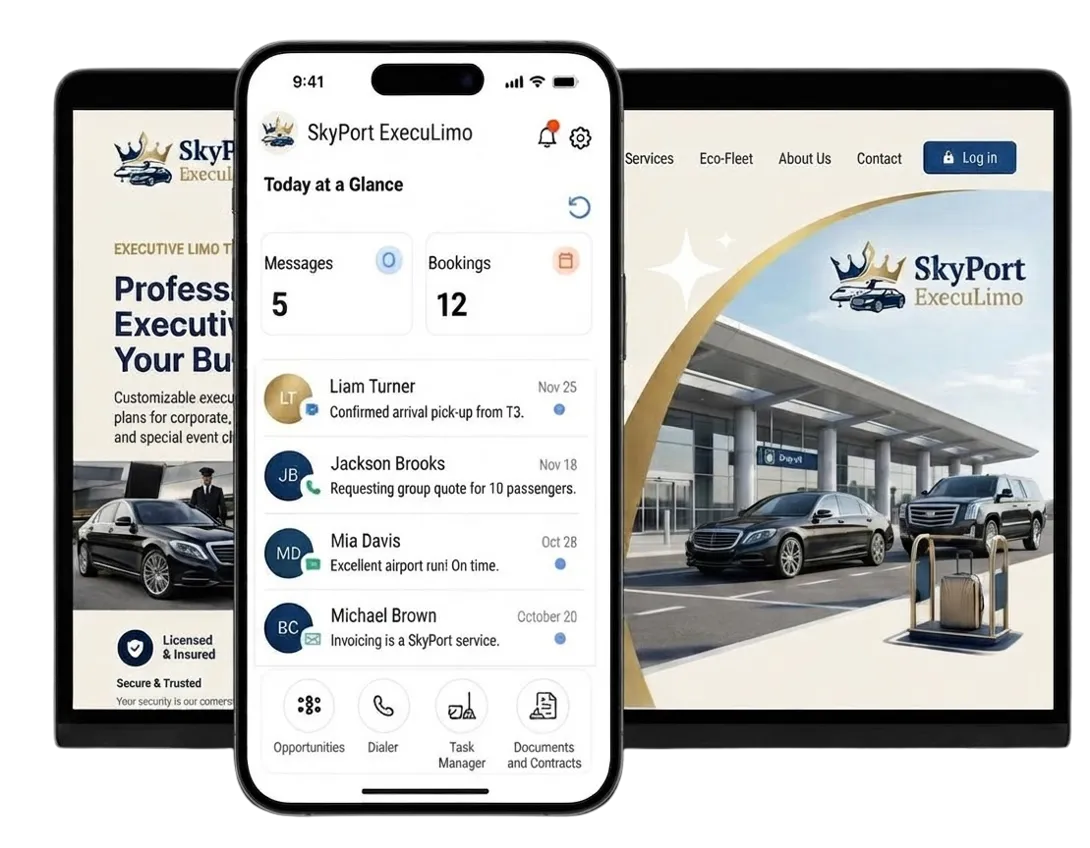
Airport limo teams handle inquiries, quotes, passenger questions, business accounts, invoices, reviews, and marketing. WinChilla keeps these client tasks organized, while your dispatch and reservation tools manage the trip itself.
estimated revenue in 2025 for the U.S. industry.
Source: Kentley Insights Limousine Service Market Research Report
more likely to qualify the lead when contacting within 1 hour of inquiry.
Source: Harvard Business Review study, summarized by Rework
Entrepreneurs spend an average of 36% of their workweek on small administrative tasks.
Source: Forbes
Does this sound familiar?
The phone rings while your team helps a passenger or checks pickup details. Website inquiries, email, texts, and social messages arrive in many places. A slow response can send the traveler to another limo service.
Don't worry, we can help!
Conversations
Bring email, calls, live chat, and supported conversations into one inbox.
Workflows & Automation
Send an immediate acknowledgement and create tasks when a new transfer inquiry arrives.
Phone System & Calling
Keep calls, notes, outcomes, and customer history linked in one record.

Turn More Airport Transfer Searches Into Inquiries
Give travelers, hotels, and business clients a simple way to request an airport ride or quote.
Web Chat
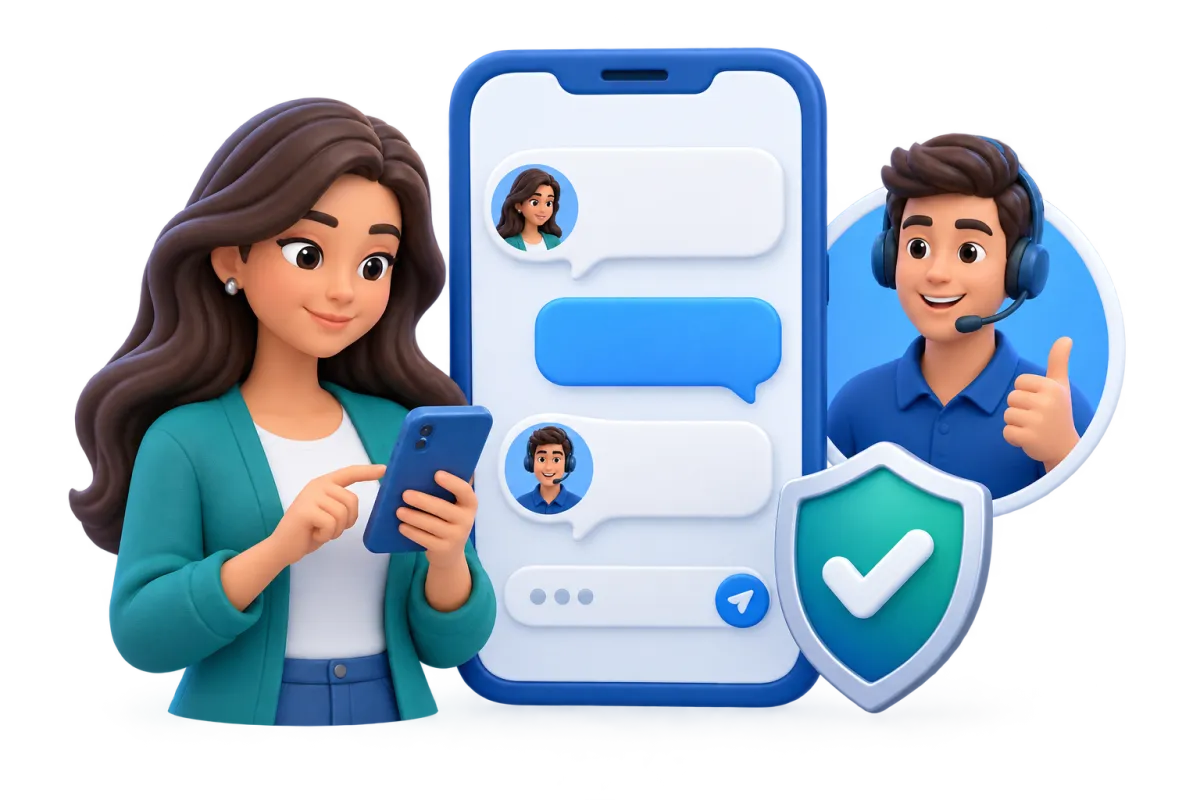
Let website visitors reach your team through live chat and other supported channels.
Capture questions about service areas, vehicle types, or airport coverage
Let each visitor pick a supported contact channel
Save the contact and conversation in the CRM

Forms
Collect the key details your team needs to review an airport ride request.
Ask for the route, travel date, passenger count, luggage, and preferred contact method
Use distinct forms for airport transfers, group transportation, or private car inquiries
Show the right fields based on the request type
Send each form reply to a contact record and workflow
Contacts & CRM
Keep each passenger, booker, and business account in one clear record.
Store notes, files, tags, custom fields, and activity history
Tag passengers, hotels, travel planners, and business accounts
Build lists for past passengers, repeat customers, and referral partners
Check prior messages before responding to a returning customer


An Airport Limo CRM to Respond Faster
Airport ride inquiries can arrive at any hour. WinChilla keeps calls and messages visible and can help with the first response. It does not replace your dispatch team.

Phone System & Calling
Manage supported numbers, call paths, voice mail, transfers, logs, and follow-up.
Route calls by work hours, user, team, or group
Keep call notes, outcomes, recordings, and customer history together
Create a task or message after a missed call
Send a qualified inquiry to the right staff member
Voice AI Receptionists
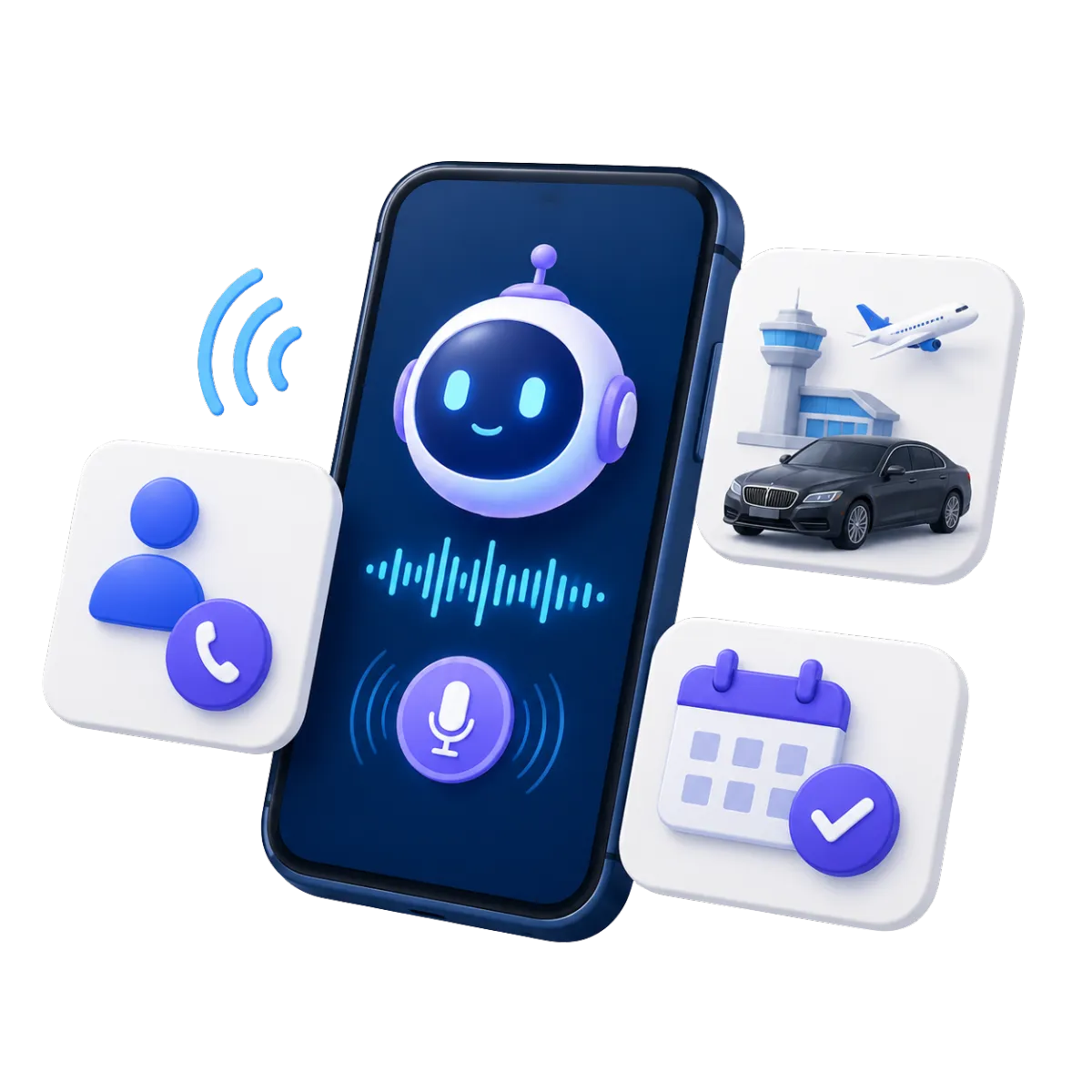
Use a configured AI agent to answer inbound calls, collect details, and transfer qualified inquiries.
Answer basic questions from your approved business facts
Ask for a name, phone number, airport, travel date, and reason for calling
Schedule a quote consultation or callback when appropriate
Transfer urgent or qualified inquiries based on configured rules
Review call logs, recordings, transcripts, summaries, and outcomes

Conversations and Chat AI
Centralize supported messages and use AI for routine replies and inquiry intake.
Respond from one inbox with the customer history in view
Let an agent use your approved FAQs to answer common questions
Gather the details staff need to prepare a quote
Pause or hand off the conversation when staff step in
Link the conversation to tasks, calls, and pipeline steps

Follow Every Quote From First Request to Decision
Airport limo marketing works best when each inquiry has an owner, stage, and next step. Use the same sales process for individual transfers, group trips, and corporate accounts..
Opportunities & Pipelines
Track each deal from the first request through quote, decision, and follow-up.
Use stages such as New Lead, Quote Sent, Won, and Lost
Track value, owner, notes, and status for each deal
Keep one-time transfers separate from key business accounts
Filter deals by source, stage, owner, or service type


Workflows & Automation
Automate routine follow-up while staff control pricing, vehicle space, and ride decisions.
Send an acknowledgement when a new form or chat inquiry arrives
Create staff tasks when key trip facts are missing
Send quote follow-up based on consent and channel rules
Move a deal or assign an owner after supported CRM events
Ask AI to draft a workflow for you
Email Marketing
Stay in touch with past passengers, hotels, travel planners, and business clients.
Send trip tips and service news to the right list
Follow up with business travel prospects over time
Reach past passengers before busy travel periods
Use AI to help draft copy and images


Build the Trust That Wins the Ride
Travelers want proof before choosing a chauffeur service. Keep reviews current and publish clear, consistent content where potential customers do their research.
Reputation Management
Request reviews, monitor supported profiles, display testimonials, and manage customer feedback.
Send a review request after an airport transfer through a supported channel
Monitor ratings, recent feedback, review volume, and trends
Display selected reviews in a website widget
Use AI to help reply to supported Google and Facebook reviews
Identify themes such as punctual pickup, clean vehicles, or professional chauffeurs


Social Planner
Plan and publish content across supported social channels from one tool.
Plan posts about airports, business travel, groups, or vehicle options
Fit each post to the channel and the people who use it
Share an approval link before a post goes live
Use AI for captions, campaign ideas, hashtags, and images
AI Content, Assistance & Knowledge Bases
Create first-pass campaign content and ground AI agents in approved business information.
Draft email, social, website, funnel, and advertising content
Generate or edit images for supported campaign assets
Add approved information about hours, service areas, vehicles, and key policies
Set a brand voice for a more steady tone

More Tools for the Business Behind Every Ride
Support sales, billing, reports, and client service while dedicated ride tools handle fleet work.
Calendars & Appointments
Let prospects schedule a quote consultation, account discussion, or callback. Use ride software for live vehicle availability when needed.
Surveys
Collect structured feedback about the booking process, pickup, vehicle, chauffeur, or overall customer experience.
Mobile App
Check inquiries, conversations, calls, tasks, invoices, and CRM activity while on the go.
Integrations
Connect supported tools through apps, APIs, or webhooks. This may help pair WinChilla with limo reservation or dispatch software.
Payments
Share a branded payment link. Collect one-time or recurring payments through supported methods.
Websites
Build responsive service pages with forms, chat, testimonials, payment elements, and other tools that connect with the CRM.
Airport Limo CRM Questions, Answered
Is WinChilla dedicated limo dispatch or reservation software?
No. WinChilla helps with inquiries, sales, calls, messages, reviews, invoices, and campaigns. It can also support quote follow-up and business account growth. Live dispatch, driver jobs, flight tracking, route planning, and vehicle stock may need dedicated limo software or a supported link.
Can WinChilla store airport transfer and passenger details?
Yes. Contact records can hold notes, tags, files, custom fields, activity history, and prior chats. Forms can ask for the airport, travel date, passenger count, luggage, service type, or business account. Your company must decide what data is needed and follow the privacy rules that apply.
Can it automatically provide a limo quote or confirm vehicle availability?
WinChilla can collect trip details, track a deal, send an acknowledgement, create a task, and support an estimate. It does not set a ride price or confirm live vehicle space on its own. That result must come from staff or a well-set-up limo system with a supported link.
How can AI help an airport limo company?
Configured AI agents can answer common questions, collect inquiry details, schedule callbacks, and transfer conversations to staff. AI can also help draft workflows, campaign content, contact summaries, and review responses. Your team should review the facts, rules, routing, and customer-facing text before use.
Can WinChilla help market to corporate accounts and travel partners?
Yes. Use tags, custom fields, smart lists, pipelines, email, and tasks for hotels, companies, venues, travel planners, and executive assistants. Track each relationship separately from a one-time passenger. Tailor follow-up to the account type and follow applicable consent and marketing rules.
What others are saying:
"Love everything so far"
"I've never set up a website before but I love managing my new site and leads. The WinChilla team has been really helpful whenever I got stuck."
- Laura P

"Simplifies my sales"
"I've been able to help my son promote his candy business which has been great because I am not good with computers at all."
- Robert T
"Highly recommend"
"It's exciting to see my visions come to life and WinChilla helps me manage everything in one place so I can be anywhere in the world and my business just runs."
- Jaret H
WinChilla works with platforms you already use such as


















Real Support for Your Next Step
30-Day Money-Back Guarantee
New customers can get started with a 30-day money-back guarantee on eligible subscription fees. Review the refund terms for coverage, exclusions, and how to request a refund.
Onboarding and 24/7 Support
Start with a technical setup call and a training call, then get help through 24/7 chat support. Use our tutorials and knowledge base as you build and refine the tools your business needs.
Helping Businesses Since 2010
Our founders bring more than 30 years of combined experience in business software and customer incentive programs, helping small businesses build stronger customer relationships.

Grow With Airport Limo CRM That Keeps Leads in View

© 2024-2026 Loyalty Gator Inc. All rights reserved.
WinChilla CRM | A Loyalty Gator Company | Trusted Since 2010
The information provided by Loyalty Gator Inc. (DBA: WinChilla) ('we', 'us', or 'our') on WinChilla’s website (the 'Site') and our mobile application is for general informational purposes only. All information on the Site and our mobile application is provided in good faith, however we make no representation or warranty of any kind, express or implied, regarding the accuracy, adequacy, validity, reliability, availability, or completeness of any information on the Site or our mobile application. UNDER NO CIRCUMSTANCE SHALL WE HAVE ANY LIABILITY TO YOU FOR ANY LOSS OR DAMAGE OF ANY KIND INCURRED AS A RESULT OF THE USE OF THE SITE OR OUR MOBILE APPLICATION OR RELIANCE ON ANY INFORMATION PROVIDED ON THE SITE AND OUR MOBILE APPLICATION. YOUR USE OF THE SITE AND OUR MOBILE APPLICATION AND YOUR RELIANCE ON ANY INFORMATION ON THE SITE AND OUR MOBILE APPLICATION IS SOLELY AT YOUR OWN RISK.