
Bar Marketing That Keeps Your Venue Top of Mind
WinChilla gives bars, clubs, and lounges one place to promote events and capture leads. It also keeps guest records and follow-up on track.



Put Your Bar Marketing in One Place
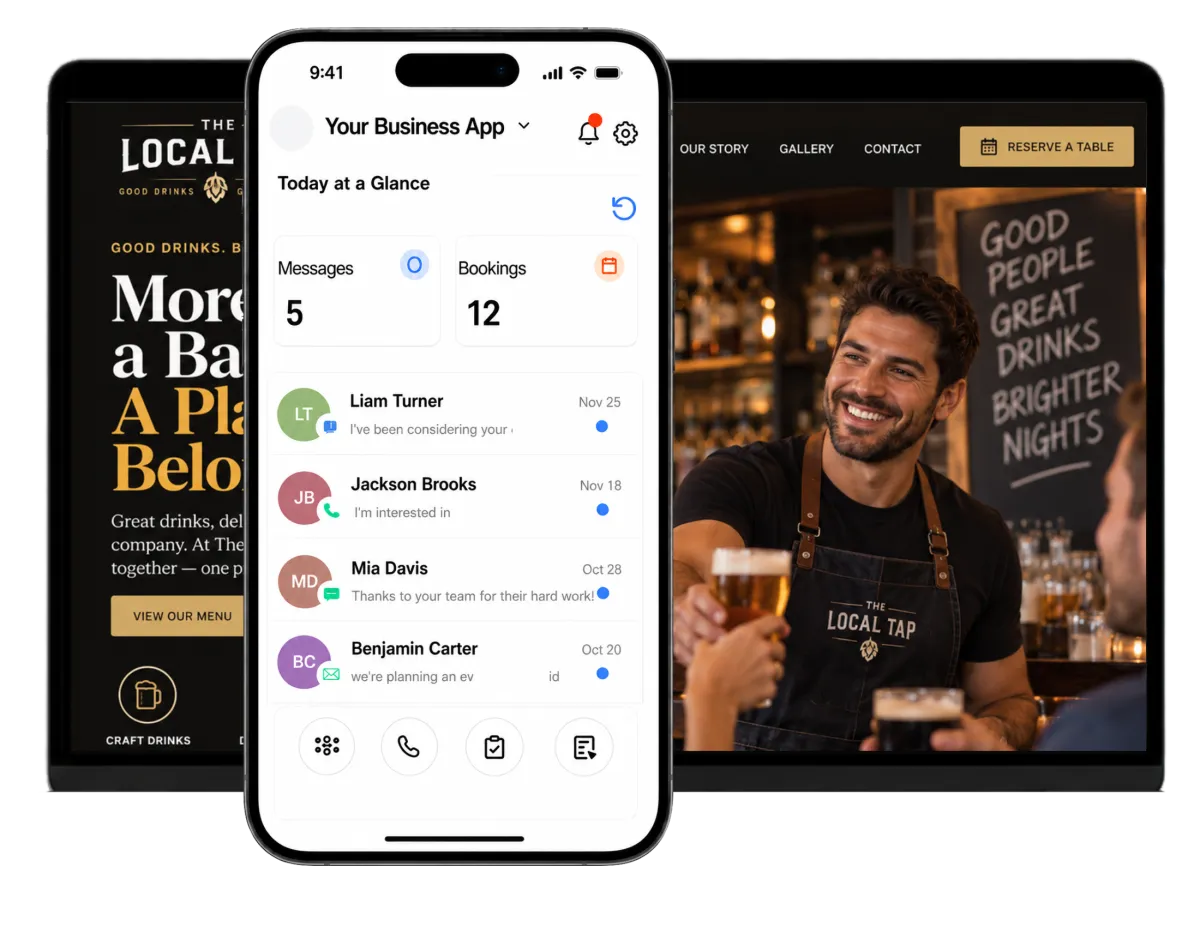
Bring digital marketing work such as event promos, email, reviews, and social posts together with guest contacts, group leads, and team follow-up. You no longer need a different tool for each job.
When Every Night Depends on Good Timing
Owners and managers juggle events, private bookings, guest questions, reviews, and staff handoffs. Bar marketing can slip when the venue gets busy. WinChilla keeps the work and next steps in view.
of bar and restaurant operators said attracting/retaining customers was their top challenge
Source: Bar & Restaurant’s 2024 State of the Industry Survey
of restaurant operators say technology gives them a competitive edge.
Source: National Restaurant Association Technology Landscape Report 2024
of restaurant operators planned to devote resources to digital or location-based marketing in 2024
Source: National Restaurant Association Technology Landscape Report 2024
Does this sound familiar?
Your bar marketing calendar changes fast. Guest questions and staff follow-up may sit in several tools. A strong private-event lead can wait while the team serves tonight’s crowd, and next week’s event still needs work.
Don't worry, we can help!
Social Planner
Plan and post venue content on supported social channels from one calendar. Owners, managers, or promoters can use links to approve each post.
Workflows & Automation
Start email follow-up, team tasks, contact updates, and pipeline changes when a guest sends a form or books a meeting.
Tasks & Team Work Management
Assign event, sales, and guest care tasks with due dates. Each next step has a clear owner.

Build Bar Marketing Around the Nights Guests Want to Attend
Stay visible before the weekend starts. Lead guests from social posts, ads, or local search results to clear event details, a form, or an RSVP. Keep the same look and message along the way.
Websites
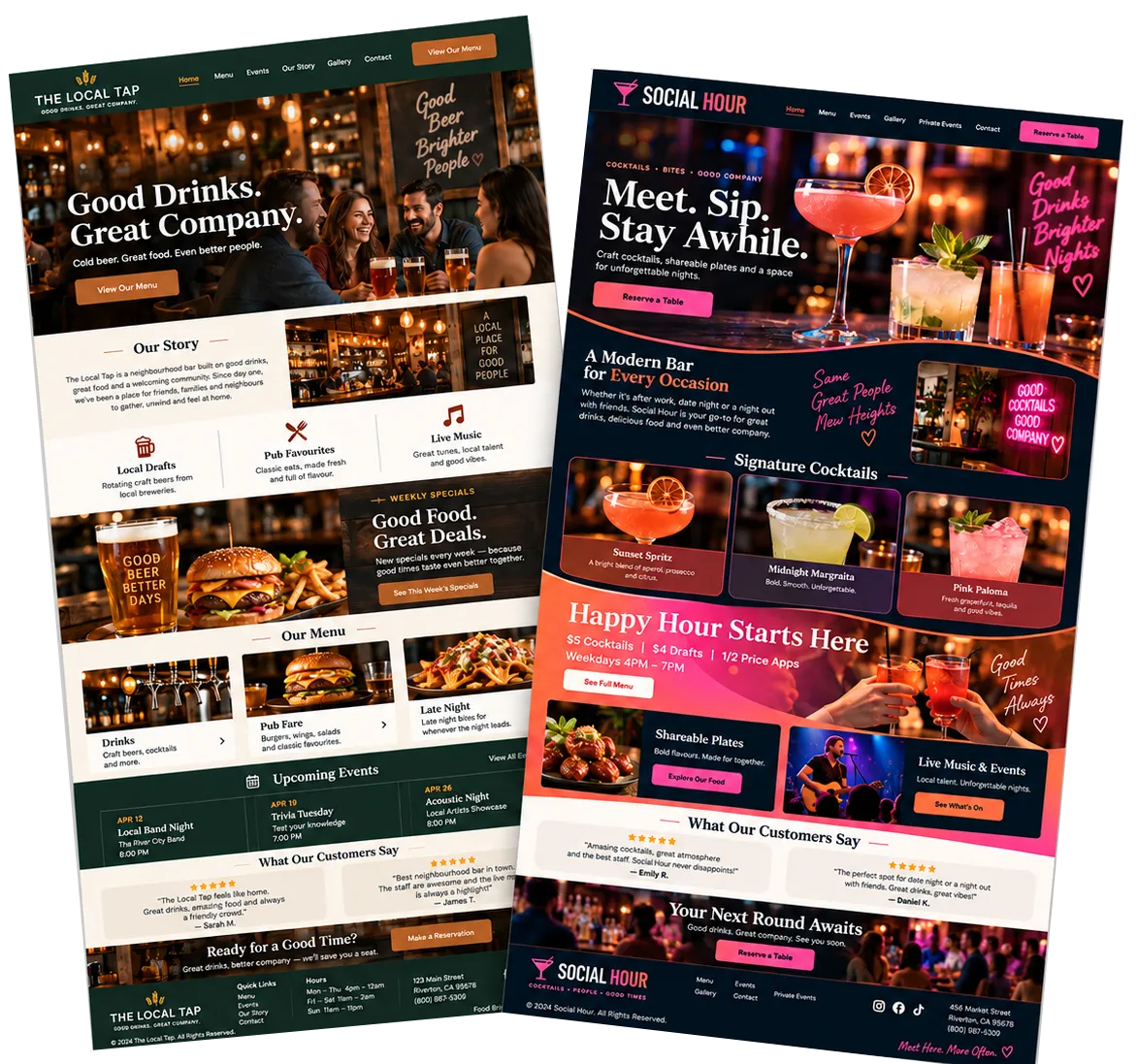
Build mobile-ready pages that link venue content, forms, chat, and guest follow-up with your CRM.
Show the venue, mood, dress code, hours, menu items, and event list
Create pages for weekly themes, live music, DJ nights, or seasonal offers
Add inquiry forms, calendars, reviews, and chat to relevant pages
Review visits, lead sources, and page activity for key offers
Funnels & Landing Pages
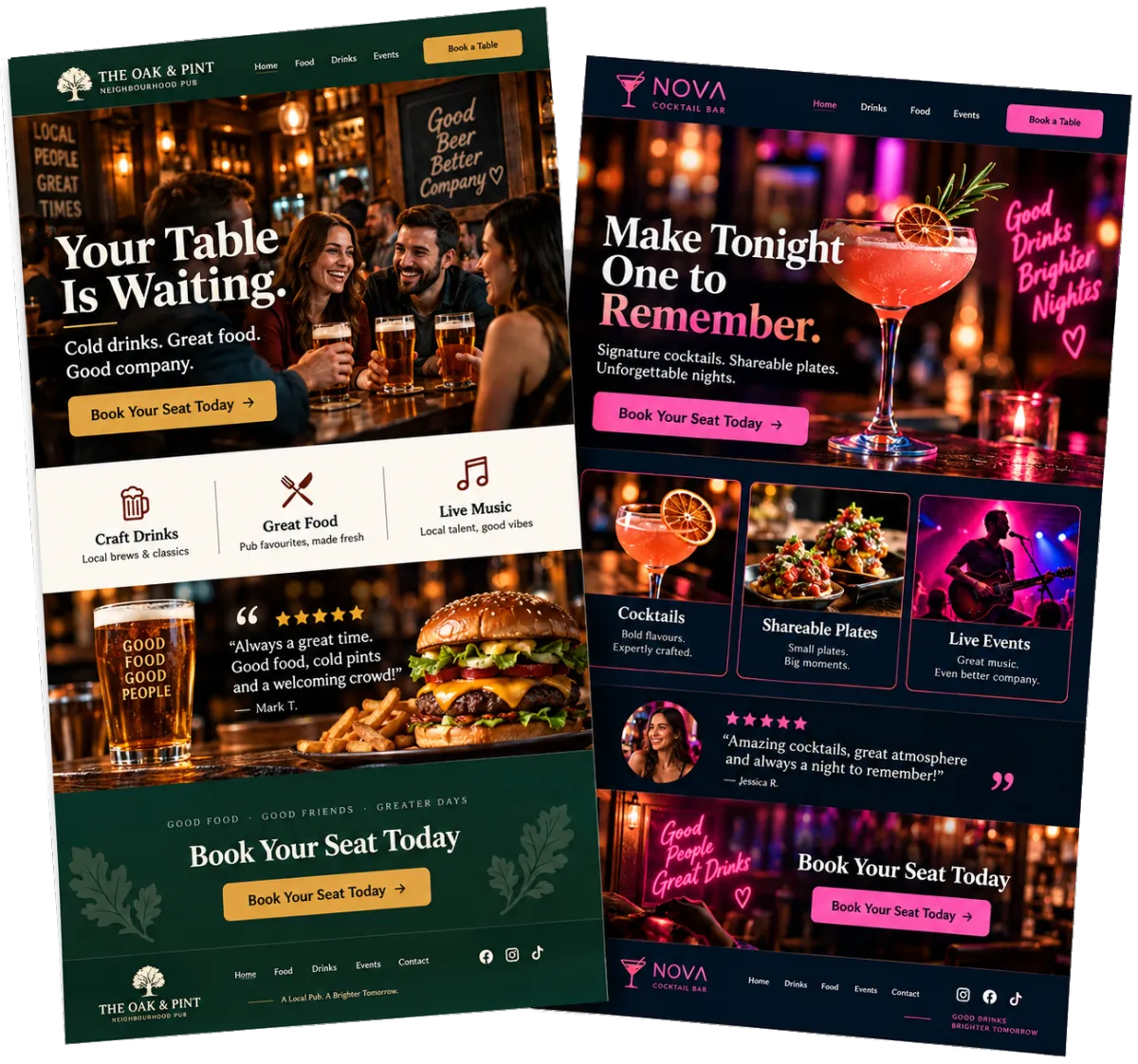
Create a focused page for one event, offer, private booking, or campaign.
Give an upcoming event a clear page with one main call to action
Capture leads from social posts and ads
Send visitors to a tailored thank-you page after an inquiry
Compare page visits and leads across offers
Social Planner
Plan your social media marketing and track results on supported channels from one place.
Build a weekly post plan around music, events, and other bar promotion ideas
Tailor captions, media, and hashtags by social channel
Send posts to an owner or promoter for approval before publishing
Review results and compare each campaign


Turn Guest Interest Into Event Leads
Private parties, group bookings, guest-list questions, and venue tours can add sales. Your bar marketing should turn that interest into clear next steps. WinChilla helps you track each lead.
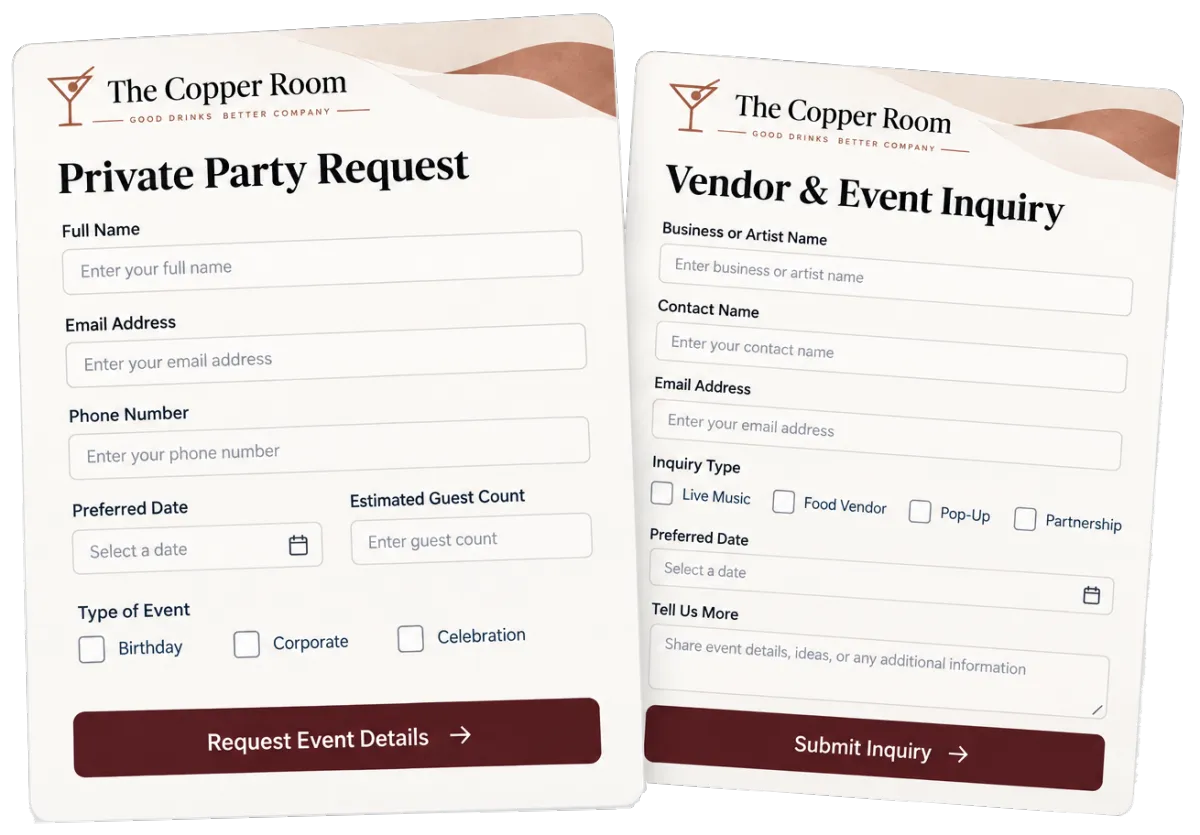
Forms
Collect lead details and add each reply to the right contact record and workflow.
Ask for the event date, group size, occasion, and preferred space
Capture leads from artists, vendors, or brand partners
Route private-event requests to the right manager
Show the right questions for each type of event
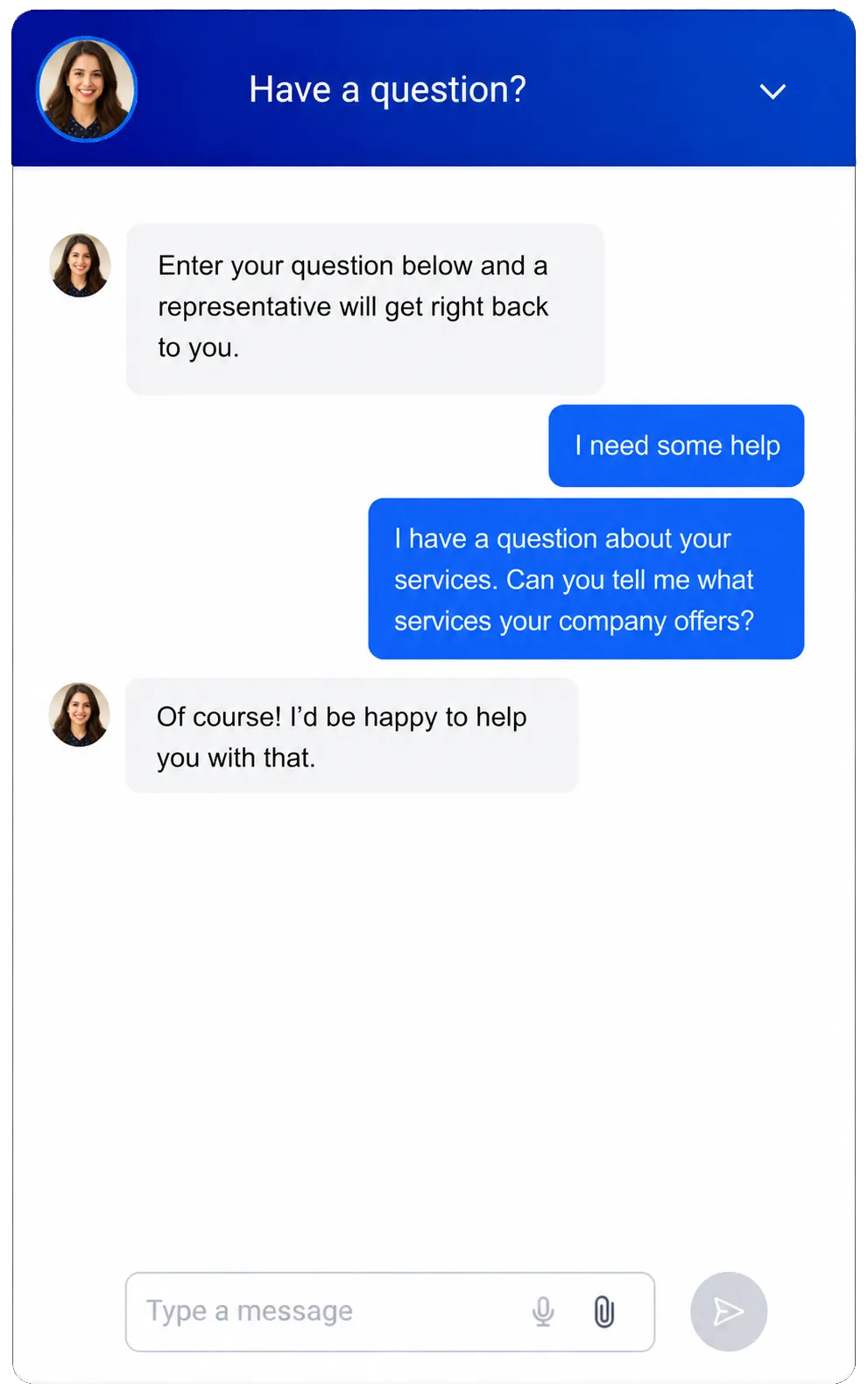
Web Chat
Let site visitors ask questions in a branded chat box. Save their details and messages in the CRM.
Capture questions when the office team is away
Set online, offline, and after-hours messages
Route new chats to the central inbox and assigned staff
Place chat on private-event and venue pages
Use AI to answer common questions after hours, collect private-event details, and hand chats to staff, with a Voice AI option for visitors who prefer speaking

Opportunities & Pipelines
Track strong leads through custom stages. Keep the value, notes, status, and owner together.
Move private-event leads from new inquiry to tour, proposal, and confirmed
Sort work events, birthdays, parties, and brand deals
Filter opportunities by date, value, source, or assigned manager
Keep notes and follow-up status visible during staff handoffs
Calendars & Appointments
Let leads book venue tours, plan calls, and sales meetings based on staff hours.
Let event organizers request a venue tour
Schedule planning calls with nightlife venue sales managers
Use linked staff calendars to avoid clashes
Keep appointments tied to contacts, notes, and follow-up activity


Give Guests More Reasons to Come Back
Good bar marketing gives past guests a reason to return. Keep useful guest details in one place. Then send updates that fit their interests instead of treating each contact like a stranger.
Contacts & CRM
Keep details, notes, tags, custom fields, files, and past activity in one guest record.
Tag contacts by event interest, venue location, or source
Keep notes for event hosts and brand partners
Build smart lists for past inquiries or opted-in email audiences
Import and update approved contact lists in bulk

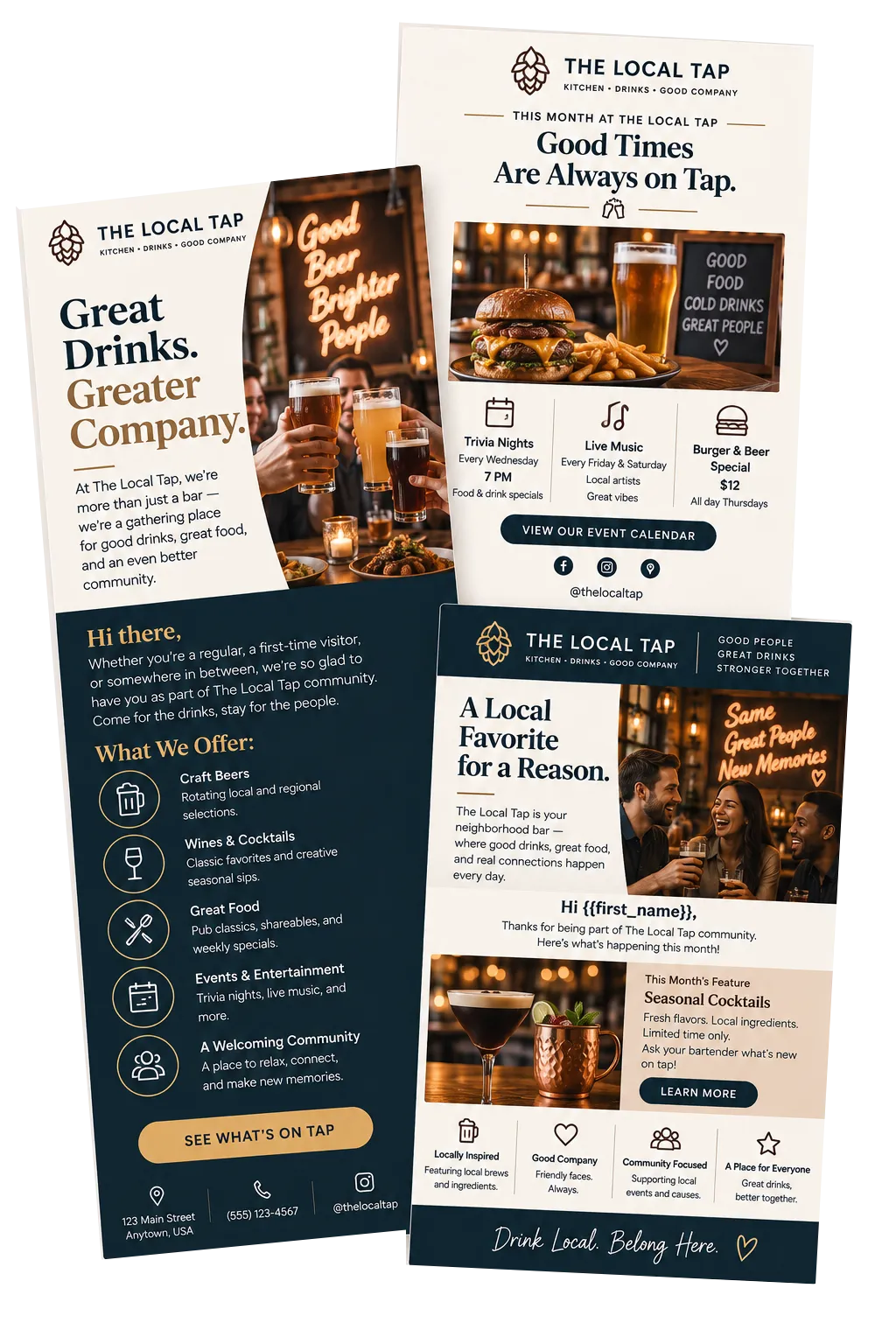
Email Marketing
Create branded emails for set guest groups. Track sends, opens, clicks, failed mail, and opt-outs.
Send weekly event roundups to guests who chose to hear from the venue
Promote a new entertainment series or refreshed lounge experience
Add supported guest details to each update
Compare results across guest groups and themes
Workflows & Automation
Set routine follow-up and team work to run from triggers, steps, rules, and CRM activity.
Send an email after an event or private-booking inquiry
Create a manager task when a high-value request arrives
Update tags or deal stages after a form is sent
Re-engage opted-in contacts based on relevant dates or CRM activity
Use AI to build an event follow-up workflow from a plain-language goal

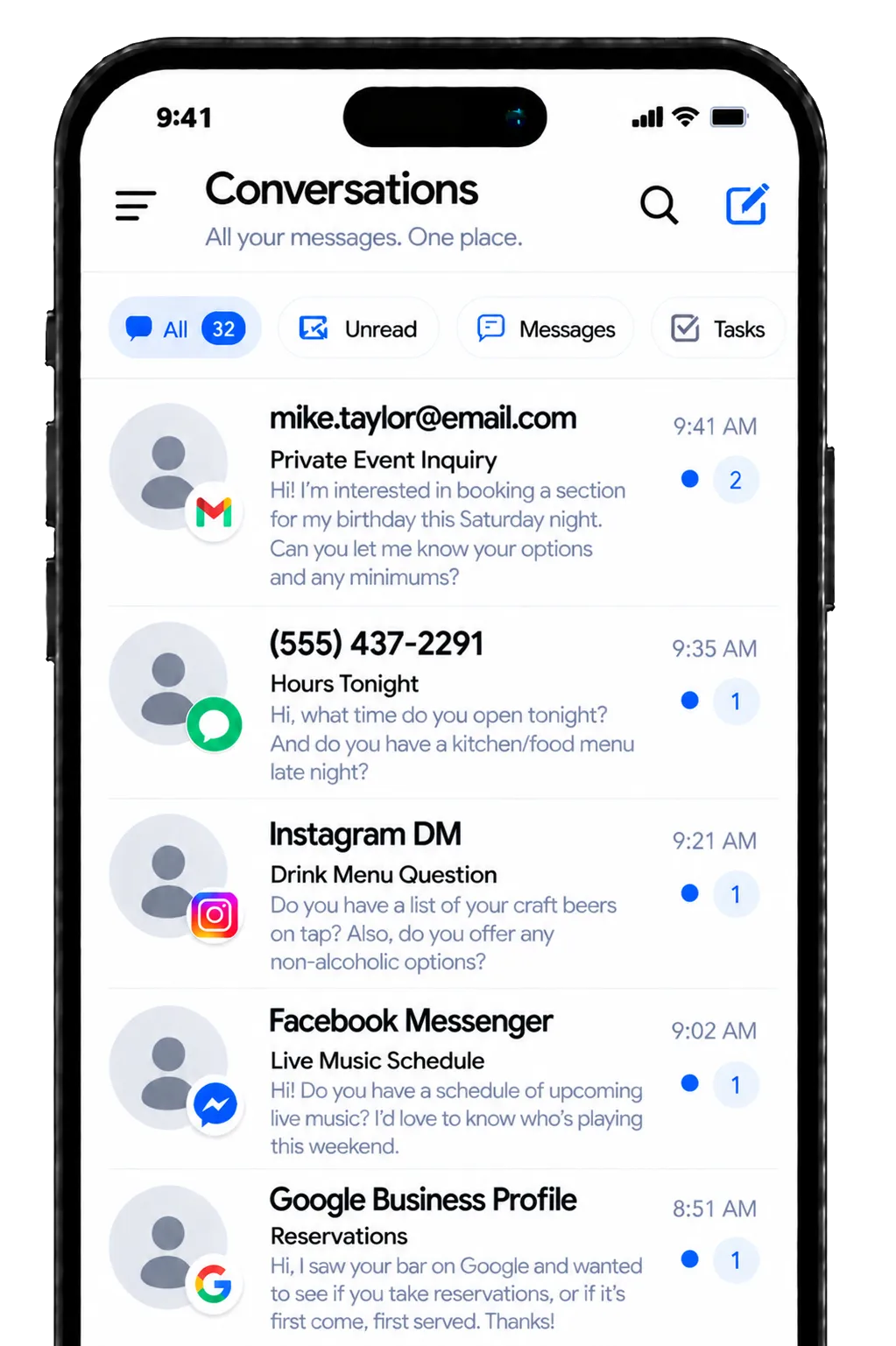
Conversations
Bring supported email, chat, phone, and social messages into one inbox. Keep the guest’s past messages close by.
See prior messages before replying to a repeat guest or organizer
Filter chats by status or assigned staff member
Keep guest questions from being buried in separate inboxes
Use team workflows and AI-assisted replies to respond faster during busy service periods

Promote Events and Build Trust
Strong bar marketing does not stop when you post an event. Keep event details, feedback, reviews, and results in view. Your team can see what works and what needs care.
Events Management
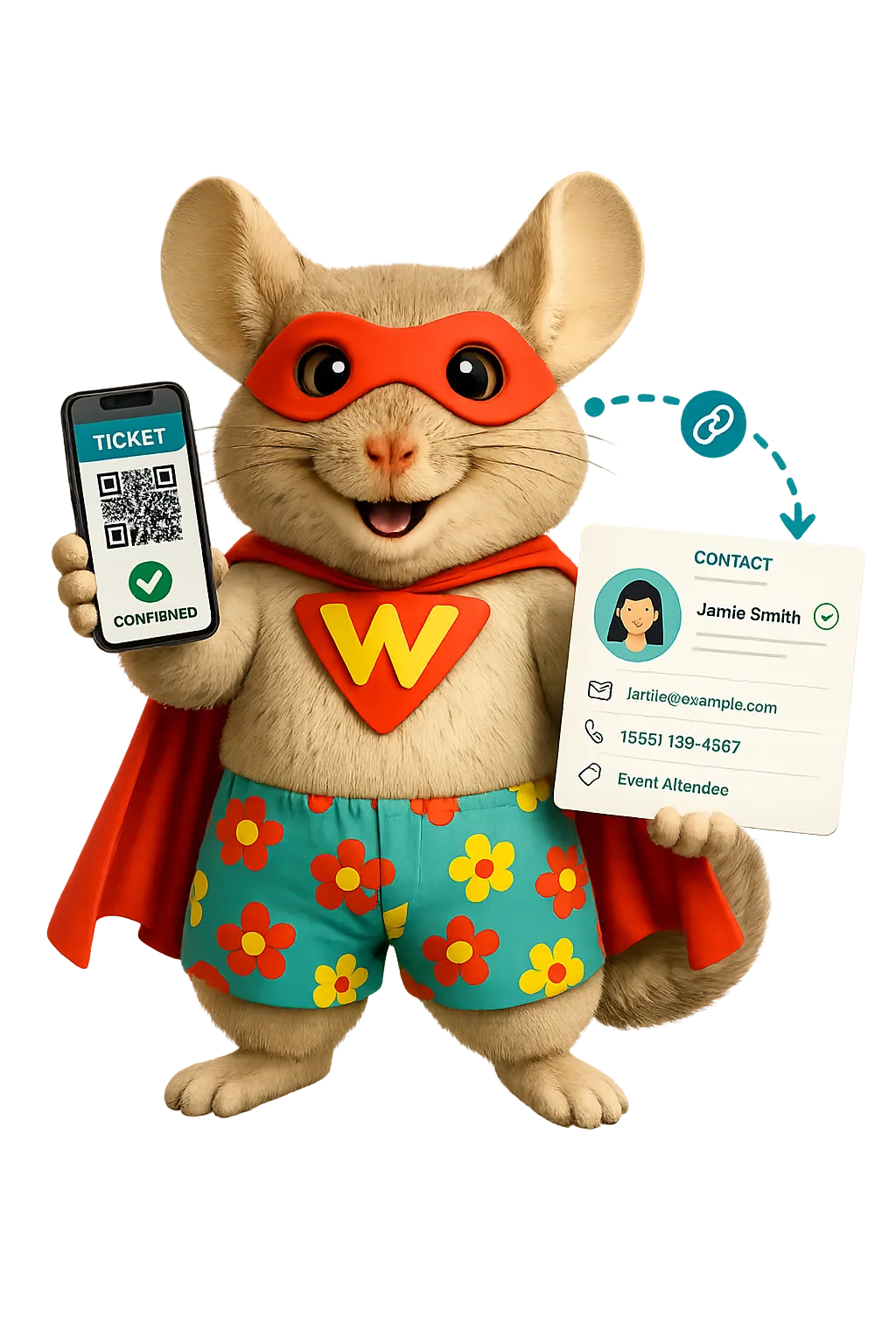
Create branded event pages. Manage RSVPs, guest lists, capacity, event details, and check-ins.
Post event art, times, places, FAQs, and host details
Set capacity limits for RSVP-based venue events
Set sign-up questions and ask guests to accept your terms
View sign-up and check-in status on the event dashboard

Reputation Management
Watch supported review profiles, ask for guest feedback, reply to reviews, and track trends in one place.
Ask recent guests or event organizers for a review through supported channels
Track ratings, review count, themes, and recent feedback
Use AI to suggest or automatically publish responses for supported Google and Facebook reviews
Show chosen reviews in a website widget that fits your brand
Tasks & Team Work Management
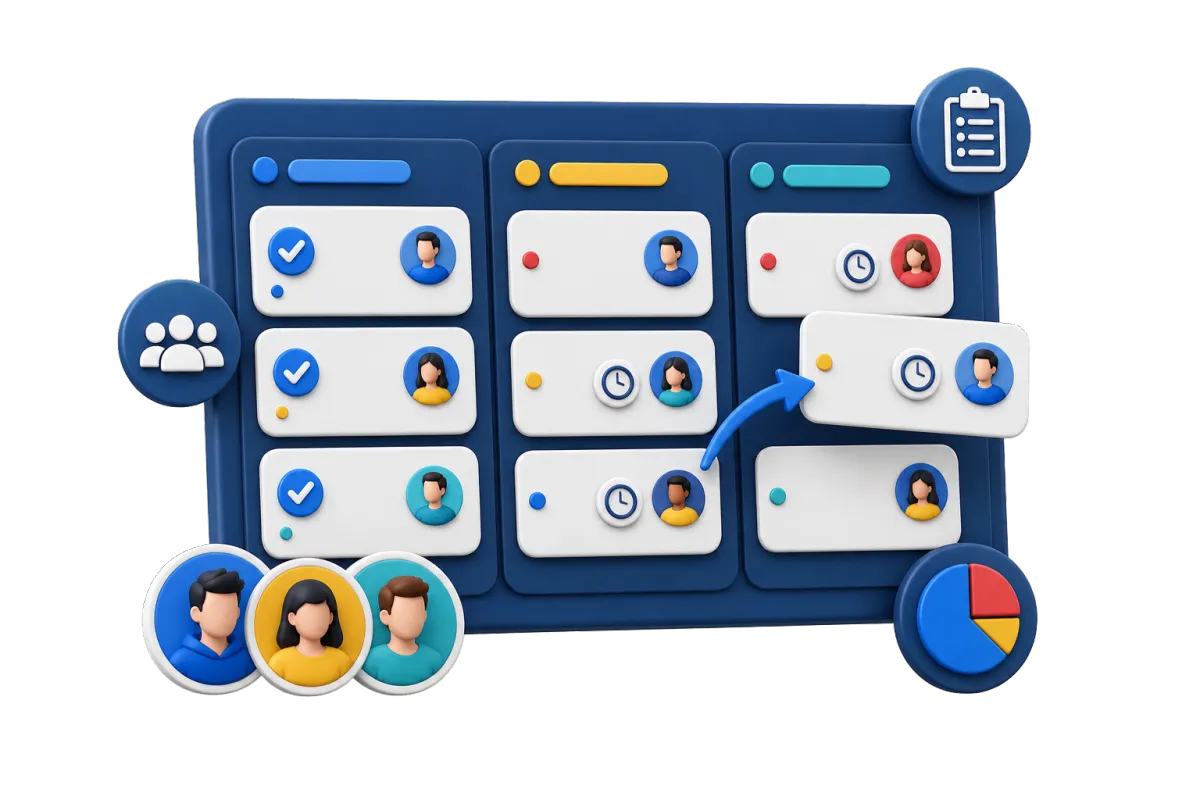
Create and assign tasks that stay tied to contacts, deals, forms, and other CRM work.
Assign post approvals, event-page edits, and host calls
Create task lists for weekly bar marketing work
Track overdue, current, and upcoming work in list or board view
Create tasks when forms or deals reach key stages
Dashboards & Reporting
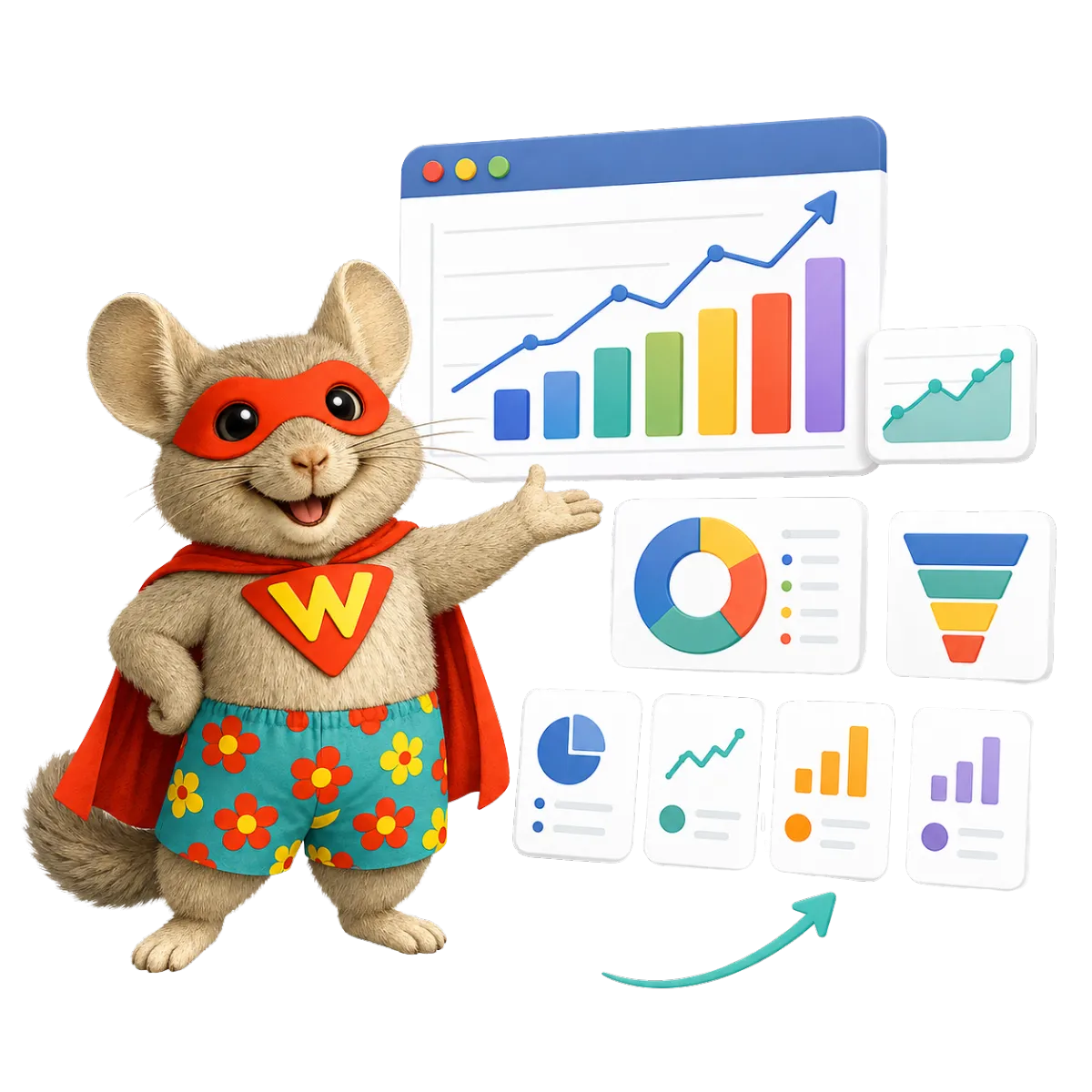
Use custom reports to view supported site, campaign, deal, booking, social, and CRM results.
Compare lead sources for private events
Review website and campaign activity by date
Track deal value and stage changes
Build role-specific views for owners, managers, and marketing staff
More Tools for the Work Behind Every Great Night
Round out your bar marketing with tools for guest research, brand control, content, and event sales.
AI Content & Assistance
Create and refine marketing ideas for event email, social posts, web pages, blogs, and offers.
Surveys
Ask for event feedback, music tastes, or private-booking details. Start follow-up after a reply.
Mobile App
Check contacts, chats, deals, calendars, tasks, and supported marketing work while on the go.
Integrations
Link supported tools through built-in links, webhooks, or APIs. Keep key activity tied to the CRM.
Blog
Post venue news, event previews, artist features, or local guides as part of your local SEO strategy. This content can help search engines understand your venue and what it offers.
Documents & Contracts
Send private-event proposals and deals for e-signature. Track if they were viewed or signed.
Bar Marketing and Nightlife CRM FAQs
What can WinChilla help a bar, nightclub, or lounge manage?
WinChilla brings guest contacts, event leads, campaign pages, email, social planning, reviews, tasks, and reports into one platform. It supports bar marketing and guest follow-up. Your other systems can still handle stock, staff shifts, and bar-specific point-of-sale needs.
Can WinChilla work as a CRM for bars with more than one location?
Yes. A venue group can sort contacts, deals, campaigns, and reports by site and workflow. The best setup will depend on how your group shares guest data and marketing. Plan the account layout before launch if each brand needs its own guest list. Contact us for multi-location rates.
How can a nightclub CRM help with private events and group bookings?
WinChilla can collect event details through forms or chat. It can make a contact record and add the lead to a custom pipeline. Staff can assign an owner, book a tour or call, add notes, send a file, and start tasks or email follow-up. It helps track the sales process but does not replace tools made for event operations.
How can a bar marketing plan support weekly events and themed nights?
Start with a clear marketing plan for each type of night. Define the target audience or target demographic, then connect social posts and search traffic to one event page. WinChilla can help you publish event details, collect RSVPs, organize opted-in contacts, send branded email, and track campaign activity. Review those marketing efforts with guest feedback and reviews to refine your marketing strategy and customer experience. The right mix will vary by venue, location, and trends in the bar industry.
Does WinChilla help manage online reviews for nightlife venues?
WinChilla supports review requests, tracking, reports, and replies across supported profiles. Your team can watch ratings, review count, new feedback, and common themes. You can also show chosen reviews on your site. Some tools will depend on the profile you connect and how it is set up.
Is WinChilla only for nightclub marketing and lounge marketing teams?
No. WinChilla can also support day-to-day work across bars and hospitality groups. Owners, general managers, bar managers, event teams, guest care staff, and sales managers can use it. Dashboards, tasks, and access rules help each role focus on the contacts, deals, messages, and work they need.
What others are saying:
"Love everything so far"
"I've never set up a website before but I love managing my new site and leads. The WinChilla team has been really helpful whenever I got stuck."
- Laura P

"Simplifies my sales"
"I've been able to help my son promote his candy business which has been great because I am not good with computers at all."
- Robert T
"Highly recommend"
"It's exciting to see my visions come to life and WinChilla helps me manage everything in one place so I can be anywhere in the world and my business just runs."
- Jaret H
WinChilla works with platforms you already use such as


















Real Support for Your Next Step
30-Day Money-Back Guarantee
New customers can get started with a 30-day money-back guarantee on eligible subscription fees. Review the refund terms for coverage, exclusions, and how to request a refund.
Onboarding and 24/7 Support
Start with a technical setup call and a training call, then get help through 24/7 chat support. Use our tutorials and knowledge base as you build and refine the tools your business needs.
Helping Businesses Since 2010
Our founders bring more than 30 years of combined experience in business software and customer incentive programs, helping small businesses build stronger customer relationships.

Turn More Guest Interest Into Full, Memorable Nights

© 2024-2026 Loyalty Gator Inc. All rights reserved.
WinChilla CRM | A Loyalty Gator Company | Trusted Since 2010
The information provided by Loyalty Gator Inc. (DBA: WinChilla) ('we', 'us', or 'our') on WinChilla’s website (the 'Site') and our mobile application is for general informational purposes only. All information on the Site and our mobile application is provided in good faith, however we make no representation or warranty of any kind, express or implied, regarding the accuracy, adequacy, validity, reliability, availability, or completeness of any information on the Site or our mobile application. UNDER NO CIRCUMSTANCE SHALL WE HAVE ANY LIABILITY TO YOU FOR ANY LOSS OR DAMAGE OF ANY KIND INCURRED AS A RESULT OF THE USE OF THE SITE OR OUR MOBILE APPLICATION OR RELIANCE ON ANY INFORMATION PROVIDED ON THE SITE AND OUR MOBILE APPLICATION. YOUR USE OF THE SITE AND OUR MOBILE APPLICATION AND YOUR RELIANCE ON ANY INFORMATION ON THE SITE AND OUR MOBILE APPLICATION IS SOLELY AT YOUR OWN RISK.