
Catering CRM Software That Turns More Inquiries Into Bookings
WinChilla helps caterers capture event inquiries and respond faster. Keep client details in one place. Schedule consultations, send contracts, and collect deposits with less back-and-forth.




Keep Your Catering Sales Process in One Place
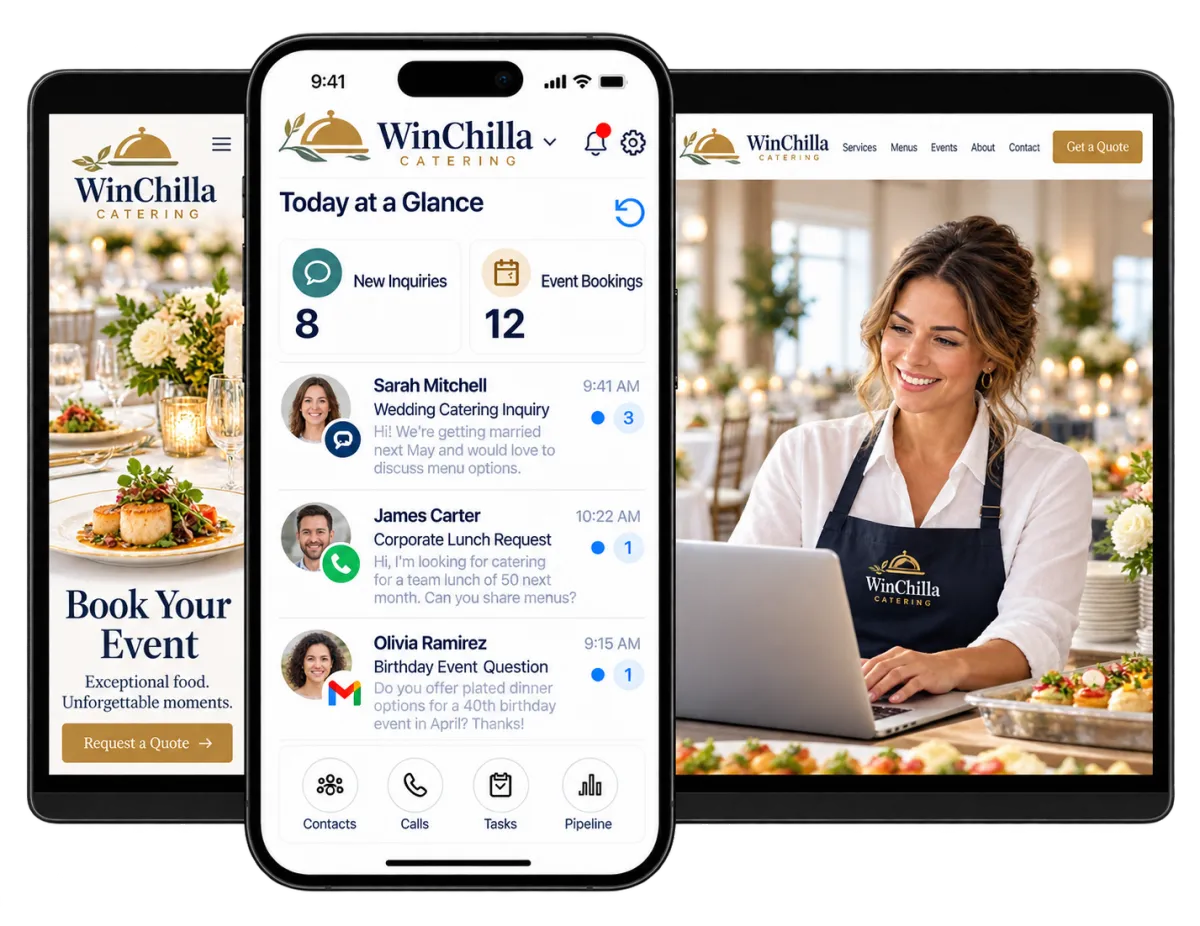
WinChilla is cloud based. Its catering CRM software puts contacts, conversations, booking pipelines, forms, calendars, estimates, contracts, invoices, payments, and follow-up tools in one place. These CRM tools save your team from searching through inboxes and spreadsheets. That leaves more time to build customer relationships, book events, and serve clients.
You Handle the Food, the Events, and the Follow-Up
Catering owners and managers wear many hats. They handle sales, client questions, tastings, estimates, event details, payments, and service. When that information sits in separate tools, it is easy to miss a valuable inquiry or deadline.
of full-service restaurant operators and 78% of limited-service operators said attracting new customers was a significant challenge in 2025.
Source: National Restaurant Association, State of the Restaurant Industry 2026
of restaurant operators reported that their business was not profitable in 2025.
Source: National Restaurant Association, State of the Restaurant Industry 2026
of surveyed workplaces planned to spend the same or more on food in 2026, and one in five planned to raise spending by more than 25%.
Source: ezCater, 2026 Workplace Catering Insights Bundle
Does this sound familiar?
A wedding inquiry arrives while your team is working an event. A corporate lunch request sits in voicemail. An estimate from last week receives no follow-up. When inquiries and details live in different places, valuable bookings can go cold.
Don't worry, we can help!
Unified Conversations
Keep supported email, text, call, chat, WhatsApp, and social-message history connected to each client record. Staff can see the full conversation before they reply.
Automated Follow-Up
Send prompt acknowledgements and reminders. Create tasks and update pipeline stages when key client actions or booking milestones occur.
Catering Sales Pipeline
Track each opportunity from the first inquiry to consultation, estimate, contract, deposit, confirmed event, and follow-up.

Capture Complete Event Inquiries Before They Go Cold
Make it easy for prospects to share the information your sales team needs. WinChilla catering CRM software can turn a website visit, message, or call into an organized lead record. Your team can then take the right next step.
Forms
Use branded forms to collect event details. Each response can flow into the CRM and connected workflows.
Ask for the event date, venue, guest count, event type, budget range, and contact details
Add custom fields for service style, menu interests, dietary needs, and rental questions
Use conditional logic to show relevant questions for each type of event
Send an acknowledgement or staff notification after each submission

Web Chat
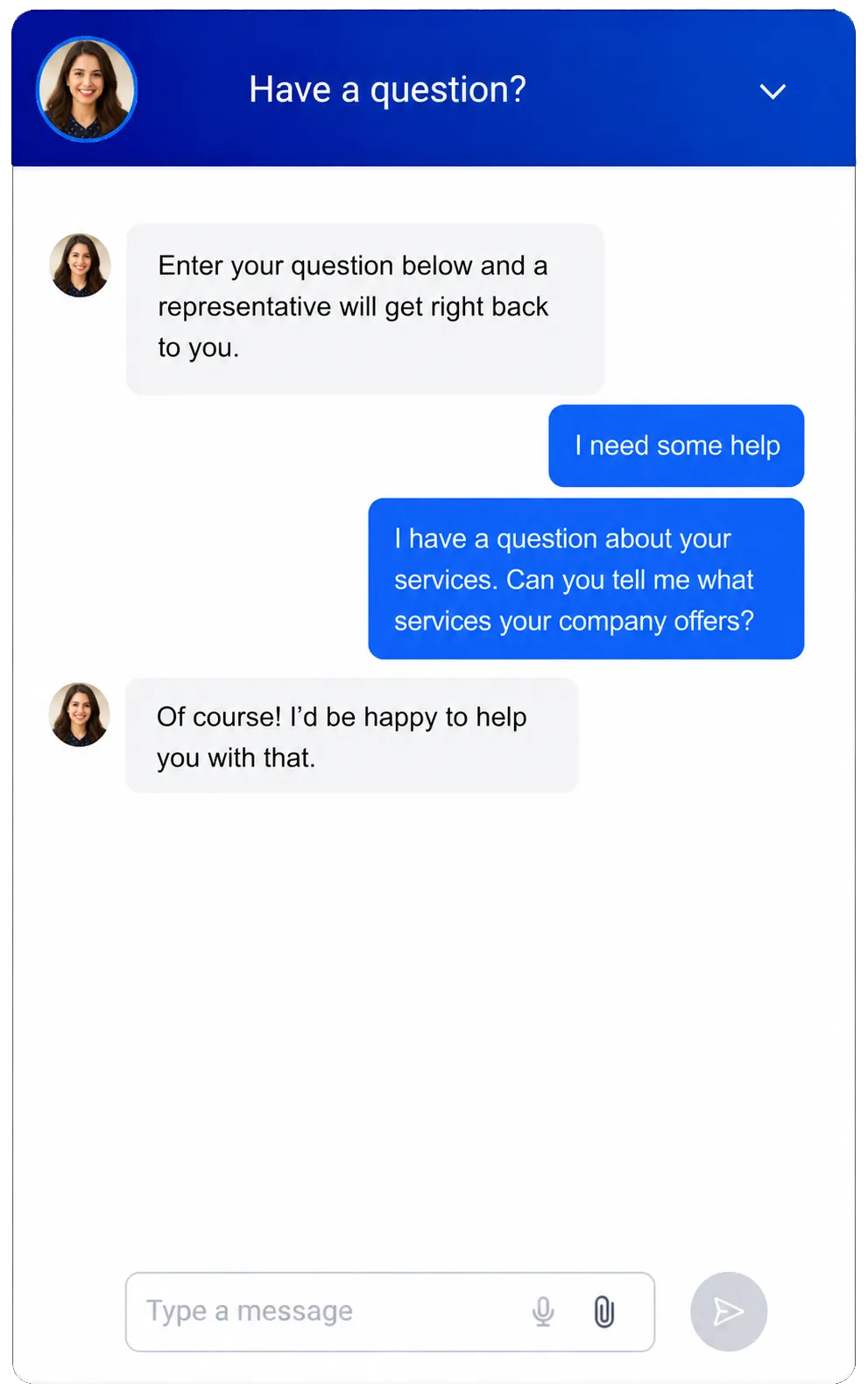
Give website visitors a direct way to ask questions and share their contact details.
Answer initial questions about service areas, event types, consultation steps, or packages
Capture after-hours inquiries while your team is working an event
Offer supported chat, text, email, WhatsApp, social, or Voice AI channels
Route each conversation to the shared inbox and the right staff workflow
Conversation AI
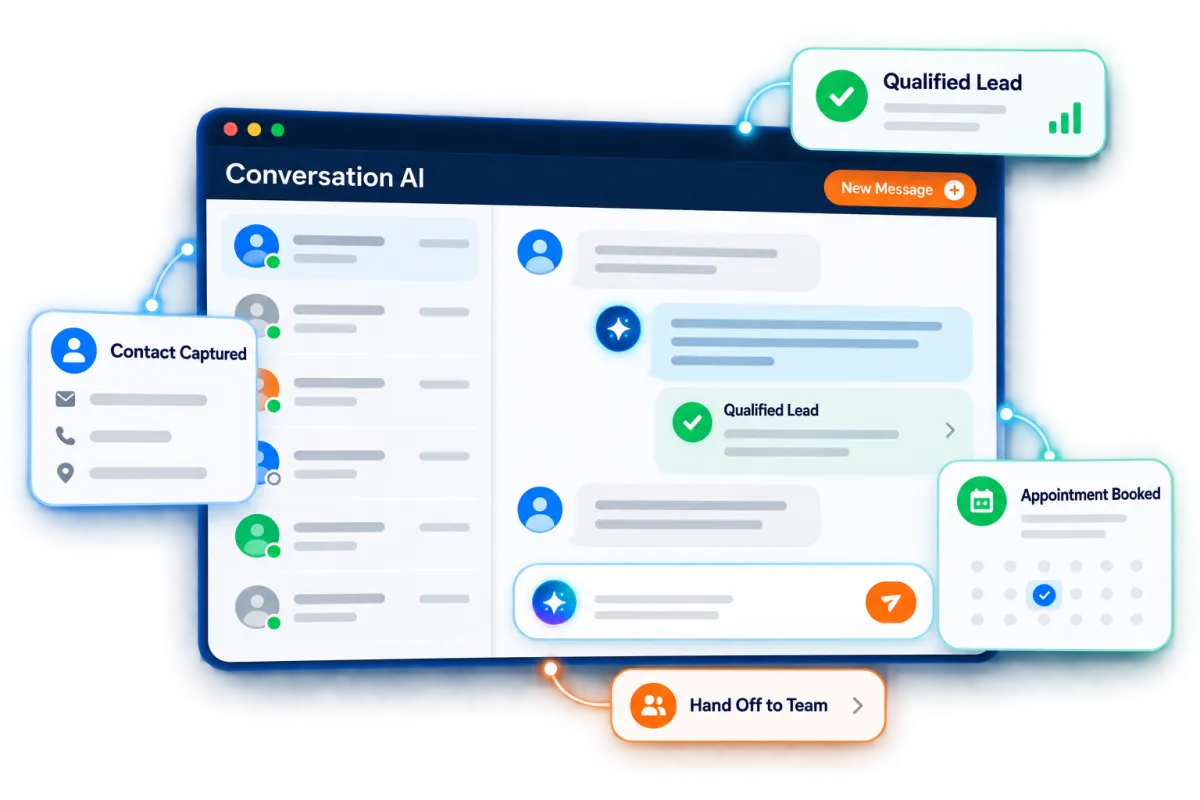
Use a trained AI agent on supported channels. It can answer common questions, qualify inquiries, collect details, and help schedule consultations.
Ask whether the lead needs wedding, corporate, private-party, drop-off, or full-service catering
Gather the basic event details before a sales manager joins the conversation
Answer approved questions from your website, FAQs, and knowledge base
Pause or transfer the conversation when a team member needs to take over
See how WinChilla helps your catering business save time, reduce admin, and book more appointments!
Contacts / CRM
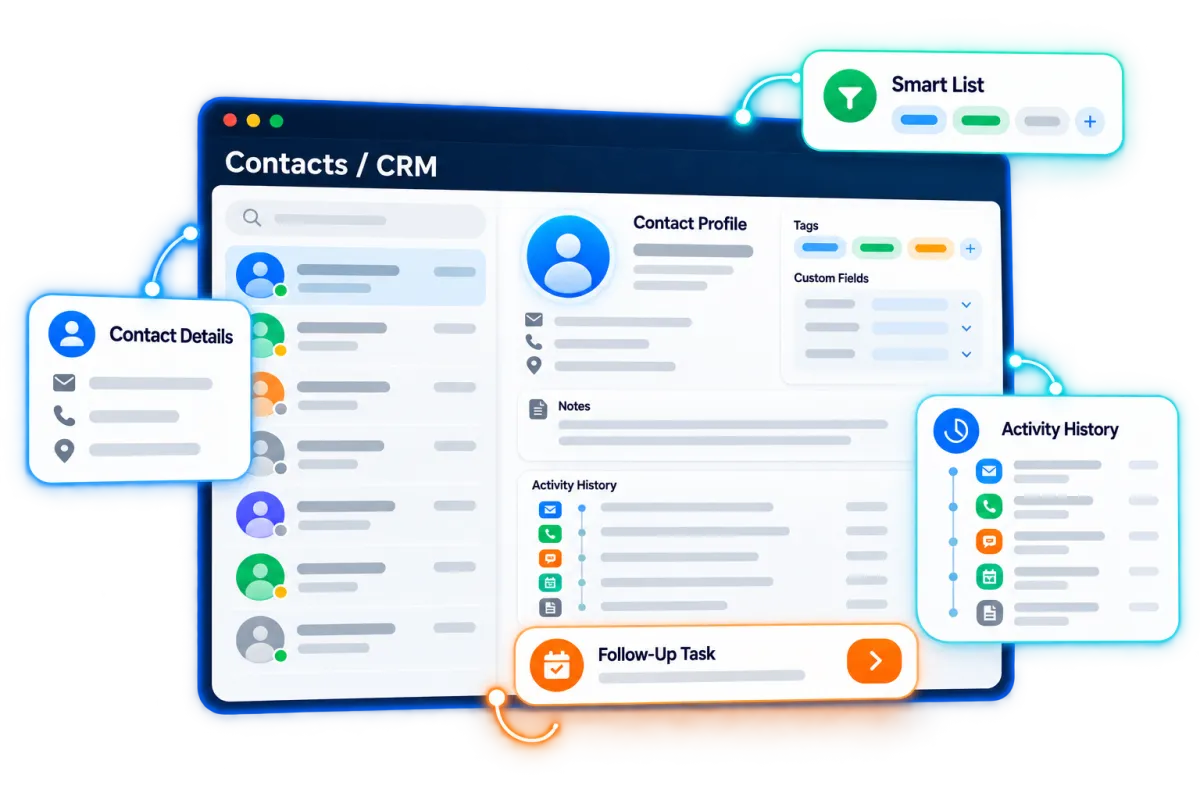
Keep client details, notes, files, tags, custom fields, and activity history in one contact record.
See past inquiries, messages, appointments, documents, and payments before replying
Tag leads by wedding, corporate, social, nonprofit, school, or recurring order type
Store venue details, referral sources, service preferences, and key notes
Build filtered lists for follow-up and future campaigns

Use Catering CRM Software to Move Every Lead Forward
A clear catering booking system shows what has happened. It also shows what is due next and which opportunities need attention now.

Opportunities & Pipelines
Manage catering opportunities through stages that match your sales and booking process.
Use stages such as New Inquiry, Qualified, Consultation Booked, Estimate Sent, Contract Sent, Deposit Due, and Confirmed
Track the expected event value, status, assigned owner, and notes
Filter the pipeline by event date, stage, sales representative, source, or booking status
Move opportunities and start follow-up through connected workflows
Conversations
Give staff one inbox for supported client messages, calls, and conversation history.
Review the full client history before answering a menu, venue, or payment question
Assign or route a conversation to the right sales or event team member
Use AI-assisted reply suggestions when they help staff respond faster
Keep communication tied to the contact instead of a personal inbox or phone

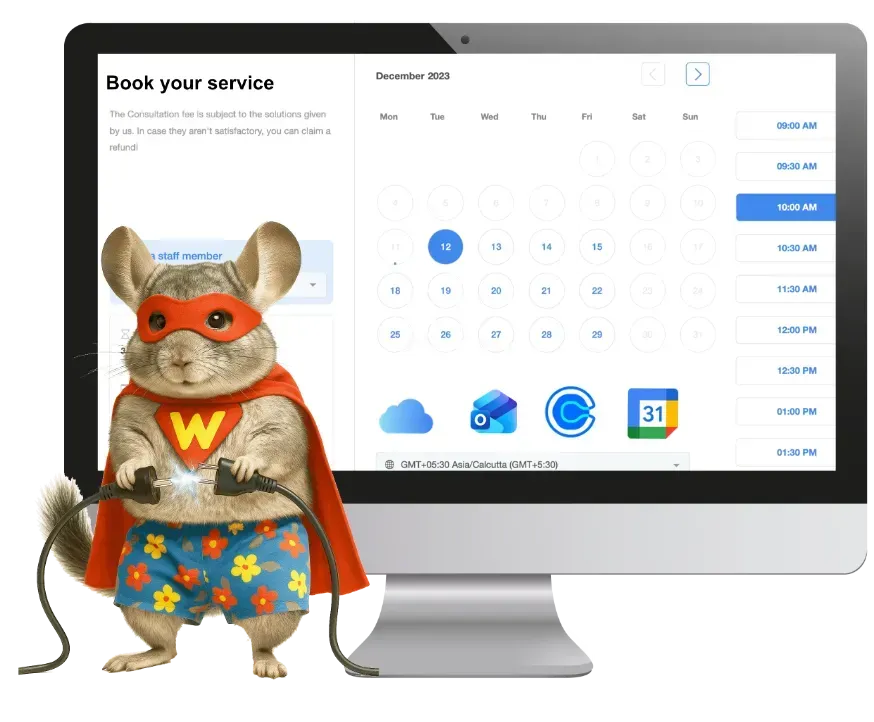
Calendars & Appointments
Let qualified prospects schedule consultations, tasting discussions, or planning calls based on staff availability.
Offer phone, video, or in-person consultation times
Send confirmations and reminders by email, text, in-app message, or WhatsApp where supported
Use conflict calendars to reduce double booking across connected schedules
Collect a supported booking deposit or payment when appropriate
Workflows & Automation
Use workflows for routine tasks and automated emails. Staff remain in control of each client relationship.
Acknowledge a new inquiry and explain when a staff member will respond
Remind staff when an estimate, contract, deposit, or final detail is still outstanding
Create tasks and update stages after a form, appointment, call, payment, or document action
Describe your goal to the AI workflow builder to build an automation for you


Go From Estimate to Signed Contract and Paid Deposit
Reduce the back-and-forth after a successful consultation. WinChilla connects the sales record to estimates, agreements, invoices, payment links, reminders, and client history.
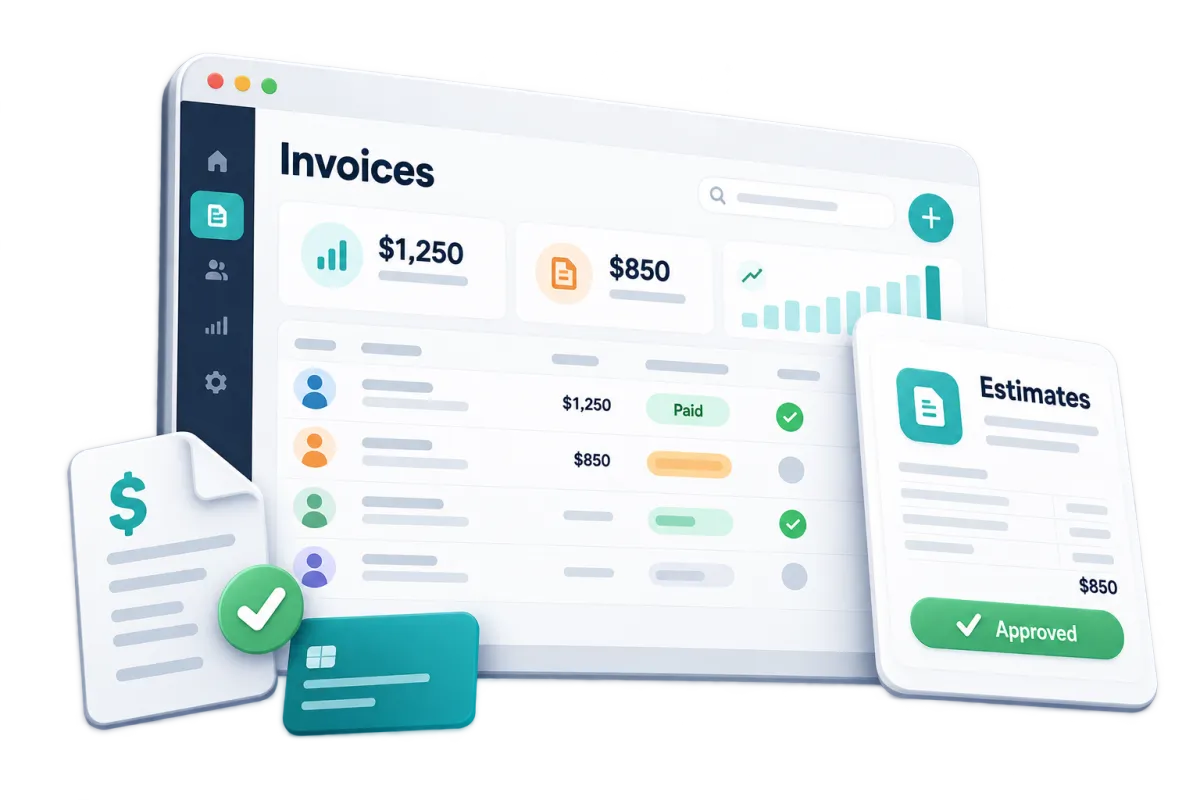
Invoices & Estimates
Create and send branded estimates and invoices from the web or supported mobile experience.
List the catering package, services, fees, taxes, terms, and attachments on an estimate
Request a deposit and set a clear payment schedule for the balance
Send email or text notifications
Keep each estimate, invoice, and payment with the client record
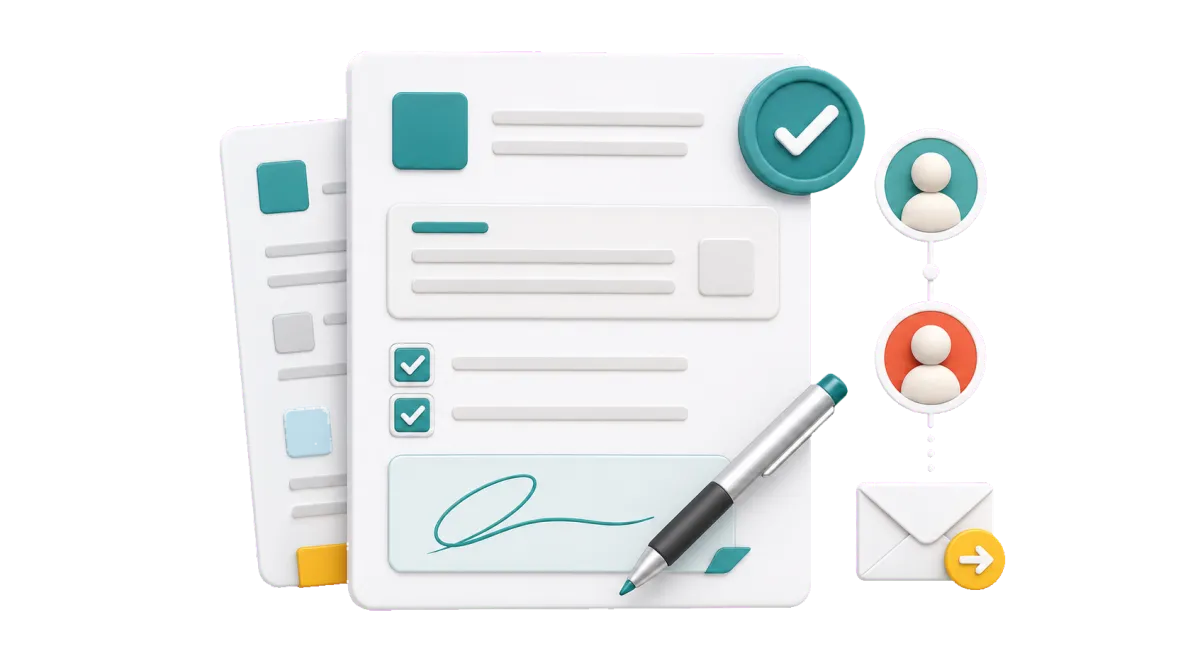
Documents & Contracts
Send proposals, catering agreements, quotes, and contracts for electronic signature.
Start with a saved template for a wedding, work event, or private party
Add fields, files, end dates, more than one signer, and a set signing order
See when a file is viewed, signed, turned down, or done
Start a prompt, bill, task, or next step after a file event
Discover how WinChilla simplifies your day, saves time, and helps your catering business grow.
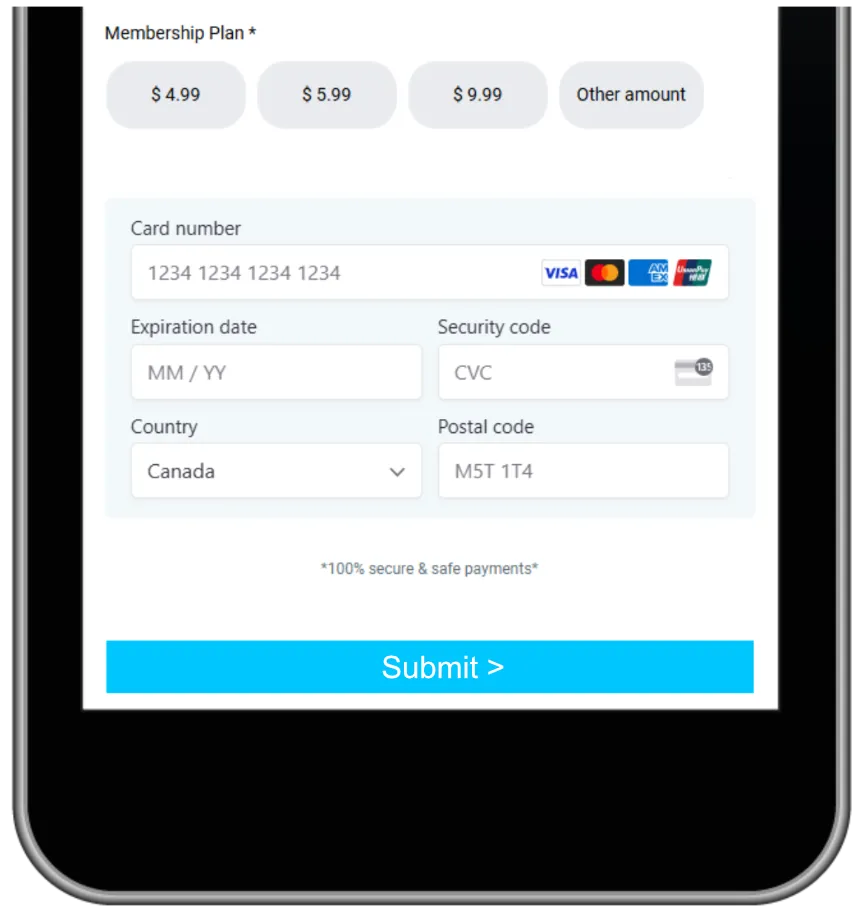
Payments
Use supported payment processing options to collect one-time or recurring payments.
Send a pay link for a deposit or due balance
Offer card, wallet, PayPal, ACH, or in-person pay options where supported
Track each sale and refund with the right client
Use text-to-pay when it is a good fit for the client

Turn One Successful Event Into Repeat Business
The client link should not end when the last tray is packed. Stay in touch. Ask for reviews and earn new work from past events and repeat orders.
Companies / B2B CRM
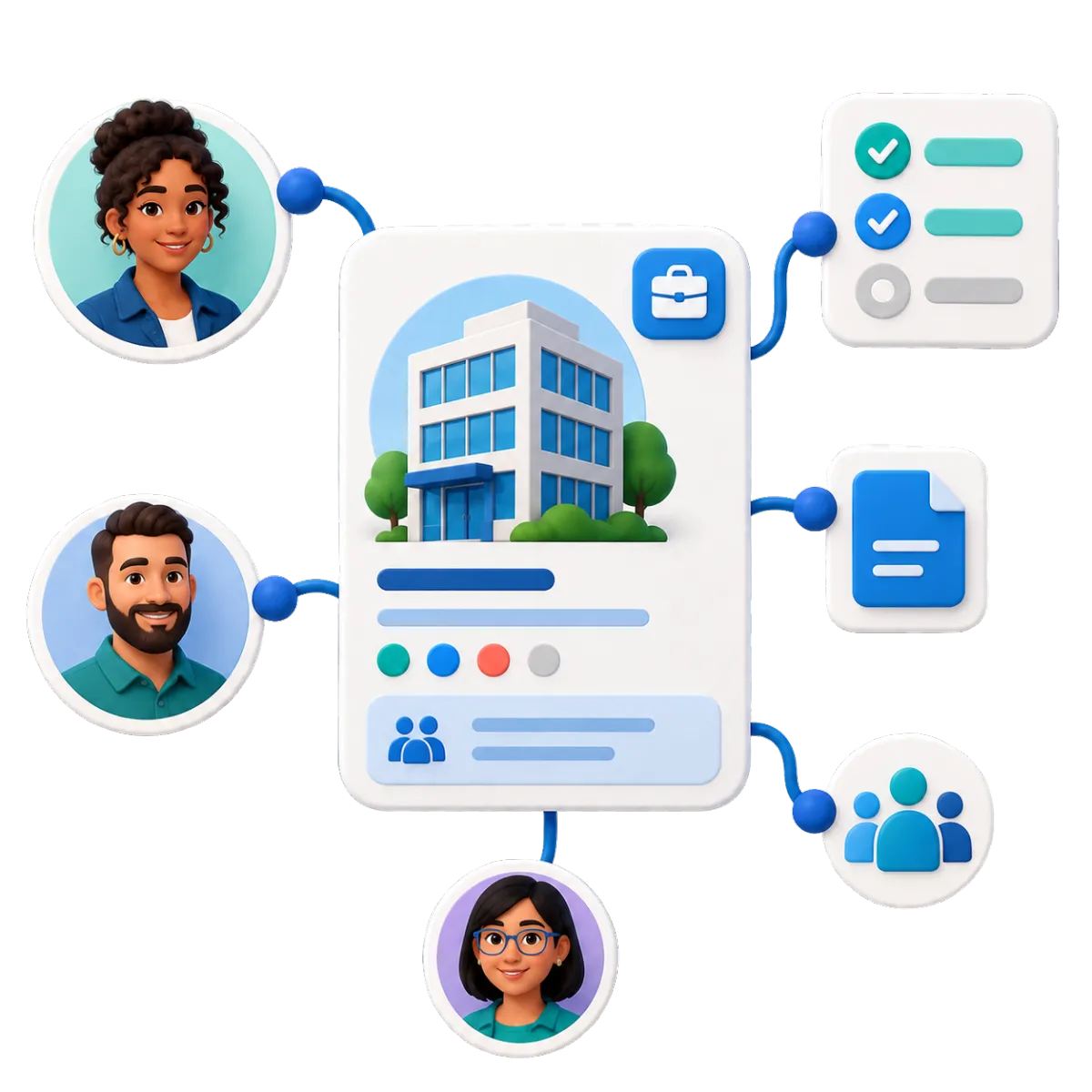
Keep each business account with its contacts, deals, tasks, notes, and key facts.
Link office managers, HR staff, and event planners to one firm
Check past jobs and open deals before the next call
Build work flows for follow-up, renewals, repeat plans, or win-back offers
Use company details in email, chats, files, and CRM work where supported

Email Marketing
Send the right offer to each client group. You do not have to treat every contact the same.
Share holiday menus with work clients before dates fill
Send tasting dates to couples and wedding pros
Reach past clients near the date of last year's event
Use AI help for subject lines, copy, calls to action, and images
Reputation Management
Ask for reviews, track feedback, and reply on supported profiles.
Ask for a review after a great event or repeat order
Track new reviews, star scores, trends, and tone
Show chosen reviews on your site with a custom widget
Use AI to draft or post replies on supported Google and Facebook pages

More Tools for a Busy Catering Team
Give your sales team useful tools without more busy work.
Phone System & Calling
Keep phone calls, voicemail, notes, call results, and next steps with the CRM record.
AI Receptionists
Take calls when staff are busy. In supported setups, AI can get lead details, answer set questions, book a call, or send the caller to staff.
Mobile App
Check leads, chats, deals, bookings, files, quotes, and pay status while on the go.
Social Media Planner
Plan event photos, menu posts, and timely offers. AI can help with post ideas and captions before your team checks them.
Integrations
Link supported books, calendars, pay tools, and other apps. Keep key client activity tied to the CRM.
Documents and Contracts
Send branded catering proposals and service agreements for electronic signature, then track document activity and automate reminders or next steps.
affordable pricing plans built for small businesses
How much does this cost?
We're glad you asked! WinChilla is pleased to offer affordable pricing plans to suit your growing business.
Questions About Catering CRM Software
Is WinChilla full catering software or catering management software for kitchen operations?
WinChilla is catering business software for the sales and customer side of catering and event work. It covers leads, messages, estimates, contracts, invoices, payments, reviews, and follow-up. It does not replace specialized event management software for recipe costs, inventory, kitchen work, staff shifts, delivery routes, or banquet event orders. Simple online ordering may be supported through a configured store and payment tools. Complex catering orders or food production may require another platform or a supported integration.
Can we collect the right details before preparing a catering quote?
Yes. Build a form for the date, guest count, site, service style, budget, menu, and food needs. A reply can update a contact, start a workflow, alert staff, and open a deal. Your team should still check the date, scope, price, and food needs.
Can WinChilla send estimates, catering contracts, invoices, and deposit requests?
Yes. WinChilla can send branded quotes, bills, bids, and contracts for e-signature. It can also take supported payments. Add due dates, pay plans, files, prompts, and workflow steps. The exact pay methods and book links depend on the setup and providers you choose.
Can AI respond when our team is cooking, travelling, or serving an event?
In supported setups, Conversation AI and Voice AI can answer common questions. They can also get lead details, qualify a lead, help book a call, and hand the chat or call to staff. Train the agents with approved facts and check them over time. Your team should make all key menu, allergy, price, and event choices.
Can the CRM handle both private-event clients and recurring corporate accounts?
Yes. Contact records hold each client's history. Company records can group many people, deals, tasks, and notes under one firm. This helps you serve one-time events and firms that may book time and again.
What others are saying:
"Love everything so far"
"I've never set up a website before but I love managing my new site and leads. The WinChilla team has been really helpful whenever I got stuck."
- Laura P

"Simplifies my sales"
"I've been able to help my son promote his candy business which has been great because I am not good with computers at all."
- Robert T
"Highly recommend"
"It's exciting to see my visions come to life and WinChilla helps me manage everything in one place so I can be anywhere in the world and my business just runs."
- Jaret H
WinChilla works with platforms you already use such as


















What you can expect from us
Money Back Guarantee
We're confident you'll love saving money by switching from existing software providers with your business tools to one place.
Plus, we believe you'll save a ton of time with marketing automation.
Within 30 days, if we're not the right fit, we'll give you your money back.
View Terms of Service
24/7 Support
We're here to help. You'll get a one-on-one onboarding call with our team.
Then, you'll get another tech call with us to make sure your account is configured exactly as you want it.
Plus, you can expect 24/7 chat support from our team with any questions you have along the way.
30+ Years of Experience
We've been helping small businesses since 2010!
The WinChilla brand is new, but our experience is not. The founders of WinChilla have over 30 years of experience combined in digital software and customer incentive programs - helping businesses like yours - worldwide since 2010. Now, we're excited to bring our expertise to launch these new super tools to help all of our clients grow.

Book More Events Without Losing Track of the Details

© 2024-2026 Loyalty Gator Inc. All rights reserved.
WinChilla CRM | A Loyalty Gator Company | Trusted Since 2010
The information provided by Loyalty Gator Inc. (DBA: WinChilla) ('we', 'us', or 'our') on https://www.winchilla.com (the 'Site') and our mobile application is for general informational purposes only. All information on the Site and our mobile application is provided in good faith, however we make no representation or warranty of any kind, express or implied, regarding the accuracy, adequacy, validity, reliability, availability, or completeness of any information on the Site or our mobile application. UNDER NO CIRCUMSTANCE SHALL WE HAVE ANY LIABILITY TO YOU FOR ANY LOSS OR DAMAGE OF ANY KIND INCURRED AS A RESULT OF THE USE OF THE SITE OR OUR MOBILE APPLICATION OR RELIANCE ON ANY INFORMATION PROVIDED ON THE SITE AND OUR MOBILE APPLICATION. YOUR USE OF THE SITE AND OUR MOBILE APPLICATION AND YOUR RELIANCE ON ANY INFORMATION ON THE SITE AND OUR MOBILE APPLICATION IS SOLELY AT YOUR OWN RISK.