
Childcare CRM That Helps Families Choose Your Center
WinChilla helps daycare teams answer parent inquiries, book tours, follow up with families, and keep messages organized.



Your Childcare CRM for Family Inquiries and Follow-up
WinChilla brings family contacts, forms, calendars, messages, and marketing tools into one place. Your team can see each family’s history and next step without searching through inboxes and spreadsheets.
Care for children while keeping the center moving
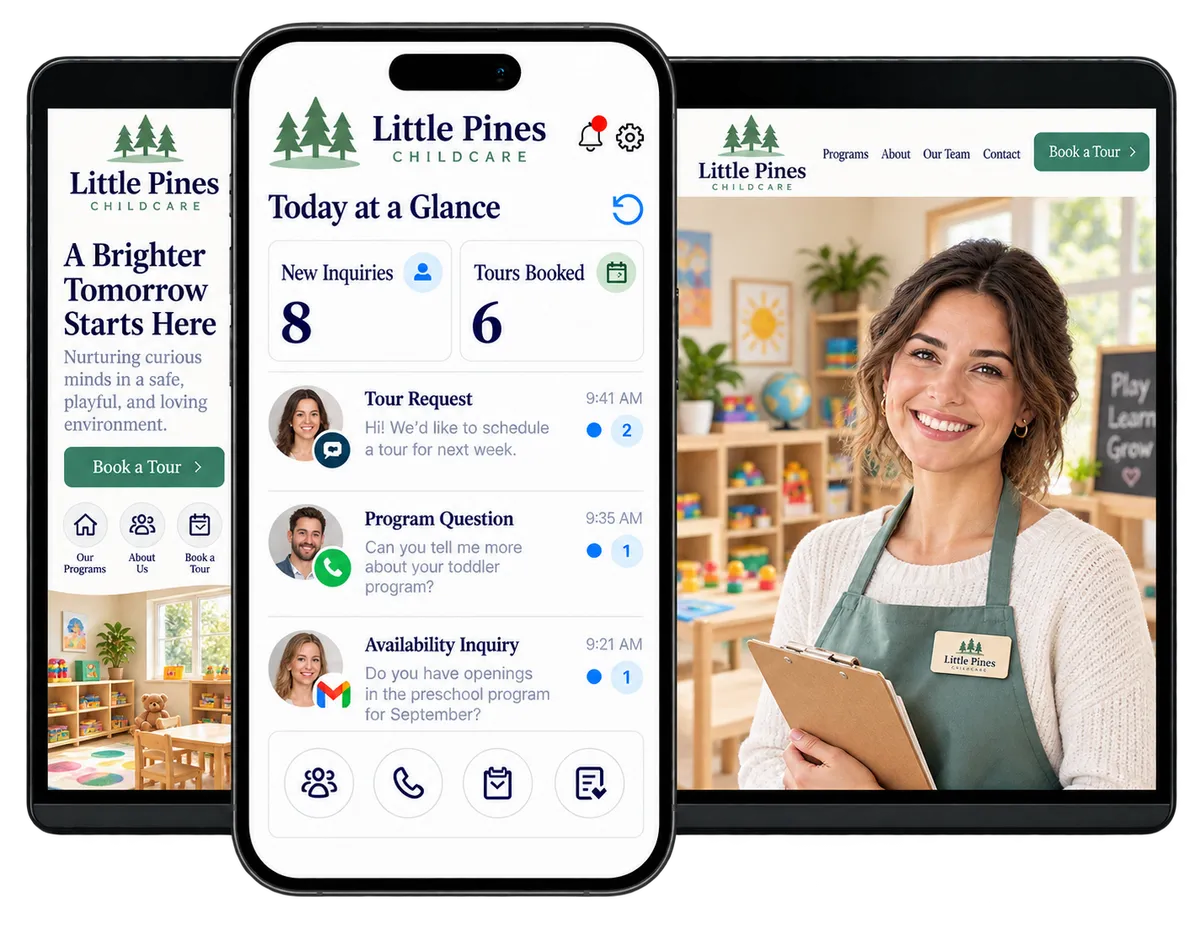
Childcare owners and directors handle family questions, tours, enrollment, staff schedules, and daily center needs. A childcare CRM can organize inquiries and follow-up. Your team can see who needs a reply and what to do next.
of Canadian childcare centers in 2024 serving children aged 0 to 5 had a waitlist.
Source: Statistics Canada
About 60% of Canadian childcare centres serving children aged 0 to 5 were operating at maximum capacity in April 2024.
Source: Statistics Canada
of respondents said they had difficulty finding information about early years and child care programs and services.
Source: City of Toronto, 2025 report
Does this sound familiar?
A parent asks about age groups, fees, or a tour. The message lands in a busy inbox or gets passed between staff. If no one replies, the family may move on. Current families still need clear, timely updates.
Don't worry, we can help!
Contacts / CRM
Keep each family’s details, notes, and past messages together, so staff know what needs a reply.
Web Chat and Conversation AI
Capture website questions. When set up, an AI agent can answer approved questions, collect contact details, book a tour, or pass the chat to staff.
Workflows & Automation
Set up workflows to send follow-up messages, create staff tasks, and track the next step after an inquiry or tour booking.

Use your Childcare CRM to answer family inquiries
Parents may contact you by website, email, phone, or social media. WinChilla, a childcare CRM, gives your team one view of those messages and inquiry details. Staff can reply with context and keep follow-up moving.
Contacts / CRM
Keep each family’s details and message history in one record.
Record a parent’s preferred contact details and the age group they are asking about
Add notes after a phone conversation or center tour
Tag inquiries by program, location, or start date
Filter lists to find families waiting for a reply or an update on future openings

Web Chat
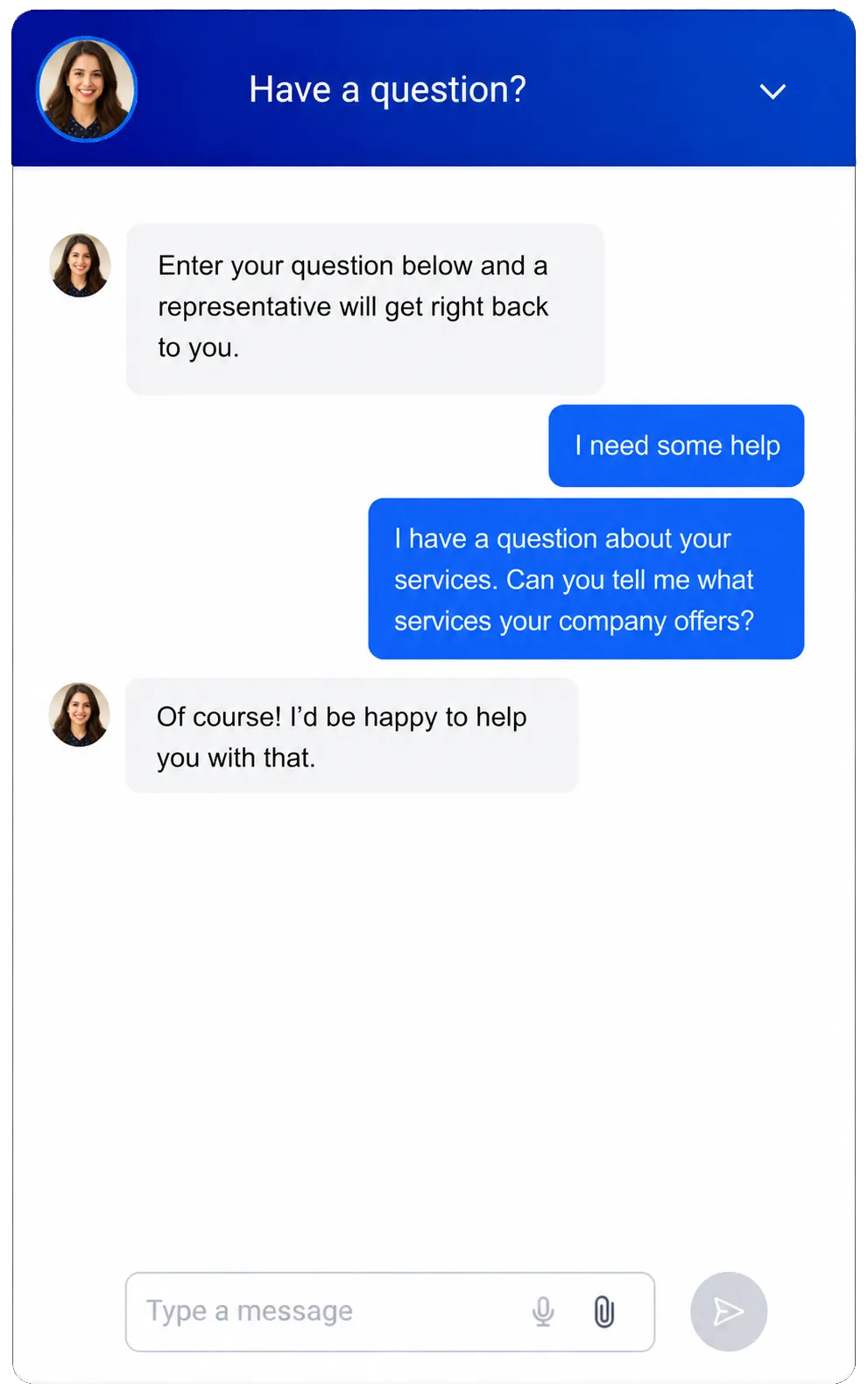
Let website visitors ask a question or share their contact details.
Capture questions about infant, toddler, preschool, or after-school programs
Set greetings for office hours and messages for families who visit after hours
Send chats to the shared inbox and link them to contact records
Offer chat, email, or SMS options in supported widgets
Conversation AI
Set up an AI agent to answer common questions, collect details, and help book a tour or reach staff.
Answer common questions about programs, tour times, or how to reach the office, using centre-approved information
Ask for a parent’s contact details and the age group they need
Help an interested family book a tour on a connected calendar
Send questions about a child’s needs or enrollment decisions to staff
See how WinChilla helps your childcare business save time, reduce admin, and book more appointments!
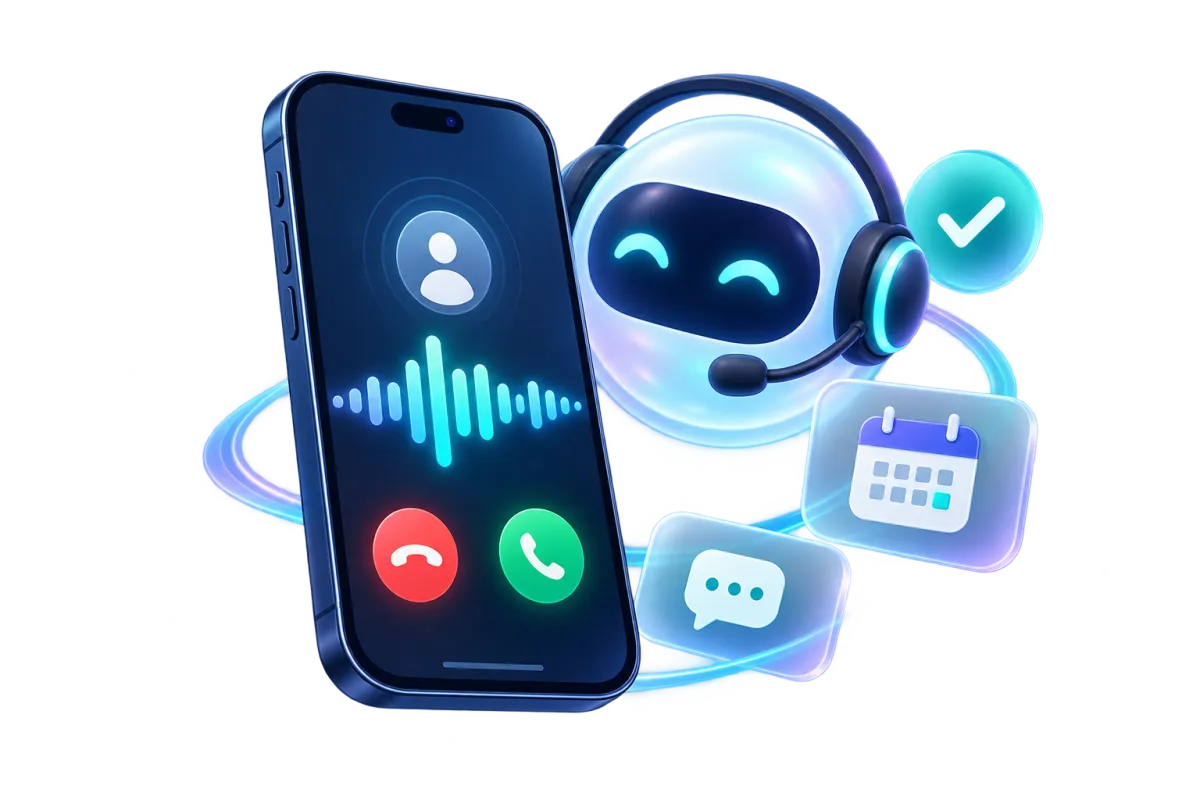
Voice AI Receptionists
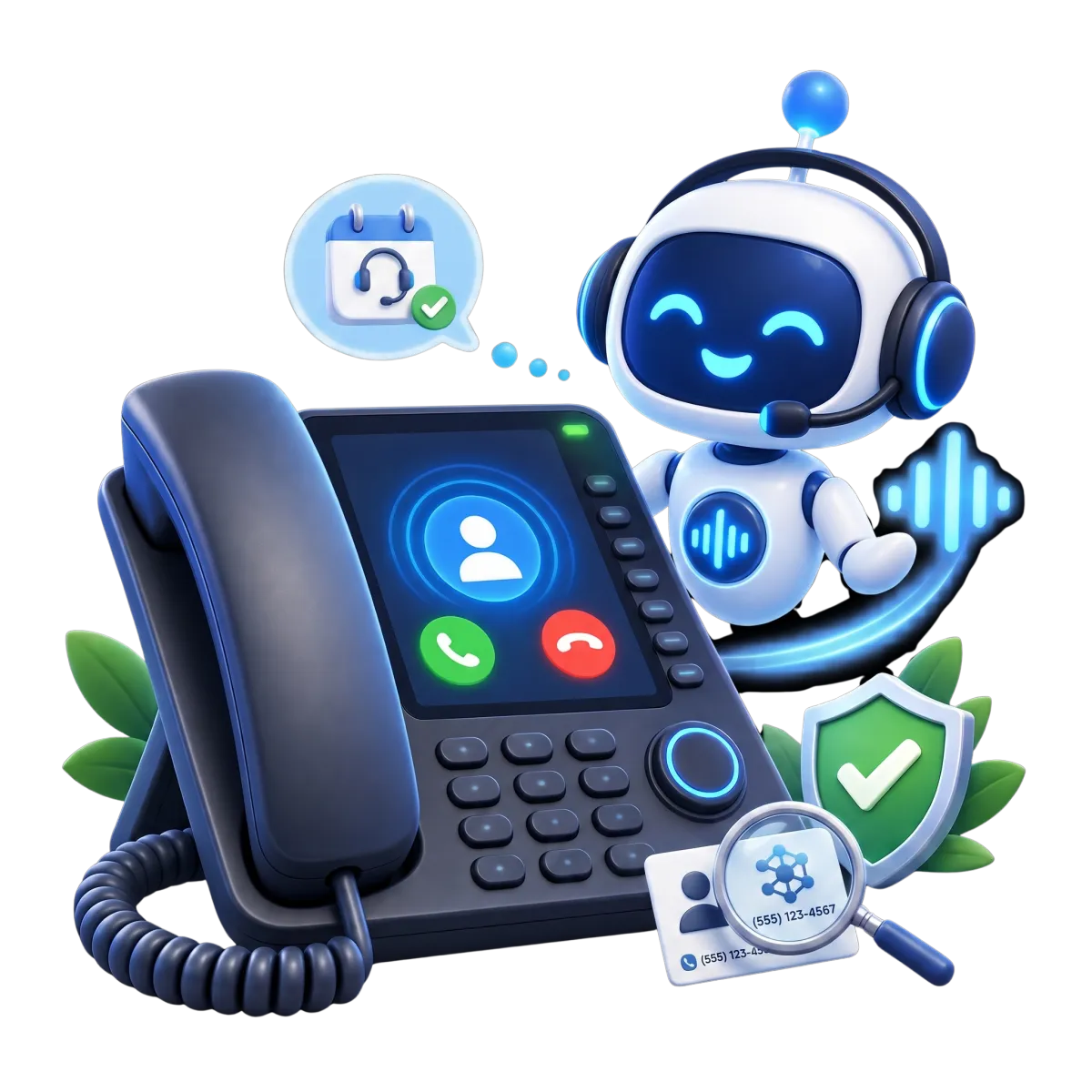
Use an AI receptionist to answer calls, collect details, book tours, or transfer callers to staff.
Capture a caller’s name, contact details, and reason for calling when staff are unavailable
Answer approved questions using the centre’s website or FAQs
Offer available tour appointments through a supported calendar setup
Transfer sensitive or complex questions to staff

Move tour and enrollment interest to a clear next step
A tour helps a family decide if your centre is right for them. Offer times, confirm visits, and follow up. Keep formal enrollment paperwork in the system your centre already uses.

Calendars & Appointments
Let families book a tour on a calendar that reflects staff availability.
Set tour hours and available staff calendars
Send tour confirmations and reminders by email or SMS
Give staff one view of upcoming tours
Link tours to contact records, notes, and follow-up workflows
Forms
Collect inquiry details with a web form. Send answers to contact records and workflows.
Ask what program or age group a parent is interested in
Capture a preferred tour time or a request for a staff callback
Collect contact details and questions before a tour
Trigger an appropriate follow-up task or message after a form is submitted


Workflows & Automation
Automate reminders and follow-up. Review each workflow before it goes live.
Send a confirmation after a tour is booked and a reminder before the appointment
Create a task for staff to follow up after a tour
Send an approved update when a family asks about future openings
Use the AI workflow builder to build an automation for you

Keep parent communication clear and consistent
Families need clear updates. Staff need to see past messages and replies. WinChilla keeps supported email, text, and other messages with the family’s contact history.
Conversations
Bring supported email, texts, calls, chat, and social messages into one inbox with contact history.
See a family’s prior questions before replying to a new message
Keep follow-up visible when several staff members handle inquiries
Use supported channels for tour reminders and general updates
Apply team workflows to help manage incoming messages


Email Marketing
Send branded emails to selected family and inquiry groups. Use supported AI tools to draft or refine the copy.
Share program updates with families who agreed to receive them
Invite local families to an open house
Send dates for registration or available tours
Use AI to draft a subject line and message
Discover how WinChilla simplifies your day, saves time, and helps your childcare business grow.
SMS, MMS & WhatsApp Messaging
Send messages through supported channels and keep them with each family’s contact history.
Send an appointment reminder or a quick tour-related update
Use approved templates for common administrative follow-up
Track delivery and opt-outs for supported bulk messages
Keep texts connected to the family’s contact history for staff context


Build local trust and stay visible to families
Families often look online before they call. Keep your website current, share useful updates, and invite feedback on supported review sites.
Websites
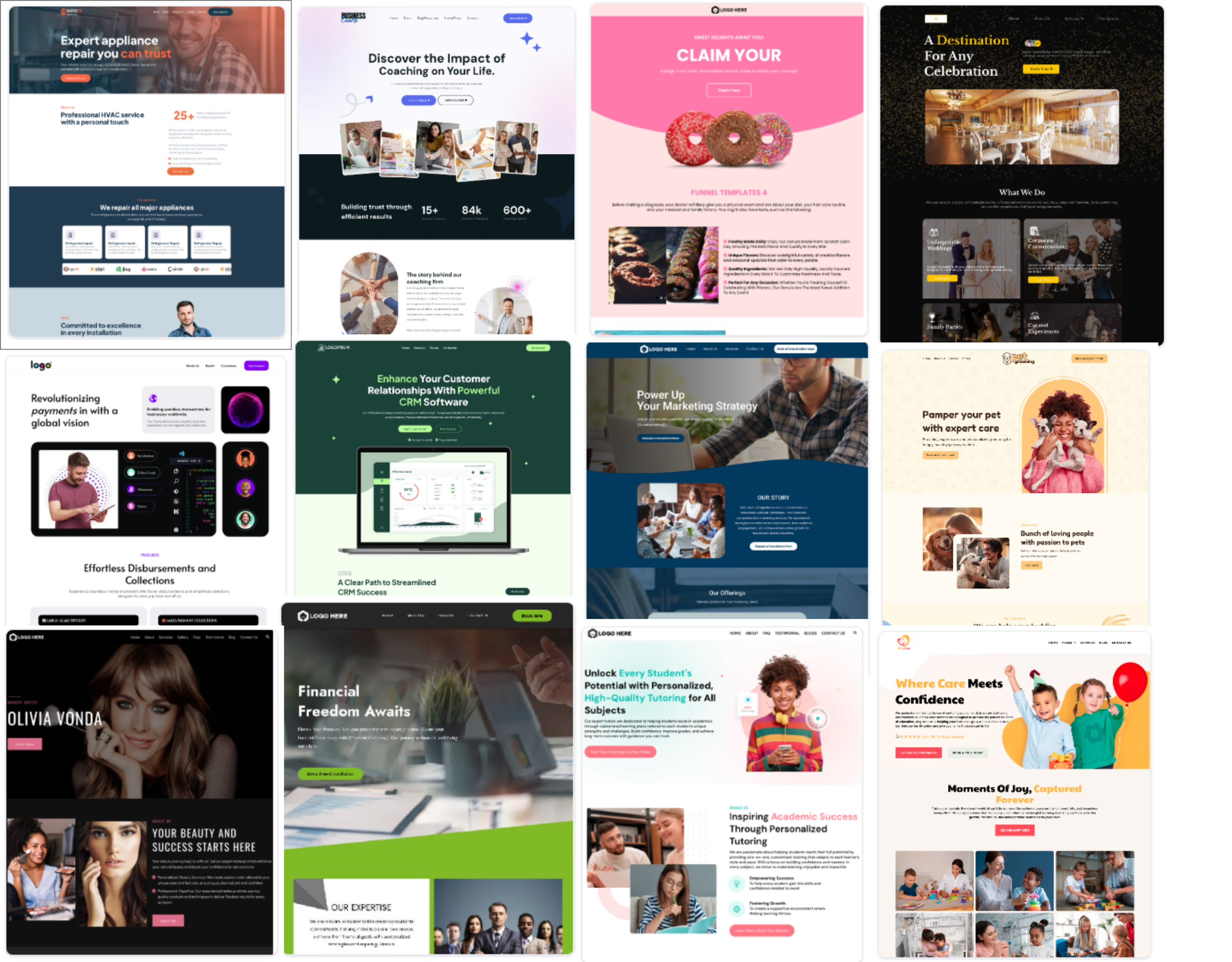
Build a mobile-friendly childcare website with forms, calendars, chat, and other supported tools.
Show your programs, age groups, hours, location, and tour process
Add a form or calendar so a parent can ask a question or request a tour
Use AI to help you build a page
Connect site inquiries to contact records and follow-up workflows

Reputation Management
Request and track reviews. Use supported AI to suggest or post replies to eligible Google and Facebook reviews.
Invite families to share feedback, in line with your centre’s policies
Track new reviews and ratings on supported sites
See common themes in family feedback
Use AI to draft review replies or post automatically
Social Planner
Plan social posts on supported channels. Use AI to draft captions and campaign ideas.
Share open-house dates and program news
Post about your approach, events, and enrollment dates
Edit a caption for each channel and schedule it for review
Use AI for a first caption or image

More tools for the work around enrollment
Use these tools for inquiry, communication, and planning.
Ad Manager
Organize and track campaigns intended to reach families in your service area.
Funnels & Landing Pages
Create a focused page for an open house, tour request, or program information campaign, with forms and conversion tracking.
Mobile App
Access supported contacts, conversations, calendars, tasks, notifications, and call activity while away from the desk.
Client Portal
Share selected resources or updates through a branded online portal.
Integrations
Connect supported external tools where available.
Surveys
Ask families for feedback or gather general intake preferences, then trigger supported follow-up after submission.
affordable pricing plans built for small businesses
How much does this cost?
We're glad you asked! WinChilla is pleased to offer affordable pricing plans to suit your growing business.
Childcare CRM Questions, Answered
What can a childcare CRM help a daycare center manage?
A childcare CRM can organize family contacts, inquiries, conversations, tours, and follow-up tasks. WinChilla helps staff see what a family asked and what to do next. It does not replace a childcare operating system.
Is WinChilla childcare enrollment software or daycare management software?
WinChilla can support parts of enrollment, such as parent inquiries, tour bookings, follow-up, and contact history. It is not a dedicated childcare system for attendance, classroom ratios, child records, licensing, subsidy processing, tuition schedules, or formal enrollment paperwork. Keep those tasks in your current system and check separately whether an integration is supported.
Can WinChilla help manage a childcare waitlist?
WinChilla can organize family records, notes, and follow-up reminders for those who want to hear about future openings. It can support communication, but it is not a childcare waitlist system. It does not track licensed capacity or guarantee a space. Keep the official waitlist in your enrollment system.
Can families use WinChilla as a daycare parent communication app?
WinChilla supports email, SMS, chat, phone, and social messages linked to contact records. Use them for inquiries, tour reminders, and general updates. WinChilla is not a daily report or classroom app unless a supported integration for that purpose has been confirmed.
Can AI answer parent questions or book tours?
Conversation AI can answer common questions from approved centre information, collect contact details, and help book a tour on a supported calendar. Voice AI can answer calls, capture details, book appointments, or transfer callers to staff. Send sensitive or complex questions to a staff member.
Can WinChilla help market a daycare or preschool?
WinChilla has tools for websites, forms, email, social posts, reviews, and follow-up. Use them to explain programs, promote open houses, and contact families who agreed to receive marketing. They support outreach but do not guarantee enrollment or replace licensing requirements.
What others are saying:
"Love everything so far"
"I've never set up a website before but I love managing my new site and leads. The WinChilla team has been really helpful whenever I got stuck."
- Laura P

"Simplifies my sales"
"I've been able to help my son promote his candy business which has been great because I am not good with computers at all."
- Robert T
"Highly recommend"
"It's exciting to see my visions come to life and WinChilla helps me manage everything in one place so I can be anywhere in the world and my business just runs."
- Jaret H
WinChilla works with platforms you already use such as


















What you can expect from us
Money Back Guarantee
We're confident you'll love saving money by switching from existing software providers with your business tools to one place.
Plus, we believe you'll save a ton of time with marketing automation.
Within 30 days, if we're not the right fit, we'll give you your money back.
View Terms of Service
24/7 Support
We're here to help. You'll get a one-on-one onboarding call with our team.
Then, you'll get another tech call with us to make sure your account is configured exactly as you want it.
Plus, you can expect 24/7 chat support from our team with any questions you have along the way.
30+ Years of Experience
We've been helping small businesses since 2010!
The WinChilla brand is new, but our experience is not. The founders of WinChilla have over 30 years of experience combined in digital software and customer incentive programs - helping businesses like yours - worldwide since 2010. Now, we're excited to bring our expertise to launch these new super tools to help all of our clients grow.

Make every family inquiry easier to follow up

© 2024-2026 Loyalty Gator Inc. All rights reserved.
WinChilla CRM | A Loyalty Gator Company | Trusted Since 2010
The information provided by Loyalty Gator Inc. (DBA: WinChilla) ('we', 'us', or 'our') on https://www.winchilla.com (the 'Site') and our mobile application is for general informational purposes only. All information on the Site and our mobile application is provided in good faith, however we make no representation or warranty of any kind, express or implied, regarding the accuracy, adequacy, validity, reliability, availability, or completeness of any information on the Site or our mobile application. UNDER NO CIRCUMSTANCE SHALL WE HAVE ANY LIABILITY TO YOU FOR ANY LOSS OR DAMAGE OF ANY KIND INCURRED AS A RESULT OF THE USE OF THE SITE OR OUR MOBILE APPLICATION OR RELIANCE ON ANY INFORMATION PROVIDED ON THE SITE AND OUR MOBILE APPLICATION. YOUR USE OF THE SITE AND OUR MOBILE APPLICATION AND YOUR RELIANCE ON ANY INFORMATION ON THE SITE AND OUR MOBILE APPLICATION IS SOLELY AT YOUR OWN RISK.