
Class Registration Software to Help Fill More Seats
WinChilla helps training providers promote classes, register learners, collect payments, send reminders, deliver digital courses, and drive repeat enrollment from one place.




Run Your Training Business From One Place
Replace scattered forms, inboxes, calendars, payment links, and spreadsheets. WinChilla class registration software connects your CRM, class scheduling, payments, course access, certificates, communication, and follow-up.
You Teach the Class - and Manage Everything Around It
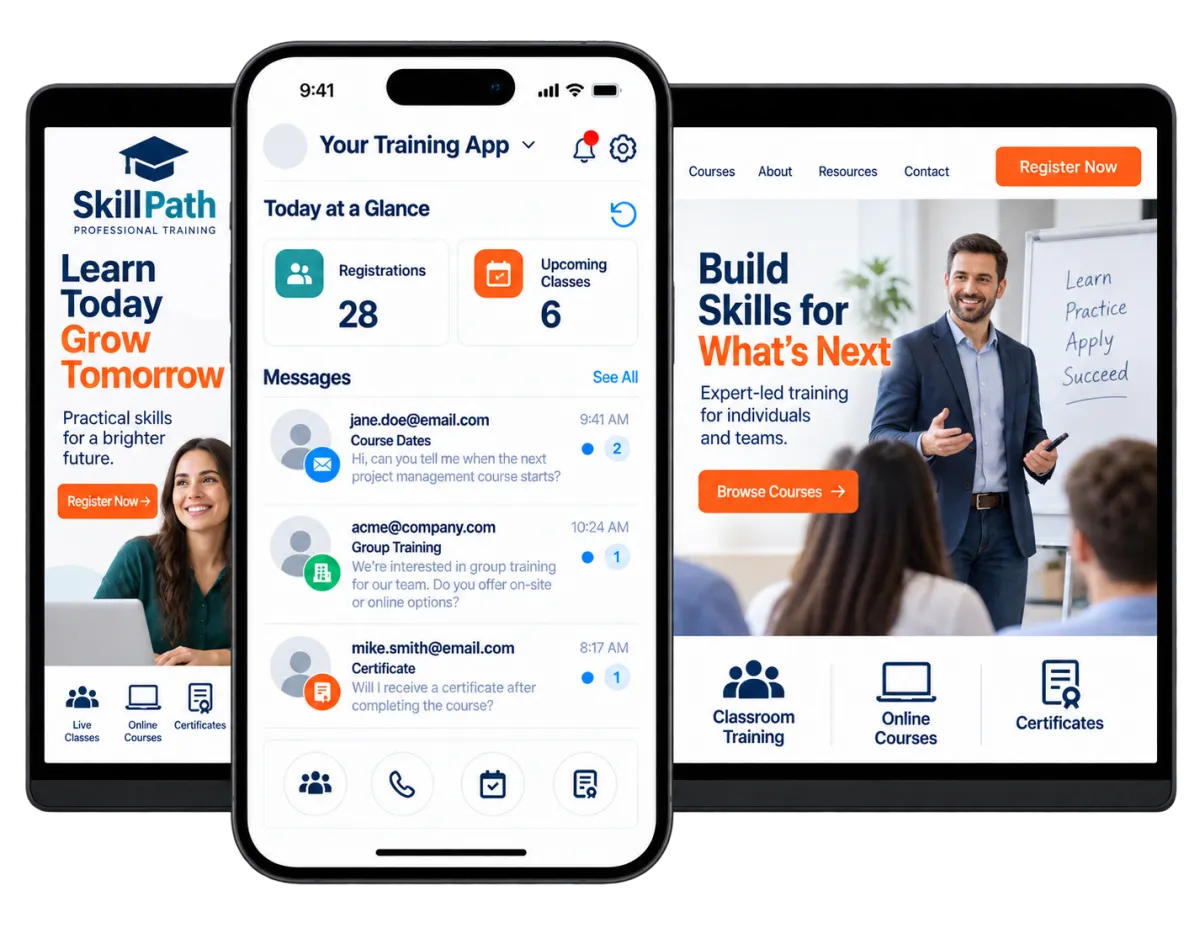
Training company owners wear many hats. They market classes, answer inquiries, set schedules, coordinate instructors, collect payments, and track learners. WinChilla helps a small team keep these tasks connected.
of Canadian workers ages 25 to 64 participated in job-related training outside formal education.
Source: Statistics Canada
of participating organizations planned to prioritize bridging skills gaps.
Source: Association for Talent Development
of employed people age 16 and older in the United States held a professional certification or license in 2023.
Source: U.S. Bureau of Labor Statistics
Does this sound familiar?
A learner completes one registration form but pays on another page. Reminders and course access may come from two more tools. Your team must then work out who registered, paid, attended, or needs renewal training.
Don't worry, we can help!
Connected Learner CRM
Keep each learner's contact details, registrations, messages, notes, tags, files, and activity history in one record.
Automated Learner Follow-Up
Send confirmations, reminders, course links, payment follow-up, and renewal campaigns based on each learner's activity.
Flexible Class Scheduling
Offer class, group, recurring, appointment, or event registration. Set capacity, staff, rooms, and payment options.

Turn More Interest Into Paid Registrations
Give prospective learners and business clients a clear path to a confirmed seat. WinChilla class registration software keeps each inquiry visible, so your team can follow up.
Forms
Collect learner details and start the right follow-up.
Capture registrations, wait-list requests, corporate training inquiries, and private class requests
Ask for course details with custom fields, checks, and rules
Add each response to the learner's CRM record instead of copying details between tools
Start a workflow as soon as a form is sent


Opportunities and Pipelines
Track valuable leads from first contact through proposal, registration, payment, and renewal.
Separate public registrations from larger corporate or onsite training opportunities
Assign each business inquiry to the right coordinator or sales representative
Track quote value, next steps, notes, and the person who must follow up
Move deals ahead when forms, payments, or other actions take place
Web Chat and Conversation AI
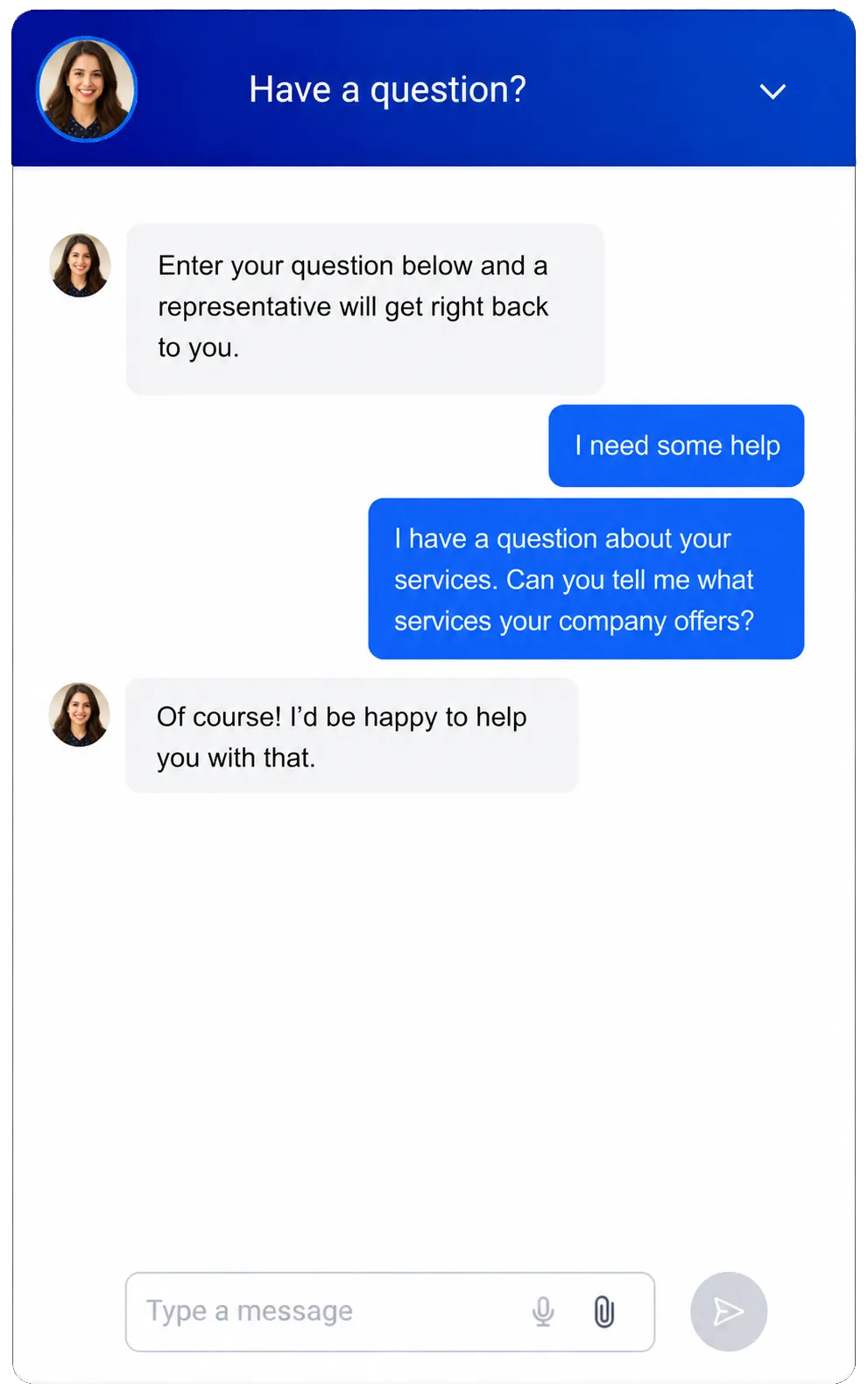
Answer common class questions and capture training inquiries, even after hours.
Share course dates, class types, entry needs, sites, and what learners should bring
Collect contact details before a visitor leaves the page
Qualify requests for private, onsite, or group training
Help qualified visitors book a time or pass the chat to a team member
See how WinChilla helps your training business save time, reduce admin, and book more appointments!

Make Class Registration Software Easier for Everyone
Online class registration software should make the process simple. Learners can choose a date, provide their details, and pay in one clear flow. Your team sees current registrations without chasing separate spreadsheets.

Calendars and Appointments
Set online times for classes, calls, skills checks, coaching, or live training.
Offer class, group, repeat, and one-to-one booking where it fits
Set trainer hours, room or gear needs, seat limits, and booking rules
Take a deposit or full payment when a learner books
Send booking notes and reminders through the channels you use
Events Management
Create branded registration pages for classes, workshops, seminars, and training events.
Post dates, sites, trainers, plans, FAQs, and guest details
Offer paid, free, ticketed, or RSVP registration for in-person or online sessions
Set ticket counts, price levels, sales dates, seat limits, and coupons
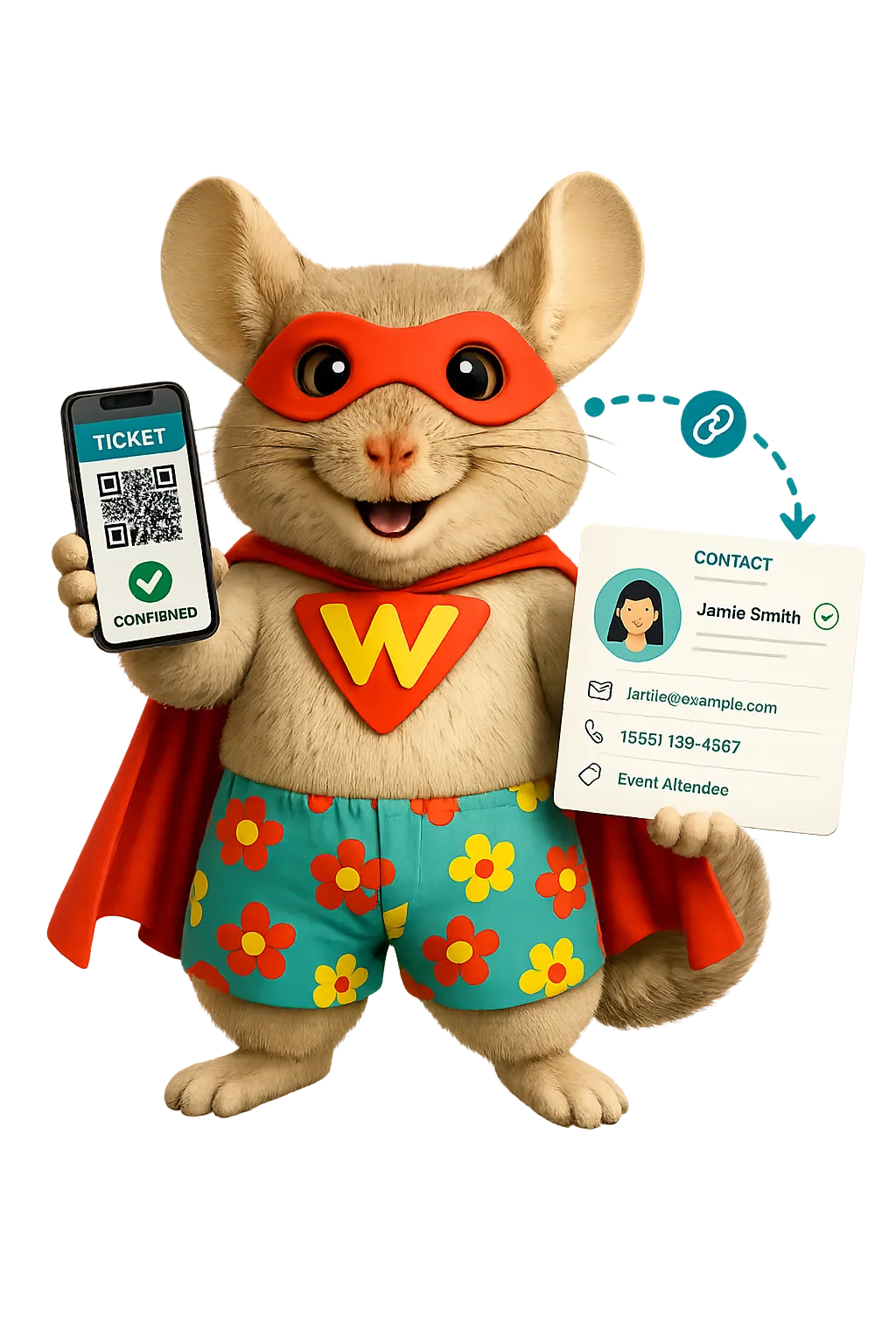
Scan ticket QR codes at check-in and review who took part
Payments
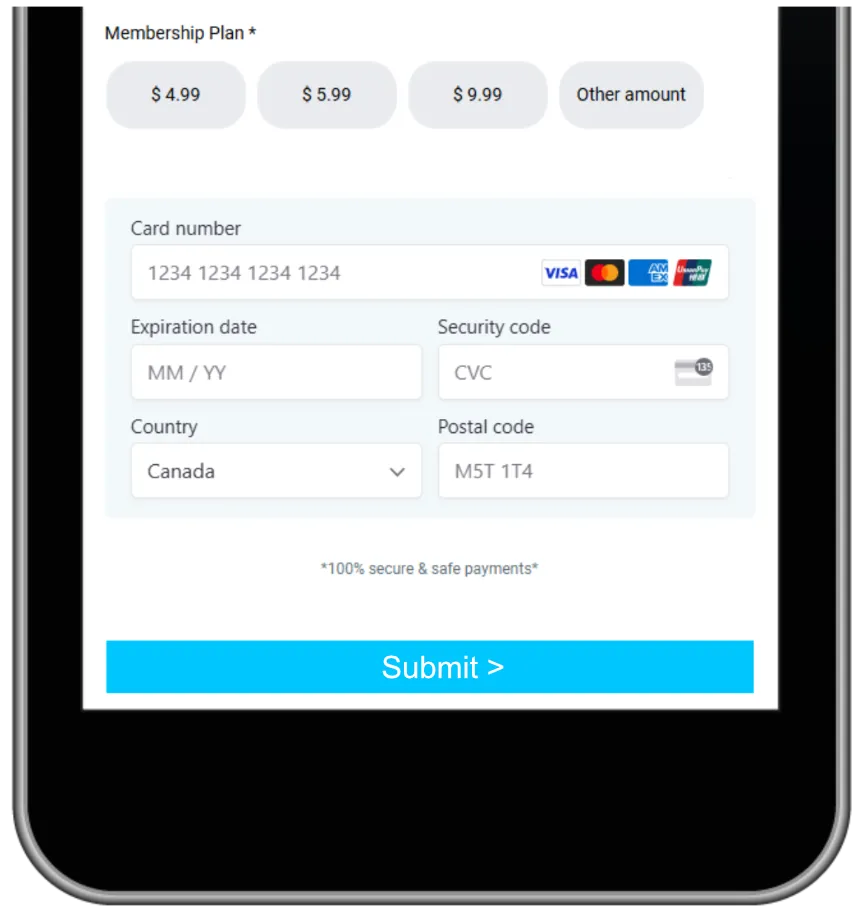
Take one-time or repeat payments online or by phone.
Charge for public classes, course bundles, member plans, deposits, or repeat access
Create branded payment links for learners who register by phone or email
Apply taxes, coupons, plans, or refunds where offered
Keep each payment tied to the learner's record
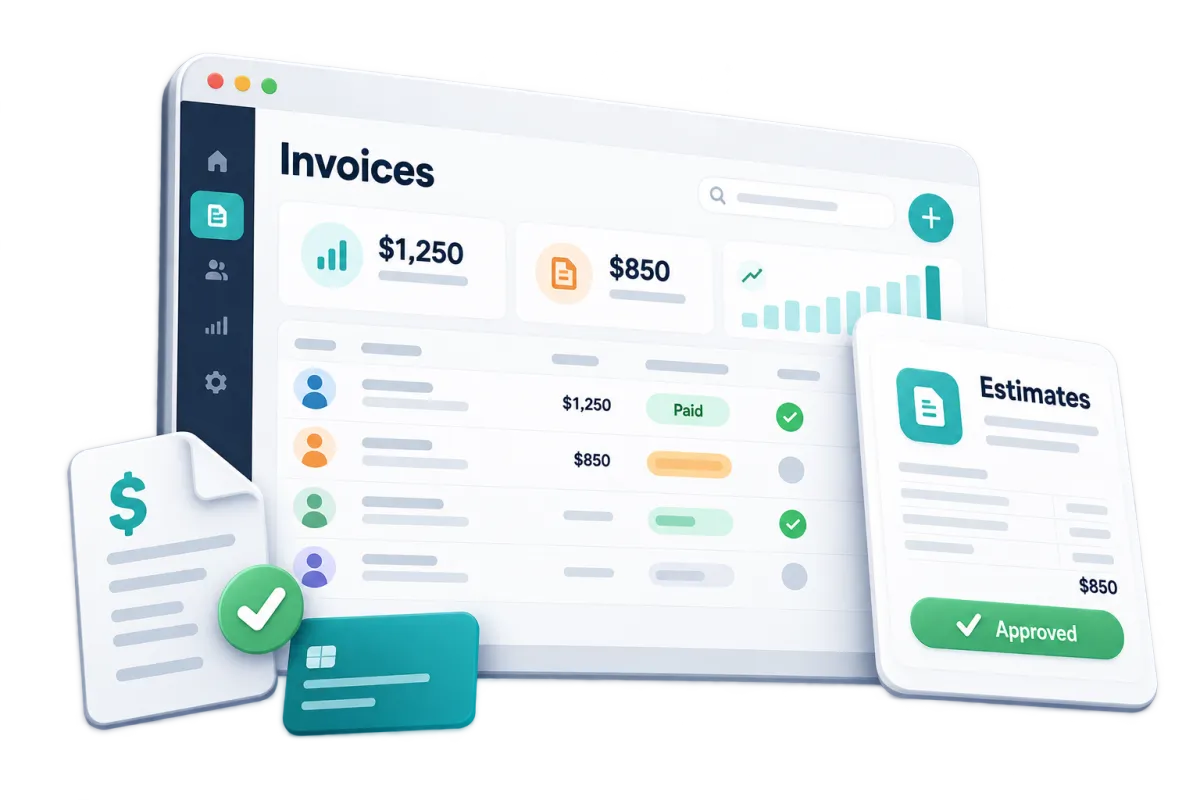
Invoices and Estimates
Quote and bill employers, organizations, or groups that buy training for their staff.
Send quotes for onsite, private, or custom training
Request deposits and use payment schedules for larger engagements
Create one-time or repeat invoices with due dates, files, taxes, and discounts
Automate reminders for unpaid or overdue balances

Deliver Learning Beyond the Live Class
Registration can start a longer learning experience. Give learners one place to access course materials, track progress, join a community, and earn recognition for completed training.
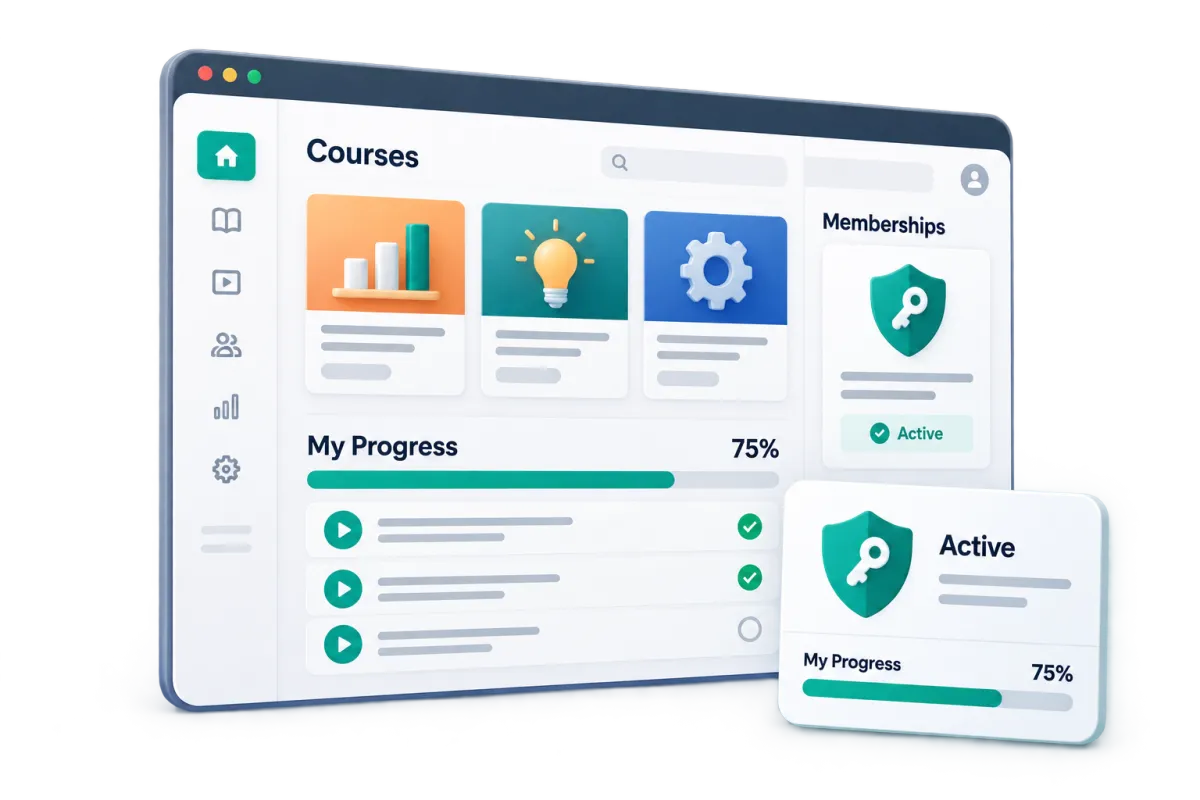
Digital Courses and Memberships
Build branded course areas with lessons, video, audio, files, captions, previews, and timed content.
Share pre-class reading, online lessons, work files, or post-class guides
Sell course access through offers and checkout pages or grant access through workflows
Check learner access and progress from linked contact records
Issue a completion certificate or badge when training is complete
Client Portal
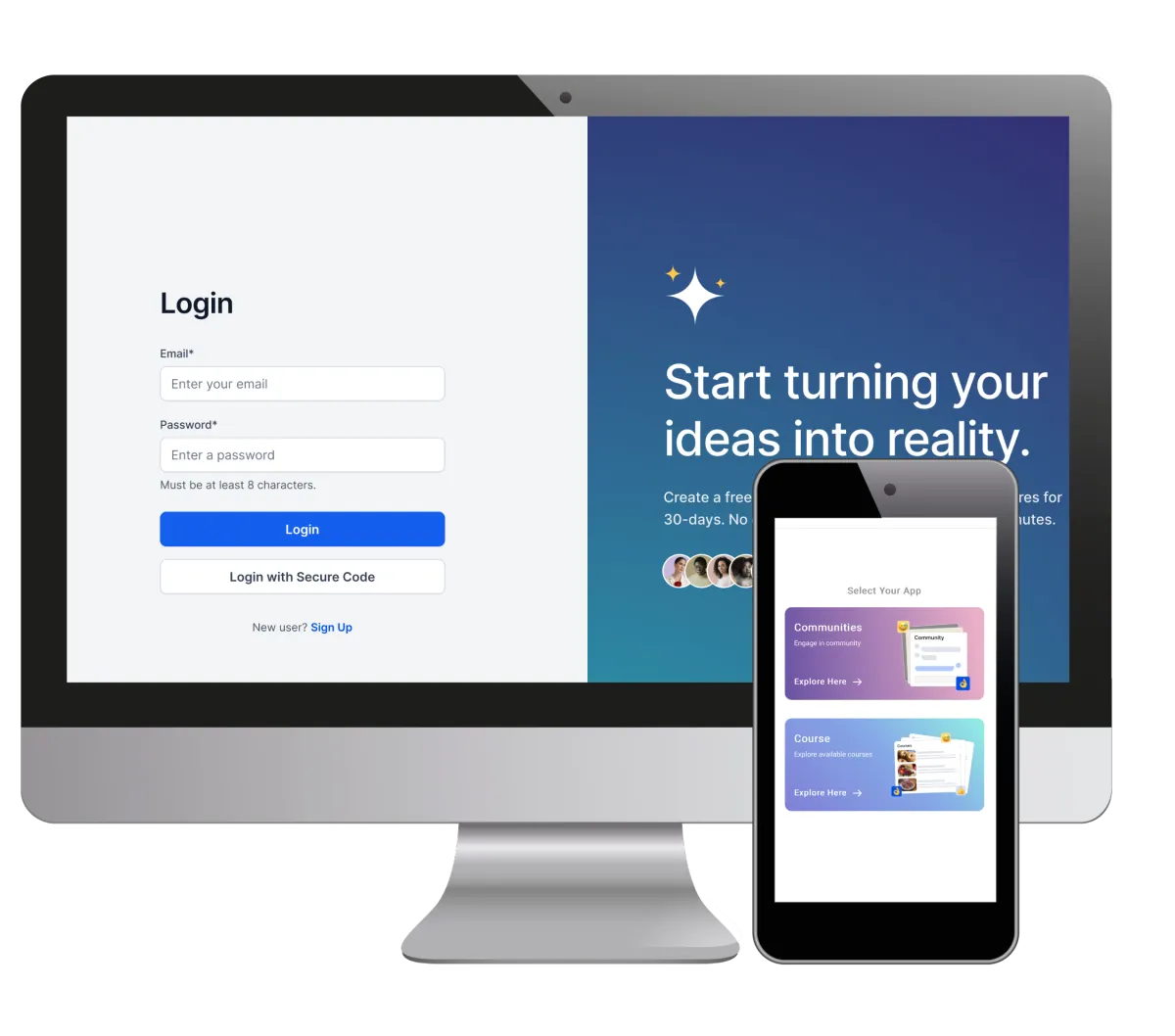
Give each learner one login for courses, communities, invoices, messages, and account resources.
Send portal invitations or magic links after registration
Reduce the need to email the same course links and documents by hand
Give learners web and mobile access to training files
Keep course, community, invoice, and message access in one place
Discover how WinChilla simplifies your day, saves time, and helps your training business grow.
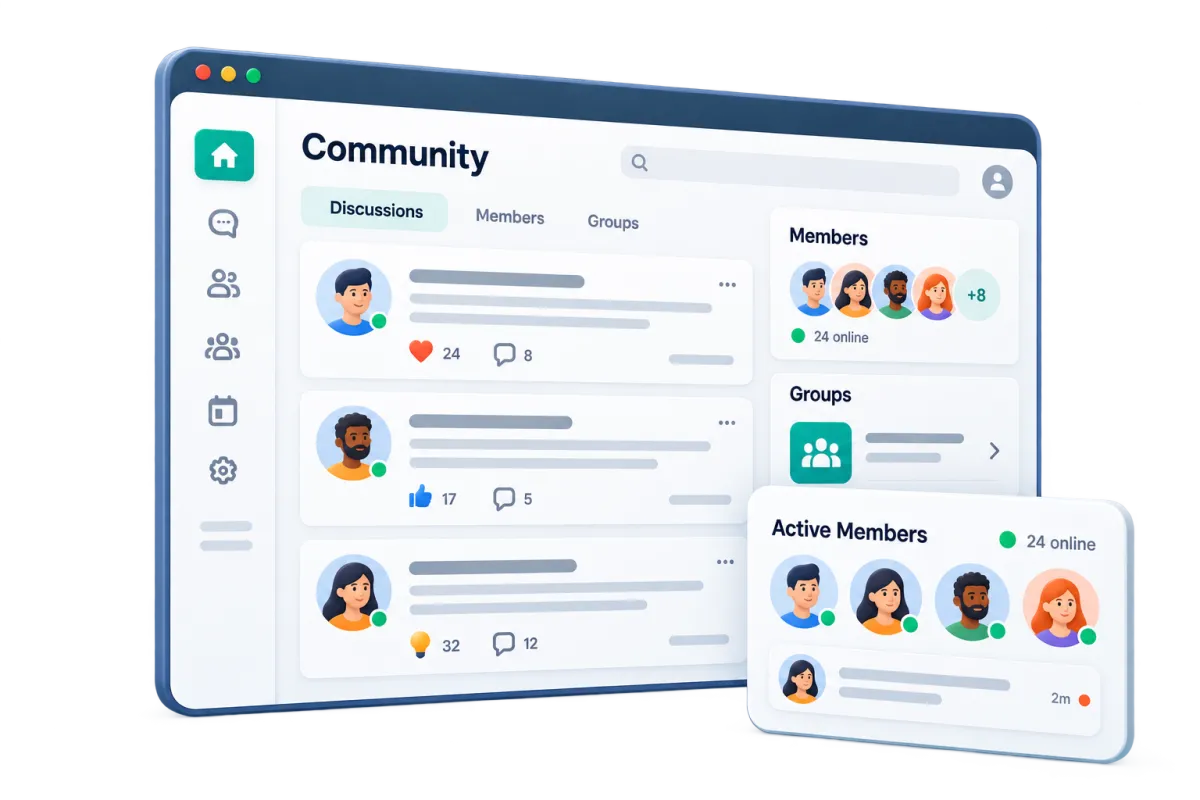
Communities
Create private communities where trainers and learners can keep in touch.
Set up groups for a course, cohort, credential path, or job topic
Let trainers share news, files, and prompts
Give learners a place to connect with trainers and fellow participants
Link community access with courses, live rooms, events, and the client portal

Bring Learners Back at the Right Time
The best class registration software should also work as a CRM for training providers after a course ends. WinChilla keeps you in touch. Promote the next class and send reminders when renewal training may be due.
Workflows and Automation
Build follow-up around registrations, appointments, payments, course access, and renewal dates.
Send registration confirmations and reminders without writing each one by hand
Grant or revoke course and group access as learner status changes
Store a renewal or end date in a contact field. Use it to start reminder workflows
Tell the AI workflow builder your goal to create an automation for you


Email Marketing
Promote new class dates and more training to the right learner groups.
Segment contacts by course interest, past registrations, location, employer, or renewal date
Share new class dates, added seats, early offers, or related courses
Add CRM details and custom values to each email
Use AI to draft or refine subject lines, course copy, calls to action, and images
Companies and B2B CRM
Manage employer and organization clients while keeping each learner tied to the right account.
Keep a record for each company, training partner, client, or referral source
Link decision-makers, learners, opportunities, tasks, notes, and other records to the right organization
Build company-based workflows for onboarding, assignments, follow-up, and renewals
Keep context available when several contacts from one employer need training
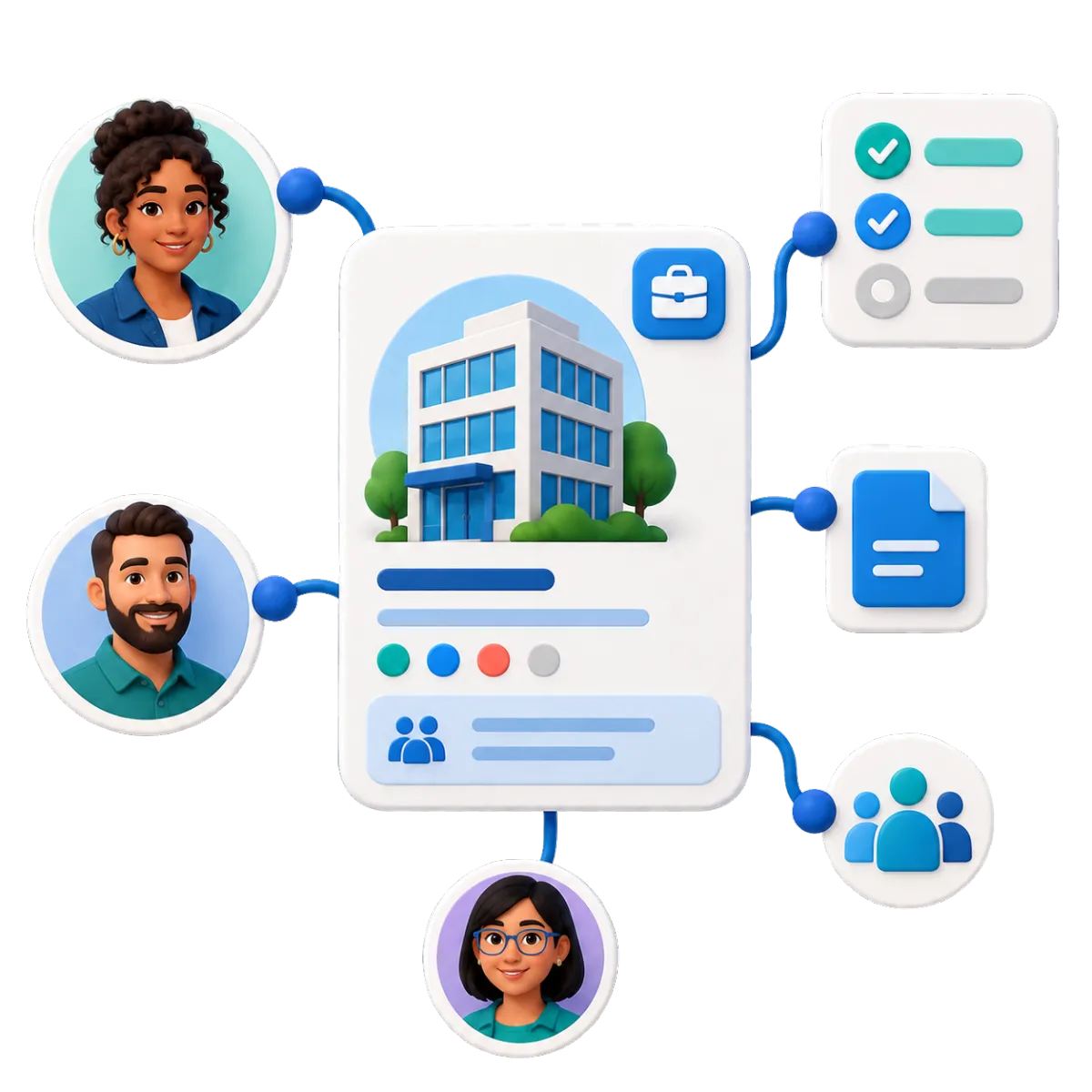

Contacts and CRM
Track each learner from the first inquiry through registration, completion, and return training.
Store contact details, notes, files, tags, custom fields, and activity history
Create smart lists for renewals, open bookings, past learners, or course interests
Import learner records by CSV and update selected details in bulk
Recognize Achievement and Build Your Reputation
Celebrate learner success while turning positive training experiences into renewed trust, stronger visibility, and future registrations.
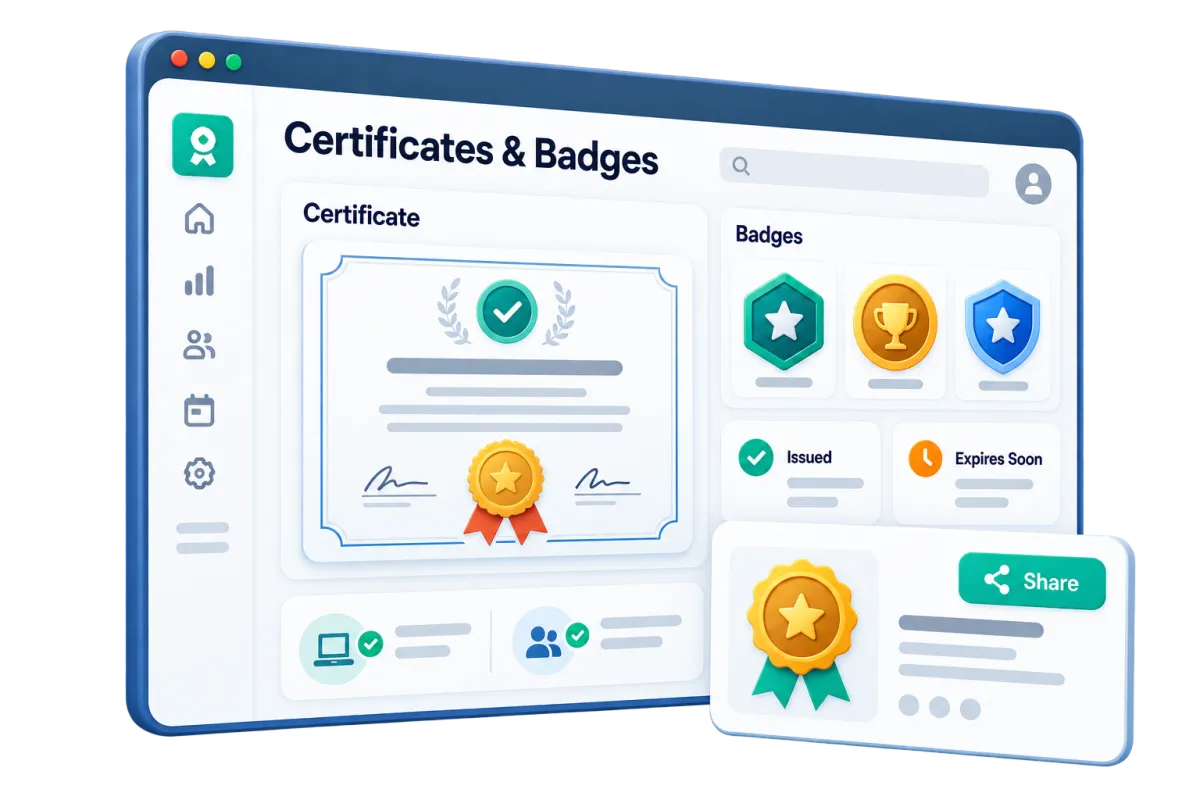
Certificates and Badges
Give learners credentials they can keep, renew, and proudly share after completing an in-person class or digital course.
Create custom certificates or use AI to help develop a professional design
Issue certificates that remain valid permanently or expire after a set period
Trigger automated reminders when a certification is approaching its renewal date
Award digital badges learners can share on social networks, websites, and professional profiles
Deliver credentials automatically when the appropriate training requirements are completed

Reputation Management
Make it easier for satisfied learners and business clients to share their experiences while keeping your online reputation organized.
Send automated review requests by email or text after a class is completed
Direct learners to supported review platforms using a simple review link
Monitor new reviews from one central location
Use AI-assisted responses to reply quickly while maintaining your brand voice
Display selected reviews on your website to help prospective learners feel confident registering
More Tools for a Stronger Training Business
Add useful tools for tests, feedback, reports, and growth to your class registration software.
Surveys
Gather learner feedback, training needs, intake details, or course evaluations. Start workflows when a response is submitted.
Website and Funnels
Create landing pages for courses, workshops, events, and special promotions.
Mobile App
Check contacts, conversations, schedules, opportunities, invoices, documents, and payments while away from your desk.
Social Media Planner
Create, schedule, and manage social posts promoting upcoming classes.
Quizzes
Build scored assessments with categories and custom results. Start follow-up based on answers or score ranges.
Documents and Contracts
Send quotes, training terms, waivers, or service deals for e-signature and follow-up.
affordable pricing plans built for small businesses
How much does this cost?
We're glad you asked! WinChilla is pleased to offer affordable pricing plans to suit your growing business.
Class Registration Software FAQs for Training Providers
What types of training providers can use WinChilla?
WinChilla can help many class-based organizations. These include first aid and CPR trainers, safety trainers, vocational schools, coaches, professional development firms, and continuing education providers. Each provider can shape its forms, schedules, pipelines, course areas, and follow-up.
Can WinChilla handle both public classes and corporate training clients?
Yes. You can publish class or event registration pages for individual learners. Use company records, pipelines, estimates, invoices, and workflows for private or employer-funded training. This keeps the buyer, the organization, and its learners connected.
Can learners receive digital courses, certificates, and badges?
WinChilla can host branded course areas with lessons, video, audio, downloads, drip content, and progress tracking. It can also issue completion certificates or badges. Learners can access course resources in the client portal. Formal testing, external accreditation, or specialized credential checks may need another platform or integration.
Can WinChilla remind learners before training or certification renewal is due?
You can store a renewal or end date in a contact field. Workflows can send reminders based on that date. This can bring past learners back for a refresher. If an outside body needs its own registry or strict expiry rules, confirm that process and link it where supported.
What should I look for in the best class registration software?
Start with the full learner journey, not registration alone. Look for clear online booking, flexible class scheduling software, payments, reminders, learner records, company accounts, course access, and follow-up. WinChilla brings these tools together, so fewer steps depend on manual handoffs.
Can WinChilla replace a learning management or compliance system?
WinChilla covers many course registration software needs. It can deliver digital course content, track learner progress, issue completion certificates or badges, and automate communication. It is not a dedicated system for every regulatory, accreditation, proctoring, roster, identity, or credential requirement. Providers with strict compliance needs may use WinChilla with a specialized platform through an integration or workflow.
What others are saying:
"Love everything so far"
"I've never set up a website before but I love managing my new site and leads. The WinChilla team has been really helpful whenever I got stuck."
- Laura P

"Simplifies my sales"
"I've been able to help my son promote his candy business which has been great because I am not good with computers at all."
- Robert T
"Highly recommend"
"It's exciting to see my visions come to life and WinChilla helps me manage everything in one place so I can be anywhere in the world and my business just runs."
- Jaret H
WinChilla works with platforms you already use such as


















Real Support for Your Next Step
30-Day Money-Back Guarantee
New customers can get started with a 30-day money-back guarantee on eligible subscription fees. Review the refund terms for coverage, exclusions, and how to request a refund.
Onboarding and 24/7 Support
Start with a technical setup call and a training call, then get help through 24/7 chat support. Use our tutorials and knowledge base as you build and refine the tools your business needs.
Helping Businesses Since 2010
Our founders bring more than 30 years of combined experience in business software and customer incentive programs, helping small businesses build stronger customer relationships.

Make Every Class Easier to Find, Book, and Manage

© 2024-2026 Loyalty Gator Inc. All rights reserved.
WinChilla CRM | A Loyalty Gator Company | Trusted Since 2010
The information provided by Loyalty Gator Inc. (DBA: WinChilla) ('we', 'us', or 'our') on WinChilla’s website (the 'Site') and our mobile application is for general informational purposes only. All information on the Site and our mobile application is provided in good faith, however we make no representation or warranty of any kind, express or implied, regarding the accuracy, adequacy, validity, reliability, availability, or completeness of any information on the Site or our mobile application. UNDER NO CIRCUMSTANCE SHALL WE HAVE ANY LIABILITY TO YOU FOR ANY LOSS OR DAMAGE OF ANY KIND INCURRED AS A RESULT OF THE USE OF THE SITE OR OUR MOBILE APPLICATION OR RELIANCE ON ANY INFORMATION PROVIDED ON THE SITE AND OUR MOBILE APPLICATION. YOUR USE OF THE SITE AND OUR MOBILE APPLICATION AND YOUR RELIANCE ON ANY INFORMATION ON THE SITE AND OUR MOBILE APPLICATION IS SOLELY AT YOUR OWN RISK.