
Cleaning Business Software That Keeps Every Job on Track
WinChilla brings leads, customer messages, quotes, bookings, payments, and reviews together so your cleaning team can respond faster and stay organized from the first inquiry through repeat service.




One Place to Run the Customer Side of Your Cleaning Business
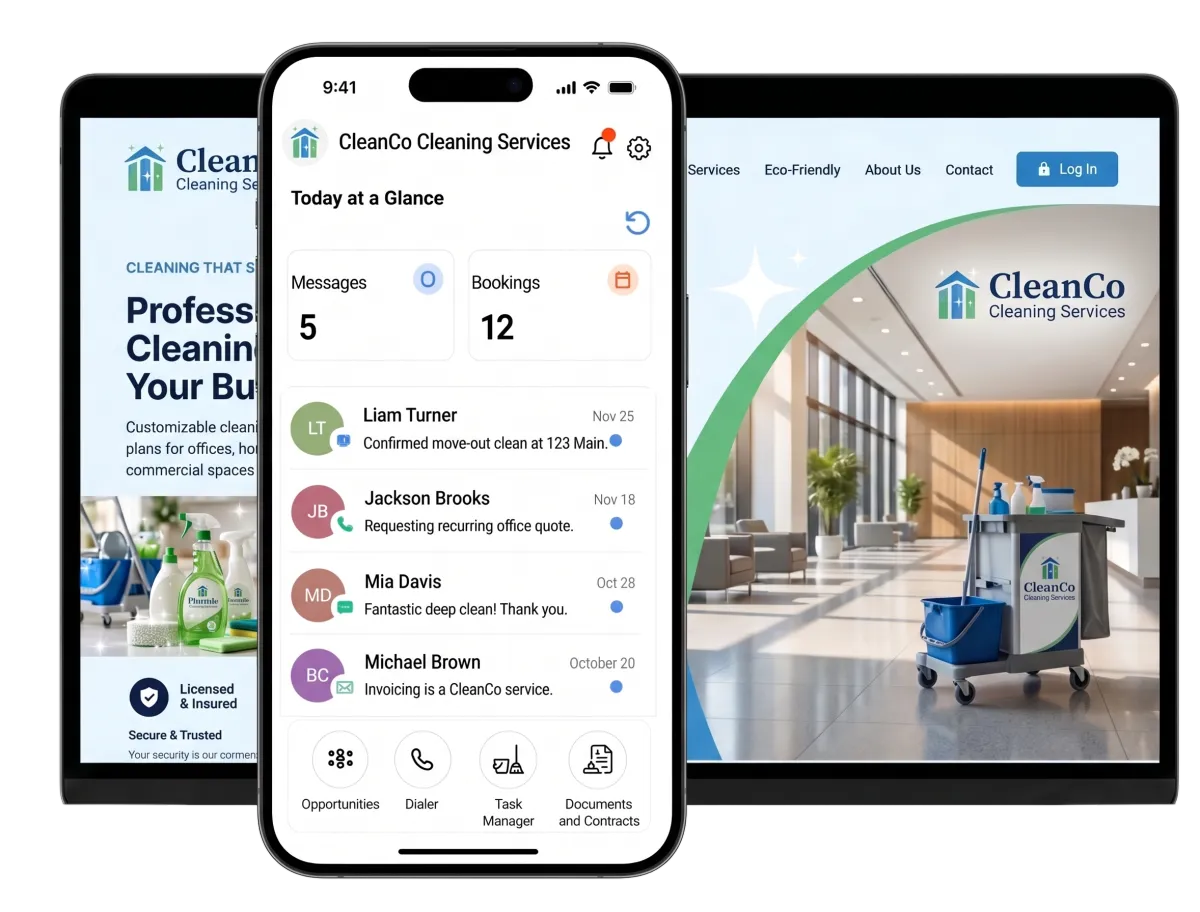
WinChilla cleaning business software gives house cleaners, maid services, and janitorial teams one place to store leads and client records. It also links chats, jobs, quotes, bills, follow-up, and reviews. This can help your cleaning service business save time on daily admin.
For Cleaning Teams Wearing More Than One Hat
You may answer leads between jobs, write quotes at night, change bookings, chase bills, and ask for reviews. Cleaning business software cuts that office strain. It keeps each client’s past details and next step close at hand.
of U.S. consumers said positive reviews make them more likely to use a business.
Source: BrightLocal
of U.S. consumers consume video content when looking for information about local businesses.
Source: BrightLocal
of commercial cleaning businesses named increasing revenue as their top goal.
Source: Aspire
Does this sound familiar?
A new lead comes in while the whole team is on a job, so the reply has to wait. Quote details sit in one inbox. Job notes sit in another. No one is sure who owns the next step, and the lead may book a rival first.
Don't worry, we can help!
Conversations
Bring email, text, phone, chat, and supported social messages into one inbox. See the full chat history with each lead.
Workflows & Automation
Use set events to start follow-up, tasks, sales-stage moves, and booking steps. Your team does not have to rely on memory.
Opportunities & Pipelines
Track each home quote, office bid, and repeat job through clear sales stages. Give each one an owner and a next step.

Turn More Cleaning Inquiries Into Booked Work
Make it easy for homeowners, property managers, and office contacts to reach you. Then keep every request visible until it becomes a booking or receives a clear answer.
Web Chat
Capture questions and contact details from your website, including after-hours requests.
Let a homeowner ask about recurring house cleaning without searching for an email address
Capture a move-out cleaning request after the office has closed
Collect contact details from a facility manager who needs a commercial quote
Route new conversations into the central inbox, team assignments, and supported workflows
Use AI to answer common questions and help qualified prospects book


Forms
Collect the details your team needs before preparing a quote or arranging a visit.
Ask for property type, approximate size, service frequency, and preferred dates
Let prospects select residential, office, carpet, or move-out cleaning needs
Use conditional fields to show follow-up questions based on the service selected
Add each completed form to the contact record and start the right follow-up workflow
Conversations
Keep customer messages and history together so office staff can reply with context.
See whether a prospect first contacted you by web chat, phone, email, or a supported social channel
Review earlier messages before answering a question about access, pets, or service frequency
Filter the inbox to find unanswered quote requests and booking questions
Hand a conversation to another team member without losing the earlier details


Cleaning Business Software for Quotes, Bookings, and Payments
Move customers from “How much will it cost?” to a confirmed service with fewer gaps. WinChilla keeps the sales and payment steps connected to the same customer record.

Opportunities & Pipelines
Give every quote and commercial opportunity a visible stage, value, status, and owner.
Separate new inquiries, site visits, estimates sent, won jobs, and lost opportunities
Track a one-time deep clean without mixing it up with a multi-site janitorial proposal
Filter open opportunities by service type, source, owner, or stage
Use supported workflows to move an opportunity or begin follow-up when its status changes
Invoices & Estimates
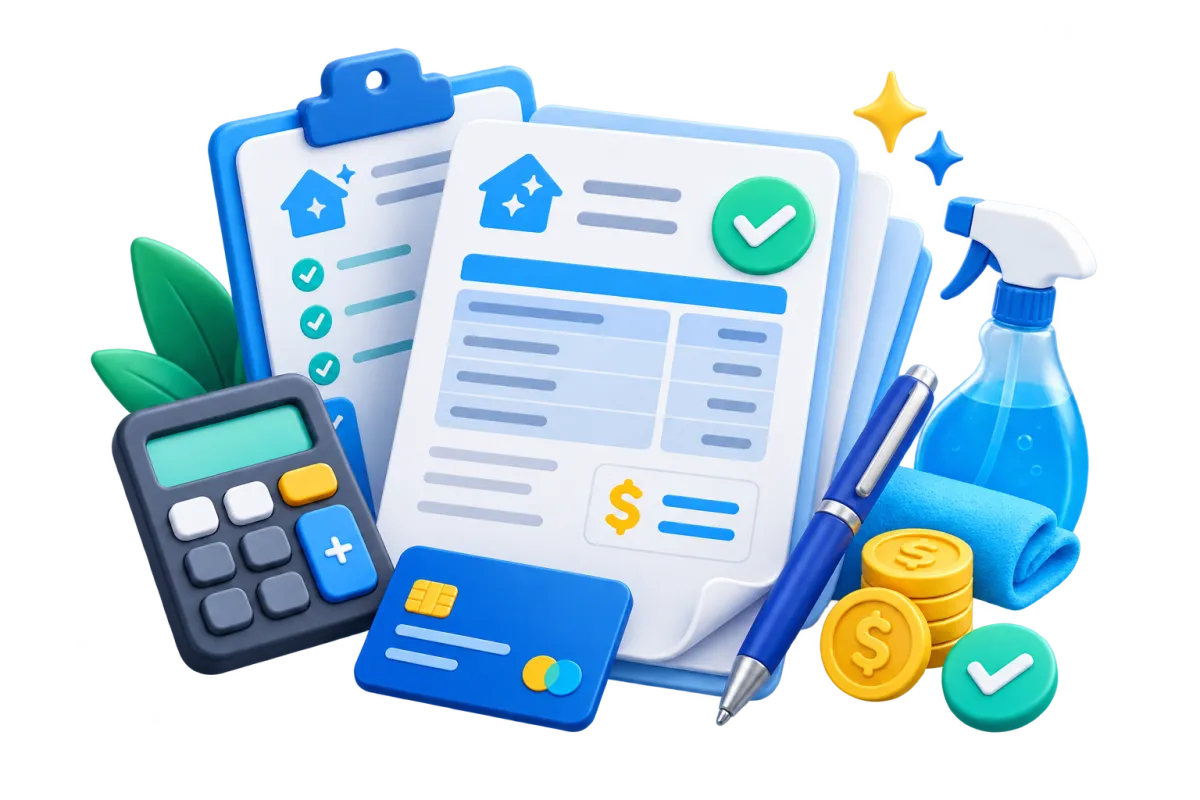
Create and send branded estimates and invoices from the web or mobile app.
Quote a deep clean, carpet service, or move-out package with clear line items
Set payment schedules or deposits for larger commercial cleaning projects
Create recurring invoices for ongoing office or janitorial accounts
Send supported reminders when a balance is unpaid or overdue

Calendars & Appointments
Set up booking calendars that reflect staff availability, service time, and scheduling rules.
Offer consultations, walkthroughs, or service appointments through an online calendar
Create recurring bookings for weekly, biweekly, or monthly cleaning where applicable
Add buffers between appointments and prevent conflicts with connected calendars
Send confirmations and reminders through supported channels
Payments
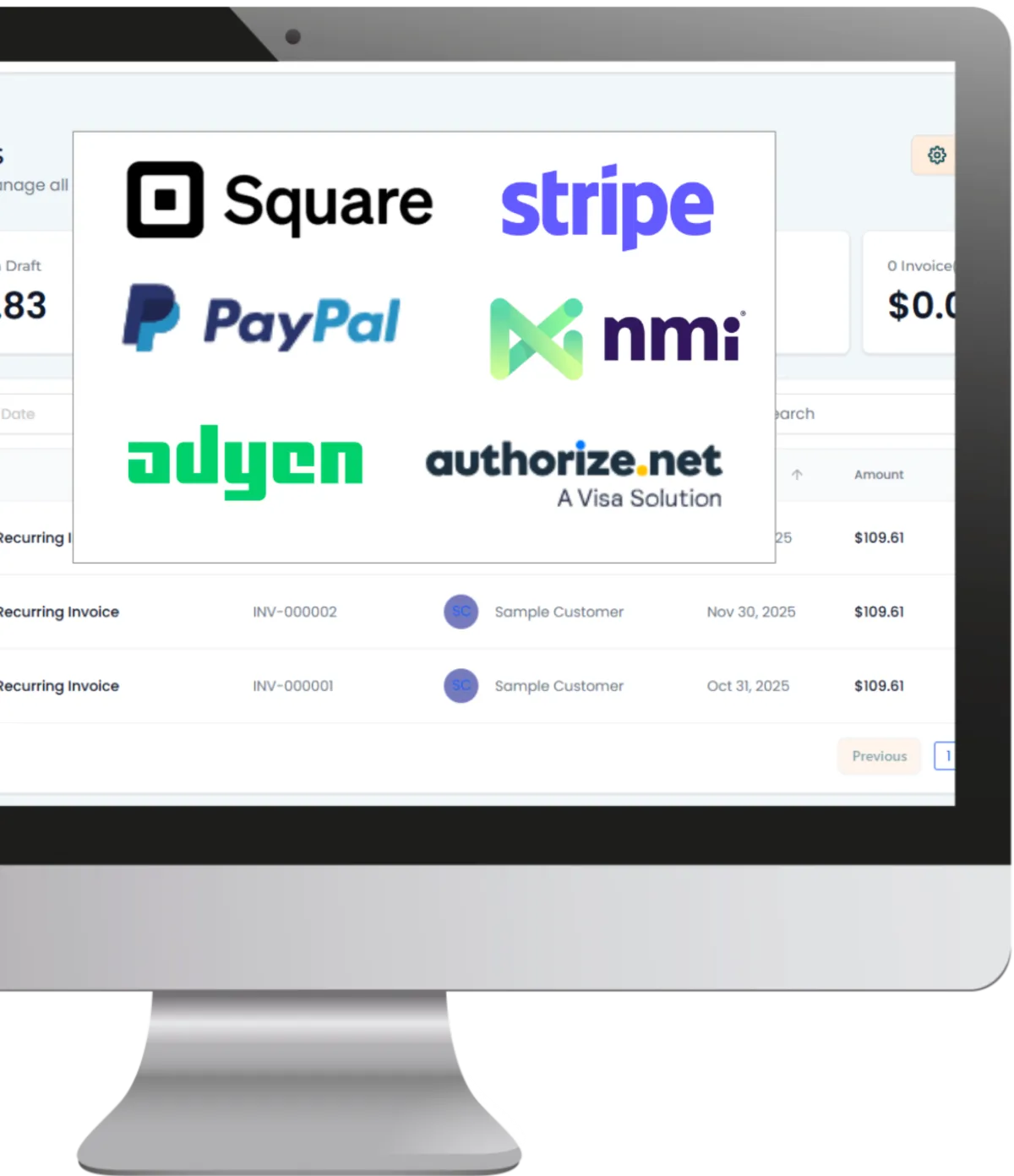
Collect one-time or recurring payments online or in person with convenient credit card processing options.
Send a payment link after a residential cleaning is complete
Collect a supported deposit when a larger service is booked
Manage recurring payment arrangements for eligible ongoing accounts
Keep transaction and refund details available for office follow-up

Keep Residential and Commercial Customer Details Organized
Good service depends on details. Keep each contact, property note, account relationship, conversation, appointment, and task connected instead of spreading them across inboxes and spreadsheets.
Contacts & CRM
Build a complete customer record with contact details, notes, files, tags, custom fields, and activity history.
Record service preferences, entry instructions, property notes, and communication history
Tag customers by residential, commercial, carpet, move-out, or recurring service
Create smart lists for customers due for seasonal or repeat-service follow-up
Import existing contacts by CSV and update selected records in bulk

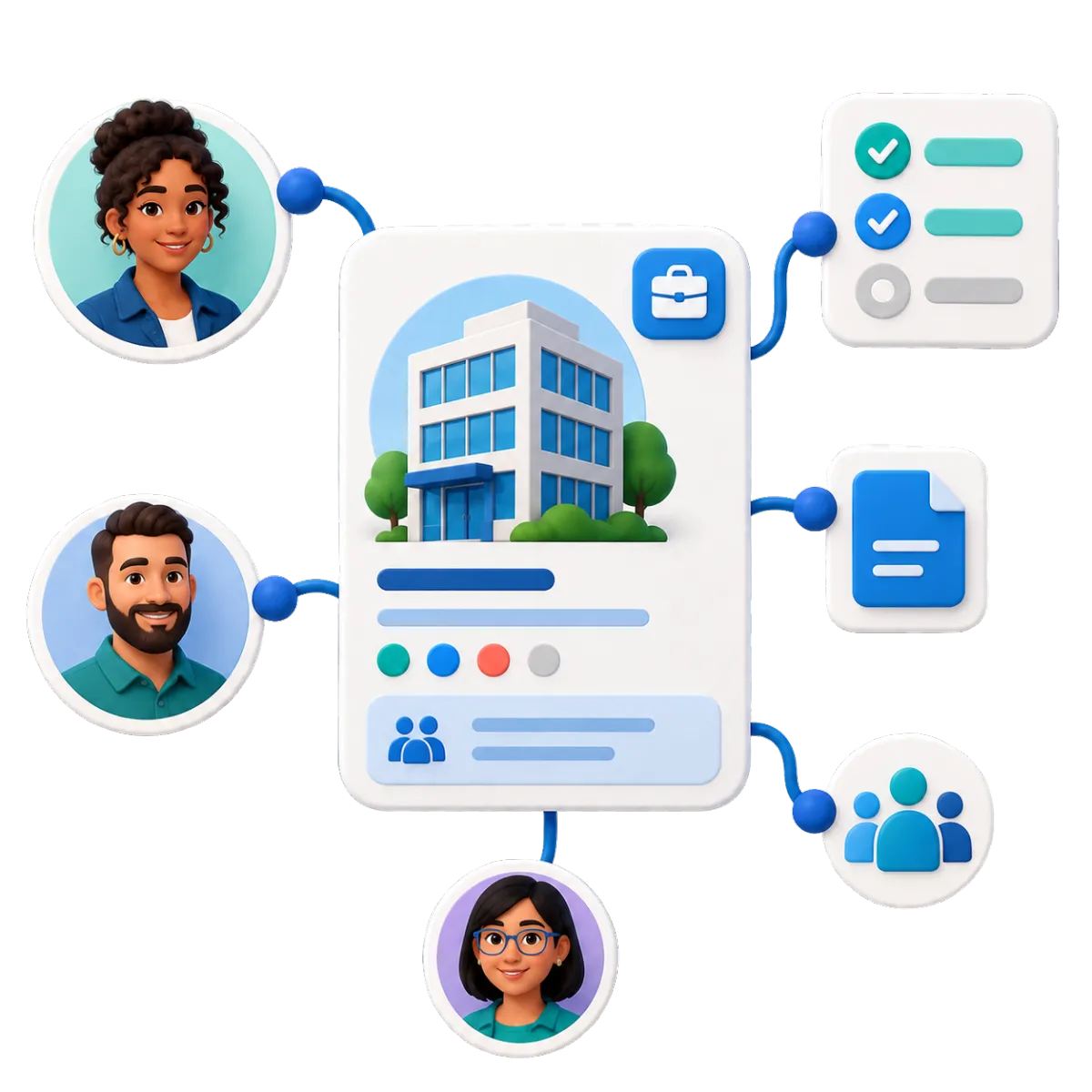
Companies / B2B CRM
Organize commercial accounts separately while linking the people, opportunities, tasks, and notes tied to each company.
Keep a property management company linked to its managers and open cleaning bids
Connect several office contacts to the same commercial account
Track account notes and tasks for a multi-location client
Start supported onboarding, renewal, or account-update workflows from company records
Tasks & Team Work Management
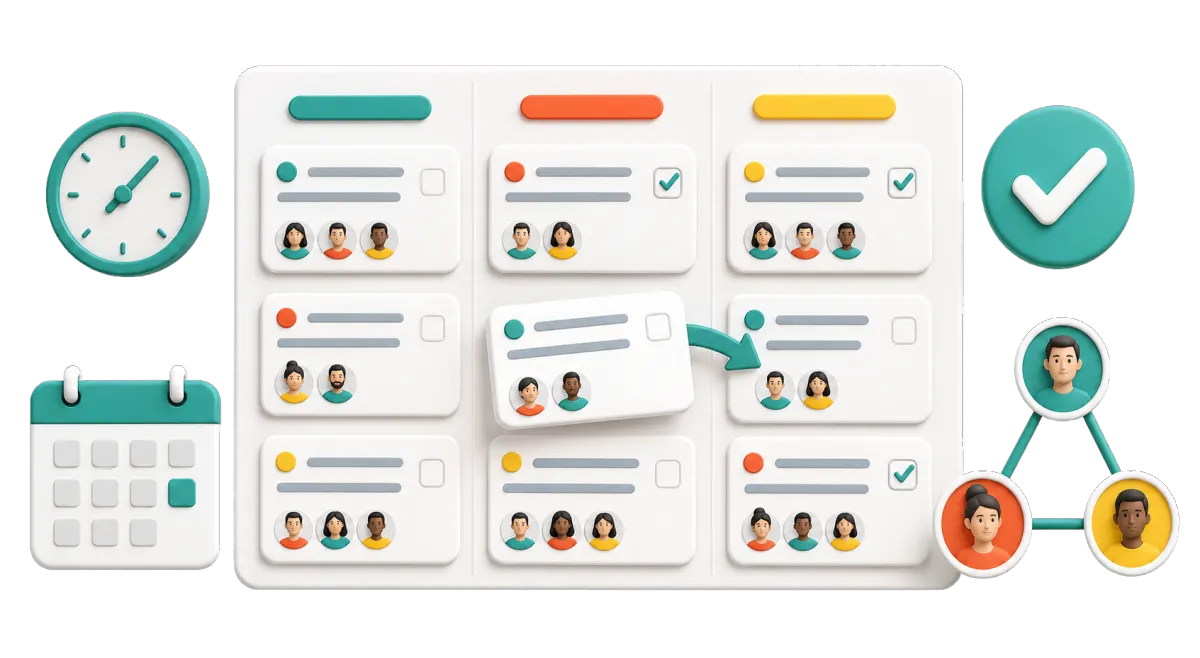
Assign, schedule, prioritize, and repeat customer-related tasks from the web or mobile app.
Assign a site-walkthrough follow-up to the sales lead
Create a task to confirm access details before a first cleaning
Schedule a recurring account-review task for an office client
Trigger a task after a form, call, appointment, or CRM update

Bring Customers Back and Build a Stronger Local Reputation
The relationship should not end when the cleaners leave. Stay useful between visits, invite feedback at the right time, and make repeat service easier to arrange.
Workflows & Automation
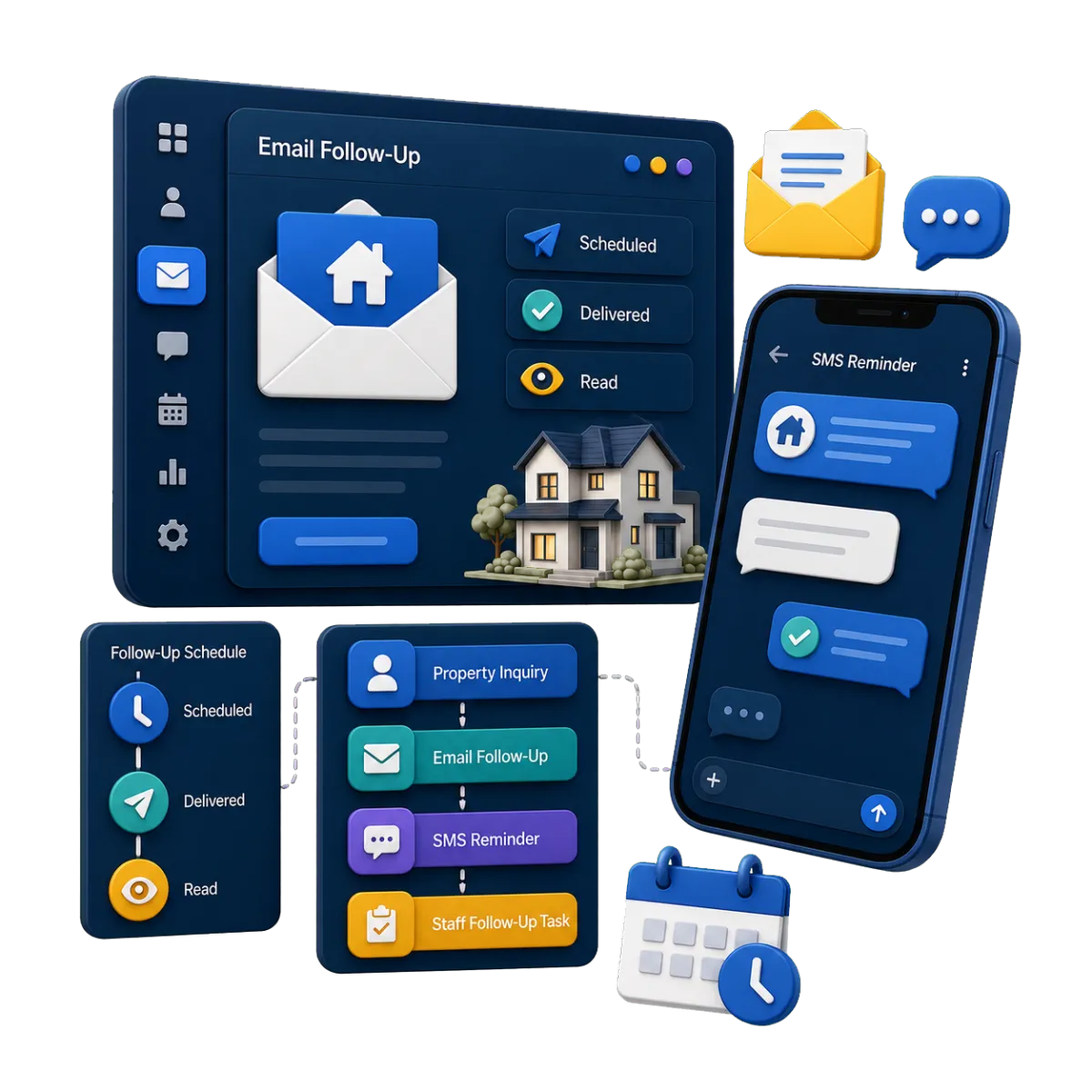
Automate supported follow-up, appointment actions, pipeline updates, payment steps, and marketing tasks, with AI helping build workflows for you.
Follow up after an estimate has been sent and no decision is recorded
Send a reminder before a scheduled walkthrough or cleaning appointment
Start a post-service follow-up sequence after a completed customer milestone
Create a task when a customer needs a personal reply instead of another automated step


Reputation Management
Request, monitor, and respond to reviews across supported profiles from one place.
Ask a satisfied homeowner for a review after a completed service
Monitor recent feedback for common praise or recurring concerns
Use AI-assisted suggestions as a starting point for a personal review response
Display selected reviews on your website through a customizable widget
Email Marketing
Send targeted, branded email campaigns using customer details, tags, and smart lists, with AI help for subject lines, copy, calls to action, and images.
Remind past customers about spring cleaning or holiday preparation
Reach move-out customers with a referral request after their service
Send useful updates to commercial clients without contacting every account by hand
Track delivery, opens, clicks, failures, and unsubscribes for each campaign
More Tools for the Work Around Every Cleaning Job
Use the tools that fit your process and keep client work in sync.
AI Receptionist
Answer supported inbound calls, handle common questions, collect job details, book eligible appointments, or transfer callers to your team.
Surveys
Send post-cleaning surveys to collect feedback, spot service concerns, and trigger follow-up based on each response.
Mobile App
Check leads, chats, quotes, bills, bookings, and tasks from the field.
Websites
Build service pages with quote forms, surveys, calendars, chat widgets, reviews, and other lead-capture tools.
Gift Cards
Sell digital gift cards for house cleaning, deep cleaning, moving, new parents, holidays, or customer rewards.
Social Planner
Use AI to create or refine captions, ideas, hashtags, and images, then schedule cleaning content across supported social platforms.
Cleaning Business Software FAQs
Can WinChilla help a house cleaning company manage repeat clients?
Yes. You can keep client details, job notes, chat history, bookings, bills, and follow-up in one place. Set calendar types can handle repeat bookings. Workflows can send reminders and start follow-up after a job. Your team still sets staff hours and approves any change to the service plan.
Can office cleaning firms manage accounts with many contacts or sites?
Yes. A company record can link many people, open bids, tasks, notes, and other records to one account. This helps with property firms, offices, and clients that have more than one site. You can also set up site-based booking choices when they fit the account.
Does WinChilla replace route planning, payroll, time tracking, or supply-management software?
No. WinChilla supports CRM, customer communication, lead tracking, booking, basic scheduling, quotes, bills, payments, follow-up, and marketing. It is not field service software built specifically for crew routes, payroll, time clocks, supply tracking, site checks, or tracking crews in real time. Those needs may require another app. Supported links can connect parts of your tool set where available.
Can customers request a quote or book a cleaning online?
Yes. Web chat and forms can catch quote requests and key job details. Your calendar can let clients pick set services, times, staff, or add-ons based on your rules. A custom quote or site walk may still be best for complex office work.
How can a cleaning business CRM help with missed leads?
A cleaning business CRM keeps leads, contact details, chat history, open deals, and tasks in view. WinChilla can also start set replies, reminders, and follow-up after a form, call, booking, or CRM event. Your team can see who needs help next without relying on memory.
Can WinChilla help a cleaning company get more customer reviews?
WinChilla can send review requests through supported channels after the right step in your process. It can also watch linked profiles, track feedback, help draft replies, and show chosen reviews on your site. This gives you a steady review process based on real client work.
What others are saying:
"Love everything so far"
"I've never set up a website before but I love managing my new site and leads. The WinChilla team has been really helpful whenever I got stuck."
- Laura P

"Simplifies my sales"
"I've been able to help my son promote his candy business which has been great because I am not good with computers at all."
- Robert T
"Highly recommend"
"It's exciting to see my visions come to life and WinChilla helps me manage everything in one place so I can be anywhere in the world and my business just runs."
- Jaret H
WinChilla works with platforms you already use such as


















What you can expect from us
Money Back Guarantee
We're confident you'll love saving money by switching from existing software providers with your business tools to one place.
Plus, we believe you'll save a ton of time with marketing automation.
Within 30 days, if we're not the right fit, we'll give you your money back.
View Terms of Service
24/7 Support
We're here to help. You'll get a one-on-one onboarding call with our team.
Then, you'll get another tech call with us to make sure your account is configured exactly as you want it.
Plus, you can expect 24/7 chat support from our team with any questions you have along the way.
30+ Years of Experience
We've been helping small businesses since 2010!
The WinChilla brand is new, but our experience is not. The founders of WinChilla have over 30 years of experience combined in digital software and customer incentive programs - helping businesses like yours - worldwide since 2010. Now, we're excited to bring our expertise to launch these new super tools to help all of our clients grow.

Spend Less Time Chasing Details Between Jobs

© 2024-2026 Loyalty Gator Inc. All rights reserved.
WinChilla CRM | A Loyalty Gator Company | Trusted Since 2010
The information provided by Loyalty Gator Inc. (DBA: WinChilla) ('we', 'us', or 'our') on https://www.winchilla.com (the 'Site') and our mobile application is for general informational purposes only. All information on the Site and our mobile application is provided in good faith, however we make no representation or warranty of any kind, express or implied, regarding the accuracy, adequacy, validity, reliability, availability, or completeness of any information on the Site or our mobile application. UNDER NO CIRCUMSTANCE SHALL WE HAVE ANY LIABILITY TO YOU FOR ANY LOSS OR DAMAGE OF ANY KIND INCURRED AS A RESULT OF THE USE OF THE SITE OR OUR MOBILE APPLICATION OR RELIANCE ON ANY INFORMATION PROVIDED ON THE SITE AND OUR MOBILE APPLICATION. YOUR USE OF THE SITE AND OUR MOBILE APPLICATION AND YOUR RELIANCE ON ANY INFORMATION ON THE SITE AND OUR MOBILE APPLICATION IS SOLELY AT YOUR OWN RISK.