
A Credit Union CRM That Keeps Member Engagement Personal
WinChilla keeps inquiries, permission-based follow-up, appointments, and campaigns on track.




One Workspace for Credit Union Outreach
WinChilla brings contacts, messages, appointments, tasks, campaigns, and reports into one connected workspace. Staff spend less time moving between tools and more time helping each person.
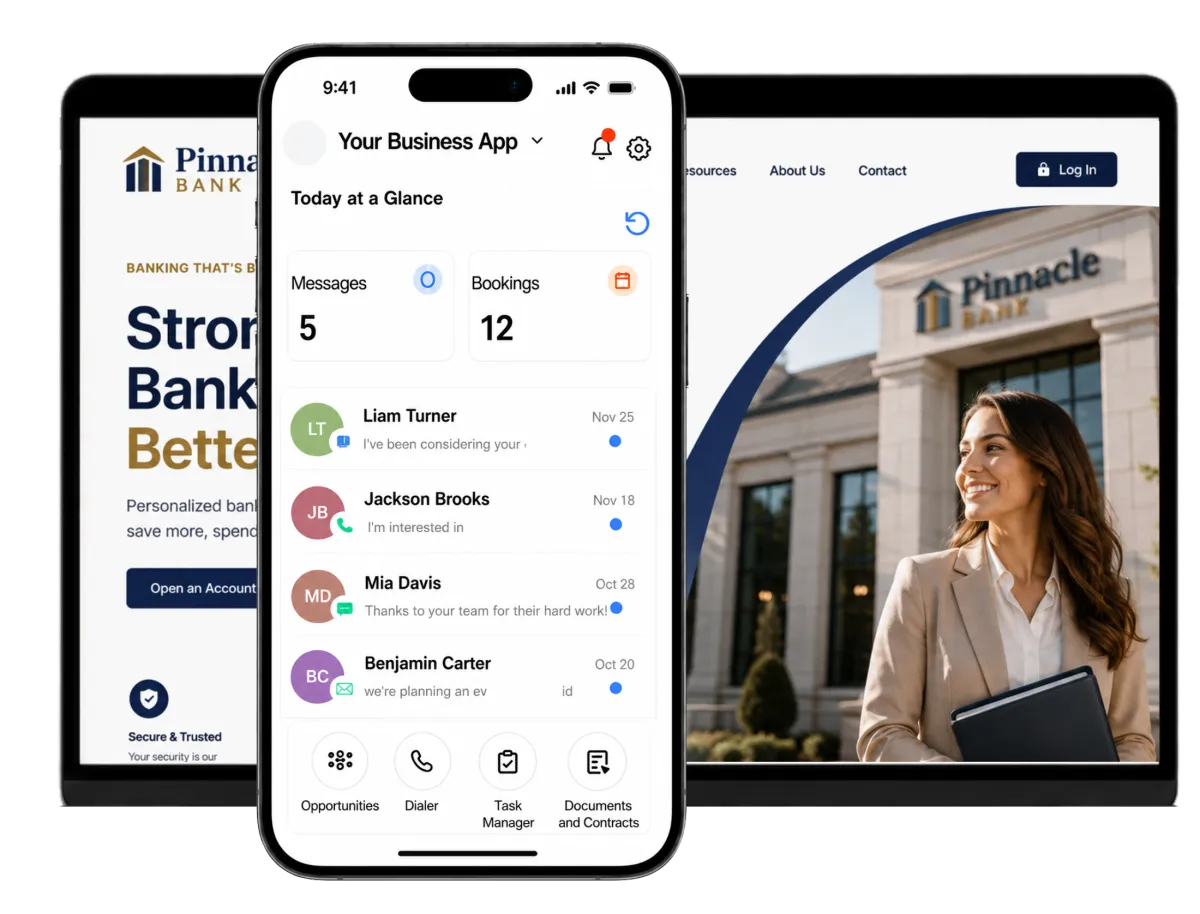
Your Credit Union Team Handles More Than Marketing
Marketing, member experience, business development, lending, IT, and compliance teams all shape the member journey. A credit union CRM helps them track inquiries, approved outreach, appointments, tasks, and results.
of surveyed U.S. credit union executives included digital customer engagement in how they define digital transformation.
Source: Wipfli, 2025 State of Credit Unions Report
of surveyed credit unions rated themselves mature in digital customer experience and engagement.
Source: Wipfli, 2025 State of Credit Unions Report
of surveyed active members were neutral about whether their credit union kept them informed about products relevant to their financial needs.
Source: Sogolytics, Credit Union Member Experience Index and Benchmarks 2026
Does this sound familiar?
A new lead fills out a form, a member asks about a service, and someone else wants to book an appointment. The details then move between inboxes, spreadsheets, departments, and separate marketing tools. Follow-up slows down, staff lose context, and a good lead may go cold.
Don't worry, we can help!
Contacts / CRM
Keep prospect and member contact details in one organized record. Add notes, tags, custom fields, and outreach history.
Workflows and Automation
Build workflows with AI for follow-up, tasks, reminders, and pipeline updates triggered by forms, appointments, and CRM events.
Conversations
Bring email, SMS, phone, live chat, and social messages into a shared inbox so approved staff can respond with the right context.

Credit Union CRM for Faster, More Consistent Follow-Up
See where each basic inquiry stands. Know who owns the next step and when follow-up is due. Support member relationships with WinChilla.
Opportunities & Pipelines
Use custom stages to organize inquiries and outreach opportunities from first contact to the next agreed step.
Configured pipeline tracks referrals and member inquiries by stage and staff owner
Track interest in mortgages, auto loans, deposit products, or business services without storing loan decisions
Move a contact to an appointment or secure application handoff stage
Filter open leads so managers can spot late follow-up
Tasks & Teamwork Management
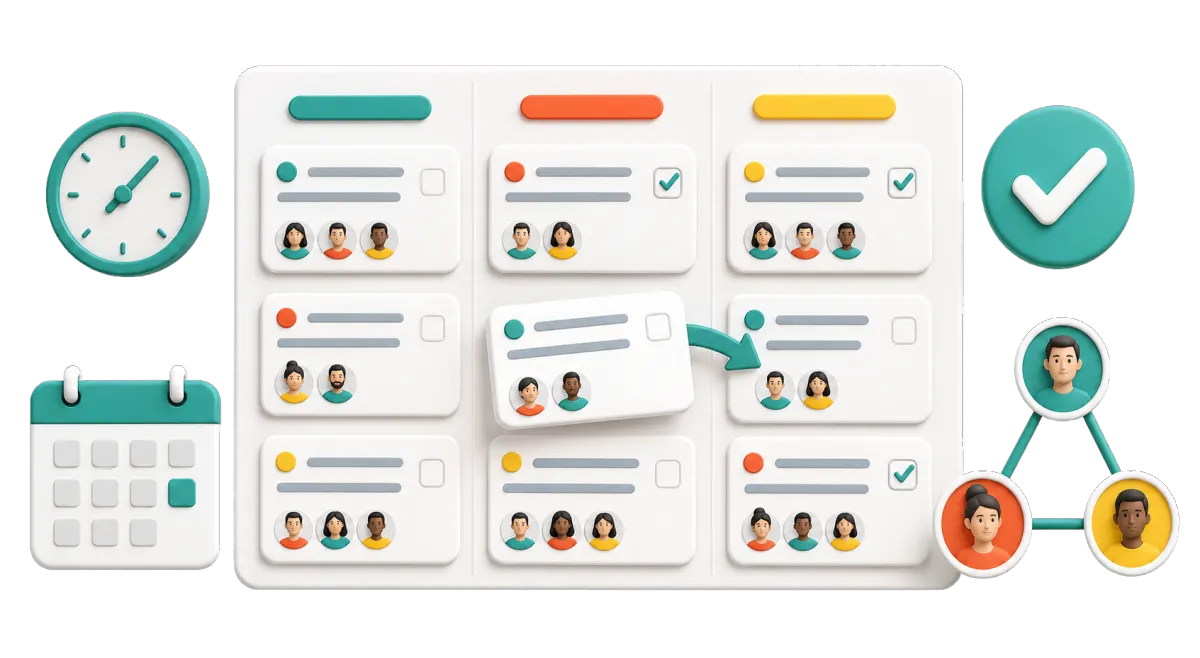
Assign follow-up work and link each task to the relevant contact or inquiry.
Ask a lending team member to reply to a basic loan question
Remind branch staff to confirm a booked appointment
Assign follow-up after a financial education event
Create a task when a web form is sent
Forms
Create branded forms for basic contact details and non-sensitive inquiries, then route each response into an approved workflow.
Collect a name, contact method, branch choice, and broad area of interest
Take requests for a financial wellness appointment or community event
Ask prospective members how they want to be contacted


Keep Member Communication Timely and Personal
Relevant communication can strengthen credit union member engagement, especially during onboarding and important service moments. Teams can build journeys in WinChilla while the credit union controls consent, content, audience rules, approvals, and required disclosures.

Email Marketing
Create branded email campaigns, segment recipients, add personal fields, and track delivery and engagement results.
Send an approved welcome series to new members
Share financial wellness resources with permitted groups
Promote branch events, seminars, or community programs
Send information about useful products or services
Use AI to draft subject lines, campaign copy, and images
SMS, MMS & WhatsApp Messaging
Send individual or automated messages while tracking delivery, failures, opt-outs, and do-not-disturb settings.
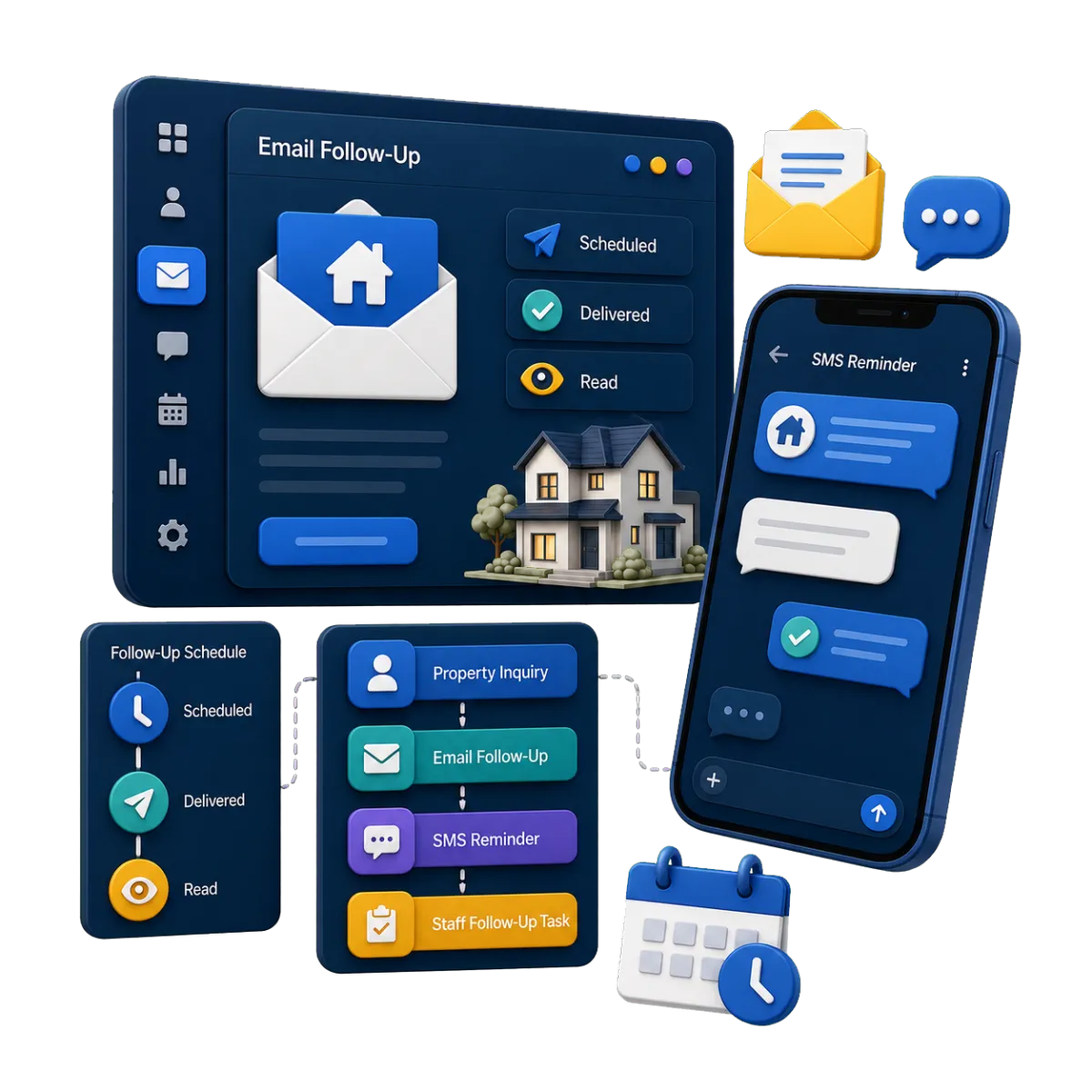
Send appointment confirmations and reminders to contacts with the required permission
Follow up after a member asks for more information
Notify event registrants about a time or place change
Keep each opt-out tied to the contact record

Calendars & Appointments
Offer convenient booking for consultations, appointments, classes, and team schedules.
Let members request time with a branch or service team
Book financial education or homebuyer consultations
Share new inquiries among available staff with round-robin booking
Send confirmations and reminders through chosen channels

Turn Your Website Into a Helpful Digital Front Door
Credit union digital marketing works best when people can find clear information and ask a basic question. It should also offer a clear next step. WinChilla can take simple requests and support approved financial services outreach.
Funnels & Landing Pages
Build focused pages for outreach campaigns, educational resources, events, and lead forms.
Create a page for a first-time homebuyer talk
Promote a community event or financial wellness class
Explain a service and add a clear appointment link
Send people to an approved account or loan portal

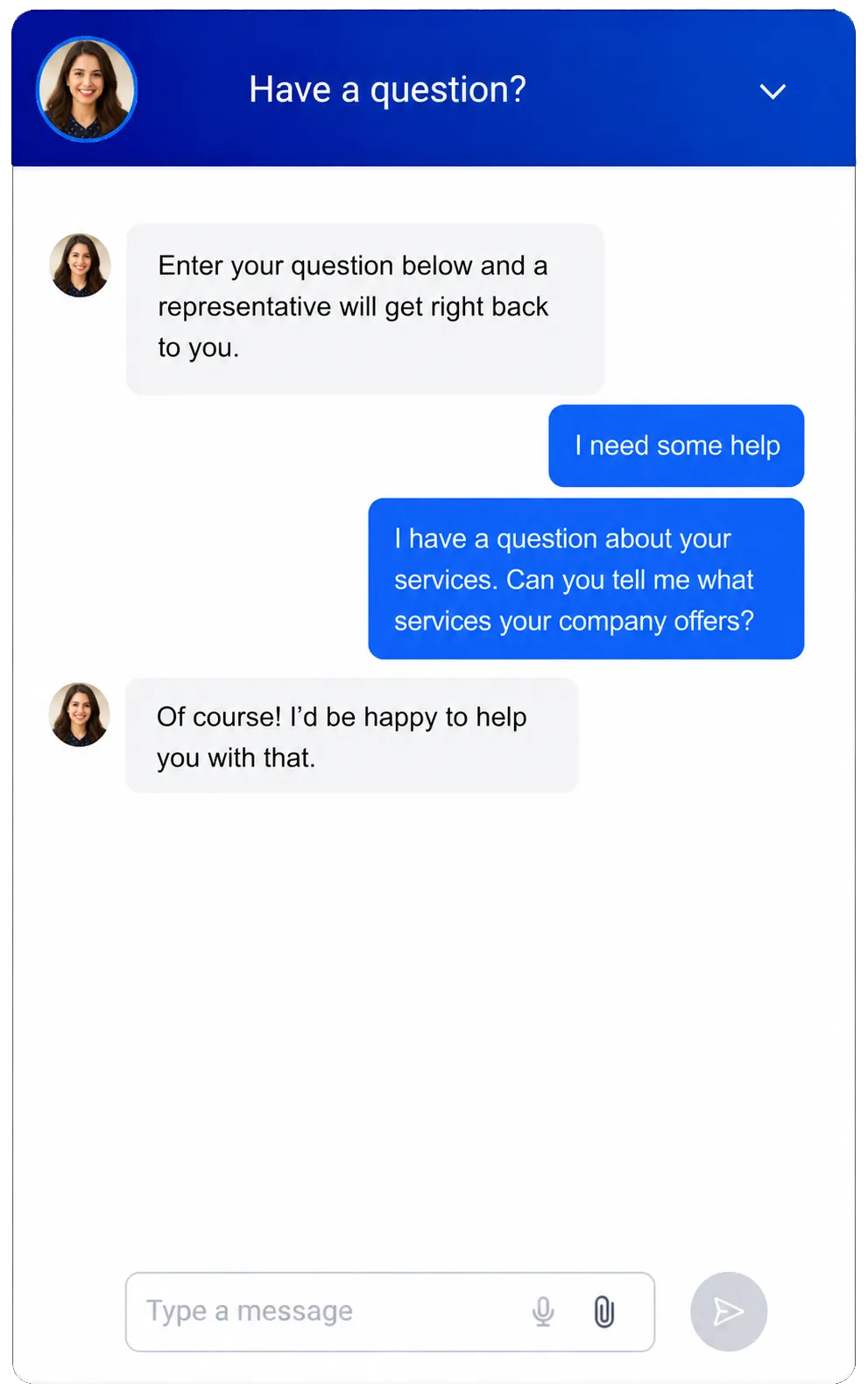
Web Chat
Give website users a branded way to start a basic chat through their chosen channel.
Capture after-hours questions and contact details
Route general inquiries into the shared inbox
Let people choose their preferred contact channel
Send account-specific or sensitive questions to an approved service channel
Use chat AI or voice AI to answer approved questions, collect details, and book appointments

Keep Campaigns Organized and Measurable
WinChilla helps marketing leaders plan content, track responses, and report practical results. It keeps campaign work in view.
Social Planner
Create, schedule, approve, and measure social content across key channels.
Plan community news and financial education posts in advance
Tailor approved copy to each social channel
Compare engagement by campaign and date range


Dashboards & Reporting
Build role-specific views from CRM, campaign, meeting, call, website, and social data.
Review lead volume by source, branch, owner, campaign, or stage
Track meeting activity and completed follow-up tasks
Compare email delivery, clicks, opt-outs, and responses
Schedule reports for marketing and operations leaders
Reputation Management
Send review requests and track ratings, feedback, and recurring themes.
Ask for feedback after selected service interactions
Monitor linked Google and Facebook review profiles
Show reviews in a website widget
Spot recurring themes that may point to member experience gaps
Use AI to suggest review replies or publish them automatically

More Tools for Everyday Member Engagement
These practical tools help approved teams keep member outreach work connected and easier to manage.
Central Inbox
Give approved staff one place for email, text, phone, live chat, and social messages.
Surveys
Gather service feedback, event responses, and member preferences.
Mobile App
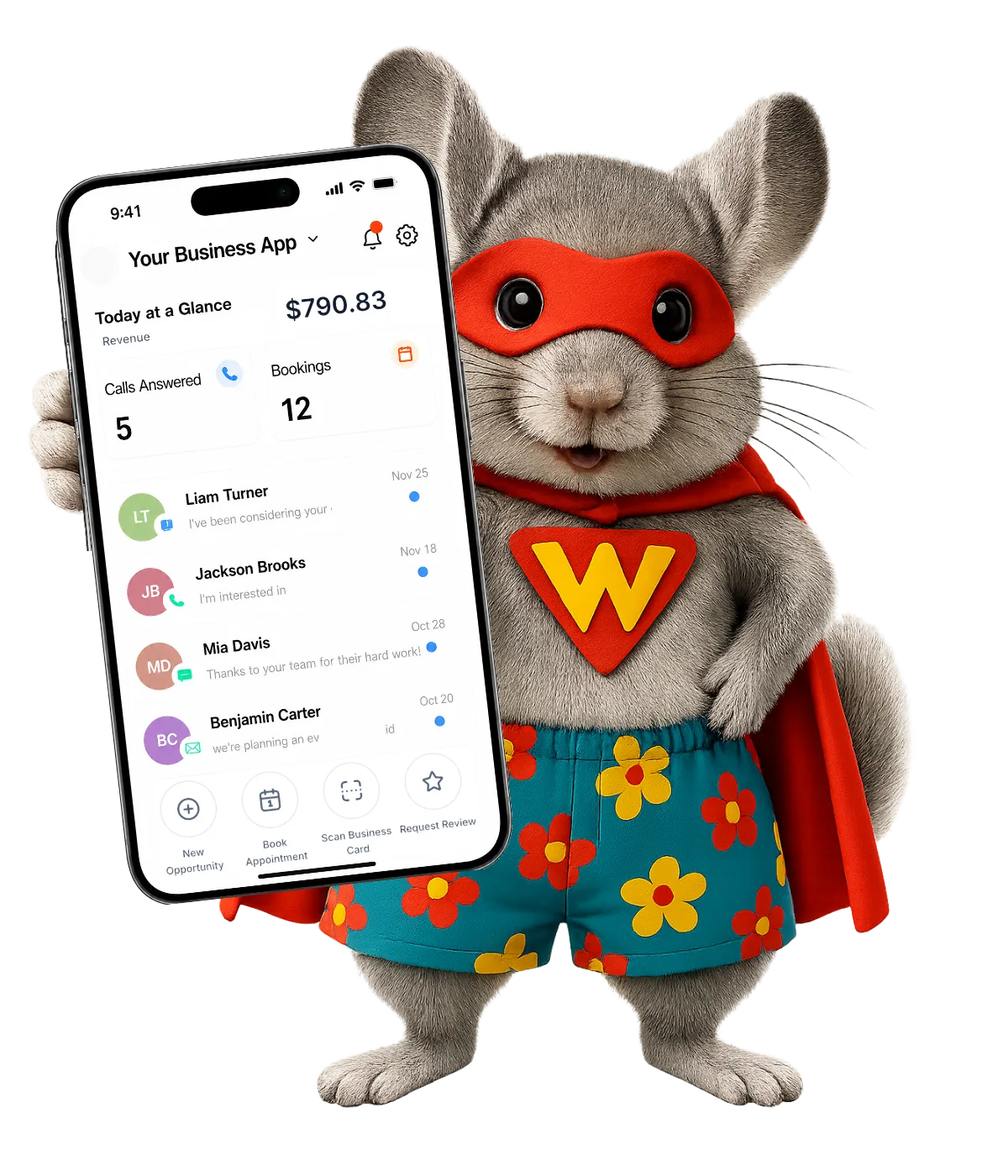
Manage contacts, conversations, appointments, tasks, campaigns, and documents while away from a desk.
Phone System
Use Voice AI to answer routine calls, collect details, route sensitive questions to staff, and connect call activity to contact records.
Smart Lists & Segmentation
Organize authorized contacts using approved fields, preferences, tags, and engagement activity for more relevant outreach.
Courses
Organize courses, videos, and resources covering budgeting, homeownership, credit education, fraud awareness, or financial wellness.
Questions Credit Union Teams Ask About WinChilla
What can CRM for credit unions help our team manage?
WinChilla keeps basic contact details, questions, message history, meetings, staff tasks, campaigns, and reports in one place. It supports member outreach and day-to-day relationship management. Your credit union decides which data and work belong in the platform based on its own rules and risk review.
Is WinChilla a core banking or loan origination system?
No. Banks and credit unions are financial institutions. WinChilla does not replace their core banking or loan systems. Those systems are purpose built for account data, loan files, loan decisions, and credit review. WinChilla can help with approved marketing, follow-up, booking, and secure handoffs. Legal and compliance duties stay with your credit union.
What member information should we store in WinChilla?
Each credit union should make that choice through its privacy, data, record, and vendor rules. It is best used here for approved contact details, message choices, basic questions, meetings, tasks, and outreach history. Private money data, ID files, passwords, credit reports, and full loan forms should stay in systems approved for that work unless the credit union has cleared another setup.
Can WinChilla automate credit union email marketing and text messages?
Yes. It can send grouped email campaigns, planned messages, meeting alerts, and set follow-up. The credit union must get the right consent, honor opt-outs, review the content and audience, and follow all laws and in-house rules. Those duties stay with the credit union in every region where it sends messages.
Can we use WinChilla for loan or deposit campaigns?
It can send credit union-approved marketing and help staff track interest or follow-up. It does not decide who can get credit, make loan decisions, write legal terms, or choose protected groups for an offer. The credit union should review the audience rules, rates, terms, legal text, and record plan before each campaign goes live.
Can WinChilla work with our existing credit union systems?
WinChilla can link with supported apps, webhooks, and workflows. Like other CRM platforms, it depends on the external system, data, and connection method. IT, security, legal, and vendor teams should review each connection. They should approve it before member or financial data moves.
What others are saying:
"Love everything so far"
"I've never set up a website before but I love managing my new site and leads. The WinChilla team has been really helpful whenever I got stuck."
- Laura P

"Simplifies my sales"
"I've been able to help my son promote his candy business which has been great because I am not good with computers at all."
- Robert T
"Highly recommend"
"It's exciting to see my visions come to life and WinChilla helps me manage everything in one place so I can be anywhere in the world and my business just runs."
- Jaret H
WinChilla works with platforms you already use such as


















Real Support for Your Next Step
30-Day Money-Back Guarantee
New customers can get started with a 30-day money-back guarantee on eligible subscription fees. Review the refund terms for coverage, exclusions, and how to request a refund.
Onboarding and 24/7 Support
Start with a technical setup call and a training call, then get help through 24/7 chat support. Use our tutorials and knowledge base as you build and refine the tools your business needs.
Helping Businesses Since 2010
Our founders bring more than 30 years of combined experience in business software and customer incentive programs, helping small businesses build stronger customer relationships.

Make Every Member Conversation Easier to Manage

© 2024-2026 Loyalty Gator Inc. All rights reserved.
WinChilla CRM | A Loyalty Gator Company | Trusted Since 2010
The information provided by Loyalty Gator Inc. (DBA: WinChilla) ('we', 'us', or 'our') on WinChilla’s website (the 'Site') and our mobile application is for general informational purposes only. All information on the Site and our mobile application is provided in good faith, however we make no representation or warranty of any kind, express or implied, regarding the accuracy, adequacy, validity, reliability, availability, or completeness of any information on the Site or our mobile application. UNDER NO CIRCUMSTANCE SHALL WE HAVE ANY LIABILITY TO YOU FOR ANY LOSS OR DAMAGE OF ANY KIND INCURRED AS A RESULT OF THE USE OF THE SITE OR OUR MOBILE APPLICATION OR RELIANCE ON ANY INFORMATION PROVIDED ON THE SITE AND OUR MOBILE APPLICATION. YOUR USE OF THE SITE AND OUR MOBILE APPLICATION AND YOUR RELIANCE ON ANY INFORMATION ON THE SITE AND OUR MOBILE APPLICATION IS SOLELY AT YOUR OWN RISK.