
CRM for bookkeepers who are tired of chasing clients
Spend less time sending the same reminders. WinChilla helps you follow up with clients, collect intake details, and keep messages and tasks in one place. Give your team more time to focus on the books.




Your client work, brought together
WinChilla is a CRM for bookkeepers that brings client records, your inbox, booking links, forms, and follow-up tools together. Use a bookkeeping CRM to manage each client relationship from the first inquiry to the monthly check-in while your accounting tools handle the books.

You keep the books. You also keep everyone on track.
You chase missing statements, explain next steps, book calls, and help new clients get set up. When every request lives in a different thread, even a small client list can mean a long day of admin work.
of surveyed firm owners reported workflow inefficiencies.
Source: Financial Cents
reported difficulty managing clients.
Source: Financial Cents
of surveyed US accounting and bookkeeping decision-makers said they needed to chase late payments.
Source: Ignition / YouGov
Does this sound familiar?
You are ready to finish a client’s books, but a bank statement is missing and a transaction still needs an answer. You send another email, leave yourself a note, and move on. A week later, you are searching old threads to work out who has replied.
Don't worry, we can help!
Workflows & Automation
Set up polite reminders and staff alerts so each missing reply has a clear next step.
Conversations
Keep client messages and call history together so you can pick up where the last exchange ended.
Tasks & Team Work Management
Give each client request an owner and due date so follow-up does not depend on memory.

Spend less of each month chasing clients
The same document requests should not mean writing the same email each month. Keep client communication on track with clear reminders, assigned follow-up, and a next step for each request.
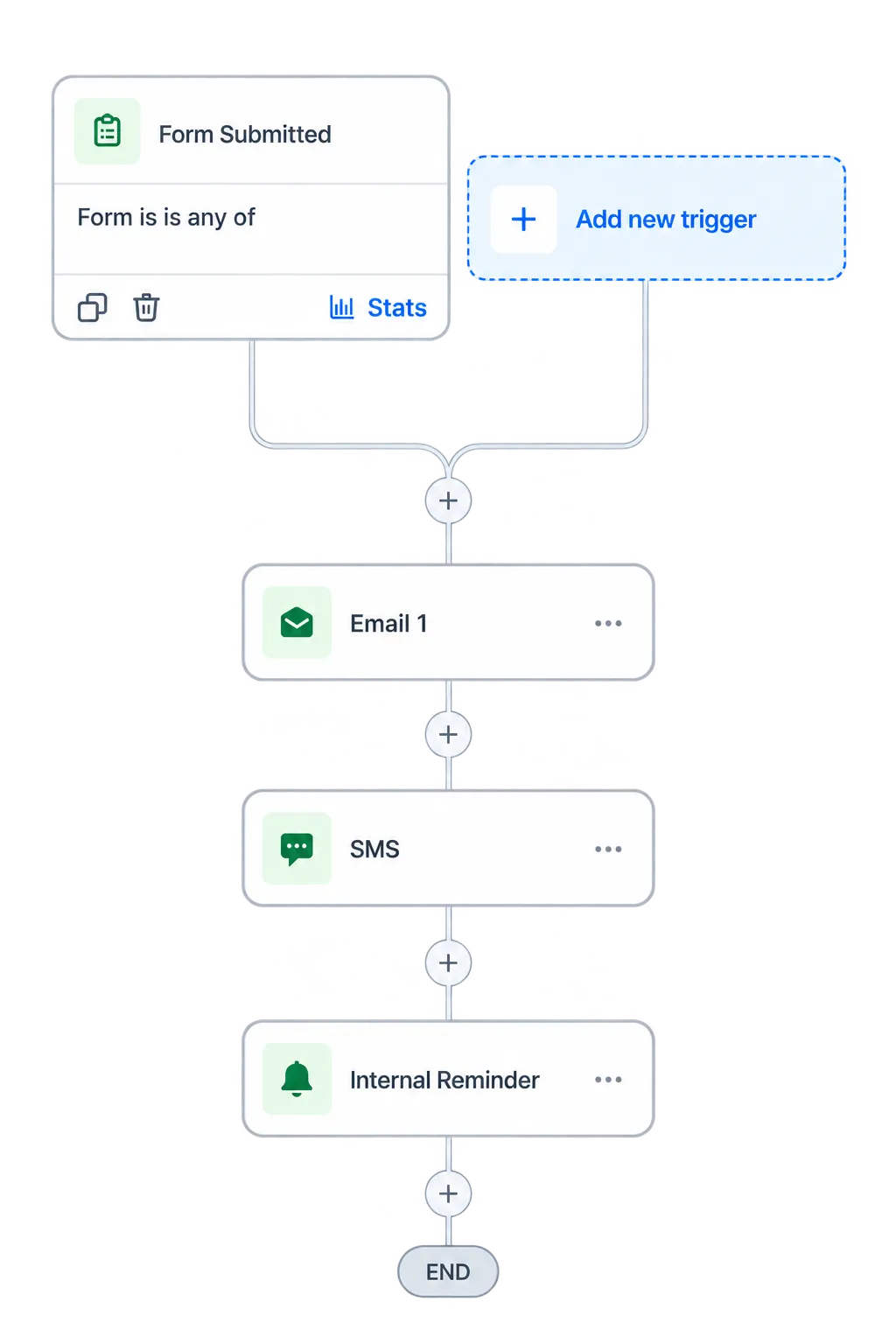
Workflows & Automation
Automate routine reminders while keeping your team in control of each client’s next step.
Schedule monthly reminders with a link to your chosen document-sharing tool
Branch follow-up based on a request status your team updates, or a connected system supplies
Alert the assigned bookkeeper when a client still needs to reply
Use AI to draft a first-pass reminder workflow for you

Conversations
Keep client emails, calls, and supported messages in one inbox with a shared contact history.
Read the last exchange before asking about an unclear expense
Let a colleague pick up a client thread while you are away
Use AI-assisted replies to draft a clear response about next steps

Give every new client a clear start
A new client should know what you need, what is included, and what happens next. Use one intake process to collect business details and send the right service agreement.

Forms
Create a bookkeeping client intake form that sends responses into client records and follow-up workflows to reduce repeat data entry.
Ask about the client’s business type, accounting software, and services needed
Use conditional questions to gather details for cleanup work or ongoing support
Send a welcome email and create a staff task when the form is submitted
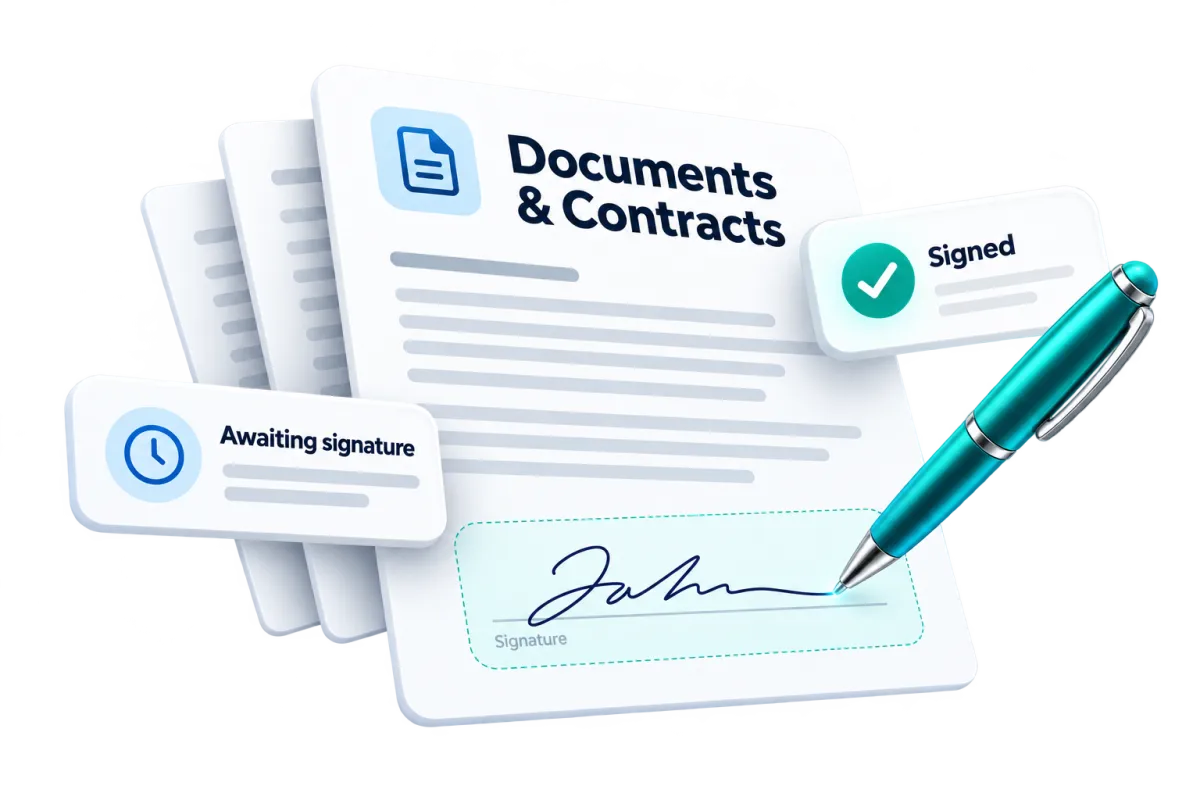
Documents & Contracts
Send bookkeeping proposals and service agreements for electronic signature and track their progress.
Reuse an agreement template with the client’s services and fees
Set out monthly responsibilities and the scope of cleanup work
Trigger the next onboarding step when an agreement is signed
Client Portal
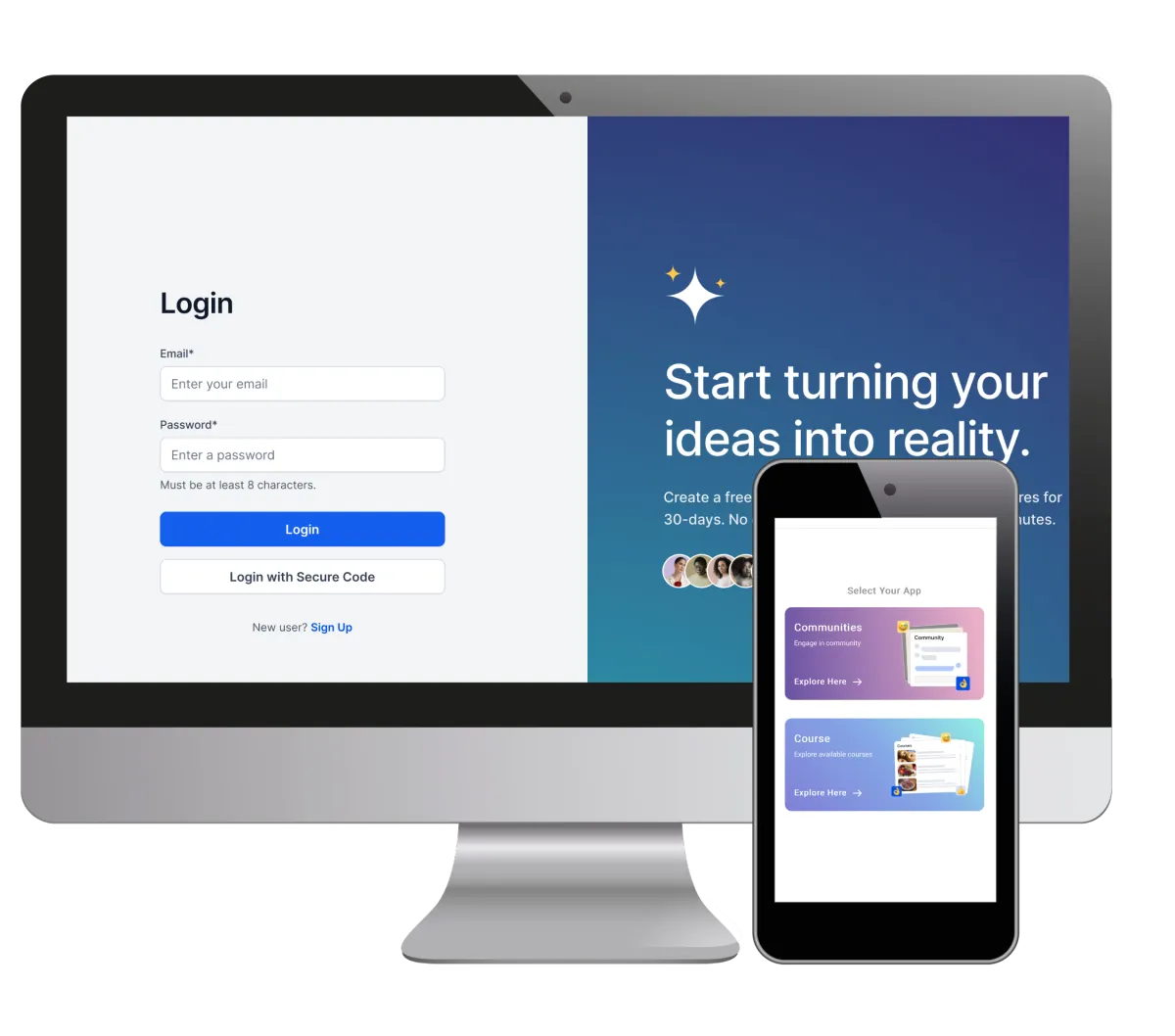
Give bookkeeping clients one place to access messages, invoices, and supported documents from your firm.
Send new clients a portal invite or magic link as part of their welcome process
Give clients access to service agreements and contracts through supported portal views
Keep invoices and client messages easy to find without searching old email threads
Let clients access onboarding resources and account details from the web or mobile

A CRM for bookkeepers with a clear view of each client
Client management is easier when your team knows who to contact and what comes next. Keep those details close to the work so tracking client requests and handing them off takes less time.
Contacts / CRM
Keep client data, notes, tags, and a history of client interactions in a shared record.
Record the client’s preferred contact method and key service details
Filter clients by service type or a follow-up status your team maintains
Use AI contact summaries to review the client context before a check-in

Tasks & Team Work Management
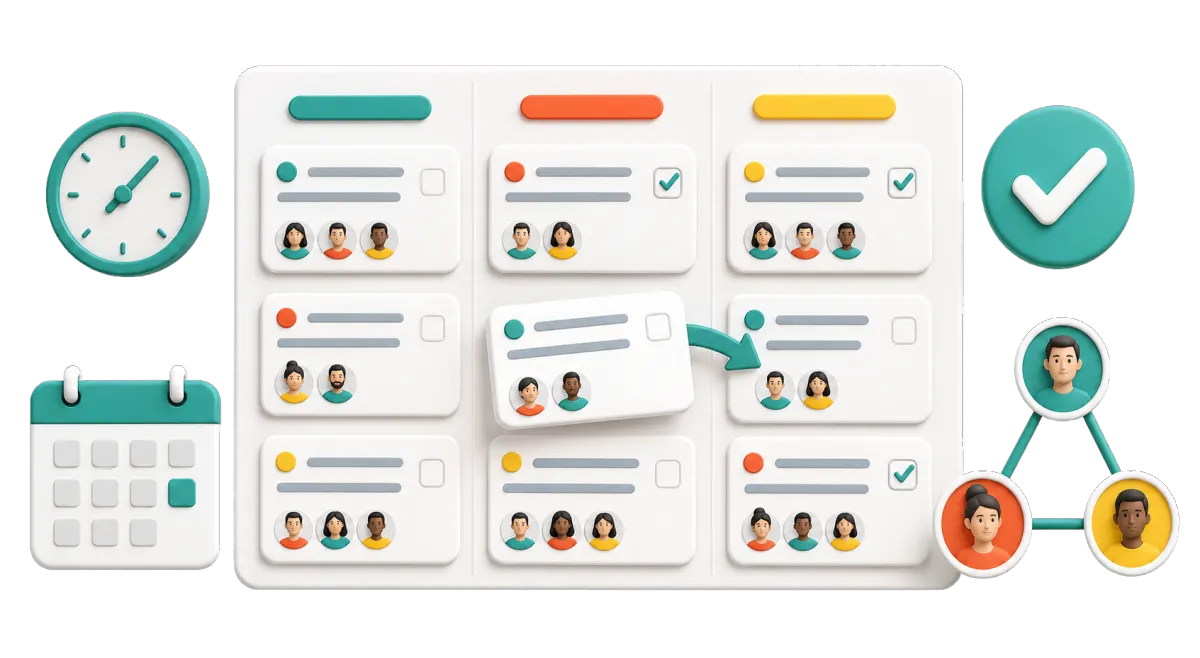
Assign and repeat client tasks with owners, due dates, and clear progress views.
Create recurring tasks for monthly client check-ins
Assign a team member to resolve a missing statement or unanswered question
Review overdue requests before you plan the week’s client work
Discover how WinChilla simplifies your day, saves time, and helps your bookkeeping business grow.

Keep new inquiries moving while you work
A prospective client may reach out while you are busy with a deadline. Help them get an answer about your services and book a discovery call without a long email exchange.
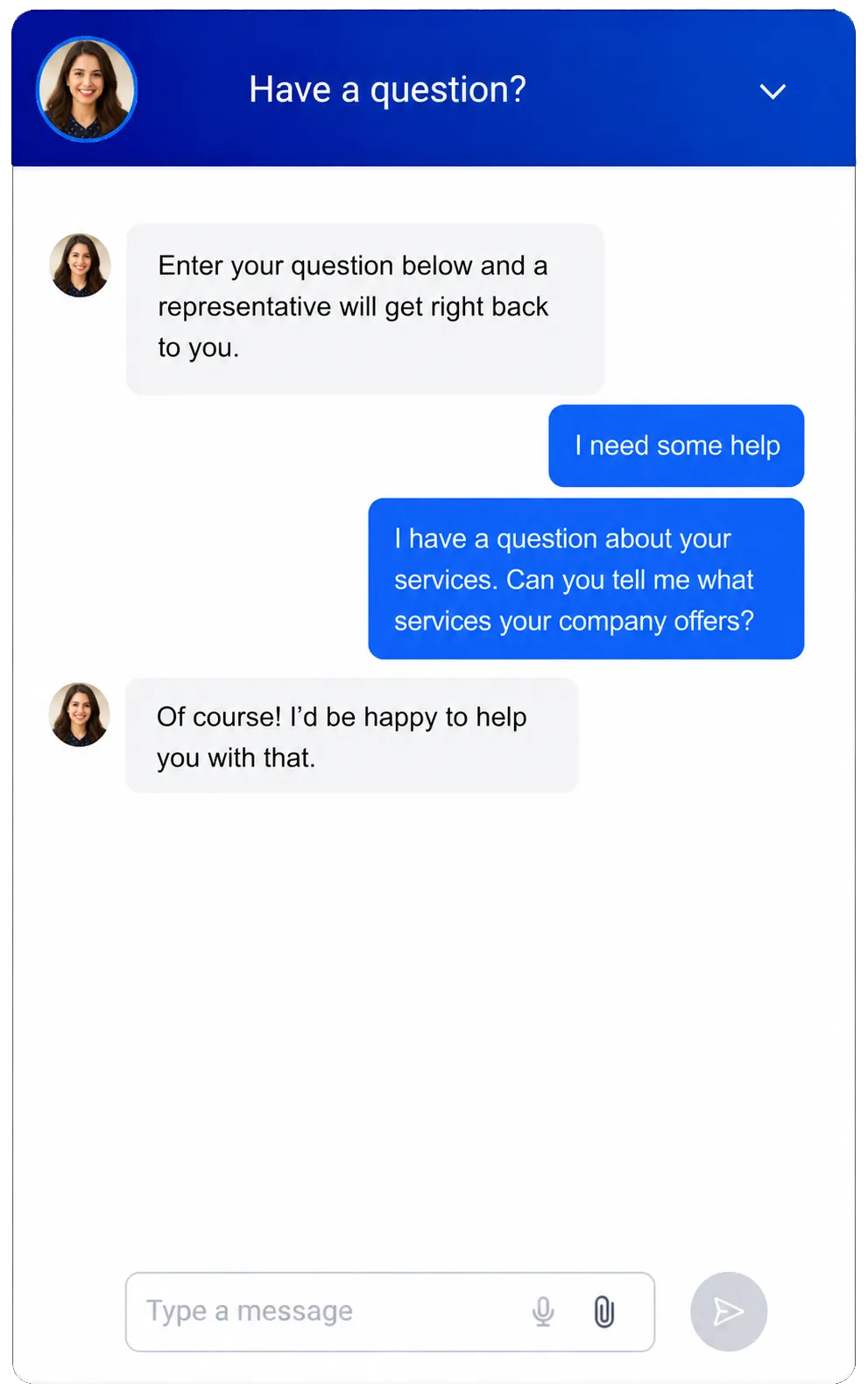
Web Chat & Conversation AI
Use a supported website chat setup to capture inquiries and let AI handle common service questions.
Answer questions about your monthly bookkeeping packages using approved business details
Collect a prospect’s contact details and ask what help they need
Hand off questions that need a bookkeeper’s judgment to your team

Calendars & Appointments
Let prospects and clients choose an available time for discovery calls, kickoff meetings, or reviews.
Share a booking link after a referral or website inquiry
Send confirmations and reminders for a client’s kickoff call
Let supported chat or voice AI help book a discovery call during the conversation
More tools for the business behind the books
Support client growth, service, and day-to-day admin with tools that fit how your firm works.
Opportunities / Pipelines
Track referrals and prospects from first inquiry to signed bookkeeping agreement.
Companies / B2B CRM
Link a business owner’s record, office contact, and related tasks to one company.
Mobile App
Check a client thread, update a task, or book a call while away from your desk.
Reputation Management
Request reviews and use AI to suggest replies to supported Google and Facebook reviews.
Integrations
Connect supported tools such as QuickBooks, Xero, calendars, and meeting platforms for the workflows each connection supports.
Email Marketing
Share year-end preparation tips, with AI assistance to draft clear subject lines and copy for review.
affordable pricing plans built for small businesses
How much does this cost?
We're glad you asked! WinChilla is pleased to offer affordable pricing plans to suit your growing business.
Questions about using a CRM for bookkeepers
Does WinChilla replace my accounting software?
WinChilla manages client relationships and the work around them. Keep using your accounting software for bank feeds, reconciliation, transaction coding, and financial reports. If you are comparing bookkeeping automation software, check which tasks each tool handles: WinChilla focuses on intake, reminders, messages, bookings, and client follow-up.
Can WinChilla tell which client documents are still missing?
You can record request status in client fields and tasks, then build follow-up around those details. Your team must update that status, or a supported connection must supply it. WinChilla does not automatically check whether every statement or receipt has arrived. Keep sensitive financial data in the document-sharing tool your firm has assessed for that purpose, and use the CRM to track follow-up.
What should I look for in the best CRM for bookkeepers?
For bookkeeping teams and small accounting firms, CRM software should make client follow-up easier. Check how it handles repeated requests, shared message history, intake, task owners, and your current accounting tools. When comparing bookkeeping workflow software, assess month-end close checklists, time tracking, and document reconciliation separately.
Can a solo bookkeeper use WinChilla and add staff later?
Yes. A solo bookkeeper can start with a client list, an intake form, and one follow-up workflow. As the firm grows, use assigned tasks, shared client records, and team calendars to divide the work. Set up clear ownership from the start so adding staff does not mean rebuilding your whole client process.
Can AI answer bookkeeping questions for my clients?
You can train supported AI agents on your business details to answer questions about services, office hours, and booking a call. Route questions about a client’s accounts, tax position, or unclear transactions to your team. Review the agent’s knowledge and handoff rules so it stays within the service information you have approved.
What others are saying:
"Love everything so far"
"I've never set up a website before but I love managing my new site and leads. The WinChilla team has been really helpful whenever I got stuck."
- Laura P

"Simplifies my sales"
"I've been able to help my son promote his candy business which has been great because I am not good with computers at all."
- Robert T
"Highly recommend"
"It's exciting to see my visions come to life and WinChilla helps me manage everything in one place so I can be anywhere in the world and my business just runs."
- Jaret H
WinChilla works with platforms you already use such as


















What you can expect from us
Money Back Guarantee
We're confident you'll love saving money by switching from existing software providers with your business tools to one place.
Plus, we believe you'll save a ton of time with marketing automation.
Within 30 days, if we're not the right fit, we'll give you your money back.
View Terms of Service
24/7 Support
We're here to help. You'll get a one-on-one onboarding call with our team.
Then, you'll get another tech call with us to make sure your account is configured exactly as you want it.
Plus, you can expect 24/7 chat support from our team with any questions you have along the way.
30+ Years of Experience
We've been helping small businesses since 2010!
The WinChilla brand is new, but our experience is not. The founders of WinChilla have over 30 years of experience combined in digital software and customer incentive programs - helping businesses like yours - worldwide since 2010. Now, we're excited to bring our expertise to launch these new super tools to help all of our clients grow.

Get back to the books with less client chasing

© 2024-2026 Loyalty Gator Inc. All rights reserved.
WinChilla CRM | A Loyalty Gator Company | Trusted Since 2010
The information provided by Loyalty Gator Inc. (DBA: WinChilla) ('we', 'us', or 'our') on WinChilla’s website (the 'Site') and our mobile application is for general informational purposes only. All information on the Site and our mobile application is provided in good faith, however we make no representation or warranty of any kind, express or implied, regarding the accuracy, adequacy, validity, reliability, availability, or completeness of any information on the Site or our mobile application. UNDER NO CIRCUMSTANCE SHALL WE HAVE ANY LIABILITY TO YOU FOR ANY LOSS OR DAMAGE OF ANY KIND INCURRED AS A RESULT OF THE USE OF THE SITE OR OUR MOBILE APPLICATION OR RELIANCE ON ANY INFORMATION PROVIDED ON THE SITE AND OUR MOBILE APPLICATION. YOUR USE OF THE SITE AND OUR MOBILE APPLICATION AND YOUR RELIANCE ON ANY INFORMATION ON THE SITE AND OUR MOBILE APPLICATION IS SOLELY AT YOUR OWN RISK.