
CRM for Schools That Keeps Enrollment Moving
Turn more parent inquiries into tours, applications, and next steps. WinChilla gives your school team one place to track adult contacts, follow-up, events, bookings, and messages.




Bring Your School’s Outreach Tools Into One Place
WinChilla brings intake pipelines, inquiry forms, calendars, email campaigns, contact records, events, and automation into one place. Your team can spend less time switching between separate CRM systems and other tools. Staff can cut repetitive administrative tasks. That gives them more time to help families take the next step.
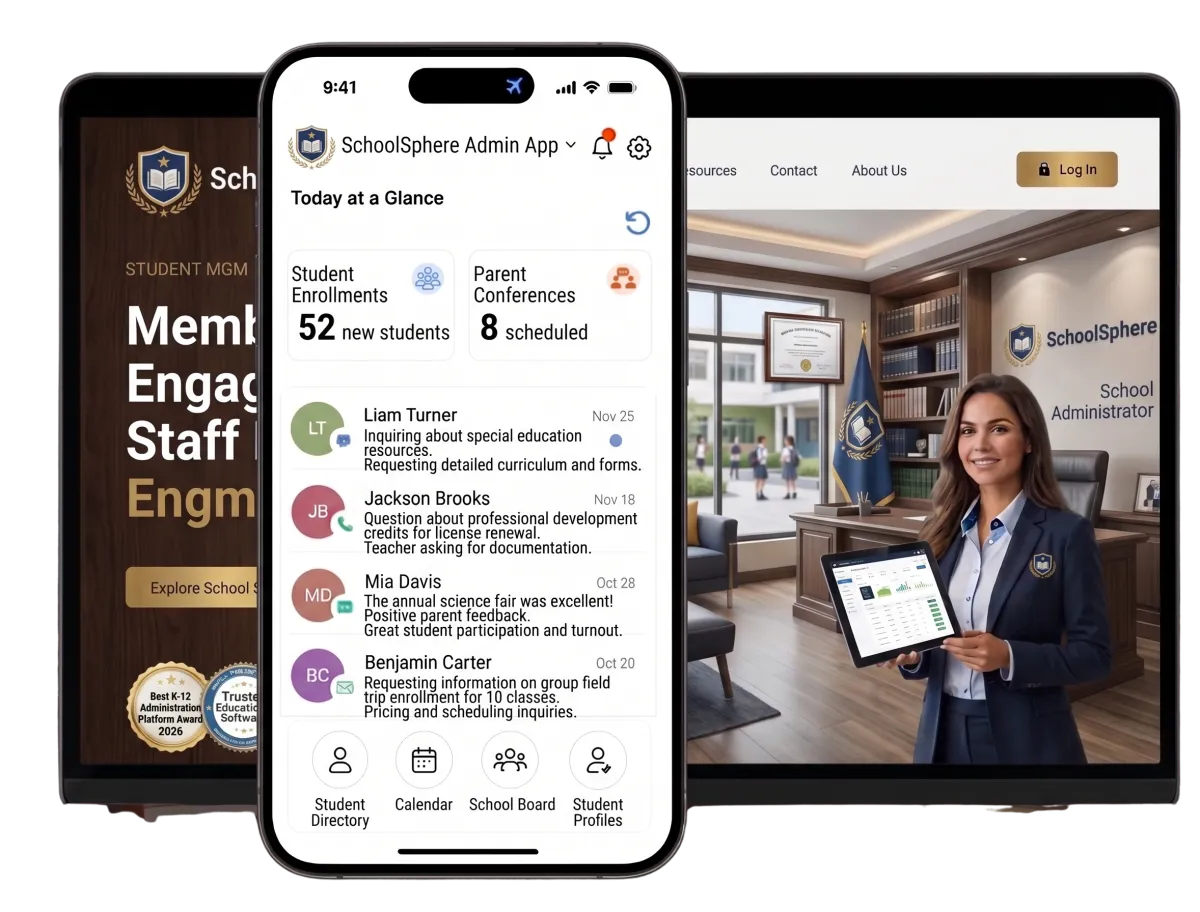
Support the Team Behind Every School Day
School leaders and office teams balance enrollment, tours, parent questions, events, marketing, and daily follow-up. A CRM for schools keeps this work clear without adding more manual steps.
school and district communication professionals found that email and SMS text messaging were tied as the most effective school-home communication channels.
Source: ParentSquare
said marketing and branding were either a top priority or an important priority for future communications and recruitment.
Source: ParentSquare
of school marketers identified digital marketing analytics as an area where they had the biggest opportunity to improve.
Source: Niche
Does this sound familiar?
Parent inquiries arrive through forms, calls, events, and social channels. Yet the next step is not always clear. Notes sit in inboxes. Tour requests wait for a reply. Strong applicants can lose pace during a busy school week.
Don't worry, we can help!
Workflows and Automation
Trigger approved reminders and team alerts when an adult submits a form or books a visit. WinChilla can also create tasks and update the pipeline.
Tasks and Team Work Management
Assign calls, document requests, tour follow-up, and application checks to the right staff member with a clear due date.
Admissions Pipelines
Build stages for new inquiries, parent contact, booked tours, applications, decisions, and enrollment. Staff can see what needs attention.

Turn School Interest Into Real Conversations
Make it easy for parents, guardians, and adult learners to ask a question or plan a visit. Each response can enter the same CRM for schools. It is then ready for clear follow-up.
School Websites
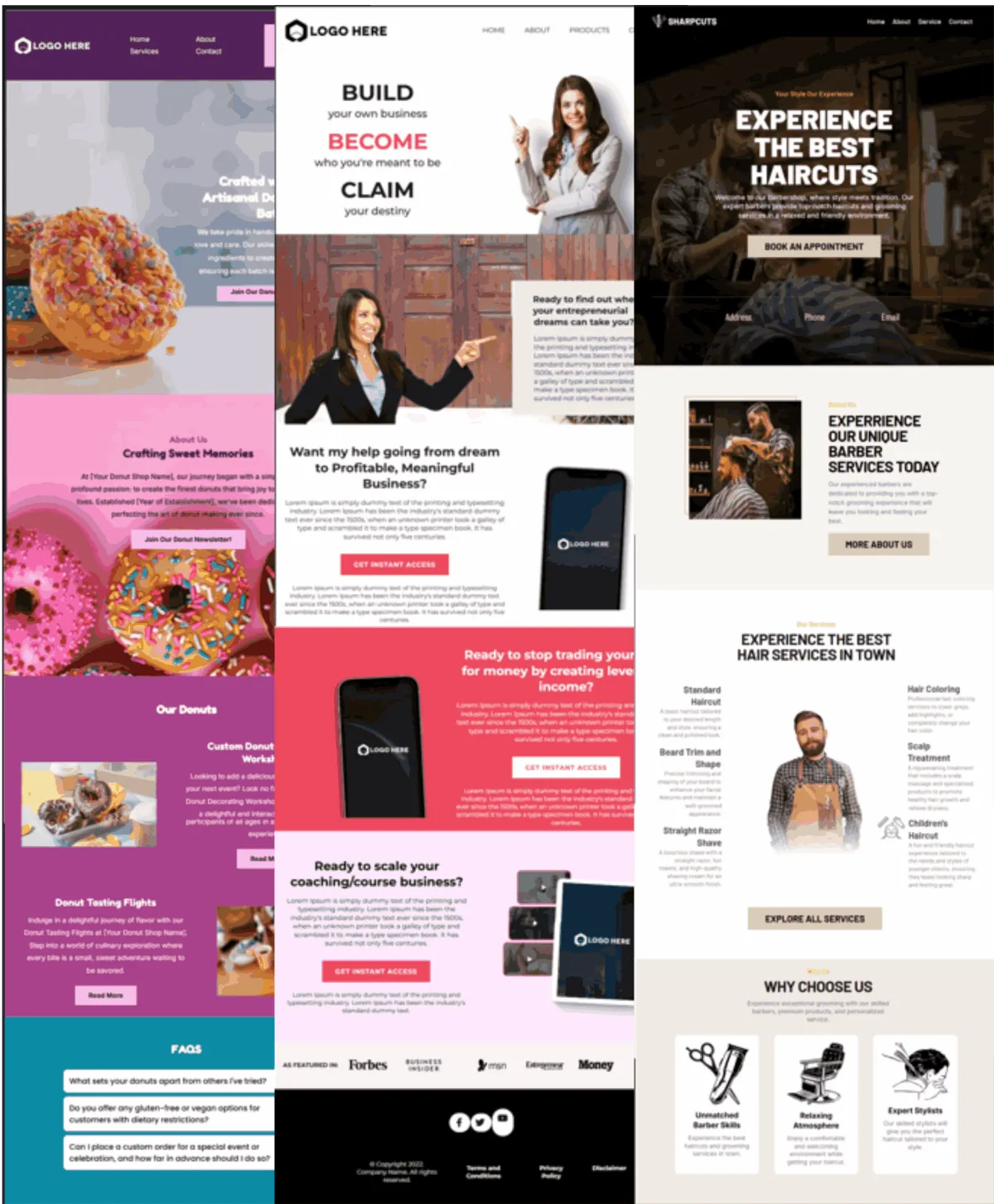
Build mobile-ready pages that link each inquiry with your CRM, forms, calendars, and follow-up.
Create pages for admissions, programs, tuition details, open houses, or campus visits
Add clear inquiry and tour-booking options to high-intent pages
Link page visits with contact records and follow-up workflows
Review traffic, referral sources, engagement, and conversion data
Inquiry Forms
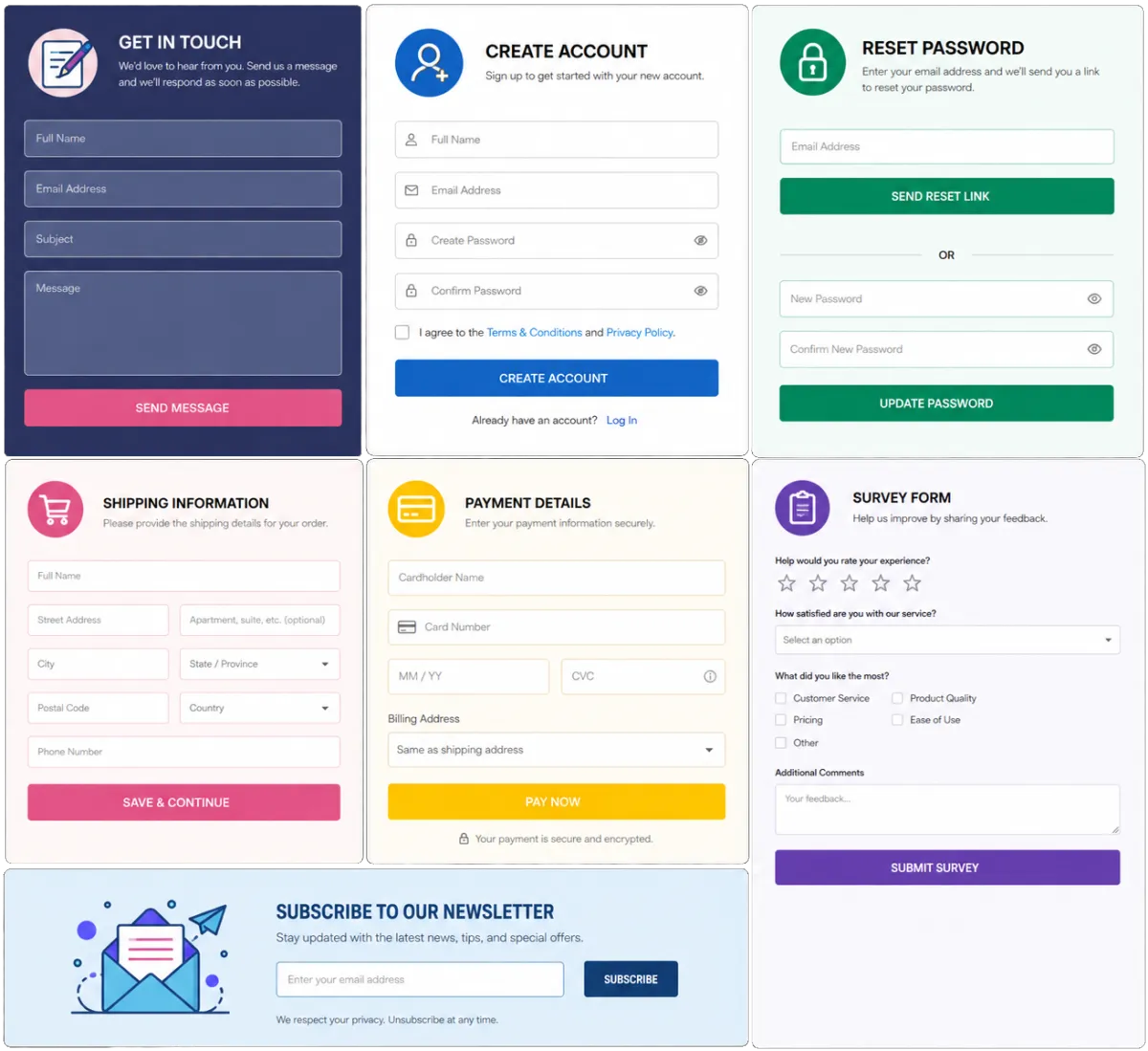
Collect the details your school team needs. Send each response to the right contact record and workflow.
Capture parent or guardian contact details and the program or grade of interest
Build forms for school intake, open houses, info requests, or adult learning programs
Use conditional fields to show relevant questions based on a visitor’s answer
Start an assigned follow-up task after a form is submitted
Web Chat
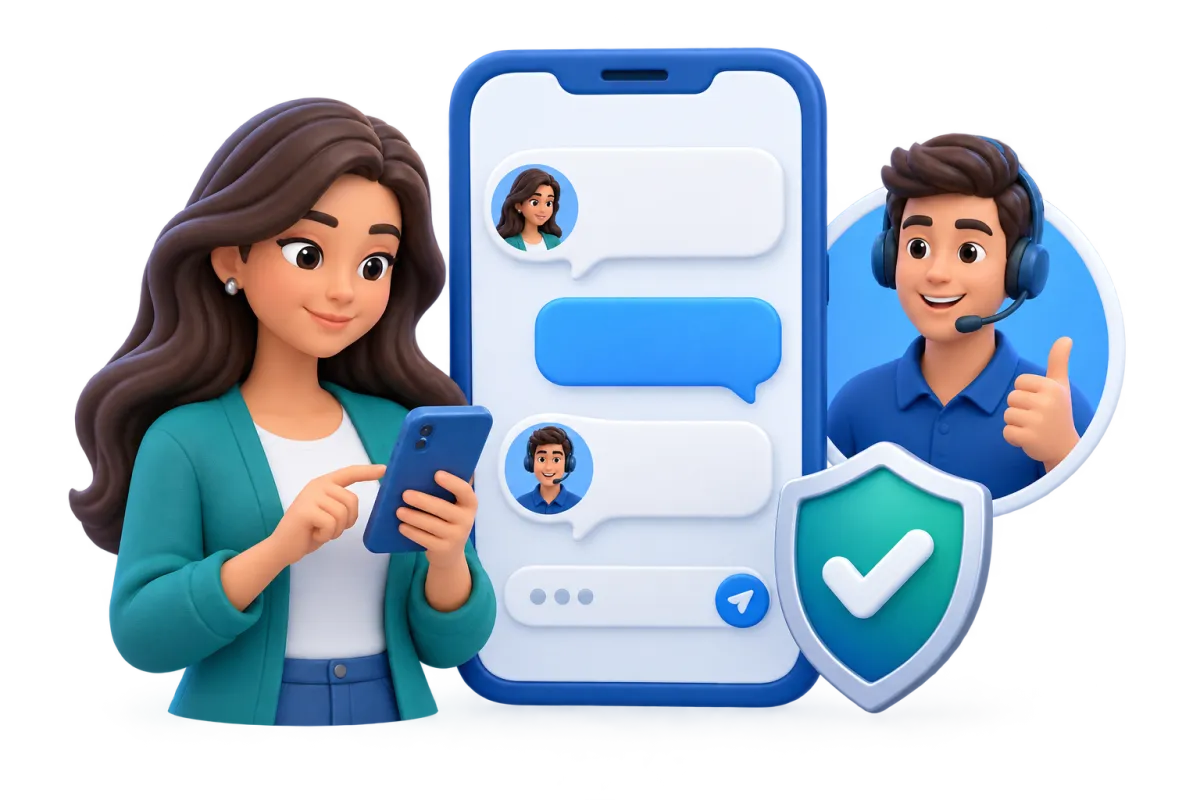
Give website visitors a simple way to start a live chat while connecting their message with your central inbox and CRM.
Answer common questions about tours, deadlines, programs, and school hours
Capture contact details when the school office is closed
Set greetings, office hours, and after-hours messages for your school
Route new messages to the school office or another team
Use AI to answer common questions, collect details, help book tours, or pass the chat to staff

A CRM for Schools to Guide Each Admissions Step
An admissions CRM should show where each family stands in the admission process and what happens next. WinChilla supports contact and follow-up from the first inquiry until a student enrolls. Your school can keep formal student records in its approved system.
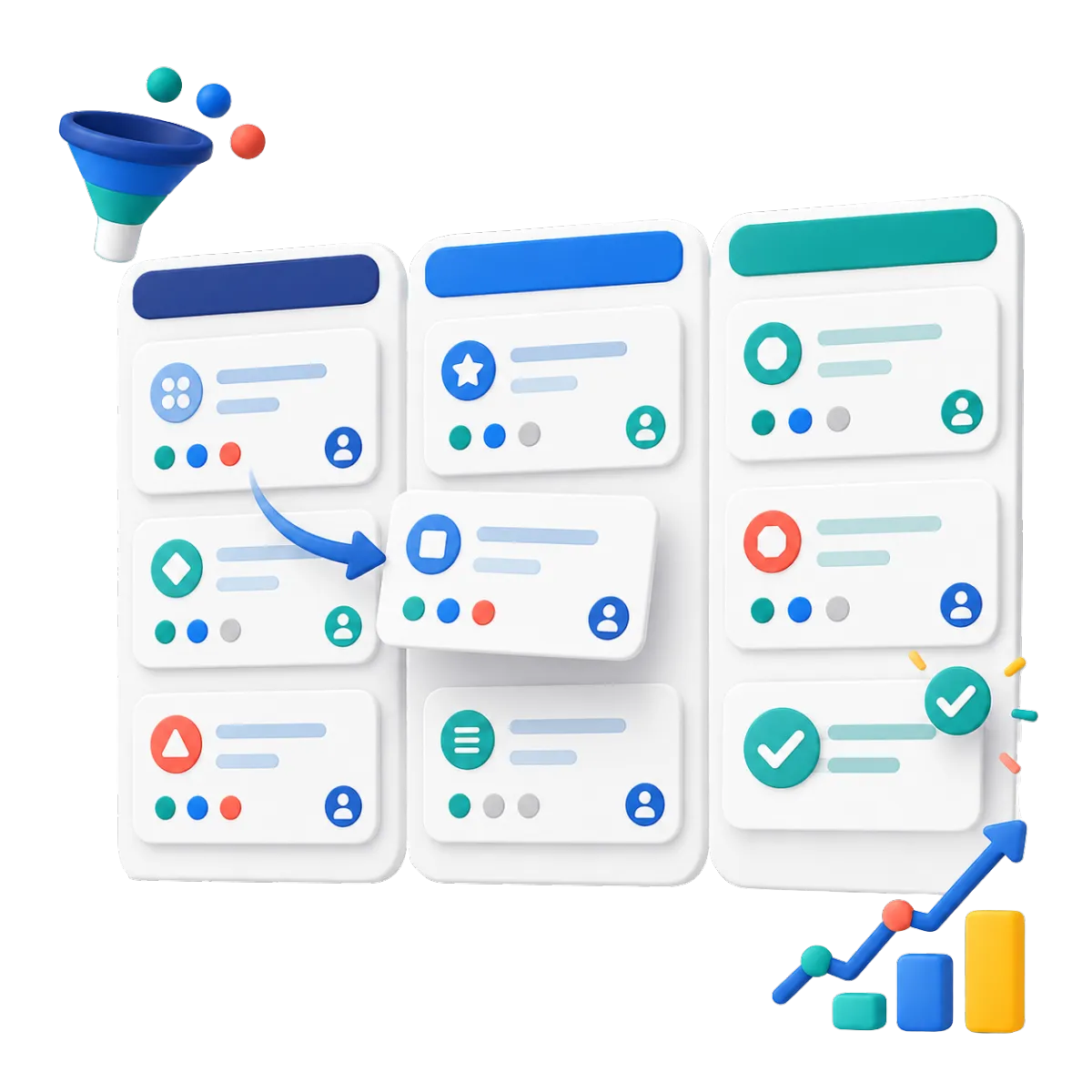
Opportunities and Admissions Pipelines
Track each inquiry through custom stages with an owner, status, notes, and next step.
Create stages for inquiry, call, tour, application, review, decision, and enrollment
Filter new families by campus, program, intake term, source, or staff owner
Move records forward when a form, appointment, or approved workflow step is done
Review where applications stall and which inquiry sources lead to progress
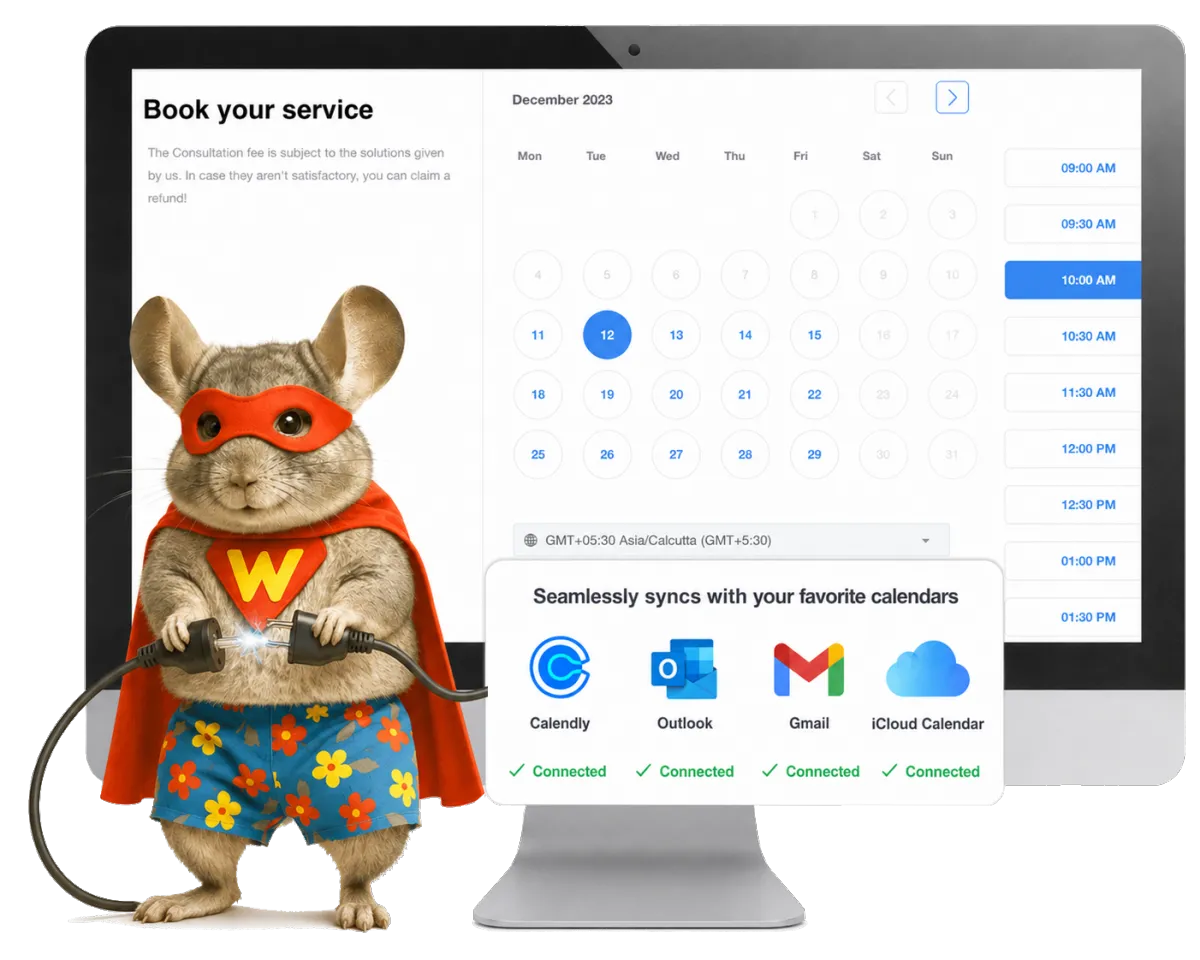
Calendars and Appointments
Let families choose open times for tours, intake calls, interviews, or info sessions.
Offer individual or group tour times with set space where applicable
Manage staff open times, rooms, meeting locations, and scheduling conflicts
Send a confirmation and reminder to the consenting adult who made the booking
Connect each appointment with contact notes and follow-up work
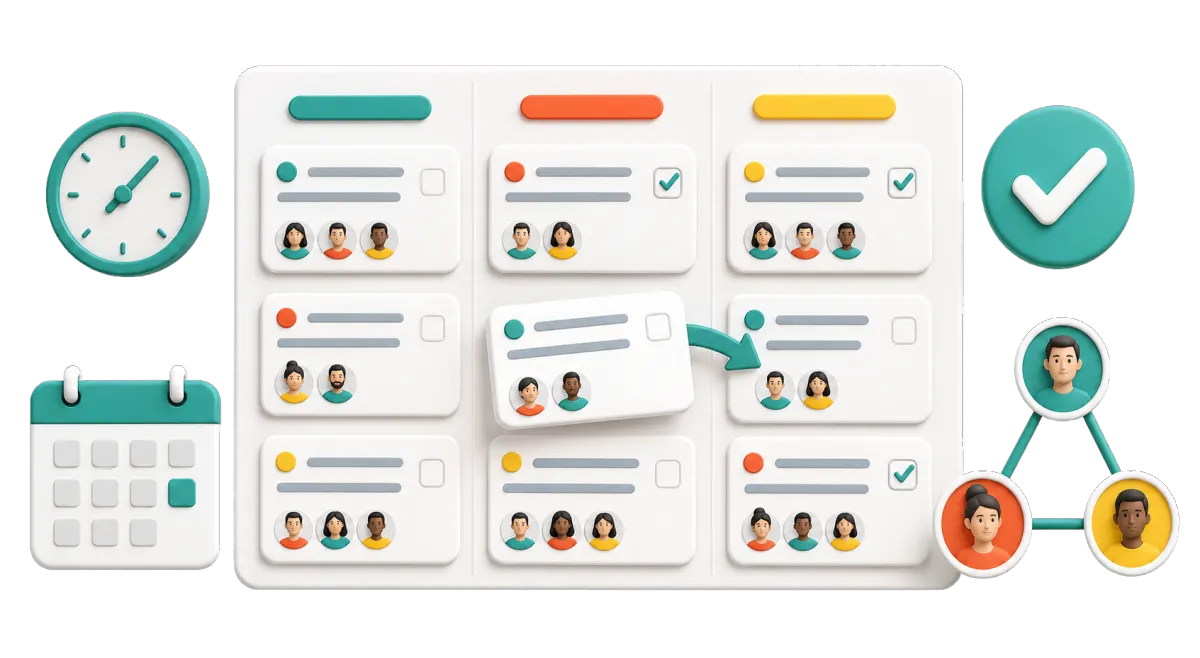
Tasks and Team Work Management
Keep intake work in view. Assign tasks that stay linked to the right contact and pipeline record.
Assign application reviews, return calls, tour preparation, and follow-up emails
Create tasks through workflows after forms, bookings, calls, or pipeline changes
View overdue, current, and upcoming work in list or board views
Keep shared work clear across school office and campus teams

Keep Parent and Guardian Messages on Track
School outreach can span many channels. WinChilla gives approved staff shared context for messages to parents, guardians, adult learners, alumni, and other groups.
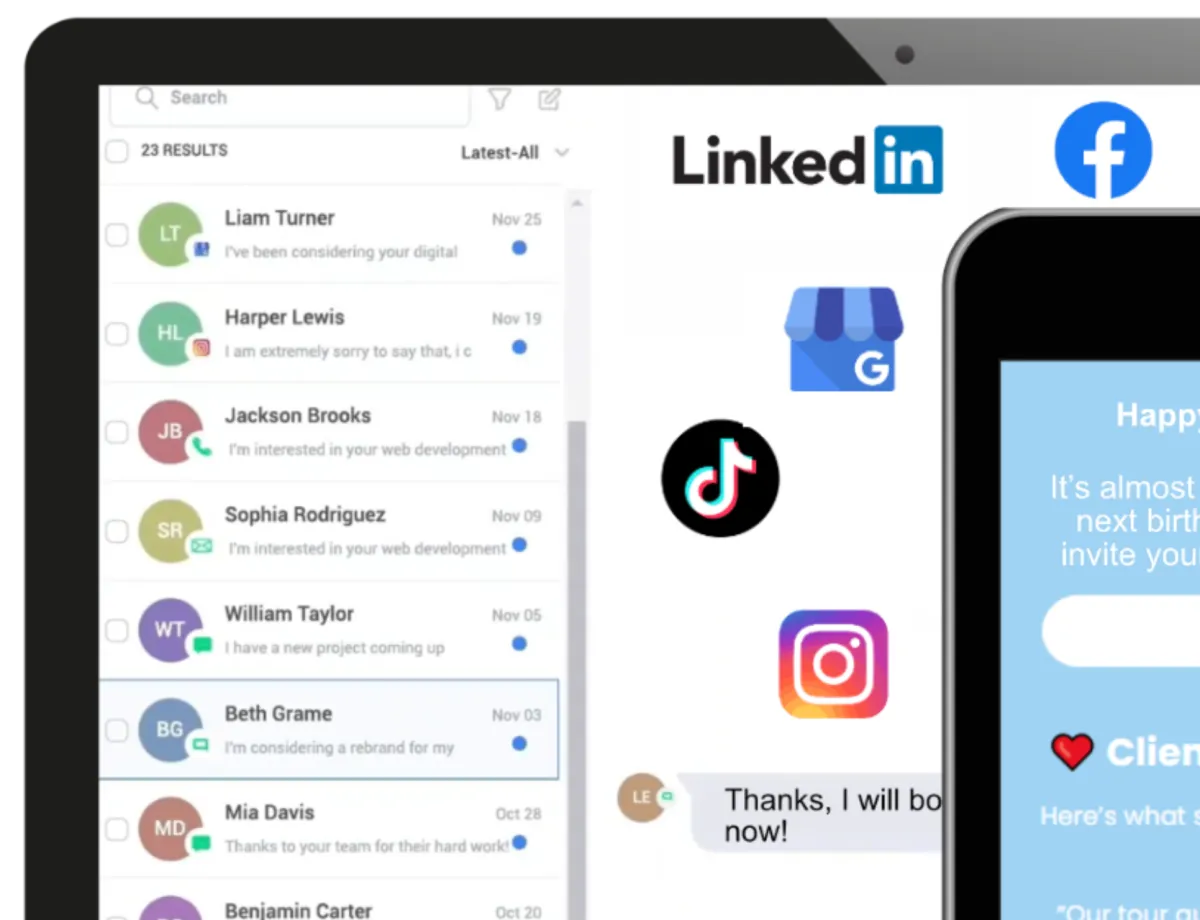
Conversations
Bring supported email, phone, chat, social, and text messages into one inbox with contact history.
Let school staff see earlier questions before they reply
Filter and assign messages so each one reaches the right office
Keep notes and contact history linked to the contact record
Manage these channels from one place instead of checking many inboxes
Use AI-assisted replies to help staff respond faster while keeping each contact’s earlier questions in view
Email Marketing
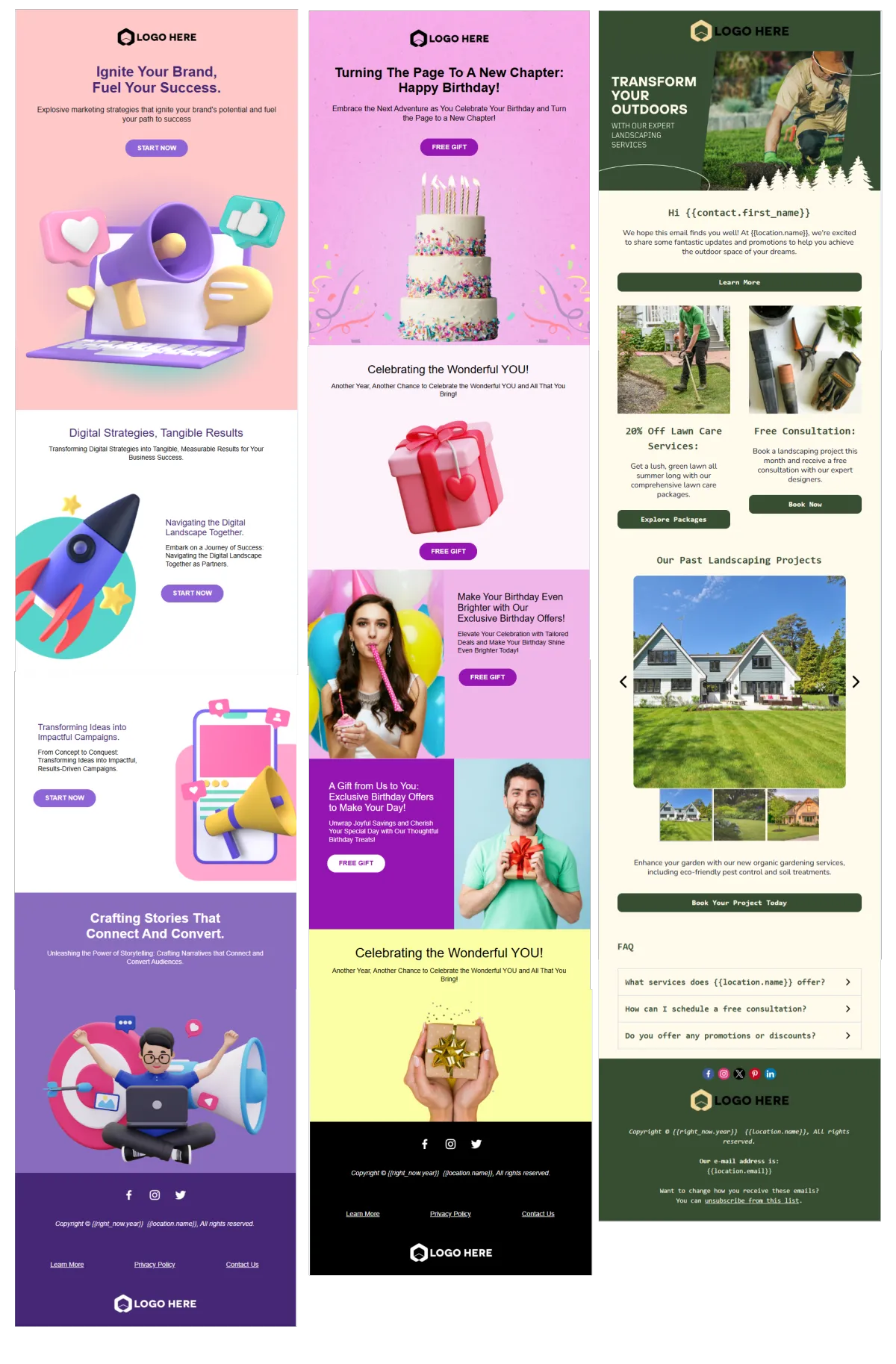
Create email campaigns for the right groups. Use CRM details, lists, tags, and filters to personalize communications for each audience.
Send deadline reminders to new parents, guardians, or adult applicants
Share open-house details
Use segmented newsletters for alumni engagement and updates for families, staff, partners, or learners
Track delivery, clicks, failures, and unsubscribes
Workflows and Automation
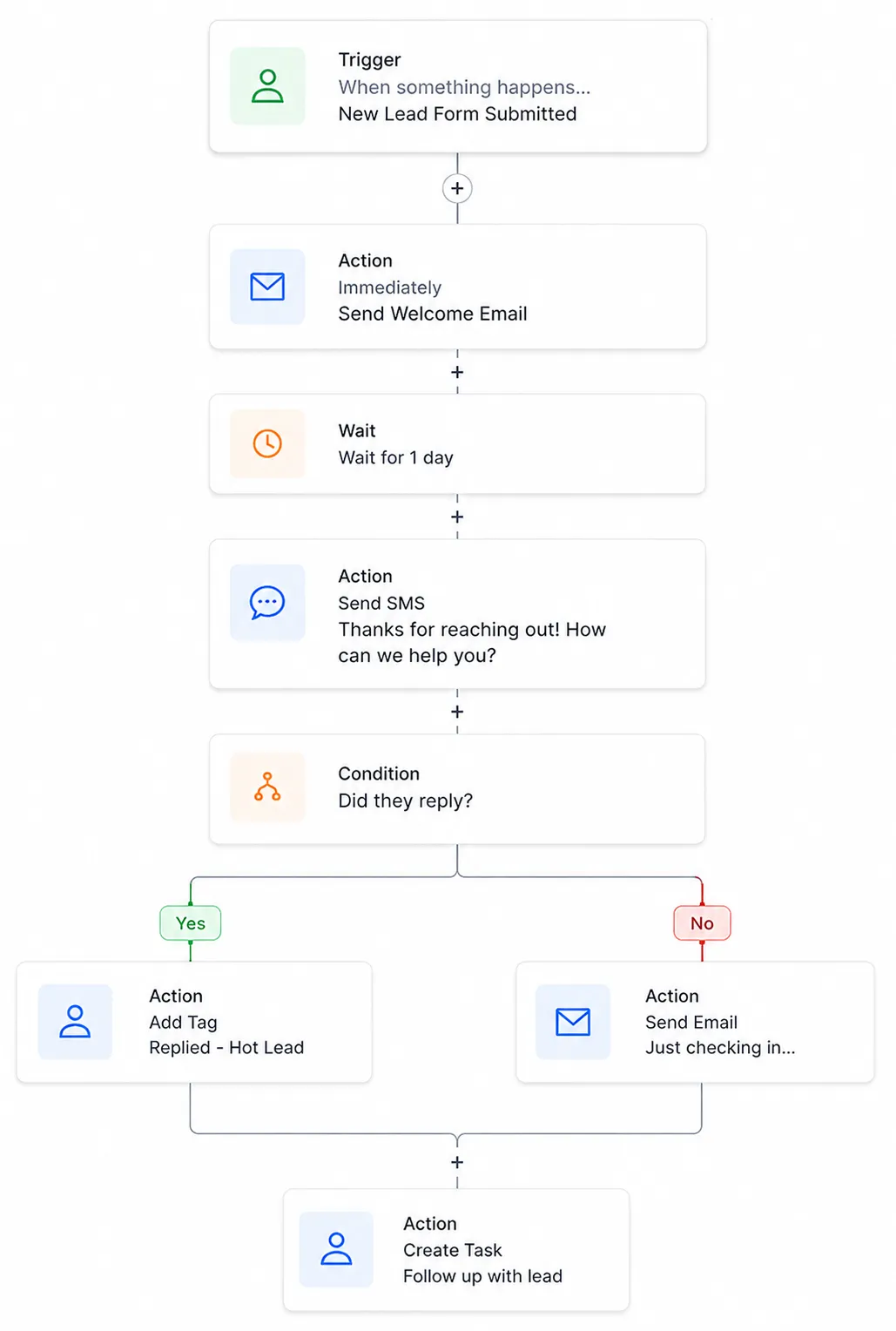
Automate routine team steps and approved follow-up with triggers, actions, paths, and notes.
Notify a staff member when a new inquiry or tour request arrives
Create a follow-up task when a contact misses an intake call
Send an approved email sequence after an inquiry or event sign-up
Update a pipeline stage when a tracked step is done
Describe a goal in plain language to create a workflow using the AI builder

Build Visibility and Bring Families Into Your School Community
Steady outreach helps new families see what makes your school different. Plan events. Share school news. Build trust through public feedback. Keep the people behind each response in view.
Events Management
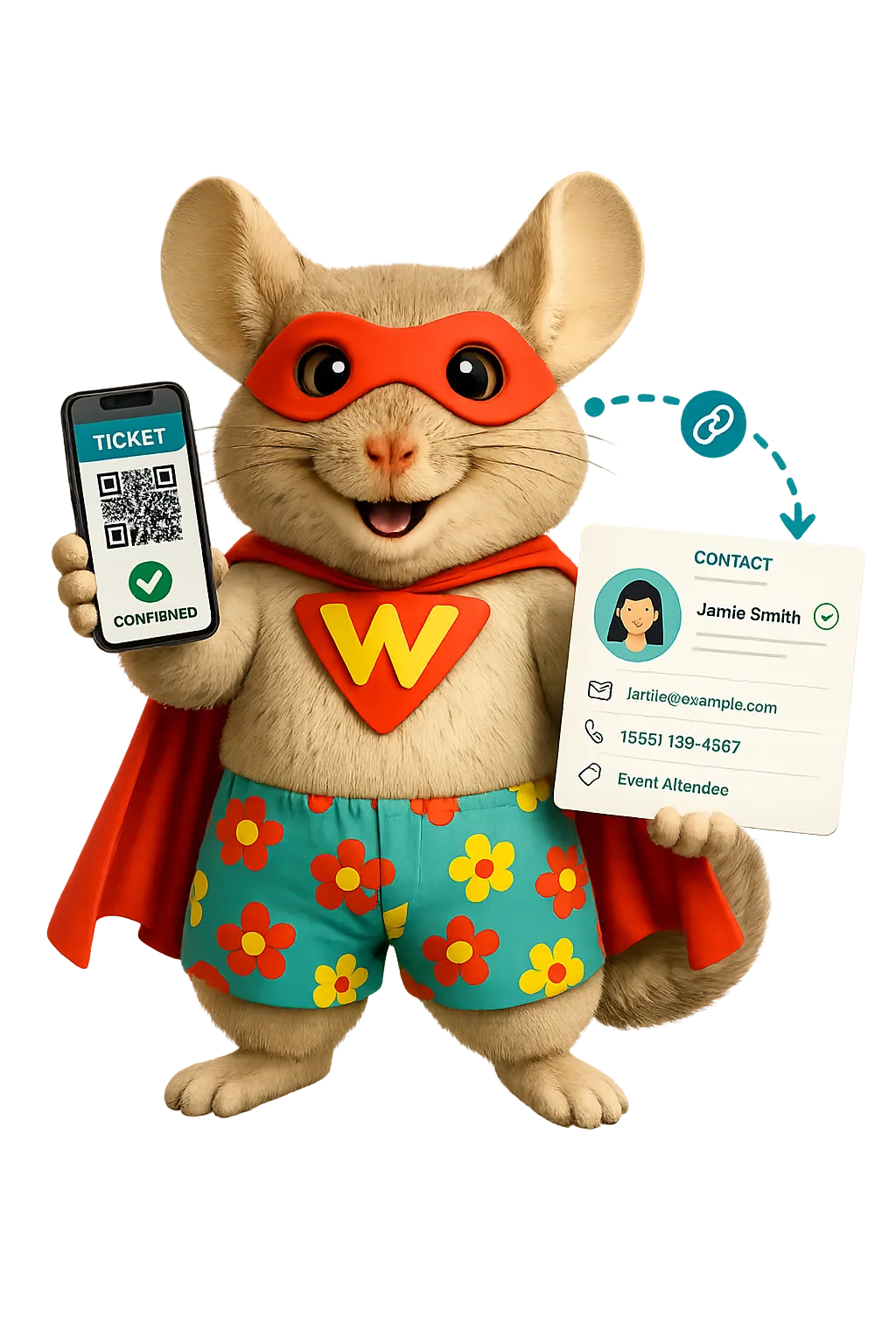
Create public event pages and manage sign-up for open houses, info nights, workshops, and school events.
Publish event details, schedules, locations, speakers, FAQs, and sign-up fields
Set space limits for tours, workshops, or small info sessions
Send sign-up confirmations and reminders to adult attendees
Track sign-ups, attendance, and event results from one dashboard
Reputation Management
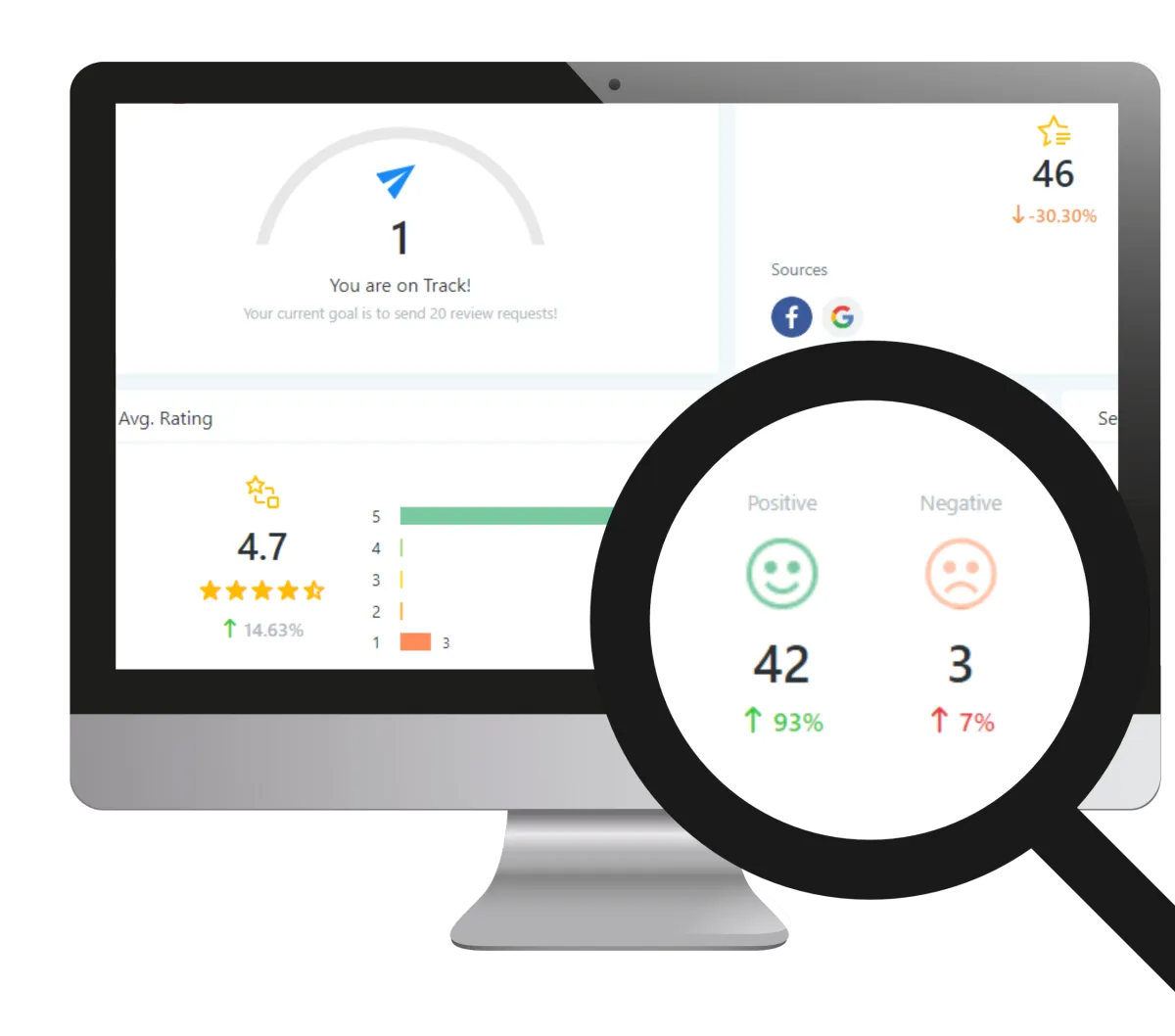
Monitor supported review profiles, request feedback, respond to reviews, and display chosen testimonials from one place.
Invite contacts to share feedback at the right time
Monitor recent reviews, ratings, trends, and recurring themes
Use AI to suggest or automatically publish replies to supported Google and Facebook reviews
Add approved review widgets to school pages
Social Planner
Create, approve, schedule, and review school social content across supported platforms.
Plan posts for open houses, application periods, programs, and school events
Share secure approval links with school leaders before content is published
Customize copy for each supported social channel
Review engagement and post performance across a chosen date range
Use AI to draft captions, campaign ideas, hashtags, and images

More Tools for a Better-Run School Office
Add useful tools as your school outreach and office workflows grow.
Communities
Create private, school-managed groups where students can connect with classmates, course cohorts, or clubs. Set access and content rules to suit the age group and school policy.
Surveys
Collect family feedback, event responses, program interest, or internal intake details with conditional questions.
Mobile App
Manage contacts, messages, opportunities, calendars, tasks, and alerts when staff are away from their desks.
Integrations
Link supported services to the CRM. APIs, webhooks, and apps can add more options when your setup allows.
Digital Courses and Quizzes
Build courses with lessons, media, downloads, progress tracking, certificates, and badges. Add scored quizzes to assess and support students.
Documents & Contracts
Send agreements or forms for e-signature. Track when they are viewed, signed, declined, or done.
Common Questions About CRM for Schools
What does a school CRM help manage?
A school CRM brings customer relationship management into the admission process. It can track inquiries from prospective students and families, adult contacts, campus tours, admissions stages, event sign-up, messages, and follow-up. School teams get shared context and clear next steps. It does not replace the approved system for formal student, attendance, class, health, or safety records.
Can WinChilla work as an admissions CRM?
Yes. You can create a pipeline for inquiries, tours, applications, decisions, and enrollment. Forms, calendars, tasks, and approved follow-up can link to it. WinChilla supports the admissions workflow, while the school keeps formal files and student data in its approved systems.
Can schools use WinChilla to email or text students?
WinChilla has email and messaging tools. The school must decide who may be contacted, through which channel, and with what consent. For K–12 use, this page focuses on parents, guardians, staff, alumni, partners, and other approved adults. Rules may vary by age, message type, region, and school policy. Each campaign must follow the school’s legal and safety rules.
Can one education CRM support many campuses or programs?
WinChilla can use tags, fields, filters, pipelines, calendars, teams, and reports to sort contacts by campus, program, intake term, or owner. The right setup depends on how the school splits access and roles. Multi-campus schools should plan their records and staff access before they import contacts or launch workflows. Contact us for multi location pricing.
Is WinChilla suitable for colleges or adult education providers?
Colleges and universities can use WinChilla for some higher education CRM and adult-learning workflows. Higher education institutions can manage inquiry forms, event sign-up, bookings, and admissions follow-up. Fit depends on the school’s size, data rules, and other systems. WinChilla supports contacts and outreach. It does not replace student, class, or financial-aid systems.
Is WinChilla a student information system or learning management system?
WinChilla is not a full student information system or traditional academic LMS, but it does include learning tools. Schools can build course areas with lessons, video, audio, downloads, drip content, progress tracking, certificates, and badges, while separate scored quizzes can support assessments. Learners can use the client portal to reach courses, communities, messages, documents, and other resources. Schools should still use approved systems for official grades, attendance, health, conduct, and safeguarding records.
What others are saying:
"Love everything so far"
"I've never set up a website before but I love managing my new site and leads. The WinChilla team has been really helpful whenever I got stuck."
- Laura P

"Simplifies my sales"
"I've been able to help my son promote his candy business which has been great because I am not good with computers at all."
- Robert T
"Highly recommend"
"It's exciting to see my visions come to life and WinChilla helps me manage everything in one place so I can be anywhere in the world and my business just runs."
- Jaret H
WinChilla works with platforms you already use such as














What you can expect from us
Money Back Guarantee
We're confident you'll love saving money by switching from existing software providers with your business tools to one place.
Plus, we believe you'll save a ton of time with marketing automation.
Within 30 days, if we're not the right fit, we'll give you your money back.
View Terms of Service
24/7 Support
We're here to help. You'll get a one-on-one onboarding call with our team.
Then, you'll get another tech call with us to make sure your account is configured exactly as you want it.
Plus, you can expect 24/7 chat support from our team with any questions you have along the way.
30+ Years of Experience
We've been helping small businesses since 2010!
The WinChilla brand is new, but our experience is not. The founders of WinChilla have over 30 years of experience combined in digital software and customer incentive programs - helping businesses like yours - worldwide since 2010. Now, we're excited to bring our expertise to launch these new super tools to help all of our clients grow.

Give Every School Inquiry a Clear Next Step

© 2024-2026 Loyalty Gator Inc. All rights reserved.
WinChilla CRM | A Loyalty Gator Company | Trusted Since 2010
The information provided by Loyalty Gator Inc. (DBA: WinChilla) ('we', 'us', or 'our') on https://www.winchilla.com (the 'Site') and our mobile application is for general informational purposes only. All information on the Site and our mobile application is provided in good faith, however we make no representation or warranty of any kind, express or implied, regarding the accuracy, adequacy, validity, reliability, availability, or completeness of any information on the Site or our mobile application. UNDER NO CIRCUMSTANCE SHALL WE HAVE ANY LIABILITY TO YOU FOR ANY LOSS OR DAMAGE OF ANY KIND INCURRED AS A RESULT OF THE USE OF THE SITE OR OUR MOBILE APPLICATION OR RELIANCE ON ANY INFORMATION PROVIDED ON THE SITE AND OUR MOBILE APPLICATION. YOUR USE OF THE SITE AND OUR MOBILE APPLICATION AND YOUR RELIANCE ON ANY INFORMATION ON THE SITE AND OUR MOBILE APPLICATION IS SOLELY AT YOUR OWN RISK.