
The Energy CRM that keeps utility customers in the loop
Give your utility team one place for customer messages, open questions, and follow-up. With WinChilla, staff can see who needs help and what to do next. Keep billing questions, service inquiries, and program requests on track.



Bring your customer service tools together
WinChilla brings customer relationship management, shared messages, booking tools, forms, and email campaigns into one place. For teams in the energy sector, that means less time chasing details and more time helping customers.
Your utility office handles more than incoming calls
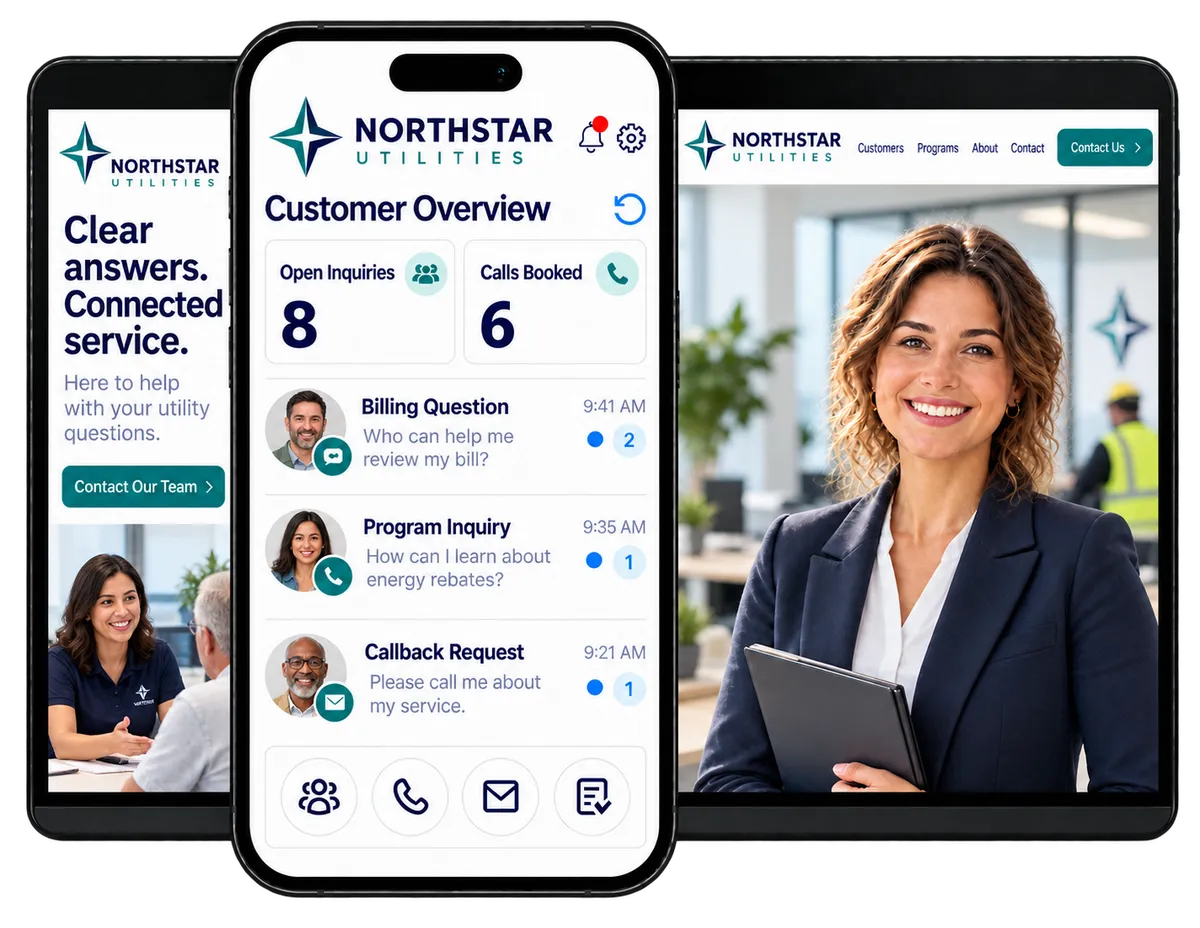
A customer needs the right billing contact. Another wants to learn about an energy-saving program. Your team also has callbacks, booking changes, outreach, and complaints to track. Staff may cover several roles. A clear record and a clear next step help each person pick up where the last one left off.
out of 1,000 was the average utility digital experience satisfaction score in a 2026 U.S. study.
Source: JD Power, 2026 U.S. Utility Digital Experience Study
points higher was the average customer satisfaction score for utilities that proactively communicated about outages, on a 1,000-point scale.
Source: JD Power, Utilities Outlook 2026
of water utility customers recently sought information through an app or website, compared with 20% who contacted their utility by phone.
Source: JD Power, Utilities Outlook 2026
Does this sound familiar?
A customer calls about a request they sent last week. One staff member has the email. Another took a phone message. No one knows who should call back. An energy CRM helps your team keep the conversation and the next step together.
Don't worry, we can help!
Conversations
See supported email, text, chat, and call history in one inbox before you reply.
Contacts / CRM
Keep customer details, program interests, and office notes in the same record.
Tasks & Team Work Management
Give callbacks and open questions a named owner and a due date.

Use your energy CRM to give customers a clearer answer
Customers may call, email, text, or visit your website for help. Give staff the details they need to reply. Save people from having to start over.
Conversations
See customer messages and call history in one inbox across supported channels.
Read past messages before you call a customer back about a service request
Use inbox filters and team workflows to help staff find the chats they need to handle
Use AI to draft a reply to a common office question
Keep notes in view when the front desk hands a program question to the right staff member

Web Chat
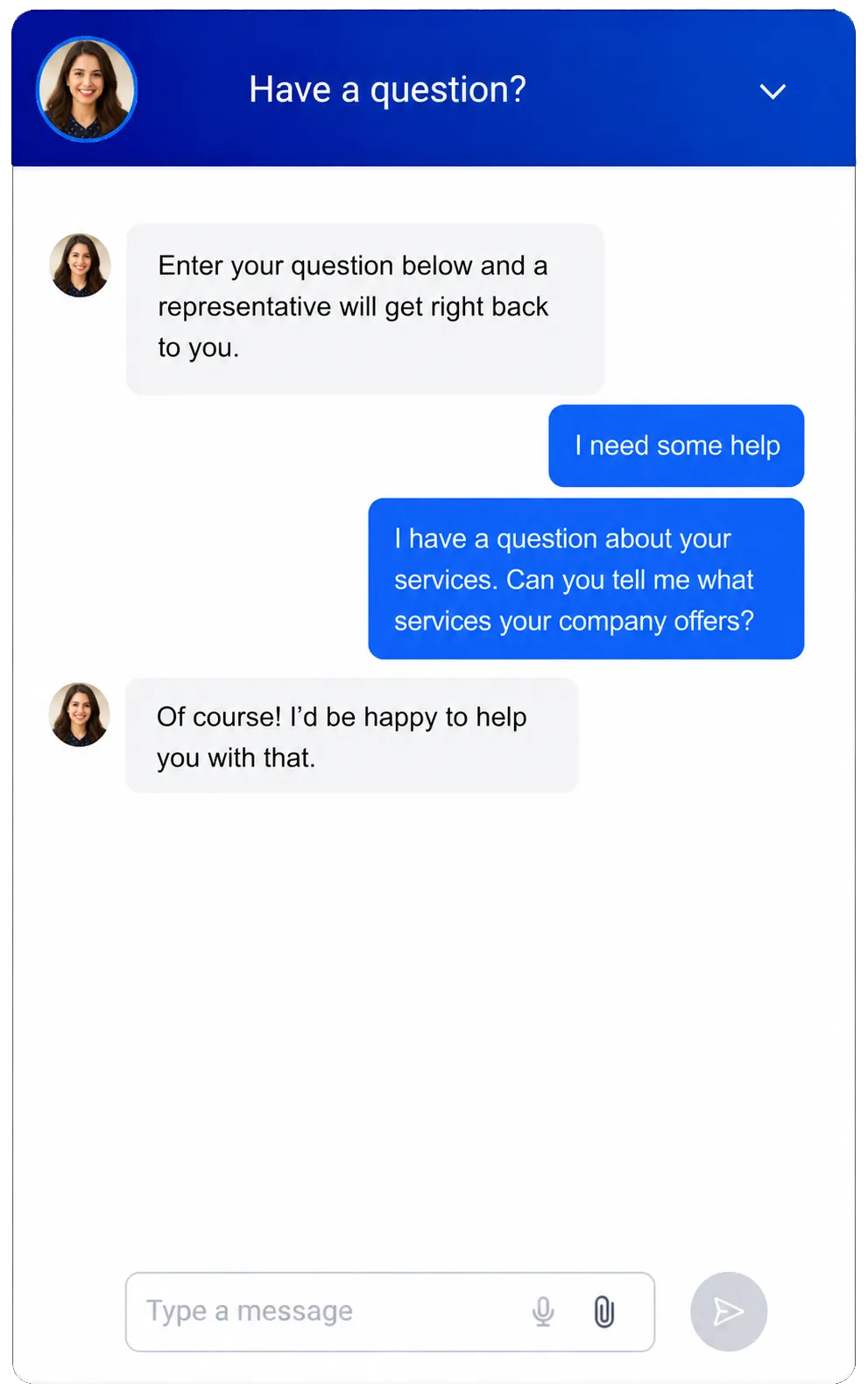
Let people ask questions and leave their details through your website.
Collect questions about office hours, program contacts, or how to book a call
Collect after-hours questions. Give staff the details when the office reopens
Use Conversation AI in supported setups to answer approved FAQs
Point customers to your account portal for private billing or usage details

Give every callback and open request a next step
Build follow-up around the way your business operates, from service questions to program callbacks. Keep customer journeys connected as requests pass between people and shifts.

Contacts & CRM
Store contact details, notes, tags, and activity history in one place.
Record why a customer called and what your team agreed to do next
Tag contacts who asked about energy advice, rebates, or assistance programs
Use custom fields for details such as service area or the best way to reach each person
Workflows & Automation
Set up rules to send routine messages and create staff tasks.
Confirm that you received an online request and create a callback task for the right staff member
Send a follow-up message after an energy-advice call
Remind staff to check a customer question that still needs an answer
Use the supported AI workflow builder to draft a follow-up flow

Keep customers informed about work and outages in their area
Customers want to know when work will affect their service and what happens next. Send clear notices to the right customer groups, share verified updates, and give people an easy way to ask questions.
SMS, MMS & WhatsApp Messaging
Send planned work notices and service updates to customer groups based on recorded service areas.
Notify affected customers before scheduled maintenance, construction, or service interruptions
Send staff-approved outage updates using verified information from your operations team
Share changes to work dates, service schedules, or expected restoration times
Follow up when your team confirms that work is complete or service has been restored
Include links to your utility’s service-status page, work details, or customer support options
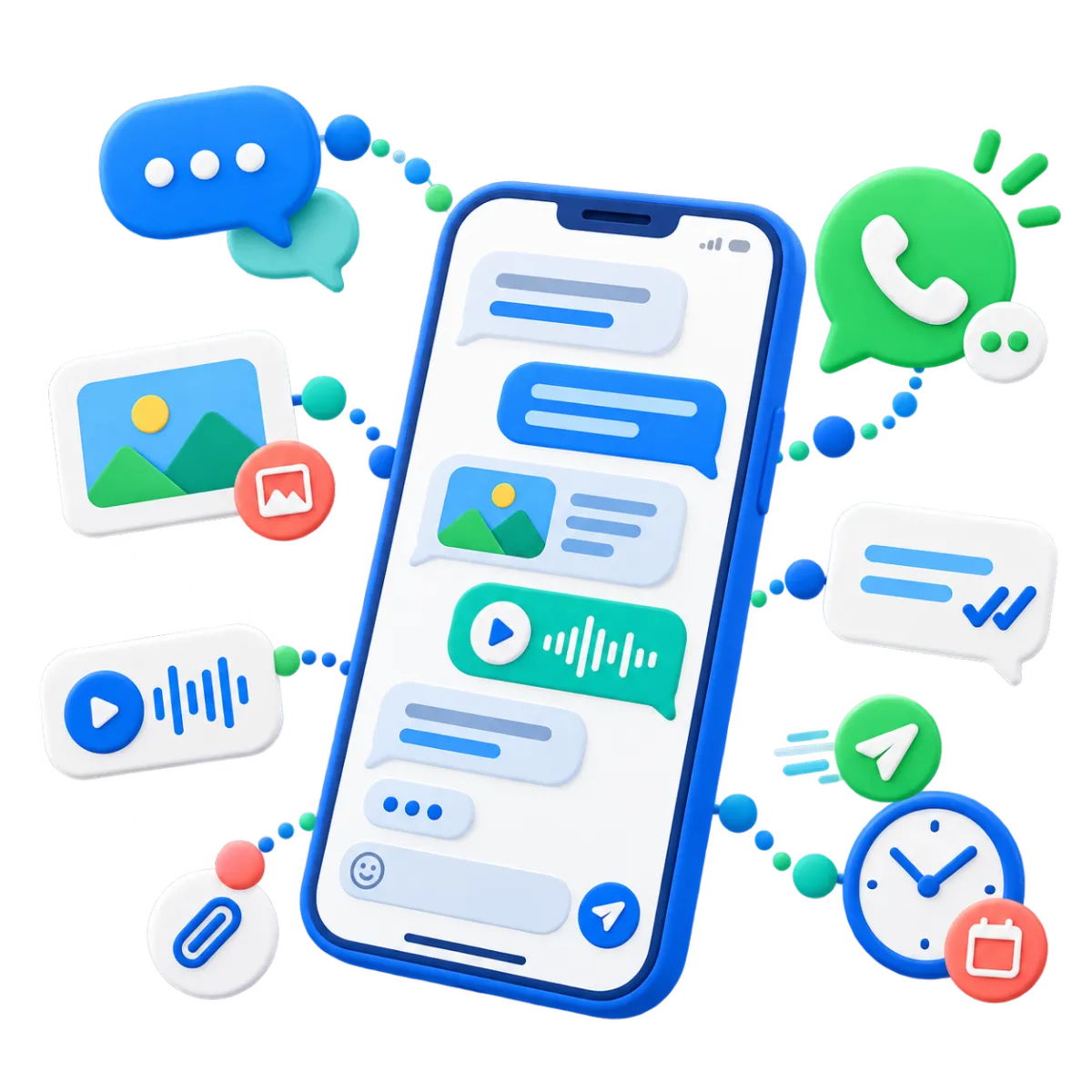

Forms
Give customers a simple way to ask about local work, request a callback, or update their contact details.
Link service notices to a form where customers can ask questions about work in their area
Collect a service address and callback details so staff can review the request before responding
Pass form responses into contact records and follow-up workflows so questions reach the right staff
Discover how WinChilla simplifies your day, saves time, and helps your utility business grow.

Make it easier to book advice and act on program information
Customers may want to speak with someone before they join a program or ask for help. Use your utility customer engagement platform to make that first call easier to book. Keep the next steps clear once the call ends.
Calendars & Appointments
Let customers book time with your office or program team and receive reminders.
Let customers book a call for energy-saving advice or program questions
Set the times when staff can take calls or meet with local groups
Confirm bookings and send reminders through supported email or text channels
Let supported AI chat or voice agents help customers book an open time slot


Email Marketing
Send useful program information to contact groups based on recorded interests.
Share energy-saving tips with customers
Send rebate news to contacts tagged with that program interest
Show people how to ask for help or book a call with the program team
Use AI to draft a subject line or email
Review delivery and click results to see which program links attract interest
More tools for a responsive utility office
Help staff stay in touch and keep work on track with utility customer engagement software.
Surveys
Ask for feedback after a call or chat. Learn more about utility customer satisfaction.
Funnels & Landing Pages
Give each program its own page with clear next steps and a linked form.
Mobile App
Let staff read past messages, update tasks, and handle chats away from their desks.
Social Media Planner
Schedule posts about planned work, conservation tips, and community programs across supported social channels.
Webinars
Host online sessions about efficiency programs, rebates, and service changes, with registration and follow-up connected to your CRM.
Phone System & Calling
Route office calls to the right team. Keep call notes with each customer record.
affordable pricing plans built for small businesses
How much does this cost?
We're glad you asked! WinChilla is pleased to offer affordable pricing plans to suit your growing business.
Questions about CRM for utility companies
Does WinChilla replace our utility billing or outage systems?
WinChilla handles customer messages, notes, forms, appointments, and follow-up. Your specialist tools still handle industry-specific work such as meter readings, rate calculations, utility billing, outage detection, and field dispatch. Account balances and real-time data require a verified connection to the system that holds them.
Is this a fit for municipal utilities, cooperatives, and water providers?
Yes, for customer messages and office follow-up. A municipal office might track callbacks. A cooperative might follow up on program interest, while a water provider asks for feedback. When you compare utilities CRM solutions, check the fit for your team size, data needs, staff access, and the systems you already use.
Can AI answer account-specific questions or handle emergencies?
Supported AI agents can answer questions from approved business information, collect details, and help with booking or staff handoff. Private account answers depend on a verified, authorized connection to the relevant system. Keep hazard reports, emergency response, and critical outage reporting on your utility’s established channels, with clear directions for customers who need urgent help.
Can we track interest in rebates and assistance programs?
Yes. Use forms, tags, custom fields, and workflows to track interest and share the next steps. Your utility CRM can keep outreach and callbacks on track. Staff or your program system must still check who qualifies, approve requests, and manage awards. An inquiry alone does not mean a customer qualifies.
What should we check before connecting our existing customer systems?
Plan integration with existing systems around the customer data your team needs. WinChilla supports APIs, webhooks, and other integration tools, but compatibility with your utility software needs review. Before rollout, confirm record matching, staff access, update timing, and how failed syncs will be handled.
What others are saying:
"Love everything so far"
"I've never set up a website before but I love managing my new site and leads. The WinChilla team has been really helpful whenever I got stuck."
- Laura P

"Simplifies my sales"
"I've been able to help my son promote his candy business which has been great because I am not good with computers at all."
- Robert T
"Highly recommend"
"It's exciting to see my visions come to life and WinChilla helps me manage everything in one place so I can be anywhere in the world and my business just runs."
- Jaret H
WinChilla works with platforms you already use such as


















What you can expect from us
Money Back Guarantee
We're confident you'll love saving money by switching from existing software providers with your business tools to one place.
Plus, we believe you'll save a ton of time with marketing automation.
Within 30 days, if we're not the right fit, we'll give you your money back.
View Terms of Service
24/7 Support
We're here to help. You'll get a one-on-one onboarding call with our team.
Then, you'll get another tech call with us to make sure your account is configured exactly as you want it.
Plus, you can expect 24/7 chat support from our team with any questions you have along the way.
30+ Years of Experience
We've been helping small businesses since 2010!
The WinChilla brand is new, but our experience is not. The founders of WinChilla have over 30 years of experience combined in digital software and customer incentive programs - helping businesses like yours - worldwide since 2010. Now, we're excited to bring our expertise to launch these new super tools to help all of our clients grow.

Put an energy CRM behind better customer follow-up

© 2024-2026 Loyalty Gator Inc. All rights reserved.
WinChilla CRM | A Loyalty Gator Company | Trusted Since 2010
The information provided by Loyalty Gator Inc. (DBA: WinChilla) ('we', 'us', or 'our') on https://www.winchilla.com (the 'Site') and our mobile application is for general informational purposes only. All information on the Site and our mobile application is provided in good faith, however we make no representation or warranty of any kind, express or implied, regarding the accuracy, adequacy, validity, reliability, availability, or completeness of any information on the Site or our mobile application. UNDER NO CIRCUMSTANCE SHALL WE HAVE ANY LIABILITY TO YOU FOR ANY LOSS OR DAMAGE OF ANY KIND INCURRED AS A RESULT OF THE USE OF THE SITE OR OUR MOBILE APPLICATION OR RELIANCE ON ANY INFORMATION PROVIDED ON THE SITE AND OUR MOBILE APPLICATION. YOUR USE OF THE SITE AND OUR MOBILE APPLICATION AND YOUR RELIANCE ON ANY INFORMATION ON THE SITE AND OUR MOBILE APPLICATION IS SOLELY AT YOUR OWN RISK.