
Home Inspector Marketing That Turns Inquiries Into Booked Inspections
WinChilla helps home inspection companies capture leads, answer calls and messages, book inspections, support agent relationships, and earn reviews. Manage it all from one platform.



One Place to Market and Grow Your Inspection Business
Home services depend on fast replies and local trust. WinChilla brings your CRM, calls, inbox, calendar, email, social posts, ads, and reviews into one place. Spend less time switching tools and more time with clients and referral partners.
Run the Business Behind Every Inspection
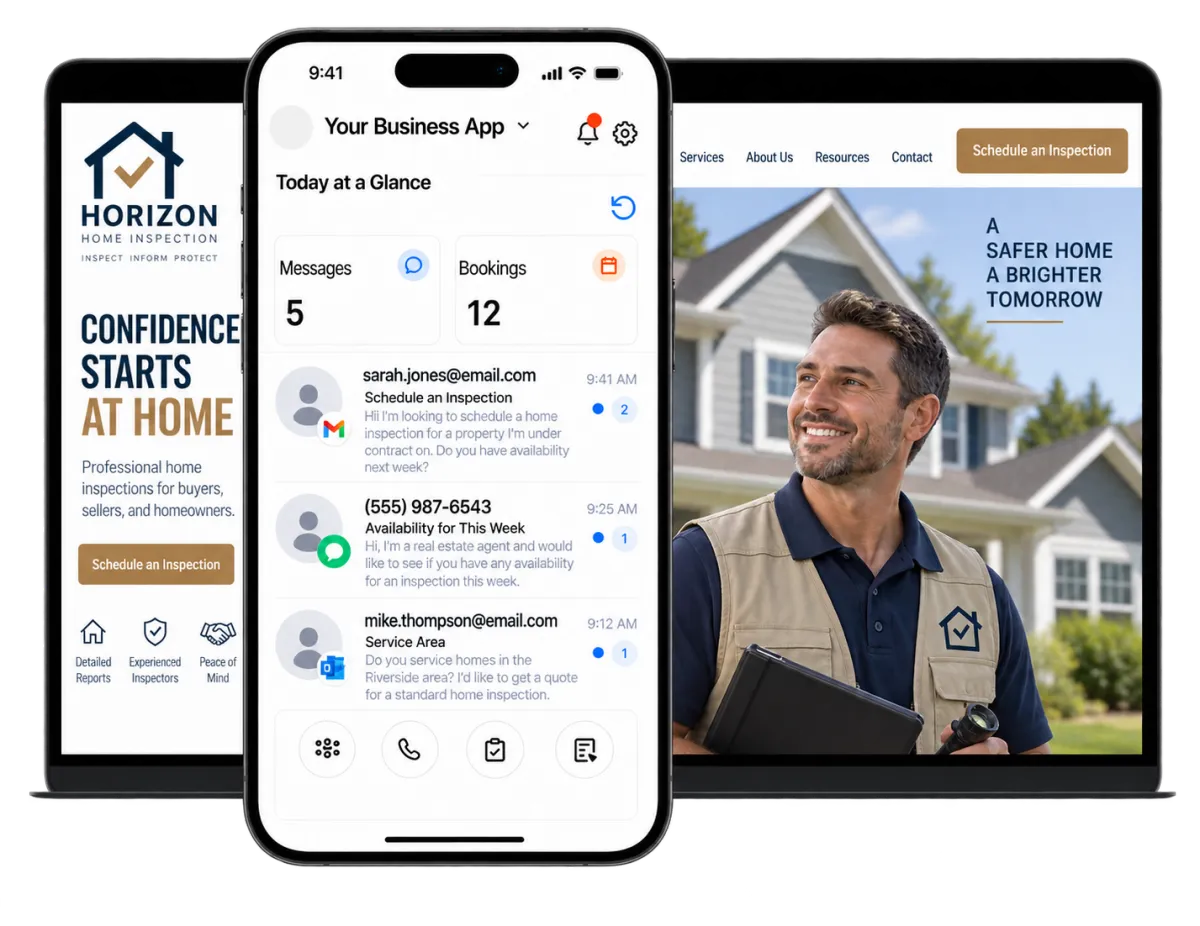
Home inspection business owners wear many hats. They inspect properties, answer calls, book jobs, help clients, build agent relationships, market the company, and ask for reviews. WinChilla keeps the work organized and new leads in view.
of U.S. consumers surveyed in 2026 said they read online reviews for local businesses.
Source: BrightLocal
of surveyed agents said they stop referring an inspector when the inspector is slow to respond or difficult to reach.
Source: Spectora
of home inspectors are already using AI for marketing.
Source: Spectora
Does this sound familiar?
You may be in a crawlspace, on a roof, or writing a report when a buyer or agent calls. By the time you reply, they may have booked another inspector. Older leads also get little follow-up. The next inspection always comes first.
Don't worry, we can help!
Phone System & AI Receptionist
Keep calls tied to each contact. A trained AI receptionist can answer common questions, collect details, book appointments, or transfer qualified callers.
Workflows & Automation
Trigger follow-up, reminders, tasks, and pipeline updates. Give each new lead a clear next step.
Unified Conversations
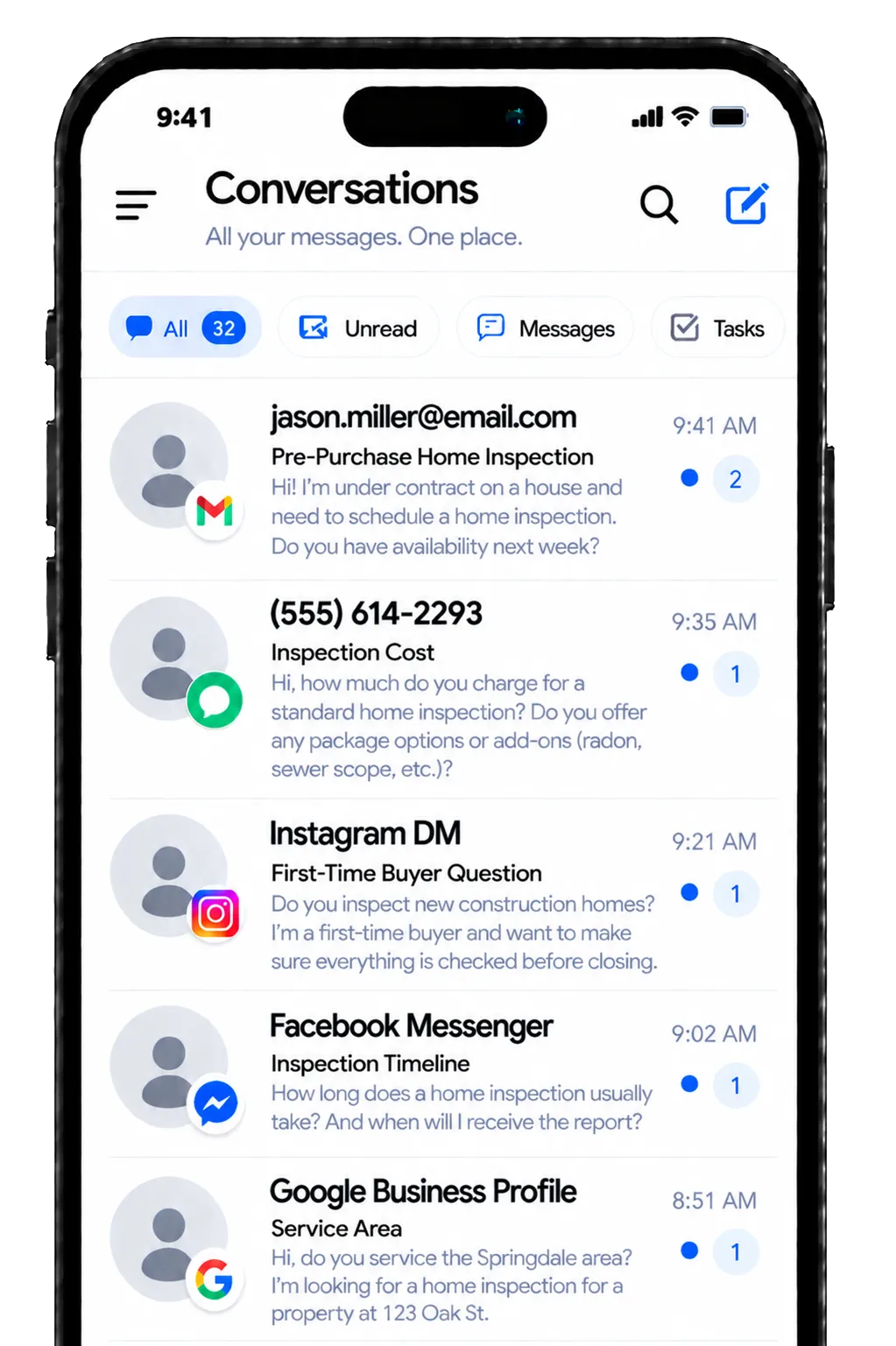
Bring supported calls, email, text, web chat, and social messages into one inbox. Your team can view contact history before it replies.

Capture More Home Inspection Leads, Even After Hours
Strong home inspector marketing makes it easy for buyers and agents to reach you. WinChilla turns website visits, calls, and messages into contact records and active talks.
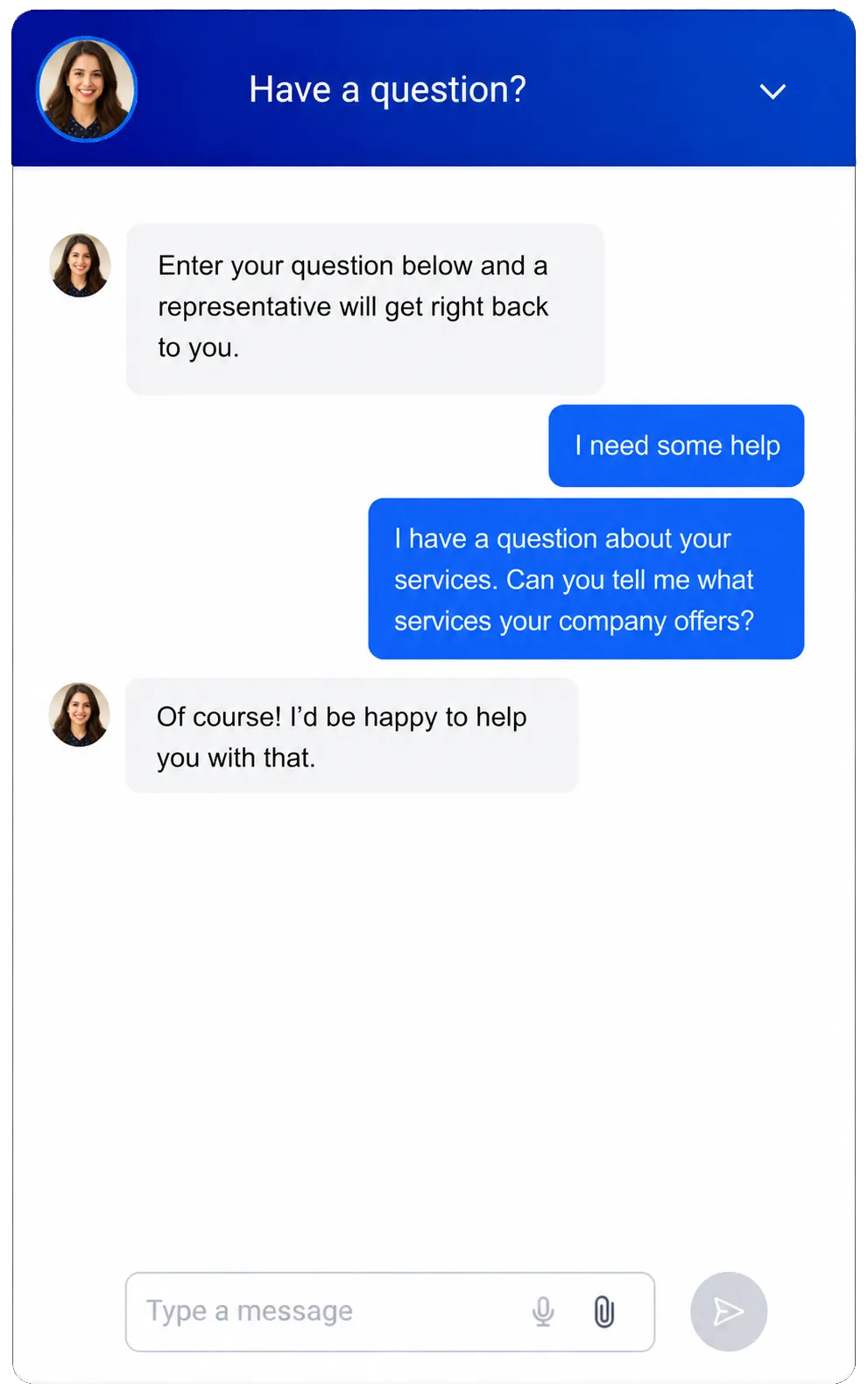
Web Chat
Let website visitors ask questions and share their contact details.
Collect the buyer’s name, phone, email, property address, and ideal inspection date
Set greetings, office hours, and after-hours messages so visitors know when staff are available
Send new chats to the main inbox, a team member, or a workflow
Offer live chat, messaging, and Voice AI widget options where available
Conversation AI
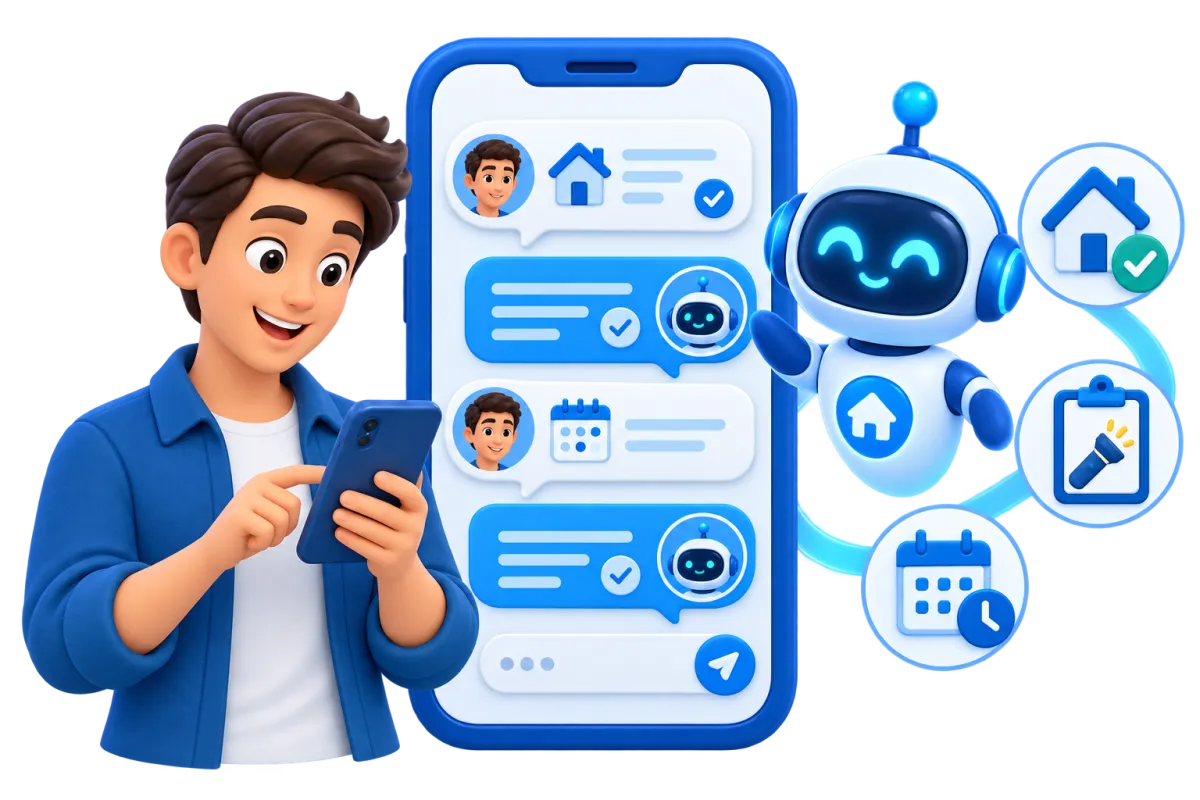
Use an AI agent trained on your business details to handle supported messages and help suitable leads book.
Answer common questions about service areas, hours, inspection types, and bookings
Collect contact details and the facts staff need before they follow up
Qualify inquiries based on rules set by the inspection company
Help suitable leads book an open time and pass complex questions to staff
Business Phone System & Calling
Manage business calls and keep call activity tied to each contact.
Use supported local or toll-free numbers for campaigns and inbound calls
Forward or transfer calls and apply working-hours routing for solo inspectors or office teams
Review call logs, notes, recordings, transcripts, and contact history where available
Start follow-up tasks, messages, or pipeline updates from call outcomes

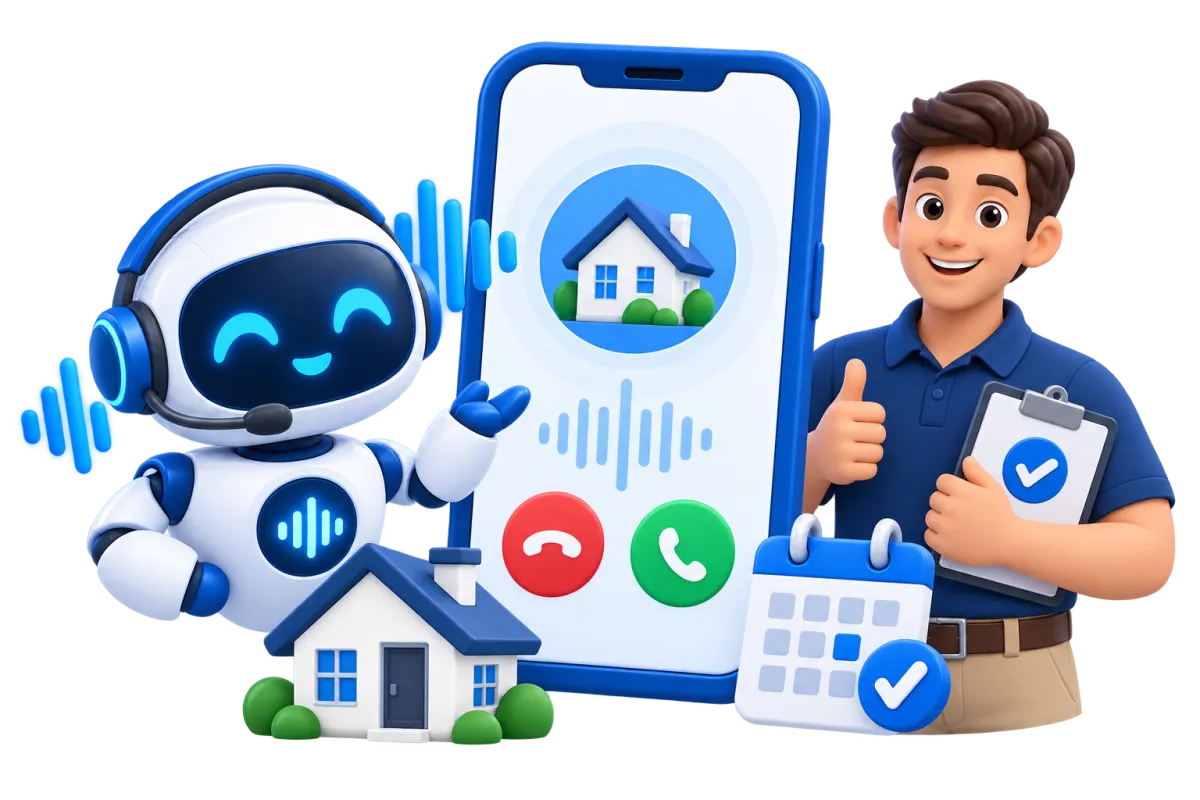
Voice AI Receptionists
Give callers a helpful response when your staff cannot answer.
Answer inbound calls using approved business details and knowledge sources
Ask why the caller needs an inspection and collect their contact and property details
Help qualified callers book an open time on a connected calendar
Transfer urgent or qualified callers and save call transcripts, summaries, and outcomes

Turn Interest Into Booked Inspection Appointments
Fast answers matter. Each lead also needs a clear path from first contact to a booked inspection. WinChilla links your calendar, inbox, pipeline, and follow-up around that path.

Calendars and Appointments
Let leads request or book open inspection times without a long round of phone tag.
Create calendars for inspection appointments, consultations, or related services
Set inspector hours and connect conflict calendars where applicable
Send email or text confirmations and appointment reminders
Link each appointment with contact records, notes, workflows, and reports
Conversations
Keep supported calls and messages together. Give buyers, agents, and staff a more consistent experience.
Review prior messages before replying to a buyer or real estate agent
Filter and assign messages across an office or multi-inspector team
Use AI-assisted replies as a starting point for inbox talks
Pause automated conversations and let a staff member take over when needed

Opportunities & Pipelines
Track each lead through a simple process built around how your company books inspections.
Create stages such as New Inquiry, Contacted, Appointment Requested, Booked, and Closed
Assign an owner and add notes to each active opportunity
Filter open leads to find buyers or agents who still need a reply
Move opportunities or trigger follow-up through supported workflows
Workflows & Automation
Automate routine steps while your team stays in control.
Send a quick reply after a new call, chat, or lead
Create staff tasks when a lead needs a personal callback
Send appointment confirmations, reminders, and post-appointment follow-up
Ask the AI workflow builder to create an automation for you


Build a More Consistent Real Estate Referral Network
Home inspection marketing is not only about reaching buyers. It also keeps you useful and visible to real estate pros who may send future clients your way.
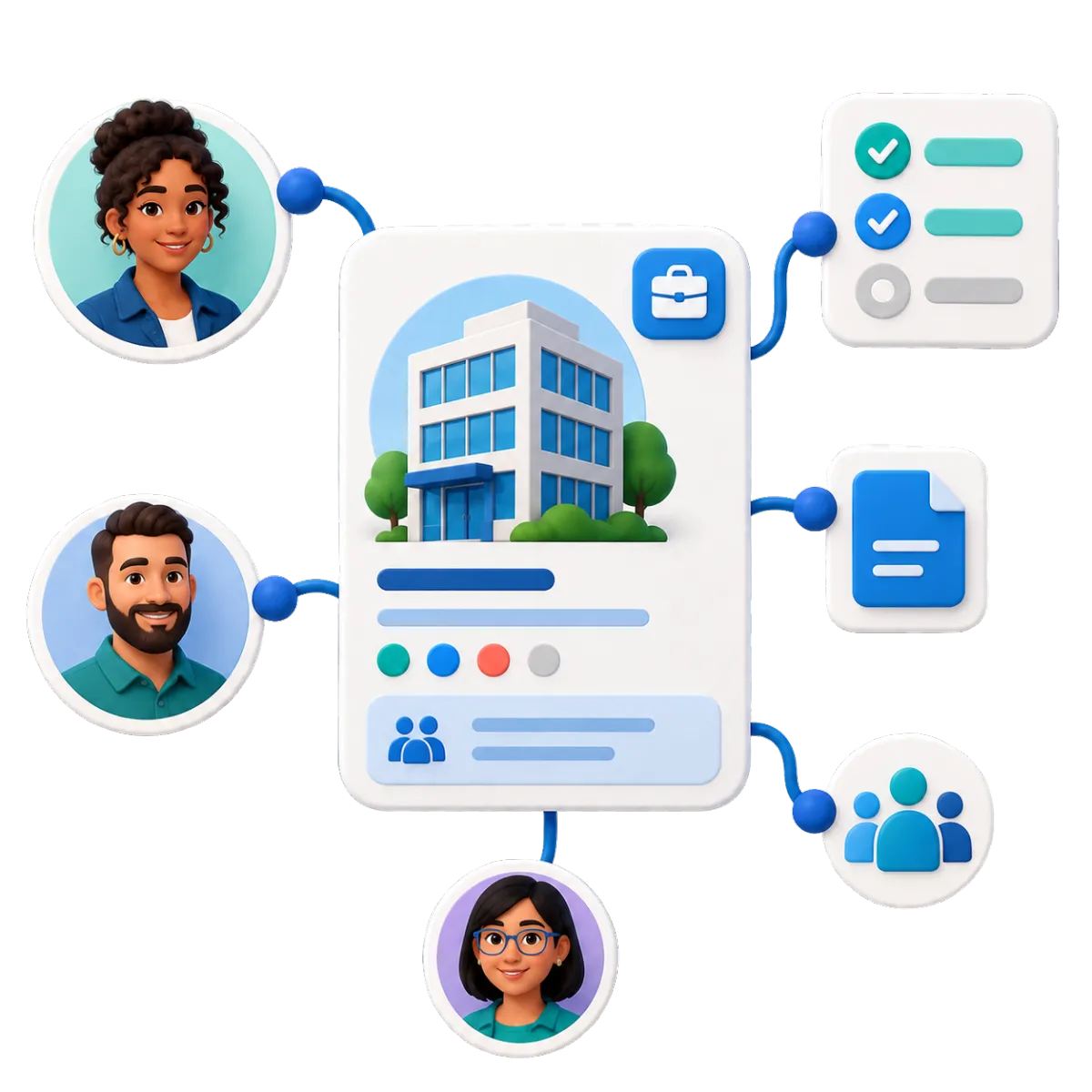
Companies / B2B CRM
Create records for brokerages, real estate teams, property firms, and other referral partners.
Link several agents and contacts to the right brokerage or group
Keep company notes, tasks, opportunities, and custom details together
Segment partners by office, market, relationship stage, or other useful fields
Build workflows for assignments, follow-up, and partner care

Contacts & CRM
Keep buyer, agent, property manager, and partner details in one clear record.
Store contact details, notes, tags, files, custom fields, and activity history
Build smart lists for active buyers, past clients, agents, and other referral sources
Import contacts by CSV and update records in bulk when needed
Email Marketing
Stay helpful between referrals with email campaigns for the right audience.
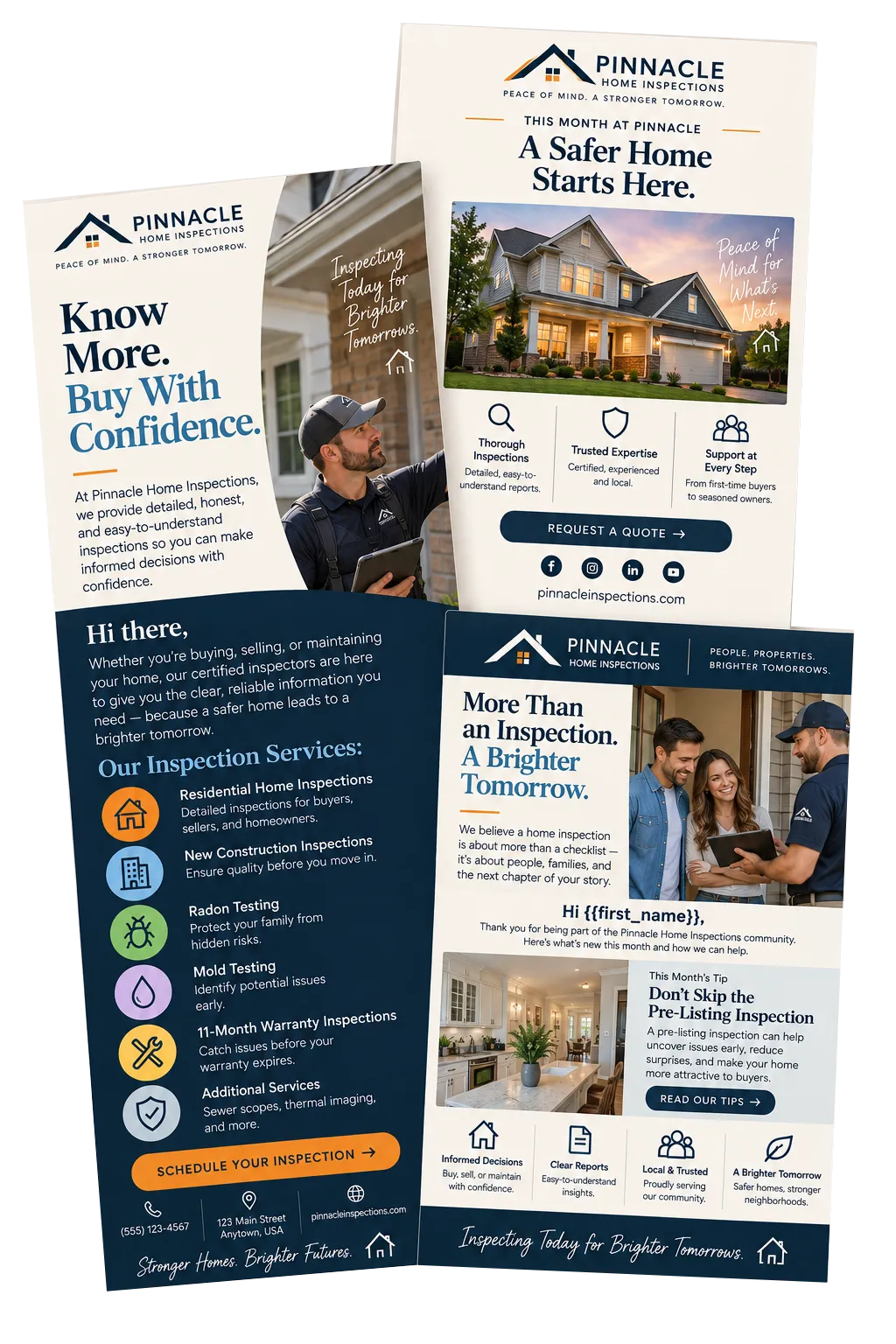
Send useful home-maintenance content or service updates to past clients who have agreed to receive marketing
Share inspection tips, open times, or useful content with selected agent groups
Add contact fields and schedule campaigns in advance
Use AI help to refine subject lines, calls to action, copy, and images

Strengthen Home Inspector Marketing With Reviews and Content
Buyers often look for proof before they call an inspector. WinChilla helps you request reviews, reply to feedback, post on social channels, and manage ads where supported.
Reputation Management
Make review requests and replies a regular part of the client journey.
Send review requests through supported channels after an inspection or other chosen milestone
Track ratings, review volume, recent feedback, trends, and sentiment
Use AI to suggest or post replies for connected Google and Facebook reviews
Display selected reviews through a customizable website widget


Social Planner
Plan and publish useful content across your social media accounts from one place.
Schedule seasonal maintenance tips, common-defect explainers, and company updates
Tailor posts for Facebook, Instagram, LinkedIn, and your Google Business Profile
Use AI help to refine captions, ideas, hashtags, images, and content for each channel
Review post performance and compare supported social activity over time
Ad Manager
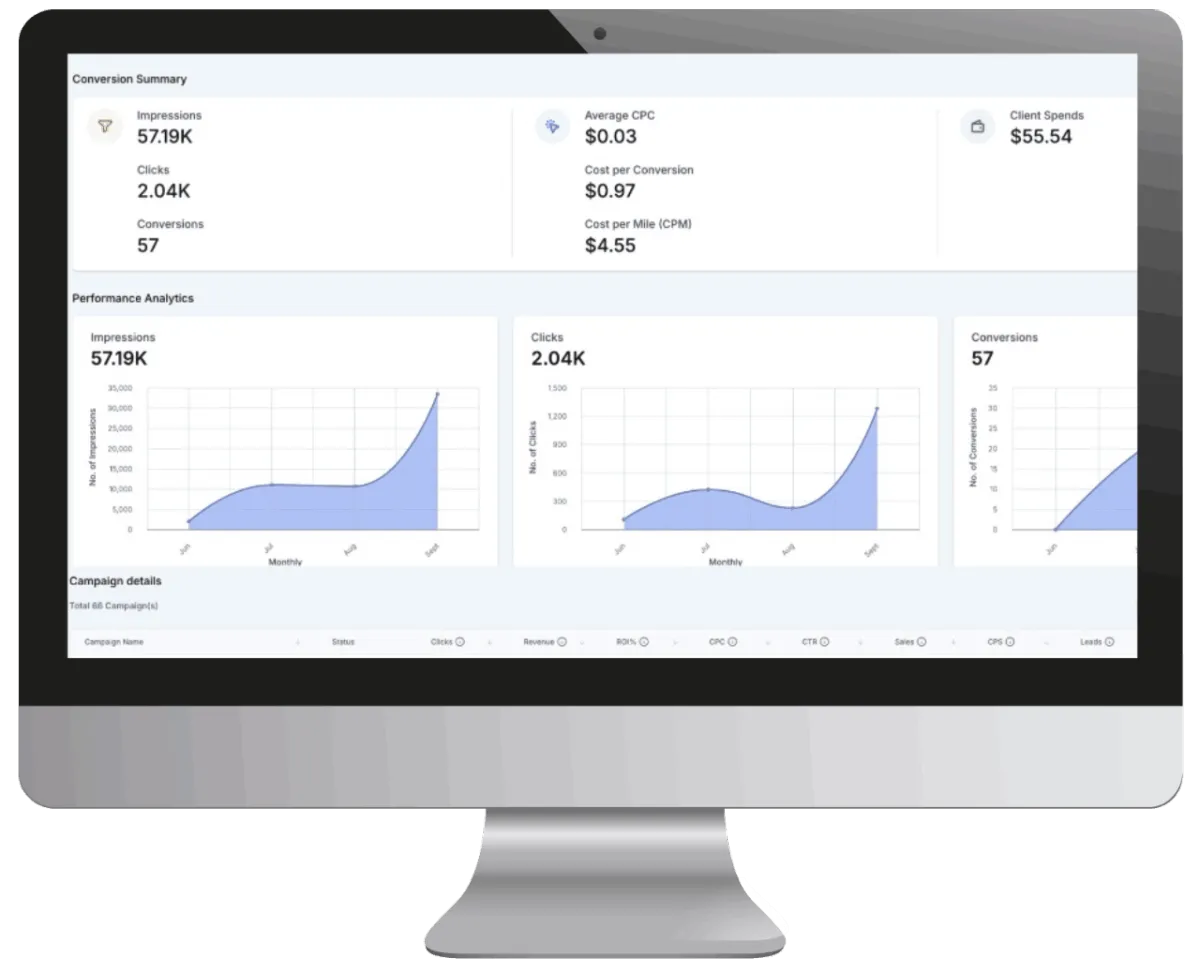
Create and track ad campaigns from one dashboard where supported.
Connect eligible Facebook, Instagram, Google Ads, and LinkedIn Ads accounts
Run lead, traffic, search, or website-visit campaigns where offered
Set audiences, budgets, schedules, goals, and available ad formats
Use AI help to draft ad copy, ideas, images, and campaign content
More Tools for a Better-Organized Inspection Business
Use the tools that fit today. Expand your home inspector marketing as the company grows.
Forms & Surveys
Collect property details, inspection requests, client feedback, and follow-up information.
Digital Courses
Offer homeowner education, maintenance guidance, or training resources online.
Mobile App
Manage contacts, messages, bookings, leads, and tasks from the field.
Affiliate Manager
Create and track compliant affiliate programs for approved partners, services, or educational products.
Integrations
Link WinChilla with tools your inspection company already uses. Keep data and workflows moving between systems.
Documents and Contracts
Send agreements, disclosures, and other documents for electronic signatures.
Home Inspector Marketing Software FAQs
Can WinChilla replace my home inspection report-writing software?
WinChilla is business and marketing software for home inspectors. It can support leads, calls, messages, bookings, follow-up, referral partners, and reviews. It does not create or deliver technical home inspection reports. You may still need dedicated report software or an available integration for that work.
How can WinChilla help when I cannot answer the phone during an inspection?
WinChilla can link calls to contact records, route calls by working hours, and start follow-up from call outcomes. A trained Voice AI receptionist can answer common questions, collect details, screen leads, book appointments, or transfer calls based on your setup.
Can I manage real estate agents and brokerages as referral partners?
Yes. Contact and company records can link agents with their brokerage or team. Notes, tasks, deals, and activity stay in order. You can use groups, email campaigns, and workflows to contact people who have agreed to hear from you.
Does WinChilla support digital marketing for home inspectors?
Yes. WinChilla supports digital marketing for home inspectors with email, social planning, review tools, web chat, follow-up, and ads where offered. These tools can support your marketing strategy and brand awareness. However, no software can promise that a website will rank high in search results. AI can help draft content and images, but your team should review each item before it goes live.
Can prospects book an inspection online?
WinChilla calendars can show open times and link bookings with contacts, reminders, workflows, and reports. Conversation AI and Voice AI can help suitable leads book during chats or calls where enabled. Your team controls the calendar rules, open times, and booking flow.
How does WinChilla support home inspection lead generation?
WinChilla helps capture leads from calls, web chat, messages, calendars, and ad campaigns where enabled. It can add contacts to a pipeline, alert staff, and start follow-up. It supports home inspection lead generation, but it cannot promise lead volume or replace a sound market plan.
What others are saying:
"Love everything so far"
"I've never set up a website before but I love managing my new site and leads. The WinChilla team has been really helpful whenever I got stuck."
- Laura P

"Simplifies my sales"
"I've been able to help my son promote his candy business which has been great because I am not good with computers at all."
- Robert T
"Highly recommend"
"It's exciting to see my visions come to life and WinChilla helps me manage everything in one place so I can be anywhere in the world and my business just runs."
- Jaret H
WinChilla works with platforms you already use such as


















Real Support for Your Next Step
30-Day Money-Back Guarantee
New customers can get started with a 30-day money-back guarantee on eligible subscription fees. Review the refund terms for coverage, exclusions, and how to request a refund.
Onboarding and 24/7 Support
Start with a technical setup call and a training call, then get help through 24/7 chat support. Use our tutorials and knowledge base as you build and refine the tools your business needs.
Helping Businesses Since 2010
Our founders bring more than 30 years of combined experience in business software and customer incentive programs, helping small businesses build stronger customer relationships.

Turn More Inspection Inquiries Into Appointments

© 2024-2026 Loyalty Gator Inc. All rights reserved.
WinChilla CRM | A Loyalty Gator Company | Trusted Since 2010
The information provided by Loyalty Gator Inc. (DBA: WinChilla) ('we', 'us', or 'our') on WinChilla’s website (the 'Site') and our mobile application is for general informational purposes only. All information on the Site and our mobile application is provided in good faith, however we make no representation or warranty of any kind, express or implied, regarding the accuracy, adequacy, validity, reliability, availability, or completeness of any information on the Site or our mobile application. UNDER NO CIRCUMSTANCE SHALL WE HAVE ANY LIABILITY TO YOU FOR ANY LOSS OR DAMAGE OF ANY KIND INCURRED AS A RESULT OF THE USE OF THE SITE OR OUR MOBILE APPLICATION OR RELIANCE ON ANY INFORMATION PROVIDED ON THE SITE AND OUR MOBILE APPLICATION. YOUR USE OF THE SITE AND OUR MOBILE APPLICATION AND YOUR RELIANCE ON ANY INFORMATION ON THE SITE AND OUR MOBILE APPLICATION IS SOLELY AT YOUR OWN RISK.