
Insurance CRM Software for Faster Follow-Up and Growth
WinChilla helps independent agencies capture more leads and keep each client exchange in view. It can send follow-up, track sales, and help your team stay in touch across personal, commercial, life, and health insurance.




One Place to Manage Leads, Clients, and Agency Growth
Insurance CRM software brings your contacts, sales pipeline, calls, messages, meetings, email, reviews, and follow-up into one place. Your team has less need to switch tools. That leaves more time to help prospects and clients.
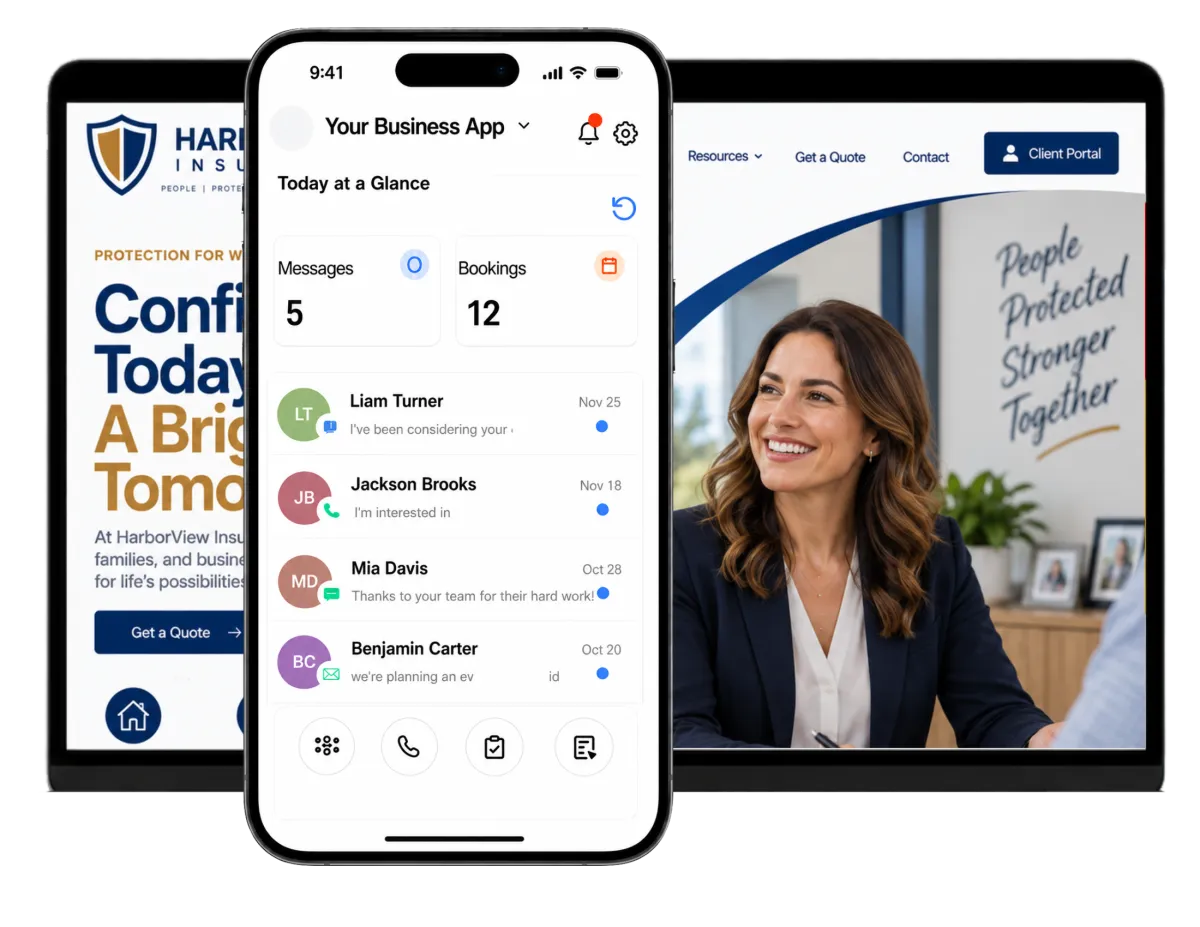
Run the Agency Without Letting Follow-Up Slip
Agency owners, producers, account managers, and service staff wear many hats. They handle new leads, quote follow-up, client needs, referrals, and marketing. WinChilla gives small teams a clear way to manage the relationship work around the policies they sell and service.
of independent P&C agencies named identifying operating efficiencies as one of the most important factors for success.
Source: Independent Insurance Agents & Brokers of America, A Deep Dive Into the 2024 Agency Universe Study
of agencies began providing more digital service in response to market conditions
Source: Independent Insurance Agents & Brokers of America, A Deep Dive Into the 2024 Agency Universe Study
of adults under age 45 used social media to seek information about financial or insurance products in 2025.
Source: LIMRA and Life Happens, Adults Age 30 and Younger Overestimate Life Insurance Cost by 10–12 Times
Does this sound familiar?
A prospect asks for a quote, calls after hours, or replies to an old email. The details land in many places. No one owns the next step. WinChilla helps your agency manage client communication. It turns each loose exchange into a clear process.
Don't worry, we can help!
Conversations
Bring supported email, text, phone, web chat, WhatsApp, and social messages into one inbox with the contact’s history in view.
Workflows & Automation
Trigger timely messages, tasks, assignments, and pipeline updates when a lead submits a form, books a meeting, replies, or changes stage.
Opportunities & Pipelines
Track each sales opportunity by line of business, stage, value, producer, status, and next step instead of relying on inbox memory.

Capture and Convert More Insurance Leads
Help each prospect reach your team. Give every lead a clear next step. WinChilla links lead capture with follow-up. Producers can stay on track and close deals without losing good leads.
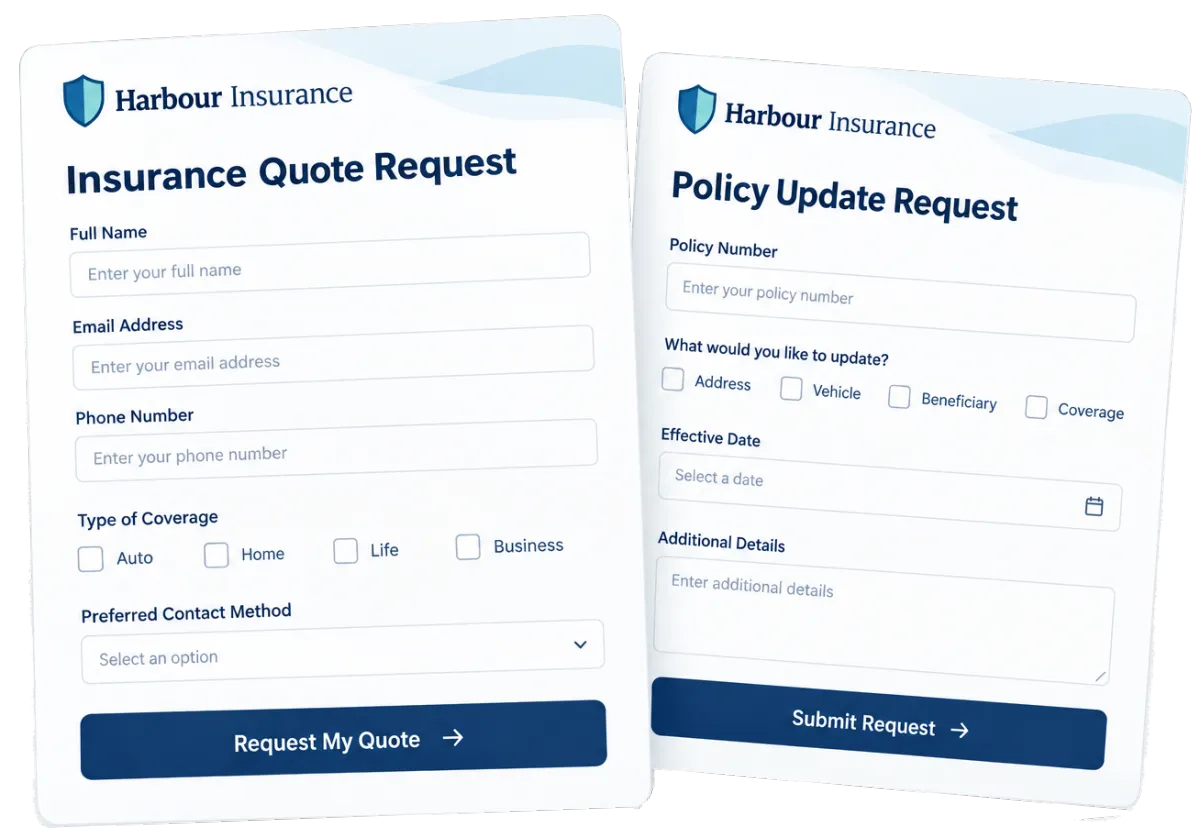
Forms
Use forms on their own or on your site. Each reply can enter the CRM and the right workflow.
Capture requests for personal, commercial, life, or health insurance consultations
Ask set questions based on the type of lead
Tag leads by line of business, referral source, location, or campaign
Notify the right producer and create the next task as soon as a form arrives
Web Chat
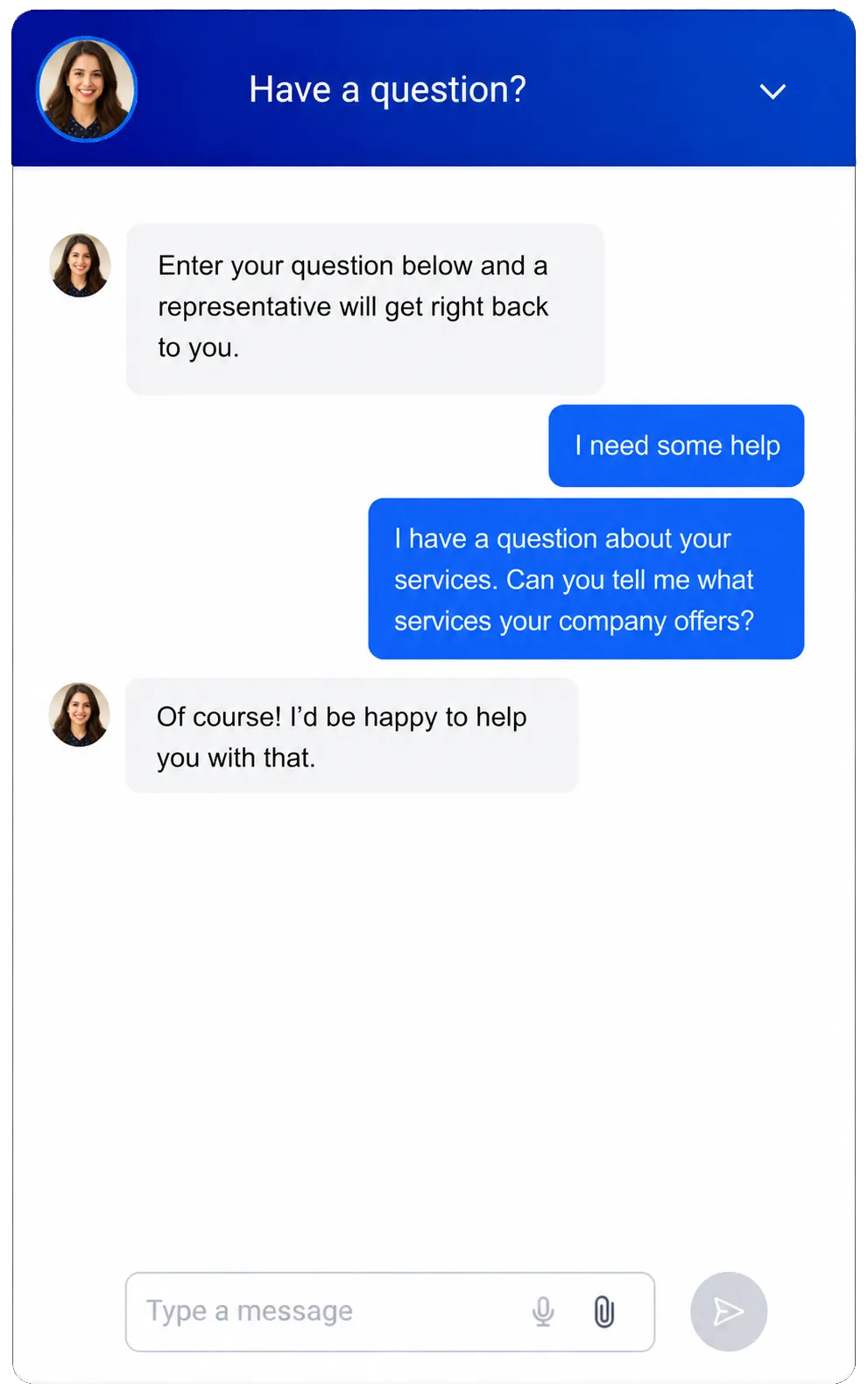
Give site visitors a branded way to start a live or after-hours chat through supported channels.
Answer common questions before a visitor leaves the agency website
Capture contact details and messages outside office hours
Let prospects choose chat, email, text, or another supported channel
Route new conversations to the inbox, a producer, or a follow-up workflow
Use AI to answer common questions, capture lead details, and book consultations after hours
Opportunities & Pipelines
Move each prospect through a sales process with clear stages, owners, notes, values, and next steps.
Separate pipelines or stages for personal, commercial, life, and health opportunities
Track new inquiries, discovery calls, information collection, quote follow-up, and won or lost business
Filter open opportunities by producer, source, stage, or status
Automate reminders and stage changes when defined CRM events occur


Keep Every Client Conversation Connected
Clients may call, text, email, or start on your site. WinChilla brings each supported exchange into one view. Staff can check recent history before they reply. They can also pass work on without making the client start over.
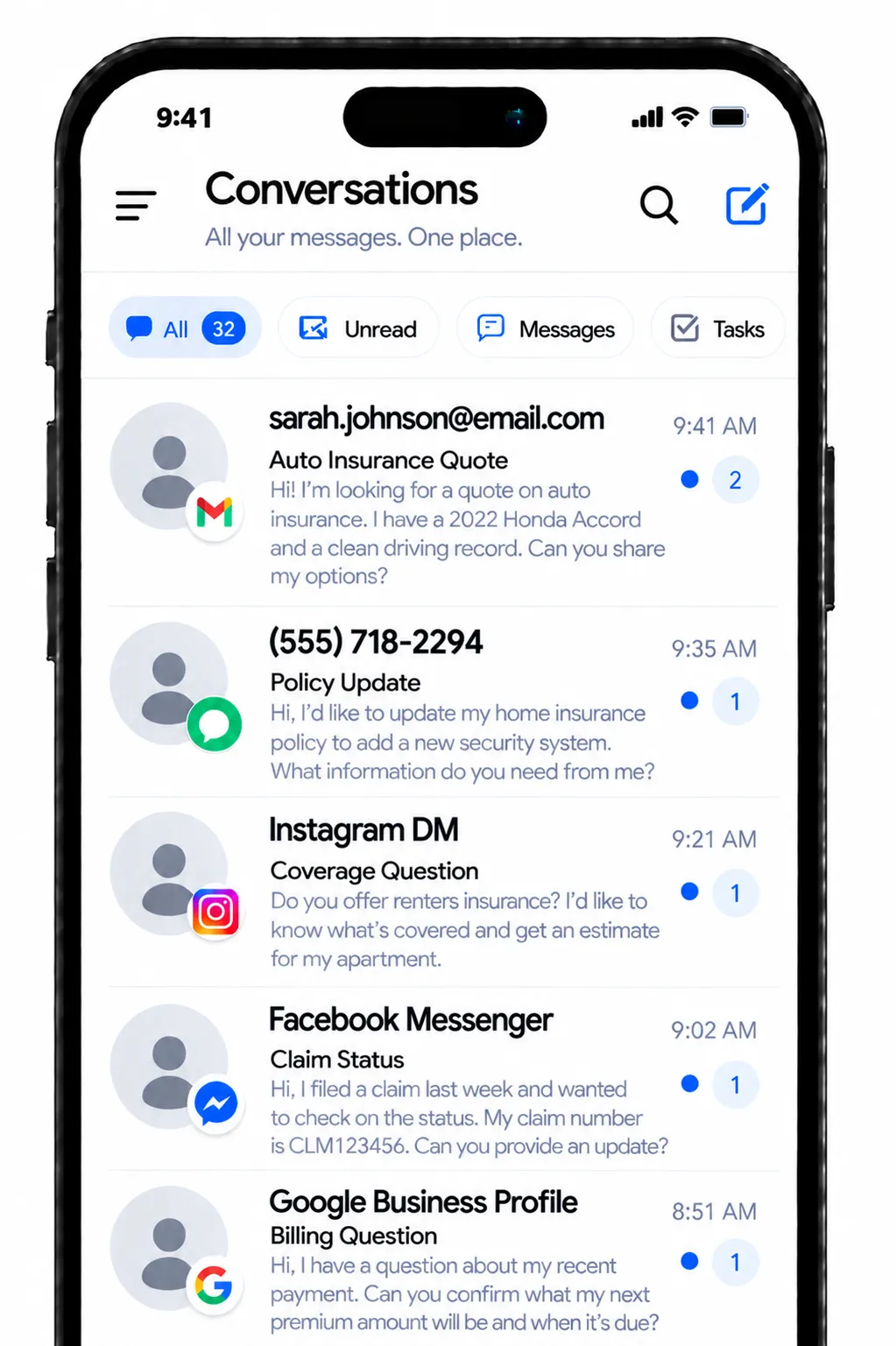
Conversations
Keep supported client messages and call history in one inbox. Tie them to the right contact record.
Review earlier messages before replying to a prospect or policyholder
Filter conversations by assigned user, channel, status, or recent activity
Keep sales and service staff aware of what has already been discussed
Use internal workflows and manual actions to route the next step
Business Phone System & Calling
Make and take supported business calls. Keep the call details with the client’s CRM history.
Route calls by office hours, team, or department
Use voicemail and supported call flows for new-business and service inquiries
Record call outcomes, notes, tags, and follow-up tasks
Trigger a message, task, or pipeline update from a completed call or disposition
Use a Voice AI receptionist to answer inbound calls, collect prospect details, book consultations, and transfer priority callers to staff


SMS, MMS & WhatsApp Messaging
Send one-to-one or set messages through supported channels. Keep the history with the client record and follow all consent rules.
Confirm consultation times and send appointment reminders
Follow up when a prospect has not replied to an email
Share approved links or attachments through supported messaging flows
Monitor delivery failures, opt-outs, and do-not-disturb settings

Build Consistent Follow-Up Into Every Agent’s Day
Do not let a good lead process rely on memory or a sheet. WinChilla can build follow-up into your day. Use it for new leads, review calls, old prospects, and key client steps.
Workflows & Automation
Use triggers, actions, and branches to set the next sales or service step.
Start a follow-up sequence after a website inquiry or consultation request
Assign an agent based on the inquiry type, source, or other CRM details
Create tasks when an opportunity reaches a stage that needs personal contact
Send approved reminders before scheduled account or coverage-review meetings
Use the AI builder to turn a plain-language goal into a workflow

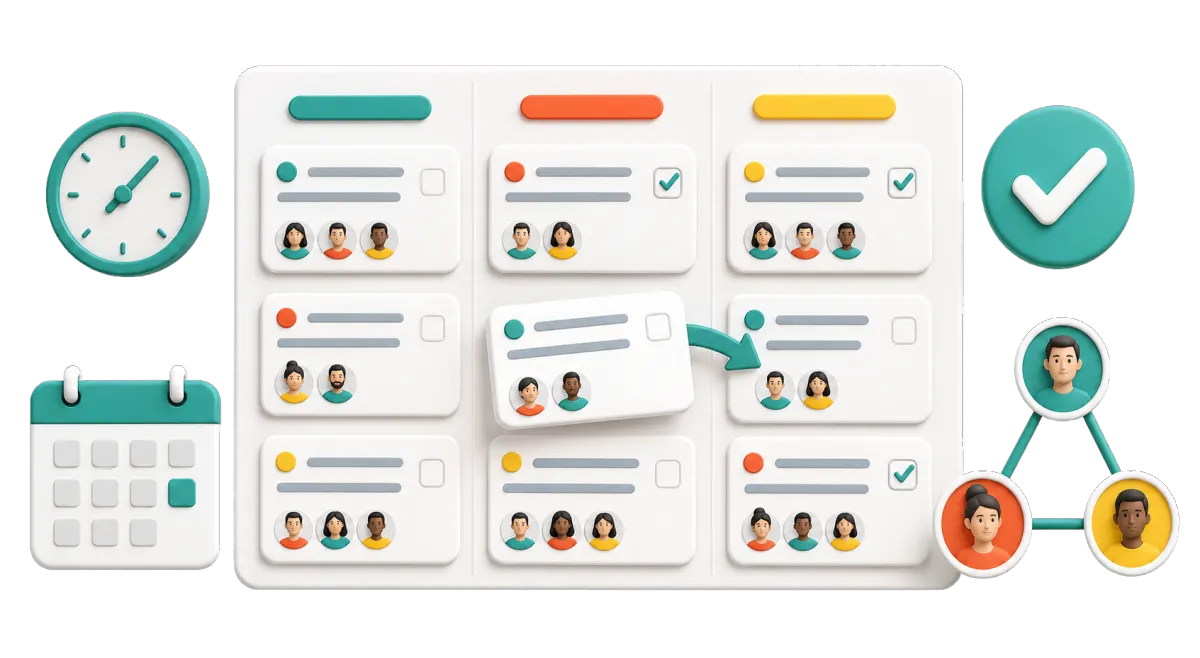
Tasks & Team Work Management
Create, assign, and track work. Link each task to the right person, firm, or deal.
Assign quote follow-up to the responsible agent
Create service tasks from calls, forms, appointments, or CRM activity
View overdue, current, and upcoming work in list or board views
Keep handoffs clear when sales, service, and marketing staff share an account
Calendars & Appointments
Let prospects and clients book meetings while your agency sets the times, staff, and reminders.
Offer discovery calls, annual reviews, commercial account meetings, or life insurance consultations
Use individual or round-robin calendars for agent teams where appropriate
Send email, text, in-app, or WhatsApp confirmations and reminders in supported setups
Connect bookings with contacts, notes, workflows, and reporting


Use Insurance CRM Software to Strengthen Retention
Growth in the insurance industry takes more than a steady flow of new leads. WinChilla helps your agency build stronger client relationships through timely follow-up, feedback requests, and relevant outreach. Keep each client journey organized and give your team more ways to improve customer satisfaction and retention.
Contacts & CRM
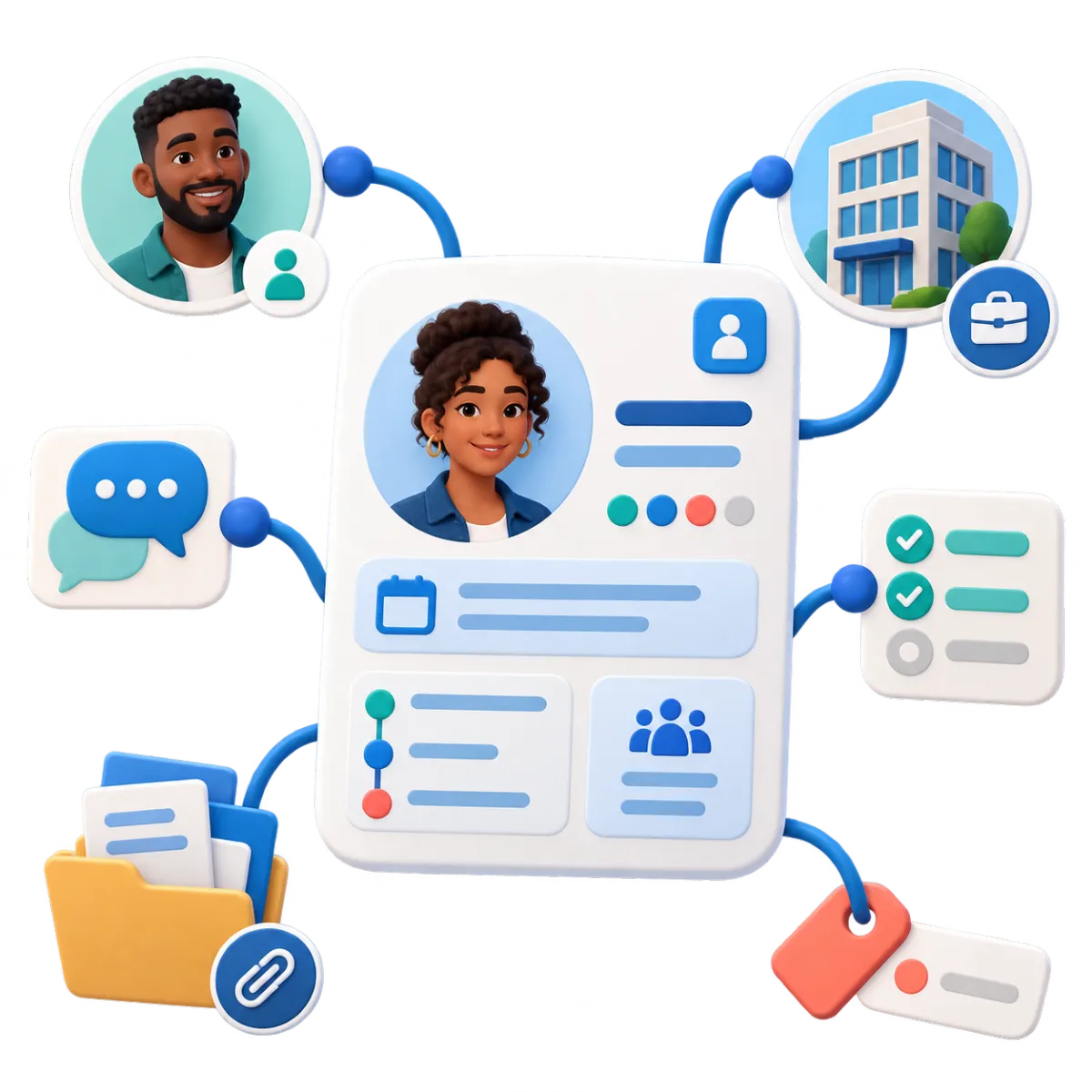
Keep client data in one record. Add contact details, notes, files, tags, fields, and past activity.
Segment clients by line of business, account type, location, source, or relationship stage
Build smart lists for review campaigns, educational outreach, or re-engagement
Import contacts by CSV and update selected records in bulk
Give authorized team members the context needed for more relevant follow-up
Companies / B2B CRM
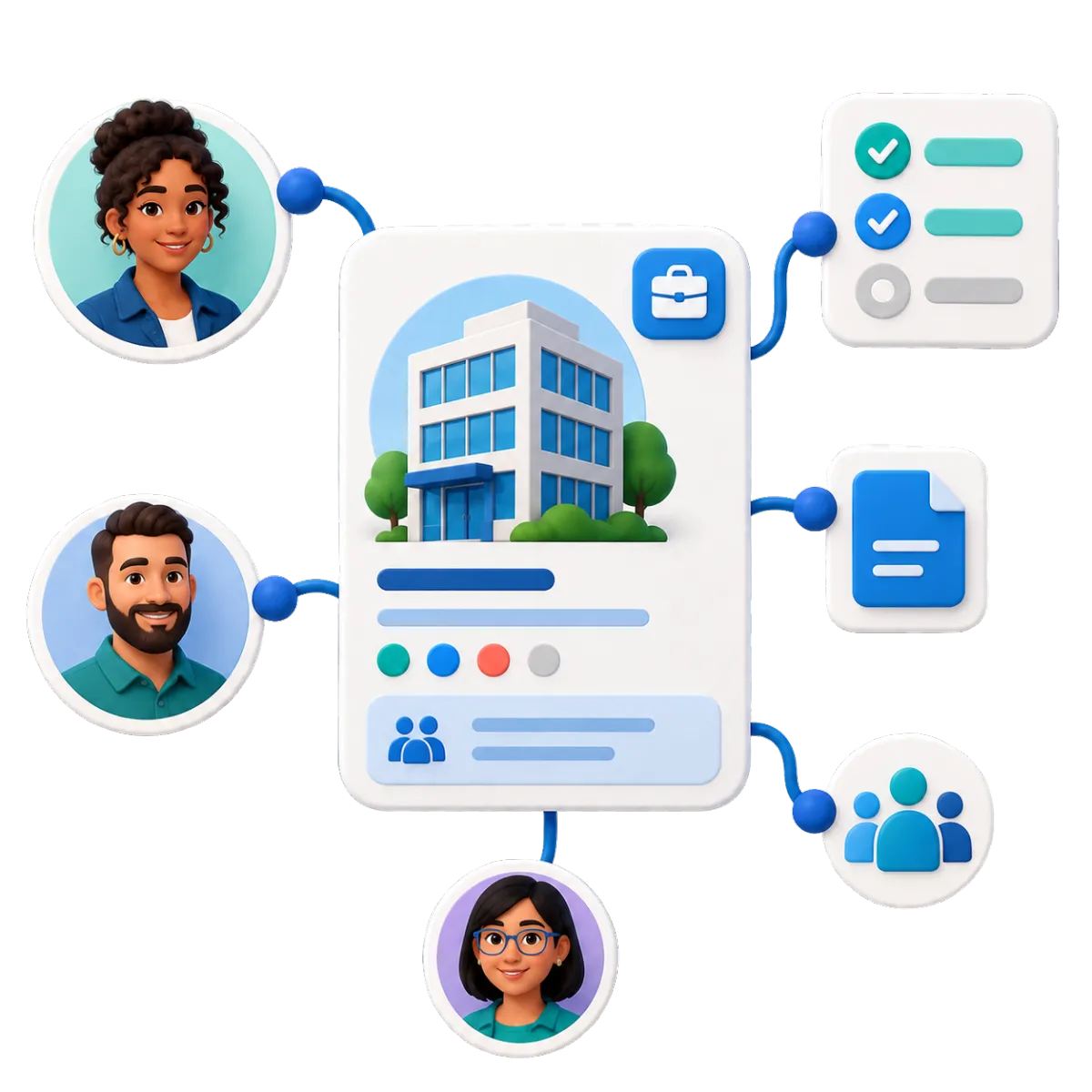
Use company records to link people, deals, tasks, notes, and key details to the right business account.
Keep owners, finance contacts, office managers, and other stakeholders tied to one commercial account
View open opportunities and assigned tasks at the company level
Store agency-defined fields for commercial relationship management
Trigger supported workflows for onboarding, assignments, reviews, or lifecycle updates
Email Marketing
Send branded email to set client groups. Use CRM details and supported events to start follow-up.
Share seasonal risk reminders and agency-approved educational content
Send different campaigns to personal, commercial, life, or health audiences
Reconnect with dormant leads through a planned nurture sequence
Track deliveries, opens, clicks, failures, and unsubscribes


Reputation Management
Ask for, track, and reply to reviews on supported profiles. See client feedback and local trends in one place.
Ask satisfied clients for a review after a positive service interaction
Route review requests among selected supported profiles
Monitor ratings, review volume, sentiment, and recent comments
Display approved reviews on the agency website with customizable widgets
Use AI to suggest or automatically publish replies to supported reviews
More Tools for a More Organized Insurance Agency
Add the tools that fit your agency. Keep daily work simple.
Social Planner
Plan, create, and schedule agency-approved posts across supported social channels using AI-assisted captions, ideas, hashtags, and images.
Surveys
Gather intake details, lead facts, or client feedback. A completed survey can start the next workflow.
Mobile App
View contacts, reply to messages, update deals, and manage tasks on the go. Staff can also log call results.
Integrations
Link supported services to the CRM. APIs, webhooks, and apps can add more options when your setup allows.
Dashboards & Reporting
Track lead sources, pipelines, calls, meetings, campaigns, and team work. Use filters and views for each role.
Documents & Contracts
Send approved agency quotes, agreements, or other documents for e-signature. Use insurance systems for carrier forms and policy work.
CRM FAQs for Insurance Agencies
What does a CRM do for an insurance agency?
A customer relationship management (CRM) system helps an agency manage leads and client data. It also tracks tasks, meetings, email, and follow-up. WinChilla keeps this work tied to the right contact. It does not set rates, bind coverage, issue policies, or make coverage choices.
Does WinChilla replace an agency management system or carrier portal?
No. CRM platforms such as WinChilla support sales, client messages, and follow-up. WinChilla works beside the tools you use for policy admin, quotes, carrier access, claims, and other insurance work. APIs, webhooks, or supported links may connect parts of the process. What works depends on the other system and the data it can share.
Can WinChilla work for both personal and commercial insurance agencies?
Yes. You can shape contacts, tags, fields, pipelines, forms, and workflows for each line of business. A commercial agency can link many people and deals to one company record. WinChilla is a flexible CRM, so your team should build it around your products, carriers, roles, and rules.
How can a CRM for insurance agents help with renewals and retention?
The CRM can support review alerts, client lists, tasks, booking, surveys, and planned outreach. These tools help your team start talks on time and keep each next step clear. Staff must still check renewal dates, notices, advice, and policy work in the agency’s approved insurance systems.
Can insurance brokers automate lead follow-up without losing the personal touch?
Yes. A CRM for insurance brokers can send a quick first reply, create a task, and set reminders. It can also stop or change the workflow when the lead replies. The producer can then see the contact history and take over. Agencies should use valid consent, approved text, and fair message timing.
What others are saying:
"Love everything so far"
"I've never set up a website before but I love managing my new site and leads. The WinChilla team has been really helpful whenever I got stuck."
- Laura P

"Simplifies my sales"
"I've been able to help my son promote his candy business which has been great because I am not good with computers at all."
- Robert T
"Highly recommend"
"It's exciting to see my visions come to life and WinChilla helps me manage everything in one place so I can be anywhere in the world and my business just runs."
- Jaret H
WinChilla works with platforms you already use such as


















Real Support for Your Next Step
30-Day Money-Back Guarantee
New customers can get started with a 30-day money-back guarantee on eligible subscription fees. Review the refund terms for coverage, exclusions, and how to request a refund.
Onboarding and 24/7 Support
Start with a technical setup call and a training call, then get help through 24/7 chat support. Use our tutorials and knowledge base as you build and refine the tools your business needs.
Helping Businesses Since 2010
Our founders bring more than 30 years of combined experience in business software and customer incentive programs, helping small businesses build stronger customer relationships.

Turn More Agency Follow-Up Into Real Growth

© 2024-2026 Loyalty Gator Inc. All rights reserved.
WinChilla CRM | A Loyalty Gator Company | Trusted Since 2010
The information provided by Loyalty Gator Inc. (DBA: WinChilla) ('we', 'us', or 'our') on WinChilla’s website (the 'Site') and our mobile application is for general informational purposes only. All information on the Site and our mobile application is provided in good faith, however we make no representation or warranty of any kind, express or implied, regarding the accuracy, adequacy, validity, reliability, availability, or completeness of any information on the Site or our mobile application. UNDER NO CIRCUMSTANCE SHALL WE HAVE ANY LIABILITY TO YOU FOR ANY LOSS OR DAMAGE OF ANY KIND INCURRED AS A RESULT OF THE USE OF THE SITE OR OUR MOBILE APPLICATION OR RELIANCE ON ANY INFORMATION PROVIDED ON THE SITE AND OUR MOBILE APPLICATION. YOUR USE OF THE SITE AND OUR MOBILE APPLICATION AND YOUR RELIANCE ON ANY INFORMATION ON THE SITE AND OUR MOBILE APPLICATION IS SOLELY AT YOUR OWN RISK.