
Labor Union Software That Keeps Members and Work Organized
WinChilla gives leaders of labor organizations one place for member records, work issues, meetings, and updates. Each tool links to the same records.





One Place for the Work Behind Member Service
WinChilla labor union software puts member records, email, texts, forms, calendars, tasks, and reports in one place. Your team can find the facts behind each request. They can also see what needs to happen next.
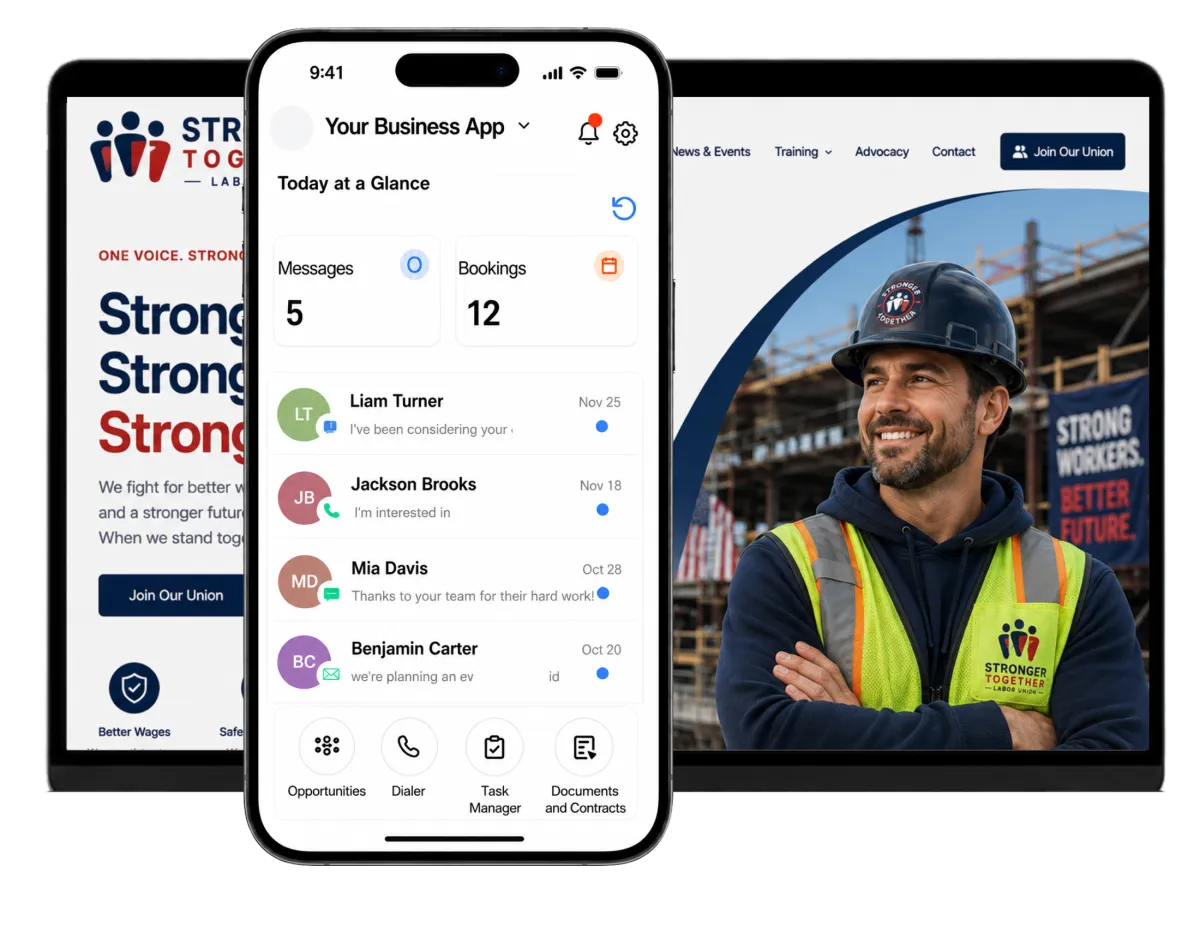
Your Union Team Handles More Than Members Ever See
Union leaders wear many hats. They answer member questions, track work issues, plan meetings, update records, send news, and watch due dates. Labor union software can cut the steps between a new request and a prompt reply.
Member management software was the number-one planned technology investment reported by union respondents.
Source: Advanced Solutions International, 2024 Membership Performance Benchmark Report: Union Voices.
Union respondents ranked data silos and the lack of a single source of truth as their number-one operational challenge.
Source: Advanced Solutions International, 2024 Membership Performance Benchmark Report: Union Voices.
of union respondents had a digital-transformation plan in place, and another 36% were developing one.
Source: Advanced Solutions International, 2024 Membership Performance Benchmark Report: Union Voices.
Does this sound familiar?
A member calls about a work issue, but the latest notes are in someone else’s inbox. A form starts one task. A meeting starts the next. Key follow-up still rests on a sheet or one person’s memory. Staff must search, members must repeat facts, and good work can stall.
Don't worry, we can help!
Contacts & CRM
Keep member details, notes, files, tags, custom fields, and past activity in one record. Approved staff can review the facts before they reply.
Opportunities & Pipelines
Set clear stages for questions, grievances, new leads, or other union work. Track the status, notes, owner, and next step.
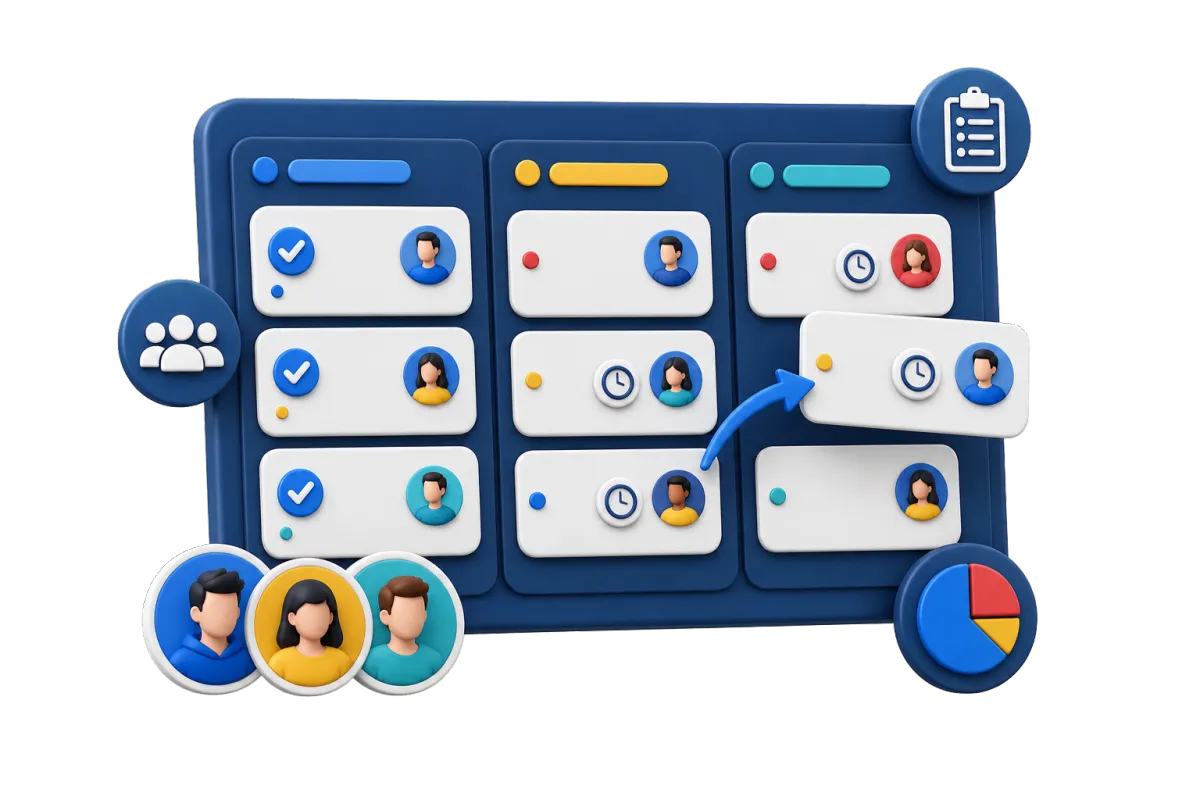
Tasks & Teamwork Management
Assign follow-up to the right person and link it to the member, workplace, case-style record, or pipeline item. See what is due now or late.

Build a Clearer View of Members and Workplaces
Modern unions need clear membership management. WinChilla provides union membership software that links people, employers, sites, and active work. Staff can find the right facts without searching several files.
Contacts & CRM
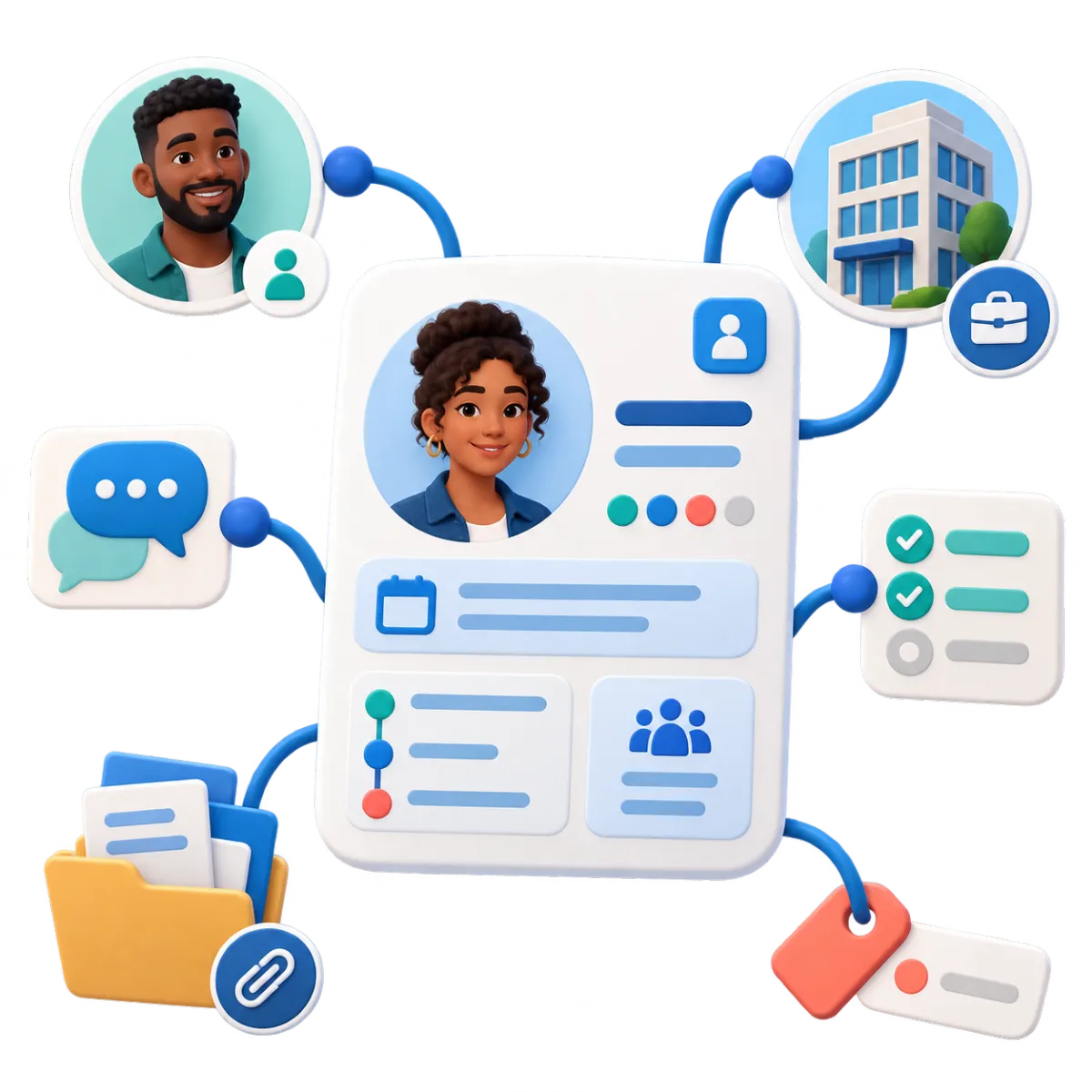
Create a central record for each member, prospective member, retiree, steward, or other contact your union needs to manage.
Store contact details, notes, files, tags, custom fields, and activity history on one record
Segment members by local, workplace, trade, region, status, or another union-defined field
Import existing contacts by CSV and update selected records in bulk
Create filtered lists for steward outreach, new-member follow-up, or lapsed-contact review
Companies / B2B CRM
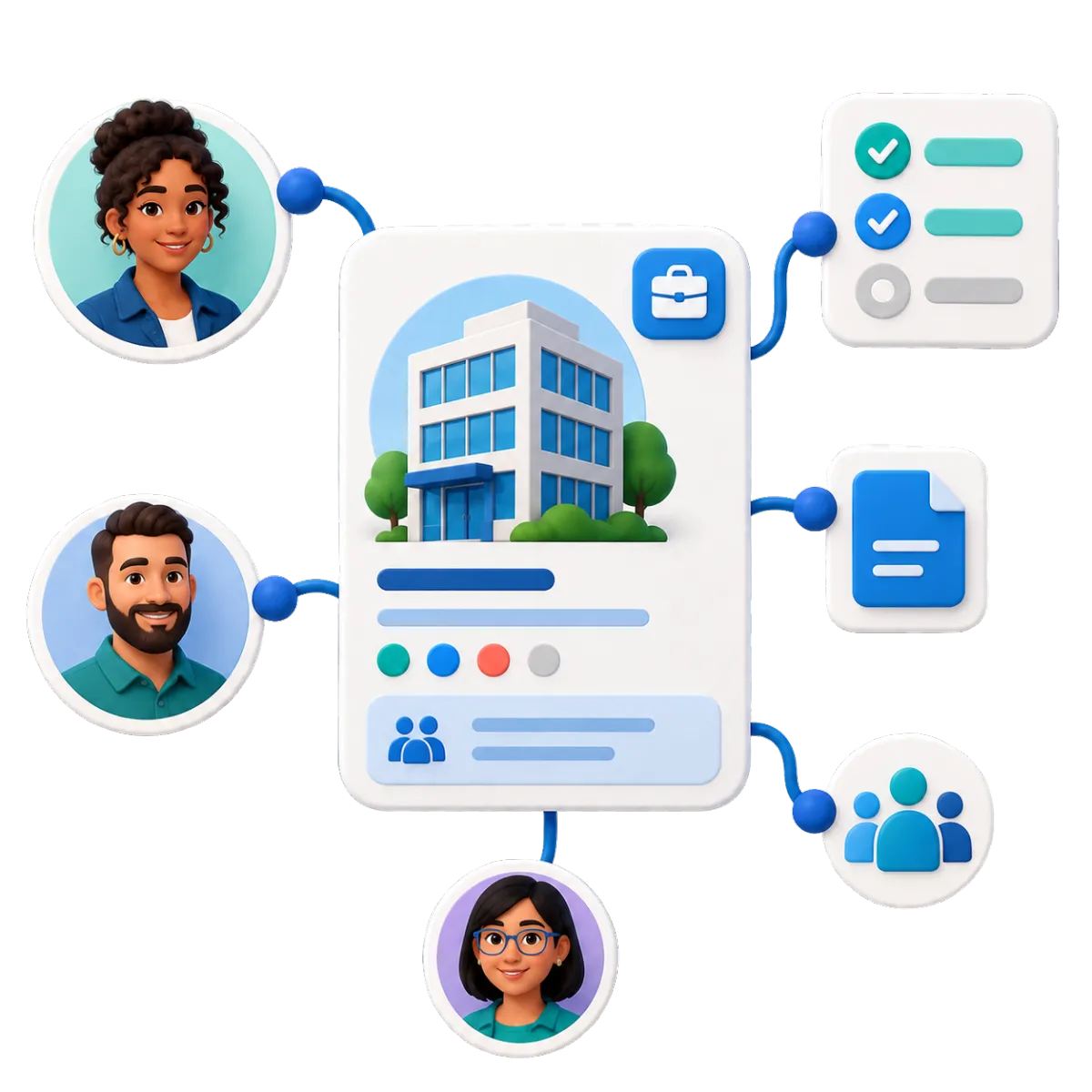
Use company records to organize employers, contractors, vendors, partners, or other organizations connected to union work.
Associate multiple members and contacts with the correct employer or workplace organization
Connect tasks, notes, opportunities, and custom records to the organization involved
Store employer-specific fields that help staff understand workplace context
Support onboarding, assignment, renewal, or lifecycle workflows based on company data where appropriate
Custom Records
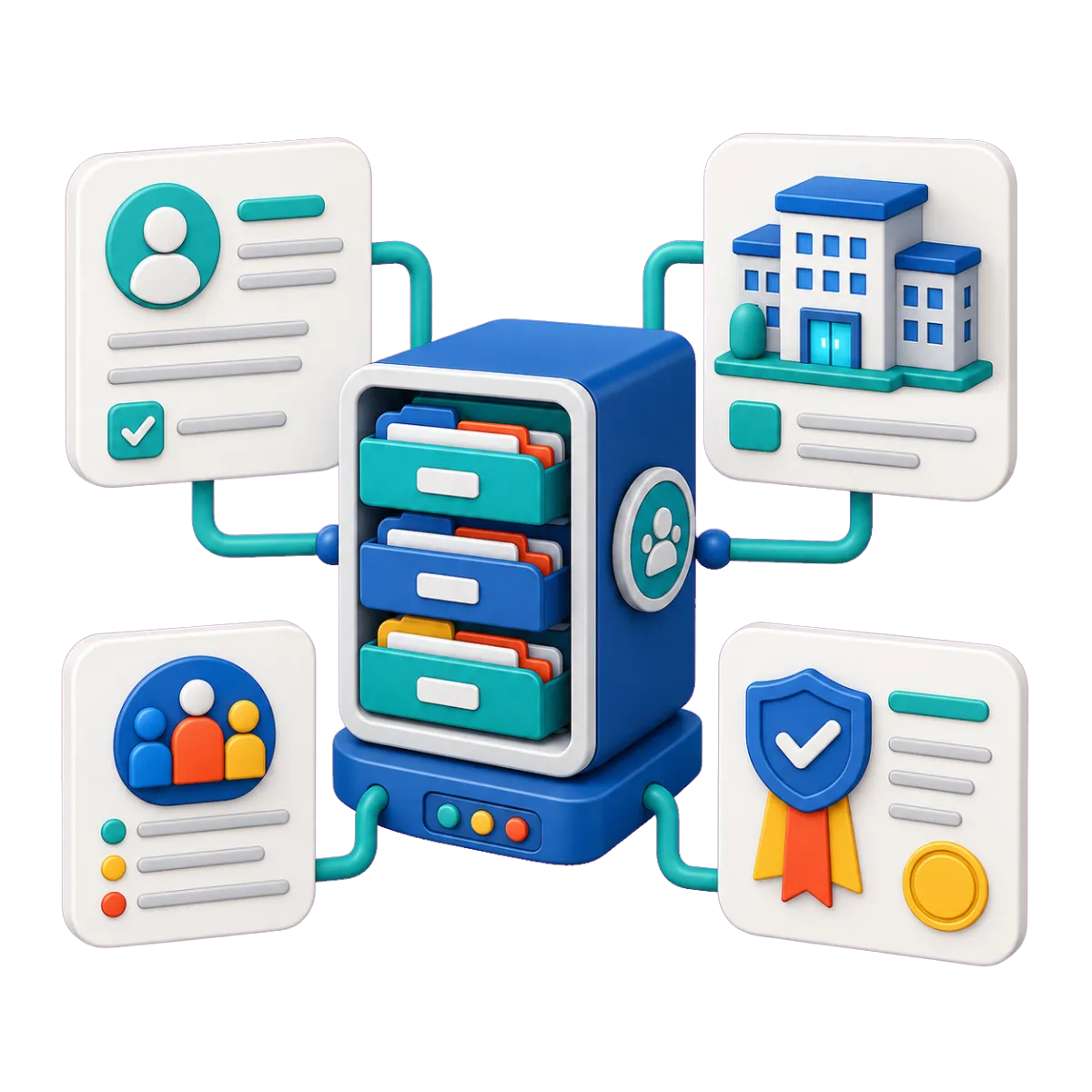
Create records beyond contacts and companies for union-defined items that need their own fields, associations, and views.
Configure records for grievances, bargaining units, contracts, work locations, certifications, or organizing campaigns
Connect each record with relevant members, employers, notes, tasks, and pipeline items
Import specialized records in bulk rather than forcing every detail into a contact field
Use supported custom records in forms, workflows, dashboards, and reporting

Labor Union Software for Consistent Follow-Up
Member service can stall when ownership and deadlines are unclear. WinChilla provides flexible tools to move union-defined requests from intake through review, action, and closure while keeping the work connected to the people involved.

Opportunities & Pipelines
Turn repeatable work into visible stages with an owner, status, notes, and next action.
Track a grievance from initial intake through review, referral, meetings, and closure
Follow organizing inquiries from first contact to scheduled conversation and next step
Create separate pipelines for member requests, employer outreach, or internal projects
Filter or bulk-edit items when priorities, assignments, or stages change
Tasks & Teamwork Management
Create, assign, schedule, prioritize, and repeat tasks while preserving the record behind each assignment.
Assign a representative to call a member and record the next follow-up date
Create tasks automatically after a form, call, appointment, or CRM update
Link one task to the member, employer, grievance record, and related pipeline item when supported
Give managers clear views of overdue, current, and upcoming work
Documents & Contracts
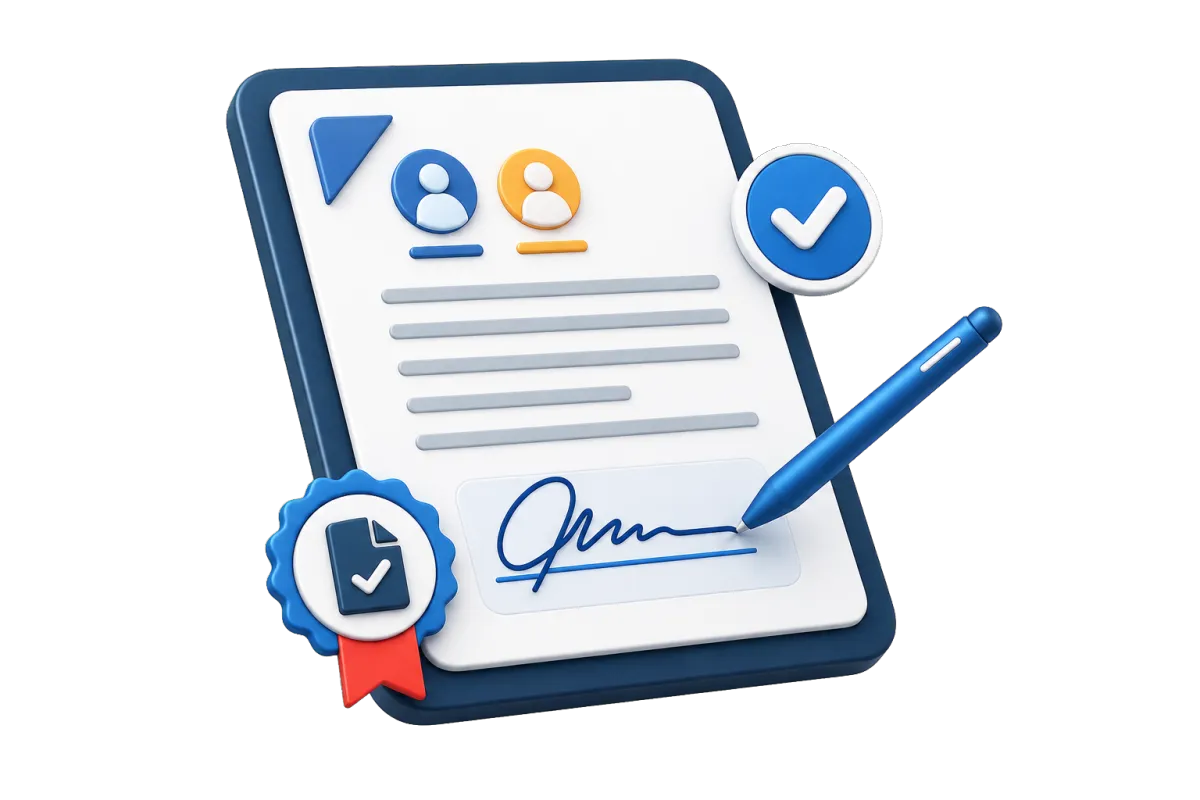
Prepare and send supported agreements, forms, or other documents for electronic signature and track their status.
Send internal authorization forms or agreements that fit an electronic-signature process
Use templates and custom fields for repeatable documents
Set signing order, expiration dates, attachments, and team notifications where needed
Trigger reminders or follow-up when a document is viewed, signed, declined, or completed

Reach the Right Members With the Right Context
Use email, text messaging, and WhatsApp in supported setups to engage members. Send group news or timely reminders. Staff can keep the message history in one place.
Conversations
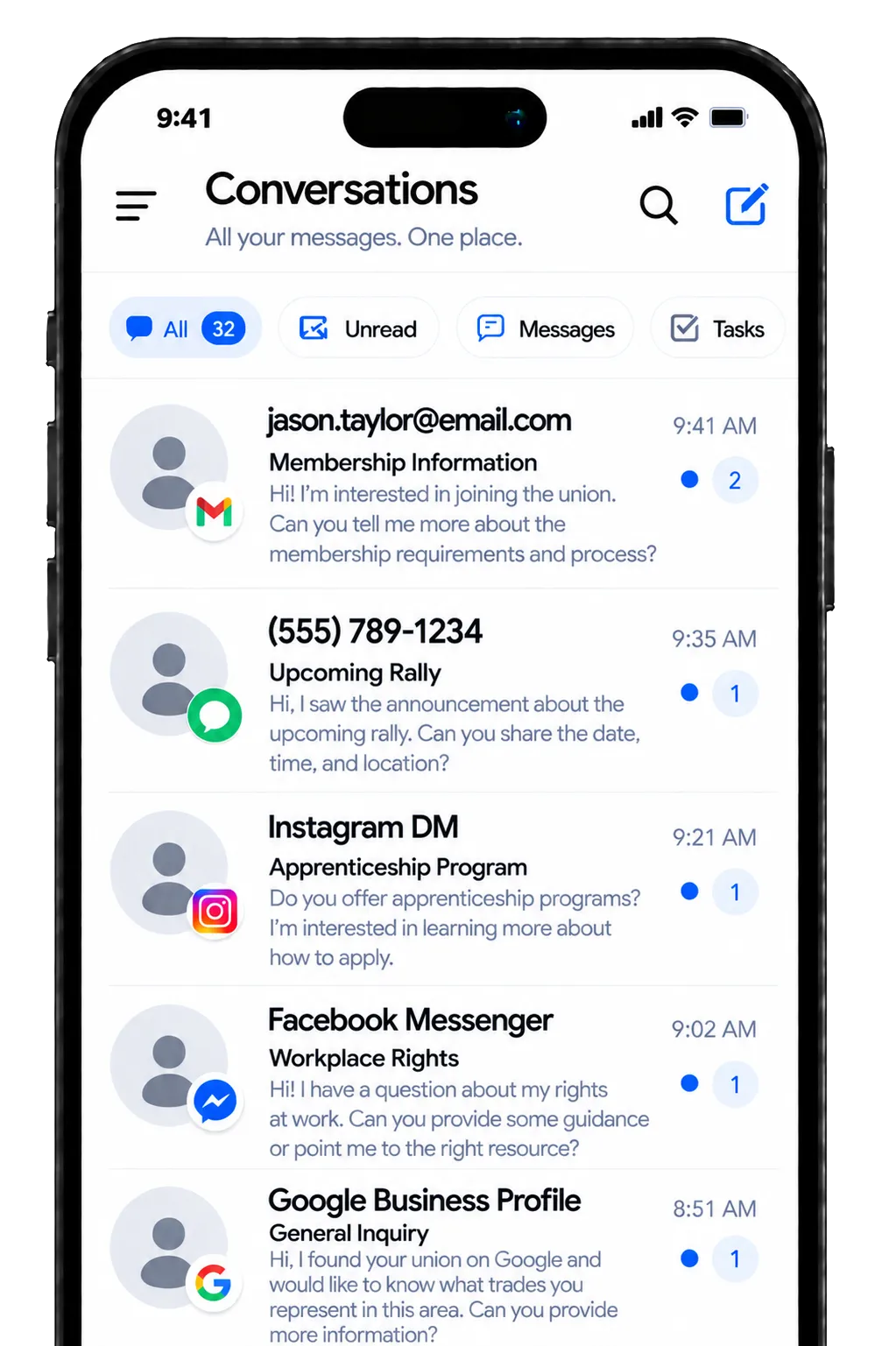
Bring supported email, SMS, WhatsApp, calls, live chat, and social messages into one central inbox.
Review earlier messages before replying to a member’s new question
Use inbox filters, manual actions, and team workflows to sort open messages
Use AI to suggest replies or answer routine questions, with staff handoff for sensitive member issues
Use team workflows and manual actions to manage open conversations

Email Marketing
Send branded campaigns to contact segments built from union records and tracked engagement.
Send bargaining updates to the affected unit instead of the full membership list
Promote meetings, training sessions, elections, or community events
Personalize messages with supported contact and custom values
Review deliveries, opens, clicks, failures, and unsubscribes after each campaign
Use AI to draft or refine member updates, subject lines, calls to action, and campaign images
SMS, MMS & WhatsApp Messaging
Send individual, scheduled, bulk, or automated mobile messages in supported channels and setups.
Remind registered members about a meeting time or location change
Send a tracked link to an intake form or event page
Use templates and custom fields for consistent follow-up
Monitor delivery failures, opt-outs, do-not-disturb settings, and campaign performance

Workflows & Automation
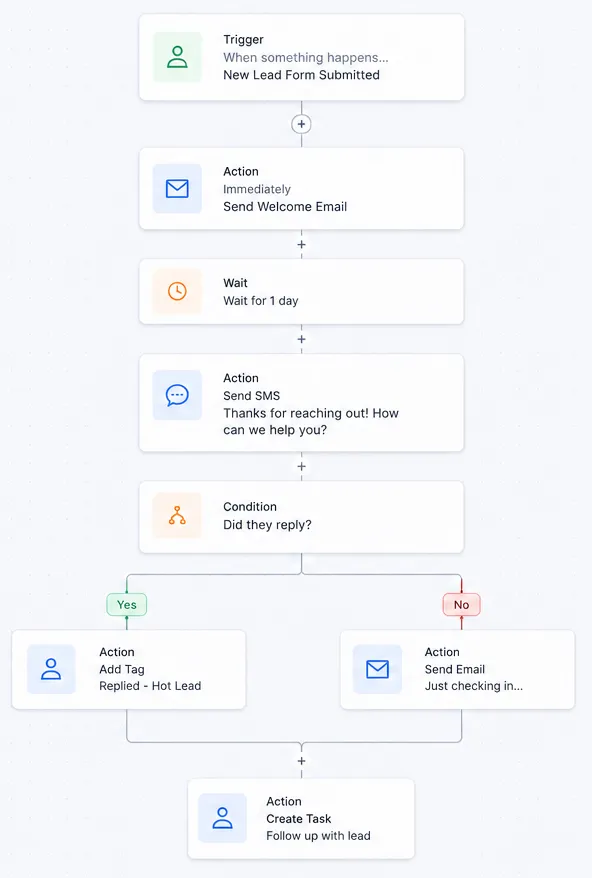
Use triggers, actions, branching logic, and notes to reduce routine follow-up steps.
Acknowledge a submitted member form and alert the assigned staff member
Create a task when a new grievance-style record reaches a chosen stage
Send reminders before a scheduled meeting or appointment
Describe a follow-up goal in plain language, then let the AI builder create it for you

Make Meetings, Events, and Member Input Easier to Manage
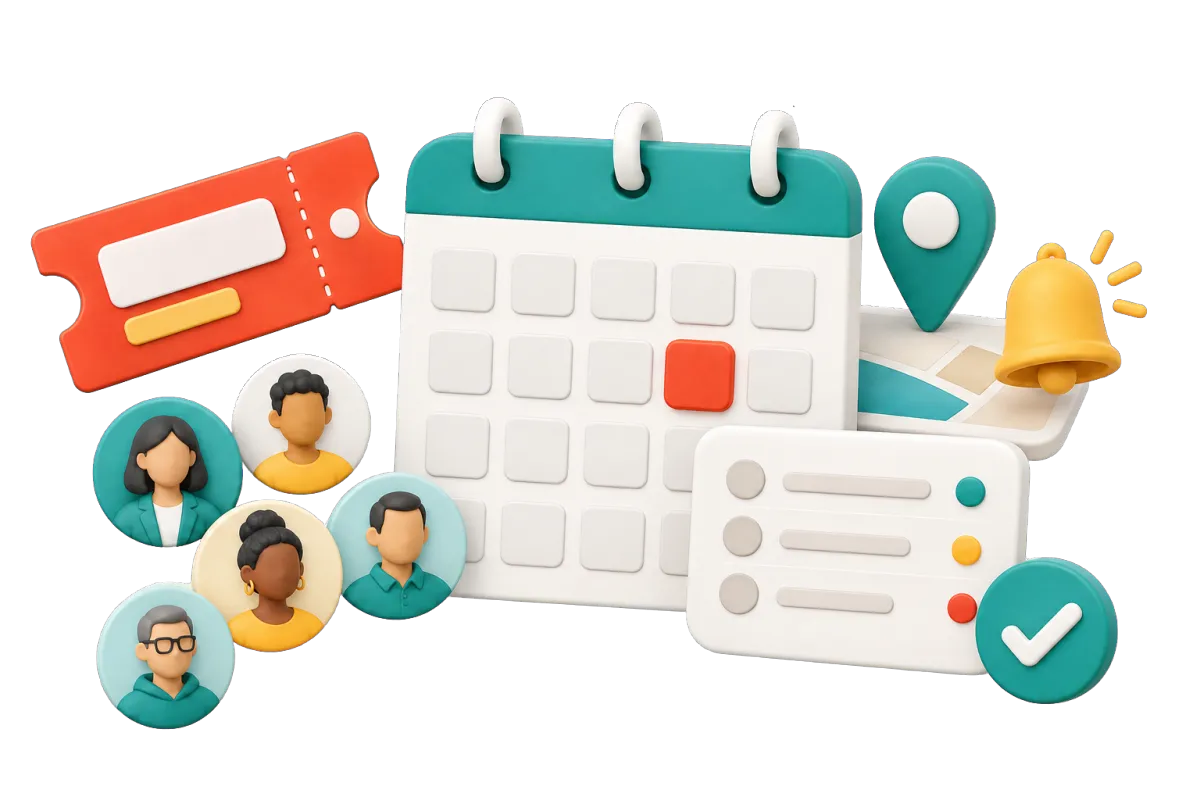
From steward training to membership meetings, participation creates details that must be captured and acted on. Use labor union software to collect information, manage attendance, and start the right follow-up from each response.
Events Management
Create branded pages and manage registration for free, paid, ticketed, RSVP, online, or in-person events.
Publish registration pages for membership meetings, training, conferences, or community events
Add schedules, speakers, locations, FAQs, capacity limits, and terms acceptance
Send registration confirmations, reminders, alerts, and summary emails
Track registrants, attendance status, check-ins, tickets, and refunds where applicable
Forms
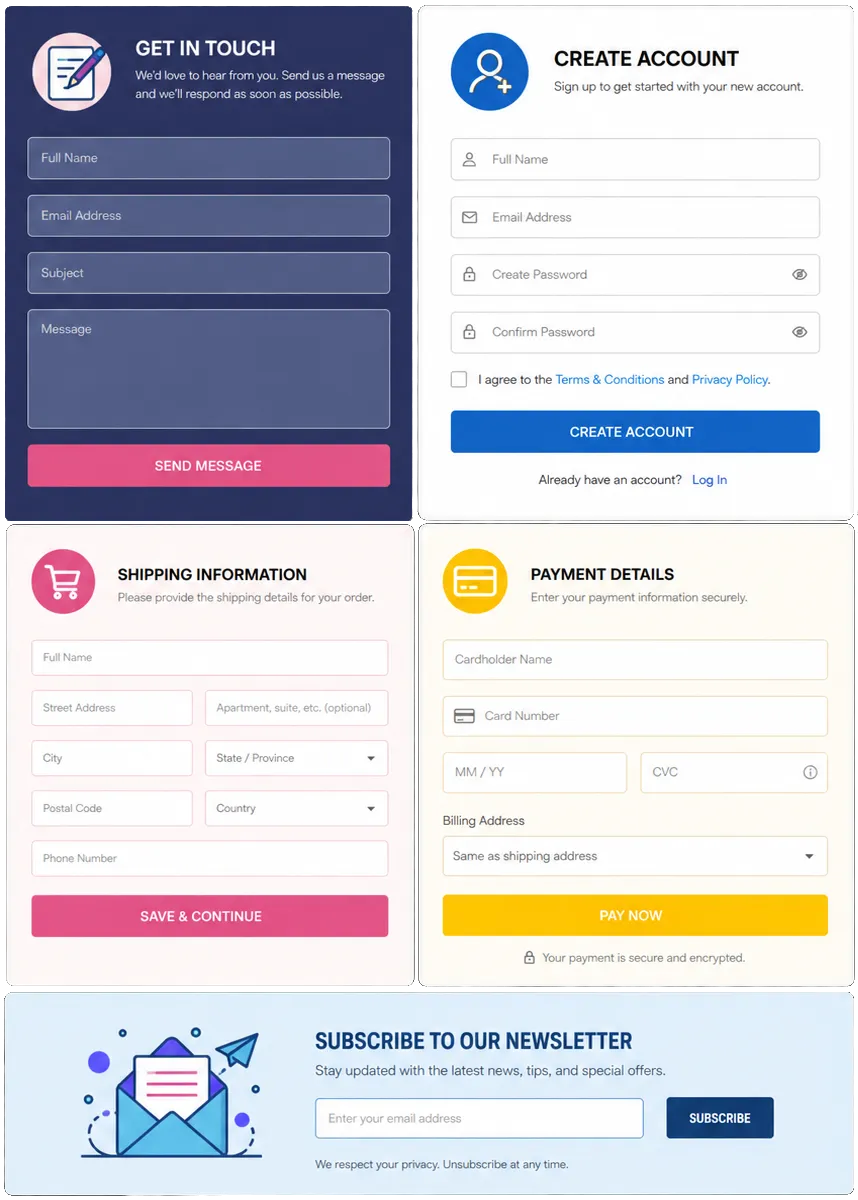
Create standalone or embedded forms that send responses into contact records and workflows.
Collect member questions, workplace concerns, organizing interest, or contact updates
Use validation, conditional logic, SMS verification, and custom fields where appropriate
Route a submission into a team assignment or follow-up workflow
Accept donations or other supported payments inside a form when appropriate
Surveys
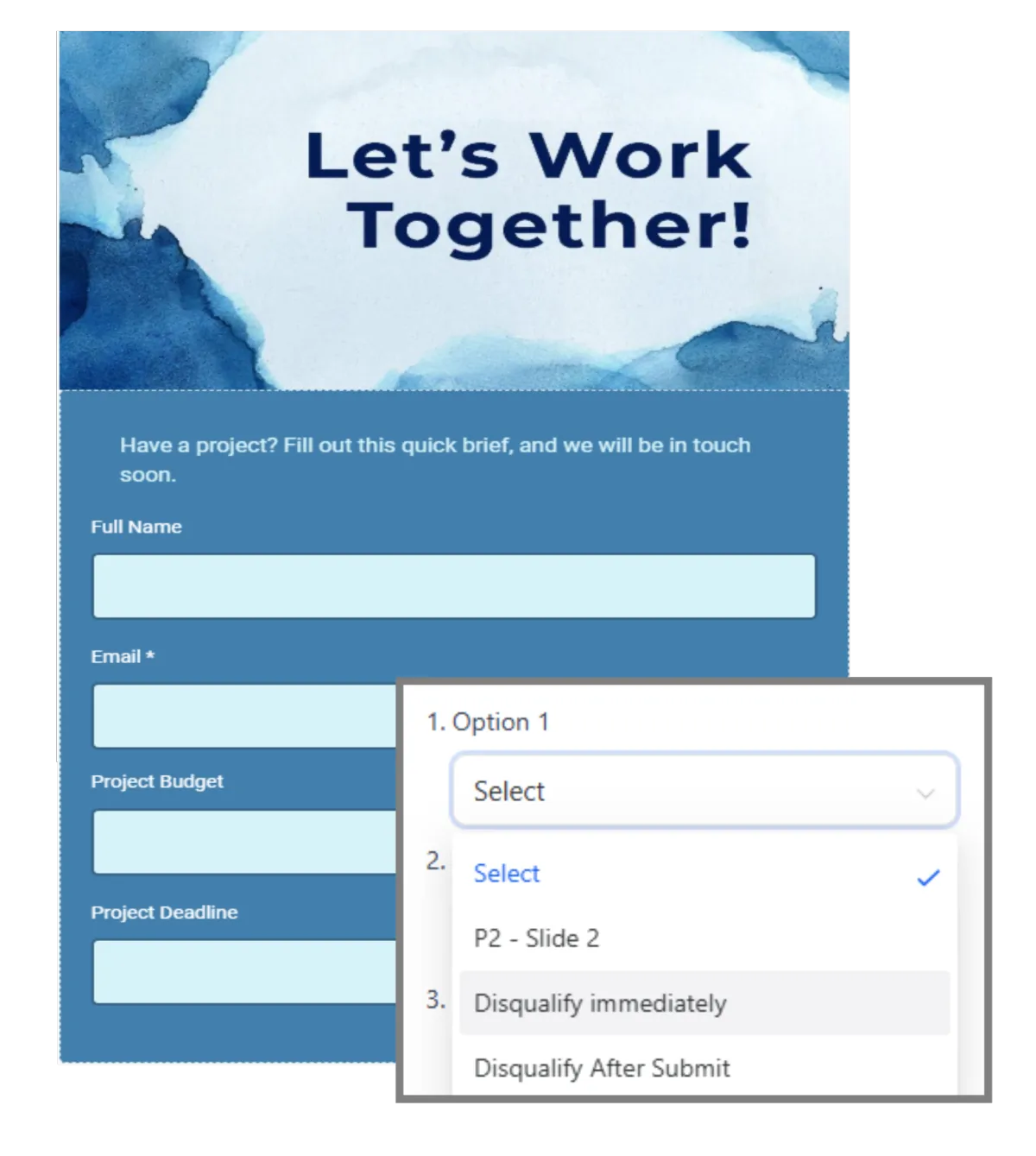
Collect structured feedback through styled surveys with conditional paths and automation triggers.
Ask members about bargaining priorities before consultations begin
Gather post-event feedback from participants
Use conditional questions to keep each survey relevant to the respondent
Export responses to Google Sheets or start an automation after submission
More Tools for Day-to-Day Union Operations
Choose the tools that fit your union and skip the ones you do not need.
Phone System
Link supported calls, recordings, logs, notes, and next steps to each contact, or use Voice AI to answer routine questions, collect details, and route callers.
Dashboards & Reporting
Give each role a clear view. Filter supported data by date, group, pipeline, owner, or campaign.
Mobile App
Let approved staff manage contacts, chats, pipelines, dates, tasks, calls, and other CRM work while away from the office.
Websites
Build pages that link forms, calendars, chat, events, member records, and follow-up.
Social Planner
Plan and post news about union work, events, training, or the community on supported social sites.
Client Portal
Share supported messages, files, contracts, bills, account details, or resources with invited users. This is not a full union member portal.
Labor Union Software Questions, Answered
Is WinChilla made only for labor unions?
No. WinChilla is a flexible CRM and management platform. It is not a comprehensive union system or software designed to replace every tool. Some needs are union specific. These may include dues, dispatch, pensions, and legal cases. If you compare labor union management software, keep a dedicated system for those needs. A supported link to WinChilla may be possible.
Can we track grievances and member requests in WinChilla?
Yes. Your union can set up a grievance or request flow with custom records, fields, stages, tasks, notes, files, and alerts. Your team chooses the steps and facts to track. WinChilla does not give legal advice or come with a set grievance process. Your setup must match your agreements, rules, data needs, and legal duties.
Can we organize members by employer, bargaining unit, local, or workplace?
Yes. You can use fields, tags, smart lists, company records, and custom objects to match your union’s setup. Staff can sort contacts for a given message. They can also link members with firms, work sites, units, cases, or other records. The best setup will depend on your reports and which system holds the main record.
How can WinChilla help with member communications?
WinChilla can send email campaigns, one-to-one or bulk texts, and WhatsApp messages in supported setups. It also has business calls, web chat, and a shared inbox. Records, tags, and lists help you reach the right group. You can check sends, replies, failed messages, and opt-outs. Your union must still manage consent, access, content, and the laws that apply.
Can WinChilla manage union meetings and events?
Yes. WinChilla can make event pages for free, paid, RSVP, online, or in-person events. It can track sign-ups, space limits, reminders, attendance, check-in, and refunds where they apply. Calendars can handle calls and small meetings. Use a dedicated tool if you need formal votes, quorum checks, rules of order, or union election tools.
Can we move data from spreadsheets or other union management software?
Yes. You can import contacts, firms, and supported custom records in bulk. This can make a move from sheets much easier. Built-in links, APIs, webhooks, and supported third-party actions can also join other tools to WinChilla. Before you move private data, set the needed fields, user rights, record rules, and source of truth.
What others are saying:
"Love everything so far"
"I've never set up a website before but I love managing my new site and leads. The WinChilla team has been really helpful whenever I got stuck."
- Laura P

"Simplifies my sales"
"I've been able to help my son promote his candy business which has been great because I am not good with computers at all."
- Robert T
"Highly recommend"
"It's exciting to see my visions come to life and WinChilla helps me manage everything in one place so I can be anywhere in the world and my business just runs."
- Jaret H
WinChilla works with platforms you already use such as


















Real Support for Your Next Step
30-Day Money-Back Guarantee
New customers can get started with a 30-day money-back guarantee on eligible subscription fees. Review the refund terms for coverage, exclusions, and how to request a refund.
Onboarding and 24/7 Support
Start with a technical setup call and a training call, then get help through 24/7 chat support. Use our tutorials and knowledge base as you build and refine the tools your business needs.
Helping Businesses Since 2010
Our founders bring more than 30 years of combined experience in business software and customer incentive programs, helping small businesses build stronger customer relationships.

Give Your Union Team a Clearer Way to Work

© 2024-2026 Loyalty Gator Inc. All rights reserved.
WinChilla CRM | A Loyalty Gator Company | Trusted Since 2010
The information provided by Loyalty Gator Inc. (DBA: WinChilla) ('we', 'us', or 'our') on WinChilla’s website (the 'Site') and our mobile application is for general informational purposes only. All information on the Site and our mobile application is provided in good faith, however we make no representation or warranty of any kind, express or implied, regarding the accuracy, adequacy, validity, reliability, availability, or completeness of any information on the Site or our mobile application. UNDER NO CIRCUMSTANCE SHALL WE HAVE ANY LIABILITY TO YOU FOR ANY LOSS OR DAMAGE OF ANY KIND INCURRED AS A RESULT OF THE USE OF THE SITE OR OUR MOBILE APPLICATION OR RELIANCE ON ANY INFORMATION PROVIDED ON THE SITE AND OUR MOBILE APPLICATION. YOUR USE OF THE SITE AND OUR MOBILE APPLICATION AND YOUR RELIANCE ON ANY INFORMATION ON THE SITE AND OUR MOBILE APPLICATION IS SOLELY AT YOUR OWN RISK.