
Local Government Software for More Responsive Communities
WinChilla helps municipal teams log resident requests, keep conversations in one place, route tasks, manage appointments, plan events, and send timely updates.



One Place to Coordinate Resident Service
Local government software from WinChilla brings records, forms, conversations, workflows, calendars, surveys, reports, and selected AI tools into one place. City hall, public works, parks and recreation, community services, and economic development teams can track approved, non-emergency work without scattered inboxes and spreadsheets.
Serve the Whole Community With the Team You Have
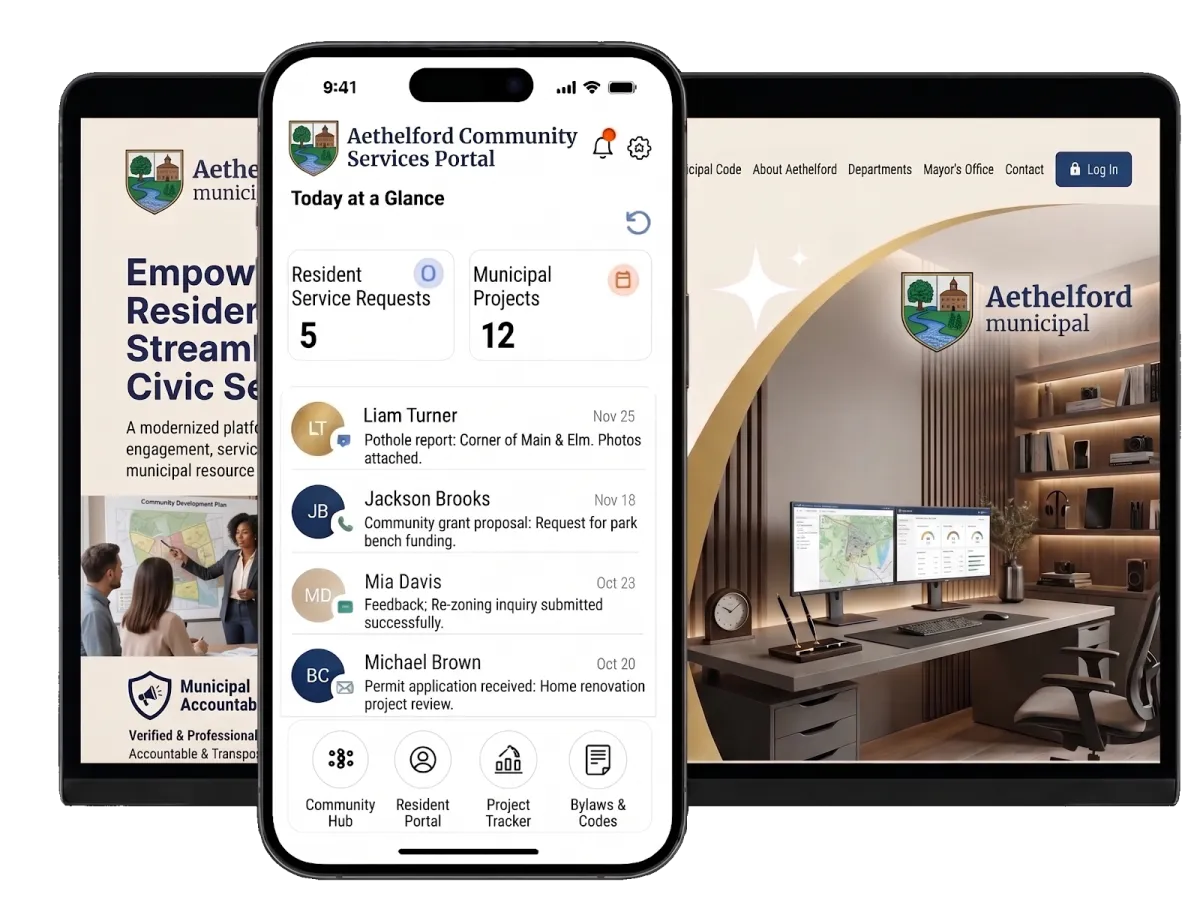
Municipal teams handle resident questions, service requests, public meetings, program registrations, business outreach, and follow-up. When details sit in separate systems, residents repeat themselves. Staff lose time hunting for context instead of moving work ahead.
of public service workers agree it is harder than ever to deliver consistently excellent customer service.
Source: Accenture
of residents struggle to navigate government websites.
Source: Accenture
average increase in city spending in 2023 while general fund revenues increased 4.9%.
Source: National League of Cities
Does this sound familiar?
A resident reports a damaged sign, asks about a recreation program, or wants to book an appointment. The message lands with one department, then moves to another. Key details get lost. Staff check several inboxes, ask the same questions again, and struggle to find the latest status.
Don't worry, we can help!
Workflows and Automation
Route routine requests, create follow-up tasks, update records, and send prompt confirmations based on your municipality’s rules.
Conversations
Keep supported email, chat, phone, messaging, and social conversations together. Authorized staff can check the history before they reply.
Forms
Collect the right details at the start. Send each submission to the contact record and the next approved workflow.

Turn Resident Requests Into Organized Action
Use local government software to give each request a clear path. Staff can collect details once, track approved non-emergency requests, and keep the full resident contact history close at hand.
Forms
Add forms to a web page or share them by link. Each form can feed contact records and work steps.
Collect reports about potholes, damaged signs, trees, waste, or other issues
Build forms for clerk services, parks, community programs, or economic development
Show new questions based on the type of request
Send a confirmation after each form and start the municipality’s next workflow


Contacts & CRM
Keep contact details, notes, files, tags, set fields, and past activity in one record.
Check past messages before you answer a new question
Segment contacts by program, business district, event, or another approved field
Store notes and key files with the contact, not in staff inboxes
Import current contact lists by CSV and update many records at once
Custom Records
Create new record types beyond contacts to fit structured municipal workflows.
Create records for service requests, facilities, community projects, properties, or programs
Add fields for request type, department, location, priority, status, or due date
Link a request to the right contact, task, note, or other supported record
Filter records and use them in supported forms, work steps, views, and reports

Give People Clear Ways to Reach the Right Team
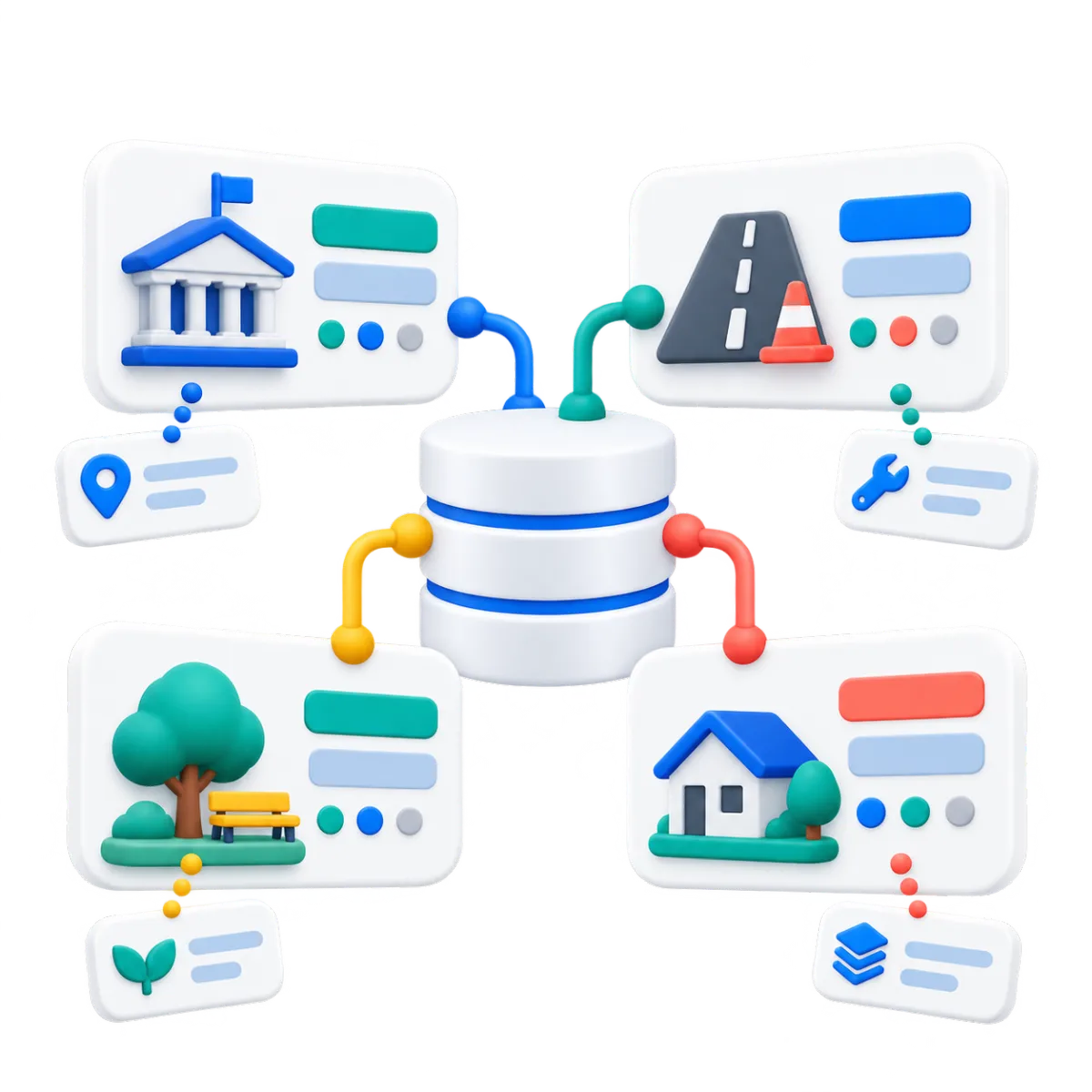
Calls, emails, web chats, and social inquiries should not become separate stories. WinChilla brings supported channels together. It preserves context and lets staff take over when a resident needs help.

Conversations
Keep supported email, messaging, calls, live chat, and social conversations in one inbox.
Check the contact history before you answer a follow-up question
Filter conversations by channel, assigned staff member, or status
Coordinate replies when the clerk’s office and another department must both help
Start with an AI reply tip, then have staff check it before it is sent
Web Chat
Add a branded web widget that sends questions to the shared inbox and supported work steps.
Help residents find the right department for a routine question
Capture contact details and messages after municipal offices close
Set office hours, greetings, and clear online or offline notes
Put supported channels in one widget so each person can choose how to connect
Conversation AI
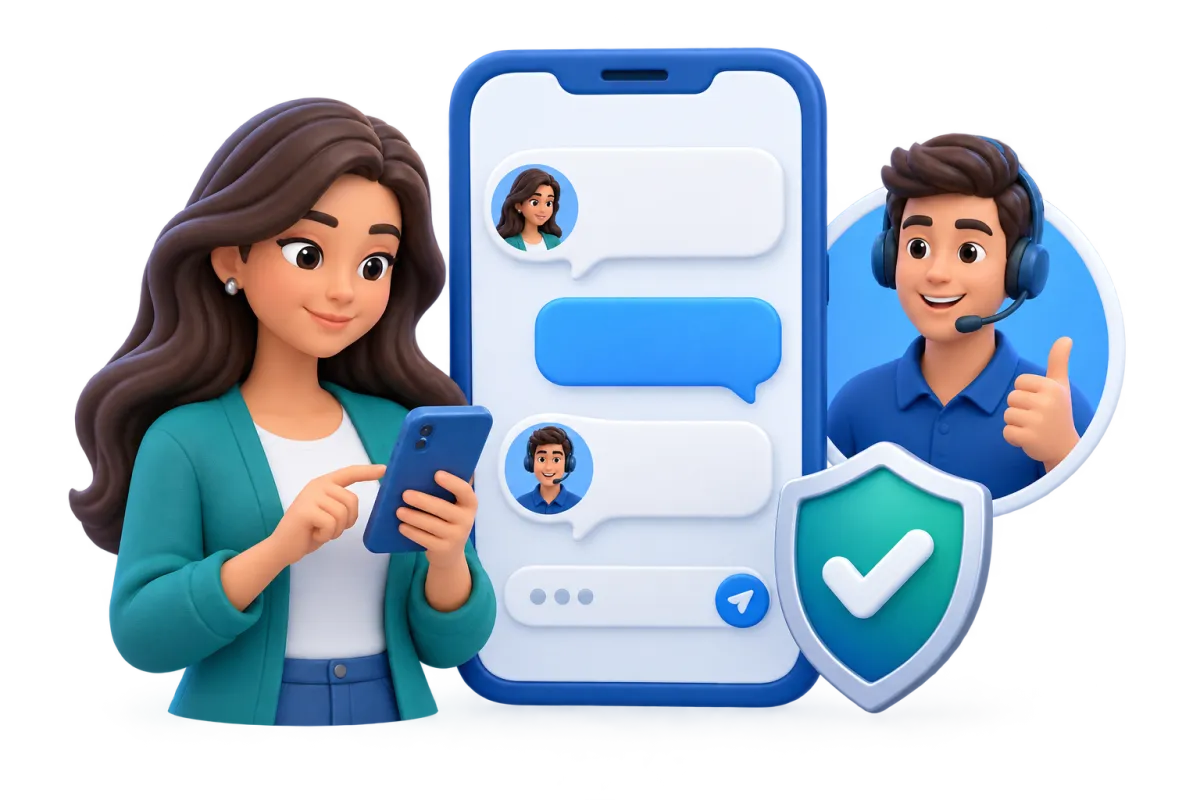
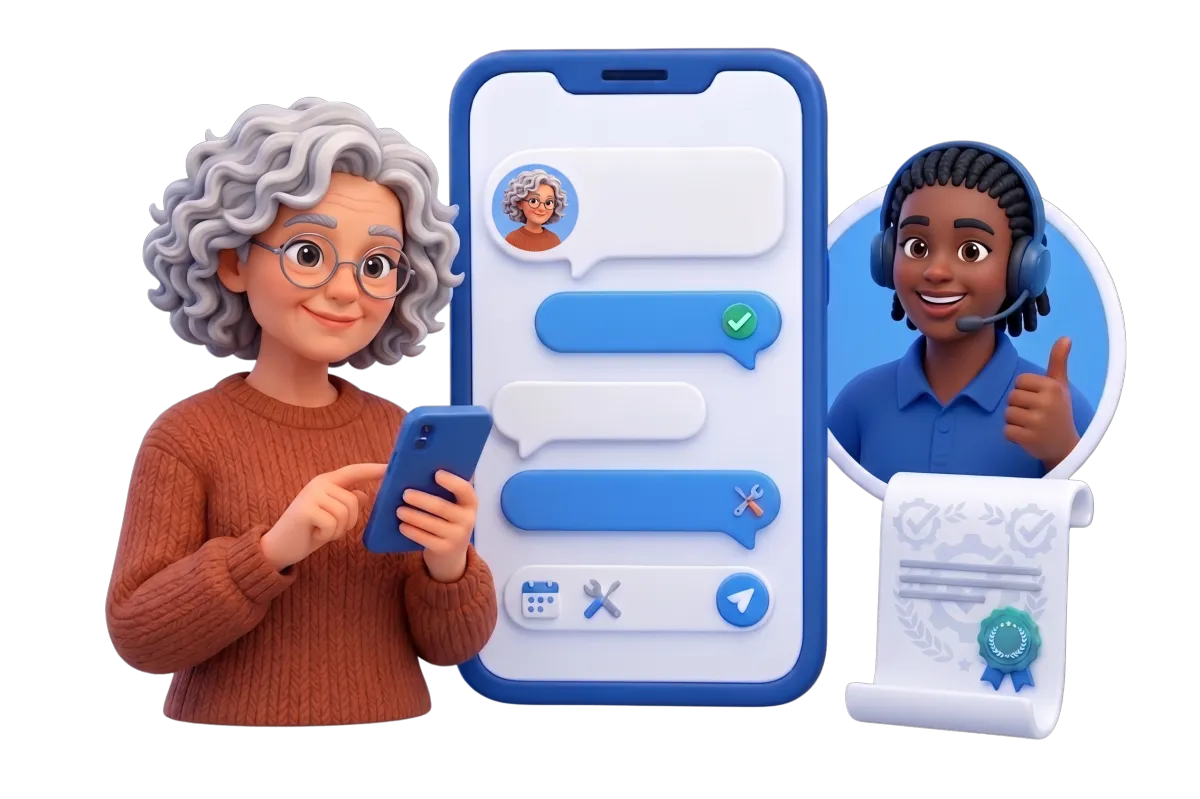
Use a knowledge-grounded AI agent for selected routine questions and approved digital conversations.
Answer common questions from approved web pages, FAQs, and source files
Collect basic details before a hard question goes to staff
Help residents book suitable appointments through a connected calendar
Pause the AI chat when staff take over
Phone System & Calling
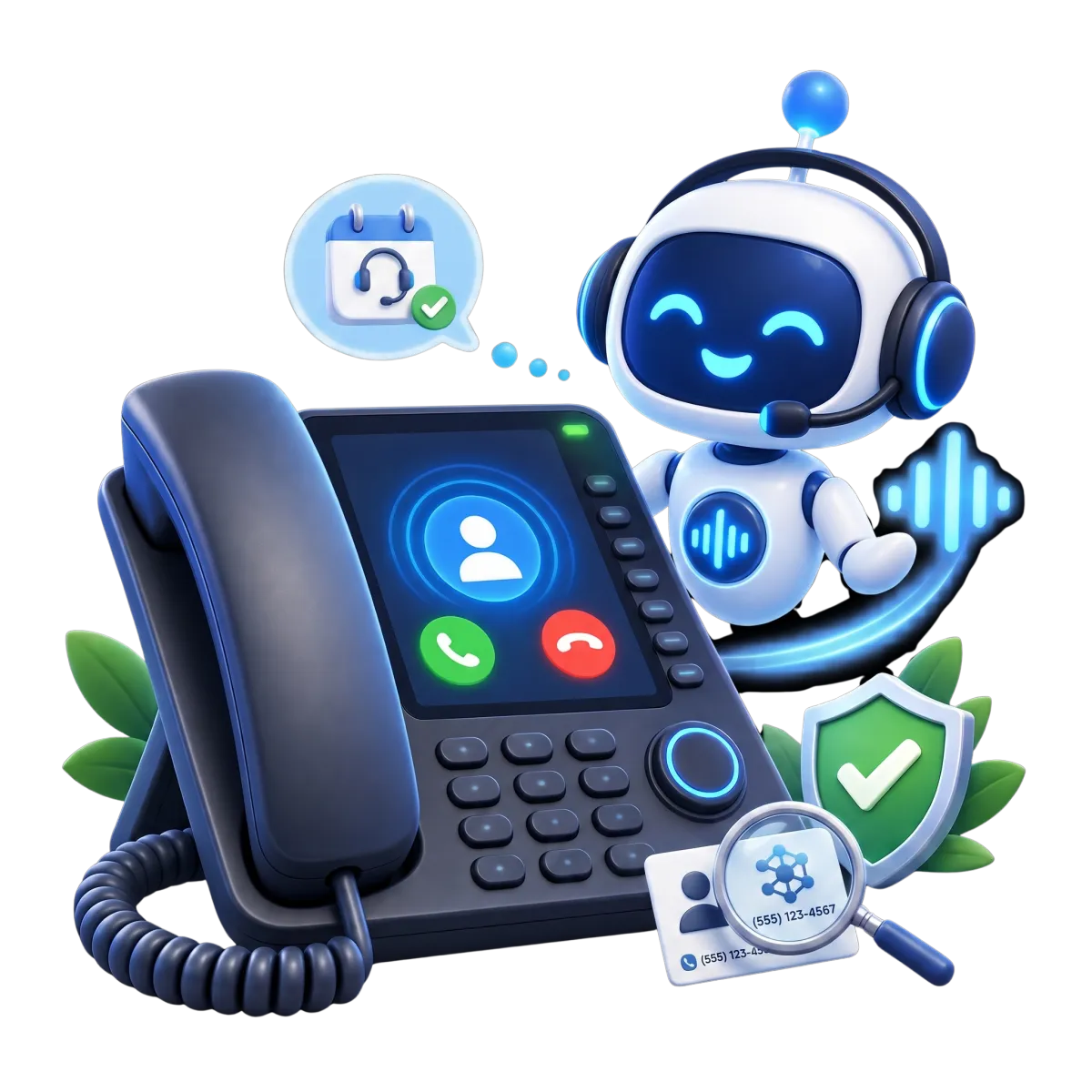
Connect supported municipal phone numbers and call flows with CRM records, routing, logs, and an optional AI receptionist.
Route routine calls by office hours or department
Keep allowed call notes, files, text records, and results with the contact
Start a task or follow-up after a call
Use AI for selected non-emergency questions, basic details, bookings, or staff transfer

Move Work Forward Across Local Teams
Local government software should show who owns the next step. WinChilla can support clear handoffs. Policy decisions, specialist work, and final approvals stay with your municipality.
Workflows & Automation
Use triggers, actions, branches, notes, and timing rules to automate suitable administrative steps.
Send a reply when a person files a request
Assign follow-up by request type, department, or another configured field
Make a reminder when a task or reply is due
Ask the AI builder for a work plan

Tasks & Team Work Management
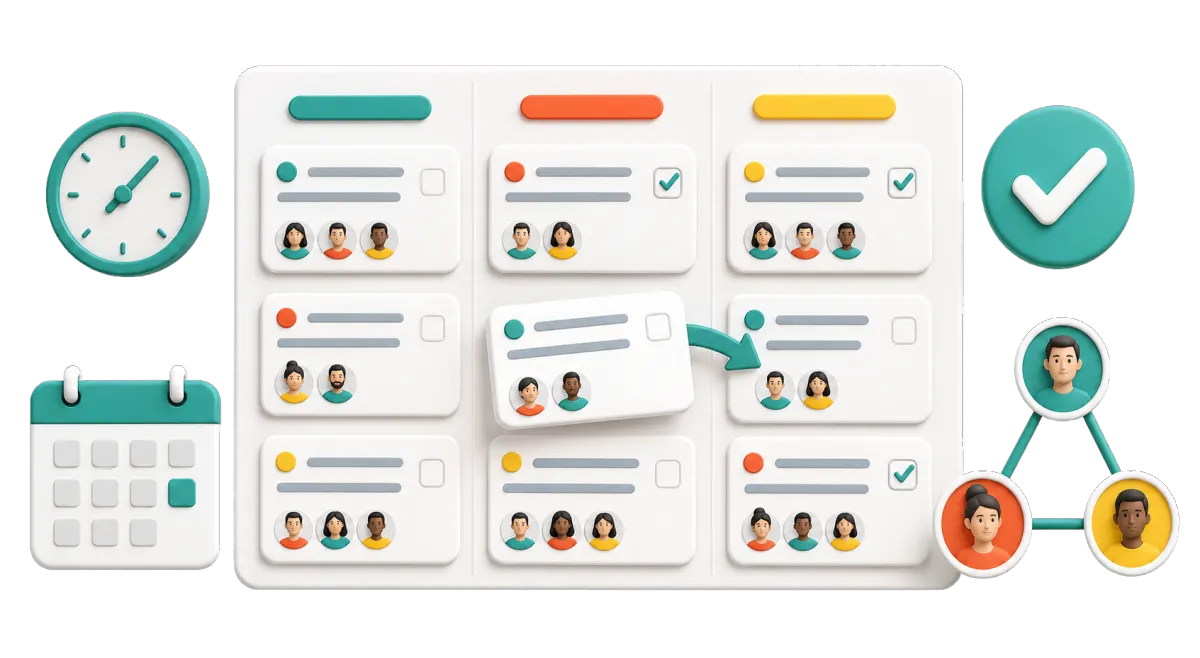
Create, assign, rank, plan, and repeat tasks. Keep each one linked to the right record.
Assign a site check, return call, file review, or public update
See late, current, and next tasks in list or board views
Make tasks from forms, calls, bookings, or CRM activity
Link tasks to more than one contact or supported record
Dashboards & Reporting
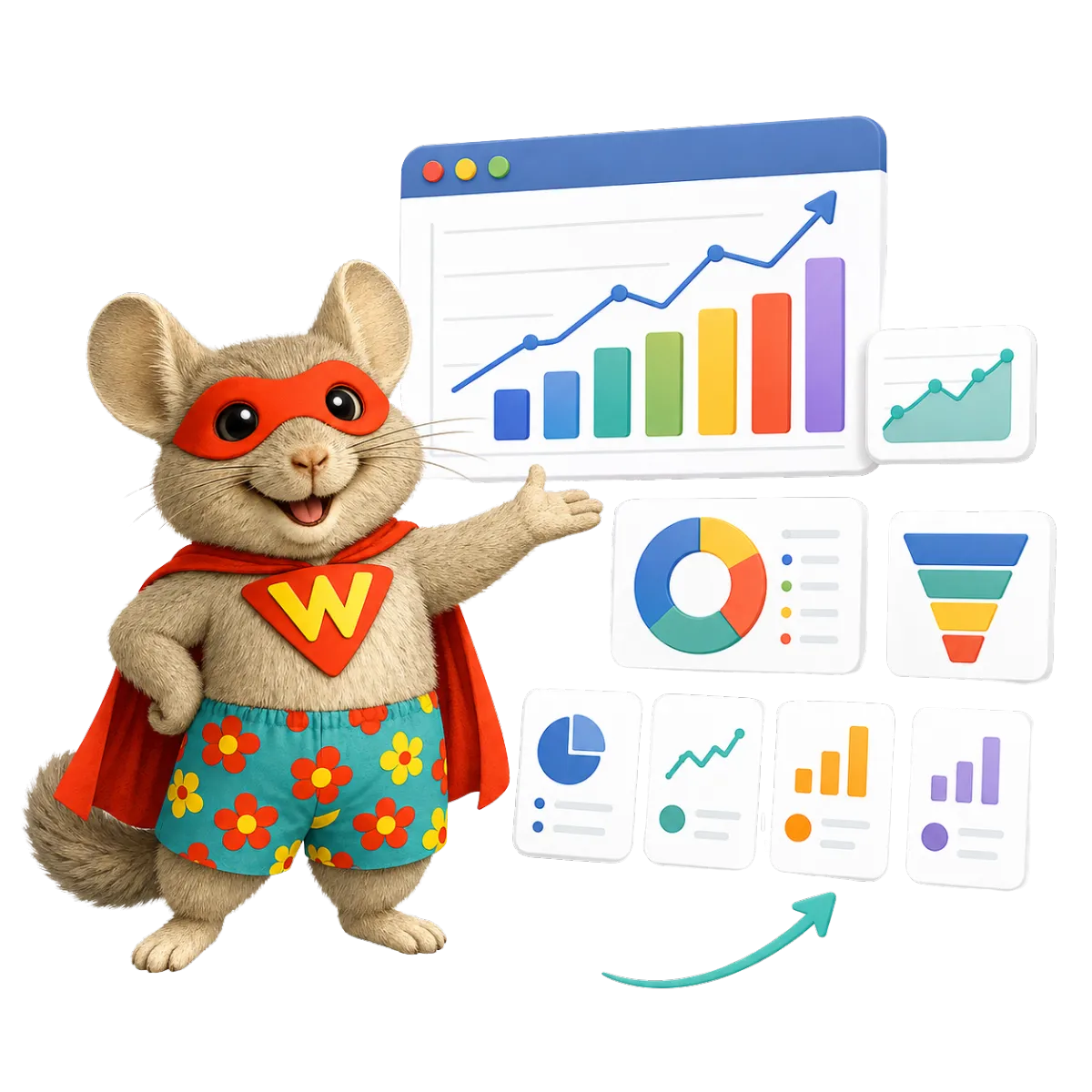
Build role-specific views from the CRM, request, conversation, appointment, call, and campaign data you track.
Review request volume by date, department, source, owner, or configured category
Track open follow-up, appointments, call results, or campaign engagement
Give leaders a clear view that fits their role
Plan, export, or share reports for staff review

Plan Public Outreach and Learn What People Need
Good community engagement takes more than one public notice. WinChilla helps municipalities organize audiences, invite participation, collect feedback, manage events, and follow up through approved channels.
Email Marketing
Create targeted, branded email updates with contact segments, templates, scheduling, personalization, and campaign reports.
Send news, program notes, meeting alerts, and season-based service updates
Segment recipients by topic, program, business district, or another approved field
Track sends, opens, clicks, failed mail, and opt-outs
Use AI to shape a first draft

Surveys
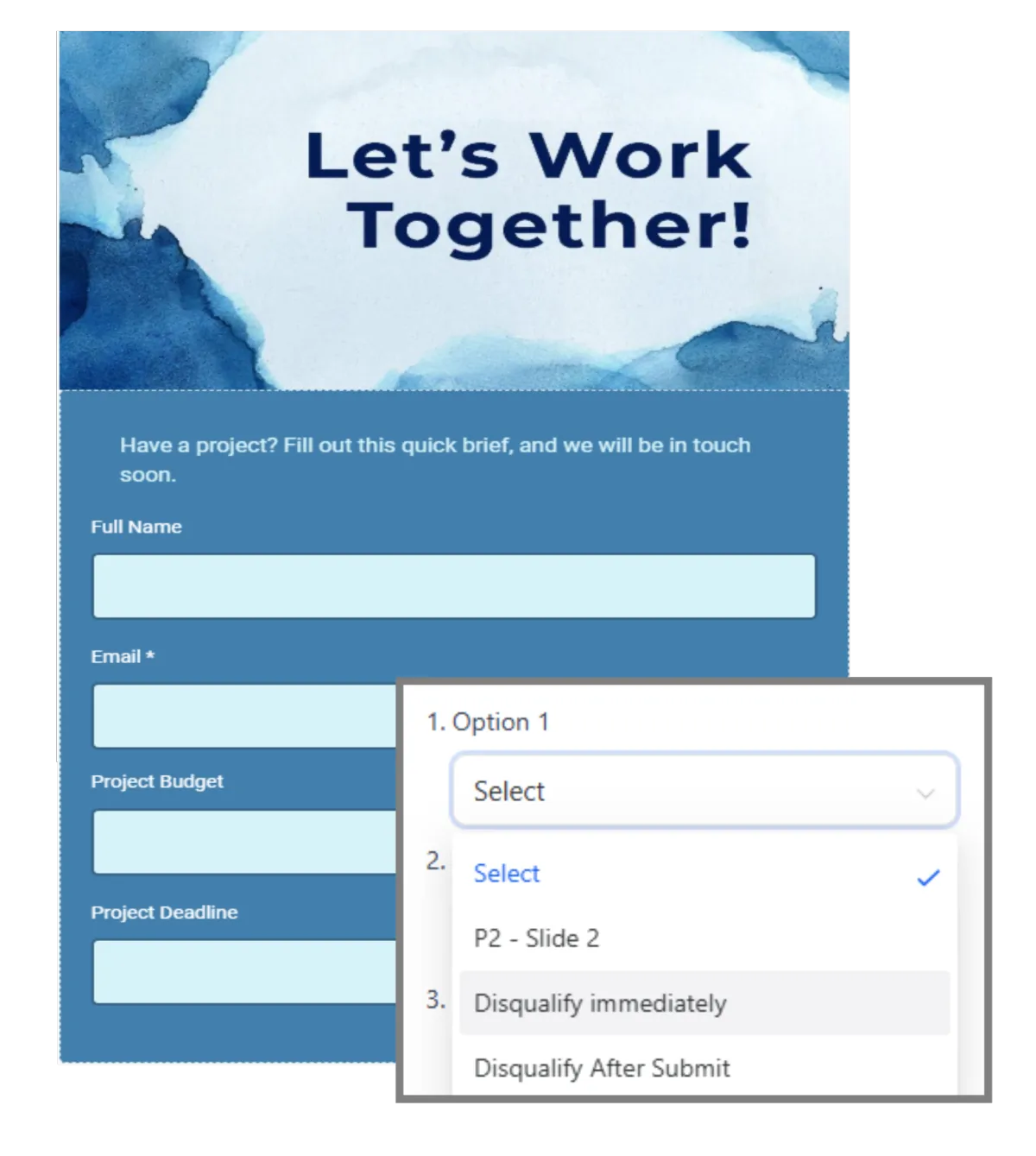
Collect structured feedback with styled surveys, conditional questions, exports, and post-submission workflows.
Ask for feedback after a parks program, public event, or staff call
Show new questions based on an earlier answer
Export answers to tools such as Google Sheets for more review
Start a reply or staff task when an answer comes in
Events Management
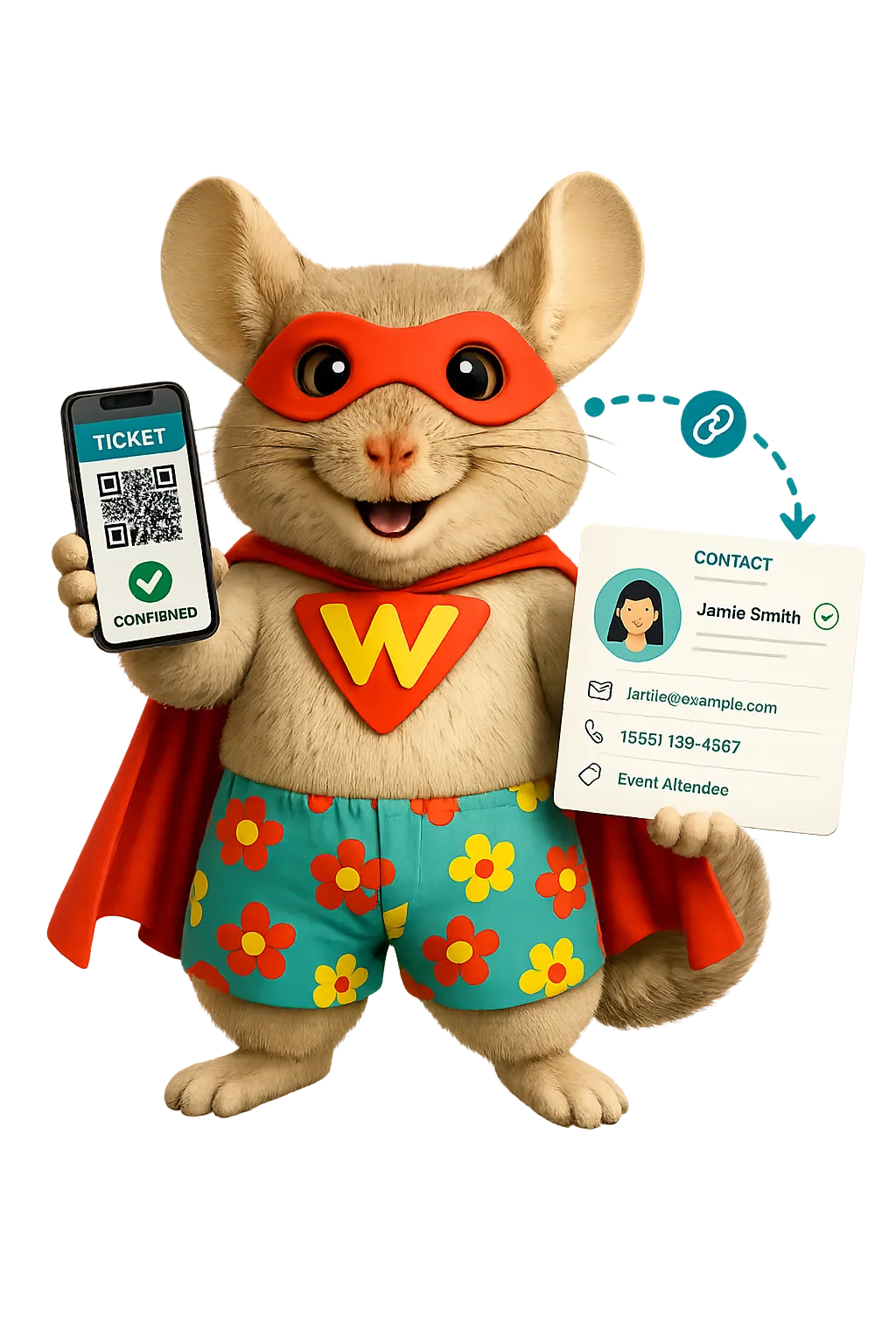
Create public event pages and manage registration, reminders, attendee details, and check-in.
Post pages for town halls, classes, open houses, local fairs, or business events
Set free or paid tickets, room limits, dates, places, speakers, and FAQs
Change sign-up fields, terms, replies, and alerts
Review who came and how staff handled check-in

Calendars & Appointments
Offer booking calendars for municipal appointments, consultations, meetings, classes, or team schedules.
Let residents book time with clerk services, community programs, or economic development staff
Configure staff availability, rooms, equipment, capacity, and conflict rules
Send replies and alerts through supported channels
Link each booking to contact records, notes, work steps, and reports
More Tools for Better Municipal Follow-Through
Add the tools that fit each team’s approved work and public-service goals.
Social Planner
Schedule public notices, event updates, program reminders, and community news across supported social channels.
AI Receptionists
Handle selected routine calls, gather basic details, answer approved questions, book meetings, or send callers to staff.
Mobile App
Manage contacts, conversations, calendars, tasks, notifications, call notes, and follow-up while working away from city hall.
Integrations
Connect supported municipal tools through native integrations, APIs, marketplace apps, and inbound or outbound webhooks.
QR Codes
Link signs, mailers, event materials, and public notices to forms, surveys, registration pages, or online information.
Blog
Publish municipal news, project updates, public explainers, and community stories without needing a separate content system.
Local Government Software FAQs
What others are saying:
"Love everything so far"
"I've never set up a website before but I love managing my new site and leads. The WinChilla team has been really helpful whenever I got stuck."
- Laura P

"Simplifies my sales"
"I've been able to help my son promote his candy business which has been great because I am not good with computers at all."
- Robert T
"Highly recommend"
"It's exciting to see my visions come to life and WinChilla helps me manage everything in one place so I can be anywhere in the world and my business just runs."
- Jaret H
WinChilla works with platforms you already use such as


















Real Support for Your Next Step
30-Day Money-Back Guarantee
New customers can get started with a 30-day money-back guarantee on eligible subscription fees. Review the refund terms for coverage, exclusions, and how to request a refund.
Onboarding and 24/7 Support
Start with a technical setup call and a training call, then get help through 24/7 chat support. Use our tutorials and knowledge base as you build and refine the tools your business needs.
Helping Businesses Since 2010
Our founders bring more than 30 years of combined experience in business software and customer incentive programs, helping small businesses build stronger customer relationships.

Make Every Resident Interaction Easier to Follow

© 2024-2026 Loyalty Gator Inc. All rights reserved.
WinChilla CRM | A Loyalty Gator Company | Trusted Since 2010
The information provided by Loyalty Gator Inc. (DBA: WinChilla) ('we', 'us', or 'our') on WinChilla’s website (the 'Site') and our mobile application is for general informational purposes only. All information on the Site and our mobile application is provided in good faith, however we make no representation or warranty of any kind, express or implied, regarding the accuracy, adequacy, validity, reliability, availability, or completeness of any information on the Site or our mobile application. UNDER NO CIRCUMSTANCE SHALL WE HAVE ANY LIABILITY TO YOU FOR ANY LOSS OR DAMAGE OF ANY KIND INCURRED AS A RESULT OF THE USE OF THE SITE OR OUR MOBILE APPLICATION OR RELIANCE ON ANY INFORMATION PROVIDED ON THE SITE AND OUR MOBILE APPLICATION. YOUR USE OF THE SITE AND OUR MOBILE APPLICATION AND YOUR RELIANCE ON ANY INFORMATION ON THE SITE AND OUR MOBILE APPLICATION IS SOLELY AT YOUR OWN RISK.