
Mall CRM Software That Keeps Every Opportunity Moving
WinChilla puts leasing leads, tenant contacts, visitor questions, events, and marketing in one place. Your team can reply faster. Each campaign gets a clear next step.




One Place for Mall Marketing, Relationships, and Follow-Up
Mall CRM software brings key mall tools together for marketing, customer relationships, and follow-up. This shopping center CRM connects customer data with leasing deals, messages, email, social posts, events, and reports. Your team gets a unified customer and partner view. People spend less time looking for updates and more time helping others.
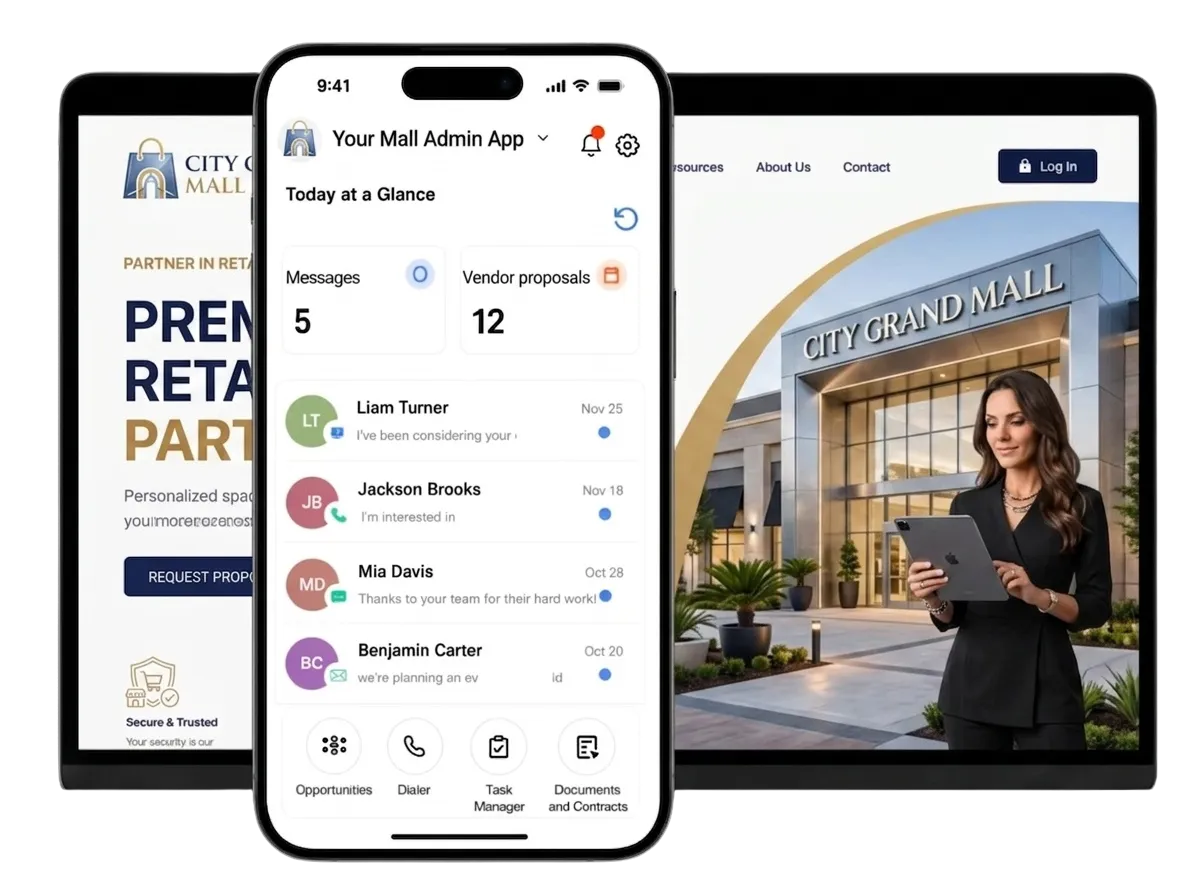
Shopping Center Teams Manage More Than the Property
Mall teams handle tenant ties, leasing, visitor questions, events, ads, and reports. It is a lot to track. Mall CRM software keeps the people, messages, and next steps in view.
U.S. shopping center vacancy Q1 2026.
Source: Cushman & Wakefield U.S. Shopping Center MarketBeat
as likely to qualify an online lead if replying within one hour.
Source: Harvard Business Review
holiday shoppers made purchases in physical stores.
Source: ICSC 2025 Post-Holiday Consumer Survey
Does this sound familiar?
A leasing lead sits in one file. Tenant contacts live in several inboxes. Event questions arrive through forms and social channels. Staff know follow-up matters, but the next step is hard to see. Good leads can stall while the team looks for details.
Don't worry, we can help!
Companies / B2B CRM
Keep each tenant, prospect, vendor, and sponsor in the right company record. Link its contacts, notes, tasks, and deals.
Opportunities & Pipelines
Move leasing, sponsor, partner, and event deals through custom stages. Give each deal an owner, value, status, and next step.
Workflows & Automation
Start tasks, reminders, follow-up, and pipeline updates after key actions. These can include a new form or a CRM record change.

Build Stronger Tenant, Leasing, and Partner Relationships
Each brand, broker, sponsor, and vendor may have several contacts. Messages can pile up fast. WinChilla gives your team one shared record for each relationship.
Contacts & CRM
Keep contact details, notes, files, tags, fields, and past activity in one record.
Group tenant contacts by property, type, campaign, or relationship
Track visitor questions, partner contacts, and local media ties
Store leasing prospect preferences and follow-up notes in custom fields
Build smart lists for tenant news, event outreach, or seasonal offers

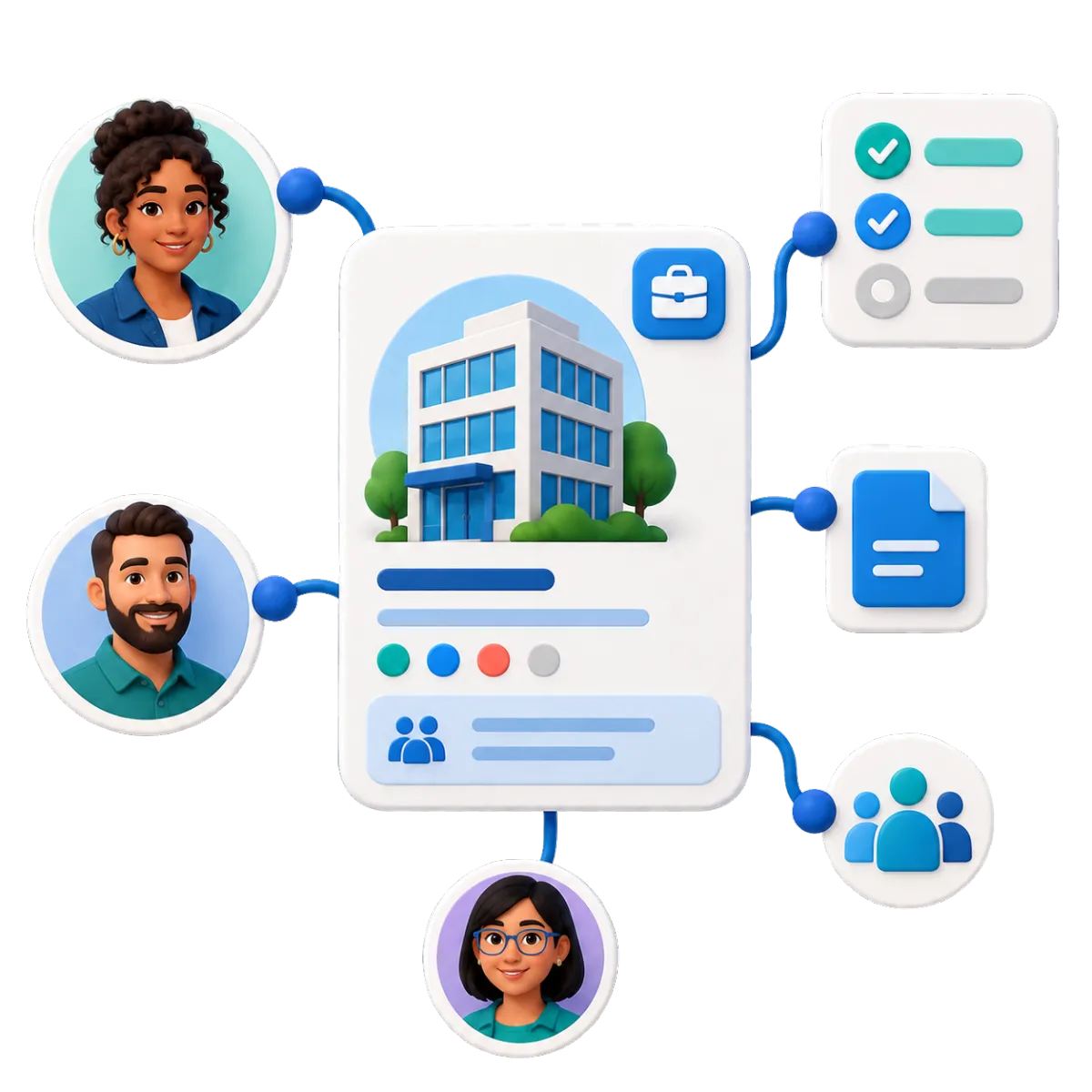
Companies / B2B CRM
Create company records. Link the right contacts, deals, tasks, and notes.
Keep contacts from each retail business tied to the right company record
Track vendors, sponsors, agencies, and local partners
Associate open opportunities and assigned tasks with each tenant or prospect
Use company information in supported emails, conversations, documents, and workflows
Opportunities & Pipelines
Track open deals through custom stages. Add an owner, value, status, and notes.
Track leasing inquiries from first contact through tour, proposal, and decision
Use separate pipelines for sponsors, pop-ups, kiosks, and partners
Filter opportunities by property, owner, stage, or status
Automate selected pipeline movement and follow-up through workflows

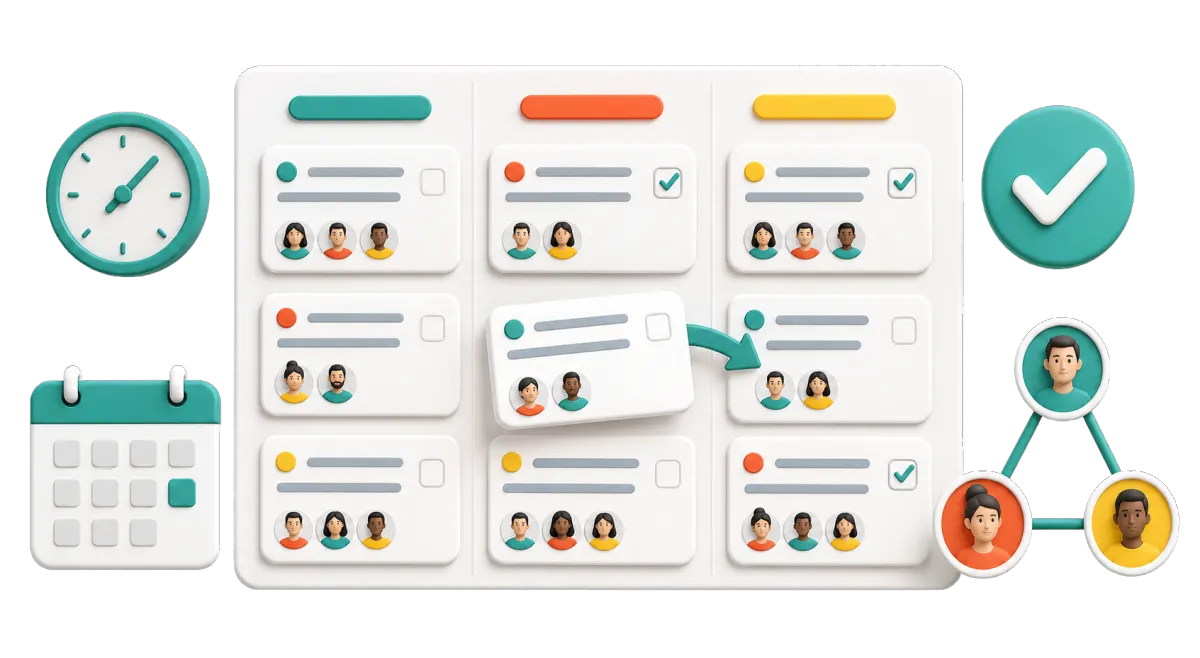
Tasks & Team Work Management
Assign one-time or repeat tasks. Link each task to the right contact, company, or deal.
Assign a leasing tour follow-up to the right team member
Create a task after a tenant campaign request or sponsor inquiry
Track overdue, current, and upcoming work in list or board views
Keep follow-up tasks connected to the relationship they support

Turn More Questions Into Useful Conversations
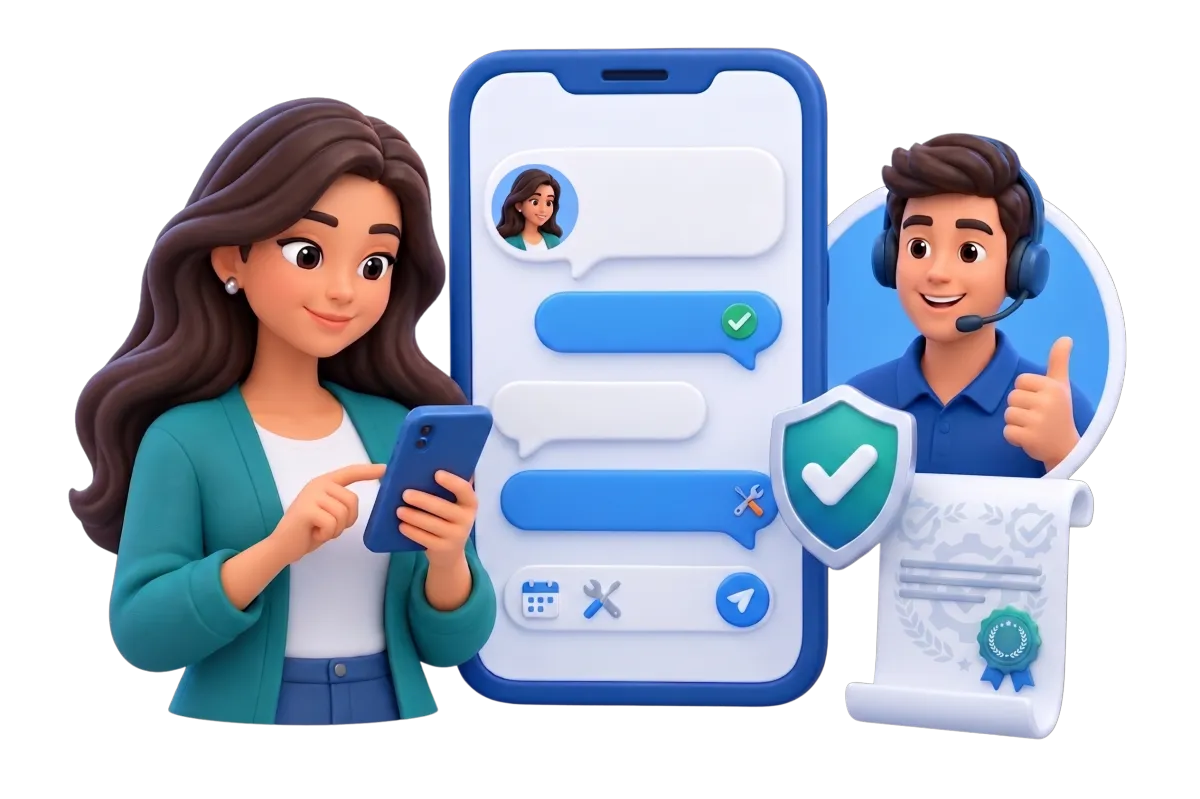
Visitors ask about hours, parking, events, and lost items. New tenants and partners need a different path. WinChilla saves each question, sends it to the right team, and keeps the full chat history.

Conversations
Bring email, chat, calls, and supported social messages into one inbox.
Review the full history before replying to a visitor or leasing prospect
Filter conversations by channel, assignment, or status
Send tenant, visitor, event, and partner messages to the right team
Use AI-assisted replies as a starting point, then review before sending
Web Chat and Conversation AI
Capture web questions with chat. A trained AI agent can answer supported questions, collect details, sort leads, or hand the chat to staff.
Answer common questions about hours, parking, accessibility, or upcoming events
Collect contact details from a leasing, sponsor, or pop-up lead
Route inquiries using channel, tags, contact segments, or other supported rules
Pause or transfer the AI conversation when a staff member takes over
Link a good lead to a calendar, pipeline, or follow-up flow

Forms
Create forms for your site or a shared link. Add each reply to a contact record and linked workflow.
Capture leasing, pop-up, sponsor, vendor, and partner leads
Collect event registrations, contest entries, or tenant marketing requests
Use conditional logic to show questions based on inquiry type
Trigger assignments, confirmation messages, and follow-up after submission

Use Mall CRM Software to Automate Timely Campaigns
Mall marketing automation helps teams keep up with store openings, holidays, events, and local needs. Use clear marketing strategies for each audience. Plan each campaign once. Reach the right group. Let set workflows save time on tasks that repeat from day to day.
Email Marketing
Create branded emails for set CRM groups. Add personal details and track results.
Promote new stores, dining options, seasonal hours, and center-wide events
Send the right content to shoppers, tenants, prospects, or partners
Schedule campaigns around grand openings and holiday periods
Track sends, opens, clicks, errors, and opt-outs
Use supported AI assistance to refine subject lines, copy, calls to action, or images


Workflows & Automation
Set up follow-up, tasks, pipeline changes, and marketing steps. Use triggers, actions, paths, and timing.
Send a confirmation and assign an owner after a leasing form is submitted
Notify staff when an event or sponsor form is submitted
Create a staff task when a sponsor or tenant reaches a key pipeline stage
Build different follow-up paths for shoppers, tenants, and business leads
Tell the AI workflow builder your goal in plain words
Social Planner
Create, approve, plan, post, and track content across supported social channels.
Build a shared calendar for tenant spotlights, events, offers, and center news
Customize content for each supported channel
Send approval links to stakeholders without requiring them to log in
Track response and compare results over set time periods
Use AI assistance to develop captions, campaign ideas, hashtags, and images for staff review


AI Content, Assistance & Knowledge Bases
Use built-in content tools to create first drafts for marketing. Give supported agents approved mall facts to use.
Draft email, social, website, funnel, and campaign content
Generate or edit images for supported marketing assets
Set a brand voice for more consistent first drafts
Build a source of facts from approved web pages, FAQs, public Google Docs, or table data

Create Reasons to Visit - and Learn From Every Campaign
Events and local ties give people more reasons to visit. Good reviews build trust. Plan the outreach, sign-ups, and follow-up in one system.
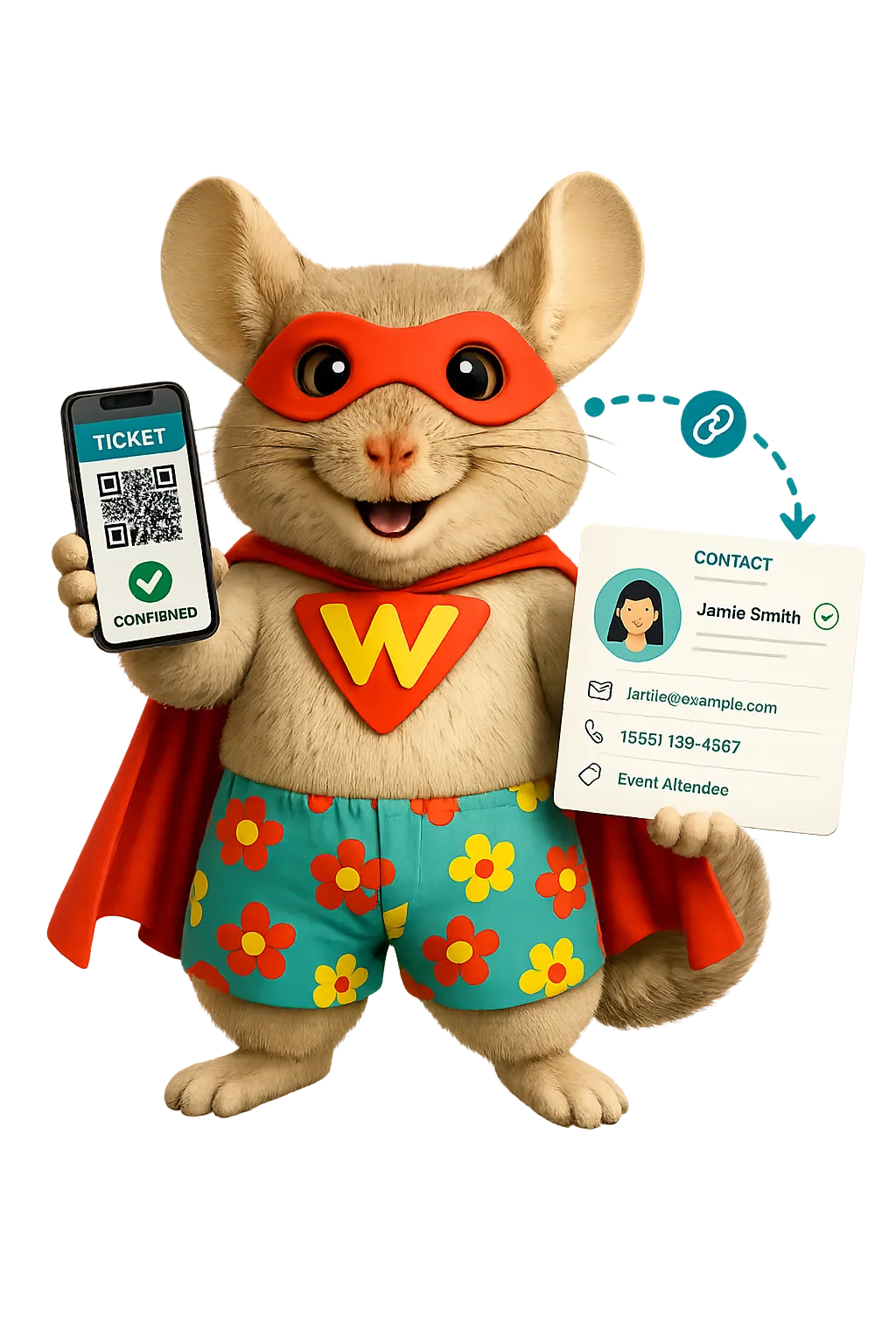
Events Management
Create branded event pages. Manage sign-ups, tickets, alerts, check-in, and reports.
Promote free, paid, RSVP, in-person, or online events
Create pages for holiday programs, family activities, workshops, and community events
Set capacity limits, registration questions, coupons, and ticket types where needed
Send confirmations, reminders, alerts, and summary emails
Check in attendees and review registration and attendance status

Reputation Management
Watch supported review pages, ask for feedback, and manage replies in one place.
Track ratings, review counts, trends, tone, and new feedback
Send review requests through supported channels after selected interactions
Use AI to suggest or, when configured, publish responses to supported Google and Facebook reviews
Sum up repeat themes so staff can spot common concerns
Display selected reviews through a customizable website widget
Dashboards & Reporting
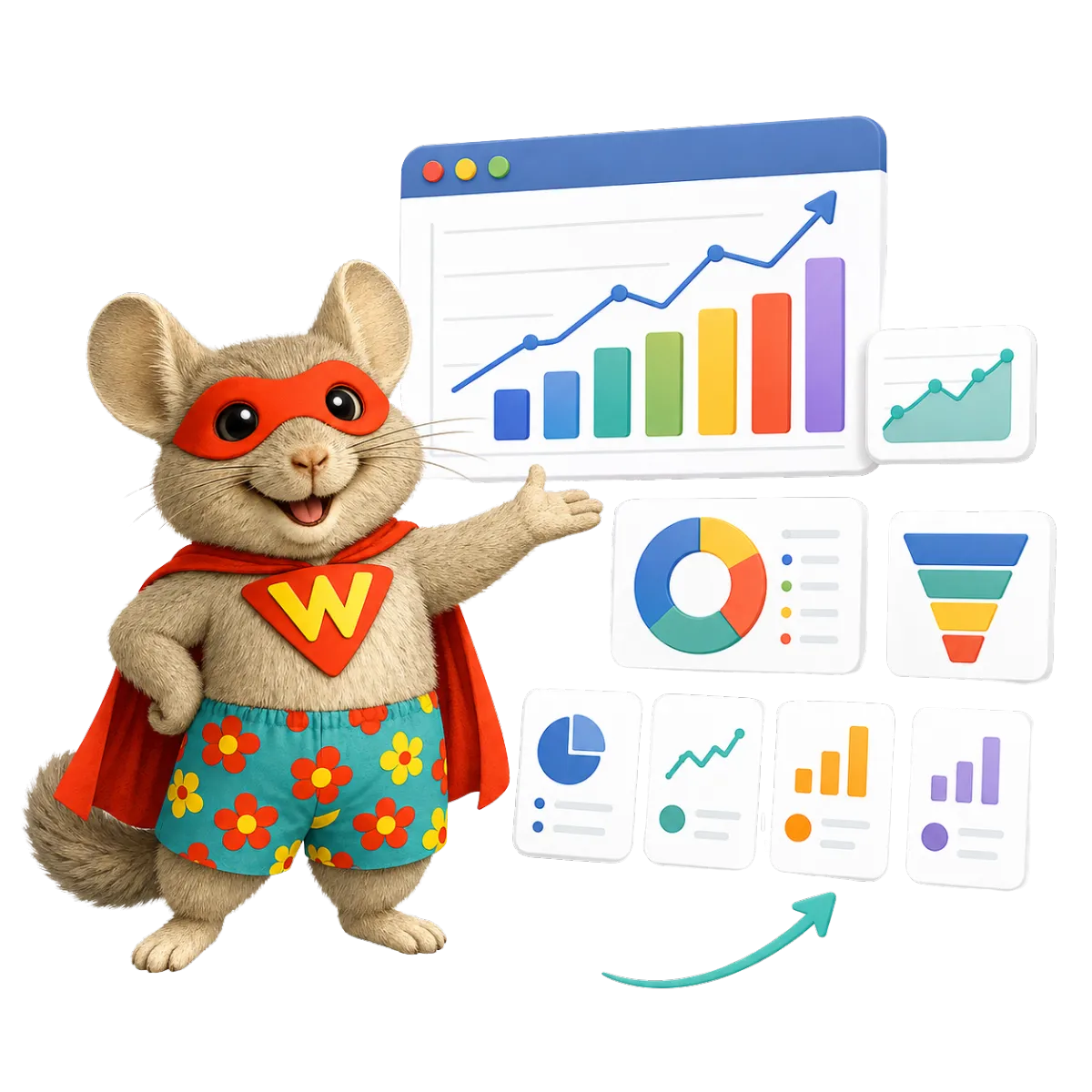
Build dashboards and reports for each role. Use supported CRM, campaign, web, call, and social data.
Monitor leasing pipeline volume, values, stages, and assigned owners
Compare form submissions and campaign activity to spot patterns in customer behavior
Review campaign, web, call, and social activity around major events
Filter reports by contact group, pipeline, owner, campaign, or property field
Schedule, export, or share reports with internal stakeholders
More Tools for Shopping Center Teams
Choose the tools that fit your properties, ads, and daily work.
Websites
Build mobile-ready pages. Add forms, chat, calendars, tracking, and CRM follow-up. Link visitors to event pages.
Surveys
Ask for visitor, tenant, event, or campaign feedback. Learn what shapes customer experiences and customer satisfaction. Start follow-up after each reply.
Mobile App
Manage contacts, chats, deals, tasks, calendars, and alerts while on the property.
Calendars & Appointments
Share booking options for leasing tours, tenant meetings, vendor calls, or partnership consultations.
Documents & Contracts
Send sponsor terms, vendor files, and proposals for e-signature. Track their status.
QR Codes
Link signs to event sign-ups, visitor forms, tenant offers, or contact details. View supported QR data.
Mall CRM Software Questions, Answered
Is WinChilla a complete shopping center management software platform?
WinChilla handles CRM, marketing, messages, lead follow-up, events, and reviews. It is not a property system for lease accounts, rent, CAM charges, work orders, or rent rolls. A mall can use it beside its core property software. Supported links or data flows may help where available.
Can WinChilla track tenants and leasing prospects?
Yes. Use company and contact records, fields, notes, tasks, and pipelines. They can track tenants, brands, brokers, and leasing leads. WinChilla supports the relationship and follow-up work. Keep formal lease and property accounts in the right property system.
Can we keep visitor, tenant, and business audiences separate?
Yes. Tags, fields, filters, smart lists, companies, and pipeline data can split each group. Send the right email or supported message to shoppers, tenants, prospects, vendors, sponsors, or partners. Your team must still follow consent, opt-out, and other message rules.
Can WinChilla help promote and manage shopping center events?
Yes. Create branded pages for free, paid, RSVP, in-person, or online events. Manage sign-up details, tickets, alerts, guest status, check-in, and reports. Email, social posts, forms, QR codes, and workflows can help promote each event.
How can shopping center marketing automation software support multiple properties?
A retail property firm can sort records by property. Use fields, tags, lists, owners, pipelines, and set workflows. The best setup depends on how your teams and reports are split. WinChilla can fit that process. It does not replace each site’s core property system. Contact us for multi-location pricing.
How does AI help a shopping mall or shopping center team?
AI can draft campaign copy and suggest inbox replies. It can answer supported web questions, sort leads, draft a workflow, and help with review replies. A knowledge base gives supported agents approved mall facts. Staff still review the work, set rules, keep facts current, and take over when needed.
What others are saying:
"Love everything so far"
"I've never set up a website before but I love managing my new site and leads. The WinChilla team has been really helpful whenever I got stuck."
- Laura P

"Simplifies my sales"
"I've been able to help my son promote his candy business which has been great because I am not good with computers at all."
- Robert T
"Highly recommend"
"It's exciting to see my visions come to life and WinChilla helps me manage everything in one place so I can be anywhere in the world and my business just runs."
- Jaret H
WinChilla works with platforms you already use such as


















Real Support for Your Next Step
30-Day Money-Back Guarantee
New customers can get started with a 30-day money-back guarantee on eligible subscription fees. Review the refund terms for coverage, exclusions, and how to request a refund.
Onboarding and 24/7 Support
Start with a technical setup call and a training call, then get help through 24/7 chat support. Use our tutorials and knowledge base as you build and refine the tools your business needs.
Helping Businesses Since 2010
Our founders bring more than 30 years of combined experience in business software and customer incentive programs, helping small businesses build stronger customer relationships.

Turn More Mall Activity Into Measurable Growth

© 2024-2026 Loyalty Gator Inc. All rights reserved.
WinChilla CRM | A Loyalty Gator Company | Trusted Since 2010
The information provided by Loyalty Gator Inc. (DBA: WinChilla) ('we', 'us', or 'our') on WinChilla’s website (the 'Site') and our mobile application is for general informational purposes only. All information on the Site and our mobile application is provided in good faith, however we make no representation or warranty of any kind, express or implied, regarding the accuracy, adequacy, validity, reliability, availability, or completeness of any information on the Site or our mobile application. UNDER NO CIRCUMSTANCE SHALL WE HAVE ANY LIABILITY TO YOU FOR ANY LOSS OR DAMAGE OF ANY KIND INCURRED AS A RESULT OF THE USE OF THE SITE OR OUR MOBILE APPLICATION OR RELIANCE ON ANY INFORMATION PROVIDED ON THE SITE AND OUR MOBILE APPLICATION. YOUR USE OF THE SITE AND OUR MOBILE APPLICATION AND YOUR RELIANCE ON ANY INFORMATION ON THE SITE AND OUR MOBILE APPLICATION IS SOLELY AT YOUR OWN RISK.