
Membership CRM That Keeps Members Engaged
WinChilla gives your team a practical membership CRM. Keep member relationships clear, improve follow-up, promote key programs, and link each touchpoint.





One Membership CRM for the Work Behind Every Member Experience
Bring member data, organization details, and email into one place. Add event registration, messages, payments, tasks, and reports. These management tools help lean teams switch systems less and serve members more.
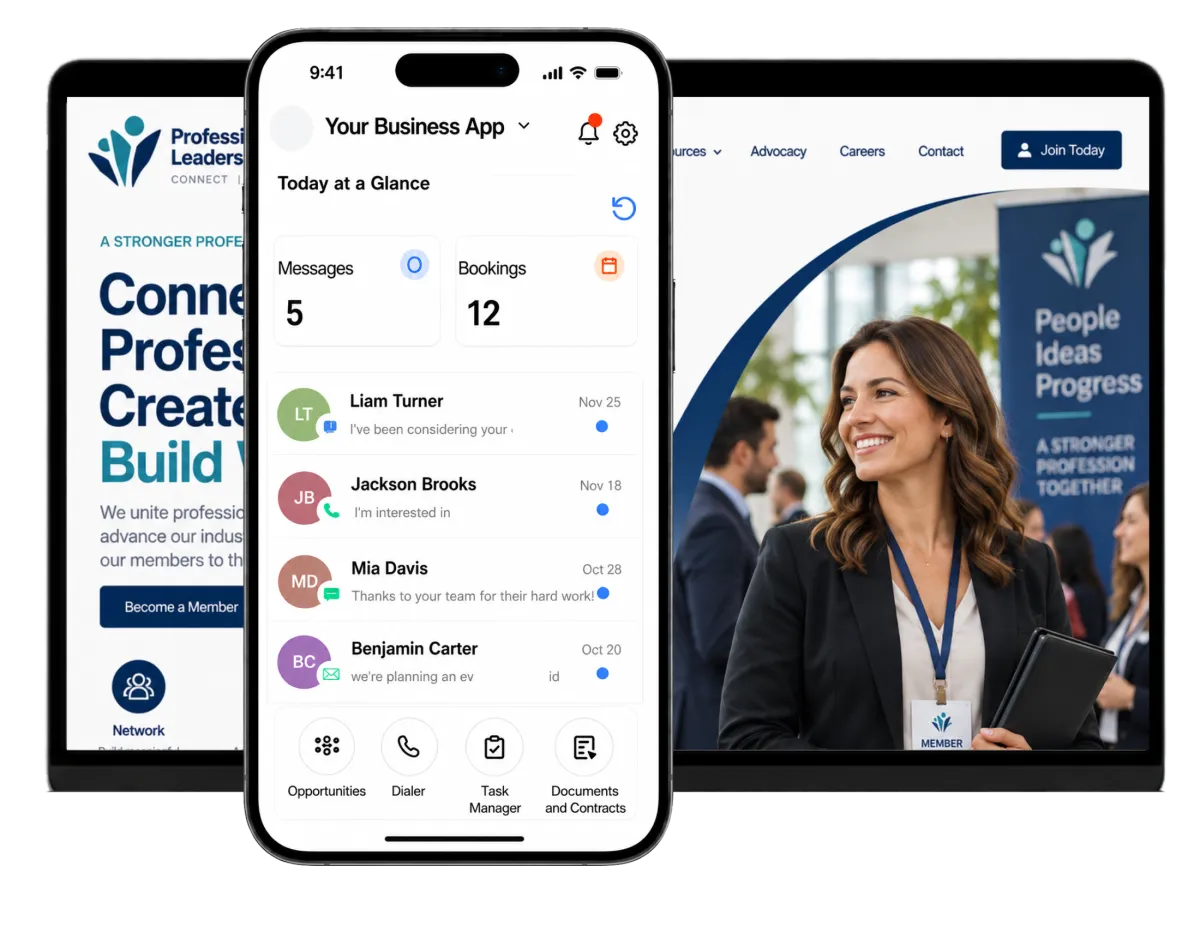
Your Association Team Wears More Hats Than Members See
Membership growth, renewals, events, education, sponsors, chapter support, board updates, and member questions often compete for the same staff hours. WinChilla helps your team connect those tasks so fewer details get lost between departments, spreadsheets, and inboxes.
of surveyed association and membership professionals identified a lack of engagement as a reason members do not renew.
Source: 2025 Membership Performance Benchmark Report by iMIS
of surveyed association and membership professionals identified perceived value as a reason members do not renew.
Source: 2025 Membership Performance Benchmark Report by iMIS
of respondents said they were investing in association management, CRM, or membership management software.
Source: 2025 Membership Performance Benchmark Report by iMIS
Does this sound familiar?
Member details live in one system. Event lists live in another. Key messages stay buried in staff inboxes. The team must then match records by hand, while leads, new members, sponsors, and lapsed members wait too long for a reply. A membership CRM can give staff a clear view of each person and each next step.
Don't worry, we can help!
Contacts / CRM
Keep member details, notes, files, tags, custom fields, and activity history in one searchable record.
Workflows and Automation
Start timely welcome, renewal, event, and follow-up steps from CRM actions instead of staff memory.
Conversations
Bring email, SMS, calls, live chat, and select social messages into one inbox. Staff can see the contact history by each reply.

Build a Membership CRM Around Real Association Relationships
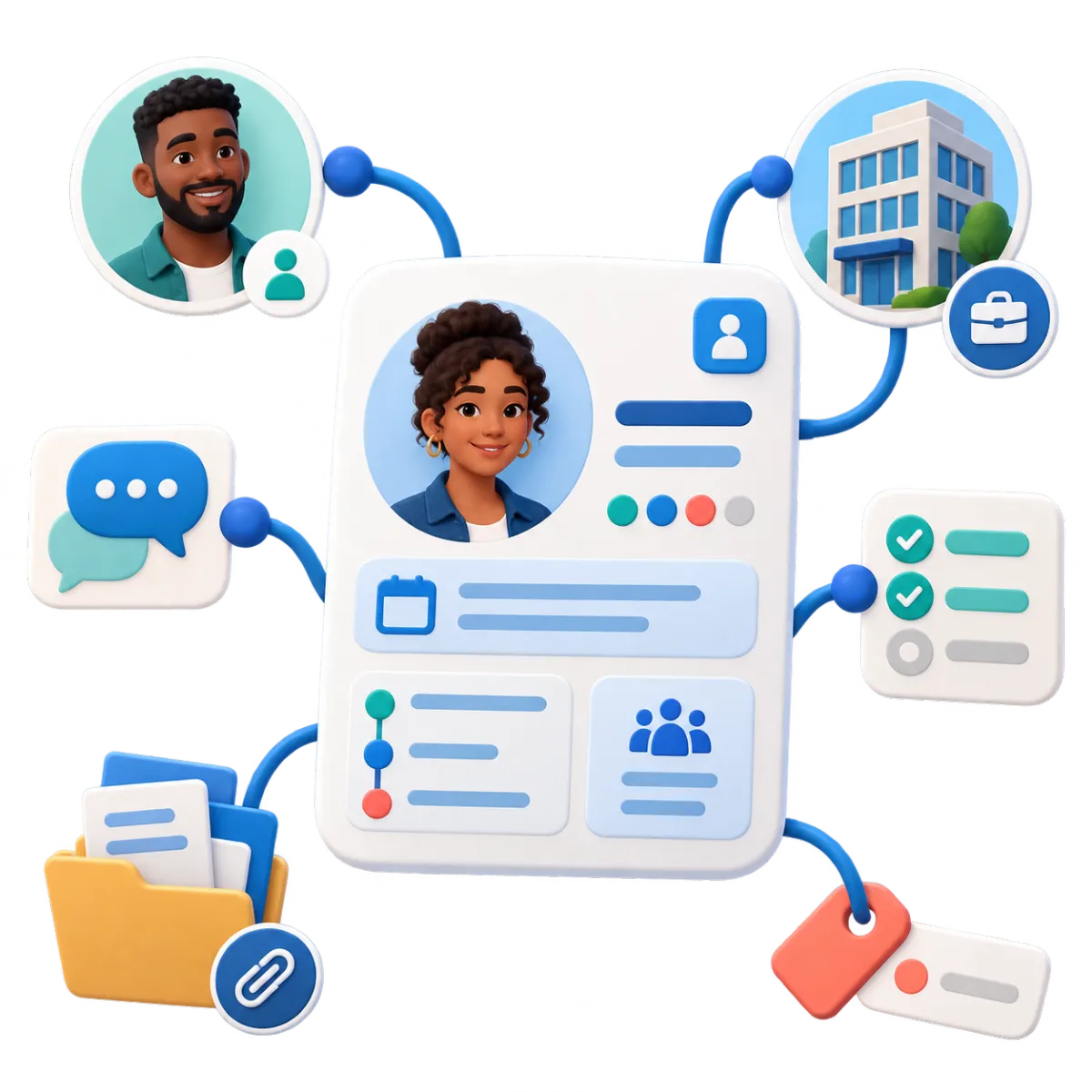
One person may be a member, board volunteer, speaker, mentor, sponsor contact, or chapter lead. WinChilla links those roles and the firms behind them without turning each tie into a flat email list.
Contacts & CRM
Keep member and lead details, notes, files, tags, custom fields, and past actions in one record.
Segment members by status, specialty, region, chapter, interest, or engagement tag
Review member activity before you reply. Check messages, registrations, notes, and follow-up history
Import member or prospect lists by CSV and update records in bulk
Build smart lists for new members, lapsed members, speakers, sponsors, or volunteers
Companies / B2B CRM
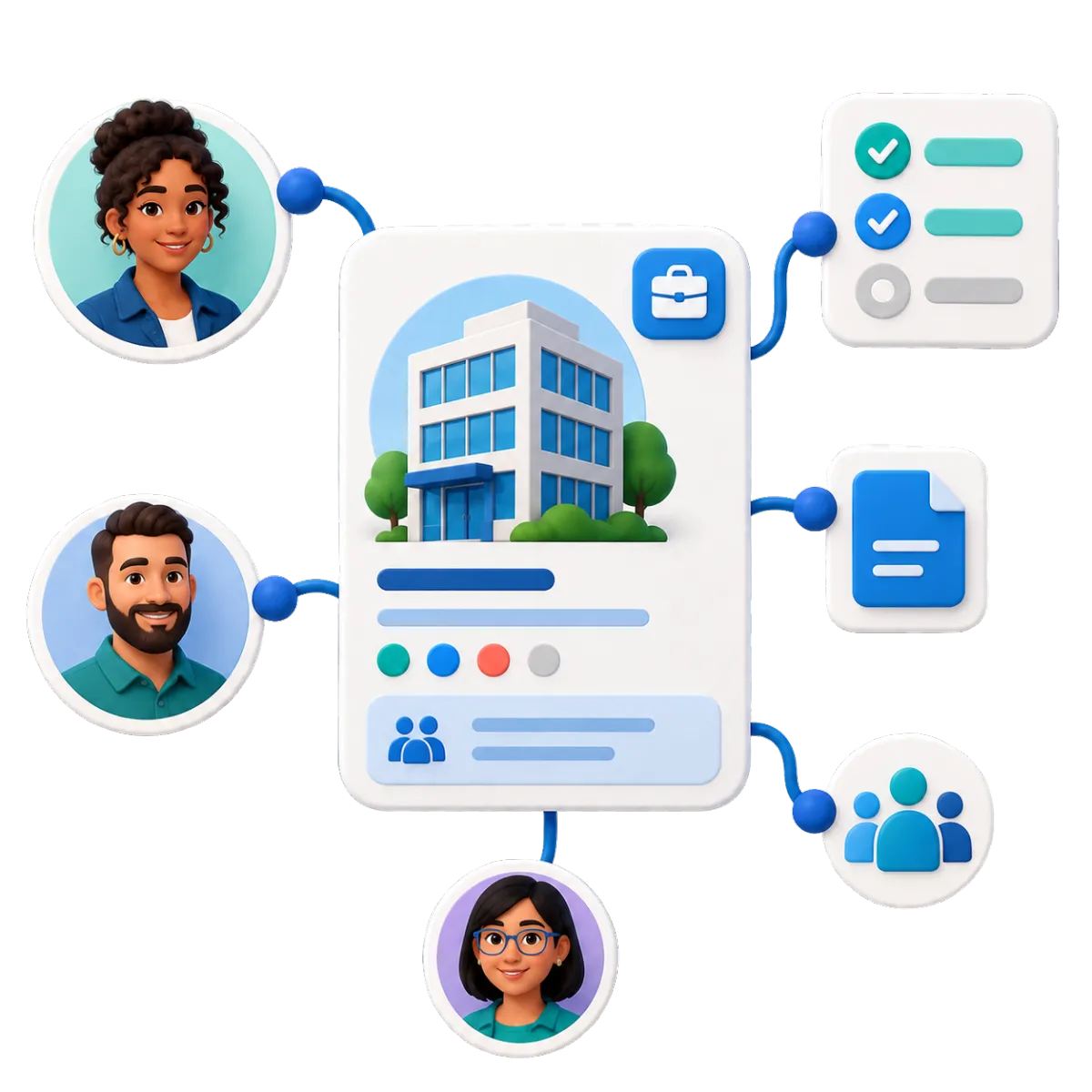
Link people to employer, sponsor, partner, vendor, or member-company records.
See multiple member contacts connected to the same employer or member organization
Track sponsor contacts, opportunities, tasks, and notes against the right organization
Use organization details in select messages, files, workflows, and member journey steps
Set up organization-based welcome or renewal steps when group membership applies
Custom Records
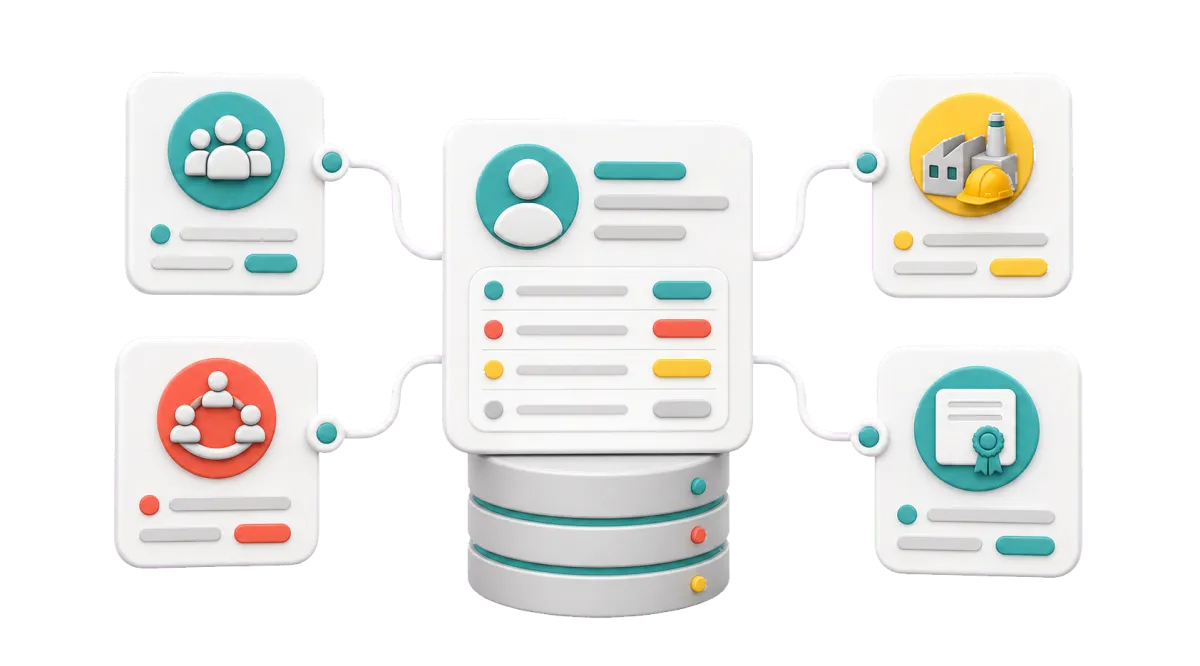
Create records beyond contacts and firms for the way your group works.
Track chapters, boards, volunteer roles, programs, or sponsor assets as custom records
Associate those records with members, companies, opportunities, notes, and tasks
Import these records in bulk, then sort them with filters and list views
Use custom records in select forms, workflows, dashboards, and reports

Move Prospects From Interest to Active Membership
Use the membership CRM to catch each inquiry, track member leads, guide new joins, and keep renewal work in view. Build a clear path for each member. Staff can still step in when a personal touch will help.

Opportunities & Pipelines
Track member leads, sponsors, or partner deals by stage, owner, note, value, and status.
Create stages for inquiry, application started, review, approved, joined, or follow-up needed
Assign a staff owner to key group memberships or sponsor talks
Filter stalled opportunities so no promising prospect sits untouched
Move stages and start follow-up from set workflow steps
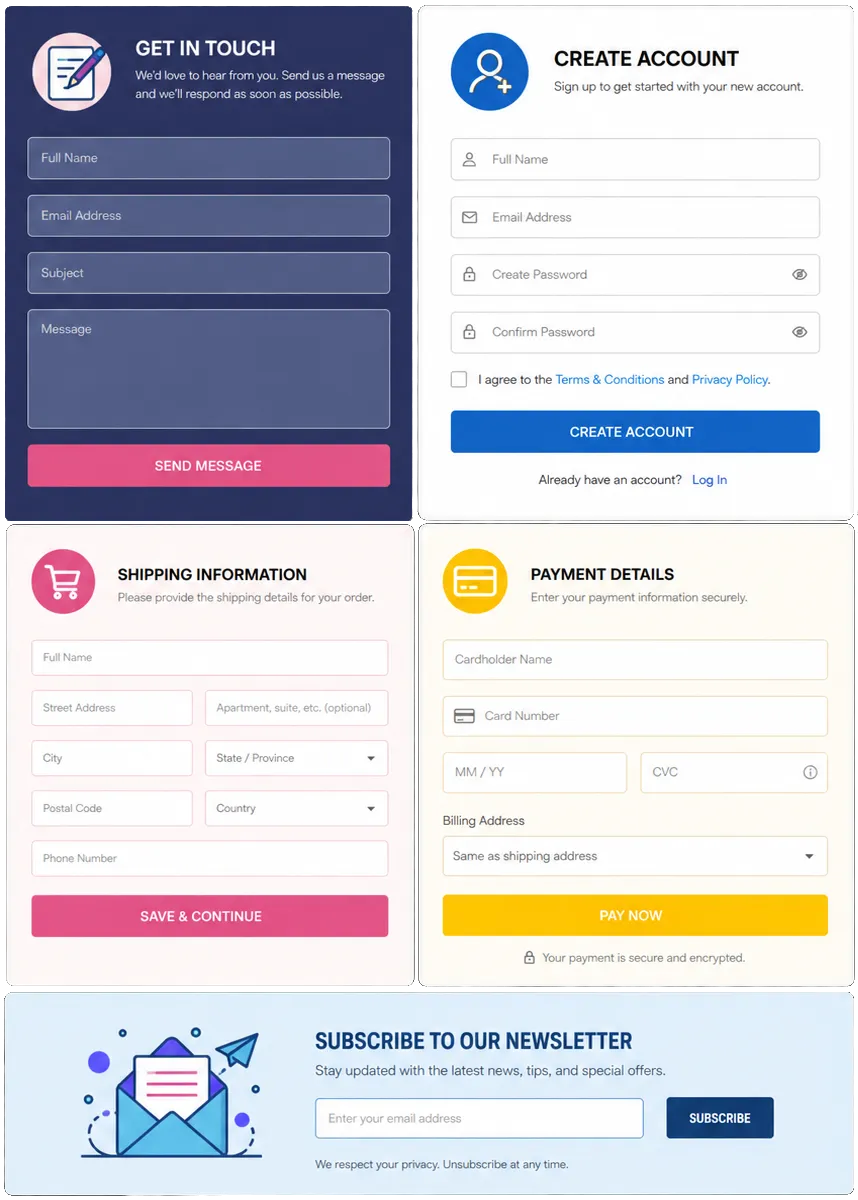
Forms
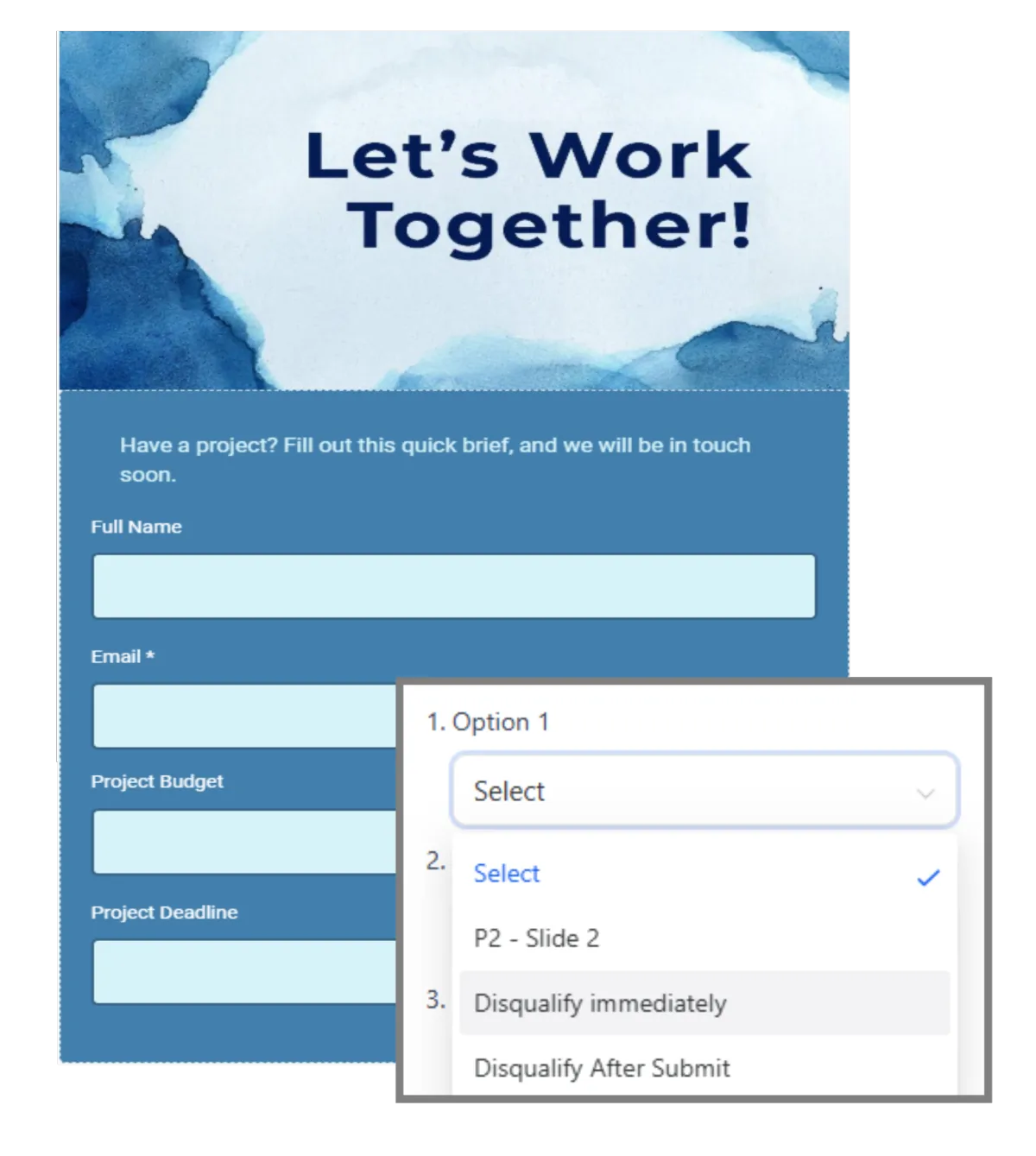
Use forms to collect details from leads, applicants, volunteers, speakers, and sponsors.
Add prospective members to the CRM as soon as they inquire
Change form questions based on member type or program
Route volunteer or committee-interest forms into the right staff workflow
Take payments or donations in a form when the setup allows it

Workflows & Automation
Let workflows handle set steps while member records and staff tasks stay linked.
Send a welcome series after a join or payment event in a linked flow
Remind staff to contact applicants with missing details
Start renewal outreach before a known renewal date stored in the CRM
Describe a workflow goal in plain language, then review and refine the AI-built first draft

Use Your Membership CRM to Keep Engagement Personal
Members do not all need the same message. WinChilla helps your team use member details and past actions to send the right news. Staff can reply with context and tie each campaign to the member record.
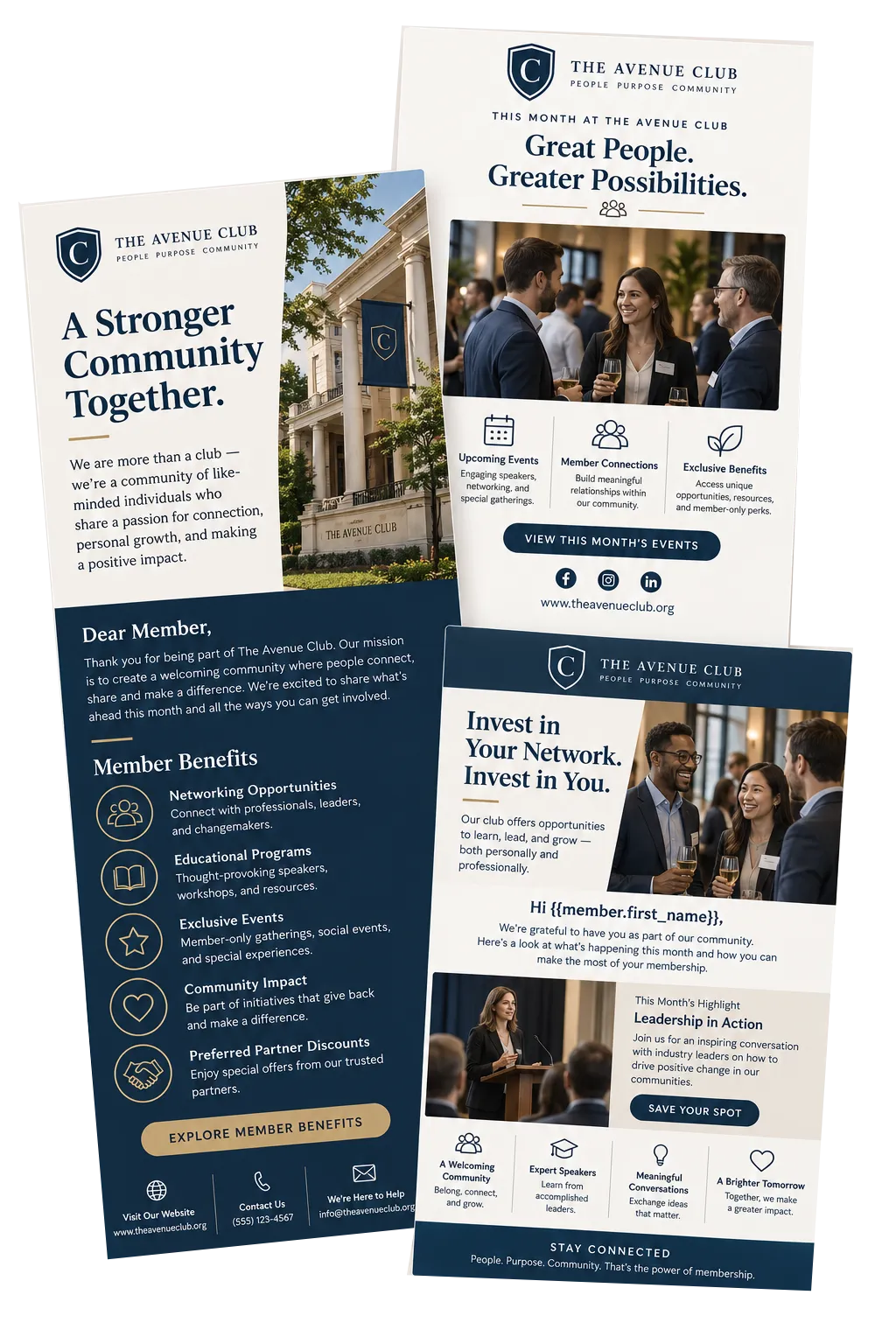
Email Marketing
Build branded email with smart lists, tags, filters, CRM details, and AI help for subject lines and campaign copy
Send different updates to new members, chapter leaders, committee volunteers, or lapsed members
Add saved member details to news and program invites
Start follow-up from select email actions
Track sends, clicks, failed mail, opt-outs, and campaign results
Conversations
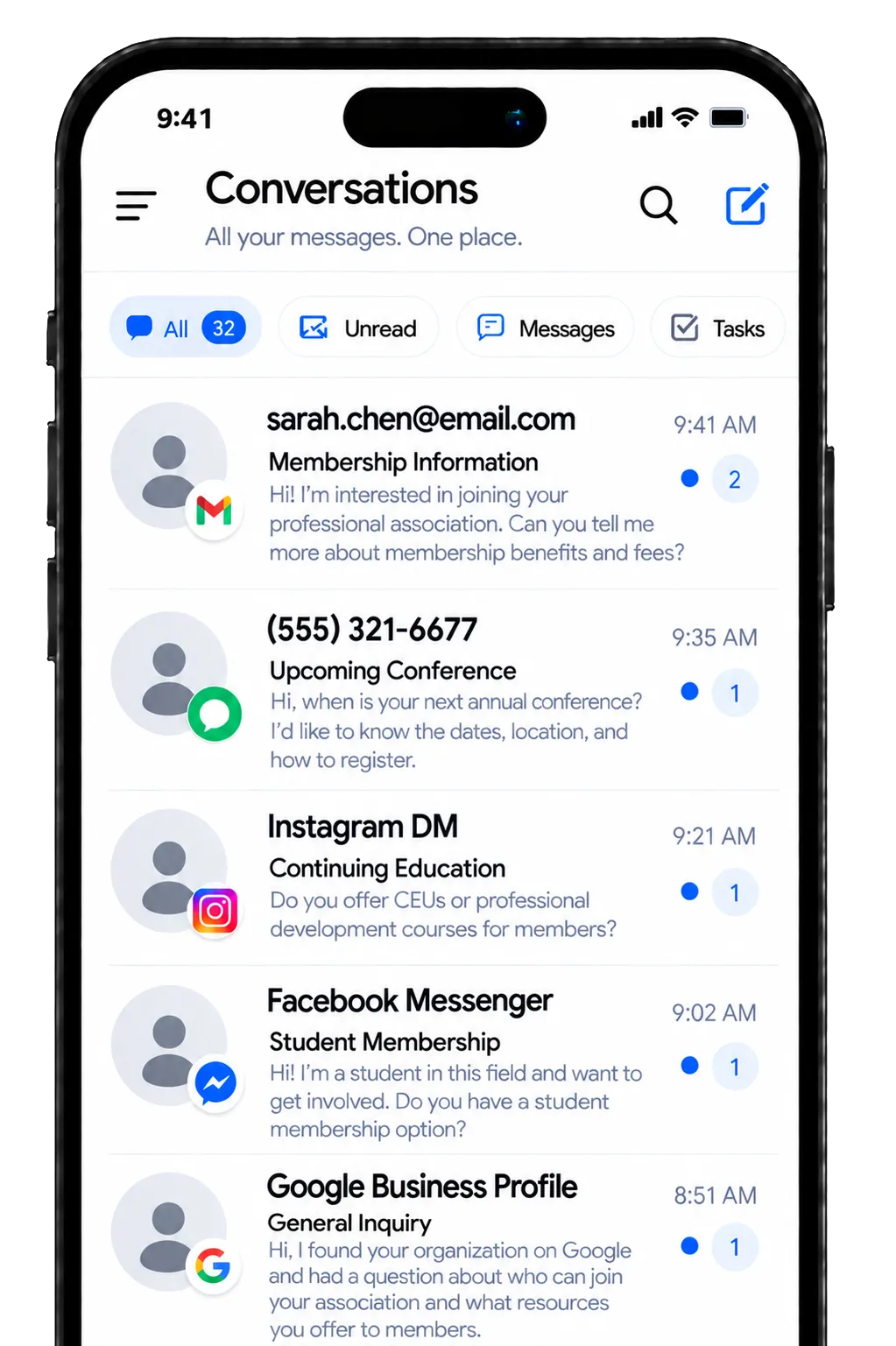
Help member service teams communicate with members from one inbox. Use email, text, phone, chat, and select social channels.
Answer dues, event, program, or account questions with past contact in view
Sort and assign messages to member, event, training, or chapter staff
Keep replies consistent when more than one employee serves the same member
Use AI to suggest replies or answer common questions automatically, with staff control and handoff
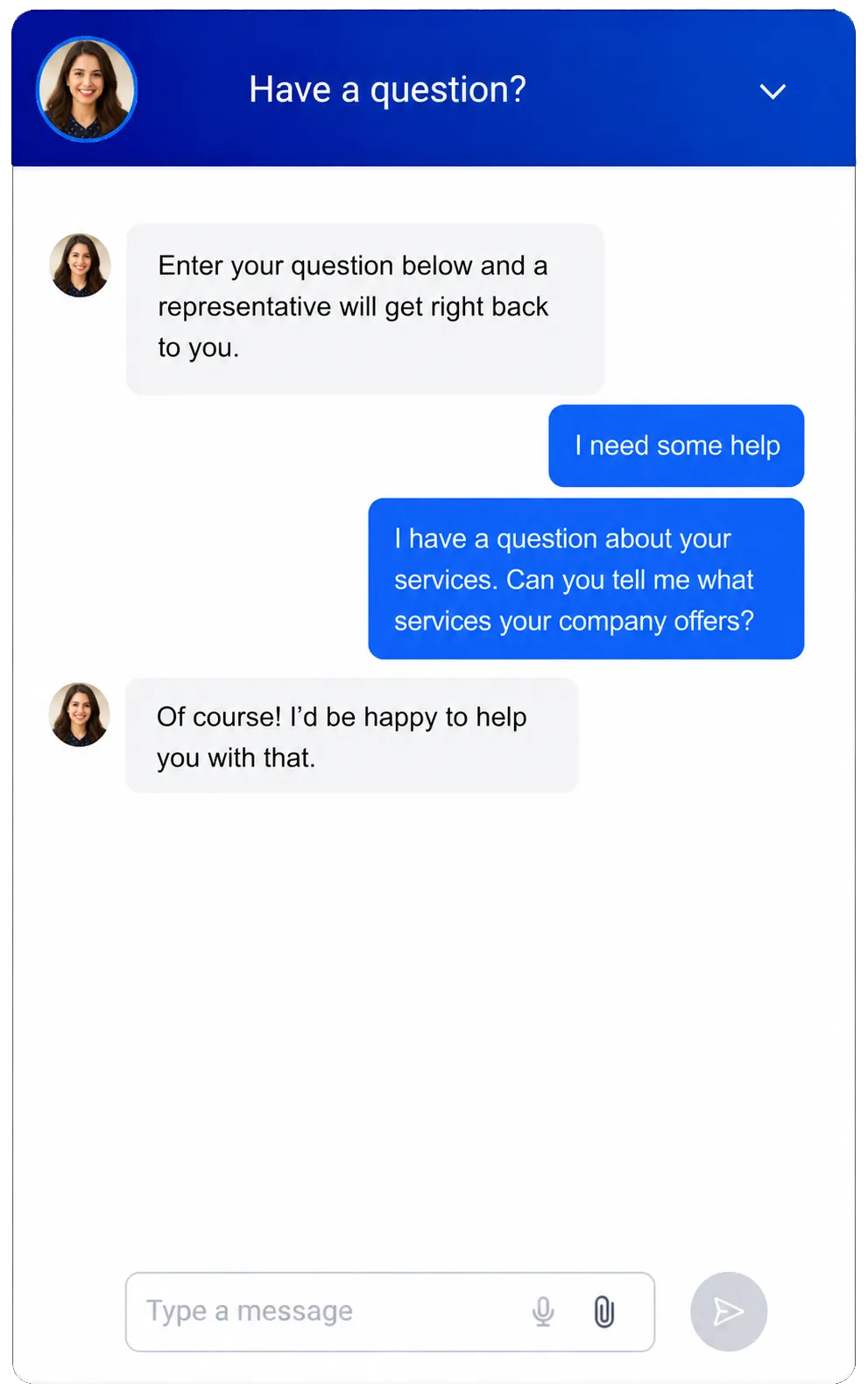
Web Chat
Turn your website into a direct path for questions, new leads, and set replies.
Capture questions from prospective members outside office hours
Let site guests choose from chat, email, SMS, WhatsApp, or select social channels
Send new chats to the main inbox, a staff member, or a workflow
Match the chat tool to your brand, language, hours, and page layout
Use AI chat for common questions, or offer Voice AI to visitors who prefer speaking instead of typing

Turn Events and Education Into Ongoing Engagement
The main conference may draw a crowd, but member engagement starts well before it and lasts long after. Link registration, alerts, check-in, feedback, and follow-up. Each program can then support the next member touchpoint.
Events Management
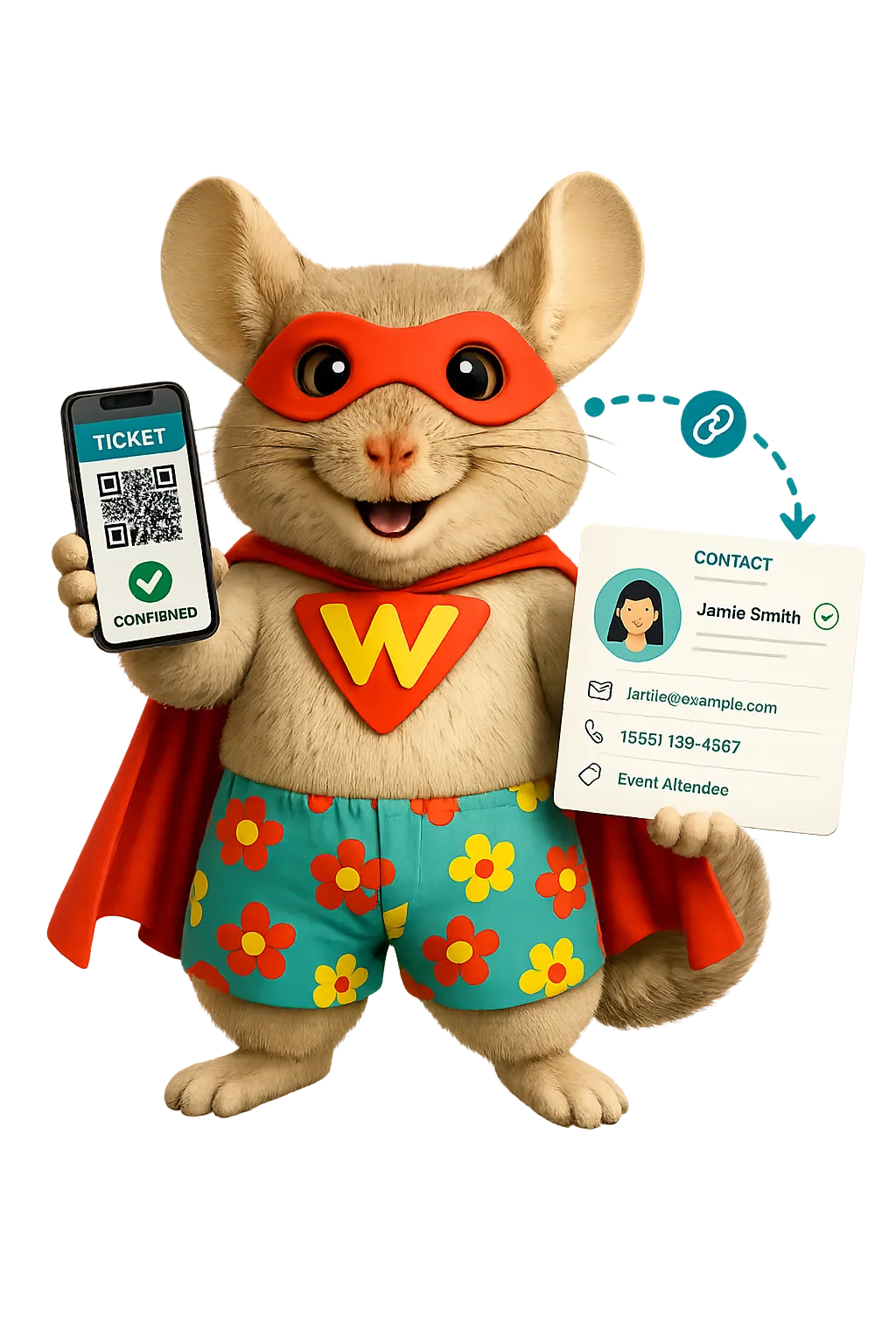
Create branded pages for free, paid, ticketed, RSVP, online, or in-person events.
Post conferences, chapter meetings, workshops, or peer events
Set ticket types, sale dates, seat limits, price tiers, and coupons
Set registration fields, terms, email alerts, and reminders for each event
Track registrations, tickets, refunds, check-in status, and QR scans
Webinars
Run live, on-demand, repeat, or evergreen webinars with linked registration and follow-up.
Host member briefings, policy news, skills training, or sponsor talks
Build branded registration, event, replay, and thank-you pages
Add each guest to the CRM and send set reminders and follow-up
Review registrations, show rates, views, watch time, and drop-off
Surveys
Gather member feedback and start the next step after a reply.
Send post-event surveys while the experience is still fresh
Ask members which benefits, topics, or education formats they value most
Change follow-up questions based on each reply
Send replies to linked tools such as Google Sheets or start a workflow
Give Staff and Leadership a Clearer Operating View
A membership CRM should help the team act, not just store data. WinChilla links tasks, payments, and reports. Member leads, event staff, ops teams, and top staff can see what needs work.
Tasks & Teamwork Management
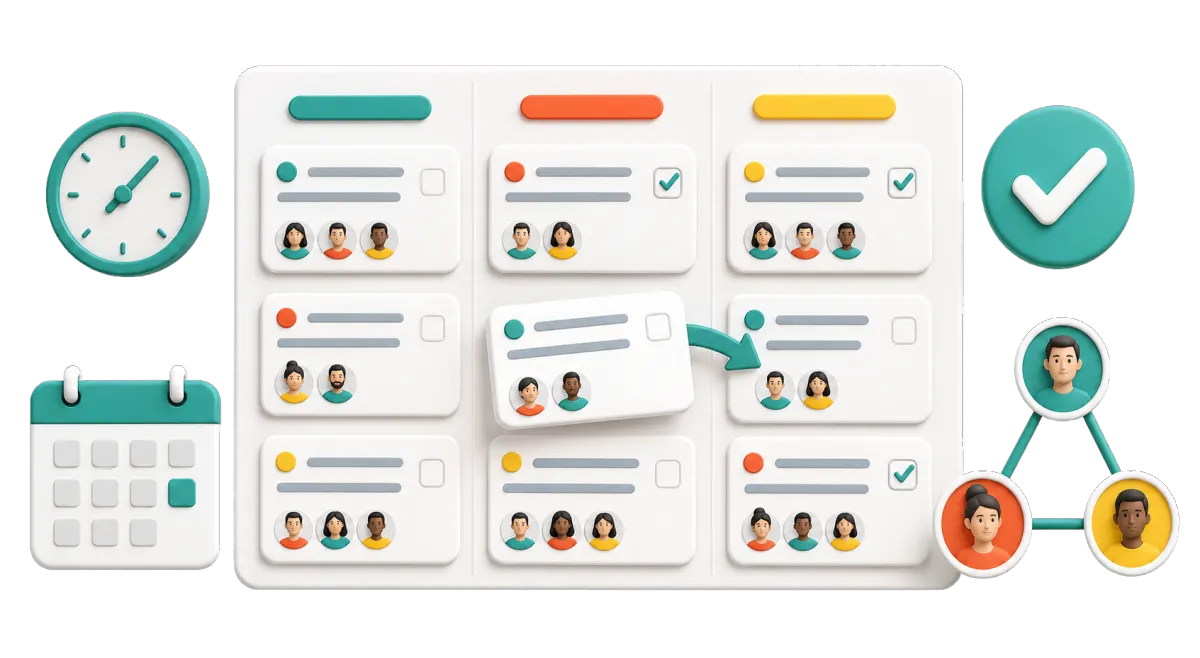
Create, assign, rank, plan, repeat, and close tasks tied to the right records.
Assign applicant checks, sponsor follow-up, member calls, or chapter tasks
Link work to members, firms, deals, and custom records
View overdue, current, and upcoming work in list or board views
Create tasks from forms, calls, meetings, workflows, and CRM actions
Payments
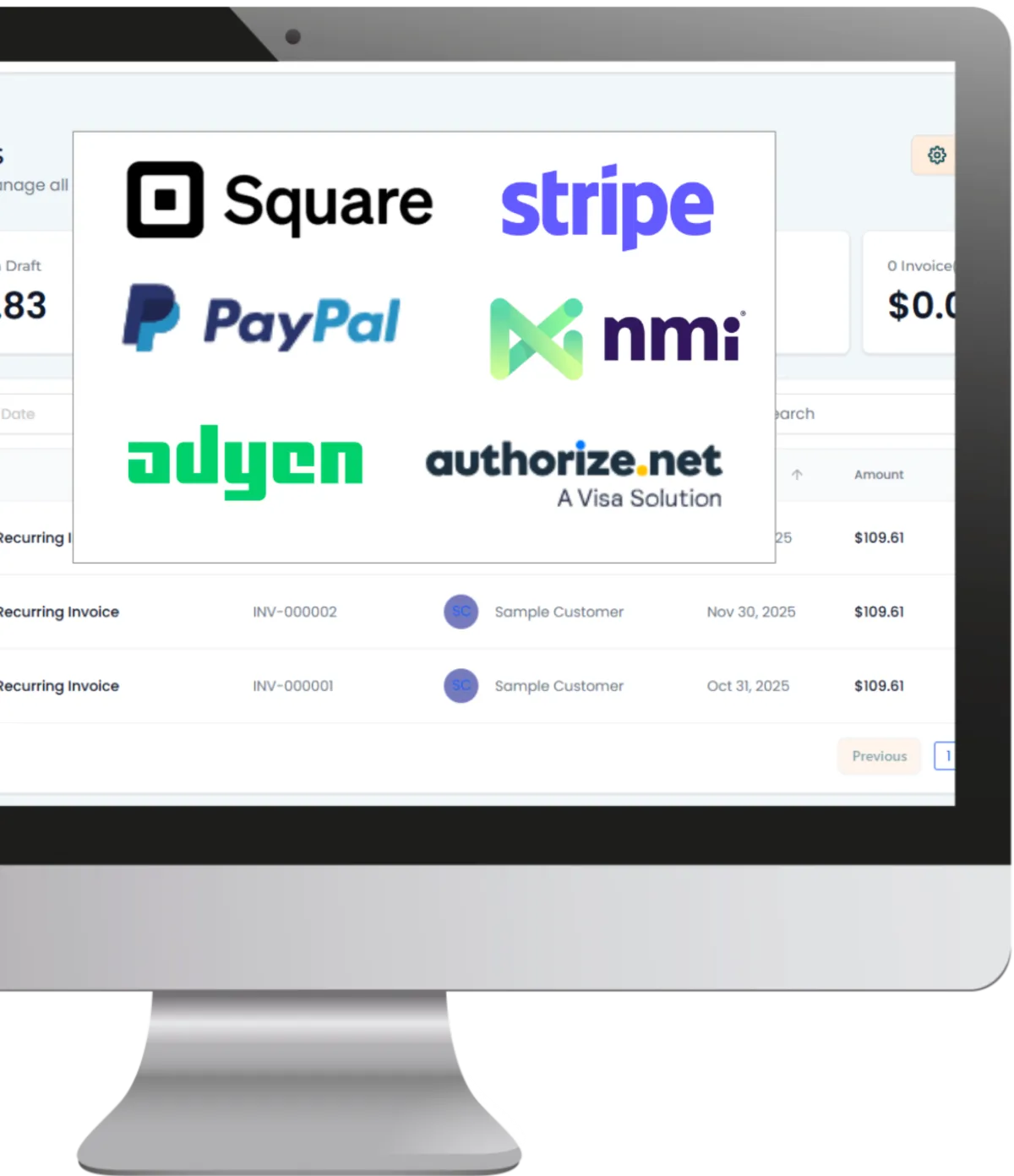
Use payment processing for one-time or recurring payments online and through select mobile tools.
Create branded links for simple dues, program, gift, or event fees
Manage set products, plans, coupons, taxes, charges, and refunds
Offer Apple Pay, Google Pay, ACH or SEPA, PayPal, or tap-to-pay where offered
Link each payment with the right CRM record and workflow
Dashboards & Reporting
Build views of CRM, campaign, event, meeting, payment, and source data for each role.
Give leaders a clear view of leads, campaigns, payments, and follow-up
Filter results by date, member group, source, stage, owner, or campaign
Save dashboards for member, event, outreach, or ops teams
Plan, export, and share reports with staff or the board

More Tools for the Work Around Membership
Add tools for meetings, files, bills, member access, outreach, and linked systems to your membership CRM.
Calendars & Appointments
Let member leads, sponsors, chapter leads, or volunteers book time with the right person and get alerts.
Client Portal
Give approved users a member portal access to select invoices, messages, files, contracts, account details, and resources.
Mobile App
Let staff handle contacts, messages, tasks, deals, meetings, and more while away from the office.
Integrations
Link select payment, calendar, meeting, finance, Google, Facebook, API, webhook, and app tools.
Social Planner
Plan and publish association news, event promotions, member highlights, and education content with AI help for captions, ideas, and images.
Documents & Contracts
Send sponsor deals, speaker forms, vendor terms, or partner files for e-signature.
Membership CRM Questions, Answered
Is WinChilla a full association management system?
WinChilla is a flexible CRM with tools for outreach, workflows, events, payments, and reports. It can support many member tasks, but it is not a full AMS for every need. Complex dues rules, credits, elections, abstract review, chapter finance, or board work may call for association management software or a linked tool.
Can WinChilla manage both individual and company members?
Yes. WinChilla can keep contact and organization records. It can link people, deals, tasks, notes, and custom records with the right organization. This supports member management for professional and trade associations. It also fits member organizations, sponsors, partners, and association management companies.
Can we track chapters, committees, volunteers, or other association records?
Custom records can hold records beyond contacts, organizations, and deals. You can set up records for chapters, boards, volunteer roles, or programs, then link them to people, organizations, tasks, and notes. Complex chapter rules, board work, or finance may still belong in another system.
Can WinChilla help with renewals and recurring payments?
WinChilla can take repeat payments, send payment links, run plans, and start renewal alerts and follow-up. The right setup depends on your terms, grace dates, prorated fees, bundles, and benefits. If your dues rules are complex, keep them in your AMS and link the right outreach steps when an integration supports them.
Can we use WinChilla with our current website, AMS, accounting system, or calendar?
WinChilla offers native links, app tools, APIs, webhooks, and workflow links for many common systems. Fit depends on the tool and the data that must move. Check those needs before you move data so your group can keep one sound source of truth and avoid duplicate records.
What others are saying:
"Love everything so far"
"I've never set up a website before but I love managing my new site and leads. The WinChilla team has been really helpful whenever I got stuck."
- Laura P

"Simplifies my sales"
"I've been able to help my son promote his candy business which has been great because I am not good with computers at all."
- Robert T
"Highly recommend"
"It's exciting to see my visions come to life and WinChilla helps me manage everything in one place so I can be anywhere in the world and my business just runs."
- Jaret H
WinChilla works with platforms you already use such as


















Real Support for Your Next Step
30-Day Money-Back Guarantee
New customers can get started with a 30-day money-back guarantee on eligible subscription fees. Review the refund terms for coverage, exclusions, and how to request a refund.
Onboarding and 24/7 Support
Start with a technical setup call and a training call, then get help through 24/7 chat support. Use our tutorials and knowledge base as you build and refine the tools your business needs.
Helping Businesses Since 2010
Our founders bring more than 30 years of combined experience in business software and customer incentive programs, helping small businesses build stronger customer relationships.

Build Stronger Member Relationships With Less Manual Follow-Up

© 2024-2026 Loyalty Gator Inc. All rights reserved.
WinChilla CRM | A Loyalty Gator Company | Trusted Since 2010
The information provided by Loyalty Gator Inc. (DBA: WinChilla) ('we', 'us', or 'our') on WinChilla’s website (the 'Site') and our mobile application is for general informational purposes only. All information on the Site and our mobile application is provided in good faith, however we make no representation or warranty of any kind, express or implied, regarding the accuracy, adequacy, validity, reliability, availability, or completeness of any information on the Site or our mobile application. UNDER NO CIRCUMSTANCE SHALL WE HAVE ANY LIABILITY TO YOU FOR ANY LOSS OR DAMAGE OF ANY KIND INCURRED AS A RESULT OF THE USE OF THE SITE OR OUR MOBILE APPLICATION OR RELIANCE ON ANY INFORMATION PROVIDED ON THE SITE AND OUR MOBILE APPLICATION. YOUR USE OF THE SITE AND OUR MOBILE APPLICATION AND YOUR RELIANCE ON ANY INFORMATION ON THE SITE AND OUR MOBILE APPLICATION IS SOLELY AT YOUR OWN RISK.