
Moving Company Marketing That Turns More Quotes Into Booked Moves
WinChilla helps moving companies capture leads, respond faster, schedule estimates, follow up on quotes, collect payments, and build trust from one platform.




One Platform for Leads, Quotes, Follow-Up, and Reviews
Bring the moving company marketing tools your team uses most into one place. Manage contacts, calls, messages, estimate appointments, sales pipelines, invoices, payments, campaigns, and reviews without piecing together separate systems.
Moving Company Marketing Is Only One Part of Your Day
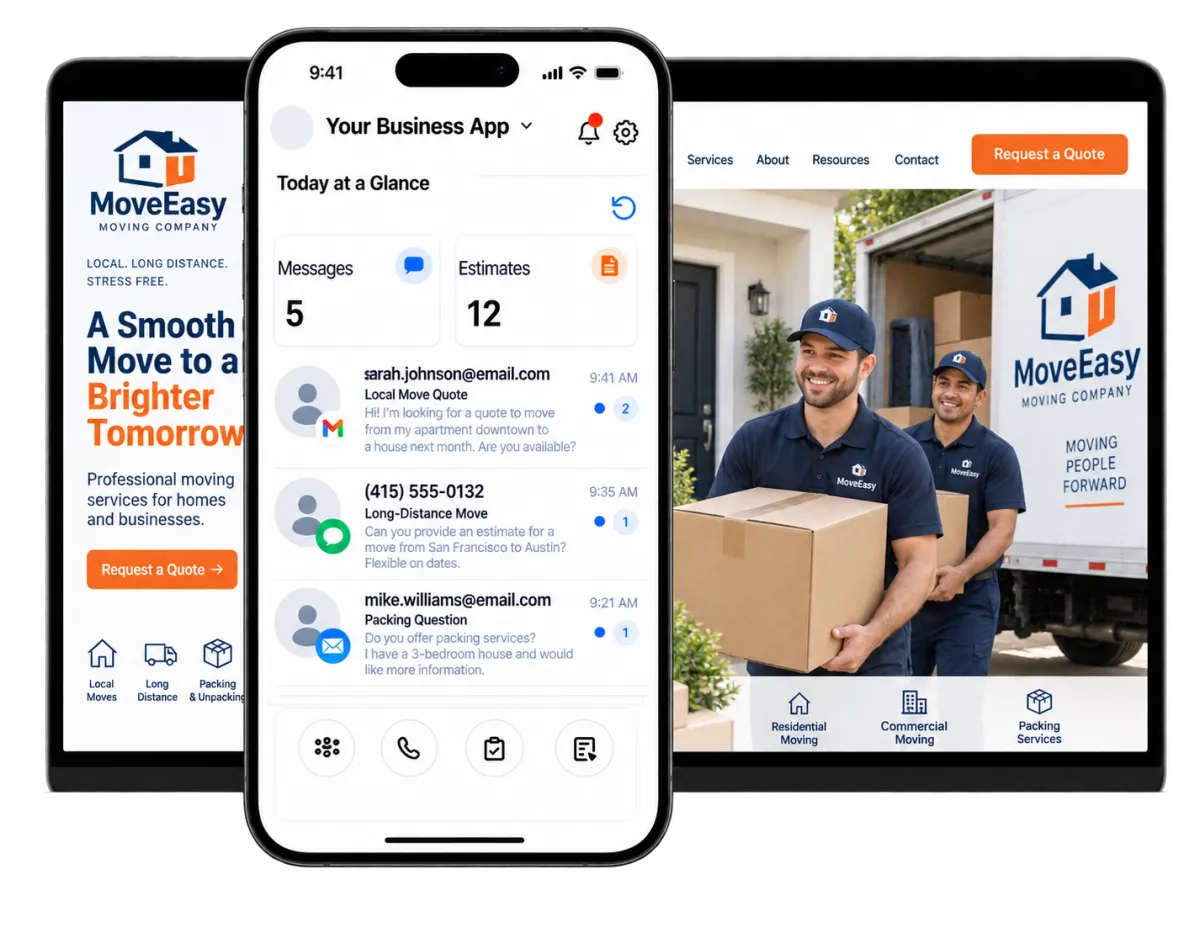
Moving company owners often handle sales, customer questions, estimates, schedules, crews, payments, and service issues at the same time. WinChilla reduces the manual work around leads and customer communication so your team can focus on delivering a smooth move.
of the U.S. population in 2024 age one and older had moved to a different residence during the previous year.
Source: U.S. Census Bureau
of U.S. consumers used a professional mover for their move.
Source: Move.org
of U.S. consumers in 2025 said they had abandoned a business after an unanswered phone call.
Source: CallRail
Does this sound familiar?
New moving leads arrive while your office is busy, your estimators are on the road, or your crew is completing a job. Calls go unanswered, quote requests sit too long, and promising prospects choose a mover that responded first. Even paid moving company marketing cannot produce steady growth when follow-up is inconsistent.
Don't worry, we can help!
Central Conversations Inbox
Keep supported calls, emails, texts, chat messages, and social messages connected to each prospect so your team can see what has already been discussed.
Automated Lead Follow-Up
Use workflows to acknowledge new inquiries, assign next steps, send reminders, and move opportunities forward without relying on memory.
AI Receptionists
Let a trained AI receptionist answer inbound calls, handle common questions, collect caller details, qualify inquiries, book estimate appointments, or transfer callers in supported setups.

Capture More Moving Leads Before They Move On
Give prospects a clear way to reach you by form, chat, text, or phone. WinChilla records each inquiry and can start the next step while interest is still high.
Quote Request Forms
Use web forms to collect the facts your sales team needs to screen a move.
Ask for a name, phone number, move date, start and end points, home size, and service needs
Show new questions based on the move type, service, or lead's answers
Add each form to the CRM and start the right follow-up flow at once
Send each request to the right branch or sales rep with tags and rules

Web Chat & Conversation AI
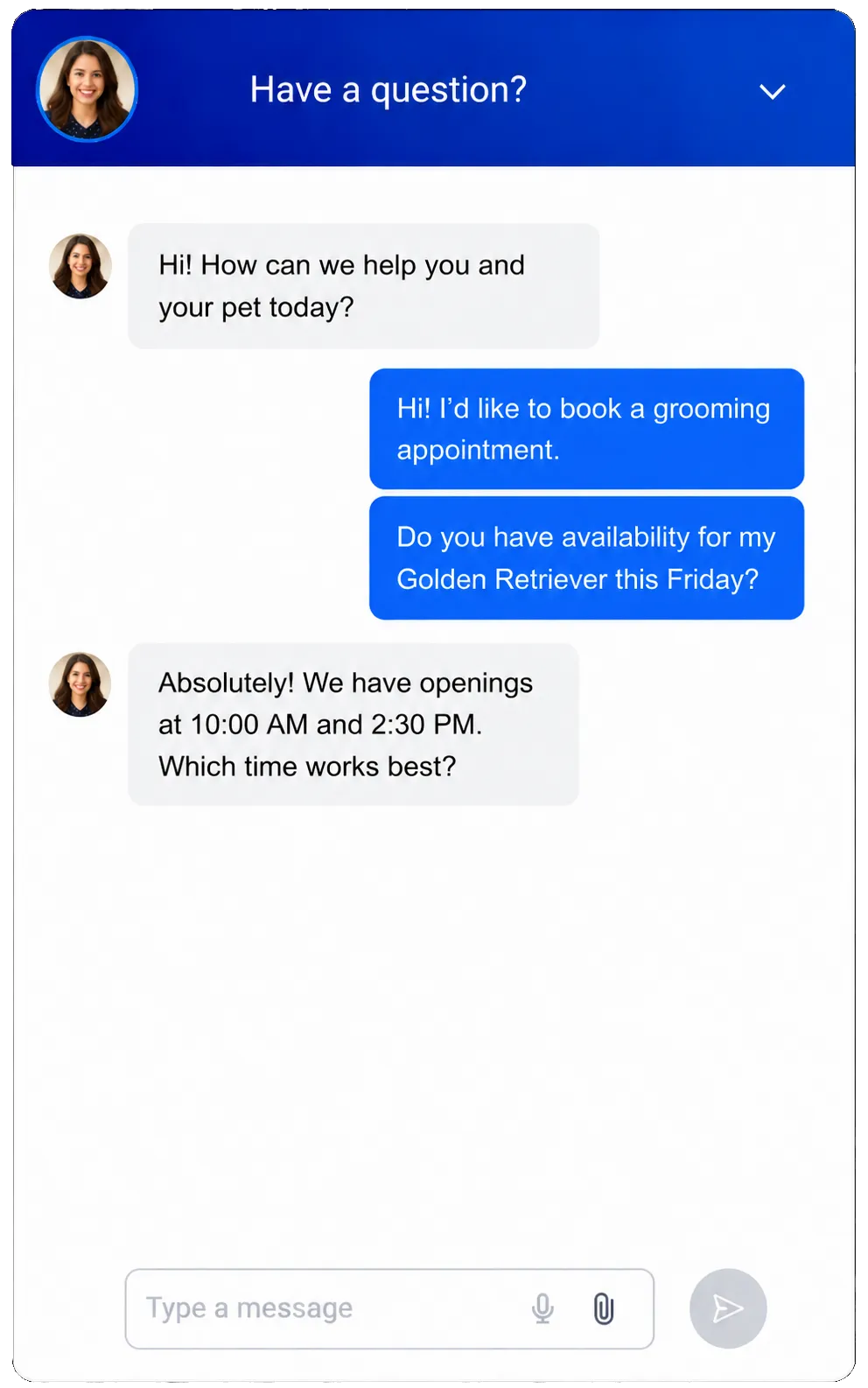
Turn website visits into useful conversations during office hours and after hours.
Answer common questions about service areas, packing help, quote visits, and next steps
Capture contact facts and basic move details before a staff member joins the chat
Help screened leads book a quote visit through an AI chat
Hand the chat to your team when the request needs skill, care, or firm pricing
Phone System and Voice AI
Link inbound and outbound calls to client records and cover busy or after-hours times.
Route calls by office hours, branch, team, or staff member
Use a trained AI receptionist to collect details and learn why the person called
Book quote visits or transfer urgent and screened calls where supported
Review call logs, recordings, notes, summaries, and results when follow-up is due
See how WinChilla helps your moving business save time, reduce admin, and book more appointments!


Turn Moving Company Marketing Into a Clear Sales Pipeline
See which leads are new, waiting for a quote, or ready to book. A shared process helps sales staff follow up without losing key facts.

Contacts & CRM
Keep client details, notes, files, tags, custom fields, and past work in one record.
Store move dates, service types, locations, home details, and special requests in custom fields
Review past calls, emails, texts, quotes, notes, and files before you call a lead
Group home, office, local, long-distance, packing, and storage leads for follow-up
Opportunities / Pipelines
Track each deal through stages that match your quote and booking steps.
Build stages such as New Lead, Contacted, Quote Visit Set, Quote Sent, Booked, and Done
Add an owner, deal value, status, and next step to each lead
Find stale quotes or leads that have not had a follow-up
Start a message, task, or stage change when a key sales event takes place


Calendars and Appointments
Help leads book a phone, video, or in-home quote visit.
Create calendars for each quote rep, team, branch, or service area
Set open times and link work calendars to cut double booking
Send booking notes and reminders by email, text, in-app message, or WhatsApp where supported
Link each booking with the contact, notes, workflows, and reports
Workflows and Automation
Set up routine sales and client follow-up while your staff stays in control.
Send a prompt reply when a new quote request comes in
Create staff tasks when a quote visit is set, missed, or done
Remind leads about an open quote without a manual note
Ask the AI workflow builder to build an automation from a plain-language goal


Keep Quotes, Documents, and Payments Moving
Give clients a clear path from quote to deposit and final payment. Track key sales files and payments with the client record.
Invoices and Estimates
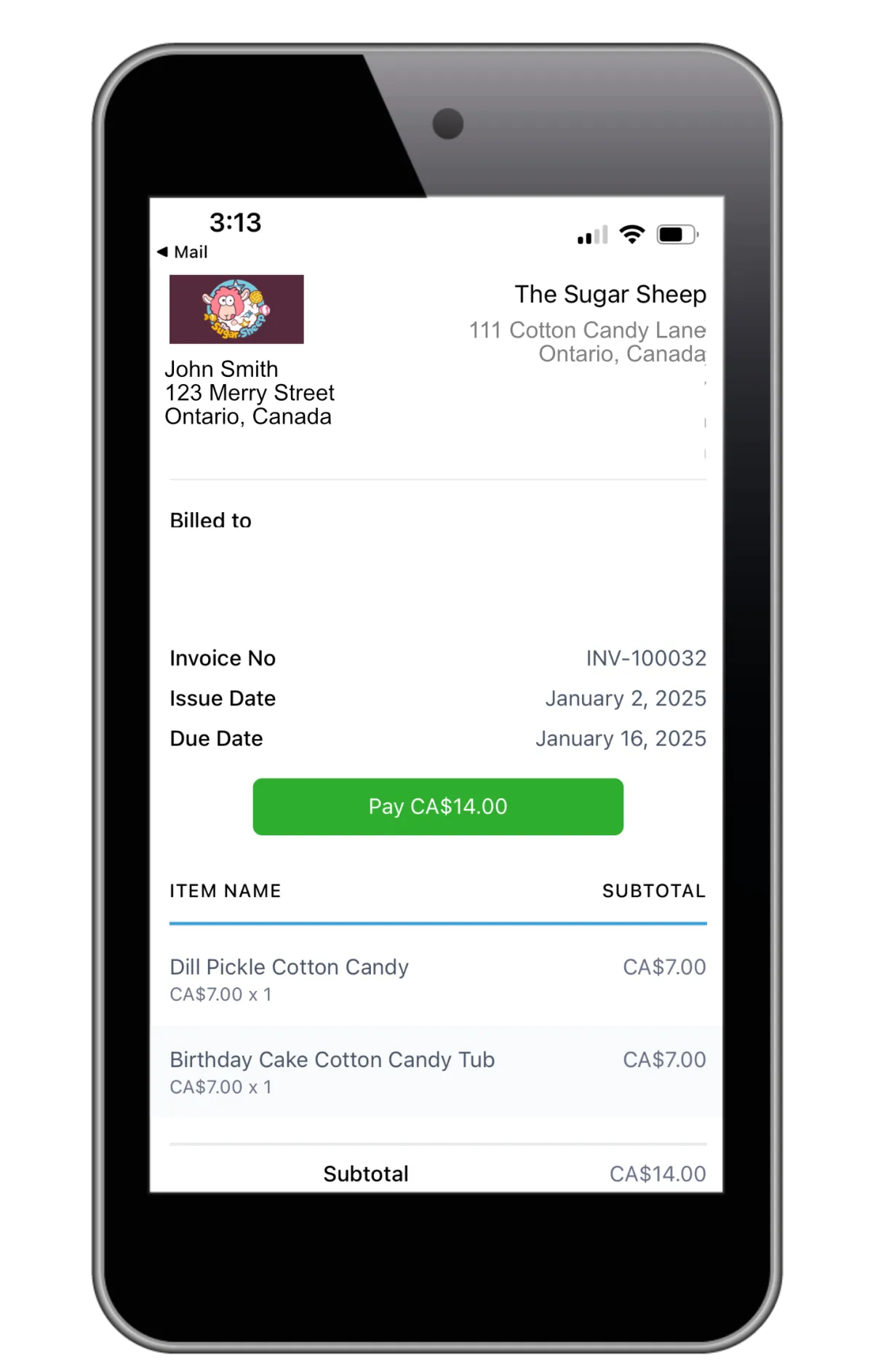
Create and send branded quotes and bills from the web or supported mobile views.
Send a quote after a phone, video, or in-home review
Ask for a deposit and set due dates or payment plans
Add key details and send custom email or text notices
Send reminders for unpaid or late bills and track each payment with the client record
Documents and Contracts
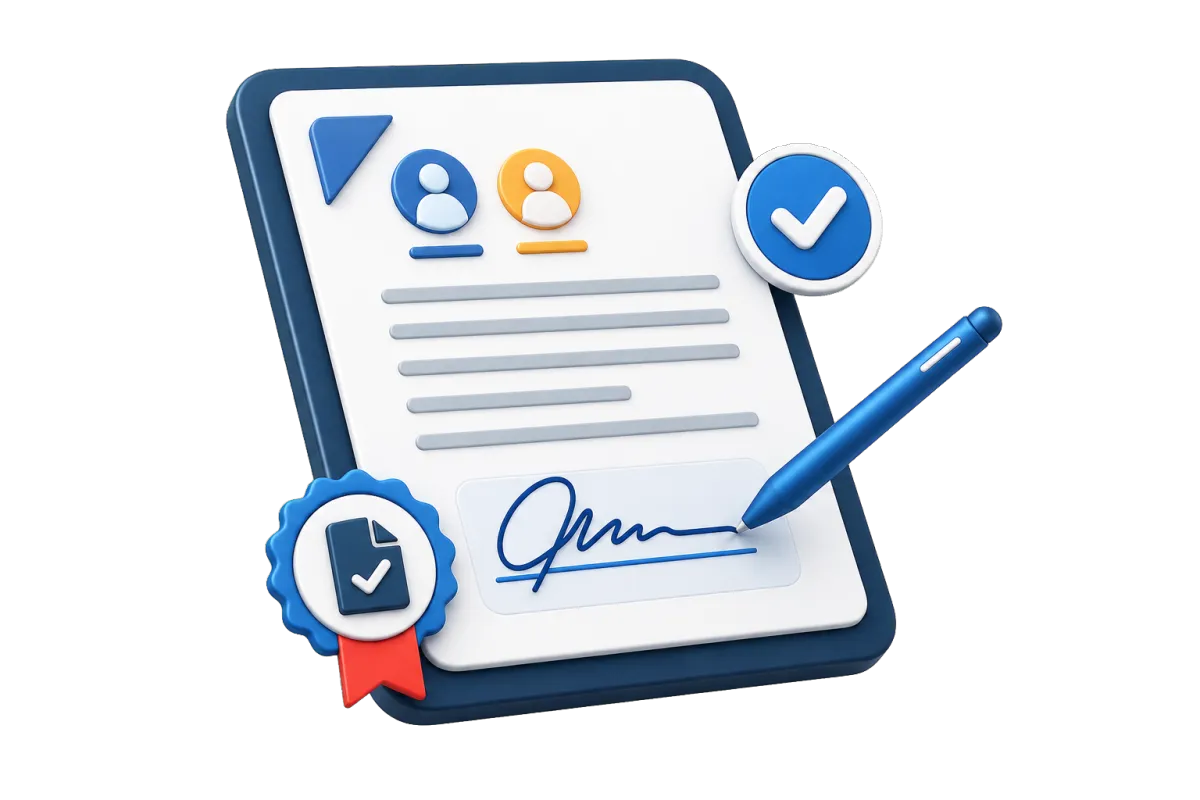
Send proposals, terms, quotes, and contracts for e-signature.
Make templates for home, office, packing, or storage deals
Set the sign order, end date, files, and custom fields
Alert staff when a client views, signs, rejects, or finishes a file
Start a follow-up flow, bill, or payment request after a client signs where supported
Discover how WinChilla simplifies your day, saves time, and helps your moving business grow.
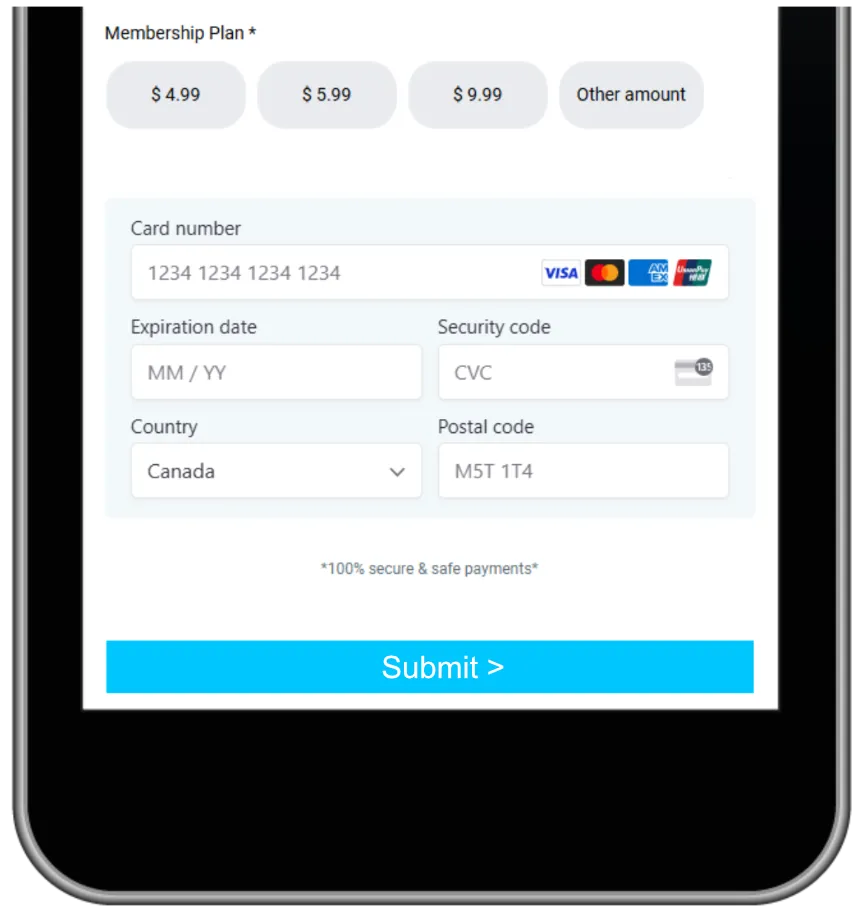
Payments
Collect one-time or repeat payments through supported firms and methods.
Send branded links for deposits, balances, packing goods, or added work
Use text-to-pay when a client wants to pay by phone
Take repeat payments for ongoing work such as storage where supported
Review sales, refunds, and payment status with the client link kept in place

Customer Messaging
Use email, SMS, MMS, and WhatsApp to keep clients up to date where supported.
Send quote notes, prep tips, and payment reminders
Share arrival news or ask for missing facts through two-way messages
Keep replies and send history with the client record
Respect opt-outs and do-not-disturb rules while you track send results

Build Trust Before the First Box Is Packed
Strong moving company marketing does more than generate inquiries. It shows prospects that your business is responsive, organized, and trusted by the people it has already served.
Reputation Management
Request, monitor, display, and respond to customer reviews from one place.
Send review requests after a completed move or resolved service issue
Monitor ratings, review volume, recent feedback, and supported review profiles
Display selected reviews and testimonials on your website with customizable widgets
Use AI to suggest or automatically publish responses to supported Google and Facebook reviews


Email Marketing
Send targeted campaigns to leads and past customers using CRM data and reusable templates.
Nurture leads who requested a quote but have not selected a moving company
Promote packing, storage, commercial relocation, or seasonal offers to relevant segments
Ask past customers for referrals or remind them about related services
Use AI assistance to refine subject lines, campaign copy, calls to action, and images before sending
Social Planner
Plan, create, schedule, and publish social content across supported networks.
Schedule moving tips, packing checklists, team introductions, and service-area updates
Share customer stories, review highlights, and seasonal moving reminders
Tailor posts for each supported social channel from one content calendar
Use AI assistance to draft captions, campaign ideas, hashtags, or images

More Tools for a Better-Organized Moving Business
Support your moving company marketing and customer experience with practical tools for your office, sales team, and managers.
Surveys
Collect post-move feedback, service details, or qualification information and trigger follow-up after submission.
Websites
Build responsive pages with forms, calendars, chat, reviews, and other supported components connected to your CRM and workflows.
Mobile App
Manage contacts, conversations, opportunities, calendars, estimates, invoices, notes, and supported payments while away from the office.
Ad Manager
Create, manage, and monitor digital ad campaigns that generate more local and long-distance moving leads.
Integrations
Connect WinChilla with popular business tools to keep information moving between your systems.
QR Codes
Create trackable QR codes for moving trucks, printed materials, storage facilities, and referral campaigns.
affordable pricing plans built for small businesses
How much does this cost?
We're glad you asked! WinChilla is pleased to offer affordable pricing plans to suit your growing business.
Moving Company Marketing and CRM FAQs
How can WinChilla help generate and convert moving leads?
WinChilla can connect forms, landing pages, web chat, calls, messaging, calendars, and pipelines with the same CRM. When a new inquiry arrives, your team can send an acknowledgment, assign the lead, schedule an estimate, and automate follow-up. Your results still depend on your offer, service quality, market, advertising, and sales process.
Can WinChilla follow up after we send a moving estimate?
Yes. You can track the opportunity stage and use workflows to send supported email or text reminders, create staff tasks, and update the pipeline. Your team controls the timing and message content, which makes it easier to follow up consistently without sending the same note by hand each time.
Can an AI receptionist answer calls and schedule moving estimates?
In supported setups, a trained Voice AI receptionist can answer inbound calls, handle common questions, collect caller details, qualify the inquiry, book an appointment, or transfer the call. It can use approved business information and knowledge sources. Complex pricing, claims, exceptions, and sensitive service issues should still go to a qualified staff member.
Does WinChilla replace specialized moving company operations software?
WinChilla focuses on CRM, moving company marketing, sales pipelines, communication, appointments, documents, payments, reviews, and automation. Specialized needs such as route optimization, fleet maintenance, crew dispatch, weight or cubic-foot calculations, household inventory surveys, tariffs, and bills of lading may require dedicated moving company software. Supported integrations, APIs, or webhooks may help connect those systems.
Can different branches or sales representatives manage their own leads?
WinChilla supports assigned owners, custom pipeline stages, calendars, filters, tasks, and role-specific reporting. A multi-location operator can organize leads by branch, service area, service type, or salesperson. The best setup depends on how your locations share contacts, phone numbers, campaigns, and reporting.
Can WinChilla help us get more moving company reviews?
WinChilla can send review requests through supported channels after a completed move and monitor connected review profiles. Teams can respond from one place, display reviews with widgets, and use supported AI tools to suggest responses or summarize recurring feedback. Review requests should reflect genuine customer experiences and follow each platform’s rules.
What others are saying:
"Love everything so far"
"I've never set up a website before but I love managing my new site and leads. The WinChilla team has been really helpful whenever I got stuck."
- Laura P

"Simplifies my sales"
"I've been able to help my son promote his candy business which has been great because I am not good with computers at all."
- Robert T
"Highly recommend"
"It's exciting to see my visions come to life and WinChilla helps me manage everything in one place so I can be anywhere in the world and my business just runs."
- Jaret H
WinChilla works with platforms you already use such as


















Real Support for Your Next Step
30-Day Money-Back Guarantee
New customers can get started with a 30-day money-back guarantee on eligible subscription fees. Review the refund terms for coverage, exclusions, and how to request a refund.
Onboarding and 24/7 Support
Start with a technical setup call and a training call, then get help through 24/7 chat support. Use our tutorials and knowledge base as you build and refine the tools your business needs.
Helping Businesses Since 2010
Our founders bring more than 30 years of combined experience in business software and customer incentive programs, helping small businesses build stronger customer relationships.

Turn More Moving Inquiries Into Booked Jobs

© 2024-2026 Loyalty Gator Inc. All rights reserved.
WinChilla CRM | A Loyalty Gator Company | Trusted Since 2010
The information provided by Loyalty Gator Inc. (DBA: WinChilla) ('we', 'us', or 'our') on WinChilla’s website (the 'Site') and our mobile application is for general informational purposes only. All information on the Site and our mobile application is provided in good faith, however we make no representation or warranty of any kind, express or implied, regarding the accuracy, adequacy, validity, reliability, availability, or completeness of any information on the Site or our mobile application. UNDER NO CIRCUMSTANCE SHALL WE HAVE ANY LIABILITY TO YOU FOR ANY LOSS OR DAMAGE OF ANY KIND INCURRED AS A RESULT OF THE USE OF THE SITE OR OUR MOBILE APPLICATION OR RELIANCE ON ANY INFORMATION PROVIDED ON THE SITE AND OUR MOBILE APPLICATION. YOUR USE OF THE SITE AND OUR MOBILE APPLICATION AND YOUR RELIANCE ON ANY INFORMATION ON THE SITE AND OUR MOBILE APPLICATION IS SOLELY AT YOUR OWN RISK.