
Property Management CRM That Keeps Every Inquiry Moving
WinChilla helps your team catch owner and renter leads, reply from one inbox, set follow-up, book calls and showings, and keep each contact on track.



One Property Management CRM for Leads, Conversations, and Follow-Up
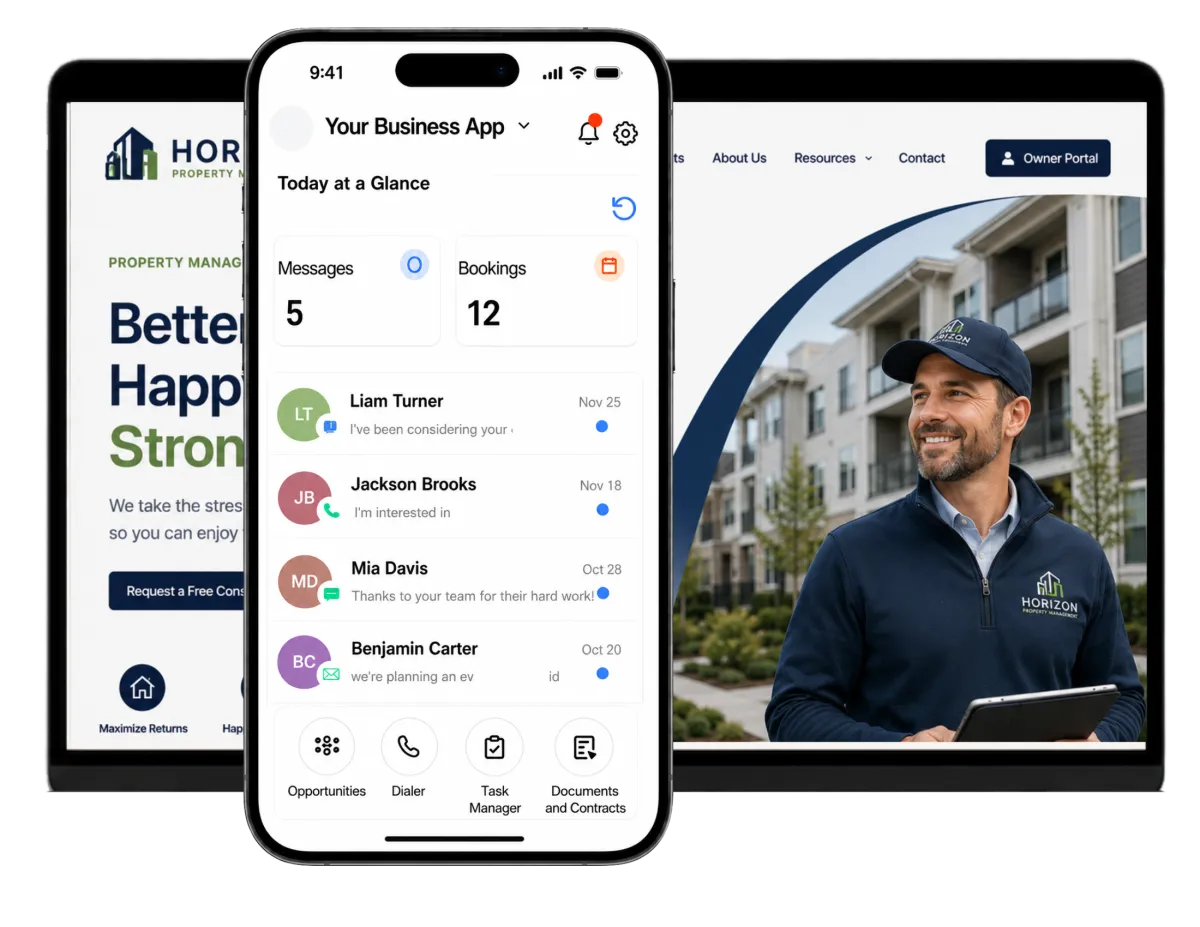
Keep contacts, calls, texts, email, appointments, lead stages, tasks, and reviews in WinChilla. Your team gets one clear place to work with new owners, renters, residents, vendors, board members, and commercial clients.
Property Management Teams Wear More Than One Hat
Your team must win new doors, answer rental questions, book showings, update owners, work with vendors, and keep residents informed. As your portfolio grows, daily property management operations can make each day reactive. WinChilla keeps related messages and next steps in one place. The goal is improving operational efficiency without replacing your core management system.
of property-management leaders’ time is spent on routine operational and reactive work.
Source: National Apartment Association and AppFolio, 2025 Performance Ecosystem Report
of property-management leaders agreed that consolidating data into a single platform is important for improving performance.
Source: National Apartment Association and AppFolio, 2025 Performance Ecosystem Report
of renters expected a response to their inquiry by the end of the next day or sooner.
Source: Apartments.com, May 2025 Renter Survey
Does this sound familiar?
Owner leads come from forms, calls, ads, and referrals. Renter questions come by text, email, chat, and phone. Without one property management CRM, messages can sit in separate tools, the next step is unclear, and a good lead may go cold.
Don't worry, we can help!
Opportunities & Pipelines
Track owner leads, leasing leads, business prospects, or HOA deals through clear stages.
Workflows and Automation
Trigger replies, alerts, tasks, staff handoffs, and stage updates from lead and booking events.
Conversations
Bring email, text, phone, chat, WhatsApp, and supported social messages into one inbox with the contact's history.

Turn More Property Inquiries Into Real Conversations
Property management lead generation only works when each form, call, and chat has a clear next step. Give your real estate team the details it needs, support a smoother leasing process, and keep each lead in view.
Forms
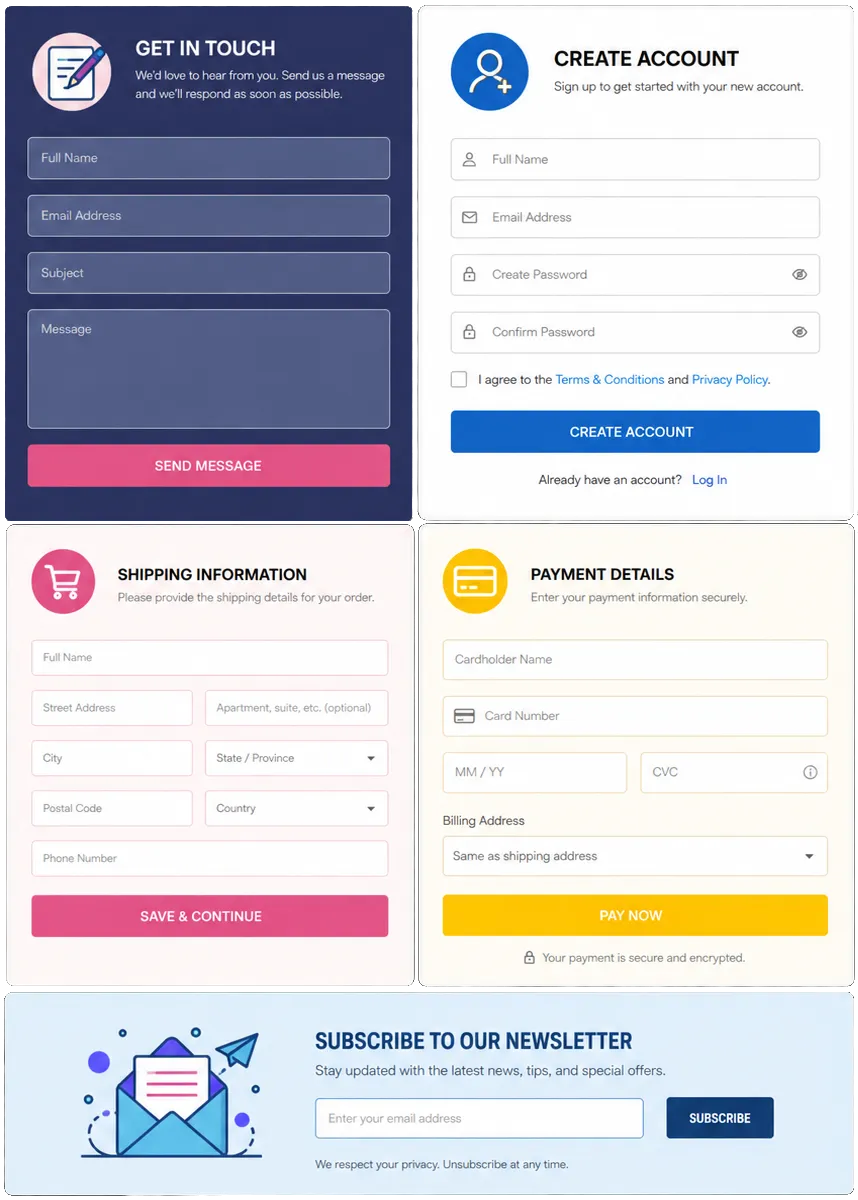
Create forms for a page or link. Send each reply to a contact record and workflow.
Ask an owner lead about property type, area, unit count, and service needs
Capture rental questions from a property or community page before a leasing follow-up
Route commercial, HOA, student housing, and self-storage leads by service line
Use validation, conditional logic, and custom fields to improve the details sent to staff
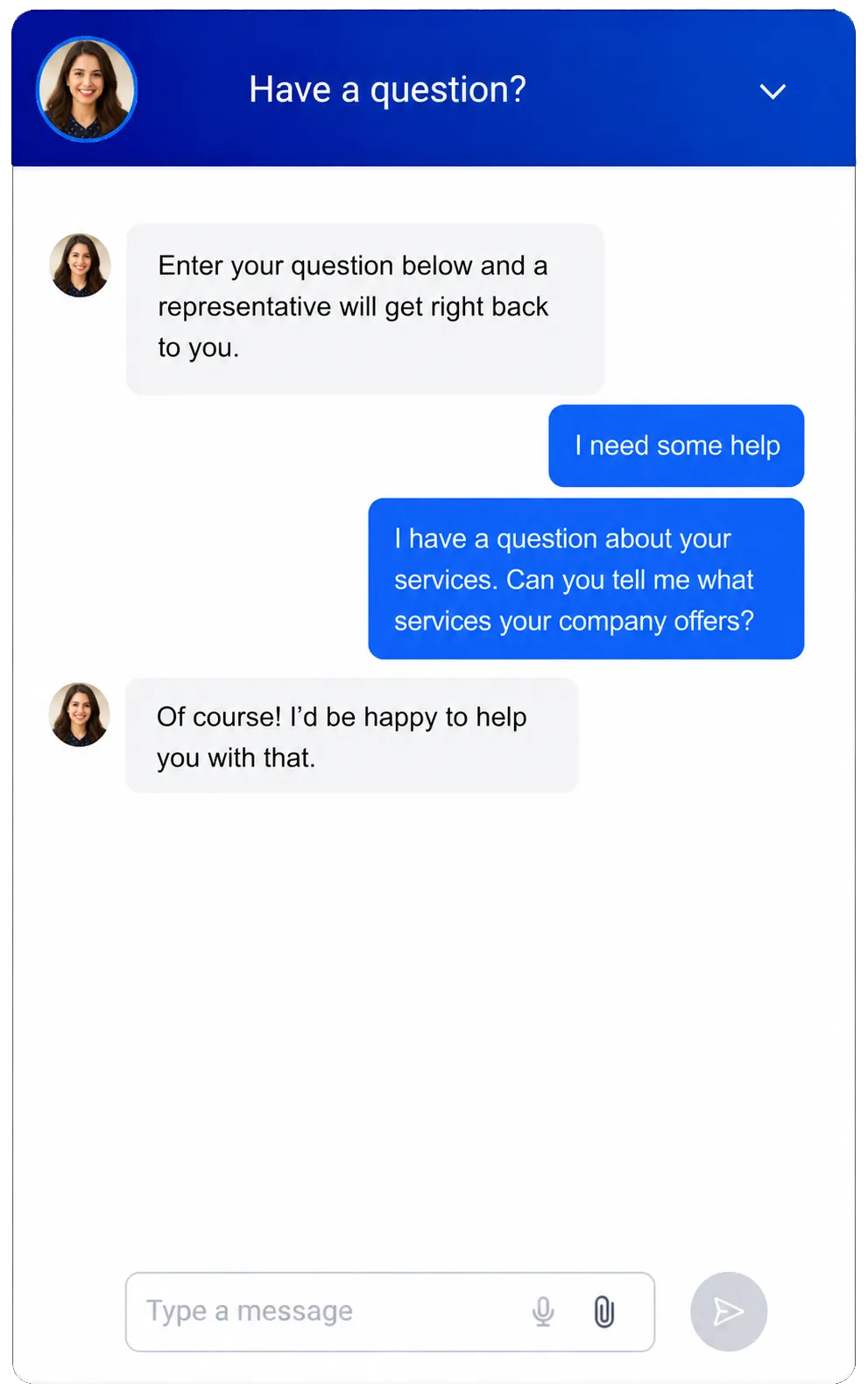
Web Chat
Give site visitors a branded way to start a chat and save their details in the CRM.
Let rental prospects ask a question from a listing or community page
Catch after-hours owner leads with an offline note and follow-up flow
Offer live chat, SMS, WhatsApp, or supported social channels from one widget
Offer both a chat or voice AI receptionist option for visitors
Opportunities & Pipelines
Use custom stages for lead tracking and lead management. Track status, value, notes, assigned staff, and next steps.
Move owner leads from first contact to call, quote, and won or lost
Track leasing leads from first contact to a showing or form handoff
Split home, multifamily, commercial, HOA, and storage leads into the right pipelines
Filter opportunities by source, stage, assigned manager, or follow-up status
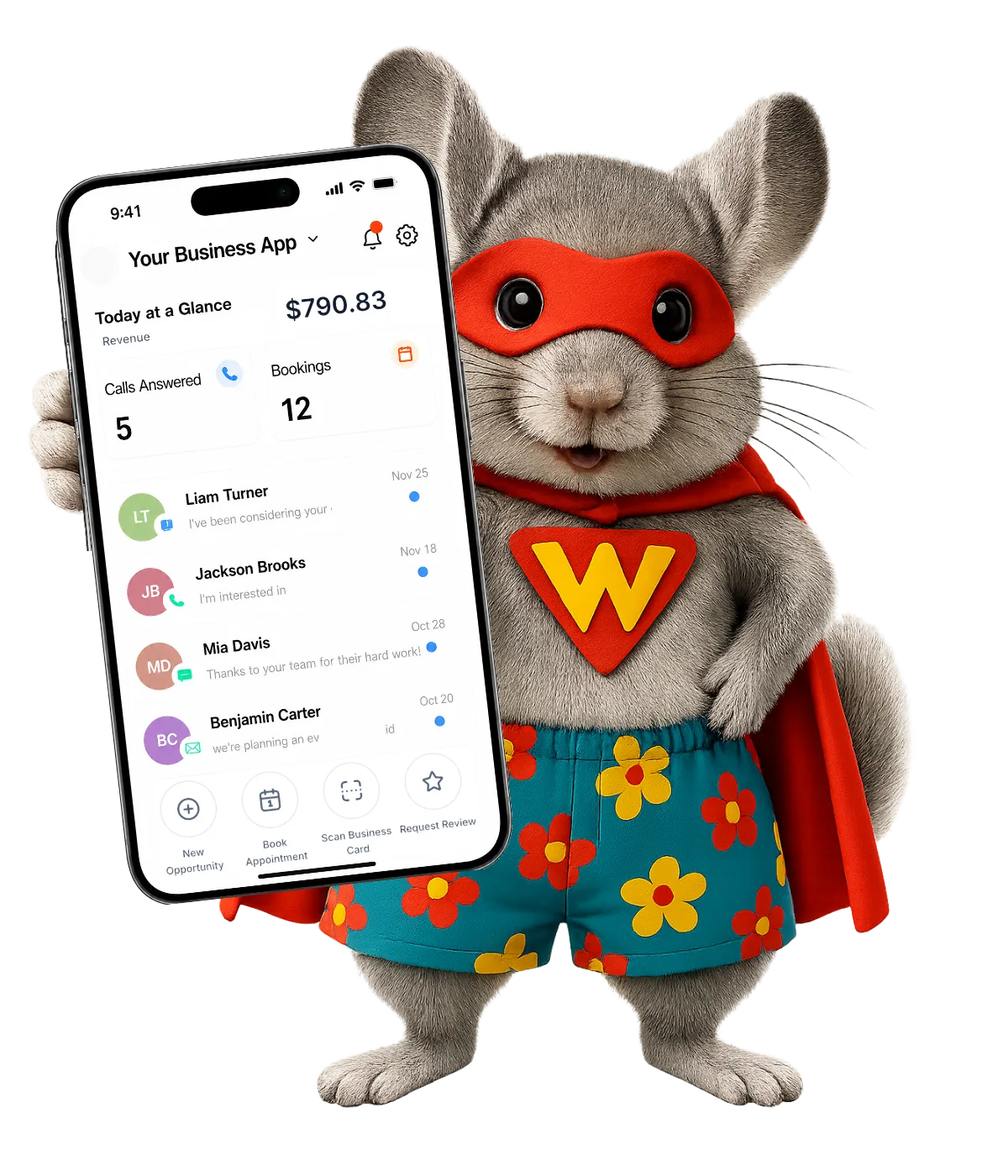

A Property Management CRM that Follows-Up Without Losing the Human Touch
WinChilla supports property management marketing automation that keeps leads informed. Your staff can focus on the talks that need care, sound judgment, or local knowledge.

Workflows & Automation
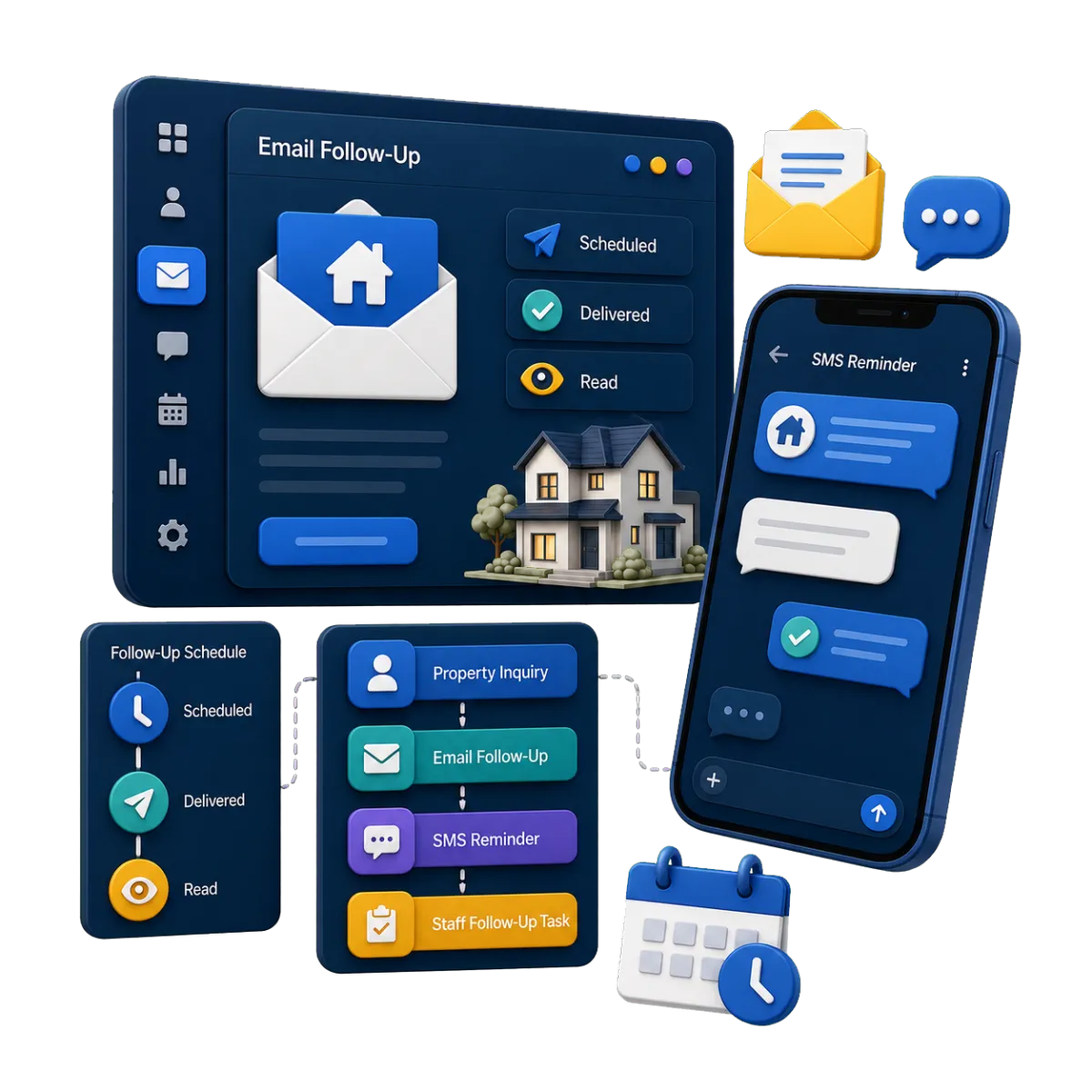
Build follow-up paths with triggers, steps, branches, notes, and team tasks.
Send a quick reply when an owner asks about your service
Create a task when a key multifamily or commercial lead asks for a call
Remind leads about booked showings or owner calls
Update a lead stage after forms, calls, or bookings
Use the AI builder to turn a plain-language goal into a workflow
SMS, MMS & WhatsApp Messaging
Send direct, scheduled, or automated messages and keep the history on the contact record.
Confirm a showing time and send a reminder before the appointment
Follow up with an owner who asked for a rental review or call
Send an approved update to a tagged group of residents or HOA contacts
Track delivery failures, replies, opt-outs, and do-not-disturb settings
Email Marketing
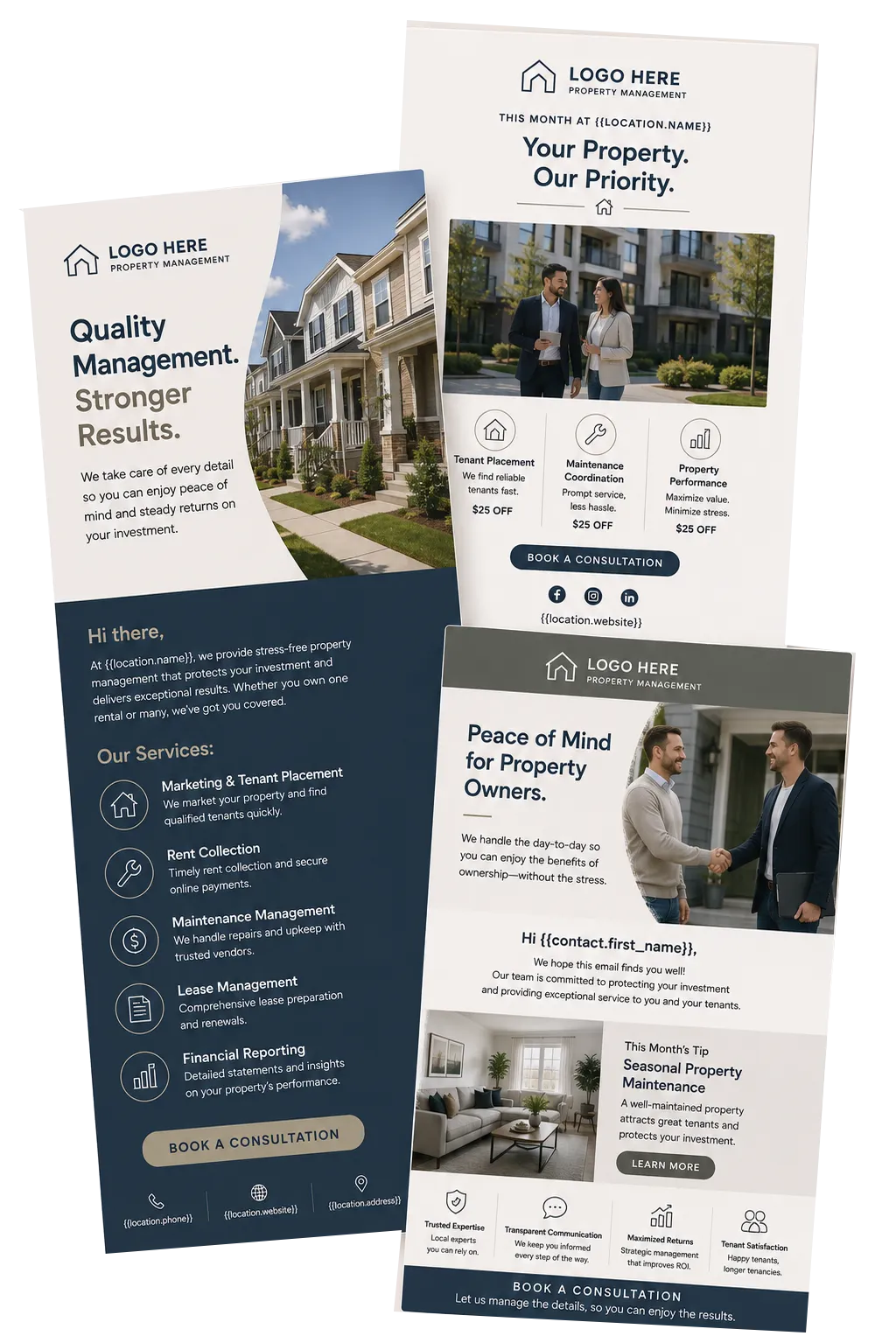
Build targeted email campaigns with branded templates, contact groups, custom details, and results.
Nurture rental owners who are not ready to change managers yet
Share timely care tips with owners or site news with chosen contacts
Send a campaign by property type, area, or lead stage
Track delivery, clicks, failures, and unsubscribes to improve future outreach

Answer Faster and Book the Right Next Step
Calls, texts, emails, and chats do not always come when staff are free. WinChilla gives your team communication tools for both prospect and resident questions in one place. Staff can get key facts and book the right next step.
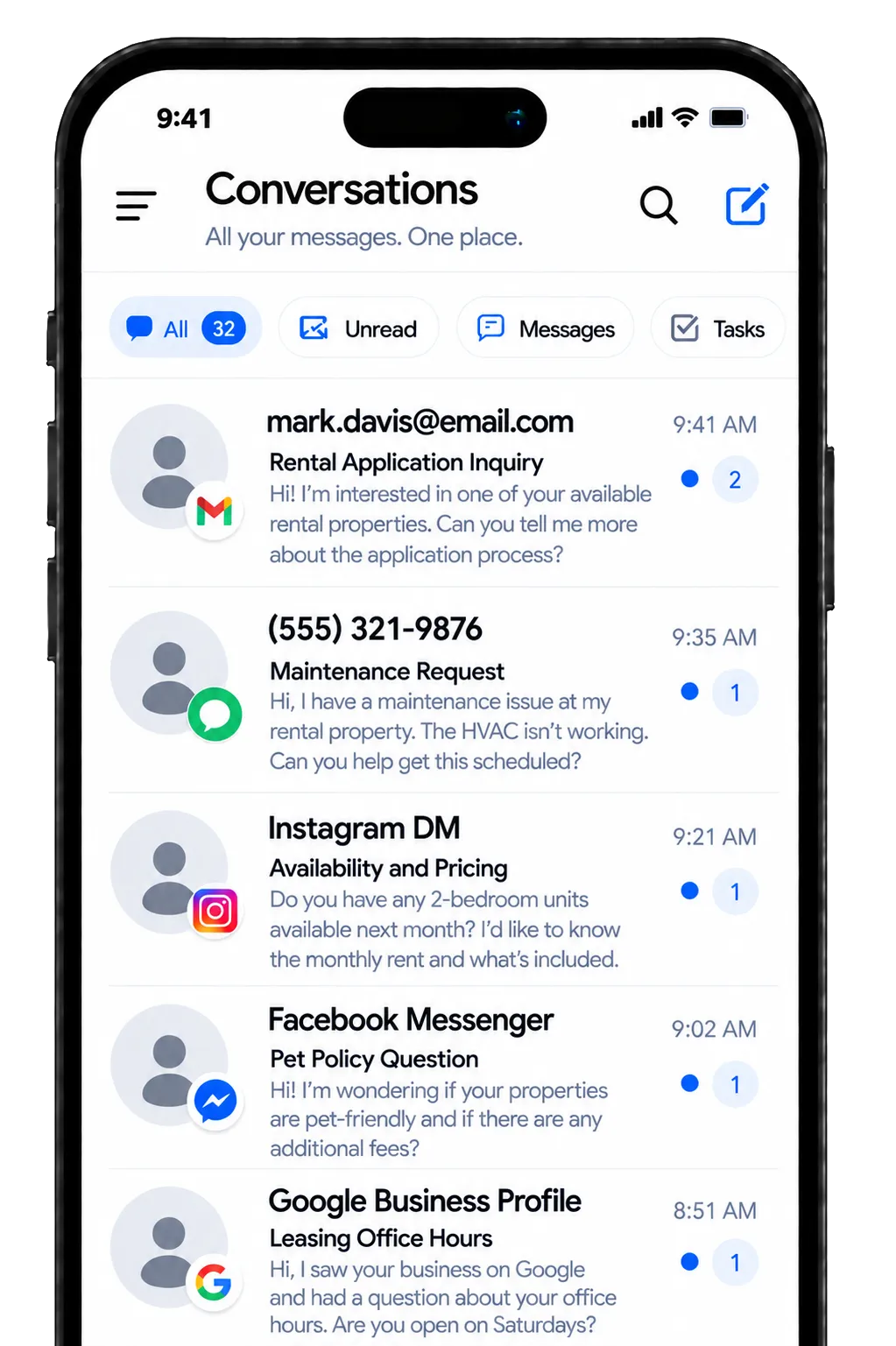
Conversations
Bring email, SMS/MMS, WhatsApp, calls, live chat, and supported social messages into one central inbox with each contact's history.
See owner, renter, resident, vendor, and board-member messages in one inbox
Review the full contact history before a leasing or owner-relations reply
Filter and assign conversations to the right leasing, new-business, HOA, or service team
Use manual actions and team workflows to keep the next step moving
Draft AI-assisted replies with the contact and conversation context in view

Voice AI Receptionists
Use an AI voice agent to answer calls, get key facts, handle common questions, and take approved next steps.
Ask if the caller is a renter, owner lead, resident, vendor, or board member
Get the reason for the call and update the CRM record
Book an owner call or other set meeting when it fits
Send urgent or strong leads to the right person or team
Review call logs, audio, text, notes, and results
Conversation AI
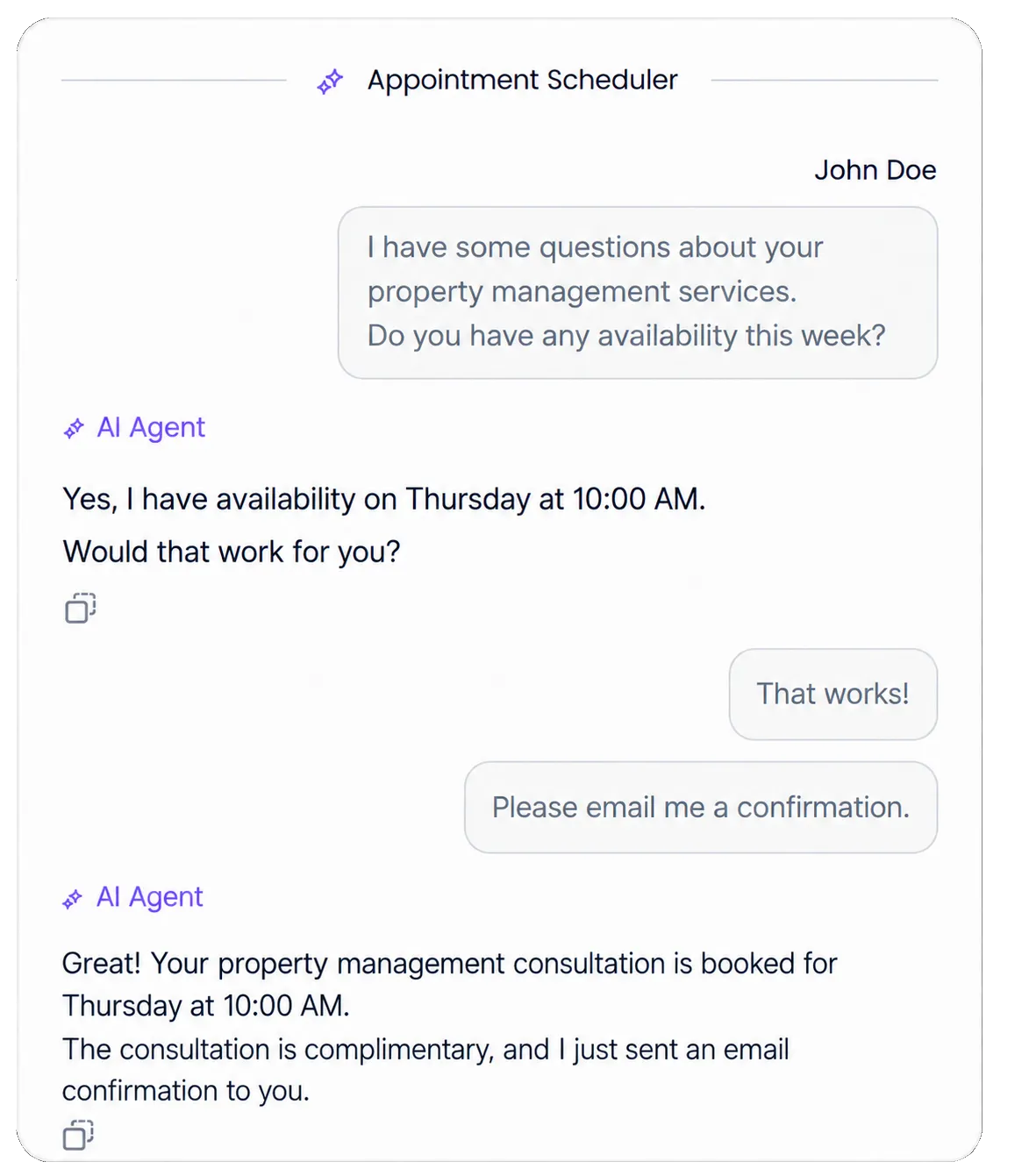
Use a trained AI agent for common chat questions, then pass the chat to staff when needed.
Answer questions about office hours, service areas, or the management process
Get contact details before an owner or renter chat is assigned
Help a strong lead book a call or showing
Let staff check AI reply tips before they send
Pause automation when a team member joins the conversation

Calendars & Appointments
Create booking calendars with open times, conflict rules, notices, and reminders.
Book calls with new rental-home owners
Schedule property tours, showings, board meetings, or vendor calls
Use round-robin calendars to share bookings across a leasing or sales team
Manage rooms, staff, gear, guests, and booking limits where this setup fits
Link appointments with contacts, notes, workflows, and reports

Keep Properties, People, and Team Actions Connected
A CRM for property management should give staff useful facts without trying to replace core work systems. WinChilla can link contacts, properties, companies, tasks, and conversations around the client work your team owns.
Contacts & CRM
Keep contact details, notes, files, tags, custom fields, and past work in one record.
Group owner leads, renters, residents, vendors, board members, and business contacts
Tag contacts by relationship, portfolio, building, service area, or lead source
Use smart lists to find owner leads that need follow-up
Review messages, notes, and recent work before you return a call
Import or update contact records in bulk by CSV

Custom Property Records
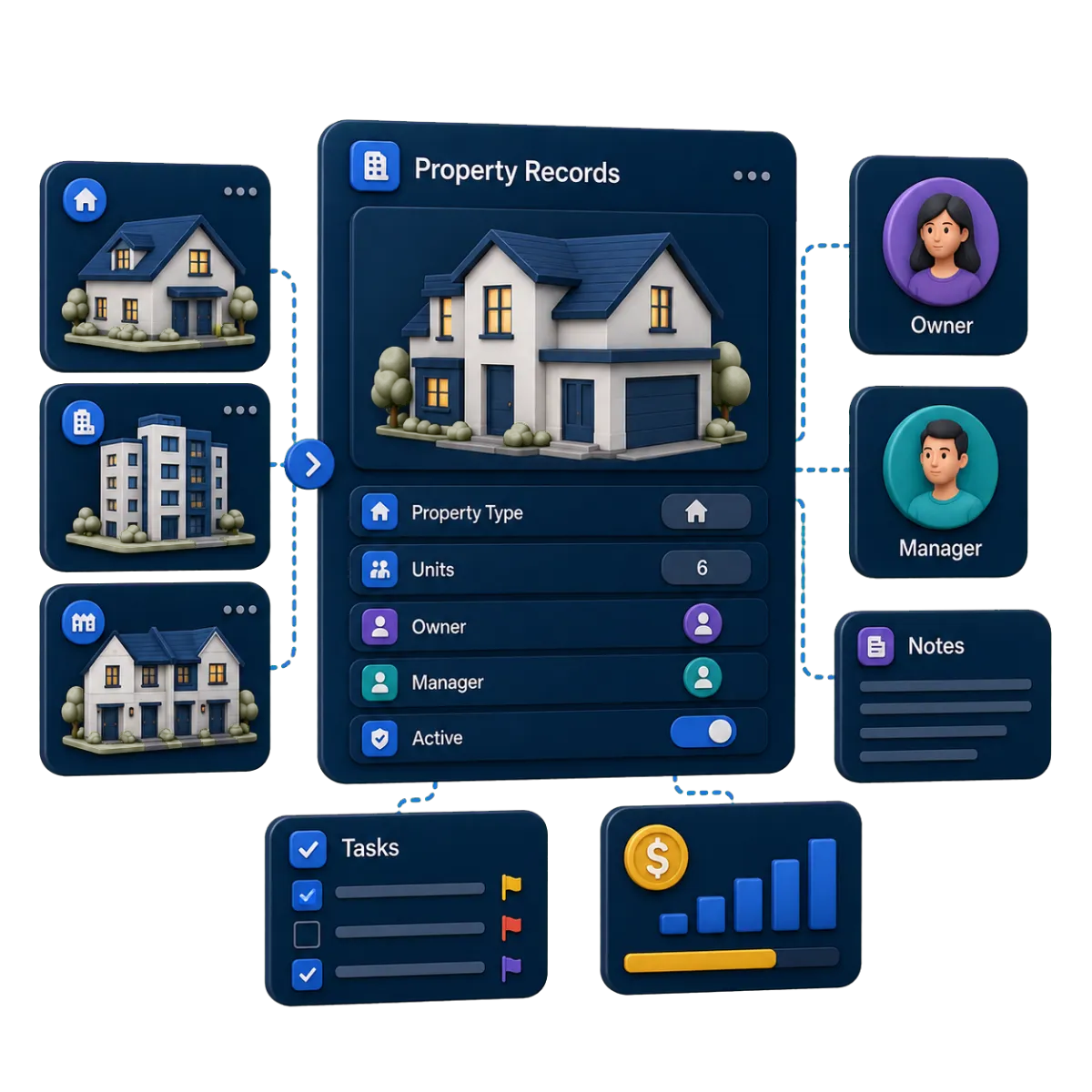
Create records beyond contacts and companies for items such as properties, projects, or other business entities.
Create property records with fields that match your CRM and marketing flow
Link properties with contacts, companies, opportunities, notes, and tasks
Import property records in bulk and sort them in custom list views
Use property fields in forms, workflows, dashboards, and reports where supported
Tasks & Teamwork Management
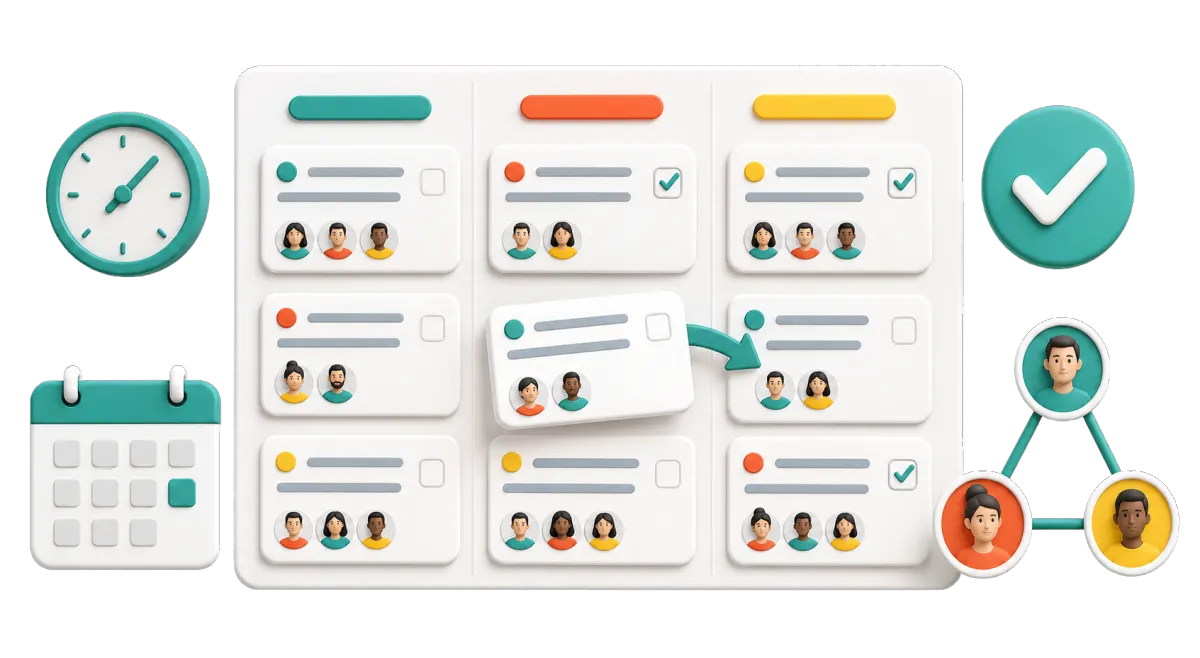
Create, assign, rank, set, repeat, and finish work tied to CRM records.
Assign a callback after an owner call or leasing lead
Create a follow-up task from a call, form, booking, or workflow
Link tasks to contacts, opportunities, companies, and property records
View late, current, and next tasks in a list or board
Let field and office staff update tasks from the web or mobile app
Build Trust With Owners, Residents, and Local Prospects
Clear messages and public feedback help firms earn trust. WinChilla can ask for reviews, help with replies, and show results without a promise about ratings or search rank.
Reputation Management
Send review requests through set channels and track feedback, replies, trends, and review widgets.
Ask for feedback after owner setup or a solved service issue
Track Google and Facebook reviews in supported setups
Let AI suggest a reply, then have staff check it - or have AI reply automatically
Display selected reviews on a management-company website
Track rating, review count, tone, and common themes

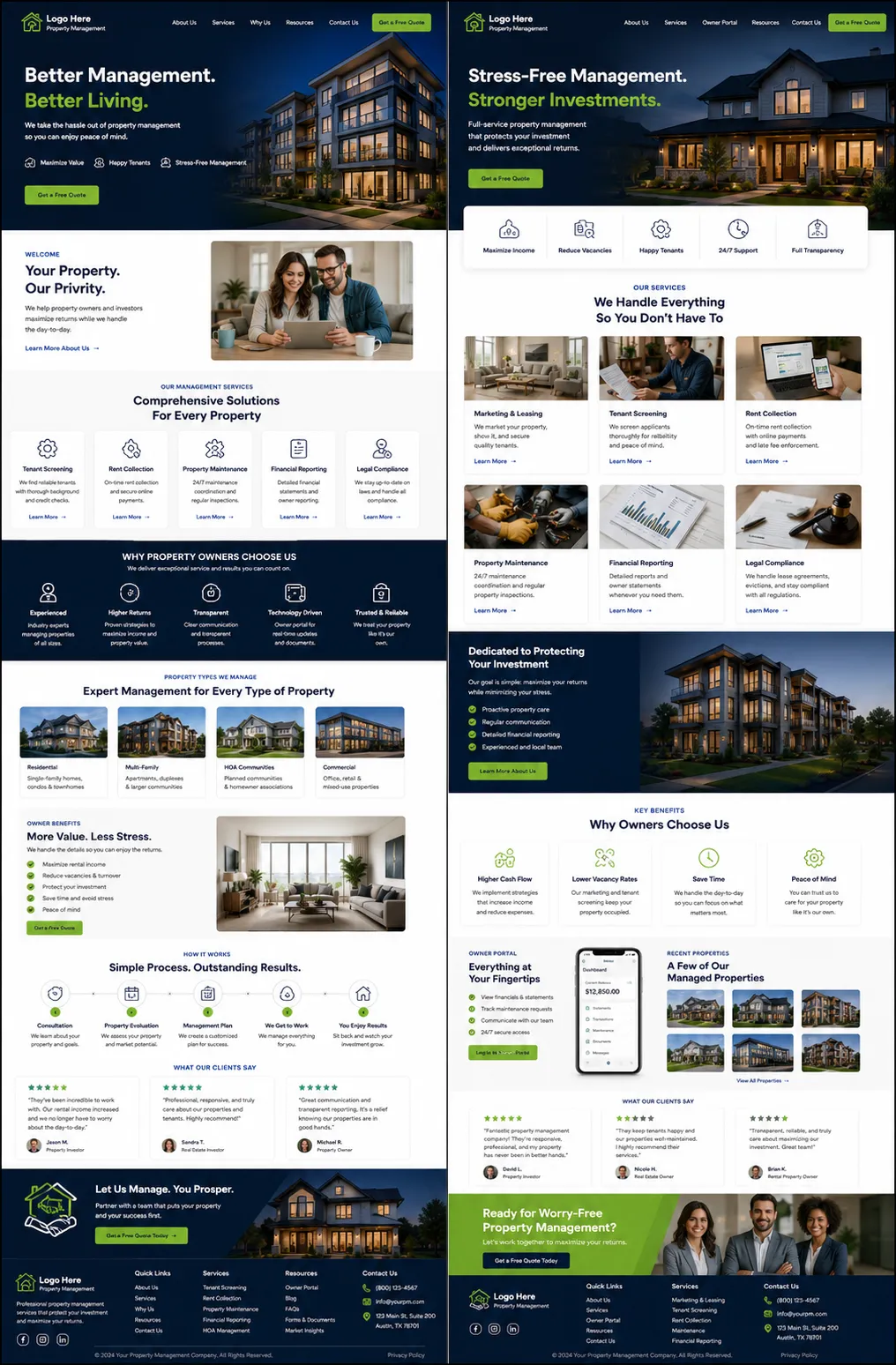
Websites
Build mobile-ready pages with forms, calendars, chat, SEO fields, tracking, and linked CRM data.
Create service pages for homes, multifamily properties, commercial sites, HOAs, or short-term rentals
Add an owner form, call calendar, and chat widget to key pages
Build pages for properties, management services, or local service areas
Review traffic, links, visits, and form results
Use AI builder tools to create a service page with structure, copy, and images
Dashboards & Reporting
Use custom dashboards and reports to review CRM, source, campaign, call, booking, and pipeline data.
Compare owner lead count by source, area, or campaign
Review lead stage, assigned staff, appointments, and follow-up activity
Build set views for leaders, a leasing manager, or sales teams
Schedule, export, or share supported reports for internal review

More Tools for a Better-Run Property Management Office
Your property management CRM includes key features for lead capture and follow-up. WinChilla's CRM software also supports calls, field work, feedback, agreements, and content.
Phone System
Keep calls, recordings, notes, outcomes, and next steps linked to the right owner, renter, resident, vendor, or prospect.
Surveys
Gather owner onboarding details, resident feedback, board priorities, or vendor information with styled surveys, conditional logic, and follow-up after submission.
Mobile App
Let staff check contacts, messages, opportunities, calendars, tasks, and notifications while visiting properties or working away from the office.
Funnels & Landing Pages
Build focused campaigns for owner leads, new services, property interest, or local property management lead generation.
Integrations
Link supported property management software and other systems through native apps, APIs, webhooks, or automation tools where available.
Documents & Contracts
Create and send management proposals, agreements, quotes, or vendor contracts for electronic signature, then track activity and automate supported reminders or next steps.
Property Management CRM Questions, Answered
Does WinChilla replace specialized property management software?
WinChilla focuses on CRM, lead capture, messages, marketing, booking, automation, reviews, and team follow-up. It is not built specifically for trust accounting, rent collection, rent rolls, tenant screening, lease administration, or maintenance work orders. In supported setups, apps, APIs, or webhooks can link WinChilla with purpose-built property manager software.
Can WinChilla manage both owner leads and renter inquiries?
Yes. You can use distinct forms, tags, pipelines, calendars, staff, and workflows for owner and renter leads. Home, apartment, business, HOA, student housing, short-term rental, and self-storage teams can shape those CRM paths around their own services and handoff points.
Can WinChilla work as a property management answering service?
WinChilla can provide a Voice AI receptionist that answers calls, handles approved common questions, gets caller details, books meetings, and sends set calls to staff. It is not a staffed human answering service. Your team should set clear rules for urgent needs, fair housing concerns, resident issues, and cases that need human judgment.
How does WinChilla help a property management team respond after hours?
Web chat, Voice AI, Conversation AI, forms, and workflows can get details or give approved replies after hours. The tools can create records, assign follow-up, book meetings, or route a chat. Your staff still owns urgent service, legal notices, lease choices, and other high-risk matters.
Can we organize properties as well as people in WinChilla?
Yes. Custom Objects can create property records with fields, associations, filters, and list views for your CRM flow. Those records can link to contacts, companies, opportunities, notes, and tasks. This helps group relationship and marketing data, but it does not make WinChilla a rent or lease system.
Is WinChilla useful for smaller firms and larger multifamily teams?
WinChilla can support a small rental management company, a focused commercial or HOA team, or a large multifamily operation. Small firms may value one inbox and automated follow-up. Large teams can use assignments, pipelines, role-based dashboards, calendars, company records, and integrations. The best setup depends on your channels, portfolio, and current systems.
What others are saying:
"Love everything so far"
"I've never set up a website before but I love managing my new site and leads. The WinChilla team has been really helpful whenever I got stuck."
- Laura P

"Simplifies my sales"
"I've been able to help my son promote his candy business which has been great because I am not good with computers at all."
- Robert T
"Highly recommend"
"It's exciting to see my visions come to life and WinChilla helps me manage everything in one place so I can be anywhere in the world and my business just runs."
- Jaret H
WinChilla works with platforms you already use such as


















Real Support for Your Next Step
30-Day Money-Back Guarantee
New customers can get started with a 30-day money-back guarantee on eligible subscription fees. Review the refund terms for coverage, exclusions, and how to request a refund.
Onboarding and 24/7 Support
Start with a technical setup call and a training call, then get help through 24/7 chat support. Use our tutorials and knowledge base as you build and refine the tools your business needs.
Helping Businesses Since 2010
Our founders bring more than 30 years of combined experience in business software and customer incentive programs, helping small businesses build stronger customer relationships.

Turn More Inquiries Into Organized Next Steps

© 2024-2026 Loyalty Gator Inc. All rights reserved.
WinChilla CRM | A Loyalty Gator Company | Trusted Since 2010
The information provided by Loyalty Gator Inc. (DBA: WinChilla) ('we', 'us', or 'our') on WinChilla’s website (the 'Site') and our mobile application is for general informational purposes only. All information on the Site and our mobile application is provided in good faith, however we make no representation or warranty of any kind, express or implied, regarding the accuracy, adequacy, validity, reliability, availability, or completeness of any information on the Site or our mobile application. UNDER NO CIRCUMSTANCE SHALL WE HAVE ANY LIABILITY TO YOU FOR ANY LOSS OR DAMAGE OF ANY KIND INCURRED AS A RESULT OF THE USE OF THE SITE OR OUR MOBILE APPLICATION OR RELIANCE ON ANY INFORMATION PROVIDED ON THE SITE AND OUR MOBILE APPLICATION. YOUR USE OF THE SITE AND OUR MOBILE APPLICATION AND YOUR RELIANCE ON ANY INFORMATION ON THE SITE AND OUR MOBILE APPLICATION IS SOLELY AT YOUR OWN RISK.