
Recruitment CRM software for more client conversations
Keep employer leads moving and candidates in the loop. WinChilla brings your agency's contacts, calls, follow-up, booking, and marketing into one place, so your team can spend more time building relationships.



One place to grow your agency and stay in touch
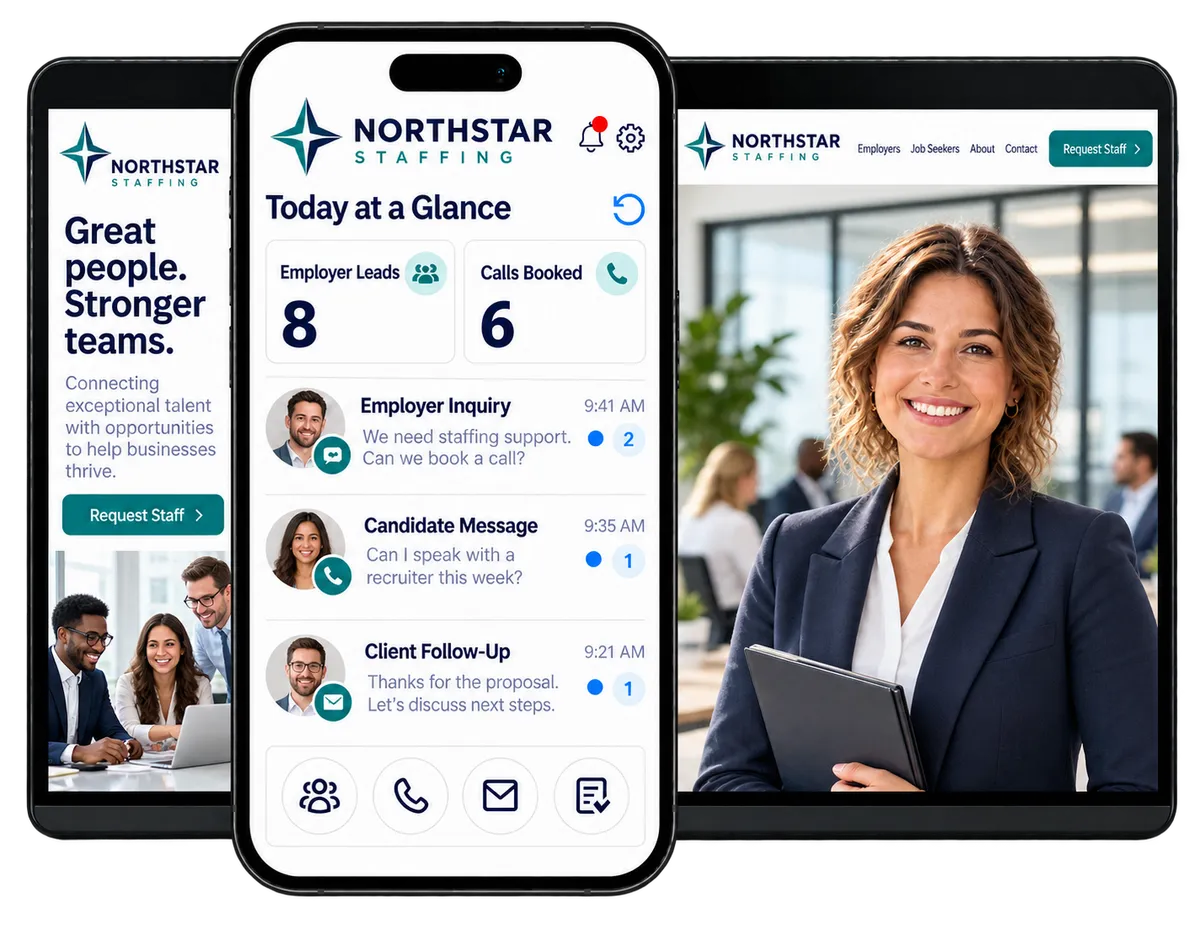
Give your staffing team one place for employer leads and candidate follow-up. WinChilla combines recruitment CRM software with calls, email, websites, and automation. Keep outreach on track at small and mid-size agencies, including executive search firms.
You're winning clients, supporting candidates, and running an agency
A hiring manager needs a callback. A candidate wants an update. A proposal needs a nudge. When the same team handles sales, recruiting, and client service, routine follow-up can slip. WinChilla helps keep those small tasks from becoming lost opportunities.
of candidates who stopped working with a recruiter cited a process that moved too slowly.
Source: Bullhorn, 2026 GRID Talent Trends Report
of candidates wanted recruiter contact at least weekly, but only 56% said they received it.
Source: Bullhorn, 2026 GRID Talent Trends Report
of surveyed job seekers reported declining an offer because of a poor candidate experience in 2024.
Source: CareerPlug, 2025 Candidate Experience Report
Does this sound familiar?
A prospect asks about staffing support while your recruiter is on a call. Someone sends a quick reply, but no one owns the next step. By the time your team follows up, that hiring manager has spoken with another agency.
Don't worry, we can help!
Opportunities & Pipelines
Give each employer lead a stage and an owner, so a first inquiry has a clear path to a client agreement.
Conversations
See the contact's emails, texts, and call history together before the next staff member replies.
Tasks & Team Work Management
Assign a callback with a due date, so the next step has a name beside it.

Win more employer business with recruitment CRM software
Your next client may need several conversations before they're ready to hire. Use your recruitment agency CRM to keep account details, open deals, and follow-up steps clear from the first call to the signed agreement.
Companies / B2B CRM
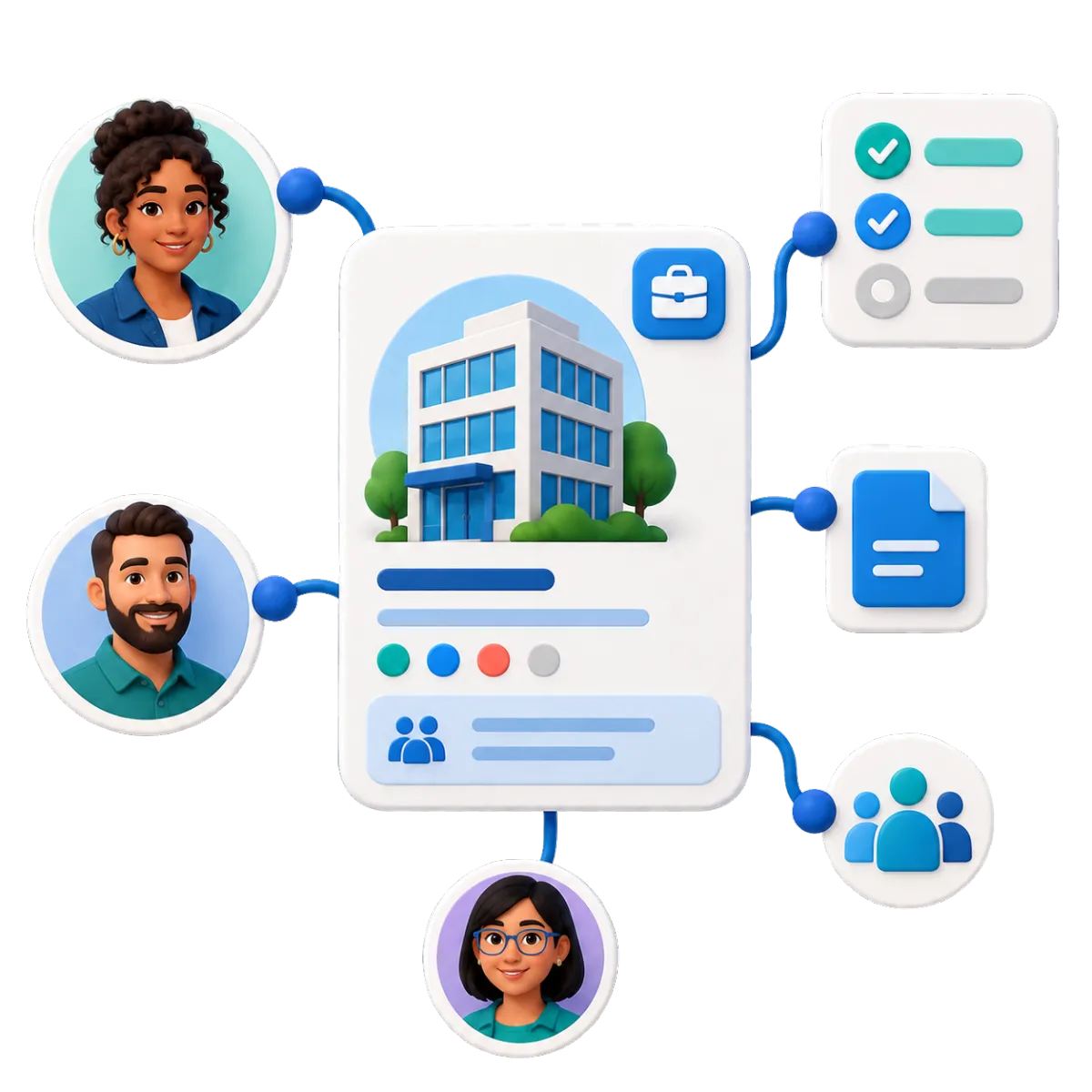
Keep each employer account connected to its people, notes, tasks, and sales opportunities.
Link HR contacts, hiring managers, and purchasing staff to the same company
Record the employer's locations, hiring needs, and service preferences in custom fields
Keep account notes and open deals together when a colleague takes over a client

Opportunities and Pipelines
Track new client deals through sales stages that fit your agency.
Set stages such as New Inquiry, Discovery Booked, Proposal Sent, and Agreement Signed
Assign each deal to a sales rep and record its estimated value
Filter open deals by owner or status before your weekly sales meeting
Workflows & Automation
Set up timely follow-up and routine handoffs around your agency's sales process.
Send a confirmation and create a callback task when an employer submits an inquiry
Remind the account owner to follow up after a staffing proposal is sent
Use AI-powered workflow assistance to draft employer inquiry follow-up
See how WinChilla helps your staffing business save time, reduce admin, and book more appointments!


Keep calls, replies, and recruiter meetings moving
Clients and candidates need a clear way to reach your team. Bring those exchanges into your recruitment CRM software, so staff can pick up a conversation with context and help book the next call.

Conversations
Manage email, texts, calls, and supported social messages in one recruiter CRM inbox.
Check a candidate's latest messages before calling about their availability
Let another team member see what an employer asked while the account owner is away
Use AI-assisted replies to draft a response
Business Phone System & Calling
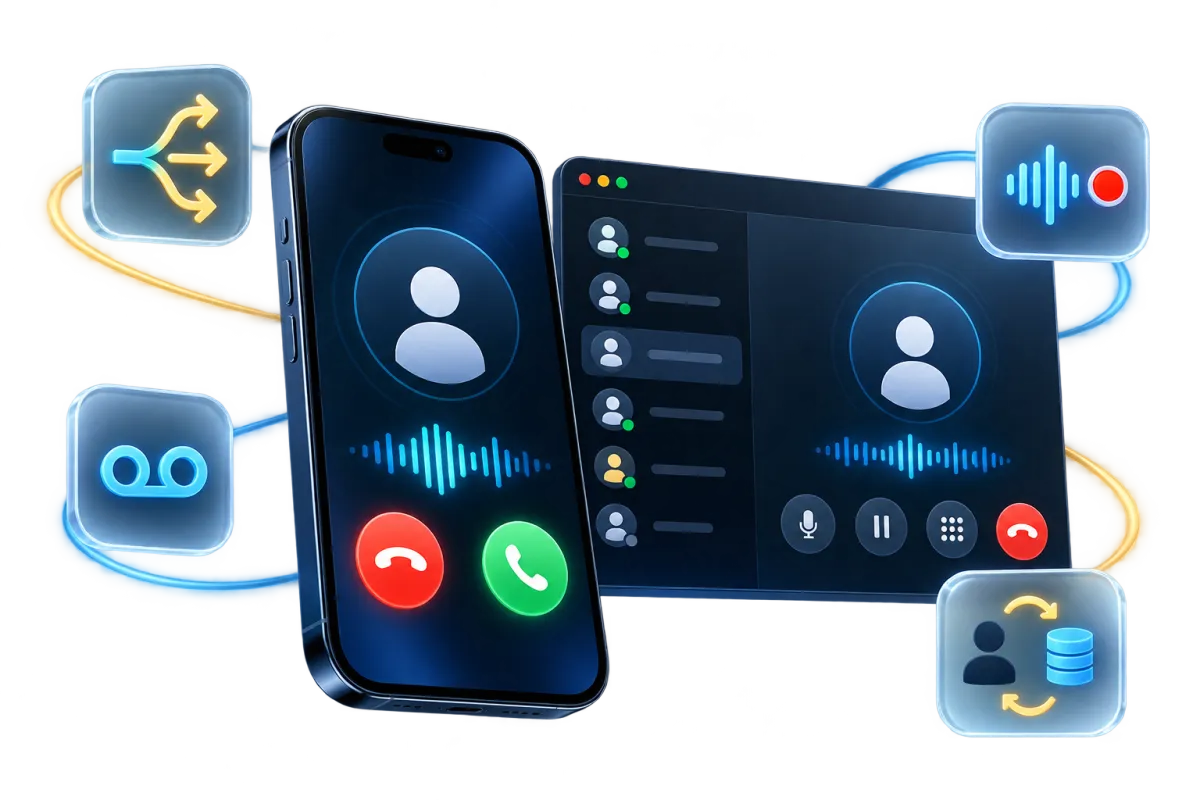
Keep agency calls connected to contact records, with Voice AI support for inbound callers.
Route employer calls to sales and candidate calls to the recruiting team
Configure a Voice AI receptionist to answer after-hours FAQs and capture callback details
Let the voice agent book an intro call or transfer a caller to staff in a supported setup
Review call notes and transcripts before returning a hiring manager's call

Calendars & Appointments
Make it easier to book recruiter calls, candidate interviews, and employer meetings.
Offer booking slots for an initial recruiter conversation based on staff availability
Share a calendar for employer discovery calls and route bookings across sales staff where supported
Send email or SMS confirmations and reminders with the meeting details

Turn agency website visits into useful inquiries
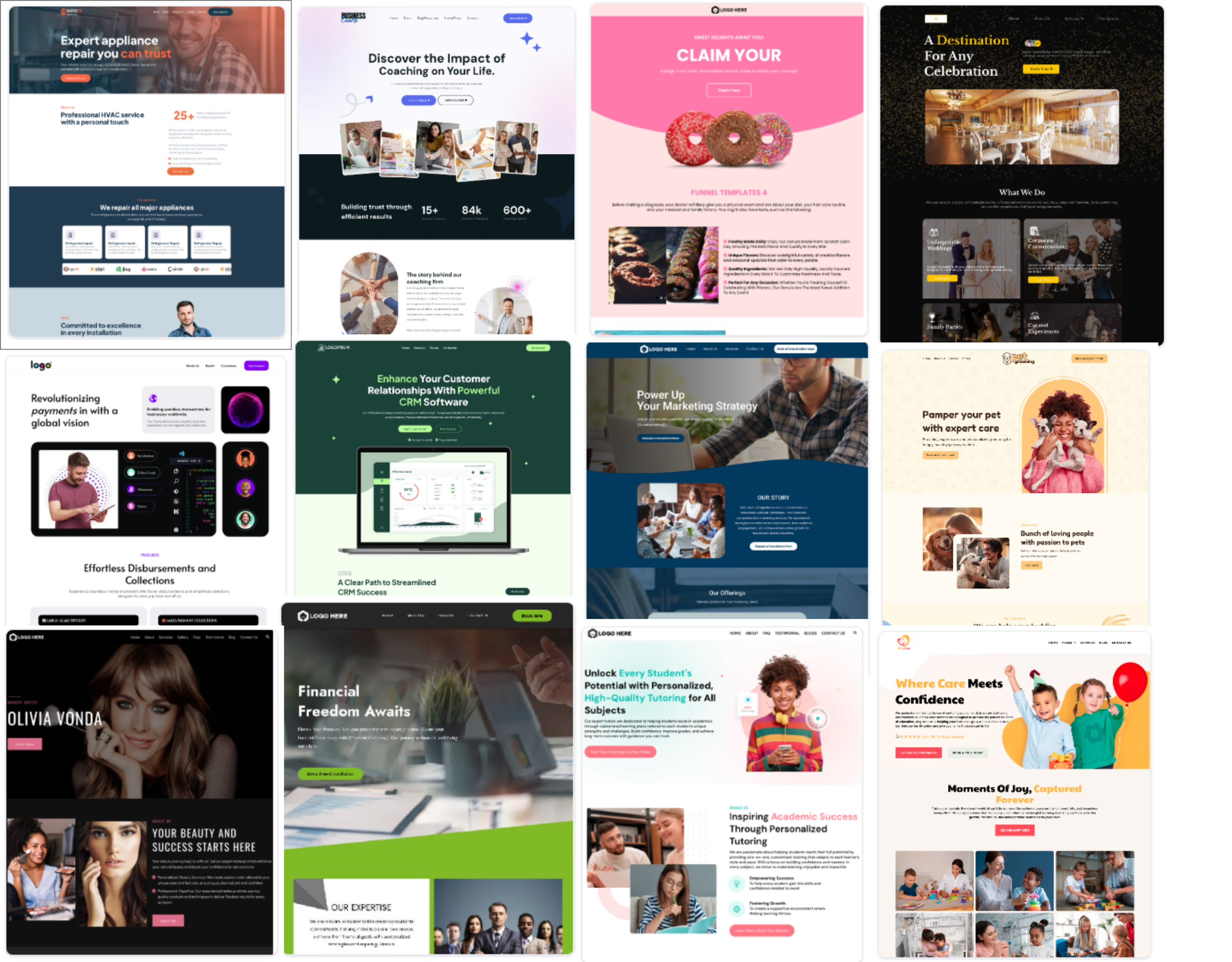
Employers want staffing help. Candidates want to speak with a recruiter. Give each group a clear path to contact your agency, share key details, or book a call.
Websites
Handle recruitment agency website design, lead capture, and booking in one connected platform.
Build separate pages for employers, job seekers, and the sectors your agency serves
Add clear calls to action for “Request Staff” and “Speak With a Recruiter."
Use AI builder assistance to draft page layouts and copy, then review the claims and wording

Forms
Collect the details your team needs before the first call.
Ask employers about job openings, hiring locations, and expected start dates
Capture a candidate's contact details, area of interest, and preferred time for a callback
Use form responses to update contact fields and start the right follow-up workflow
Discover how WinChilla simplifies your day, saves time, and helps your staffing business grow.
Web Chat
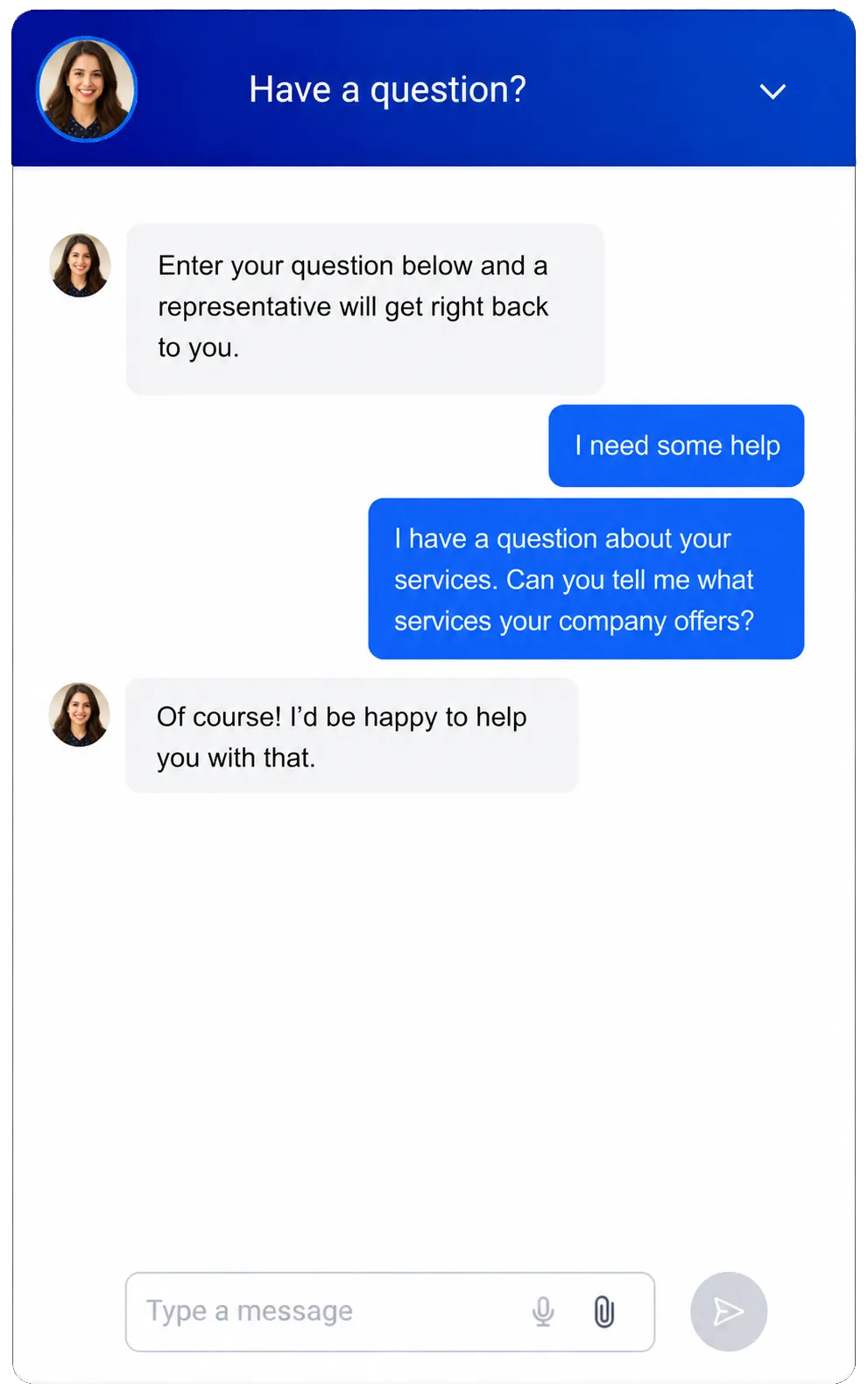
Give website visitors a quick way to ask questions and reach the right team.
Use Conversation AI in supported chat setups to answer agency FAQs from your approved content
Ask whether a visitor needs staff or is looking for work, then collect their contact details
Help visitors book a recruiter or sales call, with a handoff to staff when needed

Stay top of mind between hiring needs
A quiet client account may hire again. A past candidate may be ready for a new conversation. Use recruitment CRM software to support useful outreach and a stronger agency reputation.
Email Marketing
Use recruitment marketing software tools to send relevant updates to the right contact groups.
Send service updates to employer contacts grouped by sector or location
Invite opted-in candidates to reconnect with a recruiter or update their details
Use AI to draft subject lines and campaign copy, then check each message before sending
Review clicks, replies in the inbox, and unsubscribes to guide your next outreach


Reputation Management
Collect feedback and manage the reviews employers and candidates see when they research your agency.
Send review requests after client service milestones or candidate support conversations
Use AI to suggest replies to supported Google and Facebook reviews, then review them before posting
Look at feedback themes to spot recurring concerns about callbacks or unclear next steps
More tools in your staffing agency CRM
Give your team practical ways to manage records, share work, and keep agency growth on track.
Contacts / CRM
Create candidate profiles as CRM contact records, with notes, files, tags, and custom fields. Use supported AI summaries to review candidate data before a callback.
Funnels & Landing Pages
Build focused pages for a new staffing niche, local branch, or employer outreach campaign.
Mobile App
Check a contact's history, return an employer call, and log the next step while away from your desk.
Social Media Planner
Plan LinkedIn posts about your sectors and agency services. Use AI to draft captions for staff review.
Integrations
Connect supported tools through native connections, Zapier, APIs, or webhooks, with ATS compatibility checked for your setup.
Documents and Contracts
Send staffing proposals and client service agreements for electronic signature, with reminders tied to document activity.
affordable pricing plans built for small businesses
How much does this cost?
We're glad you asked! WinChilla is pleased to offer affordable pricing plans to suit your growing business.
Questions staffing and recruitment agencies ask
Is WinChilla an applicant tracking system?
WinChilla supports agency sales, contact records, outreach, and booking. It is not a dedicated applicant tracking system (ATS) with built-in resume parsing, candidate-to-job matching, job-board posting, or staffing payroll. If you need those functions, keep a specialist system for that work and assess WinChilla for your agency's CRM and marketing needs.
Can I connect WinChilla to the ATS we already use?
A connection may be possible through supported integrations, Zapier, APIs, or webhooks. The options depend on your ATS, its access rules, and the records you need to share. Check the proposed data flow before you commit; a two-way sync or a ready-made connection to every ATS is not guaranteed.
Can the same agency manage employer contacts and candidates?
Yes. Use candidate relationship management tools to keep notes, send messages, and plan follow-up. Tags and custom fields help group employers, candidates, and referral partners, even when someone has more than one role. Keep employer accounts in company records, and check each campaign's audience before sending client or candidate outreach.
How do I choose the best recruitment CRM for my agency?
The best recruiting CRM depends on which parts of the recruitment process you need to manage. Test recruitment CRM software against a real employer inquiry, a recruiter handoff, and a follow-up campaign. Compare key features such as contact records, pipelines, and booking. To find the best CRM for staffing agencies, also check ease of use and fit with your ATS.
Can we move our existing contacts into a CRM for recruiters?
You can import contacts by CSV and use bulk updates to organize records. Before importing, map fields such as candidate interests, employer sectors, and account owners, and check for stale details or duplicate entries. Review contact preferences before starting outreach; importing a list does not tell you which people want to hear from your agency.
What others are saying:
"Love everything so far"
"I've never set up a website before but I love managing my new site and leads. The WinChilla team has been really helpful whenever I got stuck."
- Laura P

"Simplifies my sales"
"I've been able to help my son promote his candy business which has been great because I am not good with computers at all."
- Robert T
"Highly recommend"
"It's exciting to see my visions come to life and WinChilla helps me manage everything in one place so I can be anywhere in the world and my business just runs."
- Jaret H
WinChilla works with platforms you already use such as


















What you can expect from us
Money Back Guarantee
We're confident you'll love saving money by switching from existing software providers with your business tools to one place.
Plus, we believe you'll save a ton of time with marketing automation.
Within 30 days, if we're not the right fit, we'll give you your money back.
View Terms of Service
24/7 Support
We're here to help. You'll get a one-on-one onboarding call with our team.
Then, you'll get another tech call with us to make sure your account is configured exactly as you want it.
Plus, you can expect 24/7 chat support from our team with any questions you have along the way.
30+ Years of Experience
We've been helping small businesses since 2010!
The WinChilla brand is new, but our experience is not. The founders of WinChilla have over 30 years of experience combined in digital software and customer incentive programs - helping businesses like yours - worldwide since 2010. Now, we're excited to bring our expertise to launch these new super tools to help all of our clients grow.

Give your next client conversation a clear next step

© 2024-2026 Loyalty Gator Inc. All rights reserved.
WinChilla CRM | A Loyalty Gator Company | Trusted Since 2010
The information provided by Loyalty Gator Inc. (DBA: WinChilla) ('we', 'us', or 'our') on https://www.winchilla.com (the 'Site') and our mobile application is for general informational purposes only. All information on the Site and our mobile application is provided in good faith, however we make no representation or warranty of any kind, express or implied, regarding the accuracy, adequacy, validity, reliability, availability, or completeness of any information on the Site or our mobile application. UNDER NO CIRCUMSTANCE SHALL WE HAVE ANY LIABILITY TO YOU FOR ANY LOSS OR DAMAGE OF ANY KIND INCURRED AS A RESULT OF THE USE OF THE SITE OR OUR MOBILE APPLICATION OR RELIANCE ON ANY INFORMATION PROVIDED ON THE SITE AND OUR MOBILE APPLICATION. YOUR USE OF THE SITE AND OUR MOBILE APPLICATION AND YOUR RELIANCE ON ANY INFORMATION ON THE SITE AND OUR MOBILE APPLICATION IS SOLELY AT YOUR OWN RISK.