
Restaurant CRM That Helps Turn Diners Into Regulars
WinChilla brings guest records, messages, email and text campaigns, reviews, and follow-up into one place. Build stronger guest relationships without adding more busywork to every shift.




One Place for the Marketing Behind Every Great Meal
This restaurant CRM gives you practical tools for guest records, inquiries, campaigns, reviews, and private-event leads. Your team can spend less time switching between systems and more time creating reasons for guests to return.
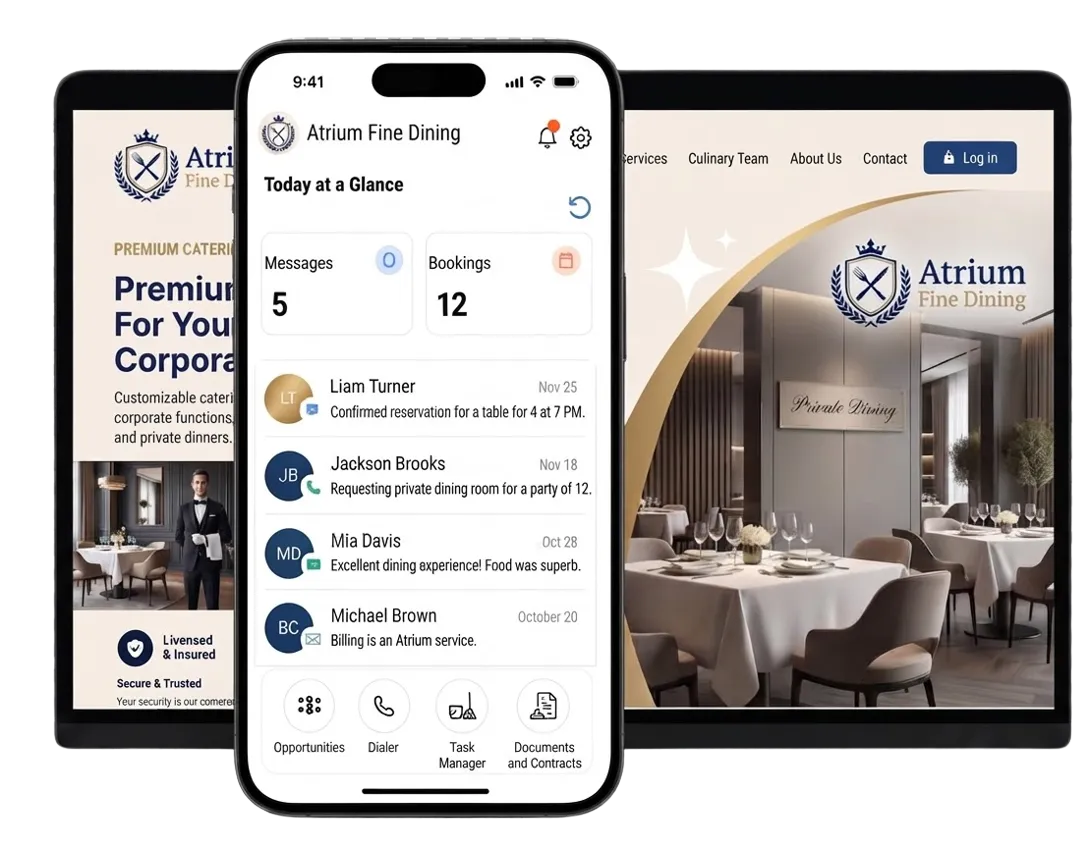
Running a Great Restaurant Takes More Than Great Food
Owners and managers juggle service, staff, offers, events, reviews, and guest questions each day. A restaurant CRM organizes guest relationships. This helps the team stay focused on hospitality.
of restaurant operators cited improving profitability as their top goal for the coming year.
Source: Toast POS
of restaurant operators are focused on increasing staff efficiency to get ahead of labor challenges.
Source: Toast POS
of all restaurant traffic now happens off-premises.
Source: National Restaurant Association, 2025 Off-Premises Restaurant Trends
Does this sound familiar?
Guests enjoy their visit, but the relationship may end when they leave. New leads come from many channels. Review requests are easy to miss, and marketing gets pushed aside on busy days. Without a restaurant CRM, chances for a return visit or private booking can be lost.
Don't worry, we can help!
Reputation Management
Ask for, track, and reply to reviews from one place.
Contacts & CRM
Keep guest details, tags, notes, and past activity together for better follow-up.
Workflows & Automation
Set clear follow-up for signups, feedback forms, event leads, and other guest actions.

Build a Restaurant CRM Around Your Guests
Good marketing starts with clear guest profiles. WinChilla keeps guest details, notes, and chats together. Staff can use that context for personalized service and follow-up after different dining experiences.
Contacts & CRM
Store guest details, tags, fields, notes, files, and past activity in one record.
Group guests by location, dining interests, or event interests
Keep notes and past chats tied to each contact
Build smart lists for regulars, local guests, event leads, or inactive contacts
Import guest contacts by CSV and update records in bulk


Forms
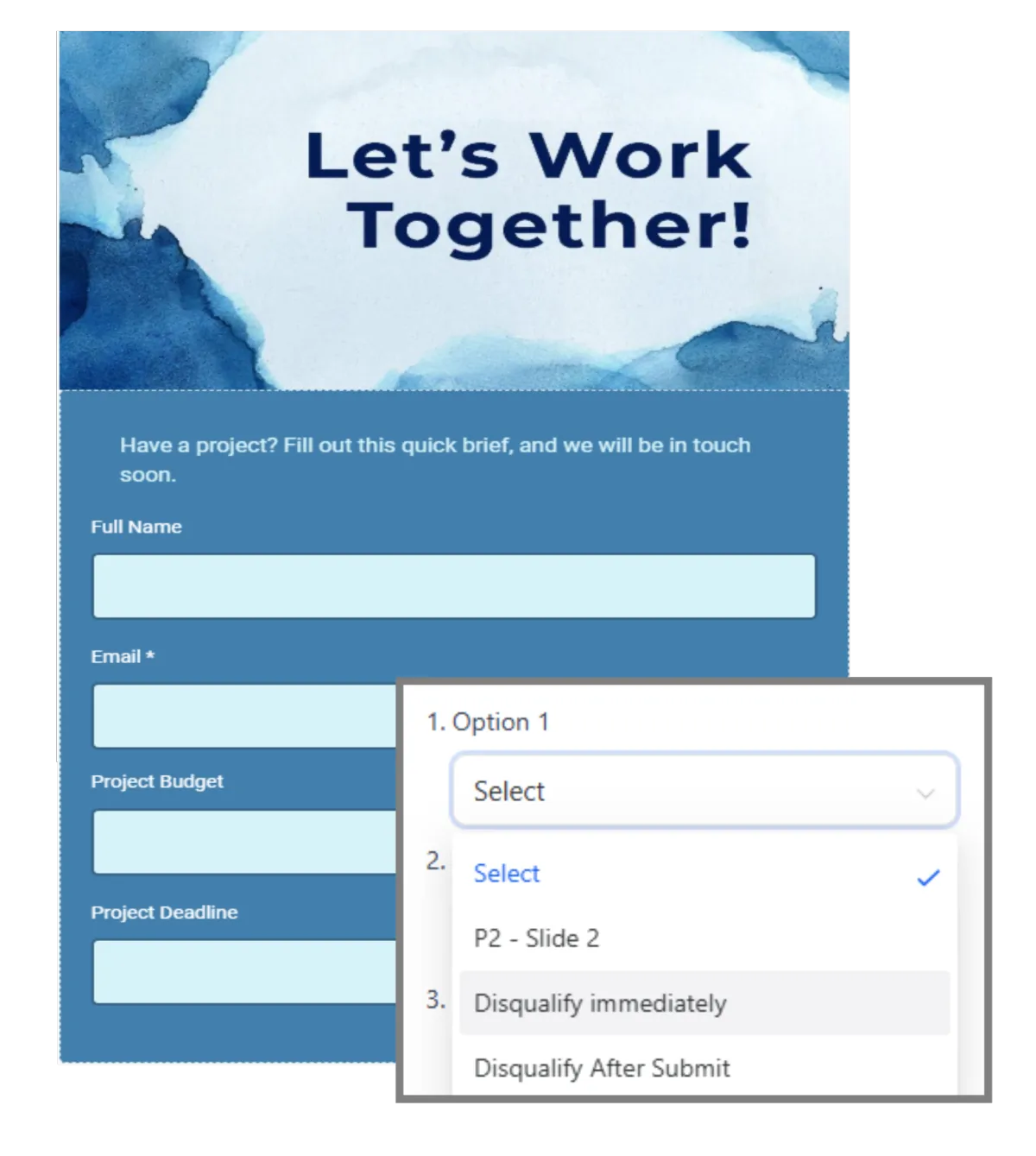
Collect guest details with branded forms on a page or website.
Add an email or text signup form to your site
Collect catering, media, private dining, or large-party leads
Ask for the date, location, party size, and contact details
Send each form to the right manager and follow-up flow
Surveys
Create branded guest surveys and start follow-up after each reply.
Ask about food, service, atmosphere, or takeout
Show more questions when a guest reports a concern
Export replies to supported tools such as Google Sheets
Start a follow-up flow when a survey is sent

Give Guests a Reason to Come Back
Stay in touch between visits with timely marketing campaigns and offers. WinChilla supports restaurant email marketing and consent-based texts. Use guest records for targeted marketing that can support guest loyalty and drive repeat business.

Email Marketing
Create, tailor, schedule, and track emails for chosen guest groups.
Share new menus, weekday deals, chef events, or new locations
Send the right offer to regulars, event leads, or local guests
Personalize fields and track deliveries, opens, clicks, errors, and opt-outs
Use AI to refine subject lines, calls to action, images, and copy
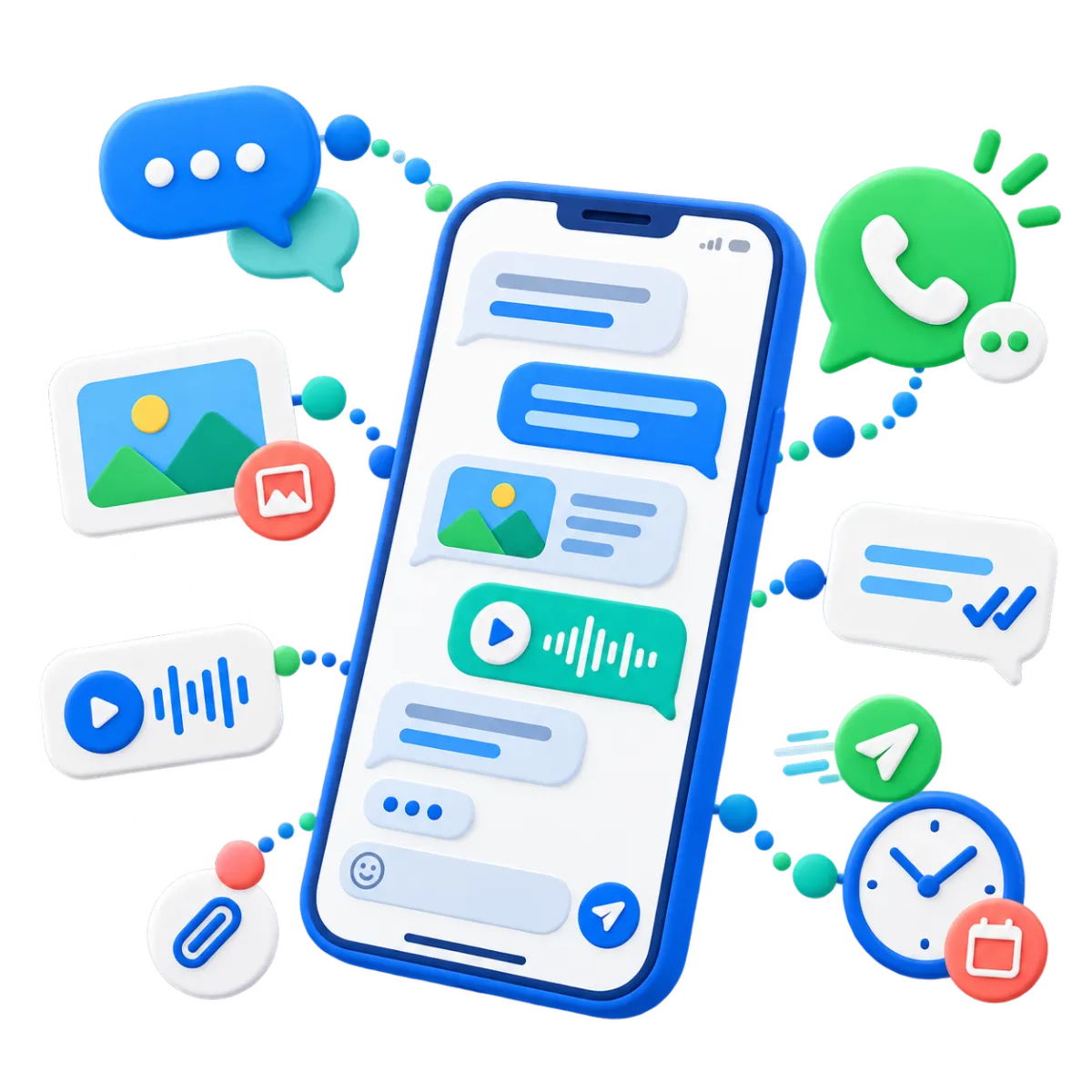
SMS, MMS & WhatsApp Messaging
Send direct or automated messages and track sends, errors, and opt-outs.
Send timely offers to guests who gave the needed consent
Share event reminders, location news, or useful links
Use templates and fields to keep texts clear and on brand
Keep each message tied to the guest's CRM record

Workflows & Automation
Link guest actions to set messages, tasks, owners, and record updates.
Welcome a new subscriber after a form is sent
Alert a manager when a guest shares poor feedback
Create tasks for catering or private dining leads
Move a lead when it reaches a new stage
Ask AI to build an automation for you

Turn More Guest Questions Into Visits
Guest questions can come at any time. Give staff one place to reply. Use supported AI agents when faster help makes sense.
Conversations
Bring supported email, text, phone, chat, and social messages into one inbox. Staff can respond in real time.
Let managers see the full chat history before they reply
Filter and assign messages to the right person
Tie catering and event chats to the contact record
Start with an AI-assisted reply, then check or edit it

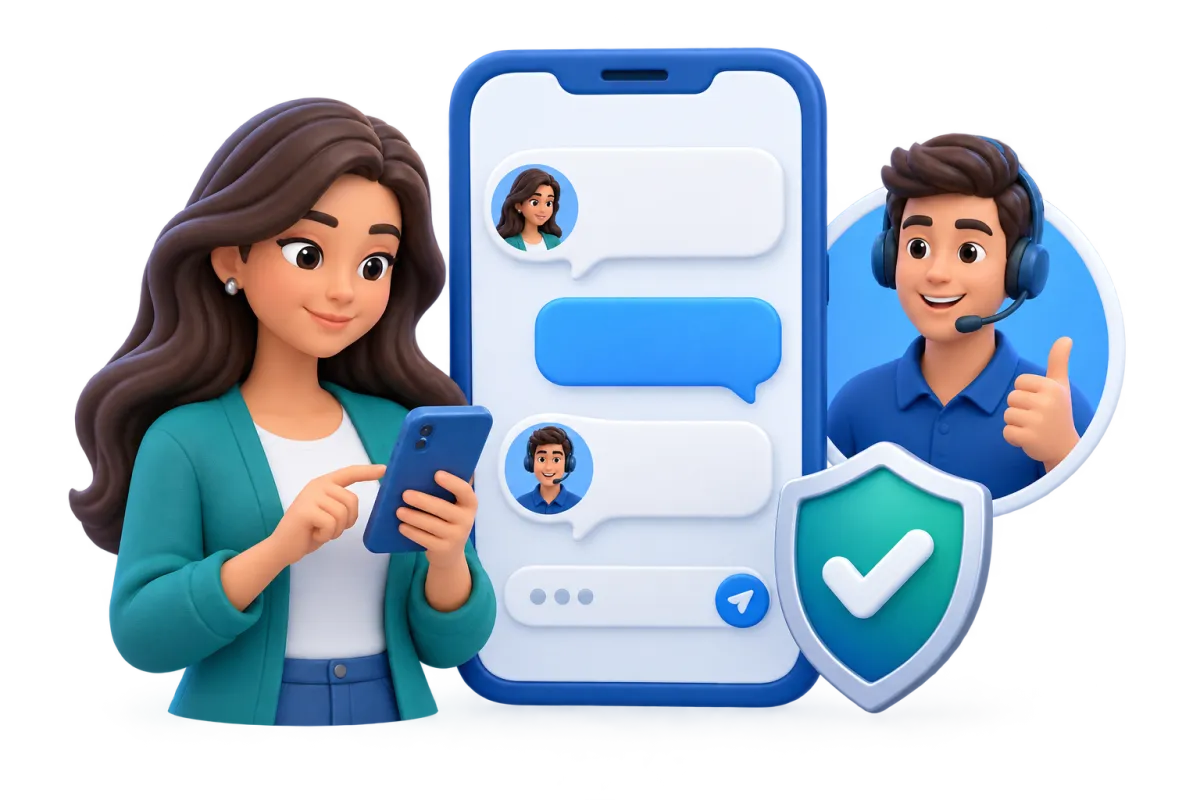
Web Chat
Add a branded web widget that saves guest questions and contact details.
Answer or collect questions about hours, parking, access, or events
Let guests choose from supported contact channels
Set greetings, office hours, and online or offline notes
Send new chats to an inbox, team member, workflow, or supported AI agent
Conversation AI
Use an AI agent to answer supported messages and pass chats to staff.
Answer common questions from approved restaurant facts and FAQs
Collect contact details and basic event needs
Route chats by channel, tag, guest group, or business rule
Pause or pass the chat when a staff member steps in
Link supported chats to workflows, pipeline updates, and follow-up

Phone System & AI Receptionists
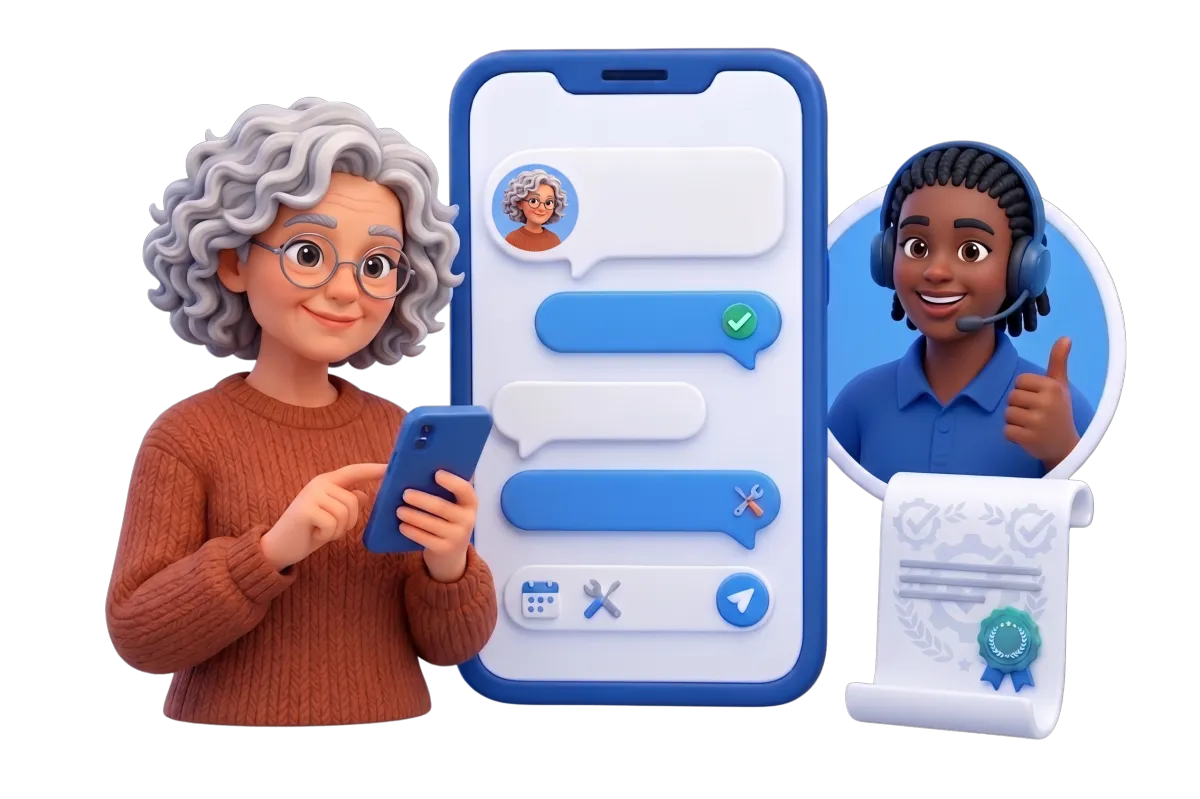
Manage calls and let a trained AI receptionist answer when staff cannot.
Answer common questions and ask why the guest called
Save the caller's name and contact details
Route calls by hours, location, team, or department
Transfer urgent or qualified calls to a staff member
Book an event call, then review its log, record, transcript, and summary

Strengthen Your Restaurant Reputation and Reach
Great meals should be easy to find. Keep reviews and social posts moving. Create campaign content without starting from a blank page.
Reputation Management
Ask for reviews and manage supported profiles from one place.
Ask for a review through supported channels after a guest visit
Track ratings, review volume, trends, sentiment, and recent feedback
Use AI to draft or post replies to supported Google and Facebook reviews
Sum up common themes so managers can spot praise or concerns
Show chosen reviews in custom web widgets


Social Planner
Plan, approve, post, and track social content on supported networks.
Plan posts for menus, events, dishes, staff stories, or location news
Tailor the copy for each social channel
Send owners or managers a link to approve each post
Use AI to refine captions, ideas, hashtags, images, and channel content
Review engagement and post performance over any date range
AI Content, Assistance & Knowledge Bases
Draft marketing content and give supported agents approved restaurant facts.
Draft or refine email, social, ad, web, and campaign content
Create and edit images for supported marketing assets
Set a brand voice to help marketing content stay consistent
Build knowledge sources from web pages, FAQs, and supported files

Ad Manager
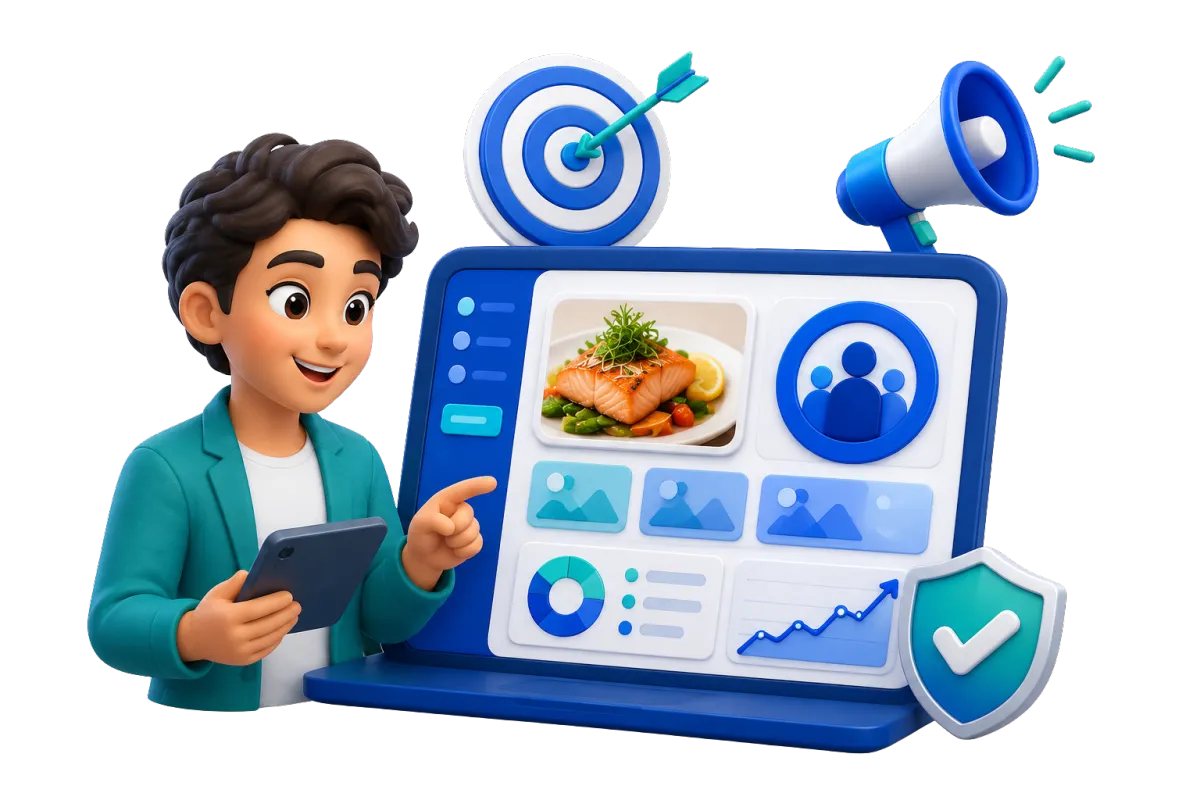
Build and track supported social and search ads from one place.
Promote a new location, event, private dining deal, or seasonal offer
Set the audience, goal, budget, dates, and ad type
Use AI to refine ad copy, ideas, and images
Track impressions, clicks, leads, conversions, spend, and return on investment
Keep Catering and Private-Event Leads Moving
Large-party and catering leads may take several talks to close. Give each lead a clear stage and next step. This keeps good event leads from getting lost in an inbox.
Opportunities & Pipelines
Track group, catering, and private dining leads through custom stages.
Set stages for new lead, details received, quote sent, deposit due, or booked
Save the deal value, notes, status, and owner
Search, sort, and update leads as plans change
Automate follow-up or pipeline movement with supported workflows


Calendars & Appointments
Offer booking calendars for event calls, venue tours, or menu talks.
Let a lead pick an open time to talk
Manage staff availability, meeting size, and scheduling conflicts
Send confirmations and reminders on supported channels
Tie each meeting to the contact record and workflow
Invoices & Estimates
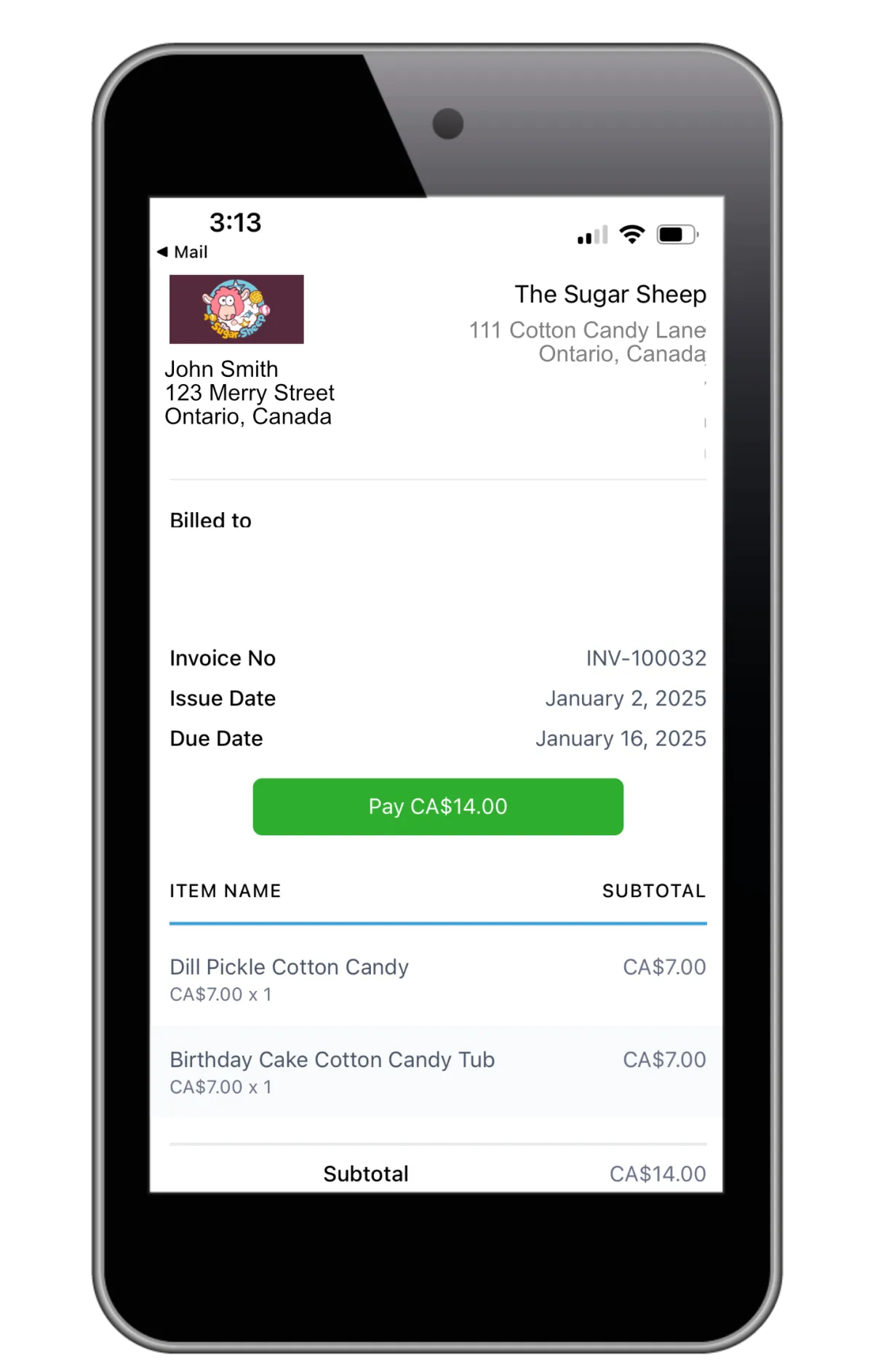
Send branded estimates and invoices for supported event payment flows.
Share an estimate before the guest books
Set deposits, payment schedules, due dates, taxes, discounts, or attachments
Send email or text notices and reminders for unpaid invoices
Keep payment activity tied to the guest record
Documents & Contracts
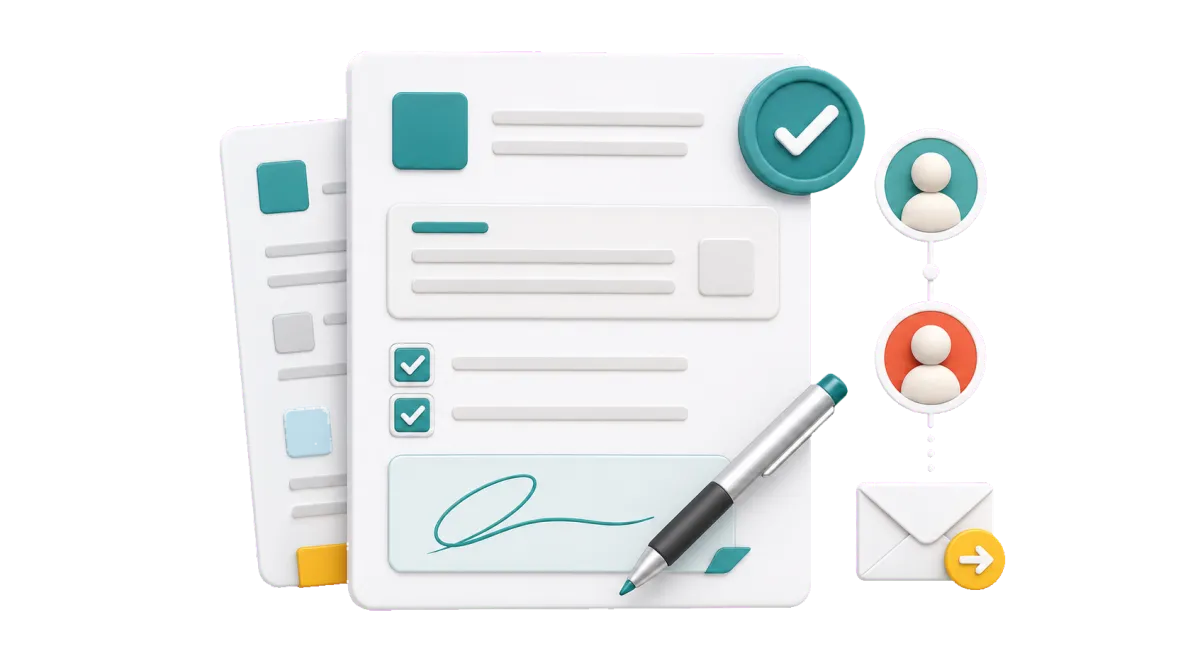
Send event proposals or contracts for electronic signature and track each step.
Use templates for private room, catering, or event deals
Set signing order, expiration dates, attachments, and team notifications
See when a document is viewed, signed, declined, or completed
Start reminders, invoices, workflows, or follow-up from document activity
More Tools for a Better-Organized Restaurant
Use what fits today, then add tools as your restaurant grows.
Websites
Build a restaurant website with forms, chat, reviews, lead capture, and other supported tools connected to your CRM.
Funnels & Landing Pages
Create focused pages for catering, private dining, special events, new locations, or seasonal promotions.
Mobile App
Check contacts, messages, calls, tasks, and leads on the go.
Blog
Publish chef stories, restaurant news, recipes, event updates, and search-friendly local content.
Gift Cards
Sell branded digital gift cards for holidays, promotions, service recovery, or customer appreciation.
QR Codes
Make trackable codes for feedback, signups, menus, events, or useful links.
Restaurant CRM Questions, Answered
What is a restaurant CRM?
Restaurant customer relationship management (CRM) keeps guest details connected. That includes messages, notes, and marketing activity. A restaurant CRM system such as WinChilla brings email, supported texts, reviews, leads, and workflows into one place. Staff can then follow up before and after a visit.
Can WinChilla replace my restaurant POS system, table-reservation, or online-ordering system?
No. WinChilla is not a kitchen, inventory, delivery, table-reservation, or online-ordering platform. Keep those specialized restaurant tools and connect them when a supported integration, API, webhook, or workflow is available. If you want order history or other POS data in WinChilla, first confirm that your system and data flow are supported. Mobile POS for accepting payments is available. WinChilla’s calendars can still book event calls or venue tours.
Can I use WinChilla for restaurant email marketing and text message marketing?
Yes. You can group contacts, tailor fields, plan campaigns, set follow-up, and track key results. Send restaurant SMS marketing only to people you may legally contact. Get the consent your laws require. Each message must also meet any rules for sender details and opt-outs.
How can a restaurant group organize contacts for multiple locations?
Teams can use tags, fields, filters, and smart lists to group guests by site. They can then aim campaigns and reports at the right group. This avoids sending every message to the full list. The best setup depends on how the group handles brands, staff, access, and data.
How can AI help without making the guest experience feel impersonal?
AI can answer common questions, collect inquiry details, draft content, or suggest review replies. It can also build a first draft of a workflow. Staff can review the work and step into a conversation. People stay in control of complex or sensitive guest situations.
Can WinChilla manage catering and private-dining inquiries?
Yes. Forms collect event details, and pipelines track each opportunity. Workflows can create tasks and follow-up. You can also book consultations and use supported estimates, invoices, contracts, signatures, and payment flows. WinChilla does not replace the kitchen, staffing, or event tools needed to deliver the booking.
What others are saying:
"Love everything so far"
"I've never set up a website before but I love managing my new site and leads. The WinChilla team has been really helpful whenever I got stuck."
- Laura P

"Simplifies my sales"
"I've been able to help my son promote his candy business which has been great because I am not good with computers at all."
- Robert T
"Highly recommend"
"It's exciting to see my visions come to life and WinChilla helps me manage everything in one place so I can be anywhere in the world and my business just runs."
- Jaret H
WinChilla works with platforms you already use such as


















Real Support for Your Next Step
30-Day Money-Back Guarantee
New customers can get started with a 30-day money-back guarantee on eligible subscription fees. Review the refund terms for coverage, exclusions, and how to request a refund.
Onboarding and 24/7 Support
Start with a technical setup call and a training call, then get help through 24/7 chat support. Use our tutorials and knowledge base as you build and refine the tools your business needs.
Helping Businesses Since 2010
Our founders bring more than 30 years of combined experience in business software and customer incentive programs, helping small businesses build stronger customer relationships.

Turn More Guest Connections Into Return Visits

© 2024-2026 Loyalty Gator Inc. All rights reserved.
WinChilla CRM | A Loyalty Gator Company | Trusted Since 2010
The information provided by Loyalty Gator Inc. (DBA: WinChilla) ('we', 'us', or 'our') on WinChilla’s website (the 'Site') and our mobile application is for general informational purposes only. All information on the Site and our mobile application is provided in good faith, however we make no representation or warranty of any kind, express or implied, regarding the accuracy, adequacy, validity, reliability, availability, or completeness of any information on the Site or our mobile application. UNDER NO CIRCUMSTANCE SHALL WE HAVE ANY LIABILITY TO YOU FOR ANY LOSS OR DAMAGE OF ANY KIND INCURRED AS A RESULT OF THE USE OF THE SITE OR OUR MOBILE APPLICATION OR RELIANCE ON ANY INFORMATION PROVIDED ON THE SITE AND OUR MOBILE APPLICATION. YOUR USE OF THE SITE AND OUR MOBILE APPLICATION AND YOUR RELIANCE ON ANY INFORMATION ON THE SITE AND OUR MOBILE APPLICATION IS SOLELY AT YOUR OWN RISK.