
Retail CRM Software That Turns More Shoppers Into Regulars
Keep customer details, conversations, follow-up, reviews, promotions, and sales tools in one place. WinChilla helps your team deliver more personal service and bring more shoppers back.



Retail CRM Software That Keeps Growth Simple
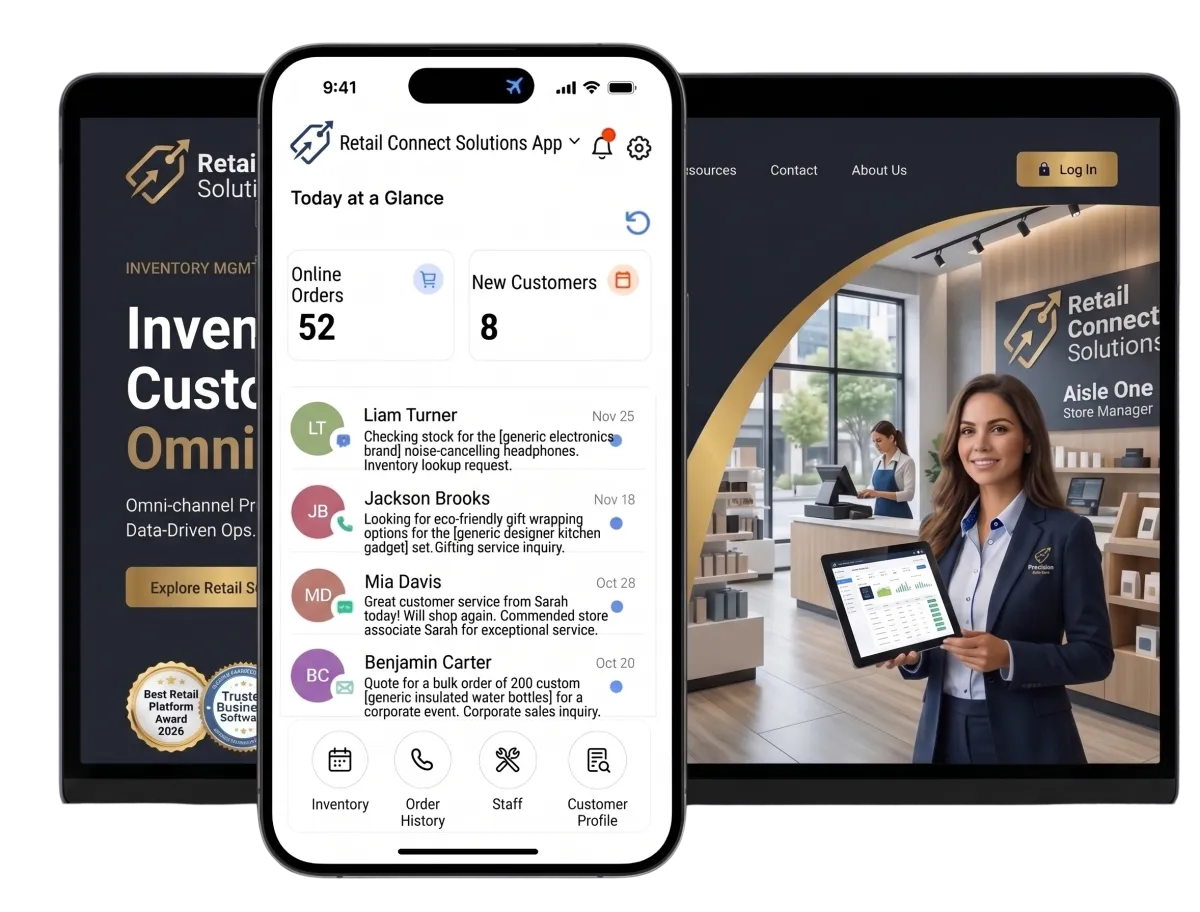
Bring customer records, conversations, email campaigns, review requests, gift cards, online sales, and supported in-store payment tools into one place. Your store gets a clearer view of each shopper without adding more disconnected apps.
Run the Store Without Losing Sight of the Customer
Retail owners and managers juggle customer service, merchandising, promotions, online orders, staff needs, and daily sales. WinChilla keeps shopper follow-up in view, so fewer leads and tasks get lost on a busy day.
average hours per month per business on administrative processes.
Source: KfW Research
of consumers stopped using or buying from a brand because of a bad product or service experience.
Source: PwC, 2025 Customer Experience Survey
consumers stopped using or buying from a brand because of poor customer experience online or in person.
Source: PwC, 2025 Customer Experience Survey
Does this sound familiar?
A shopper asks about an item online, visits the store, and comes back weeks later. Yet each step lives in a new place. Staff lack context, follow-up relies on memory, and broad offers reach the wrong people. Retail CRM software should link those moments.
Don't worry, we can help!
Conversations
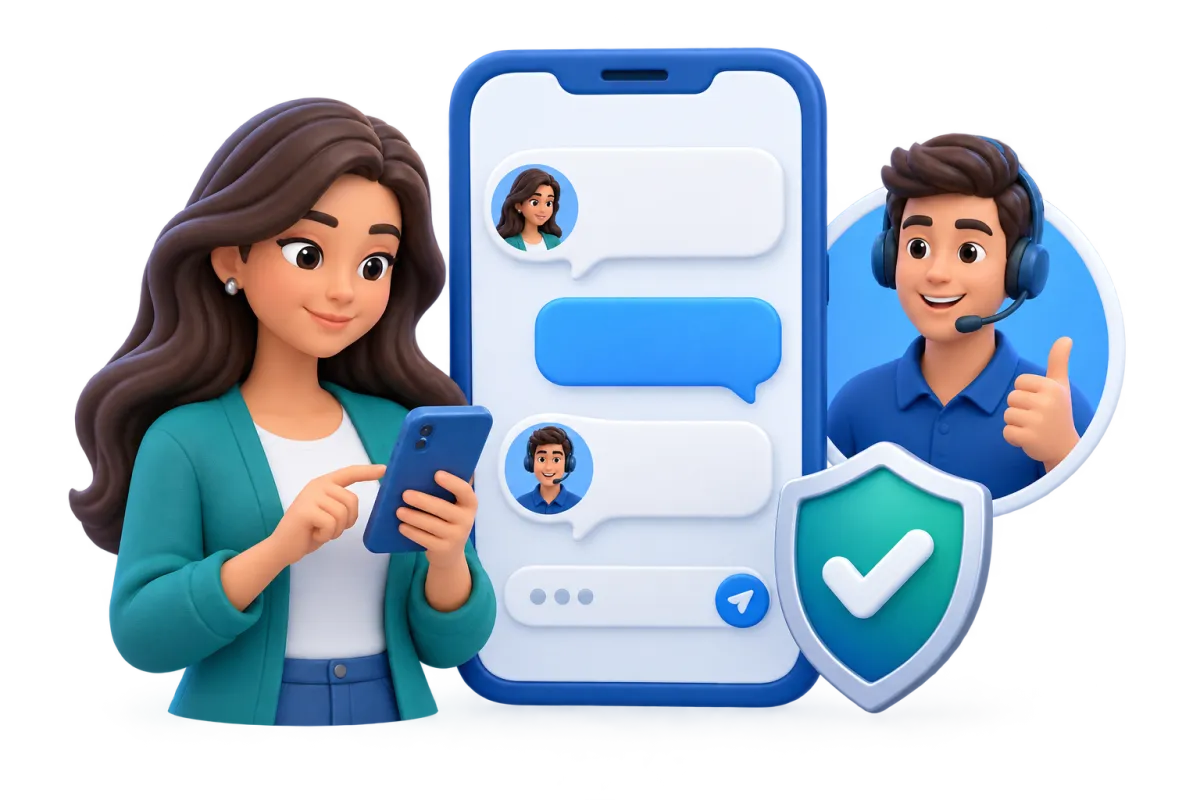
Bring email, calls, live chat, and supported social messages into one inbox, with the customer's conversation history close at hand.
Contacts & CRM
Keep customer details, notes, tags, files, custom fields, and activity history in one record for more relevant follow-up.
Workflows & Automation
Automate routine follow-up, team updates, and marketing steps when supported CRM, form, payment, or campaign events take place.

Build Better Relationships With Retail CRM Software
Give store and sales teams a clear view of customer interactions. Staff can check the record before they reply. This can enhance customer experience and make each response more useful.
Contacts & CRM
Give your team one detailed customer record for service, segmentation, and follow-up.
Save contact details, notes, tags, files, custom fields, and activity history
Tag shoppers by product interest, store, or campaign
Build smart lists for new buyers, VIP customers, or dormant contacts
Import contact lists by CSV and make bulk updates


Conversations
Keep customer messages and conversation history in one central inbox.
Reply to product questions from email, live chat, phone, and supported social channels
Review past conversations before helping with an order or service issue
Filter messages and send follow-up to the right staff member
Use AI-assisted replies and customer context in the inbox
Web Chat
Turn website questions into organized conversations and CRM contact records.
Add branded chat to product, store, or help pages
Capture contact details and questions after store hours
Use AI to answer common product and store questions, collect shopper details, and hand conversations to staff when needed
Route new conversations to the central inbox, workflows, and team assignments

Bring More Customers Back With Relevant Retail Marketing
Use saved interests and customer behavior WinChilla can track. Send each group useful follow-up on new arrivals, gifts, store events, and timely offers.

Email Marketing
Create branded email campaigns for the customers most likely to care.
Announce new arrivals to segments tagged by product interest
Promote seasonal gift guides, holiday hours, and store events
Give selected customer groups early access to an offer
Track deliveries, opens, clicks, failures, and unsubscribes
Use AI to draft or refine subject lines, campaign copy, calls to action, and images before sending
Workflows & Automation
Keep routine customer follow-up moving with fewer manual steps.
Start a welcome sequence after a supported signup form is submitted
Trigger follow-up from supported CRM, payment, or campaign events
Add notes, tags, tasks, or internal updates through a workflow
Use the AI builder to turn a plain-language goal into a workflow
Use branching logic based on actions WinChilla can track

Gift Cards
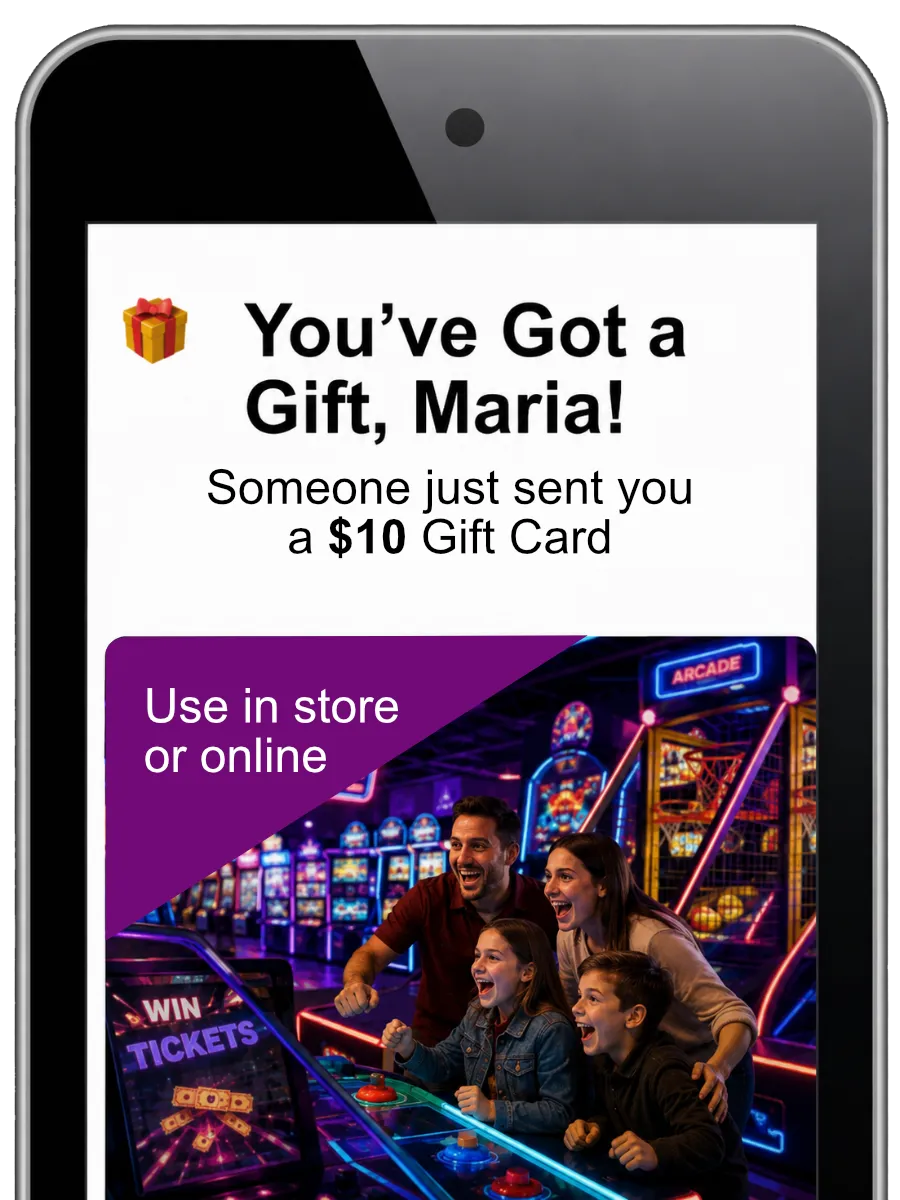
Sell and manage branded digital gift cards for promotions and customer appreciation.
Sell preset amounts through supported websites, forms, links, and QR codes
Let buyers add a message and schedule delivery to the recipient
Issue complimentary cards for promotions, rewards, refunds, or service recovery
Track orders, balances, expiry dates, and redemptions at eligible checkouts
Reputation Management
Make review requests and responses a consistent part of the customer journey.
Send review requests after a purchase or store visit through supported channels
Monitor ratings, review volume, trends, sentiment, and recent feedback
Get AI reply suggestions for supported Google and Facebook reviews
Display selected reviews through customizable website widgets


Connect In-Store Service With Online Sales
A shopper may discover a product on social media, browse online, and buy it in person. WinChilla supports online sales, flexible payments, and customer-linked transactions within the same broader platform.
E-commerce Store
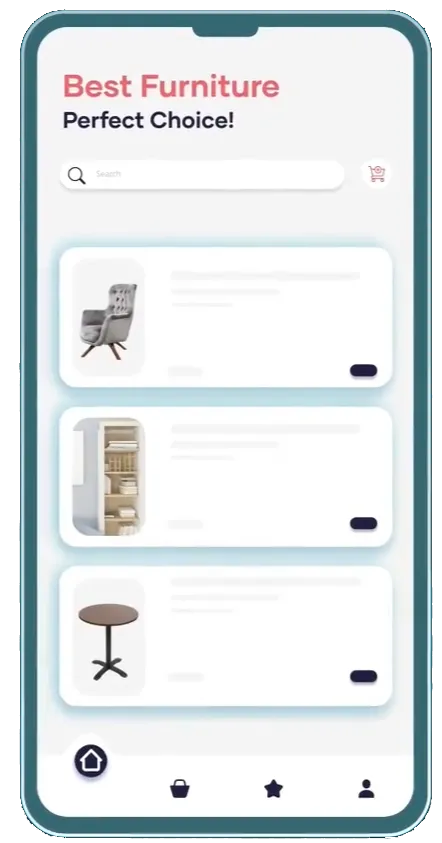
Sell physical and digital products through a branded online storefront.
Build product pages for apparel, gifts, specialty goods, or digital products
Manage variants, quantities, inventory availability, orders, and customer notices
Set shipping and delivery rates and accept supported payment methods
Identify abandoned checkouts and start cart-recovery emails or workflows
Mobile POS & In-Person Payments
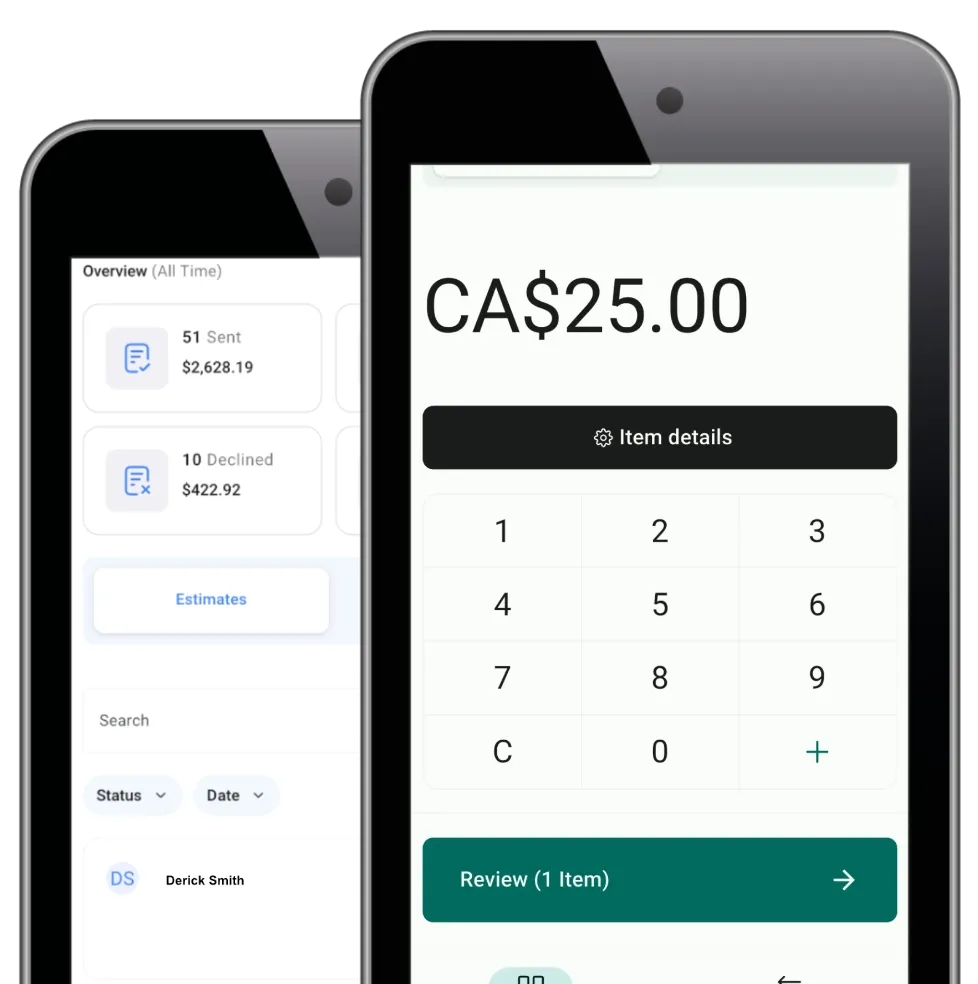
Accept supported in-person payments while linking customer details and transactions.
Take payments from supported phones, iPads, or Android tablets
Use Tap to Pay, supported readers, cards on file, cash, cheque, or bank transfer
Sell existing products or create a custom item during checkout
Capture customer details and share a digital receipt or invoice
Payments
Give customers practical ways to pay for supported products and offers.
Collect one-time or recurring payments for eligible products or programs
Create branded payment links for remote or special orders
Manage products, taxes, coupons, transactions, subscriptions, and refunds
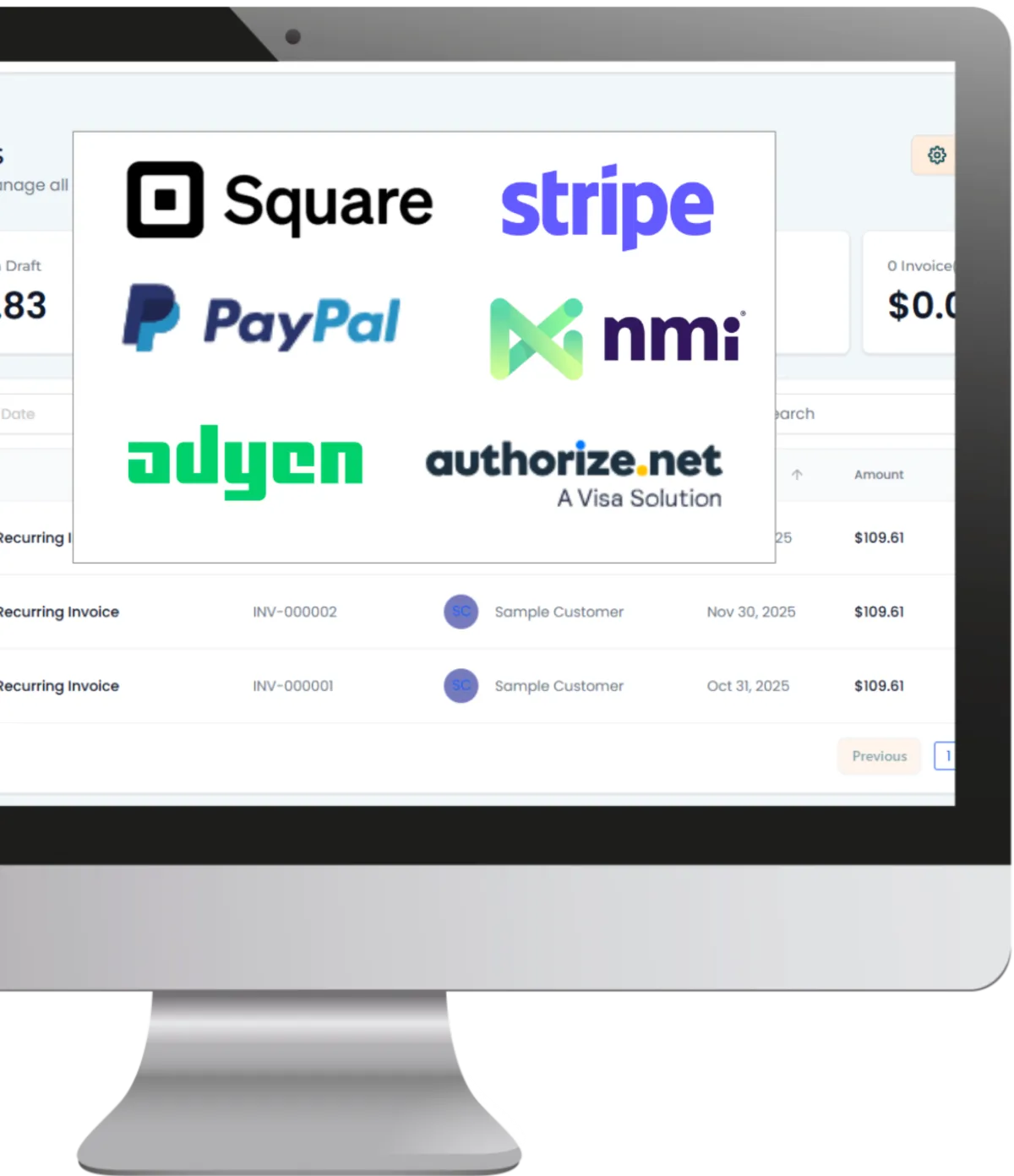
Offer supported digital wallets, bank payments, PayPal, or tap-to-pay options

Stay Visible and Learn What Shoppers Want
Consistent promotions bring shoppers in, while feedback and clear reporting help you plan what comes next. WinChilla keeps that work connected across supported channels.
Social Planner
Plan, publish, and review retail content across supported social channels.
Schedule product launches, new-arrival previews, gift guides, and store events
Tailor captions, hashtags, and media for each supported network
Use AI to draft or refine captions, campaign ideas, hashtags, and images
Create recurring posts for regular promotions or weekly highlights
Track engagement, post performance, campaign links, and trends over time

Surveys
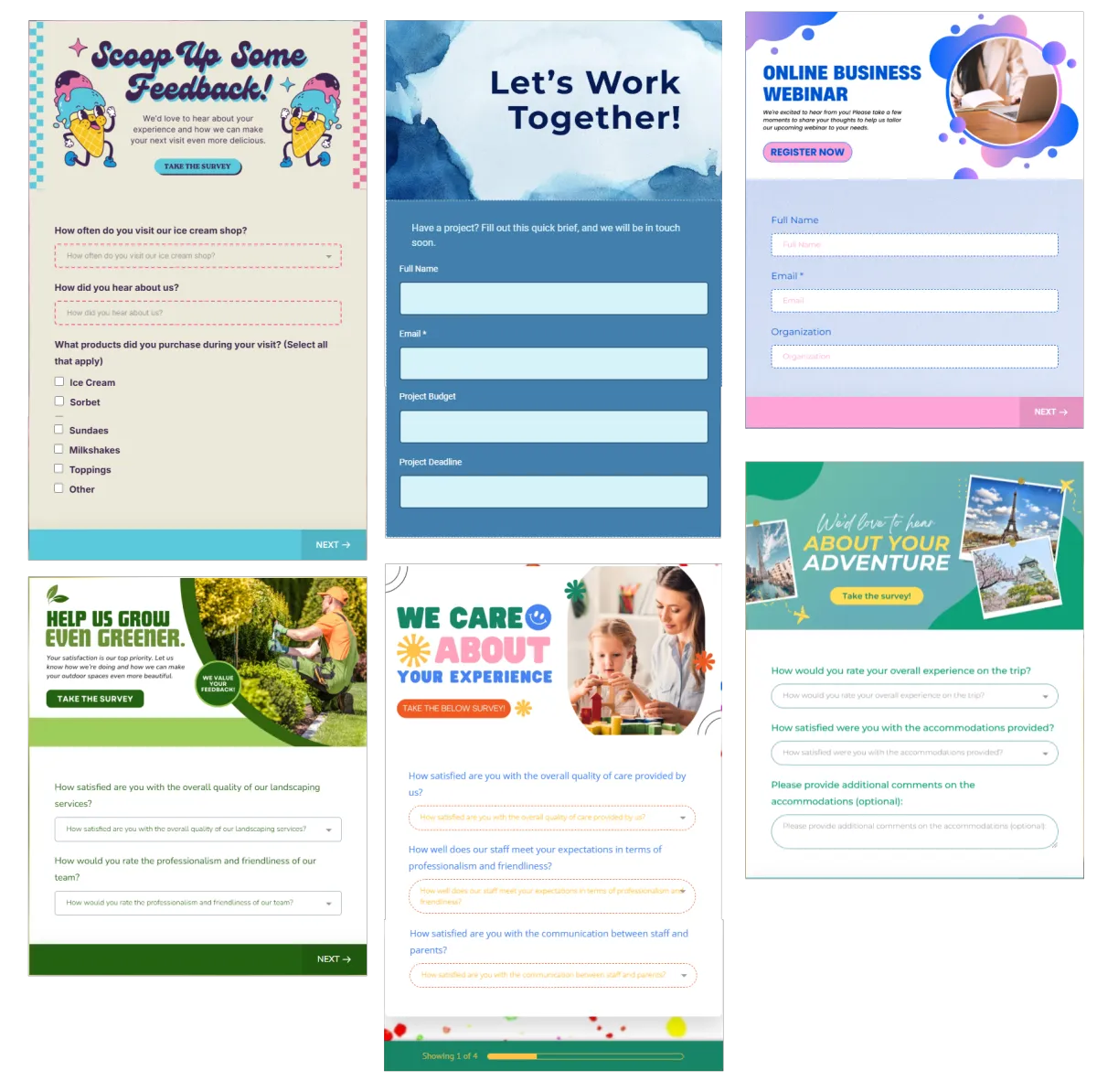
Collect structured feedback to guide service and future campaigns.
Ask about a store visit, online order, or pickup experience
Show conditional questions when a shopper reports a problem
Gather product preferences before a seasonal launch
Trigger follow-up and export responses to tools such as Google Sheets
Dashboards & Reporting
Turn supported marketing, website, payment, and social data into clearer views.
View customer inquiries, campaign activity, reviews, and supported sales data
Filter results by date, contact segment, source, tag, or campaign
Create role-based views for owners, store managers, and marketing staff
Schedule, export, or share reports for regular planning meetings
More Tools for a Smoother Retail Operation
Use the tools that fit your store and sales process.
Websites
Build responsive store pages with forms, chat, e-commerce, payment elements, and reviews. Connect website activity with customer follow-up.
Forms
Capture email signups, special-order requests, event entries, and product interest. Send each response into the CRM and workflows.
Mobile App
Access contacts, conversations, tasks, notifications, payment activity, and campaigns away from the desk.
AI Receptionist
Answer inbound calls with approved business information, collect caller details, and transfer urgent calls in supported setups.
Funnels & Landing Pages
Build focused pages for seasonal promotions, launches, pop-ups, contests, and lead capture. Review funnel analytics.
QR Codes
Create scannable links for store signups, gift cards, product details, events, and campaign pages. View supported QR analytics.
Retail CRM Software FAQs
What is retail CRM software?
Retail CRM software helps stores manage contact details, messages, follow-up, and promo work. WinChilla puts these parts of the shopper journey in one place. Staff can reply with more context, build useful groups, and keep in touch after the first sale.
Can WinChilla help both brick-and-mortar and online retailers?
Yes. Stores can use WinChilla for contact records, chat, email, reviews, social posts, and select online or in-store sales tools. It can fit a boutique, niche shop, small chain, or brand that sells both online and in person.
How can WinChilla help a retail store encourage repeat business?
Stores can group contacts by interests, tags, past actions, or other saved details. They can then send more useful email and follow-up. Workflows cut manual steps, while gift cards, review asks, surveys, and timely offers can give buyers a reason to come back.
Can WinChilla complement existing POS, inventory, or loyalty programs?
Yes. Keep your core retail systems and use WinChilla for contacts, chats, campaigns, reviews, forms, and follow-up. WinChilla also offers select web store, payment, and mobile POS tools. Shared customer details can improve customer experiences. Complex inventory and store tasks may stay in your current app. Any connection will depend on the systems used.
How do I choose the right retail CRM for a small independent store?
Start with the CRM features that solve daily problems. Look for shared records, one inbox, email, review requests, and simple automation. A CRM for retail businesses should let you start small and add sales or reporting tools as you grow. Modern CRM toolkits for retail work best when the software fits the store's workflow.
What others are saying:
"Love everything so far"
"I've never set up a website before but I love managing my new site and leads. The WinChilla team has been really helpful whenever I got stuck."
- Laura P

"Simplifies my sales"
"I've been able to help my son promote his candy business which has been great because I am not good with computers at all."
- Robert T
"Highly recommend"
"It's exciting to see my visions come to life and WinChilla helps me manage everything in one place so I can be anywhere in the world and my business just runs."
- Jaret H
WinChilla works with platforms you already use such as


















What you can expect from us
Money Back Guarantee
We're confident you'll love saving money by switching from existing software providers with your business tools to one place.
Plus, we believe you'll save a ton of time with marketing automation.
Within 30 days, if we're not the right fit, we'll give you your money back.
View Terms of Service
24/7 Support
We're here to help. You'll get a one-on-one onboarding call with our team.
Then, you'll get another tech call with us to make sure your account is configured exactly as you want it.
Plus, you can expect 24/7 chat support from our team with any questions you have along the way.
30+ Years of Experience
We've been helping small businesses since 2010!
The WinChilla brand is new, but our experience is not. The founders of WinChilla have over 30 years of experience combined in digital software and customer incentive programs - helping businesses like yours - worldwide since 2010. Now, we're excited to bring our expertise to launch these new super tools to help all of our clients grow.

Turn More Retail Customers Into Regulars

© 2024-2026 Loyalty Gator Inc. All rights reserved.
WinChilla CRM | A Loyalty Gator Company | Trusted Since 2010
The information provided by Loyalty Gator Inc. (DBA: WinChilla) ('we', 'us', or 'our') on https://www.winchilla.com (the 'Site') and our mobile application is for general informational purposes only. All information on the Site and our mobile application is provided in good faith, however we make no representation or warranty of any kind, express or implied, regarding the accuracy, adequacy, validity, reliability, availability, or completeness of any information on the Site or our mobile application. UNDER NO CIRCUMSTANCE SHALL WE HAVE ANY LIABILITY TO YOU FOR ANY LOSS OR DAMAGE OF ANY KIND INCURRED AS A RESULT OF THE USE OF THE SITE OR OUR MOBILE APPLICATION OR RELIANCE ON ANY INFORMATION PROVIDED ON THE SITE AND OUR MOBILE APPLICATION. YOUR USE OF THE SITE AND OUR MOBILE APPLICATION AND YOUR RELIANCE ON ANY INFORMATION ON THE SITE AND OUR MOBILE APPLICATION IS SOLELY AT YOUR OWN RISK.