
RV Dealership Software That Keeps Every Lead Moving
WinChilla helps RV dealerships capture inquiries, reply faster, book appointments, and follow up with shoppers and owners. Manage customer conversations and marketing from one connected CRM platform.



One Place for RV Sales Follow-Up and Dealership Marketing
WinChilla brings your RV dealer CRM, calls, messages, forms, calendars, email, and follow-up together. Your team can see who asked about a motorhome or travel trailer and what to do next.
Use WinChilla for customer relationships. Keep inventory, deal paperwork, and core RV dealership management in your dealer management software. This gives your team a clear view of customer conversations while your DMS handles dealership operations.
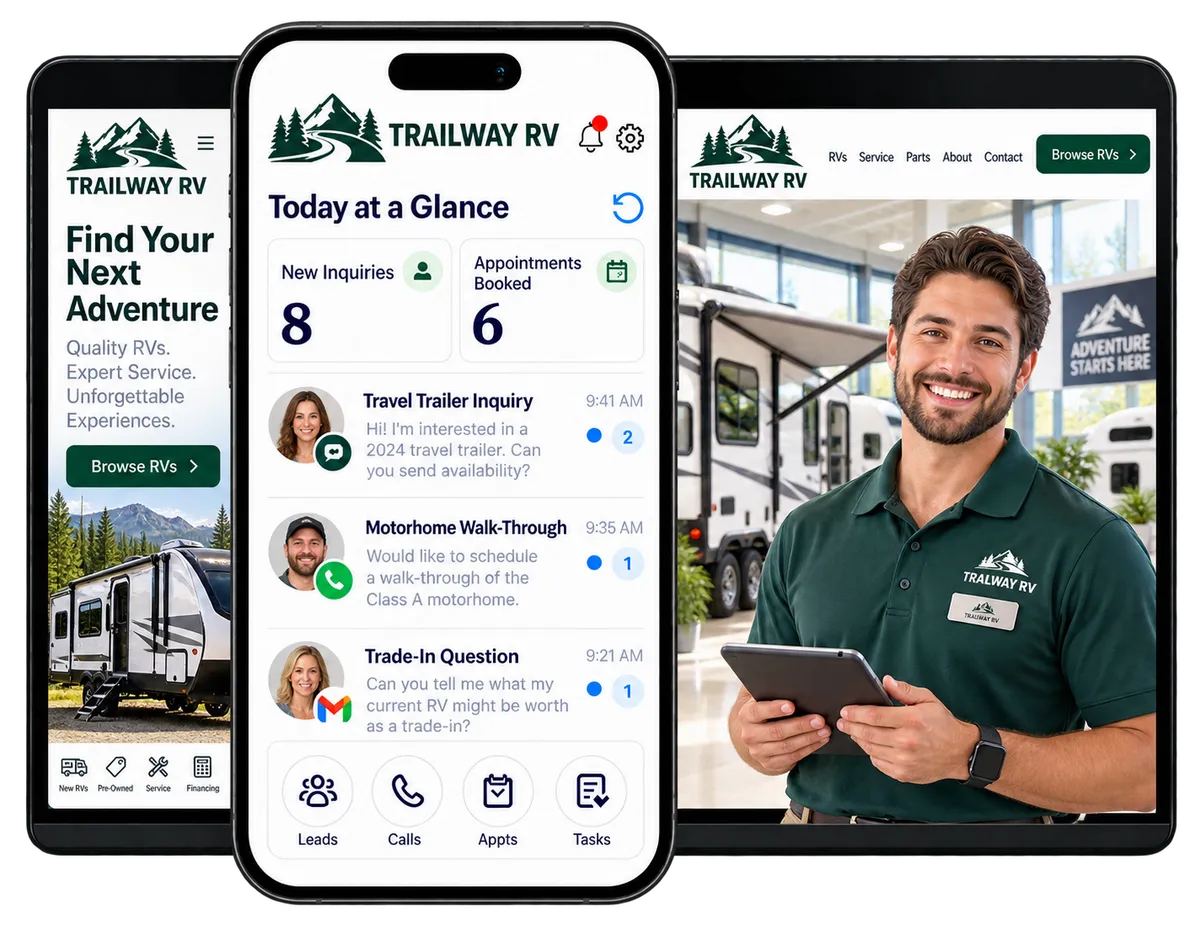
Keep Up With Buyers Before They Choose a Different Dealer
RV dealership teams handle web inquiries, phone calls, lot visits, trade-in questions, test drives, and follow-up. Shoppers may compare several models before they decide. A busy day can make it hard to remember every next step.
WinChilla helps your team organize each conversation and assign follow-up. Sales managers can review lead activity and see where a shopper is in the process. Your staff can focus on helping buyers while the CRM keeps tasks and next steps visible.
of RV dealers across North America said they planned to invest in customer relationship management.
Source: IDS, 2026 RV Industry Trends Report
of RV dealers across North America said they planned to invest in marketing.
Source: IDS, 2026 RV Industry Trends Report
of RV dealers across North America said they planned to invest in service management to improve efficiency.
Source: IDS, 2026 RV Industry Trends Report
Does this sound familiar?
A shopper asks about an RV online, calls the showroom, or visits the lot. The inquiry may land in a different inbox each time. A salesperson plans to follow up, then a busy day gets in the way. A missed call or a long buying process can leave a promising lead waiting. After the sale, owners may not hear from the dealership until they need service.
WinChilla helps your team keep these customer details and next steps together.
Don't worry, we can help!
Unified Conversations
Keep supported calls, texts, emails, web chats, and social messages tied to contact records. Staff can review past conversations before they follow up.
Automated Follow-Up
Send an inquiry acknowledgment, create a staff task, or remind a salesperson to reconnect when a shopper has not replied.
Opportunity Pipelines
Track inquiries, appointments, lot visits, and pending decisions through stages that fit your RV sales process.

Capture Every RV Inquiry and Route It to the Right Person
Shoppers may contact your dealership by phone, website, web chat, social media, or a third-party listing. WinChilla helps capture inquiries and start follow-up without searching through separate inboxes.
Forms and Surveys
Collect the details your sales team needs. Send each response to a CRM contact and the right follow-up process.
Create forms for new and used RV inquiries, trade-ins, financing questions, or appointment requests
Ask which RV type or model interests the shopper, their preferred contact method, and when they hope to buy
Notify the right salesperson or location when a new inquiry arrives
Send a confirmation so shoppers know what to expect next

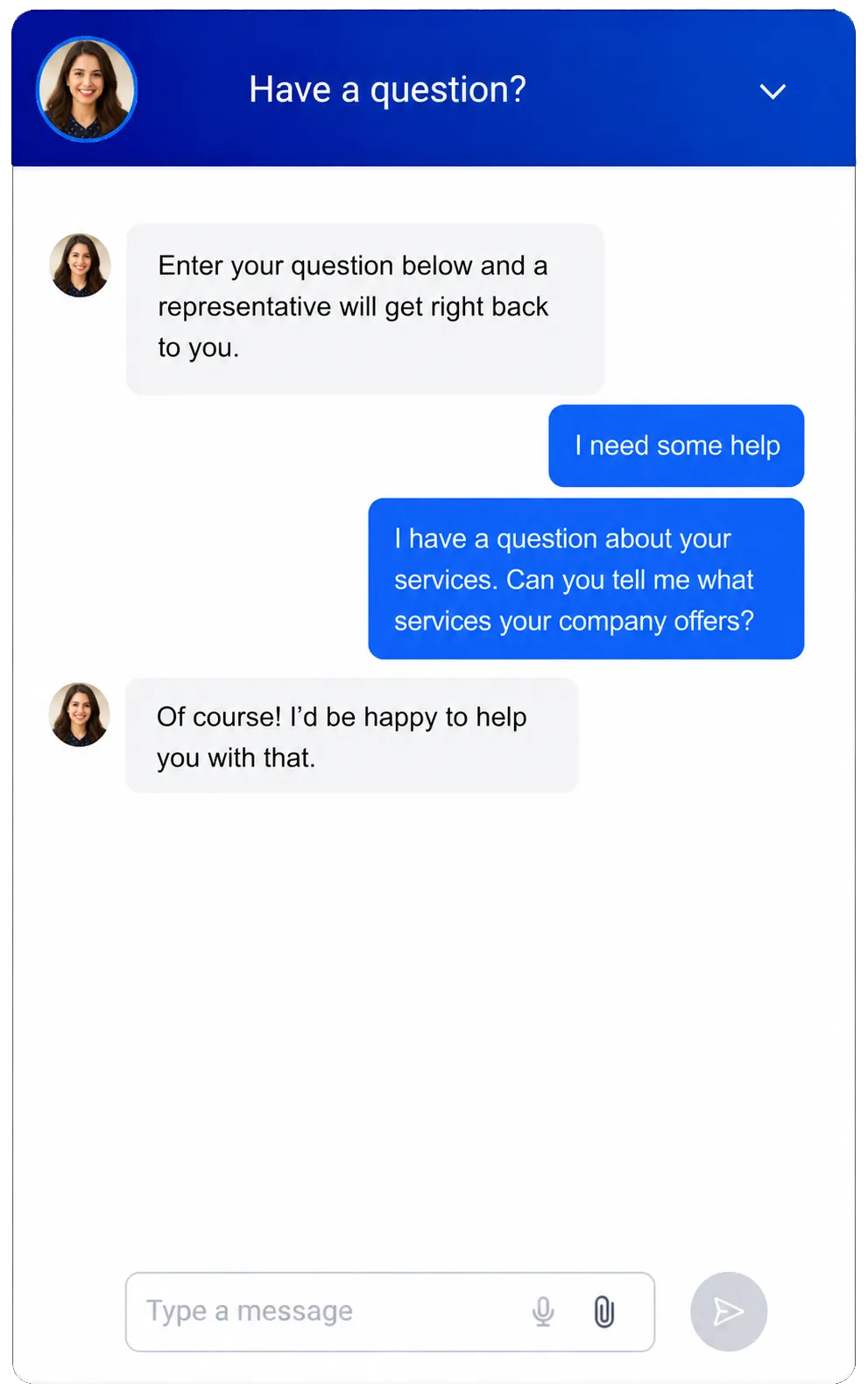
Web Chat and Conversation AI
Give website visitors a way to ask questions, share contact details, and request a next step.
Capture inquiries after the showroom closes or while staff are helping other customers
Answer approved questions about dealership hours and appointment options
Gather the shopper’s interests and route the conversation to a salesperson
Use AI for initial replies and staff handoff
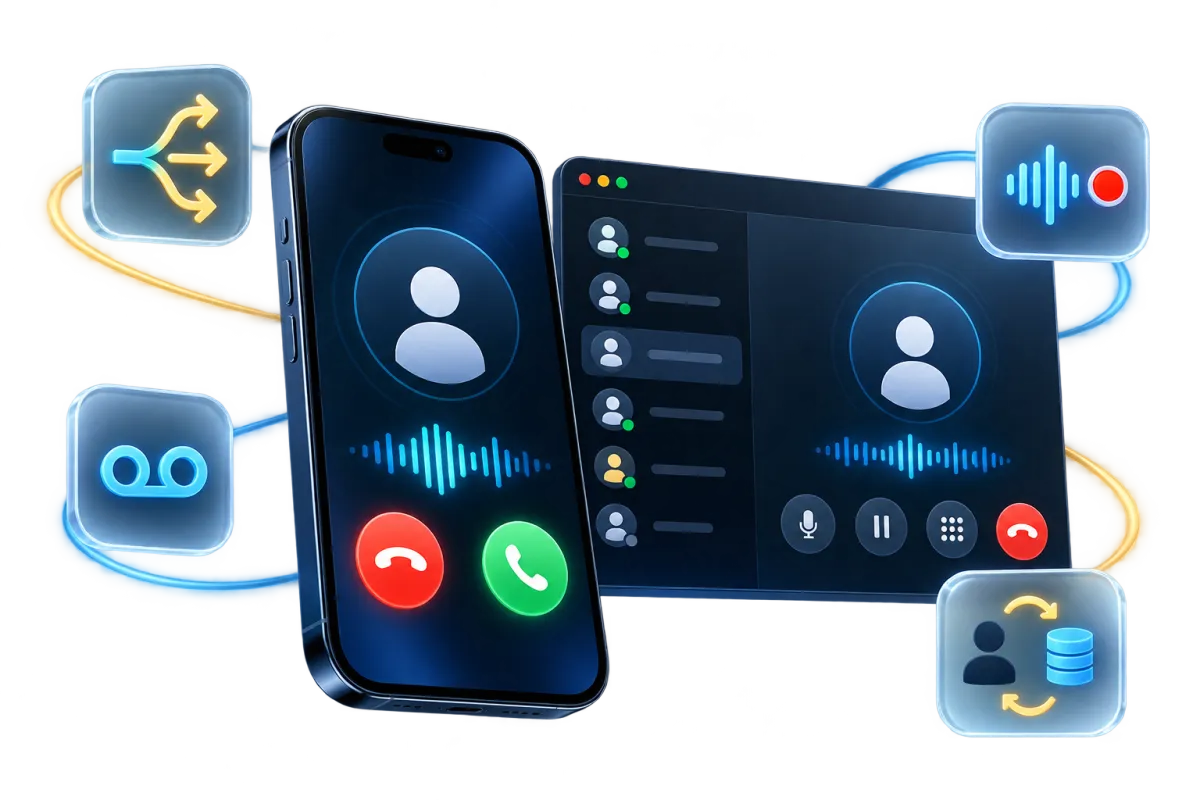
Phone System and AI Receptionist
Manage calls alongside customer records, with routing and follow-up options in supported setups.
Route incoming sales calls to the right team or location
Keep call notes and results near the contact record
Trigger a missed-call message or staff task so callers have a clear next step
Use a supported AI receptionist to answer basic calls, collect details, book an appointment, or transfer the caller to staff
See how WinChilla helps your RV business save time, reduce admin, and book more appointments!

Build a Consistent RV Sales Follow-Up Process
Buying an RV is a major decision. Some shoppers are ready to visit the lot. Others are still comparing floor plans, tow vehicles, and budgets. WinChilla helps your team stay in touch at the shopper’s pace and remember what you discussed.

Conversations
Bring supported messages and calls into one shared inbox. Staff can review the history and reply with context.
Review earlier questions before calling a shopper back
Assign conversations to the salesperson responsible for the next step
Use saved replies for common questions, then personalize each message
Keep the conversation available when another team member needs to help
Workflows and Automation
Build repeatable follow-up around new inquiries, appointments, pipeline changes, and customer milestones.
Send an inquiry confirmation and create a task for personal follow-up
Remind a salesperson to reconnect after a showroom visit or test drive
Create a longer nurture path for shoppers who are still comparing RVs
Send appointment confirmations and reminders through supported channels
Use the AI Workflow Builder to draft an automation from a plain-language goal


Calendars and Appointments
Let shoppers request a sales appointment, consultation, or other meeting. Your team can manage availability and booking details.
Offer calendars for showroom visits, RV walk-throughs, trade-in discussions, or sales calls
Route appointments among available salespeople or locations in supported setups
Send booking details and reminders to help reduce missed appointments
Include the assigned salesperson and relevant contact details in notifications

Organize RV Leads With a CRM Built Around Your Sales Process
Keep customer details, conversations, and opportunity status together. Your team can see who owns each lead, which RV the shopper asked about, and what should happen next.
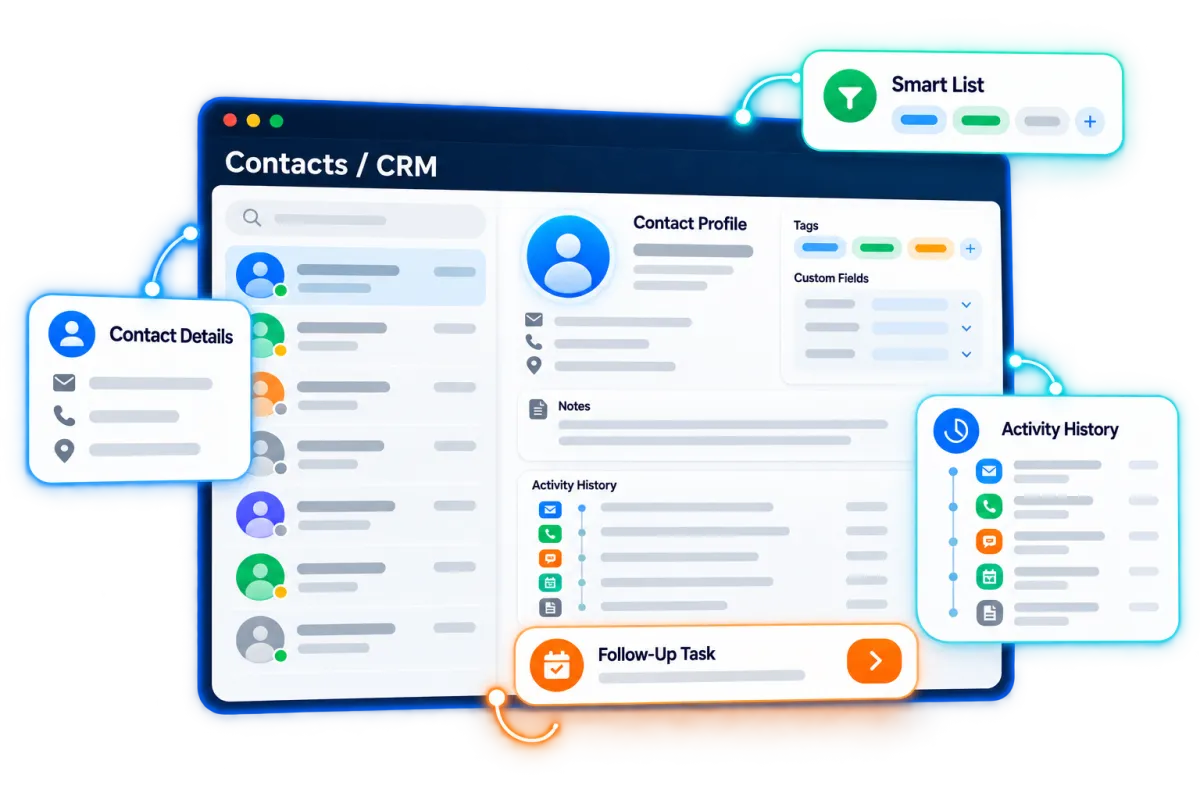
Contacts and CRM
Keep names, contact details, notes, tags, custom fields, and activity in one customer record.
Record preferred RV type, brand or model, purchase timeline, trade-in interest, and preferred contact method
Segment shoppers by new or pre-owned interest, motorhome or towable category, location, campaign, or sales stage
Keep past buyers in contact lists for events, referrals, seasonal outreach, and customer service follow-up

Opportunities and Pipelines
Track RV sales opportunities through stages that match your dealership’s process.
Create stages such as New Inquiry, Contacted, Appointment Set, Visited, RV Selected, Follow-Up, Won, and Lost
Assign each opportunity to the salesperson responsible for the next action
Record the shopper’s needs, RV of interest, estimated value, notes, and next step in supported fields
Review open opportunities by stage, salesperson, source, or location to find stalled follow-up
Discover how WinChilla simplifies your day, saves time, and helps your RV business grow.
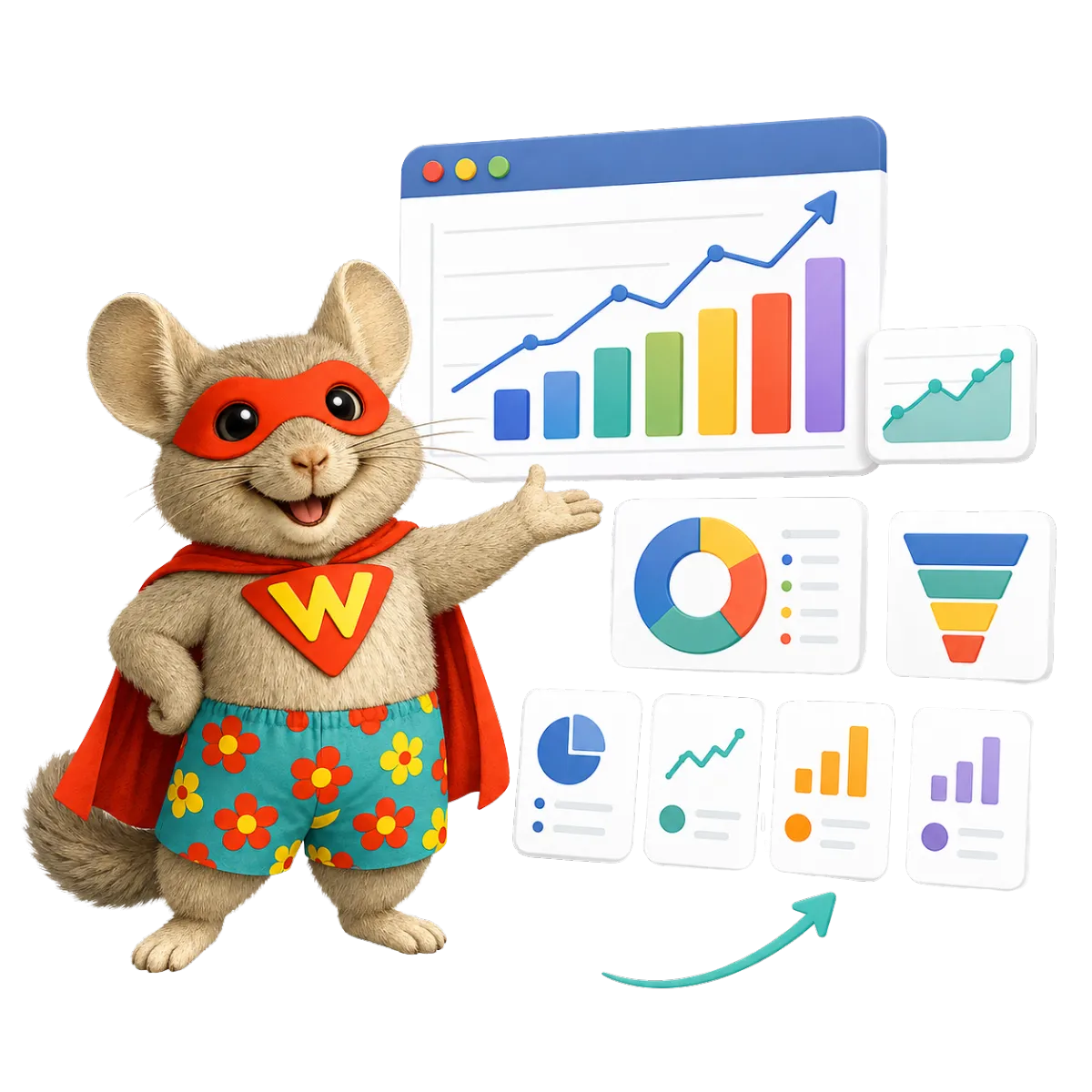
Dashboards and Reporting
Review supported inquiry, campaign, conversation, appointment, and pipeline activity in dashboards.
Compare lead sources and campaign responses over a selected period
Monitor follow-up and opportunity stages by salesperson or location
Review new inquiries and recent activity in real time where supported
Share regular sales and marketing reports with dealership managers

Use RV Dealership Marketing to Bring Buyers and Owners Back
RV dealership marketing continues after a lead arrives. Keep shoppers informed, promote events, and stay connected with owners after delivery. WinChilla helps manage campaigns and follow-up alongside customer records.
Email Marketing
Send branded emails to the right audience. Connect responses to CRM contacts where supported.
Send event invitations, sales announcements, seasonal travel tips, or new inventory alerts
Create segments for new buyers, used RV shoppers, past customers, and local event attendees
Send useful follow-up to shoppers who are still deciding
Use AI to draft or refine email copy


Social Planner
Plan and publish content to supported social profiles. Use AI assistance for post ideas and captions.
Share dealership events, RV walk-through videos, customer stories with permission, and staff updates
Plan posts around seasonal travel, open houses, and RV shows
Adapt captions for supported channels and review posts before publication
Use AI to suggest post ideas or draft copy for your team to edit
Reputation Management
Request reviews, monitor supported profiles, and keep customer feedback visible to your team.
Ask buyers for a review after a positive purchase or delivery experience
Send a separate review request after a service visit where your tools and process support it
Monitor recent reviews, ratings, and common themes across supported profiles
Use AI for supported response tasks, with staff review based on your setup

More Tools for a Better-Connected RV Dealership
Use the RV dealership software tools that fit your sales and marketing process. WinChilla helps you run your business while keeping customer communication organized.
Forms & Surveys
Capture leads, event registrations, trade-in interest, and customer feedback.
Landing Pages and Funnels
Build campaign pages for RV shows, open houses, trade-in events, or appointment requests.
Mobile App
Review contacts, conversations, appointments, tasks, and opportunities while walking the lot or helping shoppers.
Ad Manager
Coordinate supported advertising channels and review campaign activity alongside lead capture.
Website Builder
Create pages for RV categories, dealership events, trade-in inquiries, or appointment requests.
Documents & Contracts
Send forms and collect signatures for event registrations or customer acknowledgments. Keep purchase and financing paperwork in your DMS.
affordable pricing plans built for small businesses
How much does this cost?
We're glad you asked! WinChilla is pleased to offer affordable pricing plans to suit your growing business.
RV Dealership Software Questions
Can WinChilla work as an RV dealer CRM?
Yes. WinChilla can organize contact details, conversations, follow-up, appointments, and sales opportunities. Your team can create fields and pipeline stages around its RV sales process. Use it alongside your DMS for customer communication and marketing.
Can WinChilla help RV dealerships follow up with online leads?
Yes. Website forms, web chat, shared conversations, workflows, and CRM pipelines can help capture an inquiry and prompt a timely response. Staff can assign leads, record the next step, and continue follow-up through supported channels.
Can RV shoppers book appointments online?
WinChilla calendars can let shoppers request available appointment times for a showroom visit, RV walk-through, or sales call. Your team can manage calendars and send supported confirmations and reminders. Options depend on your calendar setup.
Does WinChilla manage RV inventory, financing, or deal paperwork?
No. WinChilla supports CRM, communication, marketing, follow-up, and appointment workflows. It is not a dealership management system, inventory database, financing platform, or deal paperwork tool. Keep those functions in your DMS and other specialized systems.
Can WinChilla support RV dealership marketing and advertising?
WinChilla provides tools such as forms, landing pages, email marketing, social planning, reputation management, and supported ad tools. These can help capture and follow up with campaign responses. Available channels and integrations depend on your setup.
Can we use WinChilla for multiple dealership locations?
WinChilla can support location-based organization and reporting in suitable setups. The right design depends on your locations, teams, phone numbers, access needs, and marketing process. Contact us to discuss a setup for your dealership group.
Can WinChilla help us stay in touch with RV owners after the sale?
Yes. Your team can organize past buyers in the CRM and plan relevant follow-up, event invitations, review requests, seasonal messages, and service reminders. Keep messages useful and follow your consent and communication policies.
How does WinChilla work with dealer management software?
Dealer management software, or DMS software, usually handles dealership operations such as inventory, sales records, service work orders, and parts. WinChilla supports customer communication, lead follow-up, and marketing. The two systems can serve different roles. Confirm any specific integration before relying on it.
What others are saying:
"Love everything so far"
"I've never set up a website before but I love managing my new site and leads. The WinChilla team has been really helpful whenever I got stuck."
- Laura P

"Simplifies my sales"
"I've been able to help my son promote his candy business which has been great because I am not good with computers at all."
- Robert T
"Highly recommend"
"It's exciting to see my visions come to life and WinChilla helps me manage everything in one place so I can be anywhere in the world and my business just runs."
- Jaret H
WinChilla works with platforms you already use such as


















What you can expect from us
Money Back Guarantee
We're confident you'll love saving money by switching from existing software providers with your business tools to one place.
Plus, we believe you'll save a ton of time with marketing automation.
Within 30 days, if we're not the right fit, we'll give you your money back.
View Terms of Service
24/7 Support
We're here to help. You'll get a one-on-one onboarding call with our team.
Then, you'll get another tech call with us to make sure your account is configured exactly as you want it.
Plus, you can expect 24/7 chat support from our team with any questions you have along the way.
30+ Years of Experience
We've been helping small businesses since 2010!
The WinChilla brand is new, but our experience is not. The founders of WinChilla have over 30 years of experience combined in digital software and customer incentive programs - helping businesses like yours - worldwide since 2010. Now, we're excited to bring our expertise to launch these new super tools to help all of our clients grow.

Turn More RV Inquiries Into Real Conversations

© 2024-2026 Loyalty Gator Inc. All rights reserved.
WinChilla CRM | A Loyalty Gator Company | Trusted Since 2010
The information provided by Loyalty Gator Inc. (DBA: WinChilla) ('we', 'us', or 'our') on https://www.winchilla.com (the 'Site') and our mobile application is for general informational purposes only. All information on the Site and our mobile application is provided in good faith, however we make no representation or warranty of any kind, express or implied, regarding the accuracy, adequacy, validity, reliability, availability, or completeness of any information on the Site or our mobile application. UNDER NO CIRCUMSTANCE SHALL WE HAVE ANY LIABILITY TO YOU FOR ANY LOSS OR DAMAGE OF ANY KIND INCURRED AS A RESULT OF THE USE OF THE SITE OR OUR MOBILE APPLICATION OR RELIANCE ON ANY INFORMATION PROVIDED ON THE SITE AND OUR MOBILE APPLICATION. YOUR USE OF THE SITE AND OUR MOBILE APPLICATION AND YOUR RELIANCE ON ANY INFORMATION ON THE SITE AND OUR MOBILE APPLICATION IS SOLELY AT YOUR OWN RISK.