
Salon CRM software That Keeps Clients Coming Back
WinChilla helps salons capture leads and book services. It also helps with client follow-up, reviews, payments, and salon marketing.




One Place to Run Your Salon’s Client Journey
WinChilla salon CRM software brings client profiles, online booking, messages, reminders, marketing tools, reviews, payments, and gift cards together. Your team gets a clear view of each client. Staff spend less time switching between tools.
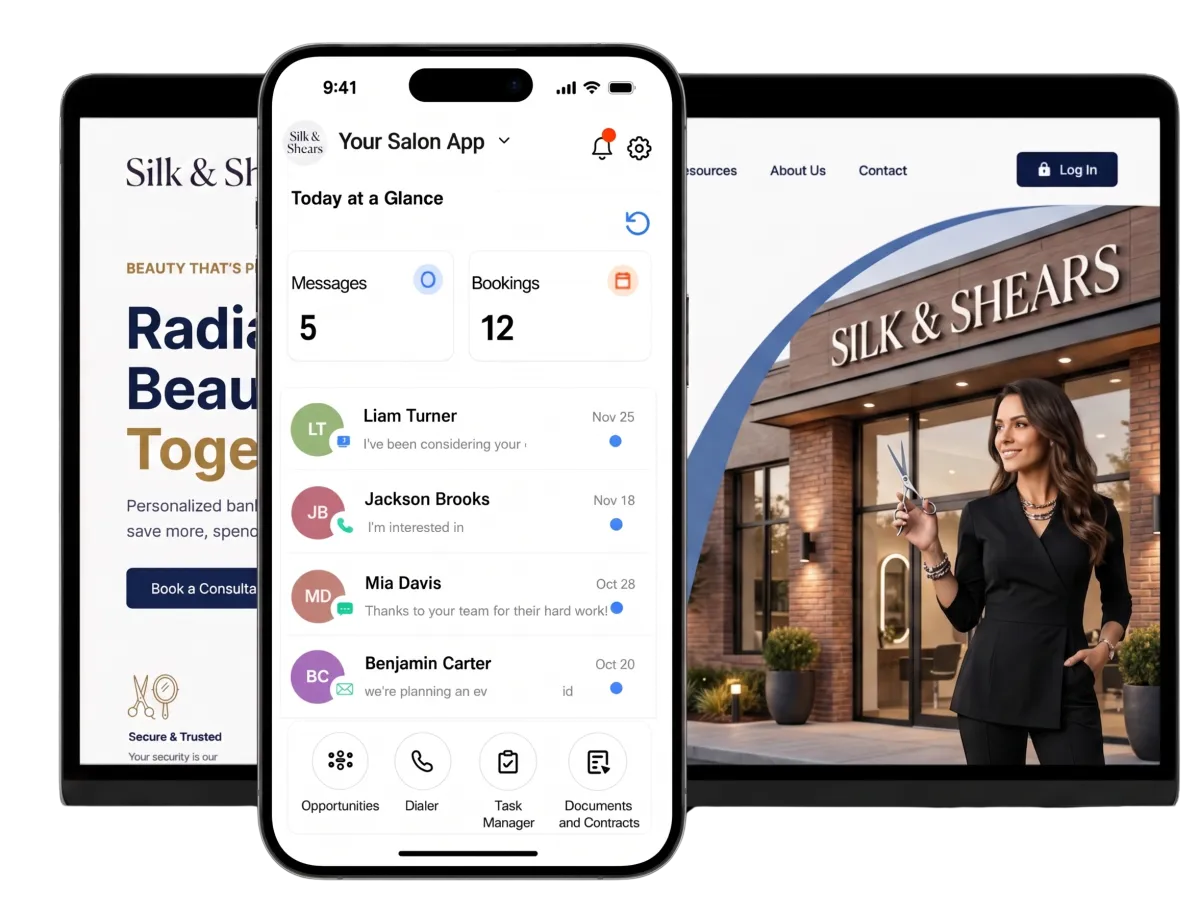
Because Salon Owners Do Far More Than Style Hair
You serve clients and manage chairs, staff, open slots, ads, and payments. There is little room for lost details or missed follow-up. WinChilla salon crm software helps organize the work that keeps the calendar full.
decrease in new guest visits industry-wide in 2025.
Source: Zenoti
of loyal clients, defined as those visiting more than once per year, drive 80% of total revenue.
Source: Zenoti
of salon and spa guests want to book via mobile.
Source: Zenoti
Does this sound familiar?
Your stylists are busy with clients. The phone keeps ringing. Messages come in from several places, and some follow-ups never happen. By day’s end, open slots remain while good leads have gone cold.
Don't worry, we can help!
Contacts & CRM
Keep client details, tags, notes, files, custom fields, and history in one clear record.
Workflows & Automation
Send timely confirmations and follow-up. Assign next steps and keep routine client communication moving without relying on memory.
Unified Conversations
Bring email, text, phone, chat, WhatsApp, and social messages into one inbox where offered. Keep the client’s full history close at hand.

Turn More Salon Inquiries Into Booked Appointments
Help a new client ask a question, choose a service, and take the next step. The path stays open when the front desk is busy or the salon is closed.
Web Chat
Give website visitors a branded way to start a conversation. They can use email, text, social, WhatsApp, or AI where offered.
Capture contact details from someone asking about colour correction, extensions, bridal styling, or first-visit pricing
Set greetings and after-hours notes so new leads do not reach a dead end
Send new salon conversations to the central inbox. Assign each one to the right team member
Place the widget on service, stylist, pricing, or booking pages
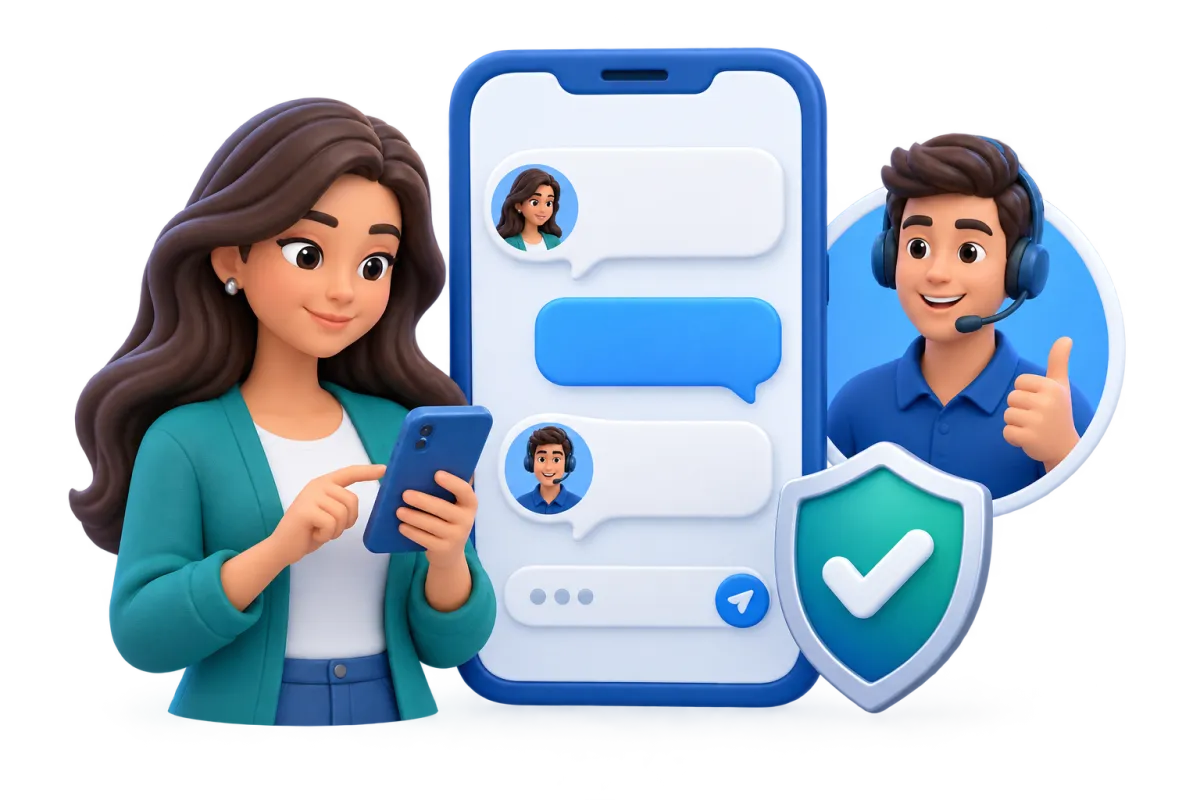
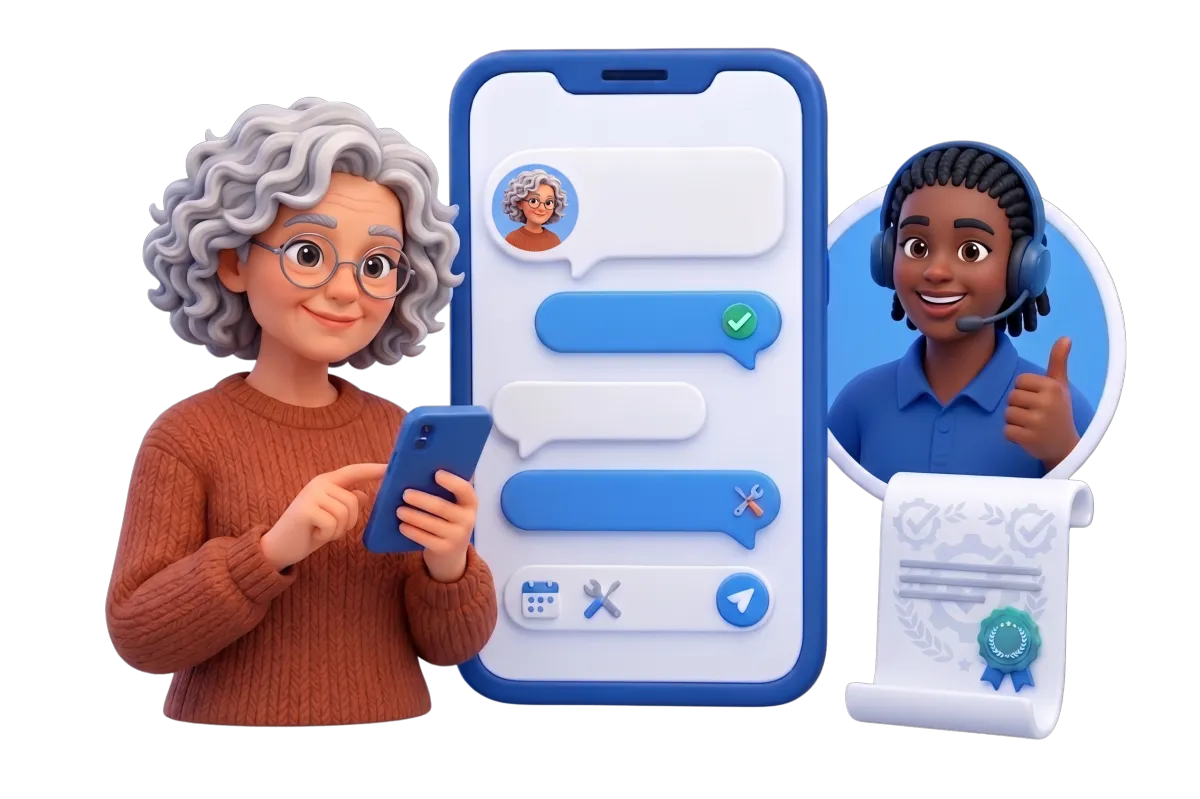
Conversation AI
Use a trained AI agent to answer common questions and collect lead details. It can help clients book through select message channels.
Answer routine questions about hours, locations, service categories, or what to expect at a consultation
Collect key facts before a staff member calls back about a complex service
Help a qualified client find an appointment while the salon team is with guests
Pause or transfer the conversation when a stylist or front-desk team member steps in
Phone System & AI Receptionists
Link salon calls to client records. Add a Voice AI receptionist for inbound calls where offered.
Answer common caller questions and collect the reason for the call
Help callers book appointments based on the salon’s configured availability
Transfer urgent or qualified callers to the right person
Review call logs, recordings, text records, summaries, and results where enabled


Salon CRM Software for Smoother Salon Scheduling
Build a booking flow around the way your salon works. Clients can choose services. Your team can manage availability, resources, and follow-up in the same system.
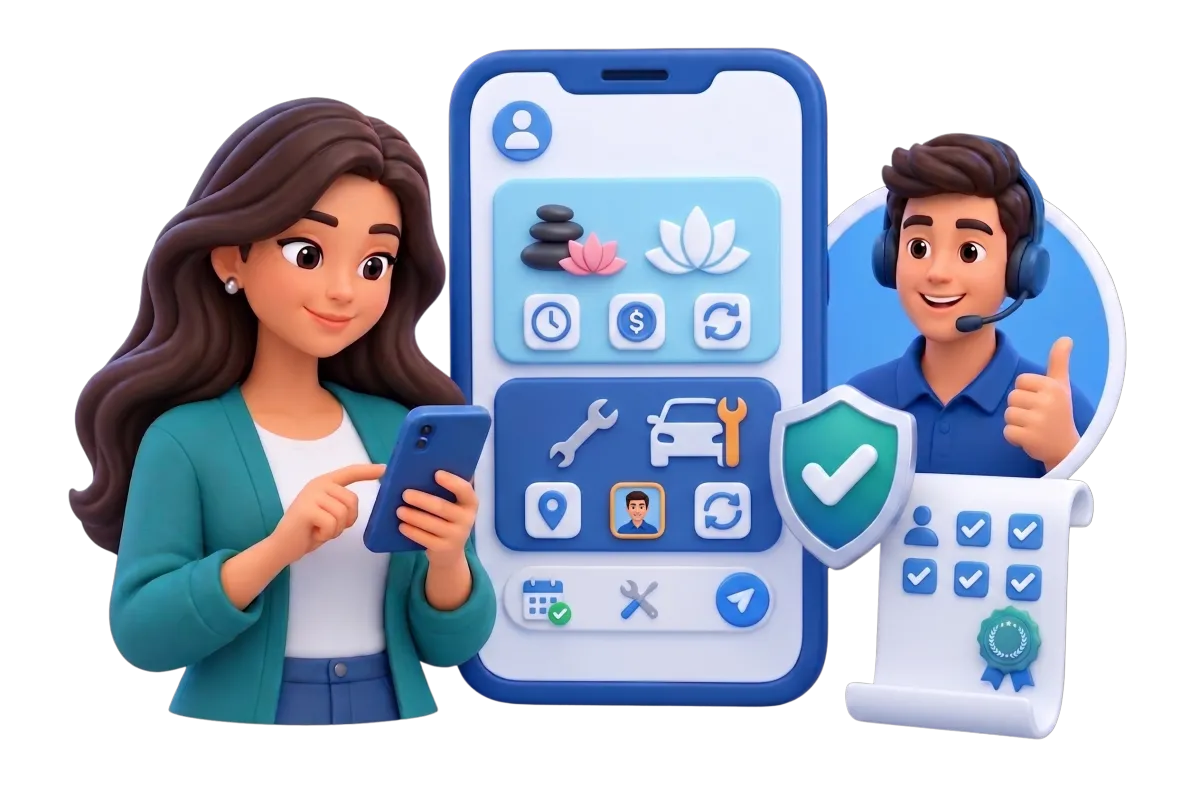
Services & Service Booking
Create categorized services. Set options for duration, price, staff, location, and service choices.
Offer cuts, colour services, styling, nail services, barber appointments, or beauty treatments in clear categories
Let clients choose more than one service or add-on in one booking flow
Set processing time, buffers, deposits, coupons, staff pricing, and capacity where needed
Assign chairs, rooms, equipment, locations, or team members. Help prevent scheduling conflicts
Manage paid and unpaid bookings. Review service reports
Calendars & Appointments
Manage appointments, staff availability, resources, guests, and conflicts through flexible calendars.
Create calendars for consultations, recurring care visits, classes, or team schedules
Send confirmations and reminders by email, text, in-app message, or WhatsApp where offered
Collect a deposit or payment when the client books, where offered
Link each booking with the client record, notes, workflows, and reports


Workflows & Automation
Run routine booking tasks and follow-up with set triggers, actions, branches, notes, and timing rules.
Confirm new bookings and send reminders before the appointment
Follow up after a cancellation, no-show, or completed salon visit
Ask a client to rebook after a service-specific interval chosen by the salon
Tell the AI workflow builder your goal in plain words

Build Stronger Client Relationships Between Visits
A useful salon CRM holds more than a name and phone number. It gives your team the facts they need to provide a consistent client experience. Send a useful note and bring the right clients back at the right time.
Contacts and CRM
Store client data, notes, files, tags, custom fields, and history in one place.
Record the chosen stylist, usual service, contact choices, and other suitable client details
Use tags and custom fields to sort new clients, regulars, bridal leads, colour clients, or past contacts
Build smart client lists for targeted follow-up and reporting


Conversations
Keep client conversations and call activity together where offered. Staff can respond with better context.
See what a client asked before replying to a rescheduling or service question
Filter and assign conversations so messages do not sit unanswered
Use AI-assisted reply suggestions inside the inbox
Continue a conversation without asking the client to repeat details already captured
Email Marketing
Create targeted campaigns with templates, client segments, CRM information, and AI assistance where offered.
Promote seasonal services, new stylists, extended hours, or last-minute openings
Send care tips or rebooking reminders to clients in a relevant service segment
Add client and custom values to messages where offered
Use AI to refine subject lines, calls to action, copy, or images
Track deliveries, opens, clicks, failures, and unsubscribes


Showcase Your Work and Strengthen Your Reputation
Salon choice is both visual and local. Keep social posts moving. Ask happy clients for feedback and show new leads why your salon may fit them.
Reputation Management
Request, monitor, display, and respond to reviews from one place across select profiles and channels.
Send a review request after a client visit through a channel that applies
Monitor rating trends, recent feedback, review volume, and sentiment
Use AI to suggest or publish responses to Google and Facebook reviews where offered
Summarize recurring themes in client feedback
Add a customizable review or testimonial widget to the salon website


Social Planner
Create, approve, schedule, publish, and measure salon content across select social channels.
Plan before-and-after posts, stylist introductions, service tips, seasonal looks, and promotion reminders
Tailor captions and creative for each channel where offered
Use AI to develop post ideas, captions, hashtags, and images
Share approval links when a salon owner or manager must review content
Track post engagement and performance
Make Checkout - and the Next Sale - Easier
Give clients more ways to pay for services and buy gift cards. Keep payment records tied to the right client.
Payments
Collect one-time or recurring payments. Share branded payment links in eligible setups.
Take deposits or payments during booking where offered
Send a payment link when a client needs to pay outside the salon
Manage products, taxes, coupons, transactions, and refunds
Offer Apple Pay, Google Pay, PayPal, or tap-to-pay in eligible setups
Mobile POS & In-Person Payments
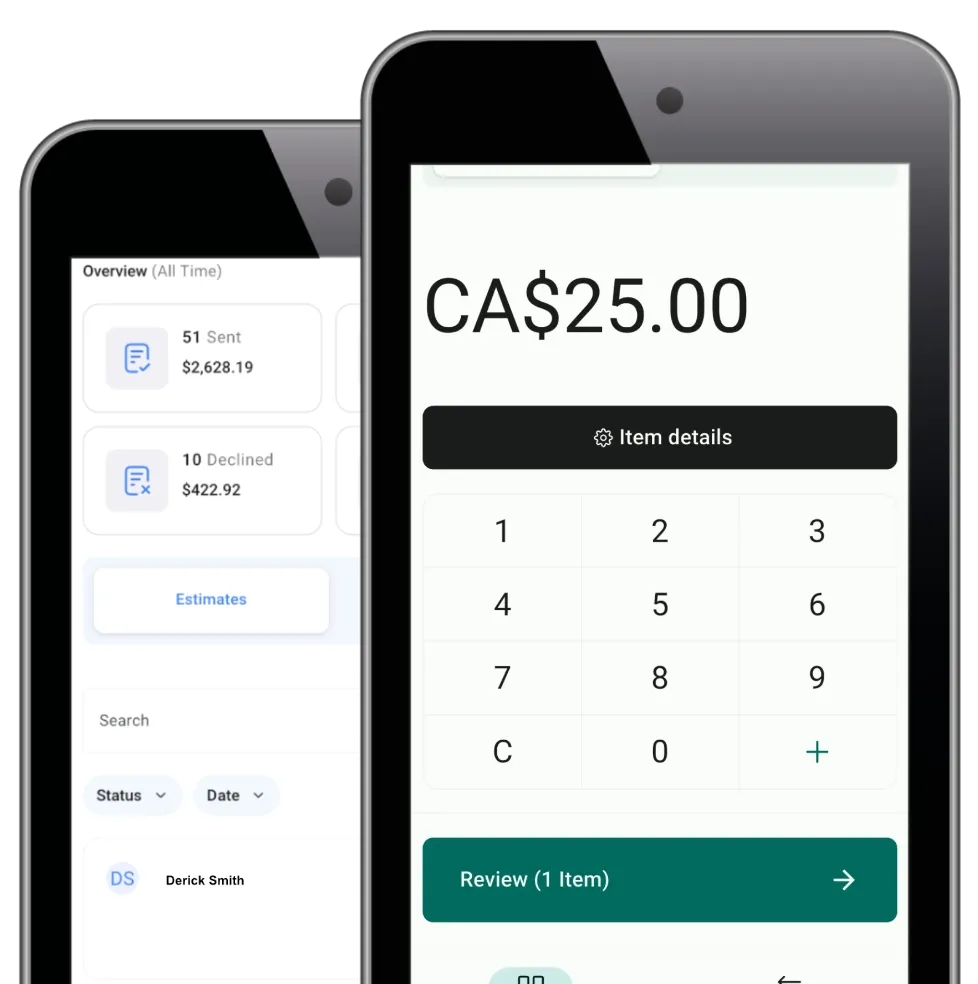
Accept in-person payments on eligible phones and tablets. Connect each transaction with its CRM record.
Take payment at the styling station or front desk through Tap to Pay or a supported reader
Charge a card on file. Or record cash, cheque, bank transfer, or card entry where offered
Sell an existing product or create a custom checkout item with price, tax, and quantity
Generate or share a digital invoice or receipt
Gift Cards
Create, sell, deliver, track, and redeem branded digital gift cards through eligible sales and checkout flows.
Sell preset gift card amounts for birthdays, holidays, weddings, and client appreciation
Let a buyer add a message and schedule delivery to the recipient
Issue a complimentary card for a promotion, reward, refund, or service recovery
Track balances, expiry dates, orders, recipients, delivery, and partial redemptions at eligible checkouts
More Tools for a Better-Run Salon
Add the tools that fit your salon. Each team can build the workflow it needs.
Forms
Collect new-client details, consultation requests, service interests, or other suitable information. Send each response into contacts and workflows.
Surveys
Gather post-visit feedback or structured intake details. Use conditional rules and trigger an action after submission.
Mobile App
Manage contacts, conversations, calendars, notes, follow-up, social posts, invoices, and eligible payments away from the front desk.
E-commerce Store
Sell hair, beauty, or grooming products through a branded online store. Manage variants, inventory, orders, delivery, and payment options.
Websites
Build responsive salon pages. Add service information, forms, calendars, chat, testimonials, payment tools, and follow-up.
Ad Manager
Create and track supported Google, Facebook, Instagram, or LinkedIn campaigns from one dashboard.
Questions about Salon CRM Software for Salons
What can a salon CRM help my team manage?
WinChilla salon crm software can link client records, chat history, bookings, client groups, reviews, payments, and follow-up. This gives salon owners, managers, stylists, and front-desk staff a clear view of the client journey. Access still depends on the team’s setup, rights, and chosen tools.
Can clients book different salon services and staff online?
Yes. WinChilla can group services and set their length, price, staff, site, resources, add-ons, buffers, deposits, and open times. Clients can use a branded booking flow. The salon can manage paid or unpaid bookings and help stop clashes. Set the exact flow around the salon’s services and rules.
Can WinChilla send salon appointment reminders and rebooking follow-up?
Yes. A booking can trigger a check-in note, reminder, change link, and follow-up through select channels. A salon can also contact clients after a visit or at a set service gap. The salon controls the timing, message, consent steps, and workflow rules.
How can AI help without making the salon experience feel impersonal?
AI can answer common questions, gather lead details, help find an open time, suggest a reply, or draft first-pass copy. Staff can check the work and take over chats when a person is needed. The goal is less routine admin with a human touch where it counts.
Does WinChilla replace specialized salon management software?
WinChilla has flexible CRM, chat, booking, marketing, review, workflow, and payment tools. It does not replace every salon management system. Payroll, stylist commissions, color formulas, or specialized inventory needs may require another system. Check each key workflow before you choose.
Can a hair salon CRM support independent stylists, beauty salons, and multi-location teams?
Yes. WinChilla can work as a CRM for hair salon teams, including solo stylists and booth renters. They can use booking links, client records, reminders, payments, and marketing. Larger salons can set services, staff, hours, prices, and booking choices by location. Contact us to discuss your setup and multi-location pricing.
What others are saying:
"Love everything so far"
"I've never set up a website before but I love managing my new site and leads. The WinChilla team has been really helpful whenever I got stuck."
- Laura P

"Simplifies my sales"
"I've been able to help my son promote his candy business which has been great because I am not good with computers at all."
- Robert T
"Highly recommend"
"It's exciting to see my visions come to life and WinChilla helps me manage everything in one place so I can be anywhere in the world and my business just runs."
- Jaret H
WinChilla works with platforms you already use such as


















What you can expect from us
Money Back Guarantee
We're confident you'll love saving money by switching from existing software providers with your business tools to one place.
Plus, we believe you'll save a ton of time with marketing automation.
Within 30 days, if we're not the right fit, we'll give you your money back.
View Terms of Service
24/7 Support
We're here to help. You'll get a one-on-one onboarding call with our team.
Then, you'll get another tech call with us to make sure your account is configured exactly as you want it.
Plus, you can expect 24/7 chat support from our team with any questions you have along the way.
30+ Years of Experience
We've been helping small businesses since 2010!
The WinChilla brand is new, but our experience is not. The founders of WinChilla have over 30 years of experience combined in digital software and customer incentive programs - helping businesses like yours - worldwide since 2010. Now, we're excited to bring our expertise to launch these new super tools to help all of our clients grow.

Fill More Chairs. Build Better Client Relationships

© 2024-2026 Loyalty Gator Inc. All rights reserved.
WinChilla CRM | A Loyalty Gator Company | Trusted Since 2010
The information provided by Loyalty Gator Inc. (DBA: WinChilla) ('we', 'us', or 'our') on https://www.winchilla.com (the 'Site') and our mobile application is for general informational purposes only. All information on the Site and our mobile application is provided in good faith, however we make no representation or warranty of any kind, express or implied, regarding the accuracy, adequacy, validity, reliability, availability, or completeness of any information on the Site or our mobile application. UNDER NO CIRCUMSTANCE SHALL WE HAVE ANY LIABILITY TO YOU FOR ANY LOSS OR DAMAGE OF ANY KIND INCURRED AS A RESULT OF THE USE OF THE SITE OR OUR MOBILE APPLICATION OR RELIANCE ON ANY INFORMATION PROVIDED ON THE SITE AND OUR MOBILE APPLICATION. YOUR USE OF THE SITE AND OUR MOBILE APPLICATION AND YOUR RELIANCE ON ANY INFORMATION ON THE SITE AND OUR MOBILE APPLICATION IS SOLELY AT YOUR OWN RISK.