
Senior Living CRM That Turns More Inquiries Into Tours
WinChilla helps retirement homes and assisted living teams capture inquiries. Reply faster, book tours, and guide each family toward the next step.



One Place for Your Senior Living Sales and Marketing
Your sales team can manage calls, tours, follow-up, email, and reviews in one senior living CRM. Staff use fewer tools. They have more time to help residents and families.
Your Team Handles More Than Tours and Move-Ins
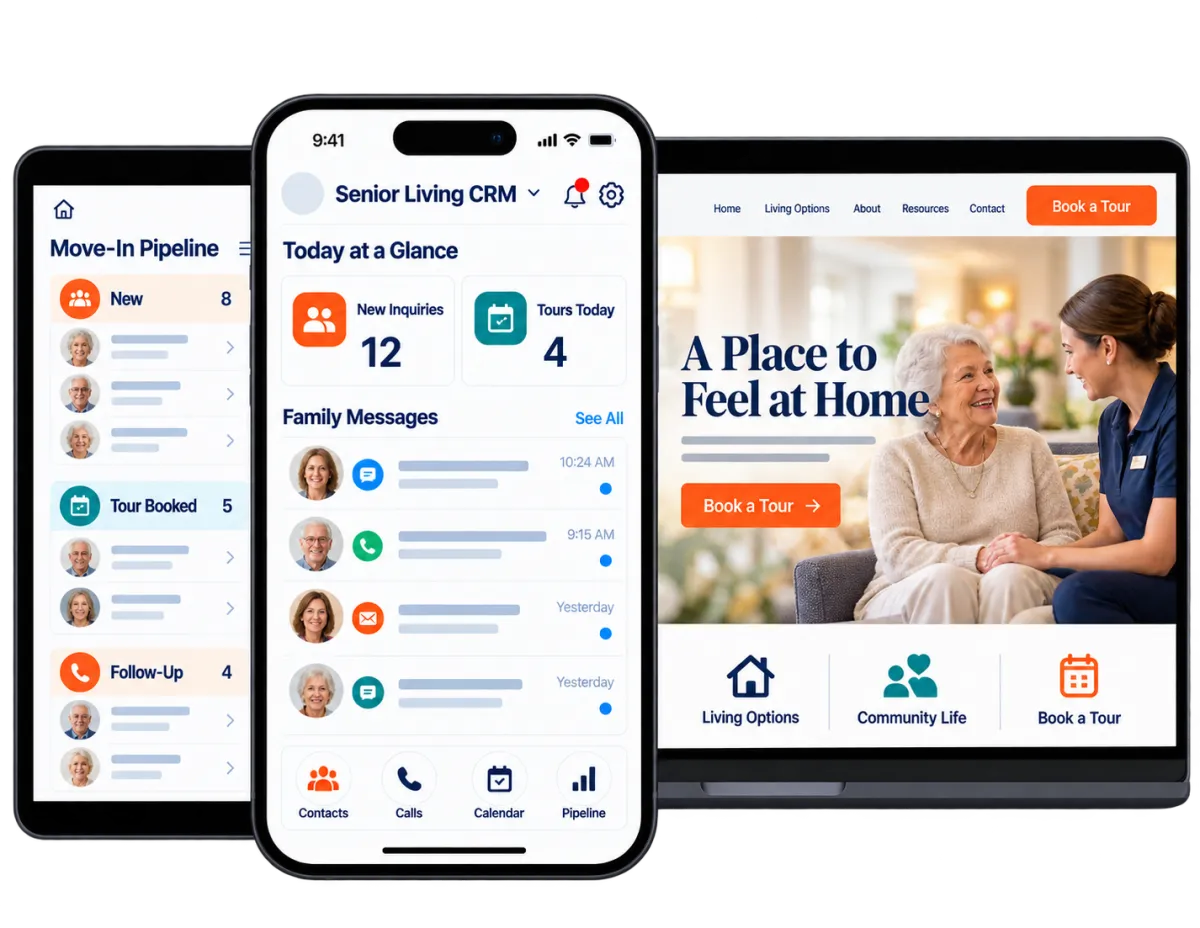
Senior living teams juggle new inquiries, family questions, tours, follow-up, events, reviews, and occupancy goals. WinChilla keeps those tasks connected. Fewer leads get lost between the first call and a move-in choice.
only 30% of assisted living inquiries became tours. Independent living reached 32%, memory care reached 36%, and life plan residential communities reached 27%.
Source: Aline, Sales & Marketing Benchmark Snapshot Q2 2026
of assisted living tours in Q2 2026 became move-ins. The rates were 42% for independent living, 52% for memory care, and 29% for life plan residential communities.
Source: Aline, Sales & Marketing Benchmark Snapshot Q2 2026
of assisted living inquiries in Q2 2026 were from web sources. Web inquiries also represented 54% for independent living, 38% for memory care, and 52% for life plan residential communities.
Source: Aline, Sales & Marketing Benchmark Snapshot Q2 2026
Does this sound familiar?
A family calls, emails, or fills out a form. Each inquiry may land in a different system. Staff plan to follow up. Yet busy days and long sales cycles make it easy for a good lead to go quiet.
Don't worry, we can help!
Unified Conversations
Keep supported email, text, phone, chat, and social messages in one inbox. The contact’s history stays close at hand.
Automated Follow-Up
Send timely messages and create staff tasks. Update pipeline stages based on inquiry, tour, and CRM activity.
Opportunity Pipelines
See each family’s current stage. It may be new, contacted, booked for a tour, deciding, or preparing to move.

Make Every New Inquiry Easy to Start
Families may reach out by phone, form, or chat. WinChilla captures each inquiry. It also gives families a clear next step when staff are busy.
Forms
Collect the details your team needs. Send each response to the right contact record and follow-up workflow.
Capture the resident’s name and contact details. Ask about their preferred location and timing
Create a form for each living option. These may include assisted living, independent living, memory care, or respite
Notify the right community or team member when a new inquiry arrives
Send an instant confirmation. Staff can then prepare a personal reply

Web Chat
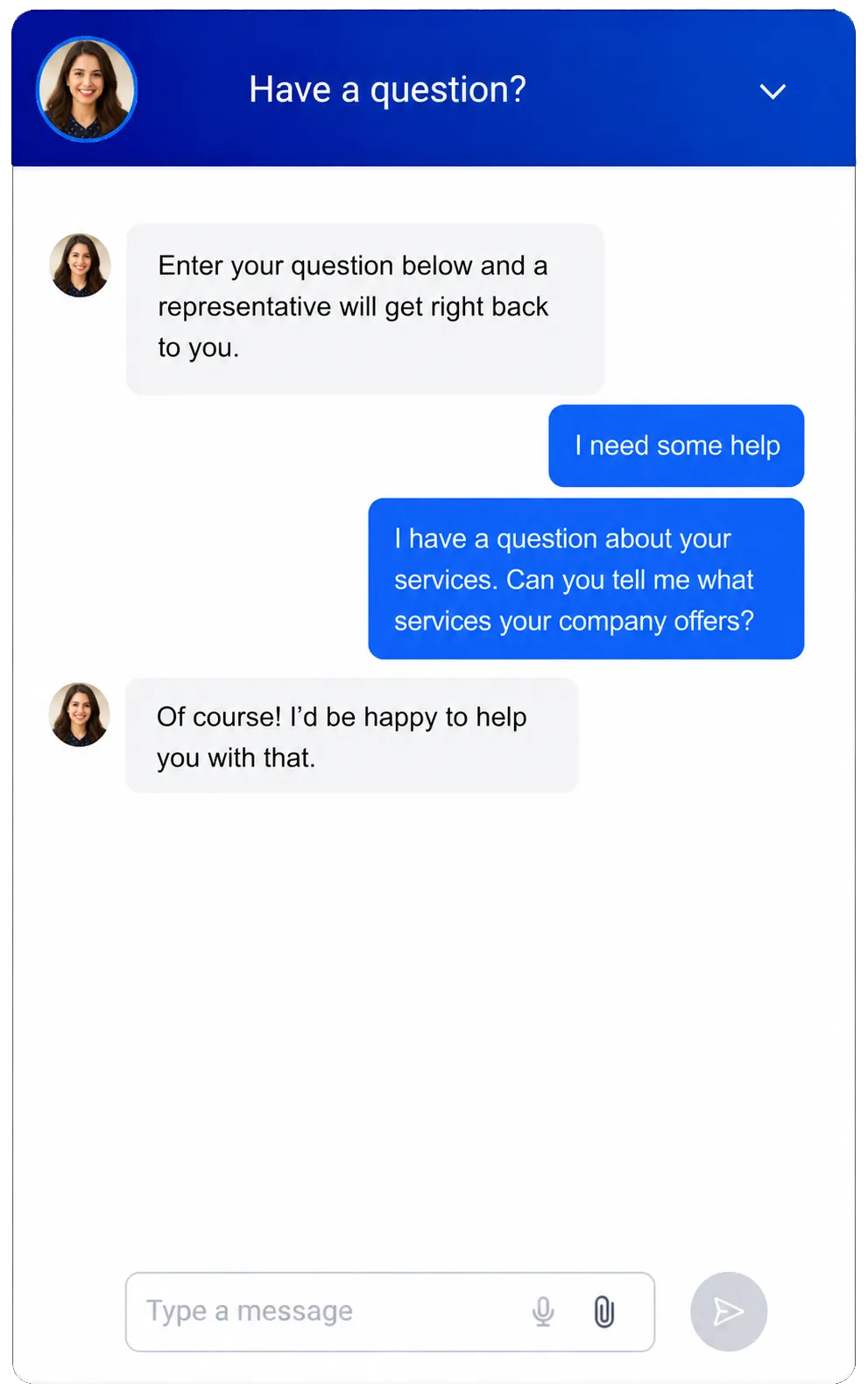
Let families ask questions from your website. They can share contact details and start a conversation.
Answer common questions about tours and amenities. Share basic details about care options and next steps
Capture after-hours inquiries when the sales office is closed
Route chats to the shared inbox. You can also use a supported Conversation AI setup
Offer a supported voice option for visitors who prefer speaking instead of typing
Phone System & Calling
Keep calls tied to CRM records. Add routing, logs, recordings, and follow-up where supported.
Route new inquiry calls to a sales or community relations team
Keep call notes and results with the resident’s history
Trigger a task or message after a call. You can also update the pipeline
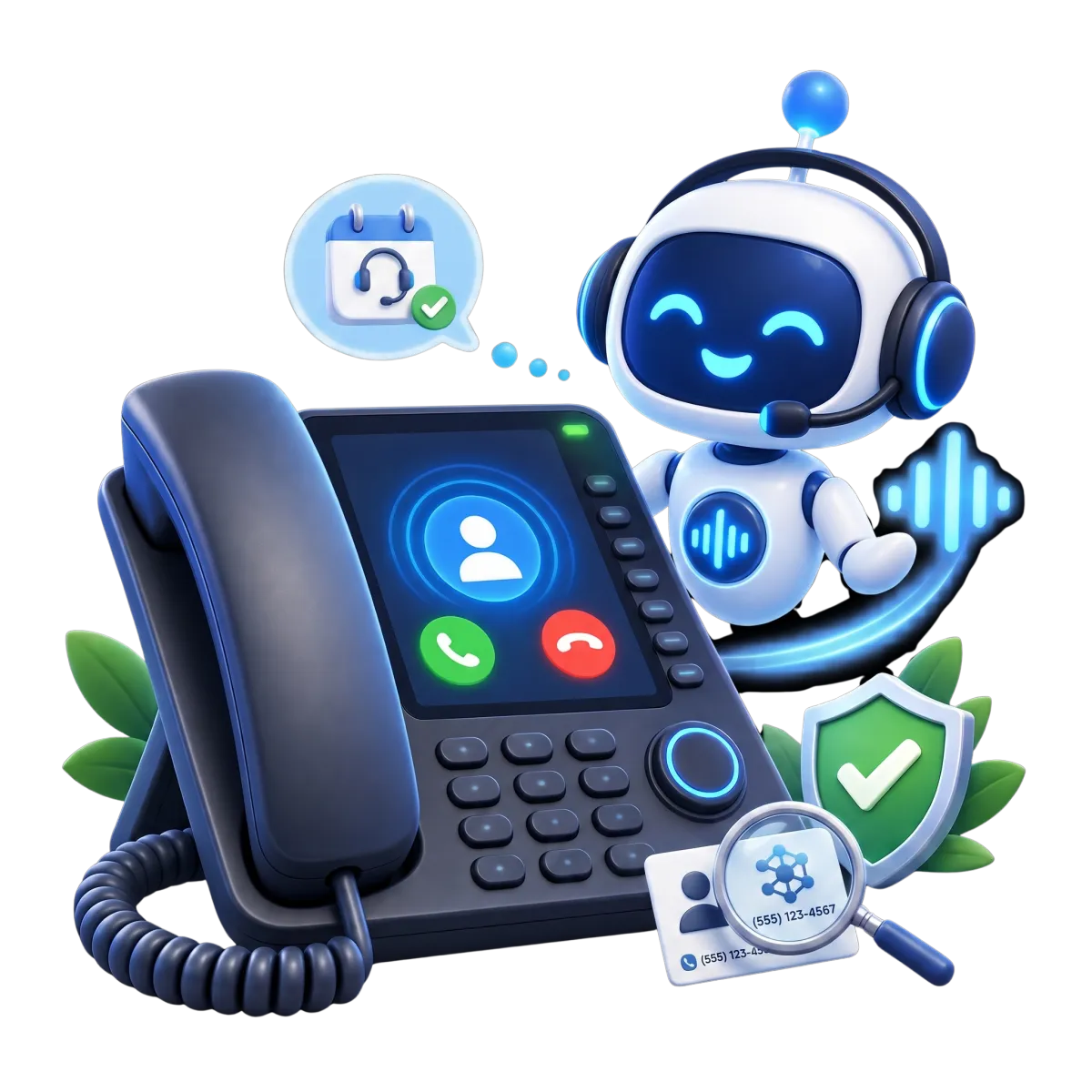
Let an AI receptionist handle basic calls. It can collect details, book tours, or transfer qualified callers when appropriate
See how WinChilla helps your assisted living business save time, reduce admin, and book more appointments!

Keep Families Informed Through a Longer Decision
A move to senior living is personal. It may involve several family members. WinChilla helps your team stay responsive without relying on memory or scattered notes.

Conversations
Bring supported messages and calls into one inbox. Staff can reply with the right context.
Review earlier questions before calling the resident or family
Assign a conversation to the staff member responsible for that community
Use AI-assisted replies as a first draft
Keep communication history available when another team member needs to step in
Workflows & Automation
Build steady follow-up around inquiries, tours, tasks, and pipeline changes.
Send a thank-you message after an inquiry or tour request
Remind staff to call when a family has not replied
Start a longer nurture sequence for prospects planning months ahead
Give the AI workflow builder a plain-language goal to create an automation for you


Email Marketing
Send useful, branded emails to the right group. Reach residents, families, or referral contacts.
Share community news and event invites. Announce a new suite when needed
Build separate segments by location, living option, timeline, or inquiry status
Personalize messages with supported contact and CRM details
Use AI to refine subject lines, copy, calls to action, or images

Use a Senior Living CRM to Organize Tours and Move-Ins
Give your team a clear view of every family and planned tour. Staff can see what happened. They can also see what needs attention next.
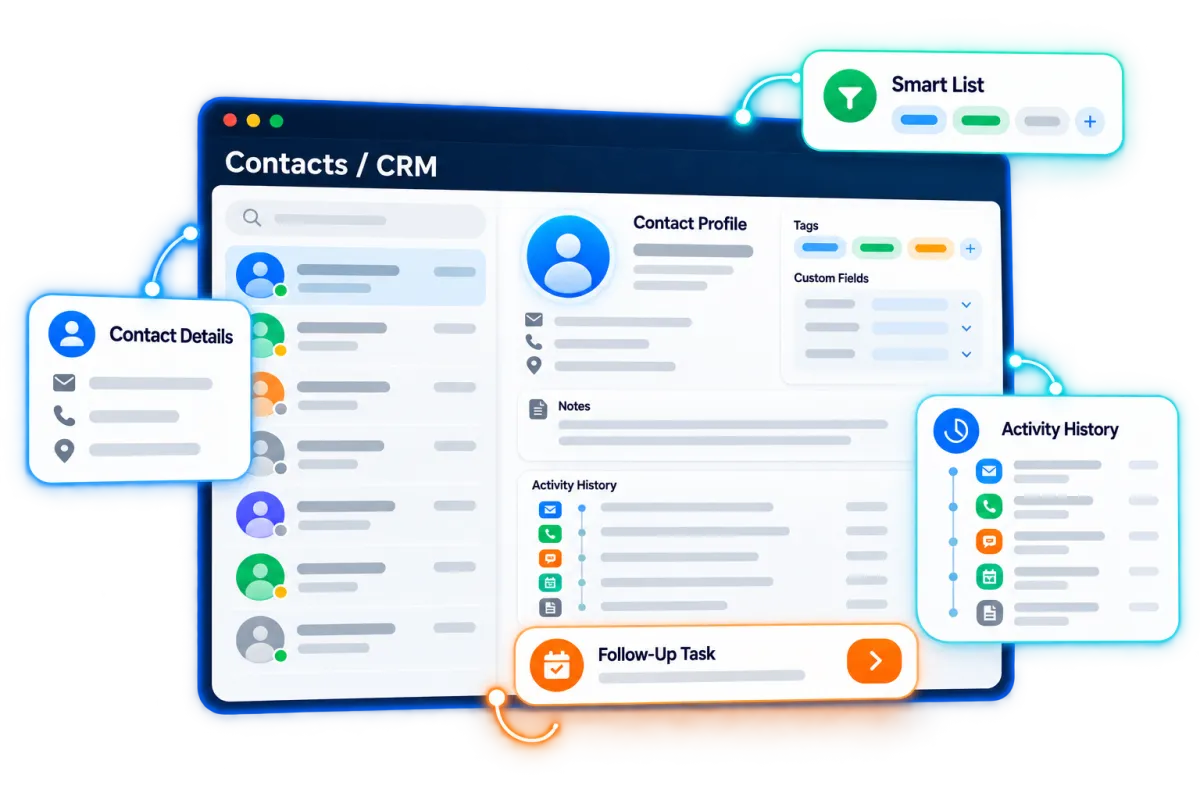
Contacts / CRM
Keep contact details, notes, files, tags, fields, and activity in one record.
Record the resident and main family contact. Add the preferred location and timing
Tag contacts by living option, referral source, event, or level of interest
Create smart lists for near-term prospects and longer-term follow-up

Opportunities & Pipelines
Track each lead through your sales process. Match the stages to how your community handles inquiries and move-ins.
Create stages that fit your process. Examples include new inquiry, contacted, tour booked, toured, decision pending, and move-in
Assign each opportunity to the right sales counselor or community
Record notes, status, value, and the next action
Automate stage changes or follow-up when supported CRM events occur
Discover how WinChilla simplifies your day, saves time, and helps your assisted living business grow.
Calendars & Appointments
Let families request tours or calls. Your team can manage open times, reminders, and booking details.
Offer calendars for tours, first calls, or follow-up meetings
Route bookings among available sales or community relations staff
Send booking notes and reminders through supported channels
Let AI chat or voice agents help qualified prospects book an available time


Strengthen Trust With Senior Living Digital Marketing
Families want a community they can trust. They also notice how your team responds. WinChilla brings senior living reputation management into one place. You can also plan content and view reports.
Reputation Management
Request, watch, and reply to reviews. Track ratings, tone, and common themes.
Send review requests through supported channels after a positive experience
Monitor review profiles for each community or location
Draft AI-assisted replies to supported Google and Facebook reviews. Supported replies can also be published automatically
Display selected reviews and testimonials through customizable widgets


Social Planner
Plan, approve, post, and measure content across supported profiles.
Schedule posts about daily life. Cover meals, staff, amenities, and public events with the right consent
Adapt content for each supported social channel
Share drafts through approval links before publication
Use AI to prepare captions, ideas, hashtags, or images
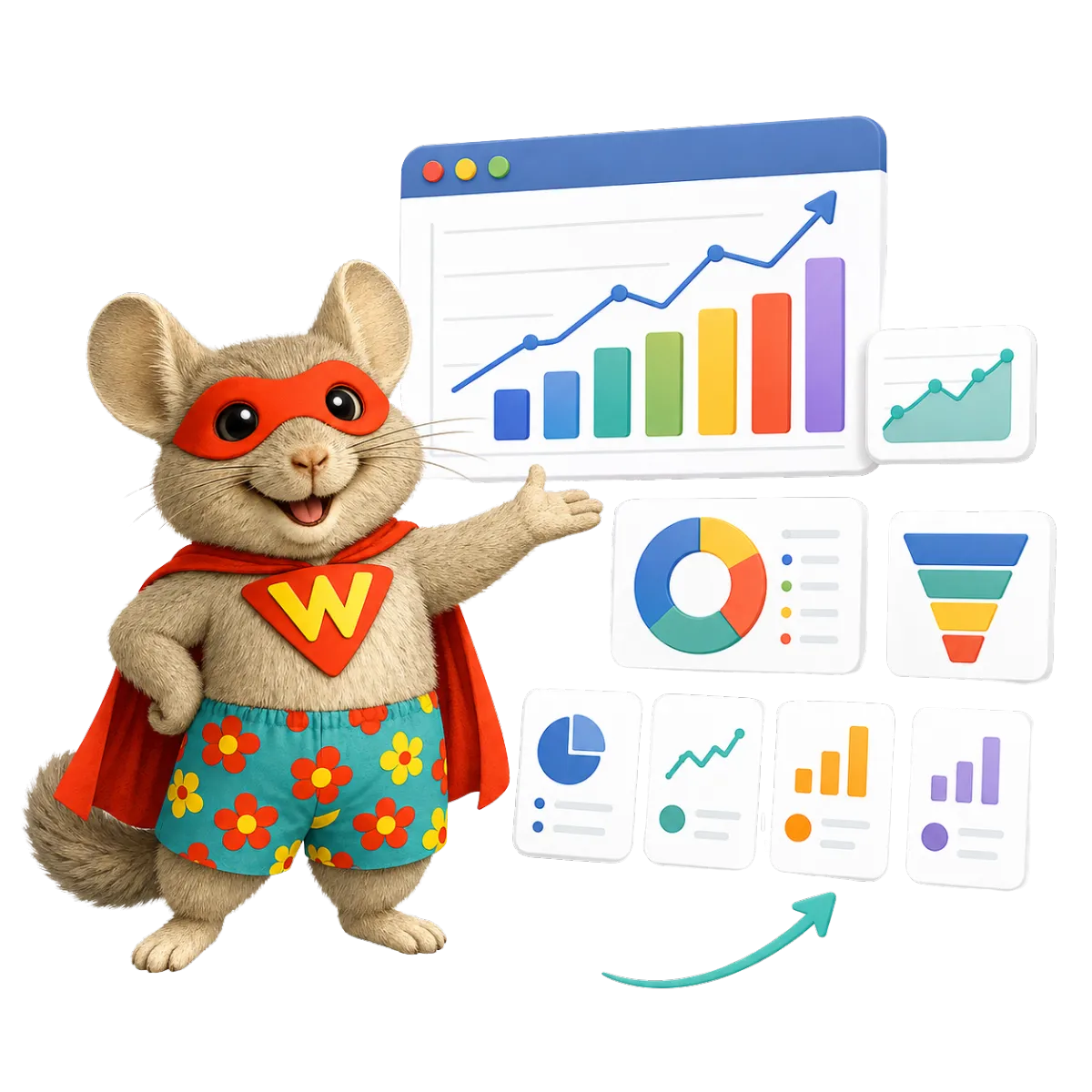
Dashboards & Reporting
Bring supported inquiry, campaign, call, tour, and pipeline data into clear reports.
Compare inquiries, tours, and opportunities by source or location
Track activity by pipeline stage, owner, campaign, or date
Create a view for each role. Serve an executive director, sales lead, or multi-site operator
Schedule or export reports for regular sales and marketing reviews
More Tools for a More Responsive Community
Add practical tools that support your senior living CRM and fit the way your team works.
Conversation AI
Answer supported messages and collect inquiry details. Qualify leads, help book tours, and hand chats to staff when needed.
Voice AI Receptionists
Answer inbound calls and common questions. Capture details, book tours, and transfer urgent or qualified callers where supported.
Mobile App
Manage contacts, messages, opportunities, calendars, calls, notes, and tasks while away from the office.
Websites
Build responsive community websites with inquiry forms, tour calendars, chat, reviews, and location-specific pages.
Events Management
Promote open houses, information sessions, and community events with registration pages, reminders, tickets, and attendee check-in.
Surveys
Collect post-tour feedback, prospect preferences, or event responses and trigger the right follow-up after submission.
affordable pricing plans built for small businesses
How much does this cost?
We're glad you asked! WinChilla is pleased to offer affordable pricing plans to suit your growing business.
Senior Living CRM Questions
Can WinChilla manage inquiries from both prospective residents and family members?
Yes. WinChilla can store each contact’s details, notes, tags, messages, and activity. Your team can note who may move and who helps with the choice. You can also assign the next step to a staff member. The record setup should fit your sales process and privacy needs.
Can families book senior living tours online?
Yes. WinChilla calendars can support tours, first calls, and follow-up meetings. You can manage staff time and send booking notes and reminders through supported channels. Conversation AI and Voice AI can also help qualified leads book open times where supported.
How can WinChilla help with a long senior living sales cycle?
WinChilla can place each lead in a custom pipeline. It can start the right follow-up after an inquiry, tour, or CRM change. Staff can use tasks, notes, groups, and chat history to keep the next action clear. Each family can move at its own pace.
Does WinChilla support assisted living digital marketing?
Yes. WinChilla includes forms, web chat, email, social planning, reviews, and automated follow-up. It can also support ad or website workflows. Marketing activity can link to contacts, tours, chats, and pipeline records. Your team still controls the message, audience, consent, and final content.
Is WinChilla resident care or electronic health record software?
No. WinChilla supports sales, marketing, inquiries, messages, and tours. It does not replace clinical records or medication tools. It also does not manage care plans or daily operations. When needed, another system may connect through a supported link or workflow.
Can one account support more than one senior living community?
WinChilla can organize contacts, pipelines, calendars, tasks, and reports by location in supported setups. The right setup depends on your sites, teams, phone numbers, access needs, and reports. Some groups may use one shared setup. Others may need separate accounts. Contact us for multi-location pricing.
What others are saying:
"Love everything so far"
"I've never set up a website before but I love managing my new site and leads. The WinChilla team has been really helpful whenever I got stuck."
- Laura P

"Simplifies my sales"
"I've been able to help my son promote his candy business which has been great because I am not good with computers at all."
- Robert T
"Highly recommend"
"It's exciting to see my visions come to life and WinChilla helps me manage everything in one place so I can be anywhere in the world and my business just runs."
- Jaret H
WinChilla works with platforms you already use such as


















What you can expect from us
Money Back Guarantee
We're confident you'll love saving money by switching from existing software providers with your business tools to one place.
Plus, we believe you'll save a ton of time with marketing automation.
Within 30 days, if we're not the right fit, we'll give you your money back.
View Terms of Service
24/7 Support
We're here to help. You'll get a one-on-one onboarding call with our team.
Then, you'll get another tech call with us to make sure your account is configured exactly as you want it.
Plus, you can expect 24/7 chat support from our team with any questions you have along the way.
30+ Years of Experience
We've been helping small businesses since 2010!
The WinChilla brand is new, but our experience is not. The founders of WinChilla have over 30 years of experience combined in digital software and customer incentive programs - helping businesses like yours - worldwide since 2010. Now, we're excited to bring our expertise to launch these new super tools to help all of our clients grow.

Turn More Senior Living Inquiries Into Meaningful Next Steps

© 2024-2026 Loyalty Gator Inc. All rights reserved.
WinChilla CRM | A Loyalty Gator Company | Trusted Since 2010
The information provided by Loyalty Gator Inc. (DBA: WinChilla) ('we', 'us', or 'our') on https://www.winchilla.com (the 'Site') and our mobile application is for general informational purposes only. All information on the Site and our mobile application is provided in good faith, however we make no representation or warranty of any kind, express or implied, regarding the accuracy, adequacy, validity, reliability, availability, or completeness of any information on the Site or our mobile application. UNDER NO CIRCUMSTANCE SHALL WE HAVE ANY LIABILITY TO YOU FOR ANY LOSS OR DAMAGE OF ANY KIND INCURRED AS A RESULT OF THE USE OF THE SITE OR OUR MOBILE APPLICATION OR RELIANCE ON ANY INFORMATION PROVIDED ON THE SITE AND OUR MOBILE APPLICATION. YOUR USE OF THE SITE AND OUR MOBILE APPLICATION AND YOUR RELIANCE ON ANY INFORMATION ON THE SITE AND OUR MOBILE APPLICATION IS SOLELY AT YOUR OWN RISK.