
Sports CRM for Stronger Fan Engagement
Bring fan, member, player, sponsor, and event contacts together. Promote each event. Keep messages organized. Follow up throughout the season.



One Place to Grow Your Team Off the Field
WinChilla brings sports CRM software, email, event tools, social posts, forms, websites, and automation into one place. When a sports club operates with a lean staff, every minute matters. Staff can spend less time switching systems and more time building lasting ties with fans, members, sponsors, and the community.
One Team Often Handles the Entire Fan Experience
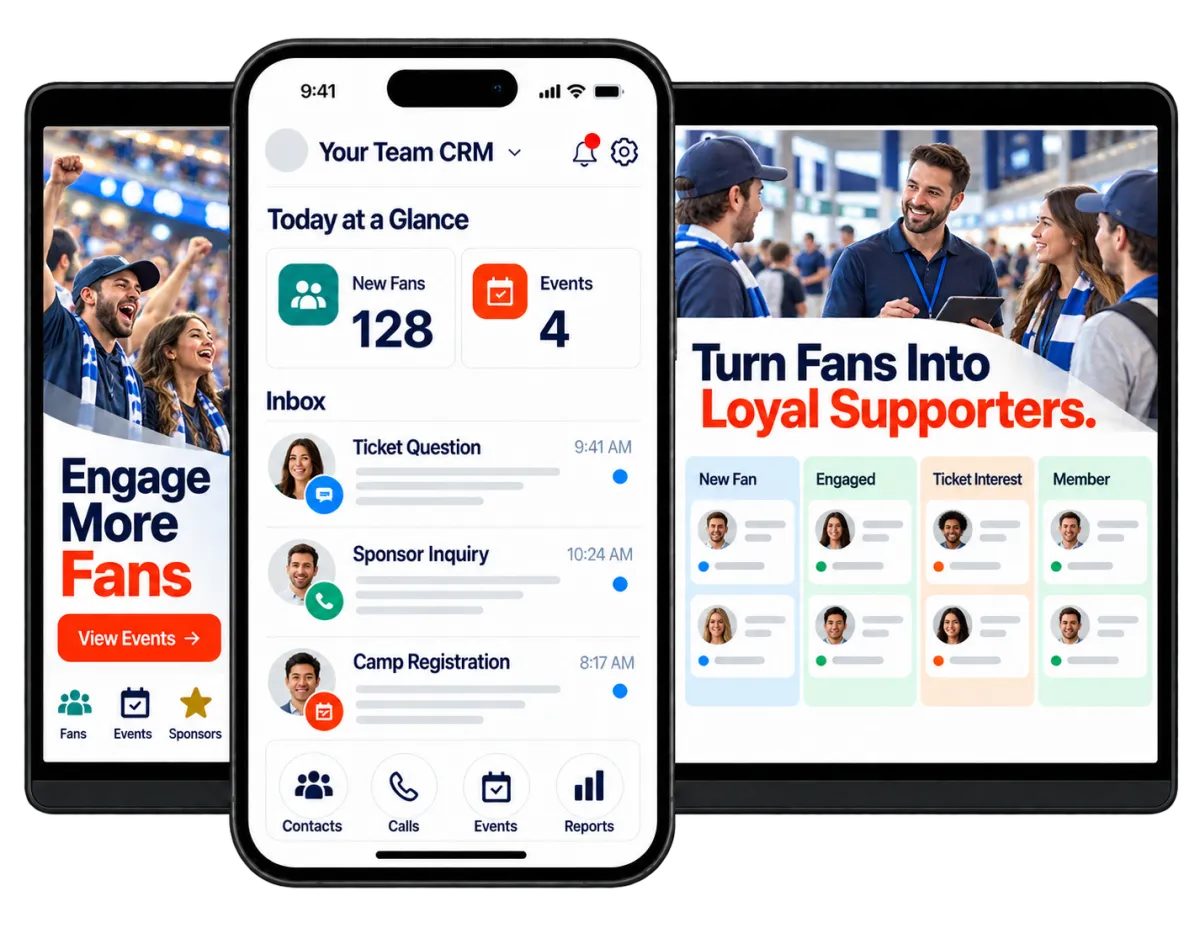
Many teams and smaller clubs have a small front office. Club managers may handle marketing, ticket leads, events, sponsors, programs, and questions from day to day. A sports CRM can connect that work. It does not need to replace your ticketing, league, or competition systems.
of surveyed sports fans consume sports content beyond watching events.
Source: IBM Sports Fan Study, August 2025
of surveyed sports fans wanted more personalized experiences, and 52% wanted greater access to their favorite players and teams.
Source: IBM Sports Intelligence Report, August 2026
of surveyed sports fans preferred social media for interacting with other fans, compared with 18% who preferred interaction at sporting events.
Source: IBM Sports Intelligence Report, August 2026
Does this sound familiar?
Fan details arrive through forms, inboxes, spreadsheets, social messages, and personal contacts. Those records often stay scattered. Ticket, membership, sponsor, and community leads may then go quiet after the first reply.
Don't worry, we can help!
Unified Conversations
Bring supported email, text, chat, phone, WhatsApp, and social messages into one inbox. Staff can see the history before they reply.
Automated Follow-Up
Create workflows that reply to leads, send reminders, update pipelines, and assign tasks. Keep each contact moving toward the next step.
Contacts and Smart Lists
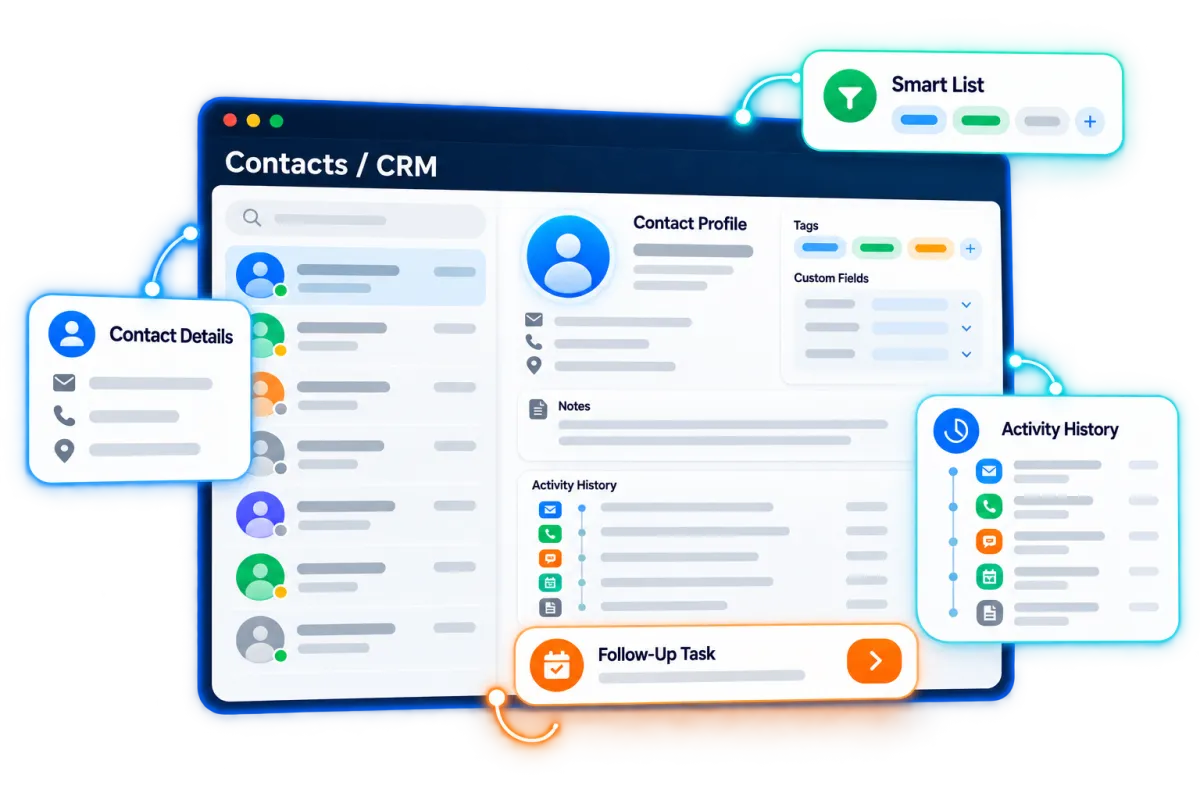
Keep each contact’s details, notes, tags, fields, files, and history together. Then build clear groups for follow-up.

Build a Sports CRM Around Your Fan Base
Not every supporter has the same tie to your team. Organize fans, members, players, parents, alumni, and volunteers. Give staff the context they need for each message.
Contacts & CRM
Create a clear record for every person who connects with your team.
Tag contacts by team, season, fan type, program, location, or level of interest
Store basic player or member details in custom fields, such as number, position, age group, or status
Build smart lists for ticket leads, camp families, volunteers, donors, alumni, or past members
Review past messages, notes, files, and activity before contacting a fan or parent
AI Content, Assistance & Knowledge Bases
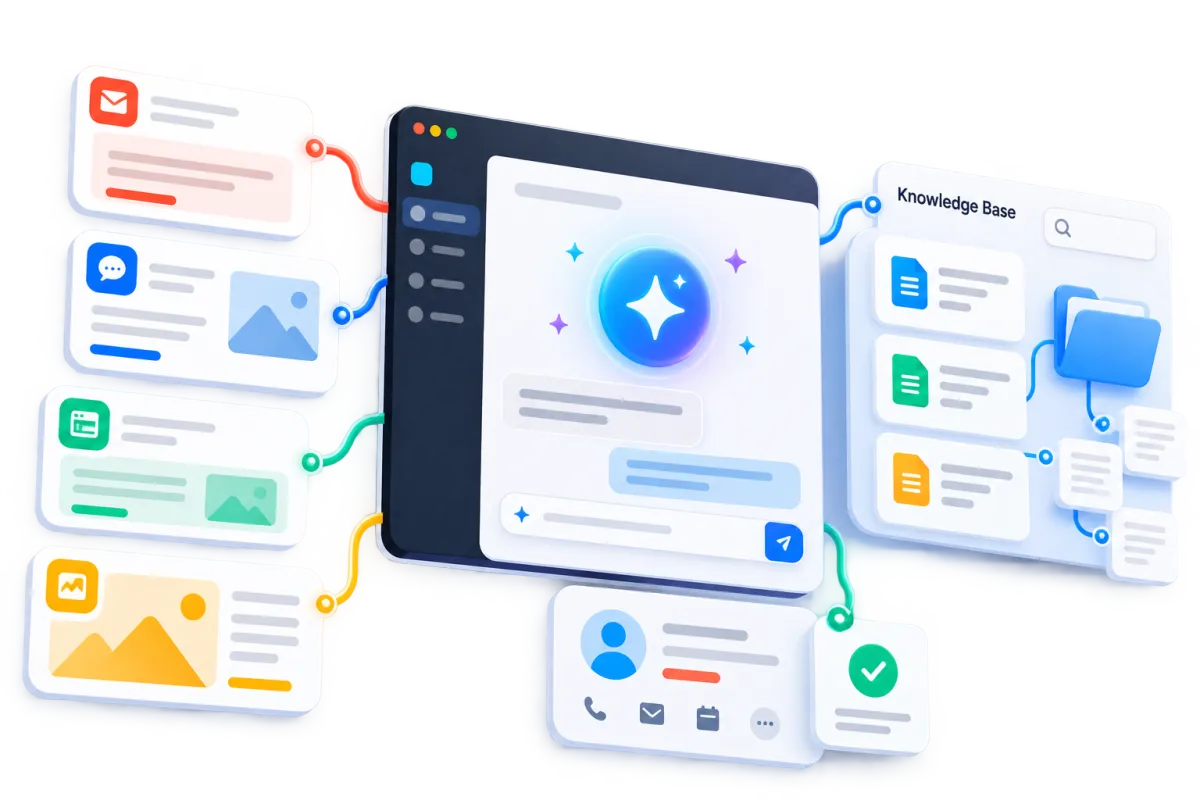
Use supported AI tools to sum up contact context and find CRM details. Help staff plan their next action.
Get a short summary before calling a sponsor, ticket lead, or community contact
Generate campaign ideas that match the team’s brand voice and season calendar
Ground supported chat experiences in team FAQs, website pages, and approved information

Keep Fans Engaged Between Events
The relationship does not stop at the final whistle. Use sports marketing software to share news and thank supporters. Promote what comes next. Reach people who have gone quiet.

Conversations
Manage supported messages in one inbox. Keep contact history close at hand.
Respond to questions about events, parking, programs, camps, memberships, or accessibility
Keep ticket, sponsor, parent, and community messages out of separate inboxes
Assign each chat to the right staff member. Keep the context for the next reply
Use AI-assisted reply suggestions where helpful, then review them before sending
Email Marketing
Create branded campaigns for clear fan and member groups.
Promote upcoming games, tournaments, camps, tryouts, community events, or special offers
Send the right campaign to families, alumni, sponsors, members, volunteers, or ticket leads
Personalize messages using supported contact details and custom values
Use AI assistance to refine subject lines, calls to action, copy, and supported campaign images


Workflows & Automation
Automate routine follow-up. Keep staff in control of timing, rules, and handoffs.
Welcome new subscribers, members, camp registrants, or event attendees
Send reminders before an event and follow-up after it ends
Alert a staff member when a high-value sponsor or ticket inquiry arrives
Give the AI workflow builder a plain-language goal to create an automation for you

Turn Every Event Into a Bigger Opportunity
Strong sports event marketing can support event attendance before game day. It also helps teams stay in touch after people leave. Build event pages, run promotions, collect signups, and keep guests close to the team.
Events Management
Create public pages for free, paid, ticketed, RSVP, in-person, or online events. Manage signups from one event dashboard.
Promote games, banquets, fundraisers, camps, clinics, watch parties, or meet-and-greet events
Offer multiple ticket types with capacity limits, sale periods, prices, and event-specific coupons
Send confirmations, reminders, alerts, and recap emails to registered guests
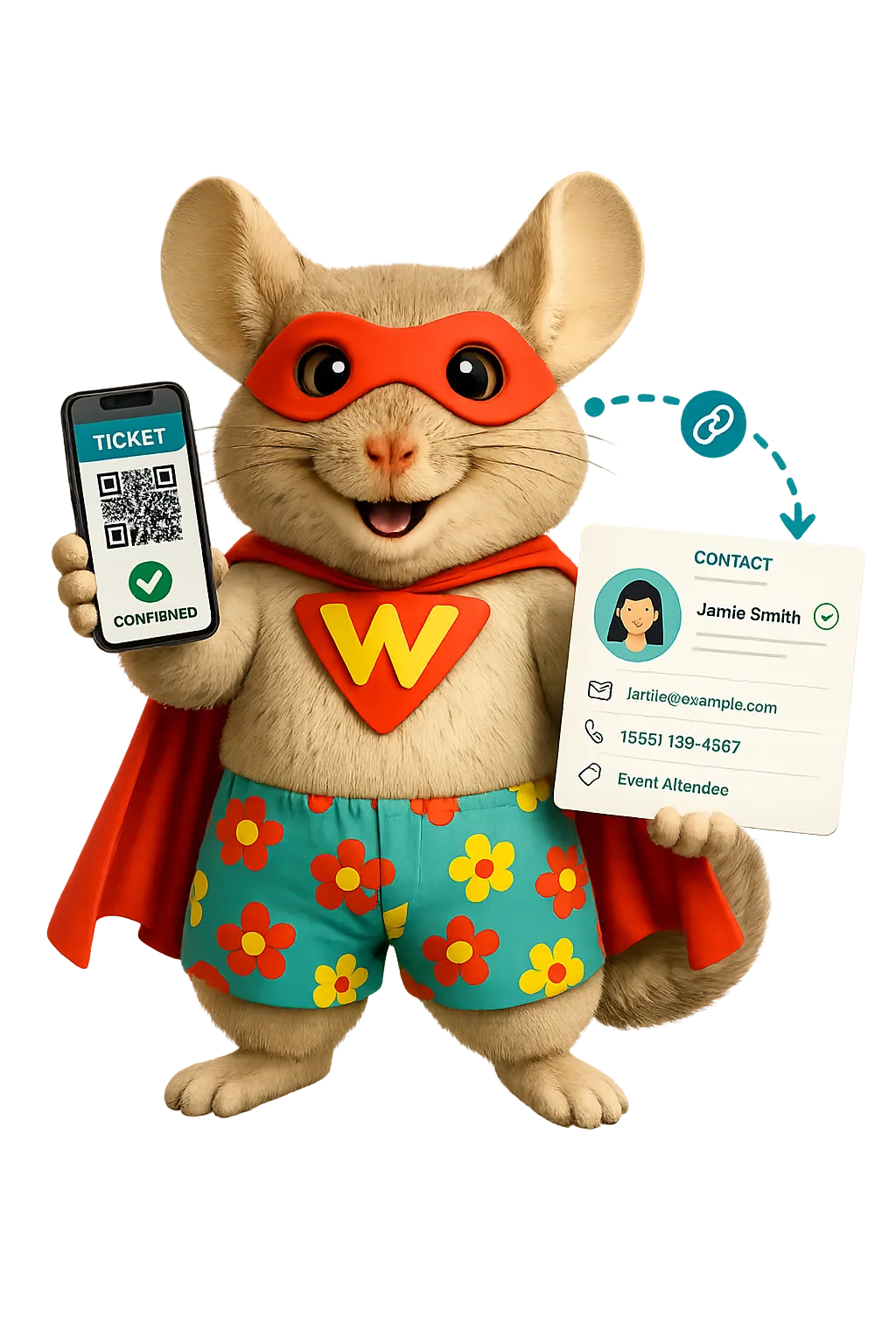
Scan ticket QR codes at check-in and review attendance from the event dashboard

Social Planner
Plan and publish team content across supported social channels in one place.
Schedule game announcements, player features, sponsor posts, recaps, and community updates
Tailor each campaign by channel. Avoid posting the same message everywhere
Send approval links to coaches, managers, sponsors, or communications staff before publishing
Use AI assistance to develop captions, campaign ideas, hashtags, and supported images
Discover how WinChilla simplifies your day, saves time, and helps your sports business grow.
Ad Manager
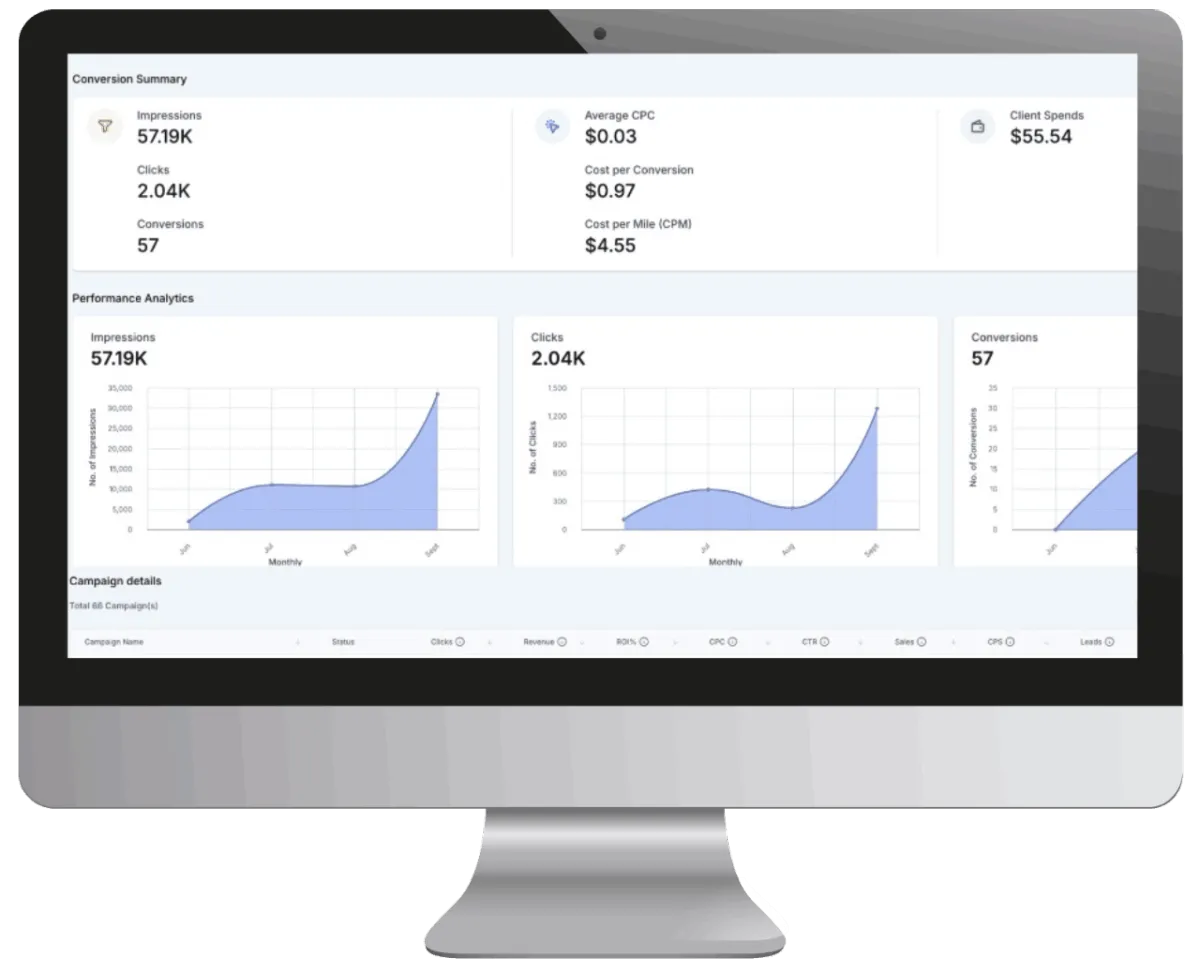
Create and track supported social and search ads from one dashboard.
Promote ticket offers, camps, tryouts, memberships, fundraising events, or merchandise pages
Connect supported lead forms with the sports CRM for faster follow-up
Compare views, clicks, leads, sales, spend, and return on investment
Use AI assistance to refine ad copy, creative ideas, images, and campaign content without handing over budget decisions

Turn Online Interest Into a Conversation
Make the next step easy for each fan, parent, new member, or sponsor. Connect web visits with records, messages, and follow-up.
Websites
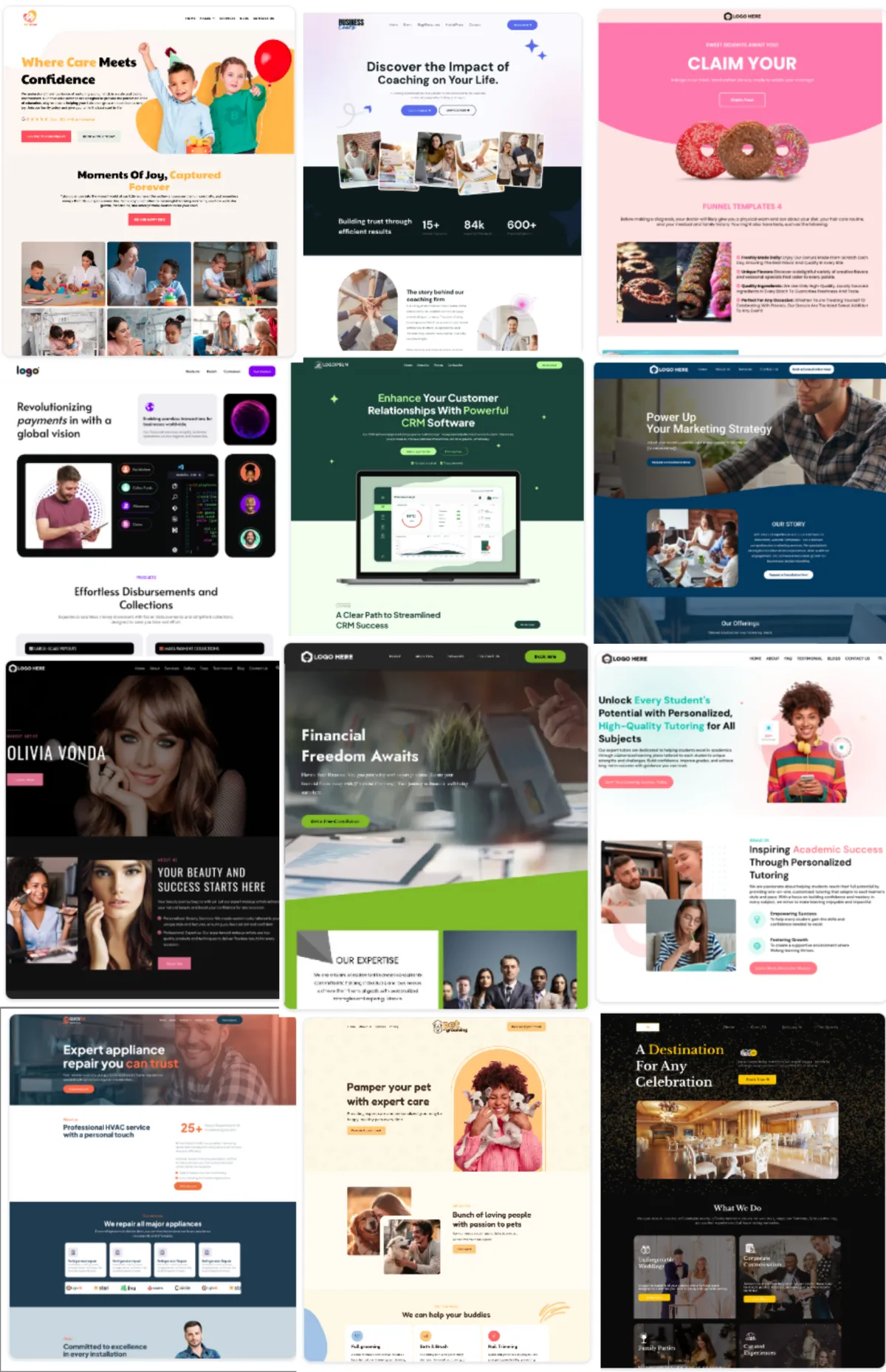
Build mobile-friendly team websites linked with WinChilla’s CRM and marketing tools.
Publish team information, schedules, community programs, sponsor pages, and contact options
Add event details, forms, surveys, chat widgets, stores, and other supported components
Link site activity with contact records and follow-up workflows
Use supported AI builder assistance to prepare a site structure, copy, and images

Forms
Capture contact details. Send each reply into the right workflow.
Collect ticket interest, camp inquiries, volunteer applications, sponsor leads, or newsletter signups
Use rules and custom fields to collect the right details for each request
Accept supported payments or donations when the form’s purpose calls for it
Trigger acknowledgements, assignments, tags, and follow-up after submission
Web Chat and Conversation AI
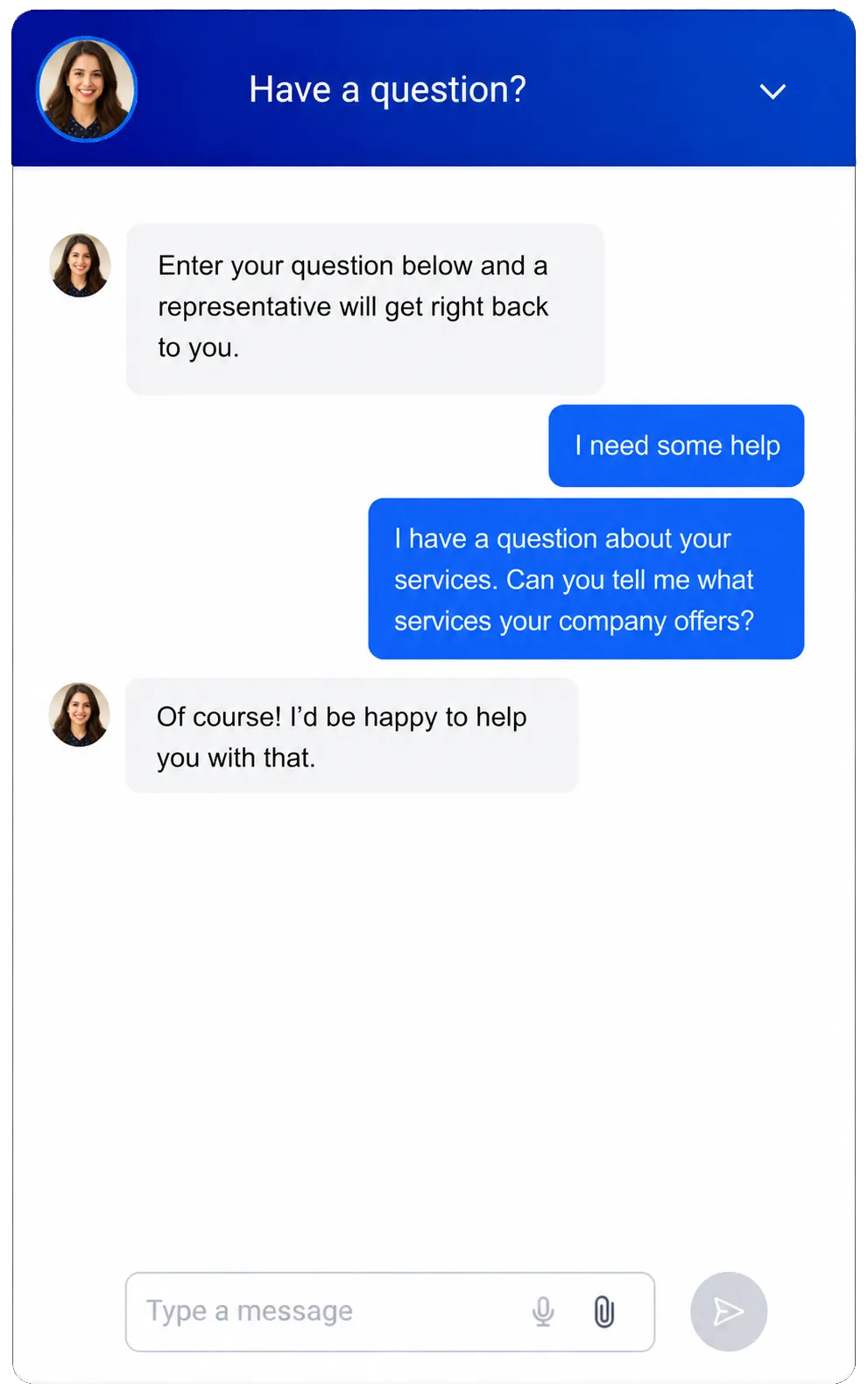
Let website visitors ask questions while your team is busy. Stay available during games, travel, and events.
Capture questions after hours and connect the visitor with a CRM contact record
Answer questions about event times, locations, parking, programs, or ticket contacts
Collect details and qualify ticket, membership, camp, or sponsor leads in supported channels
Transfer the conversation to staff when a person needs direct help
Create a Clear Path From Interest to Revenue
A sports CRM should support more than fan messages. Give each ticket, membership, sponsor, and group-sales lead a clear next step. Make its owner easy to see.
Companies / B2B CRM
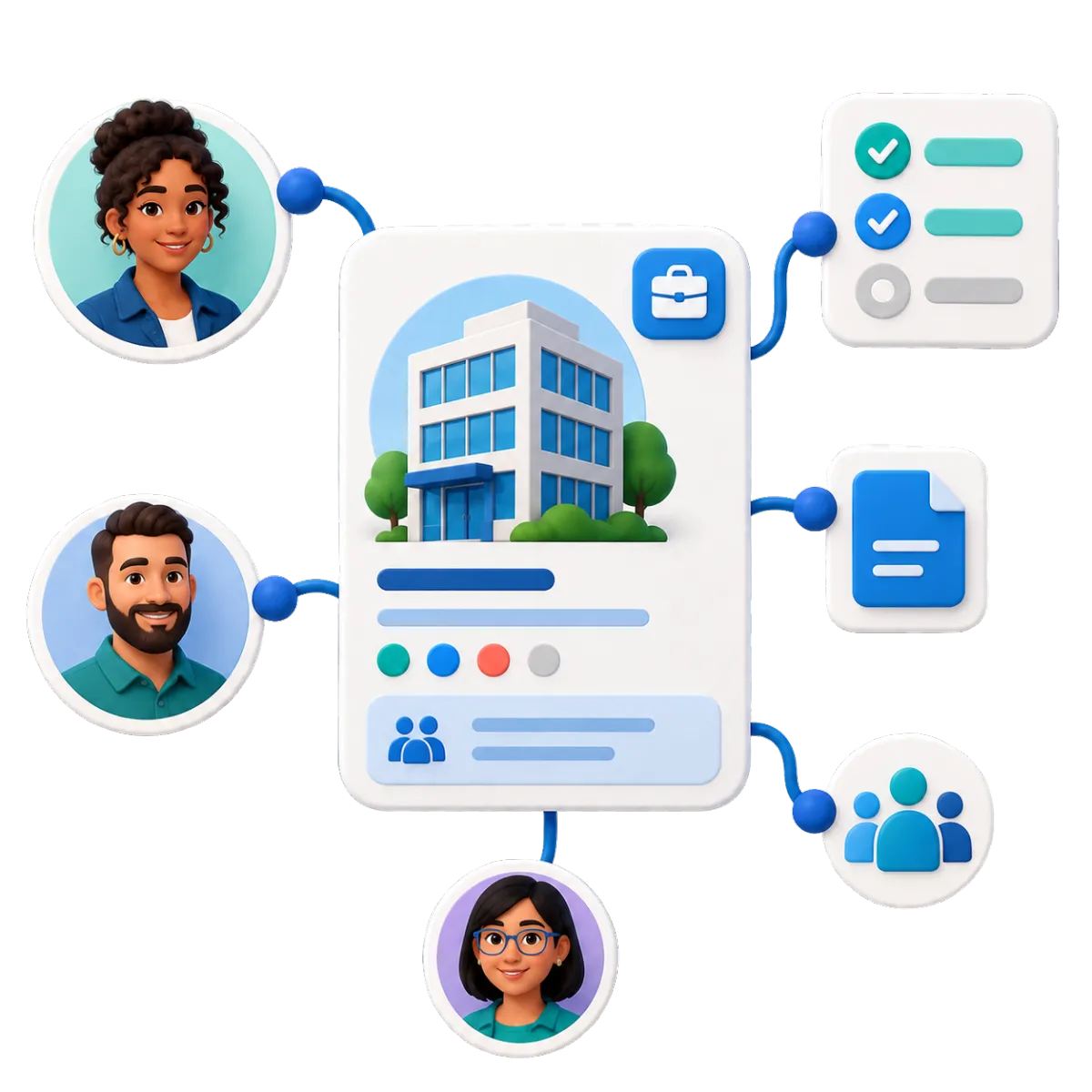
Create company records for sponsors, vendors, partners, schools, and local groups.
Link sponsor contacts, deals, tasks, notes, and agreements with the right company
Store partnership categories, renewal dates, service areas, and other details in custom fields
Keep all contacts together when a sponsor has marketing, finance, and executive staff
Build supported company-based workflows for onboarding, assignments, renewals, and record updates

Opportunities & Pipelines
Track each key relationship through a clear sales process.
Create separate pipelines for sponsorships, premium seating, group sales, camps, or membership inquiries
Record value, status, notes, owner, and next steps for each deal
Trigger tasks or follow-up when an opportunity changes stage
Filter pipelines by campaign, owner, status, or deal type to find stalled opportunities
Funnels & Landing Pages
Build focused campaign pages with one clear action.
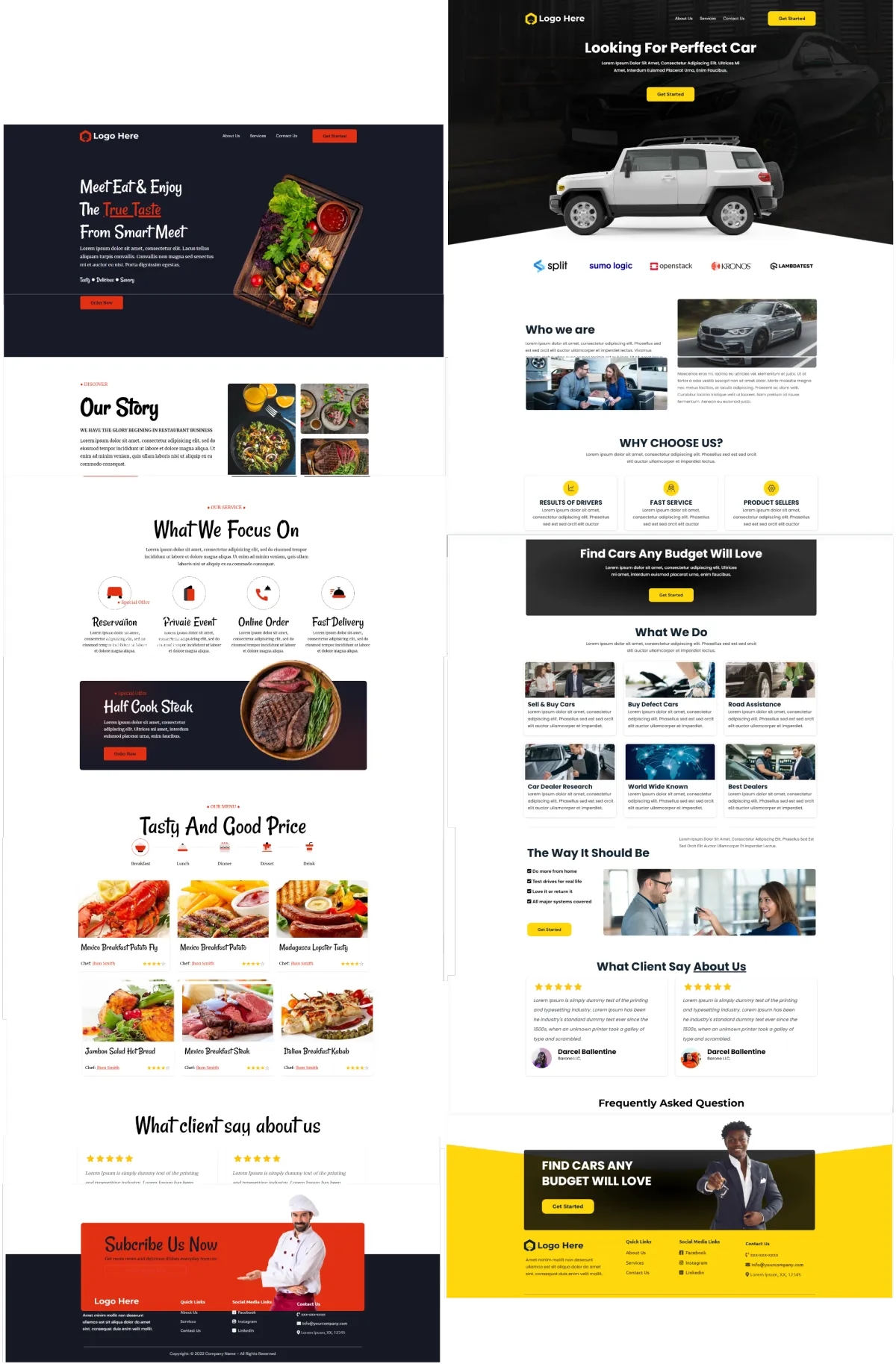
Create pages for ticket offers, camps, tryouts, sponsorship inquiries, fundraisers, or season launches
Connect forms and thank-you pages with contact records and workflows
Track visitors, sources, and results in supported reports
Use AI to create a structure, copy, and images
E-commerce Store
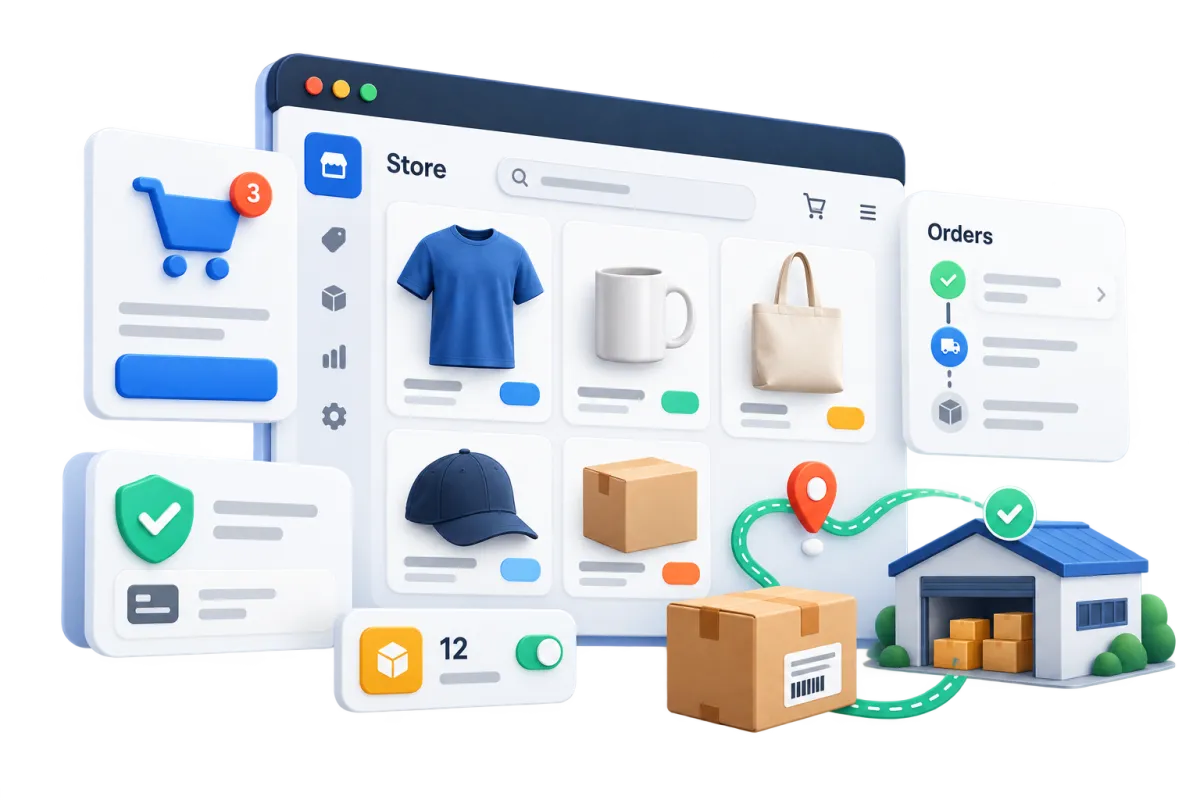
Create a branded online store for team merchandise, manage orders, and automate customer updates from one connected platform.
Sell jerseys, shirts, hats, accessories, collectibles, and digital products through branded store and product pages
Offer sizes, colors, and other product options while managing prices, inventory availability, orders, shipping rates, and customer notifications
Connect with a supported fulfillment or drop-shipping partner where available, allowing merchandise to be produced and shipped without the team holding inventory
Recover more potential sales with coupons, seasonal promotions, and automated follow-up for abandoned checkouts
More Tools for Your Season
Add useful tools as your fan, event, and sales programs grow.
Surveys
Gather post-event feedback, fan preferences, sponsor input, or program interest and trigger follow-up after submission.
QR Codes
Link venue signs, programs, merchandise tables, and community promotions to mobile pages, forms, or campaigns.
Mobile App
Manage contacts, conversations, opportunities, calendars, tasks, and notifications while staff are at the venue or on the road.
Payments
Collect supported one-time or recurring payments through payment links, forms, and other connected experiences.
Calendars & Appointments
Let sponsors, group organizers, media contacts, or community partners book an available meeting time.
Documents & Contracts
Send sponsor proposals, agreements, quotes, or contracts for e-signature. Automate reminders based on document activity.
affordable pricing plans built for small businesses
How much does this cost?
We're glad you asked! WinChilla is pleased to offer affordable pricing plans to suit your growing business.
Sports CRM Questions From Teams and Clubs
Is WinChilla a roster or team-management system?
WinChilla can store players, parents, coaches, members, and staff as contacts. Tags and custom fields can hold details such as team, number, position, age group, or status. It does not replace tools for lineups, game stats, league rules, training plans, schedules, or player performance.
Can WinChilla replace our ticketing platform?
WinChilla includes event tools for supported paid, free, ticketed, RSVP, online, and in-person events. Larger teams may still need a ticket system for assigned seats, venue access, season passes, or complex sales. In that case, WinChilla can handle marketing and follow-up where a supported link or workflow is available.
Can we use the CRM for both fans and sponsors?
Yes. Manage fans and members through contact records, tags, custom fields, and smart lists. Give sponsors and partners company records linked to their contacts, deals, tasks, notes, and files. This keeps fan and sponsor sales work apart.
How can a sports CRM help with managing memberships and renewals?
WinChilla can organize member contacts, status fields, groups, payments, and renewal workflows. Teams can send reminders and assign staff follow-up. They can also reach active, expiring, or past members as clubs grow. Complex league rules, licenses, and compliance may still need a special platform.
How does WinChilla use AI for sports teams?
Supported AI tools can help draft emails, social posts, ads, websites, funnels, and first-pass workflows. Conversation AI can answer approved questions and collect contact details. It can also qualify leads and hand a chat to staff. Your team still reviews content, sets the rules, and keeps team details correct.
What others are saying:
"Love everything so far"
"I've never set up a website before but I love managing my new site and leads. The WinChilla team has been really helpful whenever I got stuck."
- Laura P

"Simplifies my sales"
"I've been able to help my son promote his candy business which has been great because I am not good with computers at all."
- Robert T
"Highly recommend"
"It's exciting to see my visions come to life and WinChilla helps me manage everything in one place so I can be anywhere in the world and my business just runs."
- Jaret H
WinChilla works with platforms you already use such as


















What you can expect from us
Money Back Guarantee
We're confident you'll love saving money by switching from existing software providers with your business tools to one place.
Plus, we believe you'll save a ton of time with marketing automation.
Within 30 days, if we're not the right fit, we'll give you your money back.
View Terms of Service
24/7 Support
We're here to help. You'll get a one-on-one onboarding call with our team.
Then, you'll get another tech call with us to make sure your account is configured exactly as you want it.
Plus, you can expect 24/7 chat support from our team with any questions you have along the way.
30+ Years of Experience
We've been helping small businesses since 2010!
The WinChilla brand is new, but our experience is not. The founders of WinChilla have over 30 years of experience combined in digital software and customer incentive programs - helping businesses like yours - worldwide since 2010. Now, we're excited to bring our expertise to launch these new super tools to help all of our clients grow.

Build Stronger Relationships Beyond Game Day

© 2024-2026 Loyalty Gator Inc. All rights reserved.
WinChilla CRM | A Loyalty Gator Company | Trusted Since 2010
The information provided by Loyalty Gator Inc. (DBA: WinChilla) ('we', 'us', or 'our') on https://www.winchilla.com (the 'Site') and our mobile application is for general informational purposes only. All information on the Site and our mobile application is provided in good faith, however we make no representation or warranty of any kind, express or implied, regarding the accuracy, adequacy, validity, reliability, availability, or completeness of any information on the Site or our mobile application. UNDER NO CIRCUMSTANCE SHALL WE HAVE ANY LIABILITY TO YOU FOR ANY LOSS OR DAMAGE OF ANY KIND INCURRED AS A RESULT OF THE USE OF THE SITE OR OUR MOBILE APPLICATION OR RELIANCE ON ANY INFORMATION PROVIDED ON THE SITE AND OUR MOBILE APPLICATION. YOUR USE OF THE SITE AND OUR MOBILE APPLICATION AND YOUR RELIANCE ON ANY INFORMATION ON THE SITE AND OUR MOBILE APPLICATION IS SOLELY AT YOUR OWN RISK.